


Remove PDF metadata
Send the file, not its history
Drop a PDF to see the author, the software, and the dates it carries, then download a copy without them. No account, and the file never leaves this tab.
Stays on this device. The file never leaves your browser. No account, nothing stored.
The file says only what is on the page
PDFs quietly carry names, app versions, dates, and sometimes whole attached files. See them first, then send a copy without them.
See what it reveals first.
The tool lists the author, title, subject, and keywords, the app that made the file, and when it was created and last changed.
Hidden copies found too.
Besides the document properties, a PDF can hold an XMP copy of them, private data from the editing app, and attached files. All of it shows up in the list.
Names off the comments.
Comments and highlights keep the name of whoever made them. The names go, the comment text stays.
Checked after cleaning.
After the download, the tool reads the new file again and lists exactly what was removed.
Keep what you need.
Keep the title if the file should still show one. Keep attached files for e-invoices such as ZUGFeRD or Factur-X, which carry their data that way.
Nothing is uploaded.
The file stays in this browser tab. We never see the contract. There is no account and nothing to store.
Before a file leaves the company
The page is fine. It is the file around it that talks: who wrote it, in what, and when.
 Author names
The offer that names your whole team
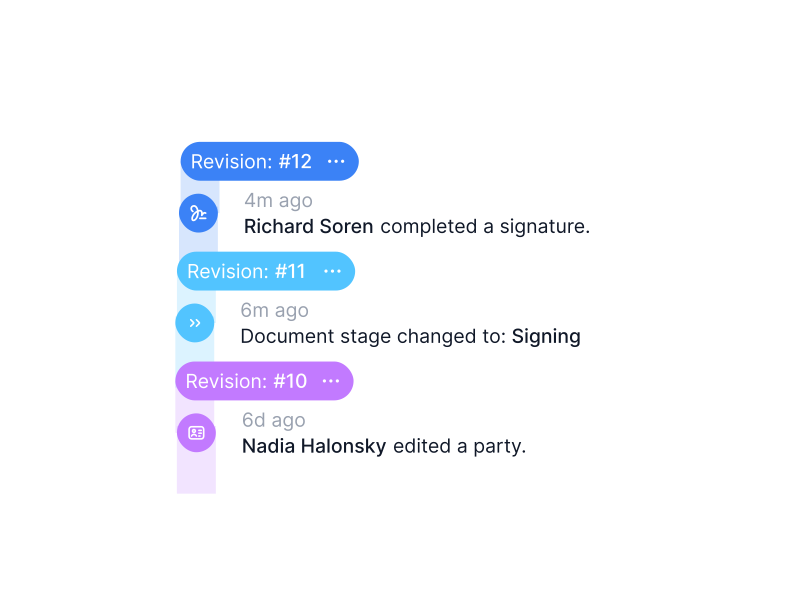
Version seven of an offer was written by sales, edited by legal, and commented on by finance. The PDF still carries their names, and the comment authors show up in the reader’s sidebar. Strip the names here before it goes to the prospect. The original stays on your machine.IN FYNK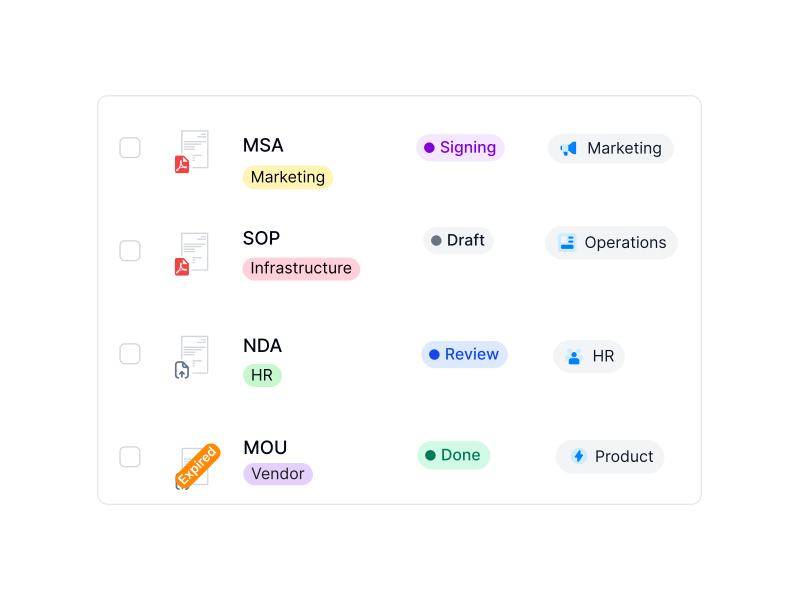 Templates and old versions
A contract that gives away where it came from
A contract built from an old file can still carry the title of the deal it was copied from, the original author, and a creation date from years ago. Remove the properties, keep the title you want, and send a file that only says what is on the page.IN FYNK
More free PDF tools
Merge, split, rotate, compress, convert, protect, unlock or redact a PDF in this browser. No account, and the file stays on your device.

Redact PDF
Select text or draw a box, then download a copy where those areas are gone.

Protect PDF
Lock a PDF with a password and AES-256 encryption, with optional print and copy limits.

Flatten PDF
Lock filled-in form fields, comments and stamps into the page so nobody can change them.

Unlock PDF
Remove a password you know, or lift print and copy restrictions.

Compare PDFs
Two versions side by side, with additions, deletions and edits highlighted.

Rotate PDF
Turn one page or the whole file left or right, then download.
Frequently asked questions.
No. The file stays in this browser tab as local data. The cleaning runs on your device. We do not receive the document, so there is nothing for us to store or delete.
All document properties (title, author, subject, keywords, the app that made the file, the PDF software, creation and change dates, and any custom fields), the XMP copy of those properties, private data left by editing apps, attached files and file attachment comments, and the names on comments. You can keep the title and attached files if you need them.
No. Text, images, form fields, and comment text stay exactly as they are. Only the information about the file is removed. The preview shows the same page you dropped.
Yes. After the download, the tool reads the new file and lists what was removed. You can also open the copy in your PDF reader and look at its document properties.
No. Removing metadata cleans the information about the file. Words on the page stay readable. To hide names or numbers on the page itself, redact them first, then clean the result here.
Yes. Up to 25 MB and 200 pages per file. A password-protected file needs Unlock PDF first, another free fynk tool that runs in your browser. A digitally signed PDF opens, but cleaning it writes a new file, so the signature no longer counts in the copy.
Not for this tool. A fynk account is for storing contracts, sharing them by link with access you can revoke, and sending them for signature.
Still have questions?



Share without handing over the file
Take control of your agreements. Move your business forward.
Run agreements the way they should run: fast, clear, and on your terms.
No setup headaches
Go live in days, not quarters
No lock-in
Full export anytime
No hidden fees
Signatures included, no envelope fee