


Protect a PDF
Locked before it leaves
Drop a PDF, set a password, download. The copy asks for the password before it opens, in Acrobat, Preview and the common browsers. No account, and the file never leaves this tab.
Stays on this device. The file never leaves your browser. No account, nothing stored.
A password on the file, not just the email
Attachments get forwarded, land in the wrong inbox or sit in a download folder for years. A password keeps the content closed wherever the file ends up.
AES-256, the current standard.
The strongest encryption PDF readers support. With the password the file opens in Adobe Acrobat, Preview, Chrome, Edge and Firefox. Without it, in none of them.
Printing and copying, your call.
Untick printing or copying and readers such as Acrobat and Preview block them, even for people who have the password. Leave both on and only the password counts.
Checked before you get it.
Before the download starts, the tool reads the file back. It has to refuse to open without the password and open with it, or nothing is downloaded.
See what you are locking.
The preview shows the pages before you protect them, so you know the right version goes out.
One password to share.
There is no second password to remember. The one you type opens the file, and with Unlock PDF it takes the lock off again too.
Nothing is uploaded.
The file and the password stay in this browser tab. We never see either. There is no account and nothing to store.
When a file has to travel
Prices, salaries, bank details and personal data often leave the company as a PDF. Lock the file first, and send the password another way.
 Contracts by email
The draft that goes out as an attachment
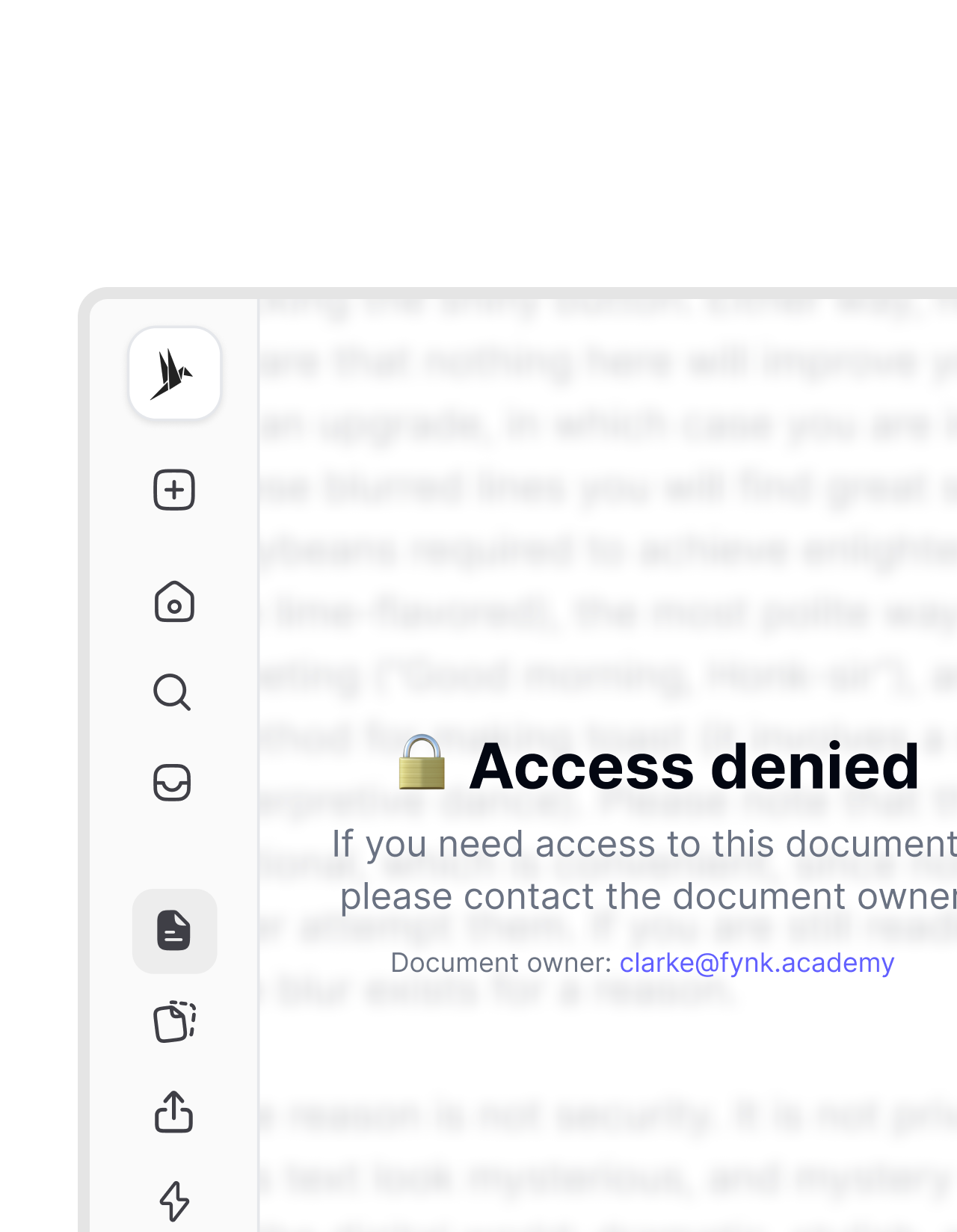
A contract draft with prices and bank details goes to a new customer by email. Protect it here, send the file, and give the password by phone or in a chat message. If the attachment ends up in the wrong inbox, it stays closed. Should a few lines be gone for good rather than locked, black them out with Redact PDF first. Need to edit the file later? Unlock PDF takes the password off again, as long as you know it.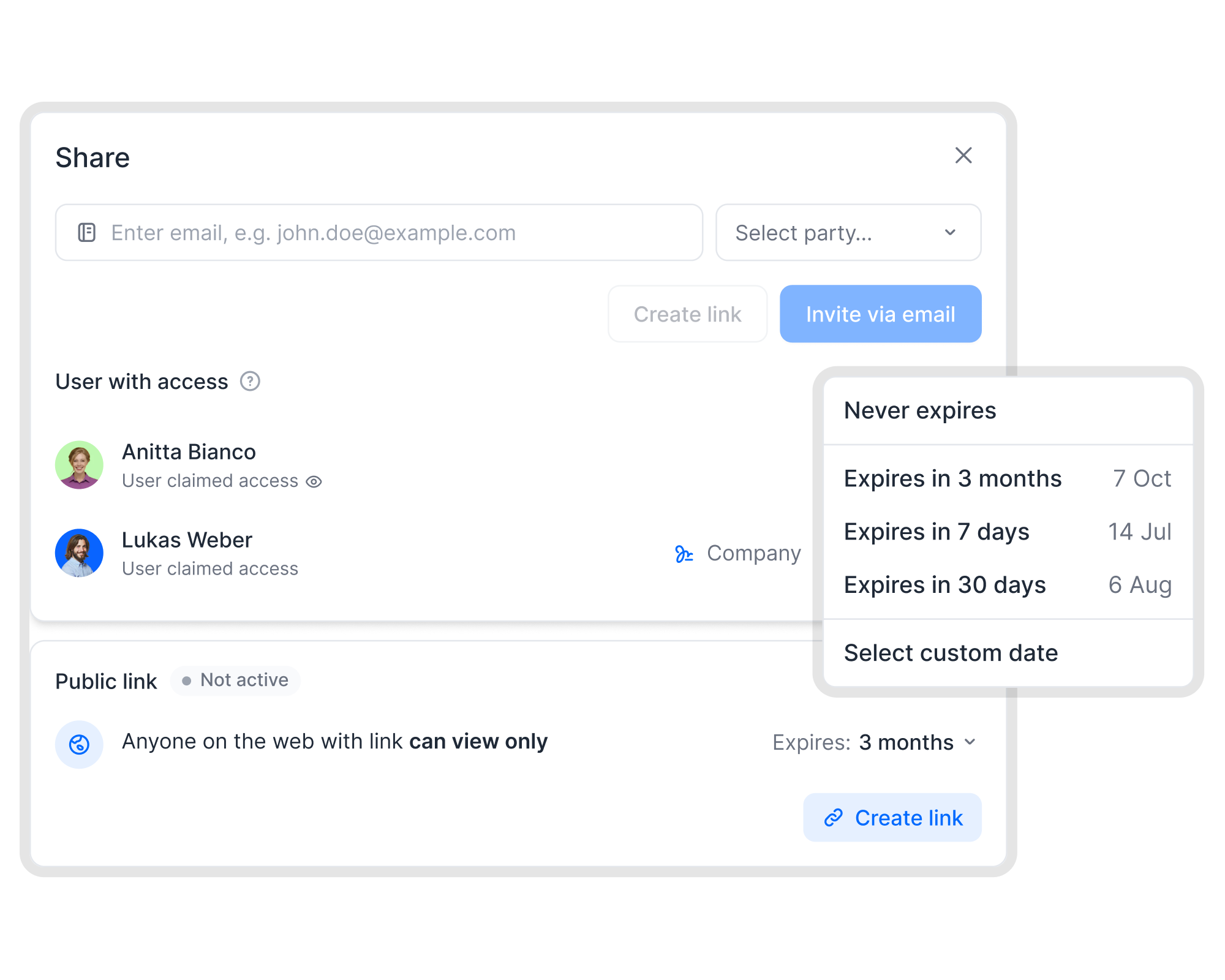 Sharing in fynk
When passwords pile up, share access instead
A password per file works for one attachment. For every contract it turns into a list nobody keeps. In fynk you share a document via link that expires or can be revoked at any time, and user roles decide who in your team sees which contracts. No password has to travel at all.IN FYNK


More free PDF tools
Merge, split, rotate, compress, convert, protect, unlock or redact a PDF in this browser. No account, and the file stays on your device.

Watermark PDF
Stamp DRAFT, CONFIDENTIAL, or your own text and logo on the pages.

Remove PDF metadata
See the author, software, and dates the file reveals, then download a clean copy.

Unlock PDF
Remove a password you know, or lift print and copy restrictions.

Compare PDFs
Two versions side by side, with additions, deletions and edits highlighted.

Redact PDF
Select text or draw a box, then download a copy where those areas are gone.

Flatten PDF
Lock filled-in form fields, comments and stamps into the page so nobody can change them.
Frequently asked questions.
No. The file and the password stay in this browser tab as local data. Encryption runs on your device. We do not receive the document or the password, so there is nothing for us to store or delete.
The file is encrypted with AES-256, the strongest standard PDF readers support, and the content cannot be read without the password. The weak point is the password itself: software can guess a short or common one, while a long one made of several words holds up.
Adobe Acrobat and Reader, Preview on a Mac, and the PDF viewers in Chrome, Edge, Firefox and Safari ask for the password and then open the file. Readers older than about 2010 may not support AES-256. Preview can reject passwords with umlauts or accents, so plain letters, digits and punctuation are the safe choice.
They tell the reader app to block printing or copying text for whoever opens the file with the password. Adobe Acrobat and Preview respect them, some other apps ignore them, and anyone can take a screenshot. Treat them as a clear signal, not as protection for secrets.
Then nobody can open the file, you and us included. We never see the password and cannot recover it. Keep your original file unprotected in a safe place, and the password in a password manager.
One PDF at a time, up to 25 MB and 200 pages. A file that already has a password needs Unlock PDF first, another free fynk tool that runs in your browser. Protecting saves a new copy, so a digital signature in the original does not carry over.
Not for this tool. In fynk, contracts are shared through links you can revoke and roles that decide who sees what, so files do not need a password to travel safely.
Still have questions?



Protection without passwords to pass around
Take control of your agreements. Move your business forward.
Run agreements the way they should run: fast, clear, and on your terms.
No setup headaches
Go live in days, not quarters
No lock-in
Full export anytime
No hidden fees
Signatures included, no envelope fee