


SCIM provisioning: contract access that follows your directory.
Add a colleague to a group in Microsoft Entra ID or Okta and they get a fynk account with the right role. Move them to another group and the role follows. Take them out and their access goes too.








Joiners, movers and leavers, handled once.
Onboarding and offboarding already happen in your identity provider. Repeat them by hand in every app, and sooner or later someone who left still has access to every signed contract.
 Joiners
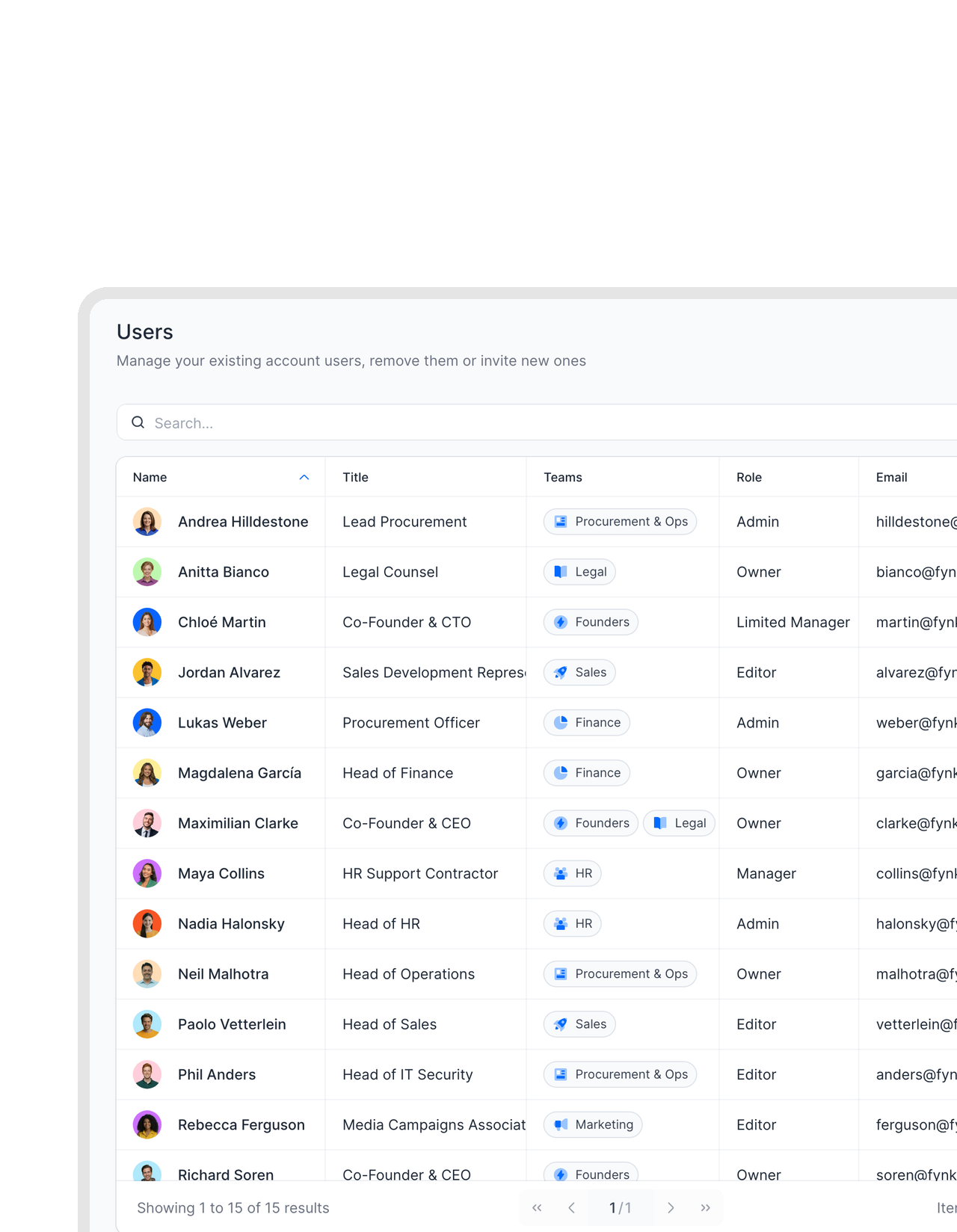
New colleagues get fynk on day one.
Add someone to a fynk role group in your identity provider, and SCIM creates their fynk account with name, email and role. No invitation email to send, no admin ticket to wait for.FEATURES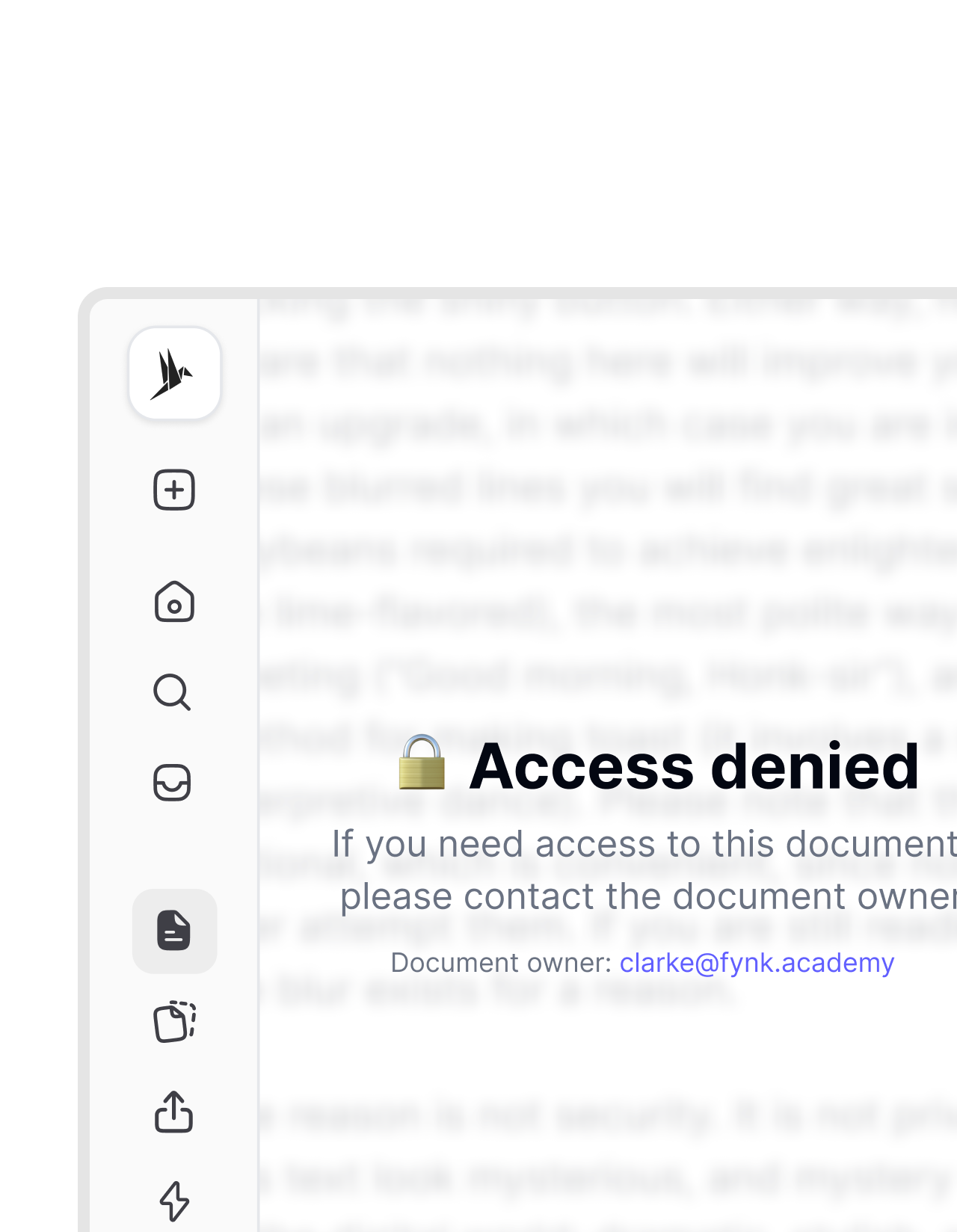 Leavers
When someone leaves, their access leaves with them.
Deactivate someone in your directory, or take them out of every fynk role group, and the next sync takes their fynk access away. Nobody keeps reading contracts after their last day.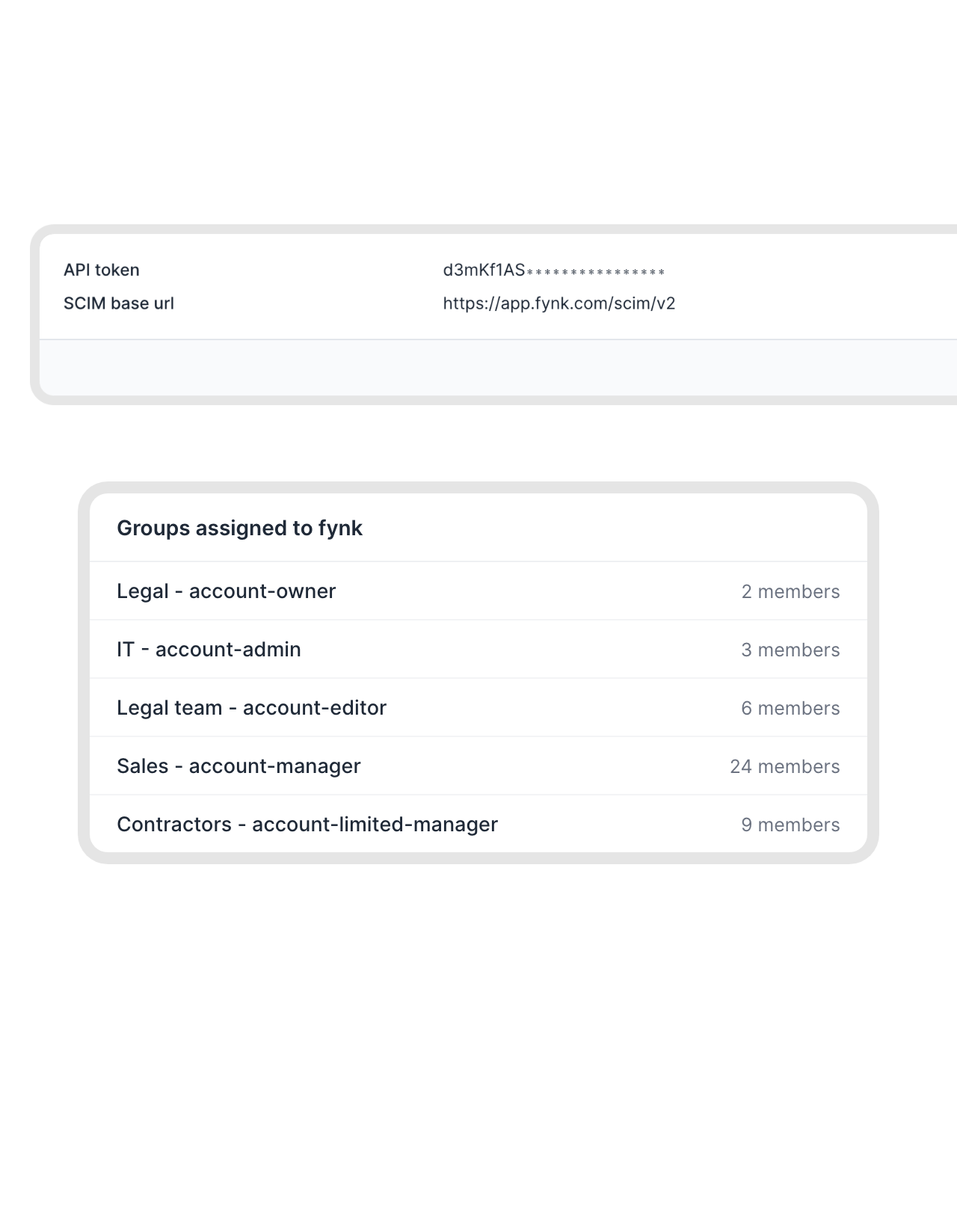 Roles from groups
The group name sets the fynk role.
fynk reads each user’s role from their group: a group name containing “account-owner”, “account-admin”, “account-editor”, “account-manager” or “account-limited-manager” gives the Owner, Admin, Editor, Manager or Limited Manager role. Move someone to another group, and their role follows. Your directory stays in charge: if someone changes a role in fynk by hand, the next sync sets it back.FEATURES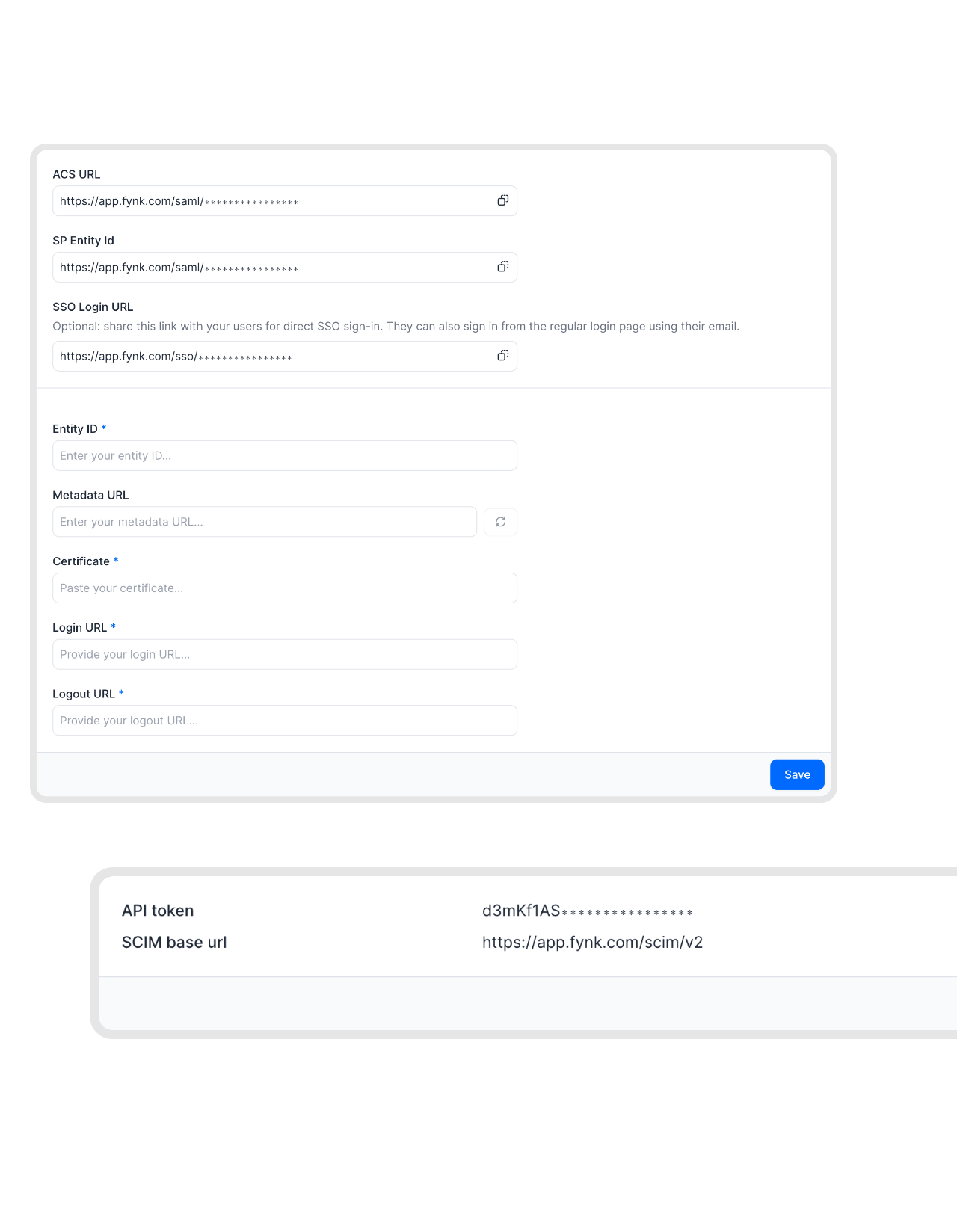 Single sign-onMore on single sign-on
SSO for the login, SCIM for the user list.
Set up SAML single sign-on first, then add a second app in your identity provider for SCIM. People sign in with their company account, and only the ones in your fynk role groups have an account to sign in to.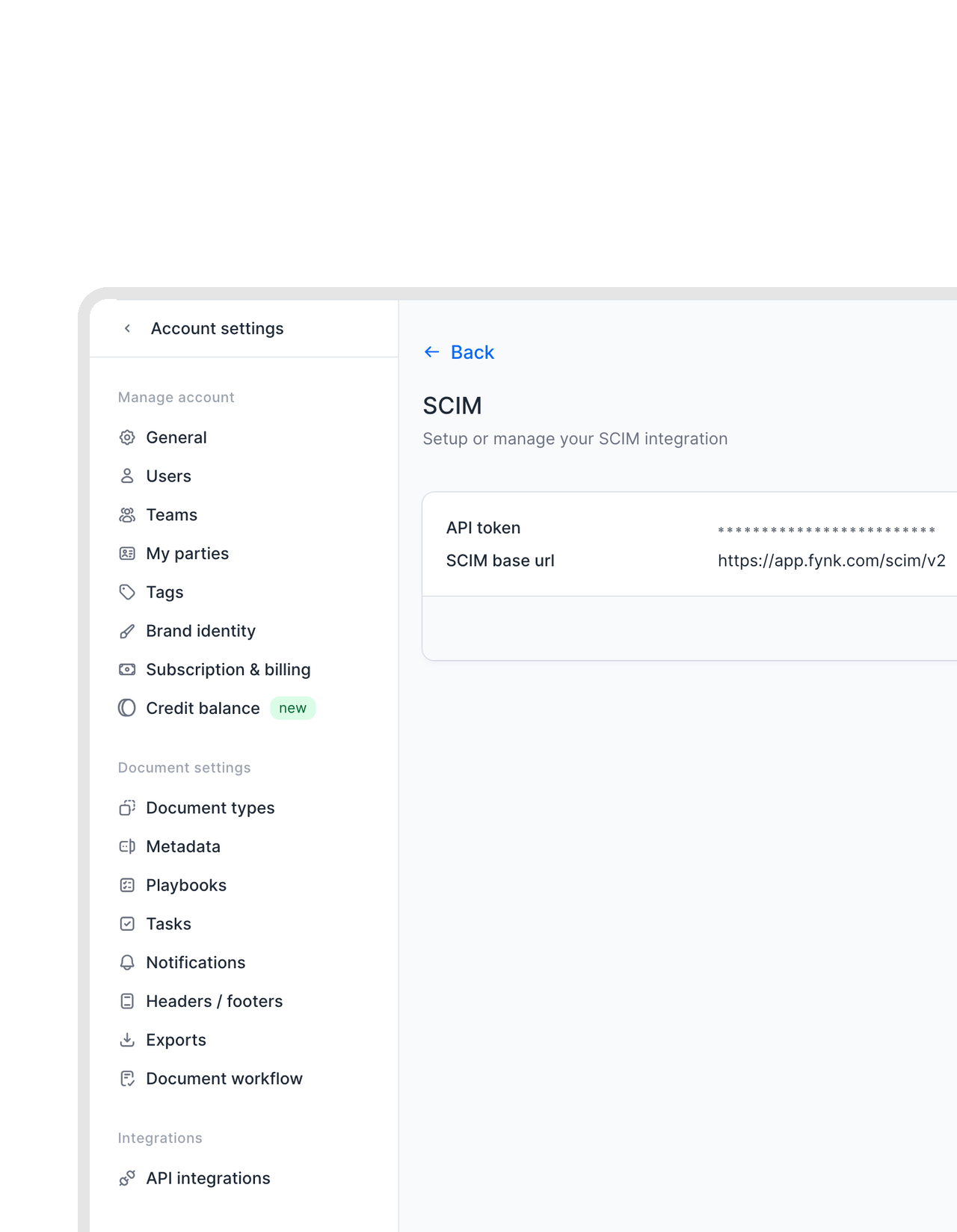 Any SCIM 2.0 directoryRead the setup guide
Microsoft Entra ID, Okta or any other SCIM 2.0 directory.
SCIM is an open standard, so fynk works with any directory that supports SCIM 2.0, such as Google Workspace. The setup guide walks through Microsoft Entra ID and Okta step by step, and Entra ID needs a P1 or P2 license. You copy the SCIM base URL and an API token from fynk into your identity provider. Changes sync every 20 to 40 minutes, and you can start a sync by hand when it can’t wait.


"Don't underestimate the value of modern, intuitive usability. People say it's so nice to work with. It actually makes contract work fun. That makes adoption faster and that's why we trust fynk for our contract workflows across the whole company."
Why IT teams provision fynk with SCIM.
User management for fynk, done in the tool you already run.
No manual invites.
New colleagues get a fynk account with the right role at the next sync, without anyone sending an invite.
Automatic offboarding.
People who leave every fynk role group are removed from fynk at the next sync.
Roles from groups.
Five group names map straight to fynk roles, from Limited Manager to Owner.
Name and email in sync.
Email, given name, family name and active status come from your directory.
Any SCIM 2.0 directory.
Microsoft Entra ID, Okta and other directories that support SCIM 2.0, such as Google Workspace.
Your directory wins.
Changes made by hand in fynk are set back at the next sync, so fynk matches what IT has on record.
Set up SCIM in fynk
Available on the Pro plan. You need the Owner or Admin role in fynk, and Entra ID needs a P1 or P2 license.
- Step 1
In fynk, open Account settings > API integrations > SCIM, click Create and copy the base URL and the API token.
- Step 2
In your identity provider, add fynk as a SCIM app and paste both values. Create a group for each fynk role and add people to them.
- Step 3
Start provisioning. From then on, your identity provider syncs every 20 to 40 minutes.
How SCIM works in fynk
fynk supports SCIM 2.0. Your identity provider is the source of truth: it pushes users and their group membership to fynk, and fynk turns the groups into roles.
Groups and roles
| Group name contains | Role in fynk |
|---|---|
| account-owner | Owner |
| account-admin | Admin |
| account-editor | Editor |
| account-manager | Manager |
| account-limited-manager | Limited Manager |
The rest of the name is up to you, for example “Sales - account-manager”.
What syncs
| Synced | Not synced |
|---|---|
| Email (userName), given name, family name, active status, role through group membership | Teams in fynk, nested groups, mapping groups to teams. Teams are still managed in fynk. |
Check your groups before you start provisioning. Users in none of the five groups are removed from fynk, and a user whose group doesn’t match their current role gets the group’s role, which can cost them access to Account settings.
Identity is one part of your stack.
Single sign-on, events for your own systems and the API behind them.
 SSOAuthentication
 WebhooksDeveloper
-
APIAutomation
 Copilot StudioAI
 Microsoft TeamsCommunication
 SharePointStorage
Frequently asked questions.
SCIM (System for Cross-domain Identity Management) is an open standard that lets your identity provider create, update and remove user accounts in other applications. With SCIM, Microsoft Entra ID, Okta or another SCIM 2.0 directory manages your fynk users and their roles.
Any directory that supports SCIM 2.0, such as Microsoft Entra ID, Okta or Google Workspace. The SCIM setup guide in our help center walks through Entra ID and Okta step by step, including the attribute mappings. For another provider, our support team helps you set it up.
SCIM provisioning is part of the Pro plan, and an Owner or Admin sets it up. See pricing for what each plan includes.
Through groups in your identity provider whose names contain account-owner, account-admin, account-editor, account-manager or account-limited-manager. Each gives the fynk role of the same name. Users in none of these groups are removed from fynk, so check your groups before you start provisioning.
When someone is deactivated in your directory or is no longer in any fynk role group, they lose access to fynk at the next sync.
Every 20 to 40 minutes, on your identity provider's schedule. In Entra ID you can start a sync by hand with Sync now. Changes made by hand in fynk, such as a different role, are overwritten by the next sync.
No. SCIM manages users and their roles, and you assign teams in fynk. Nested groups are not supported.
Single sign-on handles how people sign in. SCIM handles who has an account and which role they get. Most companies use both: set up SSO first, then add a second app in your identity provider for SCIM.
Existing users stay in fynk. Later changes in your identity provider are no longer synced.
Still have questions?








User access you can audit.

European by design.
Designed and developed in Austria. fynk is hosted in the EU, in ISO 27001-certified data centers.

Security at the core
Encryption in transit and at rest, and secure engineering standards across a continuously monitored infrastructure.

Directory first
Your identity provider stays the source of truth for who has access to which role.

GDPR, fully embedded
Fully compliant with European data protection regulations, supported by regular audits and external penetration testing.
Trusted by companies worldwide


Take control of your agreements. Move your business forward.
Run agreements the way they should run: fast, clear, and on your terms.
No setup headaches
Go live in days, not quarters
No lock-in
Full export anytime
No hidden fees
Signatures included, no envelope fee