

Contract management webhooks: fynk tells your systems first.
Stop polling the API for changes. fynk sends a signed request to your endpoint when something happens on a contract, in JSON for your own code or in Microsoft Teams format for a channel.









Events out, the moment they happen.
The API lets your systems ask fynk. Webhooks let fynk tell them, without a script checking every minute.
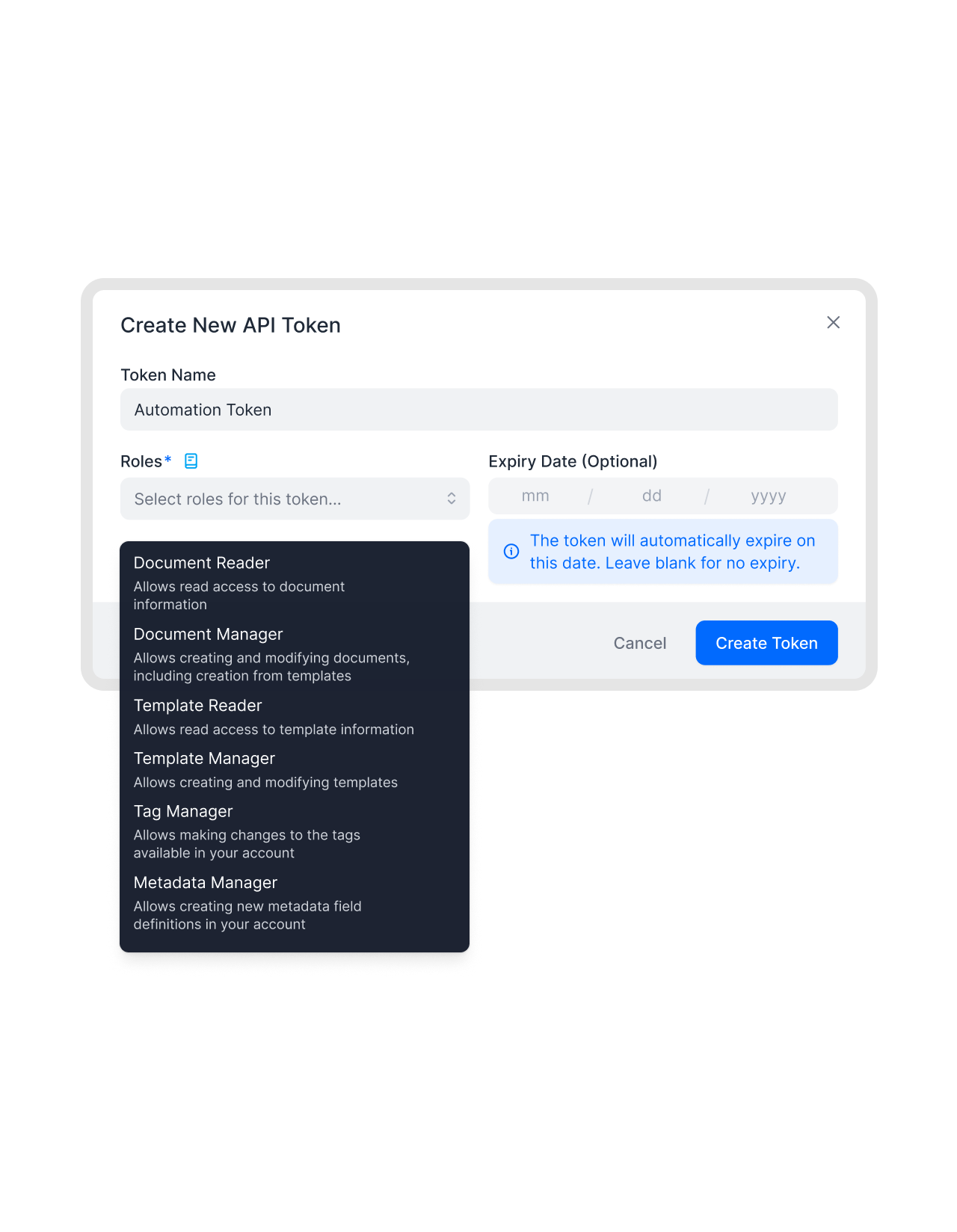 Your own systemsLearn more
Push contract events into your ERP, data warehouse or backend.
Add your HTTPS endpoint in fynk and choose which events it should receive. When one happens, fynk posts a JSON payload. Combine it with the REST API to fetch whatever else you need about the document.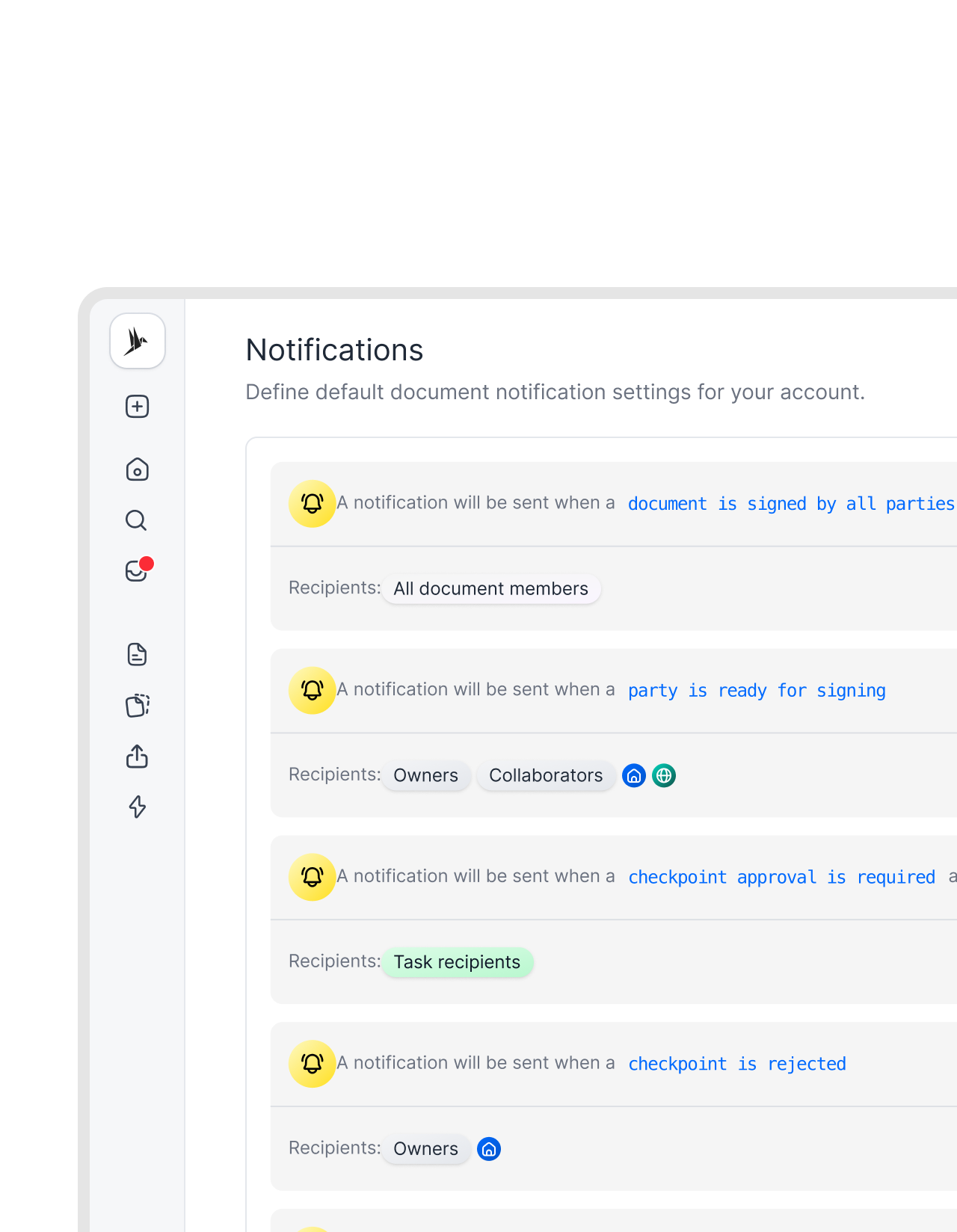 Microsoft TeamsLearn more
Contract updates in a Teams channel, no Zapier needed.
Pick the Microsoft Teams delivery format and paste a Teams webhook URL. fynk formats the event as a Teams message, so the channel sees it without any middleware.FEATURES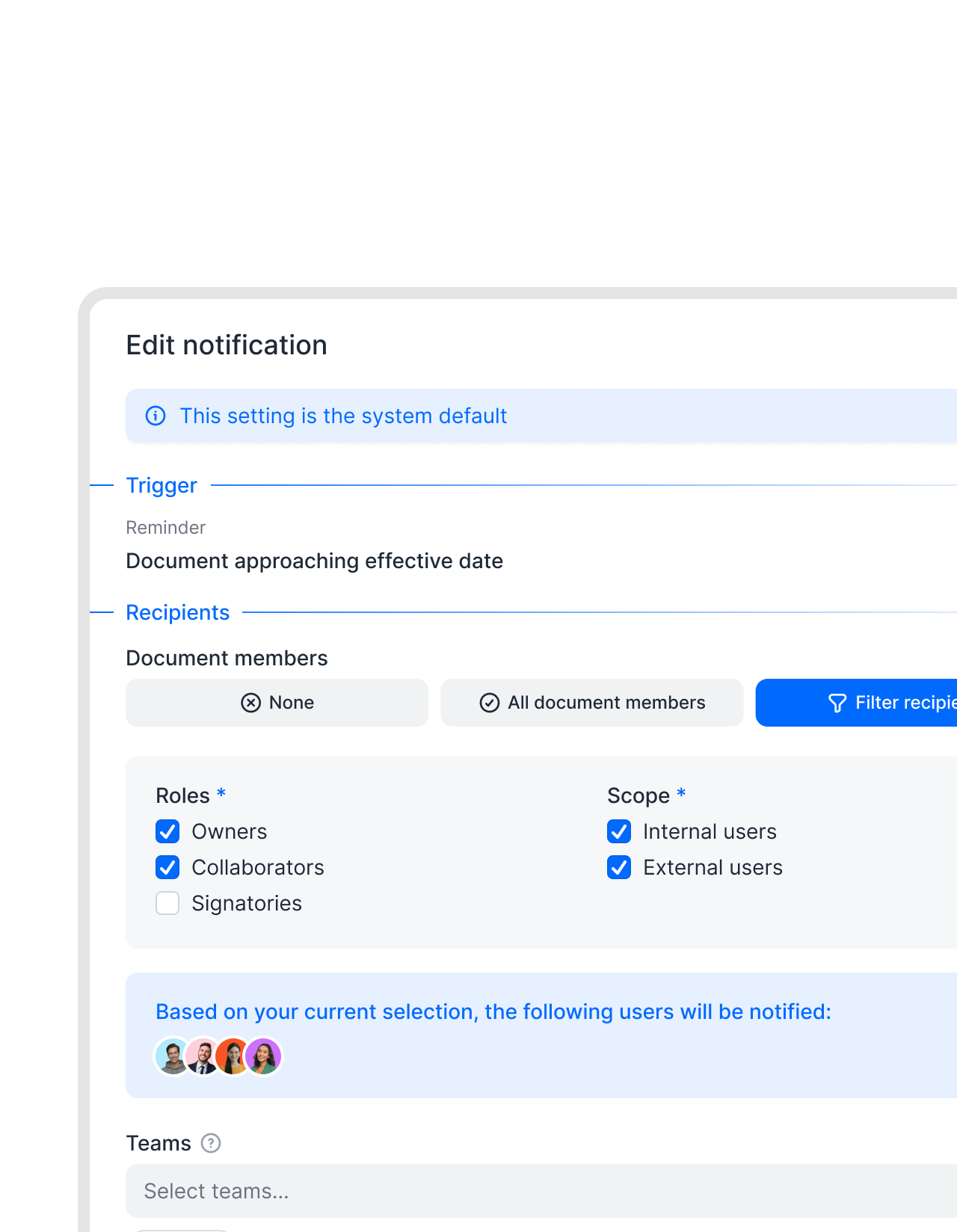 Per eventLearn more
Decide exactly which events fire.
Webhooks hang off fynk’s notification settings. Open an event, add your webhook to it, and only that event is sent there. Documents and templates can override the account default.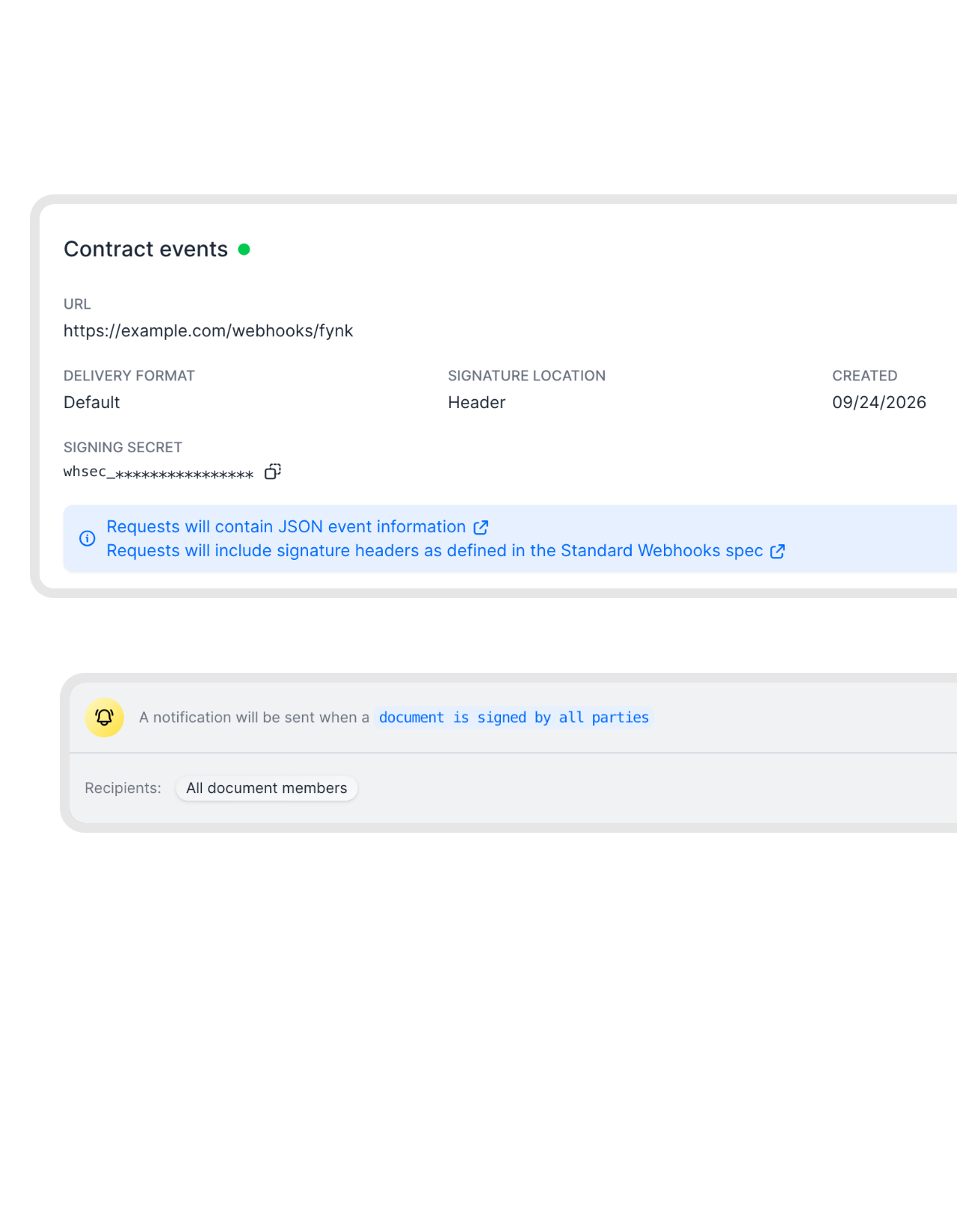 Signed contractsLearn more
Signed by everyone, filed in your system right away.
Add your webhook to the event “Document is signed by all parties”. Your system gets the call the moment the last signature is in, fetches the PDF and its data through the API, and files it in your DMS or ERP.FEATURES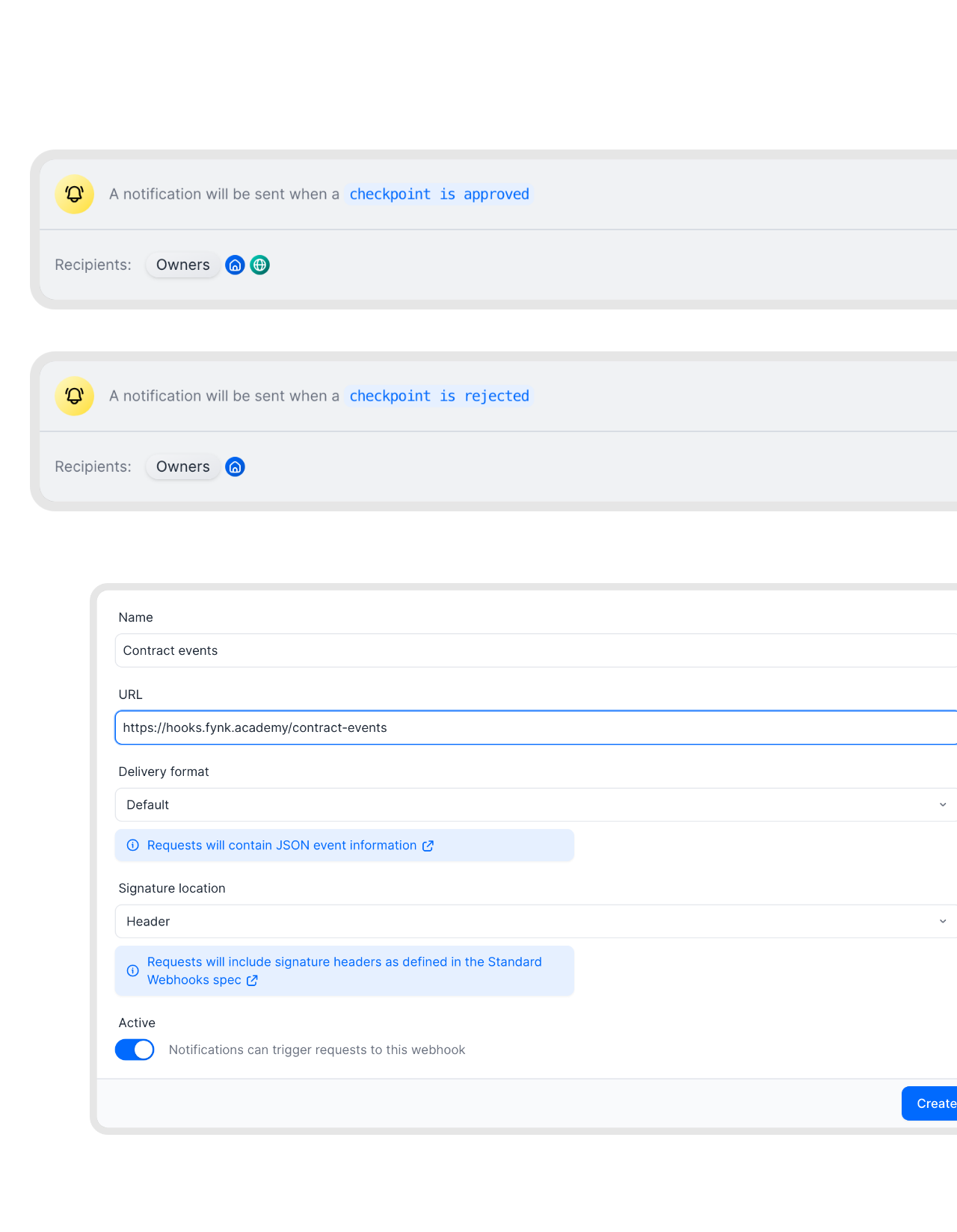 ApprovalsLearn more
Approvals and rejections reach your ticket system.
Add your webhook to “Checkpoint is approved” and “Checkpoint is rejected”, and your request portal or ticket tool updates its status the moment someone decides in fynk.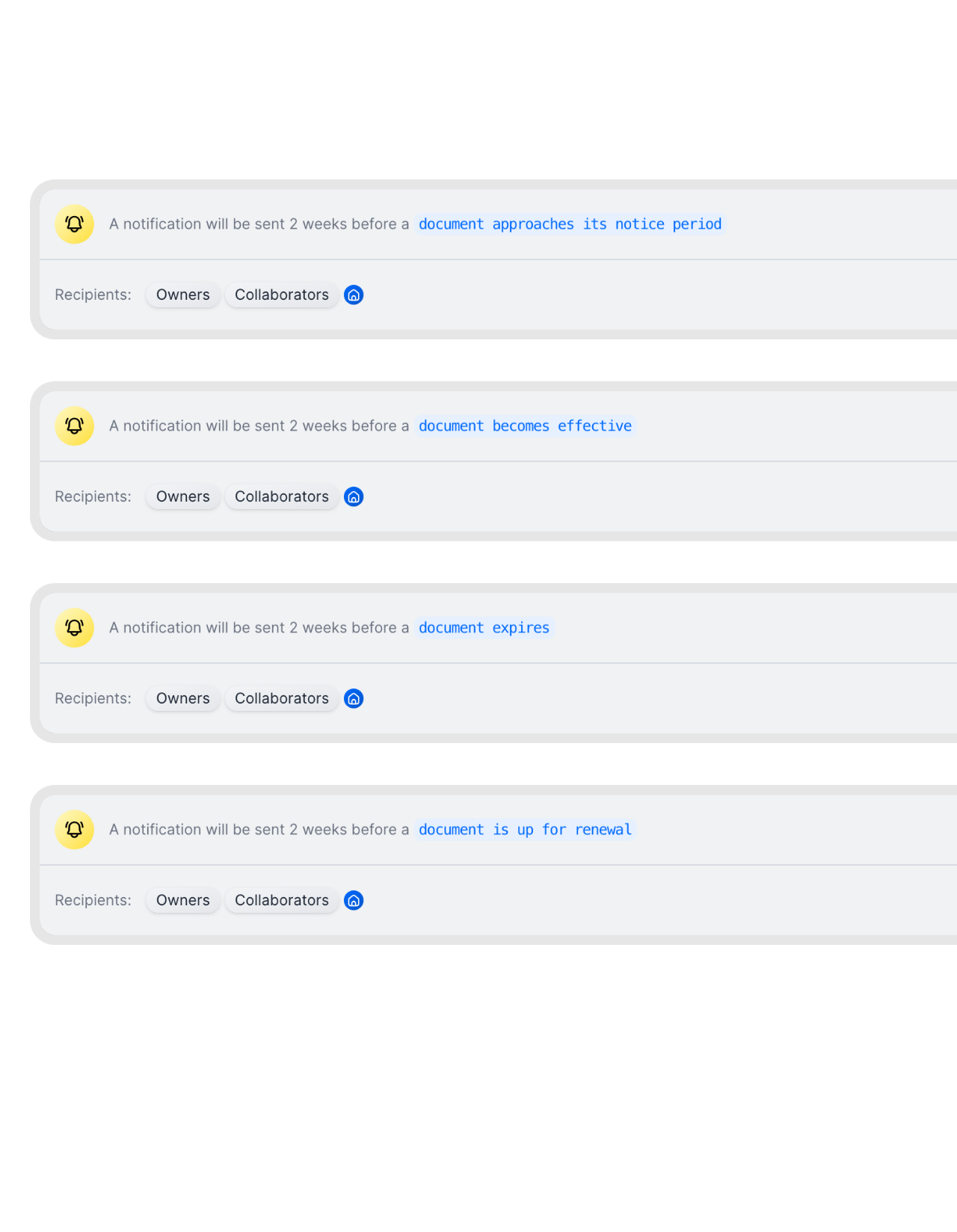 Key datesLearn more
Notice periods and renewals start your own workflow.
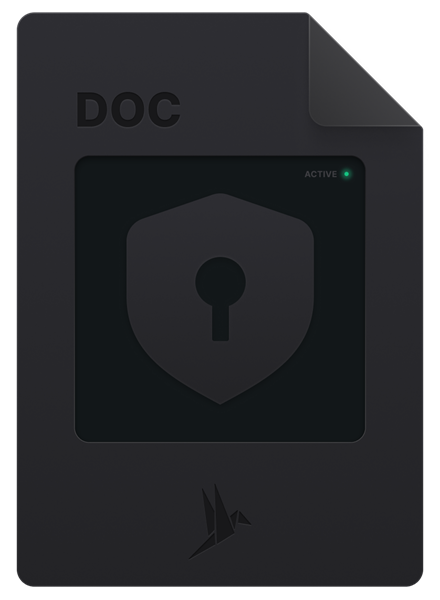
A notice period coming up, a contract taking effect, expiring or up for renewal: these date events can call your webhook too, so your finance or procurement system opens a task before the date passes.


Built for developers who hate polling.
Less traffic, faster reactions, and requests you can trust.
Near real time.
Events are sent when they happen, not on a polling schedule.
Signed requests.
Every request carries a signature you can check with the secret shown in fynk.
Standard Webhooks.
The signature follows the Standard Webhooks spec, so existing libraries can verify it.
HTTPS only.
Endpoints must use HTTPS, so payloads are encrypted in transit.
Two formats.
Default JSON for your code, Microsoft Teams format for a channel.
On and off.
Pause a webhook with one toggle, without deleting its settings.
Add a webhook in fynk
Available on Business and Pro. Only account owners can manage webhooks
- Step 1
Open Account settings > Webhooks and add a webhook: a name, your HTTPS URL and the delivery format (Default JSON or Microsoft Teams).
- Step 2
Choose where the signature goes (header or query parameter), save, and copy the signing secret from the webhook page.
- Step 3
In Account settings > Notifications, open each event you want and select your webhook. From then on, fynk sends it.
How fynk webhooks work
A webhook is an HTTPS endpoint that fynk calls when an event happens. You manage endpoints under Account settings, and you decide which events go to which endpoint in your notification settings.
Webhook settings
| Setting | Options |
|---|---|
| URL | Any HTTPS endpoint. |
| Delivery format | Default (JSON) for your own code, or Microsoft Teams to post into a Teams channel. |
| Signature location | Header (default), query parameter, or none. |
| Signing secret | Shown on the webhook page after saving. Verify requests with it, following the Standard Webhooks spec. |
| Active | Turn a webhook off without deleting it. |
Webhooks, API or Zapier?
| Use it when | |
|---|---|
| Webhooks | Your system should react the moment something happens in fynk. |
| REST API | Your system should create or read documents in fynk. |
| Zapier | You want to connect apps without writing code. |






More product features to explore.
Draft.
Create contracts from proven templates. Fast, consistent, and ready to send.
Boost.
AI reviews, summarizes, and explains your contracts so you never miss what matters.
Sign.
Send contracts for legally binding e-signatures, tracked from sent to signed.
Insights.
See the full picture of your contracts with dashboards, search, and smart alerts.

Events you can trust.

European by design.
Designed and developed in Austria. fynk is hosted in the EU, in ISO 27001-certified data centers.

Security at the core
Encryption in transit and at rest, and secure engineering standards across a continuously monitored infrastructure.

Verify every call
A signing secret per webhook lets your endpoint reject anything that did not come from fynk.

GDPR, fully embedded
Fully compliant with European data protection regulations, supported by regular audits and external penetration testing.
Trusted by companies worldwide



Frequently asked questions.
Yes. You can add HTTPS endpoints under Account settings > Webhooks and choose which events they receive in your notification settings.
Webhooks are part of the Business and Pro plans.
The events in your notification settings. You add the webhook to each event you want, and documents or templates can override the account default.
Each webhook has a signing secret. fynk signs requests following the Standard Webhooks spec, in a header or query parameter, so you can check the signature before trusting the payload.
Yes. Choose the Microsoft Teams delivery format and use a Teams webhook URL as the endpoint.
Account owners.
With the API, your system asks fynk for data. With webhooks, fynk tells your system when something happens, so you no longer need to poll.
Still have questions?


Take control of your agreements. Move your business forward.
Run agreements the way they should run: fast, clear, and on your terms.
No setup headaches
Go live in days, not quarters
No lock-in
Full export anytime
No hidden fees
Signatures included, no envelope fee