
Work on documents as a team or solo.
No more sharing links or adding passwords just to keep documents secure. Create team spaces in fynk, and collaborate with teammates or work independently. One-time setup. Access is managed automatically.








Collaborate fast and securely.
Set up your teams once. fynk routes every contract to the right people from that point on.
 By departmentGet a demo
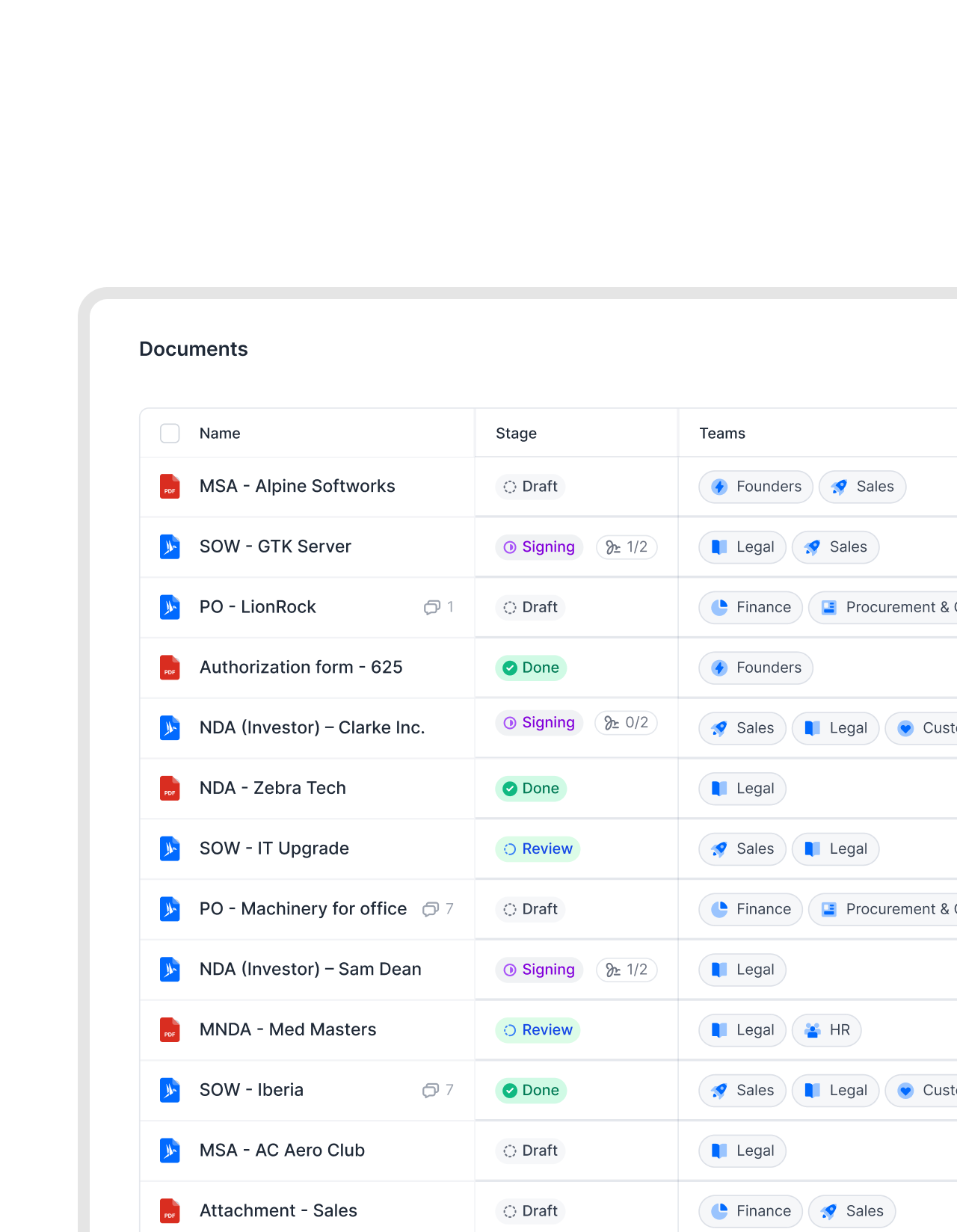
Every department owns its contracts. Nobody else does.
No more messy shared folders. Assign documents to teams and see ownership at a glance. Control access easily. Clear ownership from day one."Excel tracking, email-based approvals, and shared files. All completely replaced. We no longer need to chase down files manually. That's the biggest advantage."
 Dr. Jörg Burkhardt Head of Sales & New Partnerships of 1. FC Nürnberg
 Automatic accessGet a demo
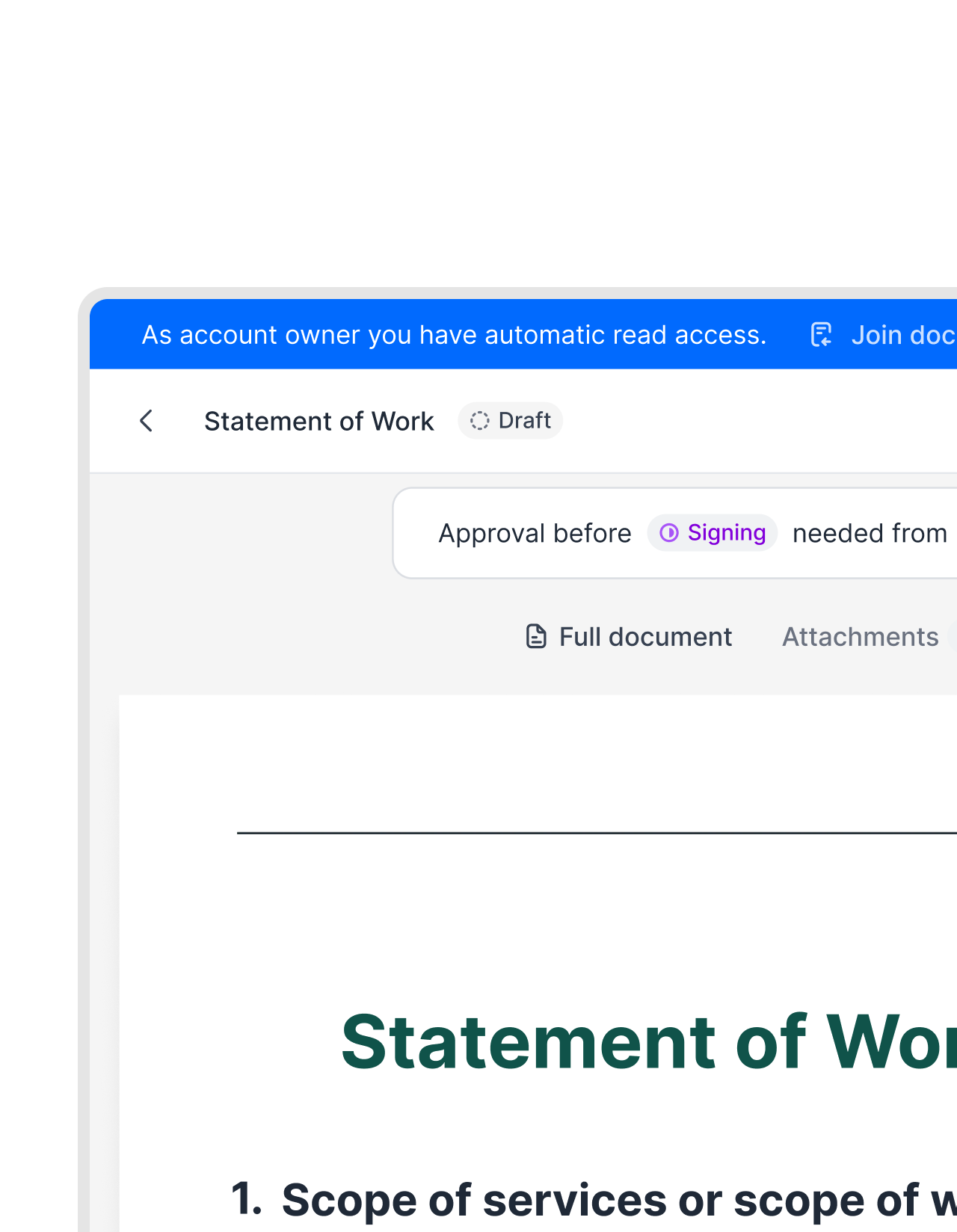
See everything that's relevant to you. By default.
Team membership controls access. Team members see all the documents they need and can only edit what they’re allowed to. No repeated invitations.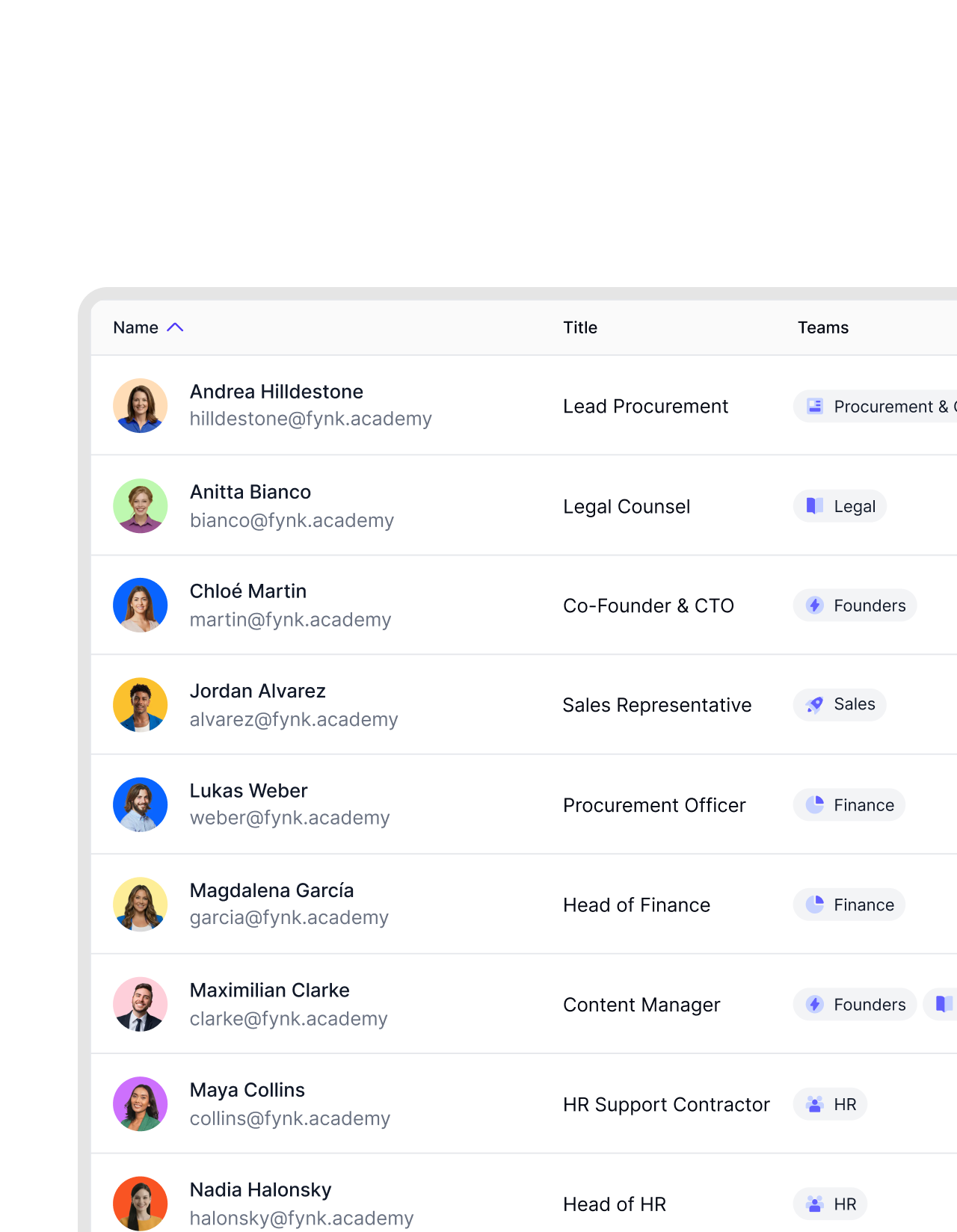 Built to scaleGet a demo
From five people to fifty. The structure holds.
Keep the same structure and logic as you grow. Add new teams as needed. Maintain a consistent flow and standard across all company documents. Move faster by removing unnecessary back-and-forth."We are still expanding. About 20 departments are using fynk now, with more to come. The main reason for upgrading was the need to standardize contract management company-wide."
 Elisa Prößdorf Legal Solutions Manager of Unite


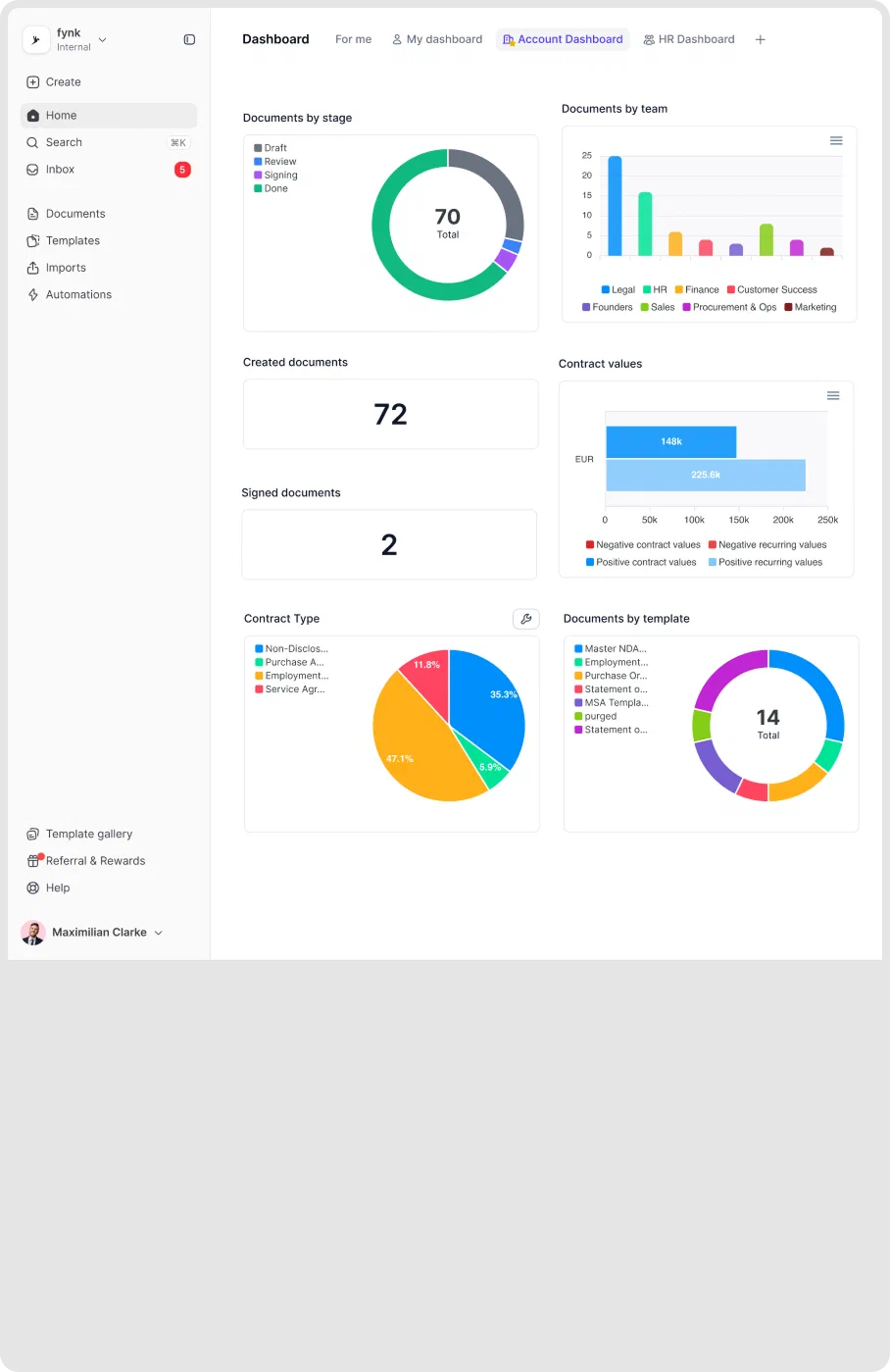
 DashboardsGet a demo
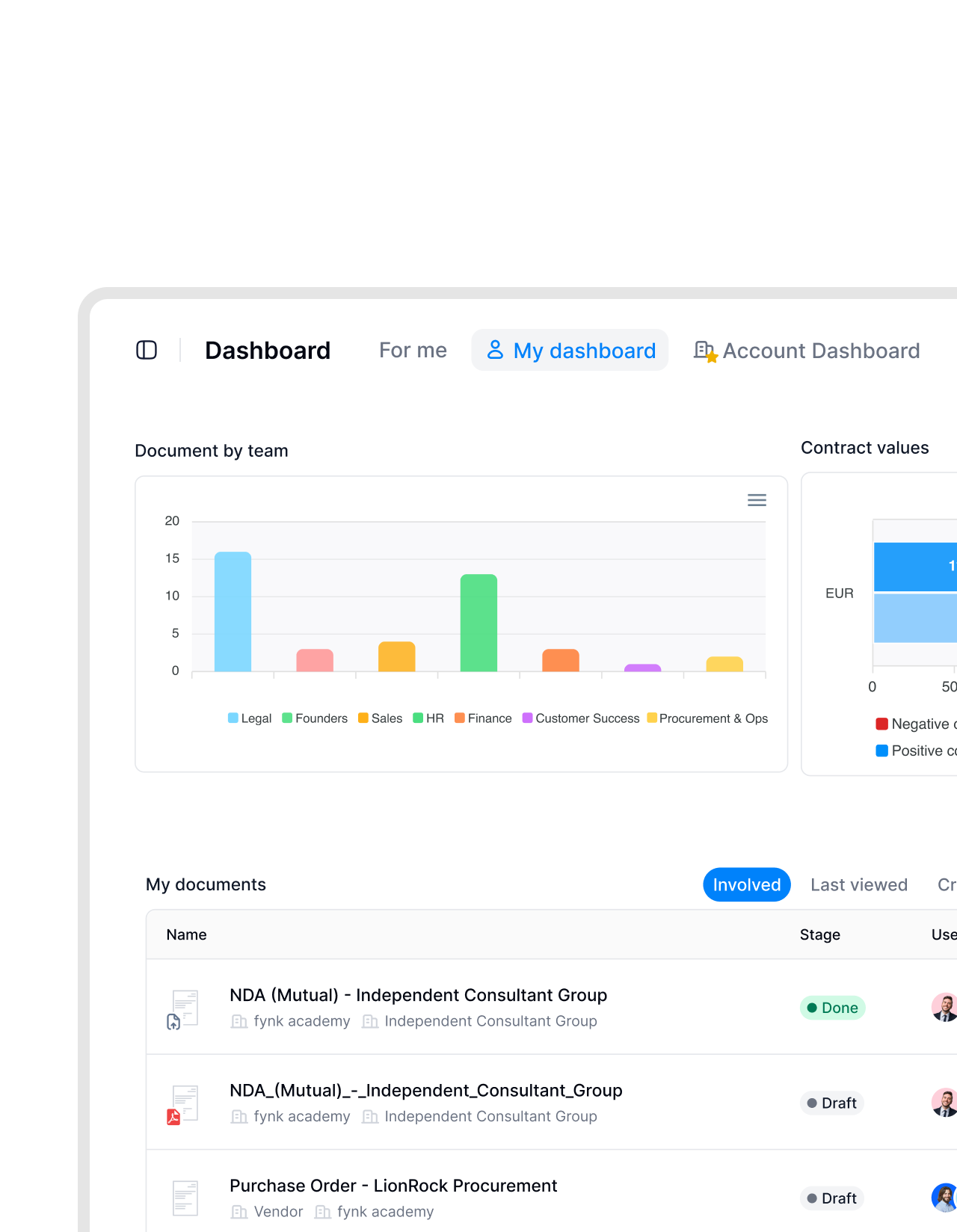
Legal reviews. Sales signs. Finance tracks. Each in their own space.
Stay focused with team dashboards that give you a real-time view of what matters. See every file, update, and priority in one place. No tab switching. No manual tracking.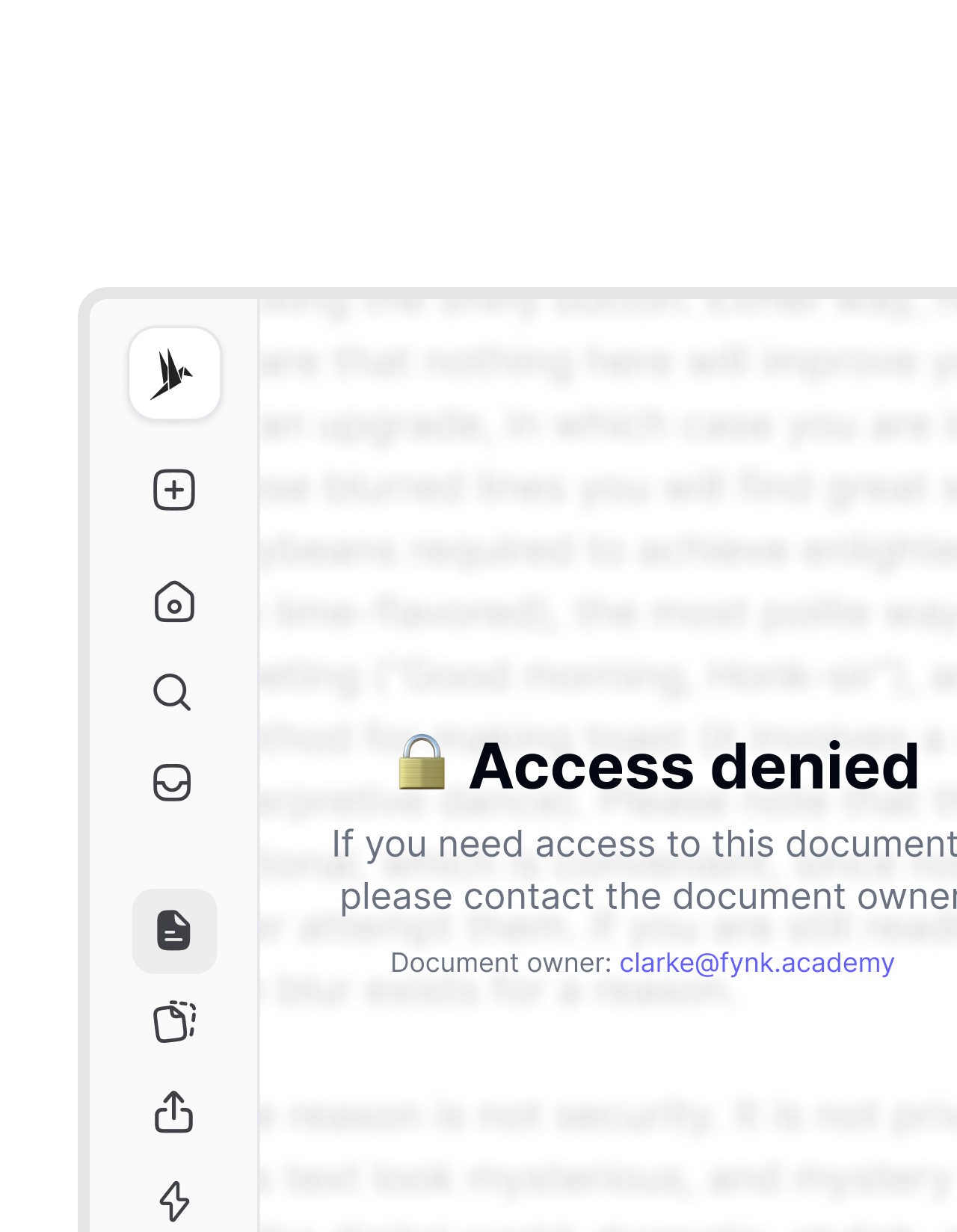 Sensitive documentsGet a demo
Some contracts belong in the right hands.
Board contracts stay with the executive team. Finance contracts stay with finance. No complex setup needed. With fynk, you control access so only the right people see what matters. No exceptions.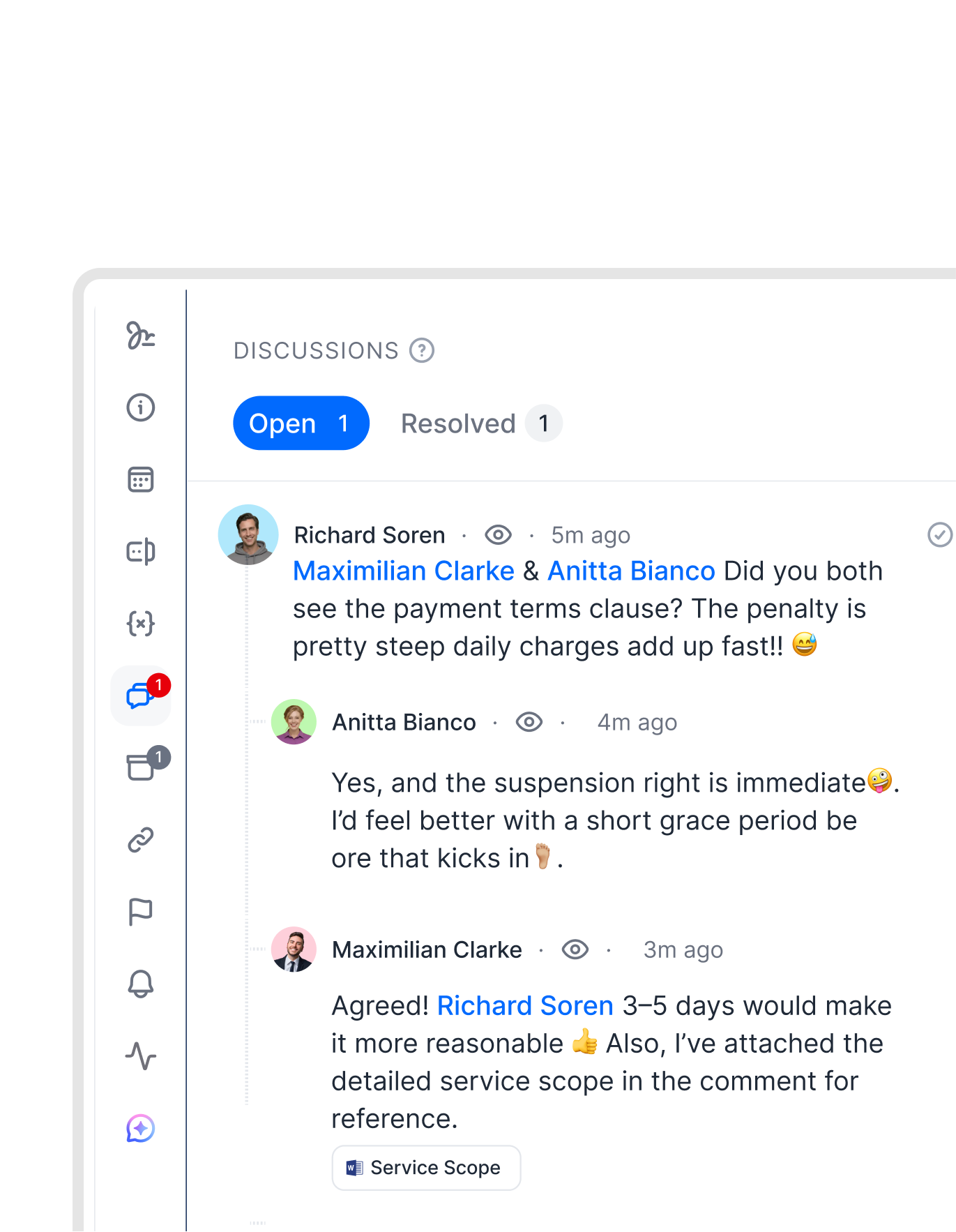 Redlines & commentsGet a demo
Keep the conversation in your document, not in email or Slack threads.
Leave comments for your team directly on the document. Tag teammates, redline paragraphs, or propose changes. Every discussion stays tied to the exact text it refers to. No copy-pasting into Slack. One version to work on."We invite the external party to the template, comment and sign in fynk, and storage is also in fynk. One single source of truth for contracting. That is something everybody will value a lot."
 Lucas F. Jamnig Lead Counsel at fiskaly


"fynk significantly reduces risk by giving us full transparency over contracts. It replaces fragmented processes with one clear, efficient system. People adopt it faster because it's easy to use and actually enjoyable."

Access on structure, not manual work.
Teams handle permissions, visibility, and routing automatically. Set them up once, and fynk does the rest.
Automatic access management.
Assign a contract to a team and every member has access. No individual invites. No permission settings per document.
Consistent by design.
Team rules apply to every contract assigned to that team. The same access logic, every time, without exceptions.
Cross-functional structure.
Legal, Sales, and Finance each work in their own space. No unnecessary overlap. No cross-team noise.
Team-level visibility.
Filter contracts, tasks, and dashboards by team instantly. Every team member sees exactly what's relevant to them.
Scales with the org.
Add a new team as your company grows. Existing permissions stay untouched. New access is handled from the first contract.
Controlled exposure.
Users only see what their team is assigned to. Sensitive contracts stay in the right hands without complex permission setups.





More product features to explore.
Draft.
Create contracts from proven templates. Fast, consistent, and ready to send.
Boost.
AI reviews, summarizes, and explains your contracts so you never miss what matters.
Sign.
Send contracts for legally binding e-signatures, tracked from sent to signed.
Insights.
See the full picture of your contracts with dashboards, search, and smart alerts.
Frequently asked questions.
Teams are groups of users connected to a shared set of contracts, templates, and tasks. When you assign a contract to a team, every member of that team gets automatic access. You set up the team once and fynk handles the routing from there.
Every contract in fynk can be assigned to one or more teams. When you add a user to a team, they immediately see every contract assigned to that team. When you remove them, the access is gone. No individual permissions to manage per document.
Yes. Users can belong to multiple teams at the same time. If someone works across Legal and Finance, they see contracts from both teams without any workaround. Their access reflects every team they're part of.
You can still invite users to individual contracts directly. Teams are the default access model for scale, but direct document invitations work alongside them. You're not locked into team-only access for every case.
Yes. Tasks in fynk can be assigned to a team, and every member of that team receives a notification. This is useful when a group needs to act on a contract and you don't want to pick a single person in advance.
Teams and roles work together but do different things. Roles define what actions a user can take — editing, approving, signing. Teams define which contracts a user can see. Together, they give you precise control over who does what and on which documents.
Still have questions?


Let your team work together smoothly.
Set up your teams once. fynk connects every contract to the right people automatically. No manual invites. No permission chaos.