
Every signature, in the right order.
Does it matter who signs first? Multi-party signing without a defined order can slow things down. Someone signs too early. Someone misses their turn. In fynk, define who signs and in what order before the contract goes out. Each person is notified when it's their turn. Not before.









You set the order. fynk closes the loop.
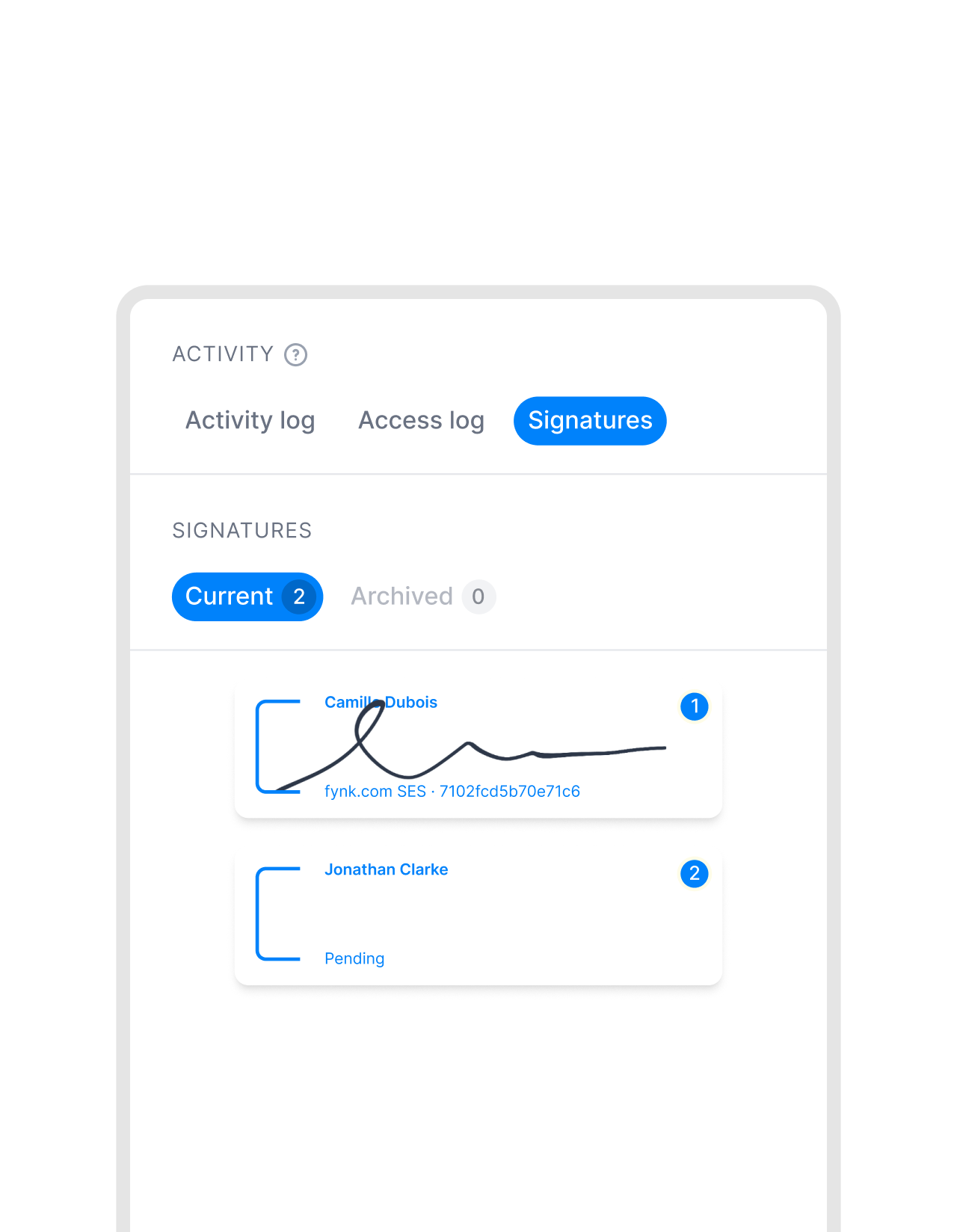
Set the sequence before you send documents for signing. fynk routes the document, notifies each signer, and tracks every step.
 Signing sequenceGet a demo
Decide who signs. And in what order.
Define every signer and their place in the sequence before the contract goes out. First, second, last. No one receives a signing link until the person before them has finished."The e-signature process increases the speed of signing. You can clearly see who has signed, who is next, and what the current status is. The automation of the signing process is a big help in terms of time."
 Dr. Jörg Burkhardt Head of Sales & New Partnerships of 1. FC Nürnberg
 Sequential or parallelGet a demo
One at a time. Or all at once.
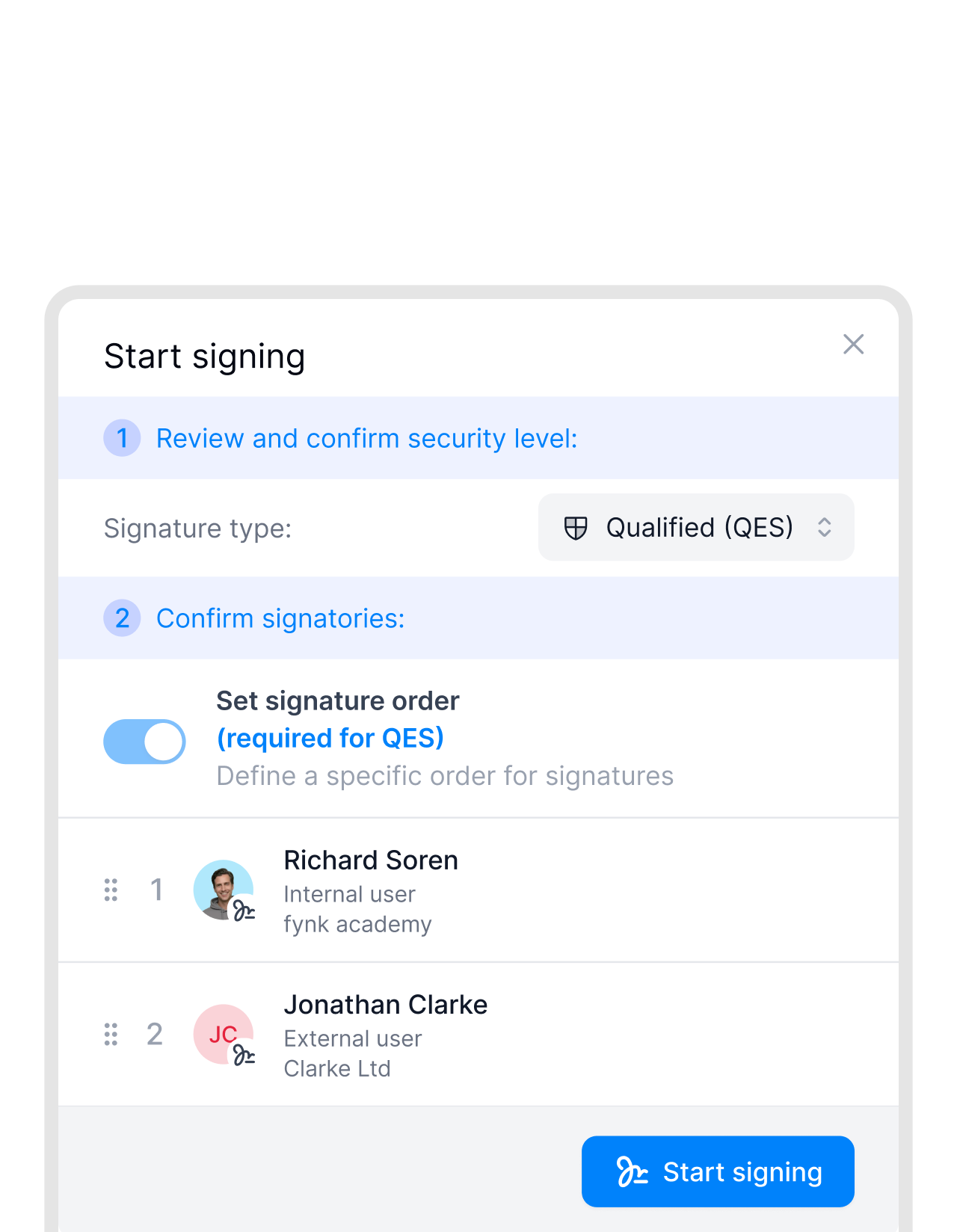
Some contracts need a strict sequence. Others just need everyone’s signature. Enable signing order before sending, or leave it for simultaneous signing. One click, either way.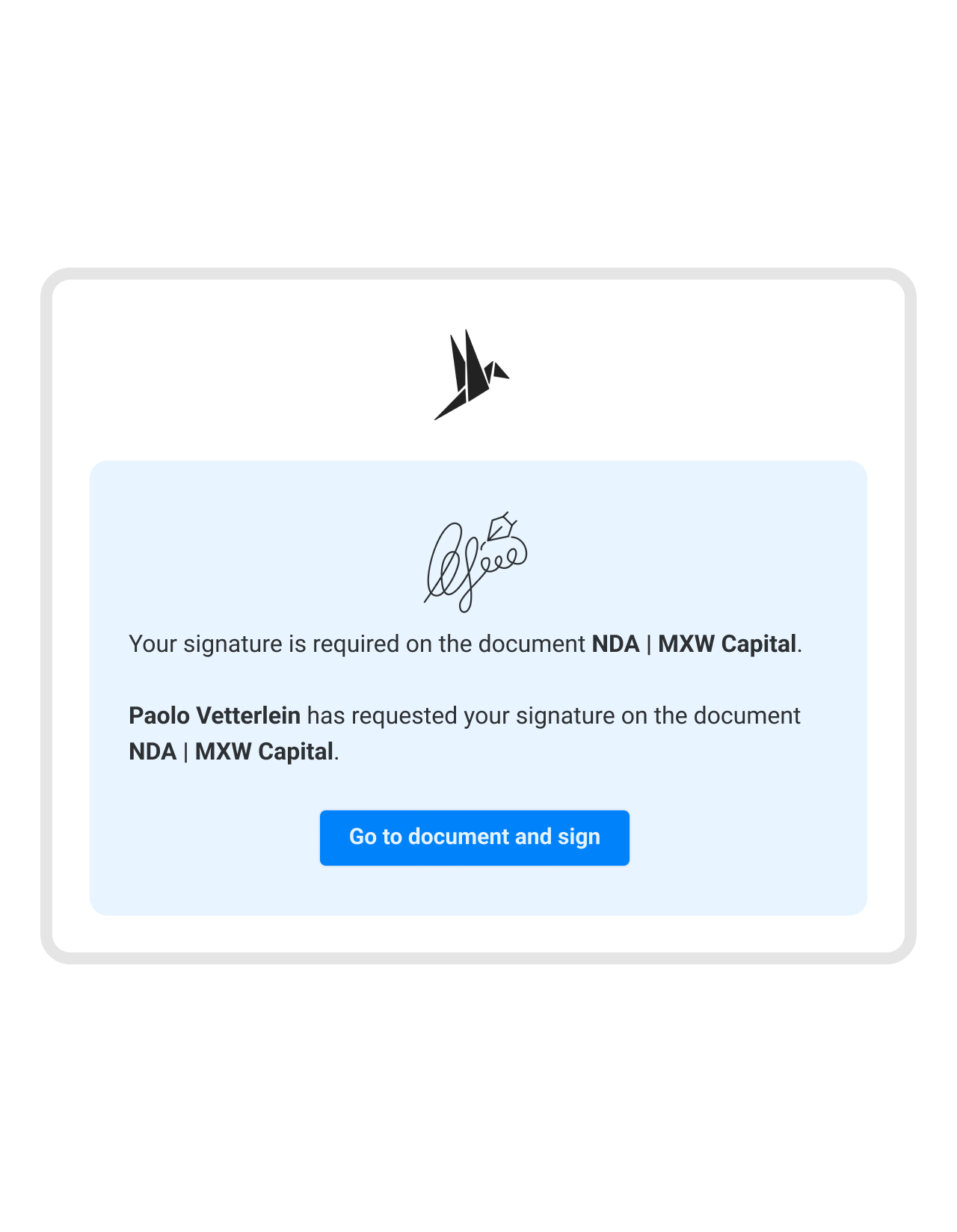 Automatic routingGet a demo
Documents move forward on their own.
No more manual follow-ups. Once someone signs, the document is automatically sent to the next signer. Instantly."Before fynk, we used Word, then converted to PDF, then sent via DocuSign. Three separate steps. With 50 to 100 contracts per month, you had to keep a manual list to stay on top of things. It just wasn't an easy workflow."
 Alina Heiner Founder of Maven


 Pre-signing approvalsGet a demo
Nothing gets signed until it's been checked.
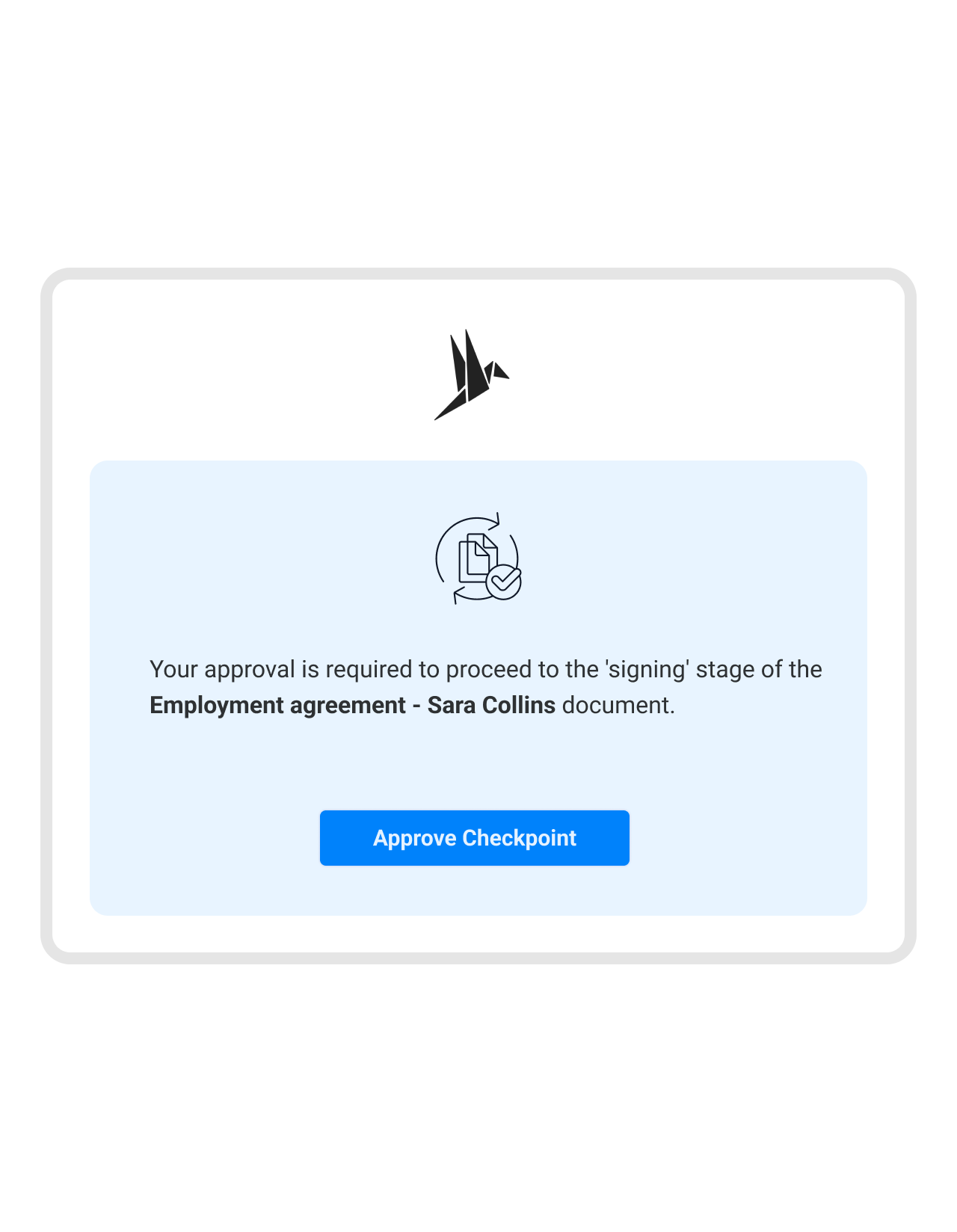
Add an approval step before signing starts. The document doesn’t move until your team approves it. External parties never see it before you’re ready."fynk helped us lock down contract terms so deals could no longer be signed without proper control. This protects the company when consultants are under pressure from clients to make exceptions."
 Harald R. Fortmann Founder and Managing Director of five14
 Live signing statusGet a demo
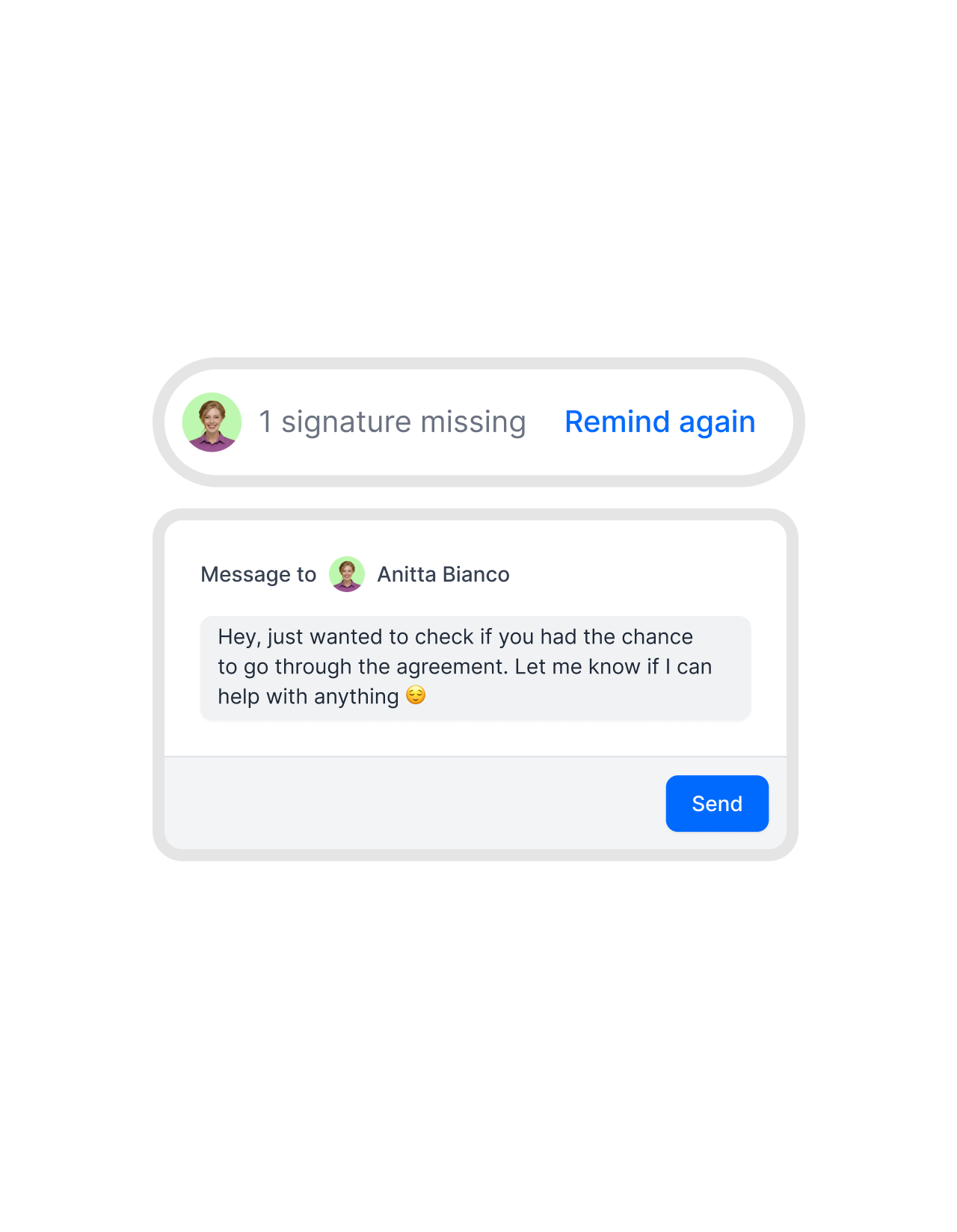
See exactly who signed and who hasn't.
No more awkward follow-ups. Instantly see who has signed, who hasn’t, and who is holding things up. Live status is always visible. Send a personal note when needed.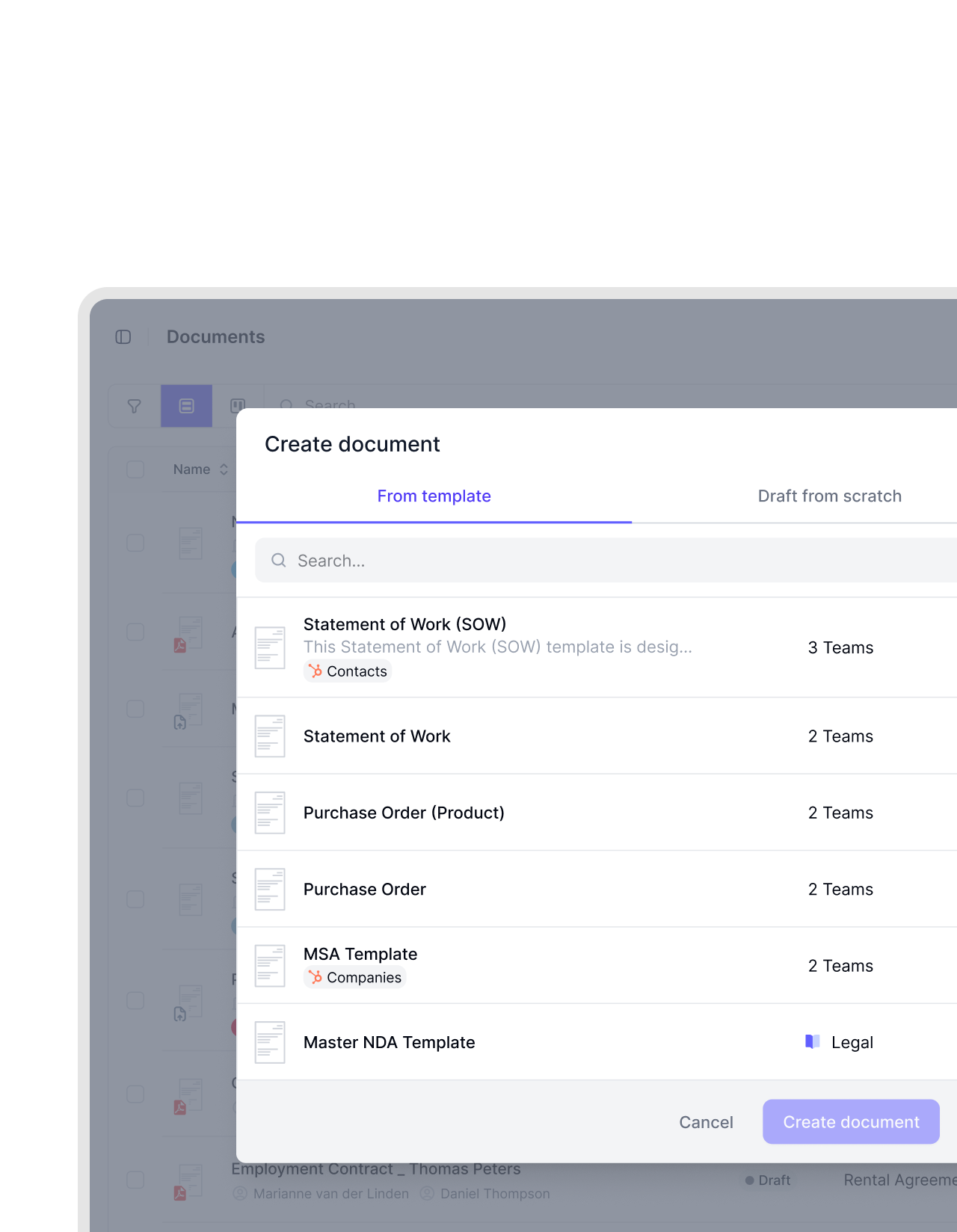 Reusable templatesGet a demo
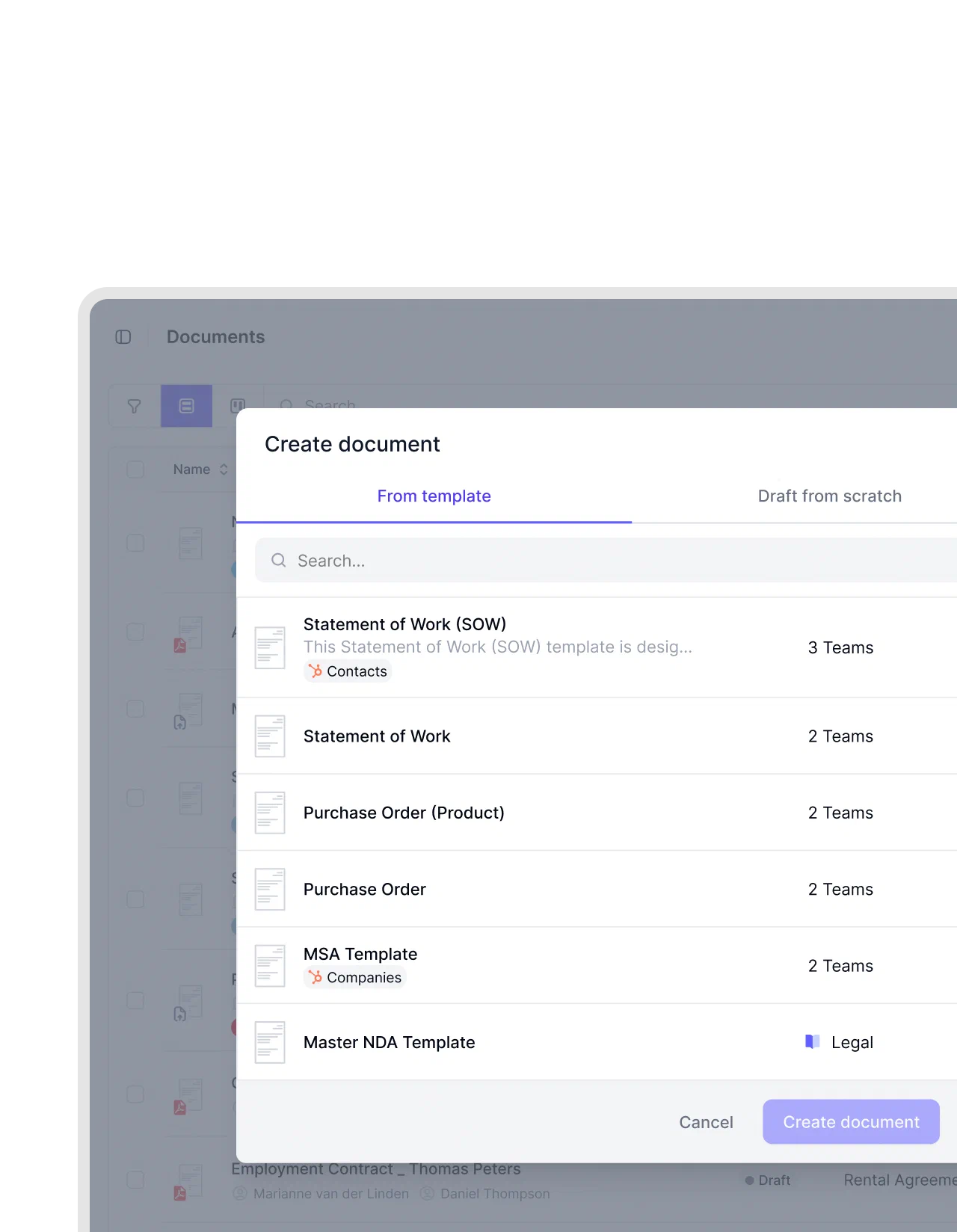
Set the signing flow once. Use it every time.
Recurring contract types often require the same signers in the same order. Define the sequence once in a template and reuse it for every new document."Decision makers get a notification, click two or three times, and the contract is signed. That is a very big and very fast improvement."
Dr. Jörg Burkhardt Head of Sales & New Partnerships of 1. FC Nürnberg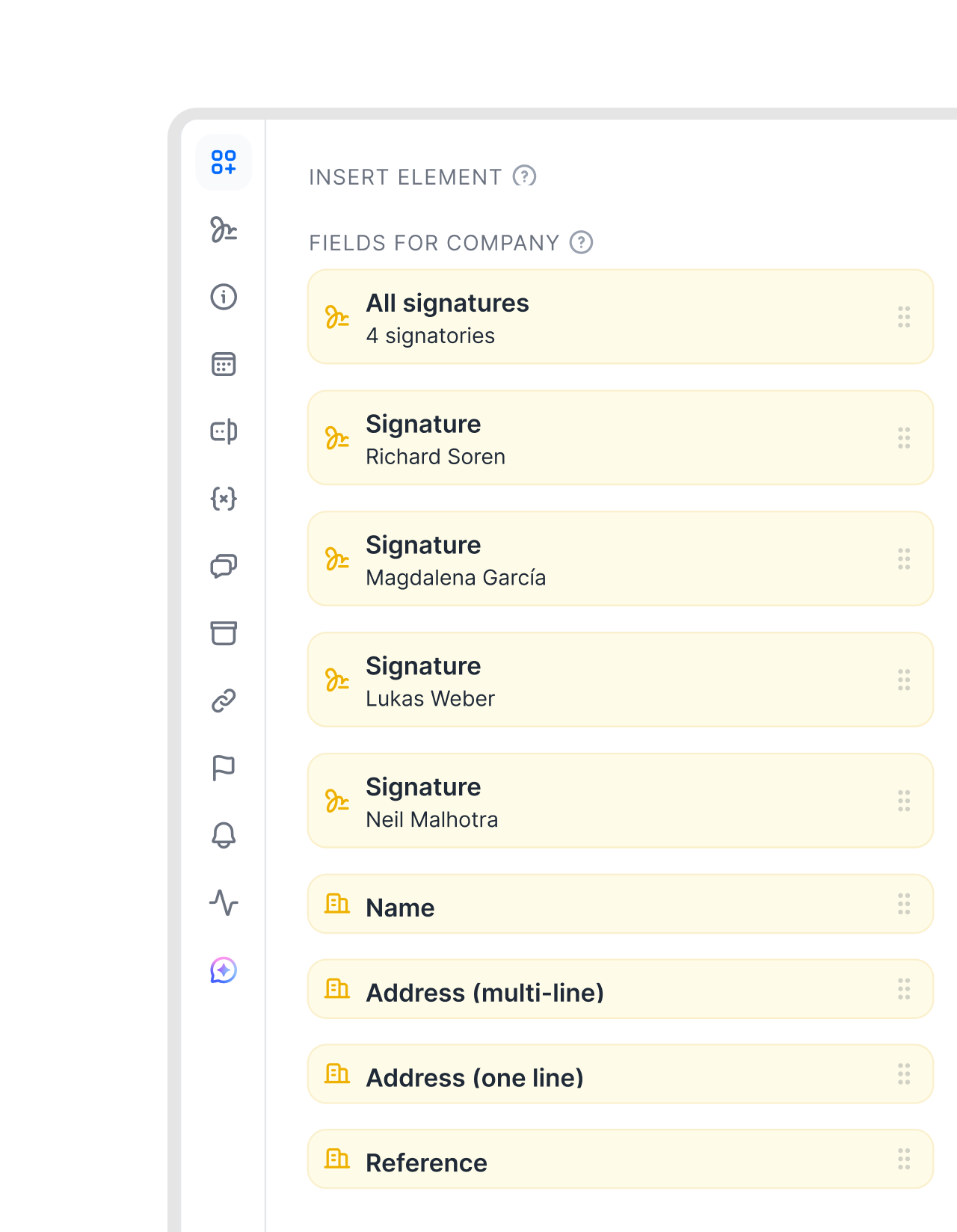 Multiple signatures per signerGet a demo
One signer. Several spots.
Sometimes one signer has to sign in several places. A countersignature. A second sign-off as managing director. Fixed fields on a PDF form. Drop a separate signature block wherever it belongs, side by side or across pages. Each one still follows the order you set. Every mark, one signer, no duplicate parties."The integrated digital signature eliminates media disruptions between different systems. The process is streamlined from contract creation to signing and saving. You don't have to switch any system."
 Elisa Prößdorf Legal Solutions Manager at Unite



"Previously, contract signing could take a week or longer. Sending by email, printing, signing, scanning, sending back. With fynk, we start a signing process and in the best case the contract is signed in half an hour."

Every signature in the right place.
Set the order, automate the routing. Close deals without the follow-up.
Everything in order.
No signer jumps ahead and nothing gets skipped. The contract moves through the flow exactly as you defined it.
Nobody forwards anything.
One person signs and the next is notified automatically. The chain never depends on someone remembering to send it on.
Only if you need it.
Strict signing order when the sequence matters. Open signing when it doesn't. Just a toggle, no workarounds.
Internal first. Always.
No contract reaches a counterparty before your team has cleared it. The gate only opens when you say so.
Live status, always on.
Signing status is always visible. You never have to ask, follow up, or check an inbox to find out where things stand.
Set once. Done forever.
Define the signing sequence in a template. Every contract of that type uses it automatically. The setup happens once.




More product features to explore.
Draft.
Create contracts from proven templates. Fast, consistent, and ready to send.
Boost.
AI reviews, summarizes, and explains your contracts so you never miss what matters.
Sign.
Send contracts for legally binding e-signatures, tracked from sent to signed.
Insights.
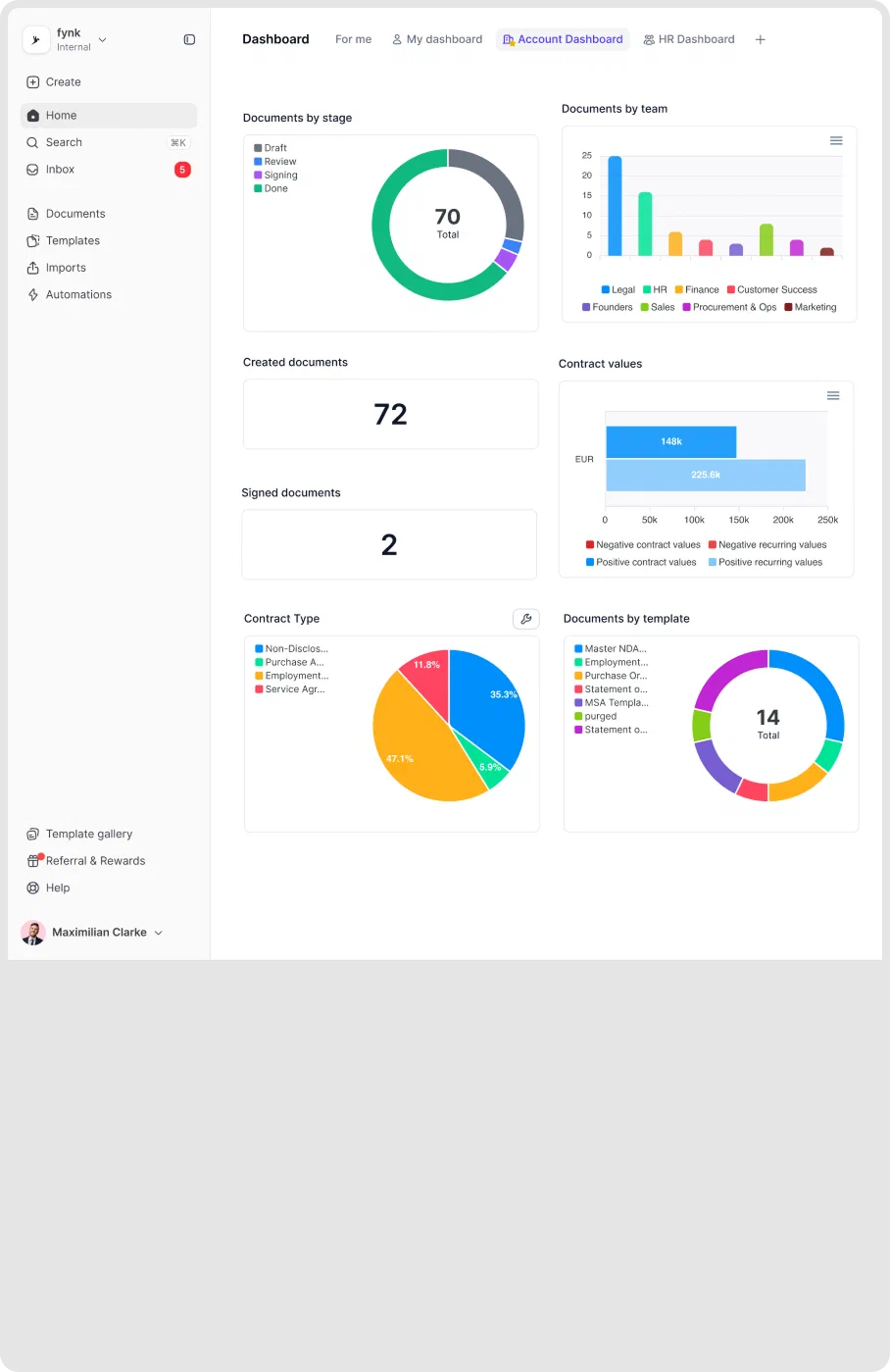
See the full picture of your contracts with dashboards, search, and smart alerts.

Trust isn't a feature. It's the foundation.

European by design.
Designed and developed in Austria. Hosted exclusively in ISO 27001-certified German data centers, under European law.

Security at the core
End-to-end encryption and secure engineering standards across a continuously monitored infrastructure.

Access on your terms
Single sign-on (SSO), mandatory two-factor authentication, and granular role permissions keep contracts with the right users.

GDPR, fully embedded
Fully compliant with European data protection regulations, supported by regular audits and external penetration testing.
Trusted by companies worldwide



Frequently asked questions.
Signature order lets you define the sequence in which people sign a contract. You set who signs first, who follows, and who signs last. The document advances to the next signer automatically once the previous person has completed their part.
When signing order is on, each signer only receives their signing link when the person before them has finished. fynk routes the document automatically and sends a notification at each step. No manual forwarding needed.
Only if you need to. You can add one or more approval steps before the signing phase begins. The document only moves to signers once all required approvals are completed. External parties are never involved until the internal review is done.
fynk sends automatic reminders to signers who haven't yet acted. You can also void the signing request and restart with an updated sequence if needed. All actions are recorded in the audit trail, so there's always a clear record of what happened.
Yes. You can define the signing order directly in a template so it applies every time that contract type is created. Consistent execution flow across every deal, without having to configure it manually each time.
Still have questions?


Set the order once. Every signature follows.
Define who signs and when. fynk routes, notifies, and tracks the rest.