


Approve contracts in Microsoft Teams. fynk handles the signing.
Approvers click a card in Teams, requests turn into drafts from your template, and the channel hears when a deal closes.


Pick a Zap, pick a channel, done.
Sign in to Teams and fynk on Zapier, choose where messages go, and the Zap runs before your next meeting.
Approvals, requests and signed deals, in the channel.
Post signed contracts to a channel, approve new contracts from a Teams card, turn channel or chat messages into drafts, and share a Claude briefing of every signed deal.






Most contract questions already start in a Teams chat.
Approvals, requests and status questions already happen in Teams. Connect fynk, and each one moves the contract forward instead of starting another email thread.
 ApprovalsLearn more
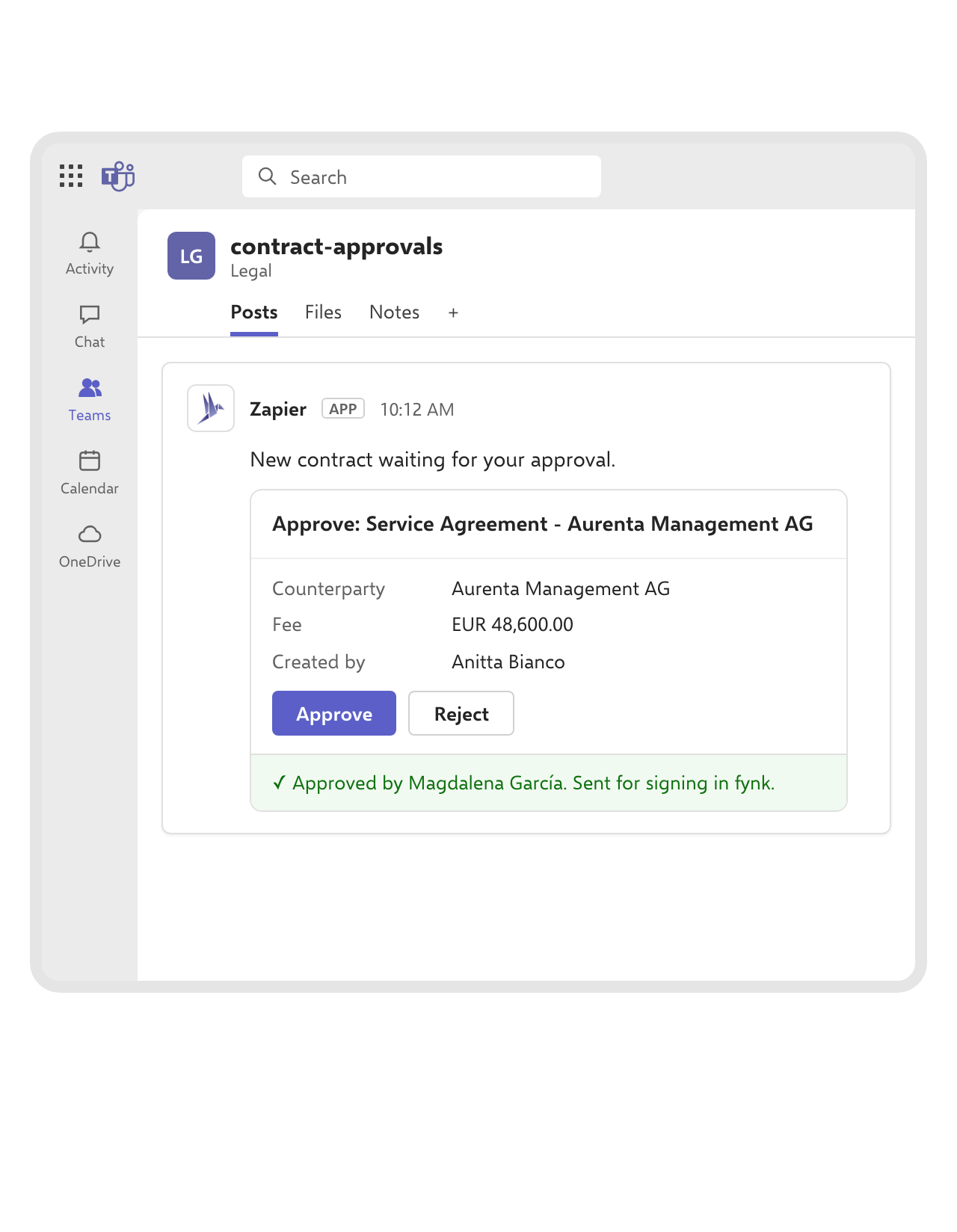
Approve a contract from a card in Teams.
When a new contract is created in fynk, the Zap posts an approval card to the channel or chat you choose and waits. The approver clicks Approve, and fynk sends the contract for signing with your message. A rejection stops it before it reaches the other side.FEATURES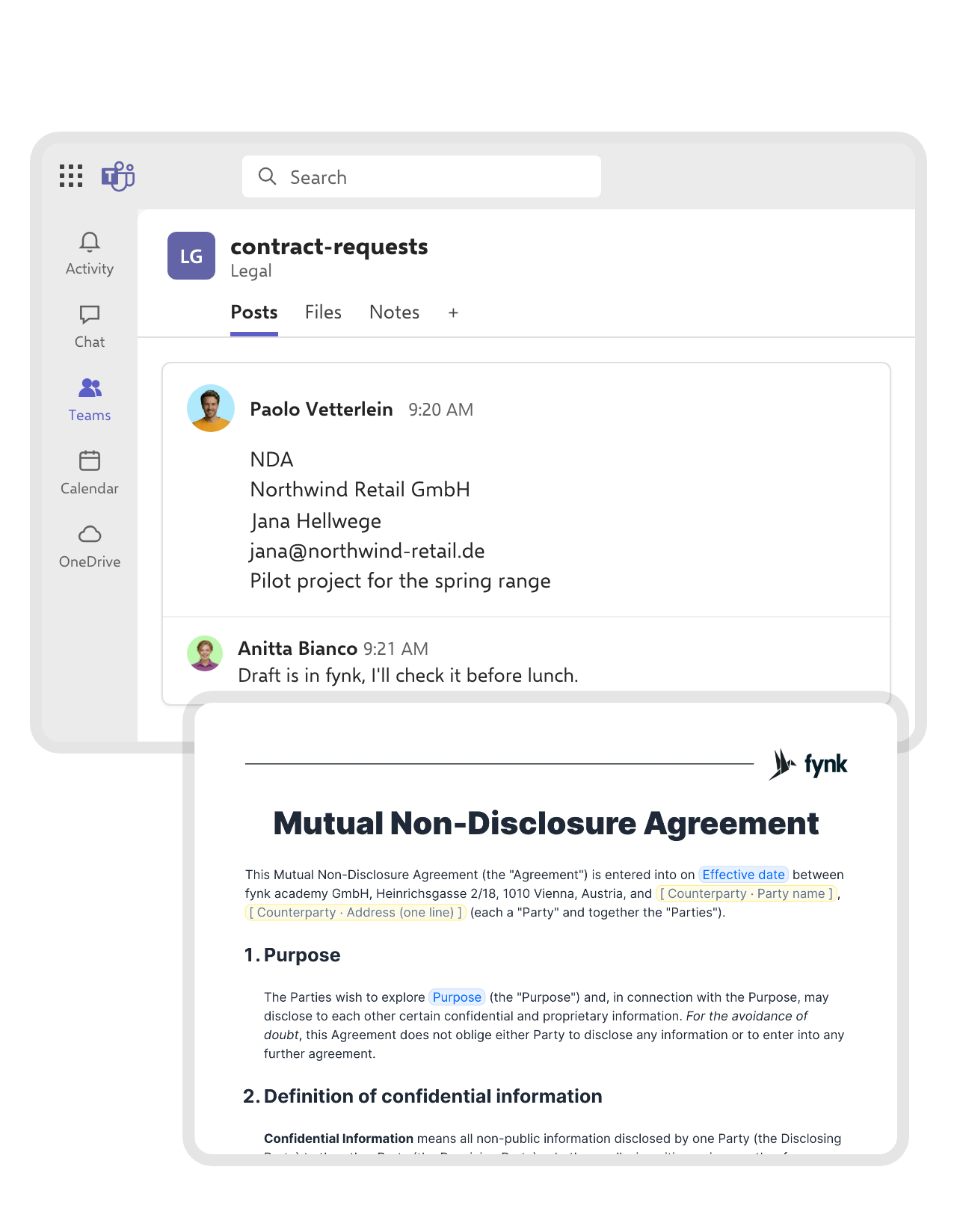 RequestsLearn more
Write the request in a channel. fynk drafts the contract.
Post the details in a contract-requests channel, one per line: contract type, company, contact, email, purpose. The Zap splits the message and fills your fynk template, so Legal reviews a finished draft instead of retyping a chat. A version for one-on-one chats works the same way.FEATURES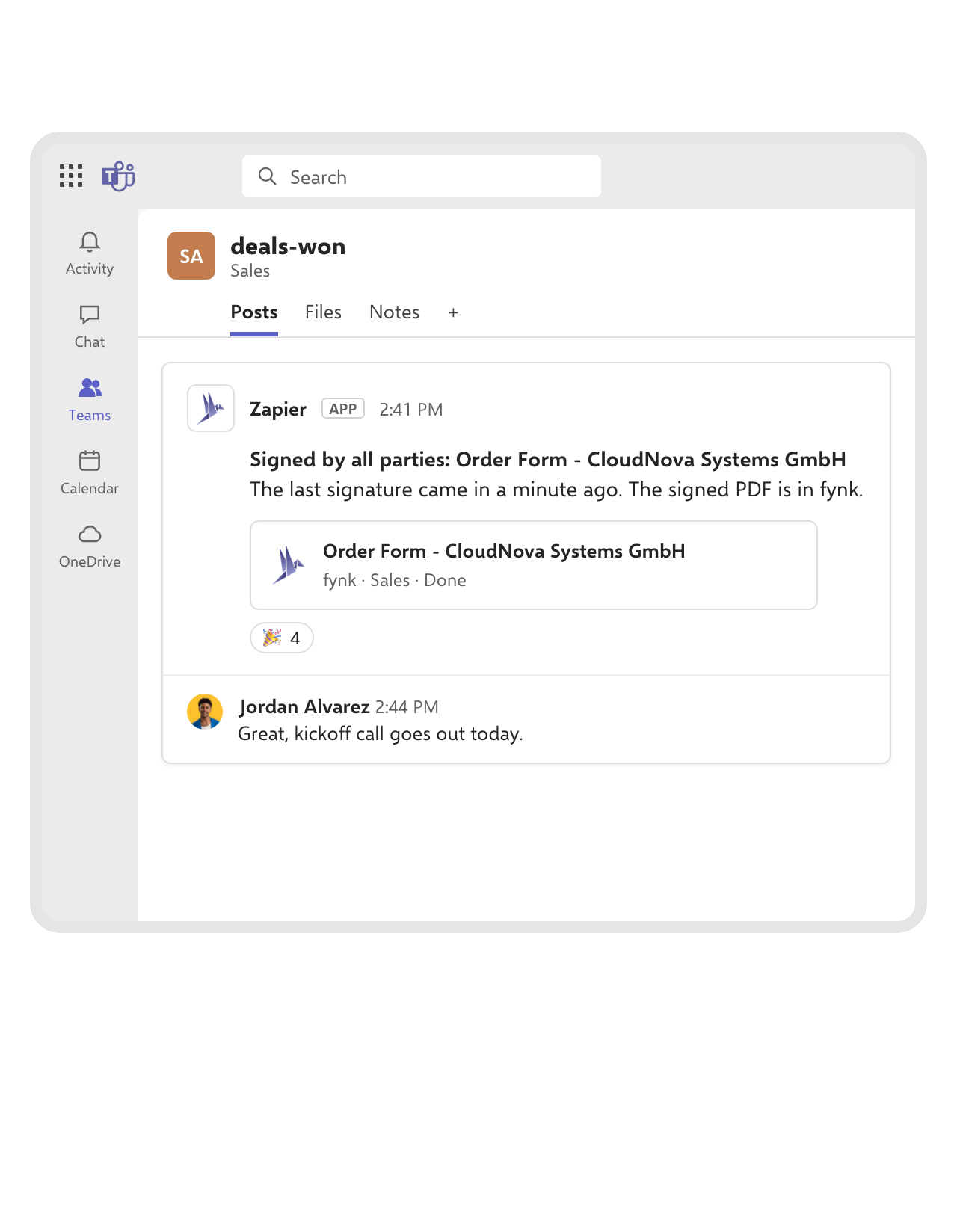 Signed dealsLearn more
The channel sees the deal close the moment it's signed.
As soon as every party has signed in fynk, a message with the contract’s name lands in the channel you pick. Sales books the kickoff call the same afternoon, without first asking the account owner whether the order form is back.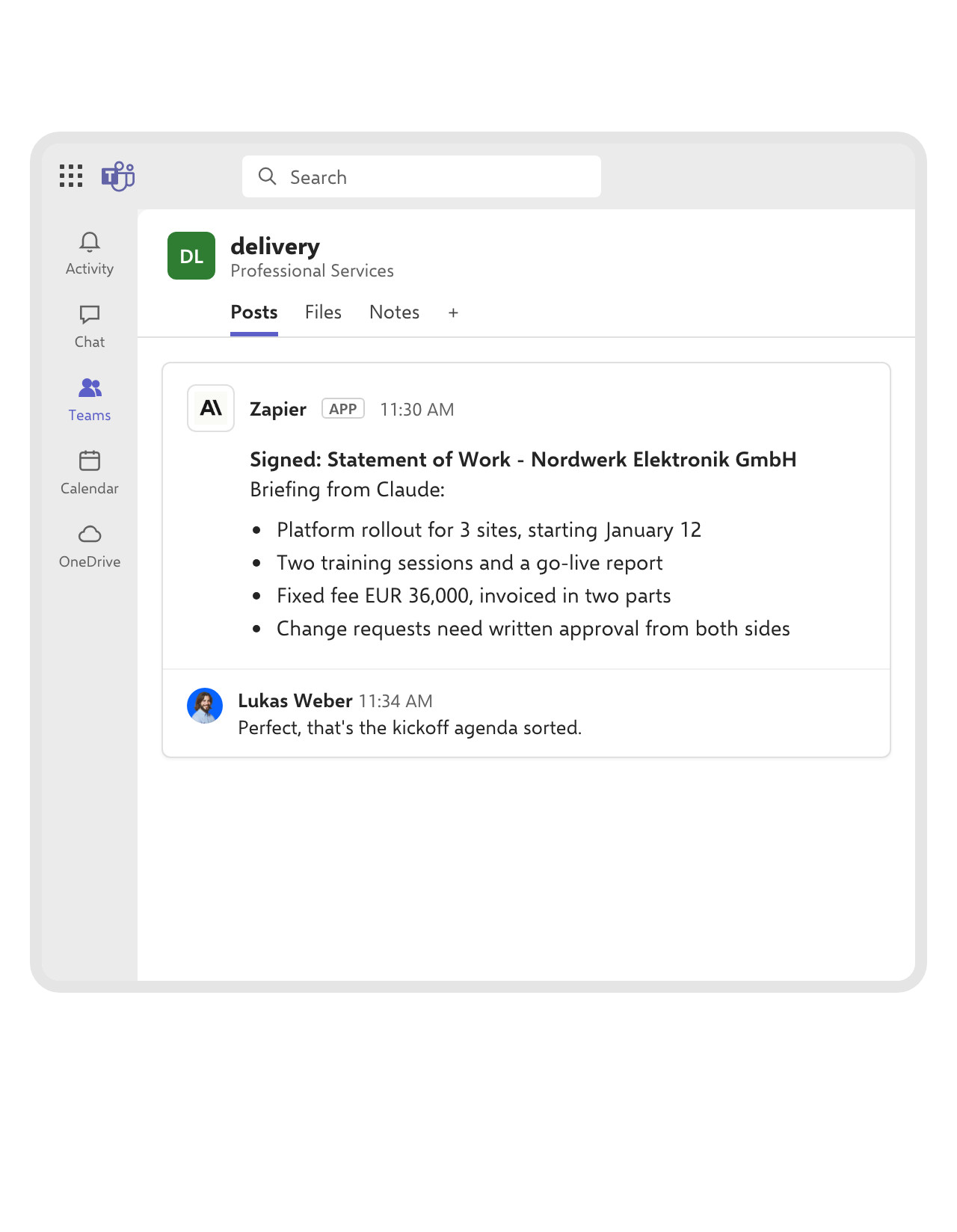 BriefingsLearn more
A plain-language briefing for the people who deliver.
When a contract is signed, the Zap reads its dynamic fields, asks Claude to sum up what was agreed and what the team has to deliver, and posts the briefing to your delivery channel. The project team starts with the scope, the dates and the fee, without opening the contract.FEATURES


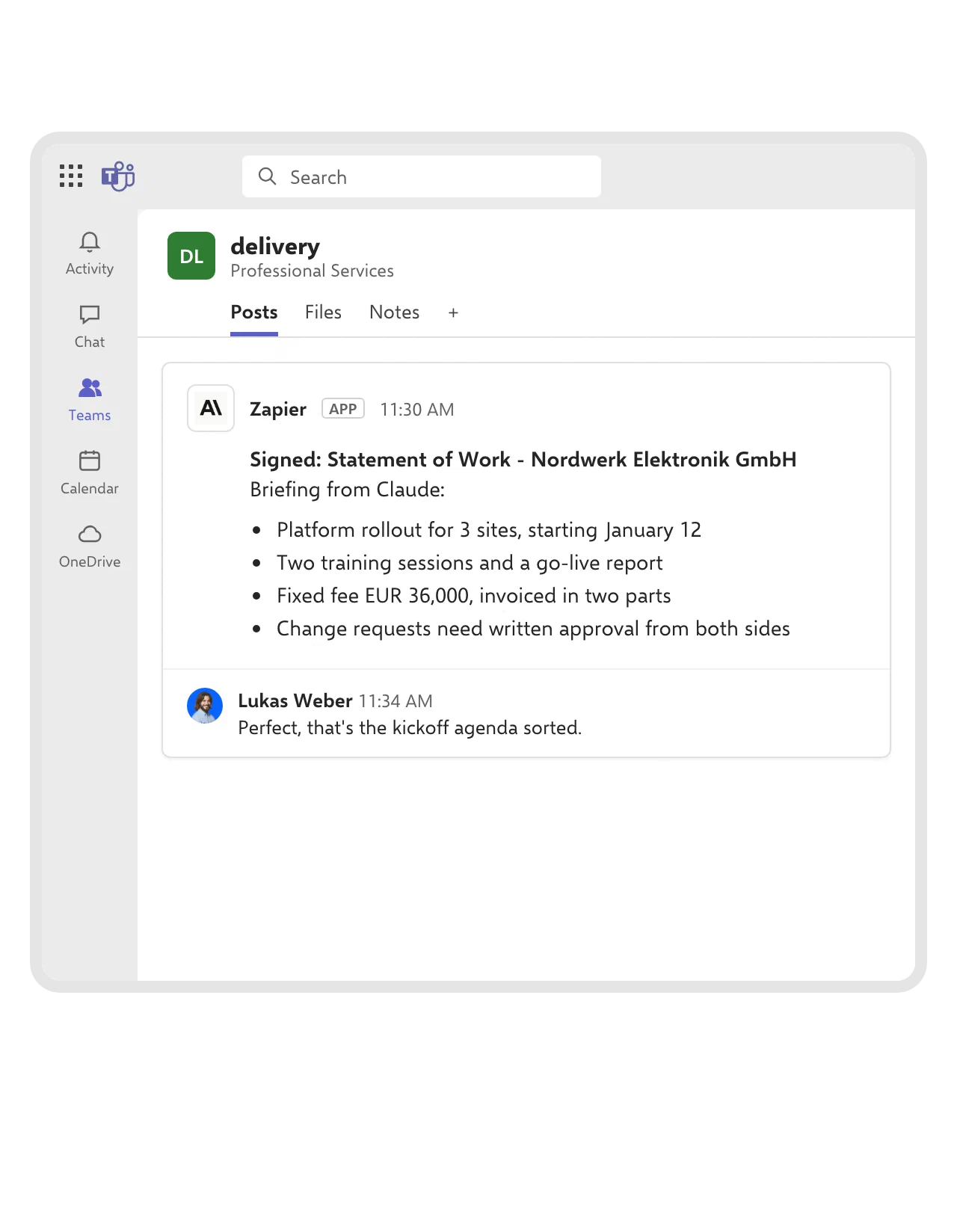
Filed in SharePoint or OneDrive, announced in Teams.
Signed PDFs saved to SharePoint or OneDrive with a message in the channel, new Outlook attachments and OneDrive files turned into fynk documents for review, and a Workday hire that comes with its contract draft.
Use cases
Three flows worth copying for your team.
Built in the real app, with every field shown.
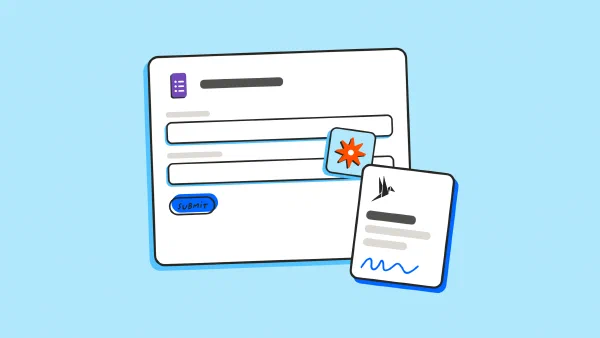
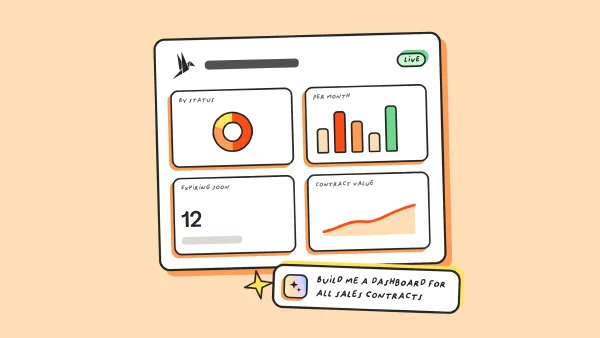
 SharePoint archiveLearn more
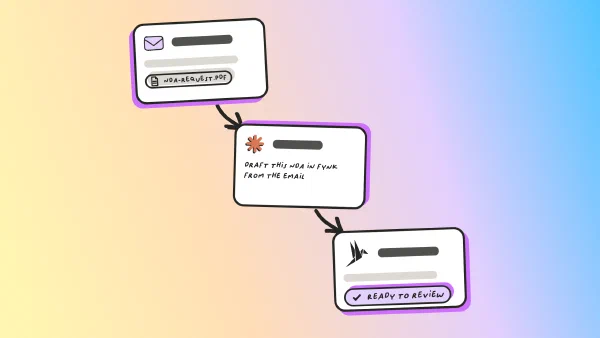
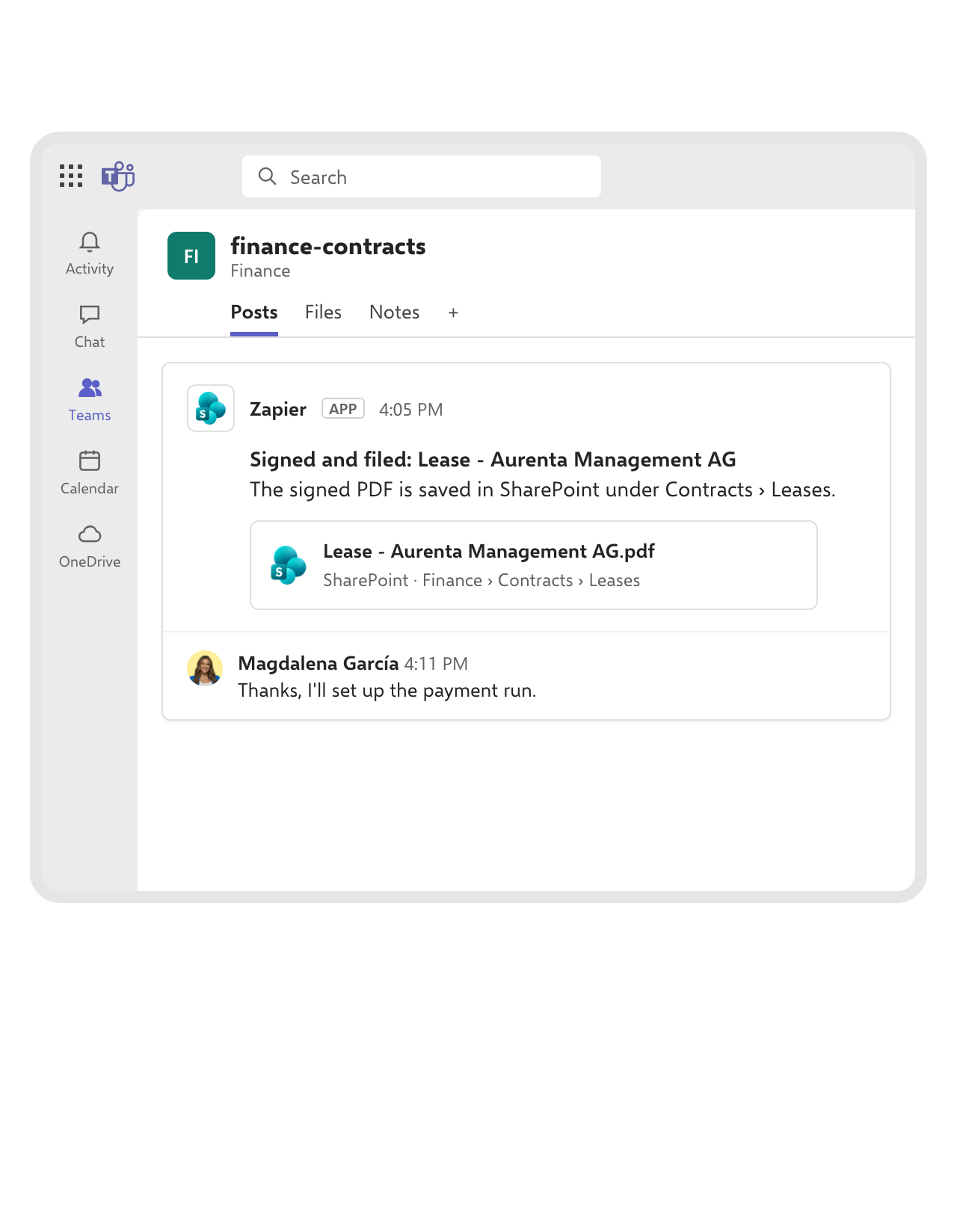
Signed, saved to SharePoint and announced in one go.
Each signed contract is saved as a PDF to the SharePoint folder you choose, and the channel gets a message with the link. Finance opens the lease from the same place every time, and no signed copy lives only in someone’s downloads.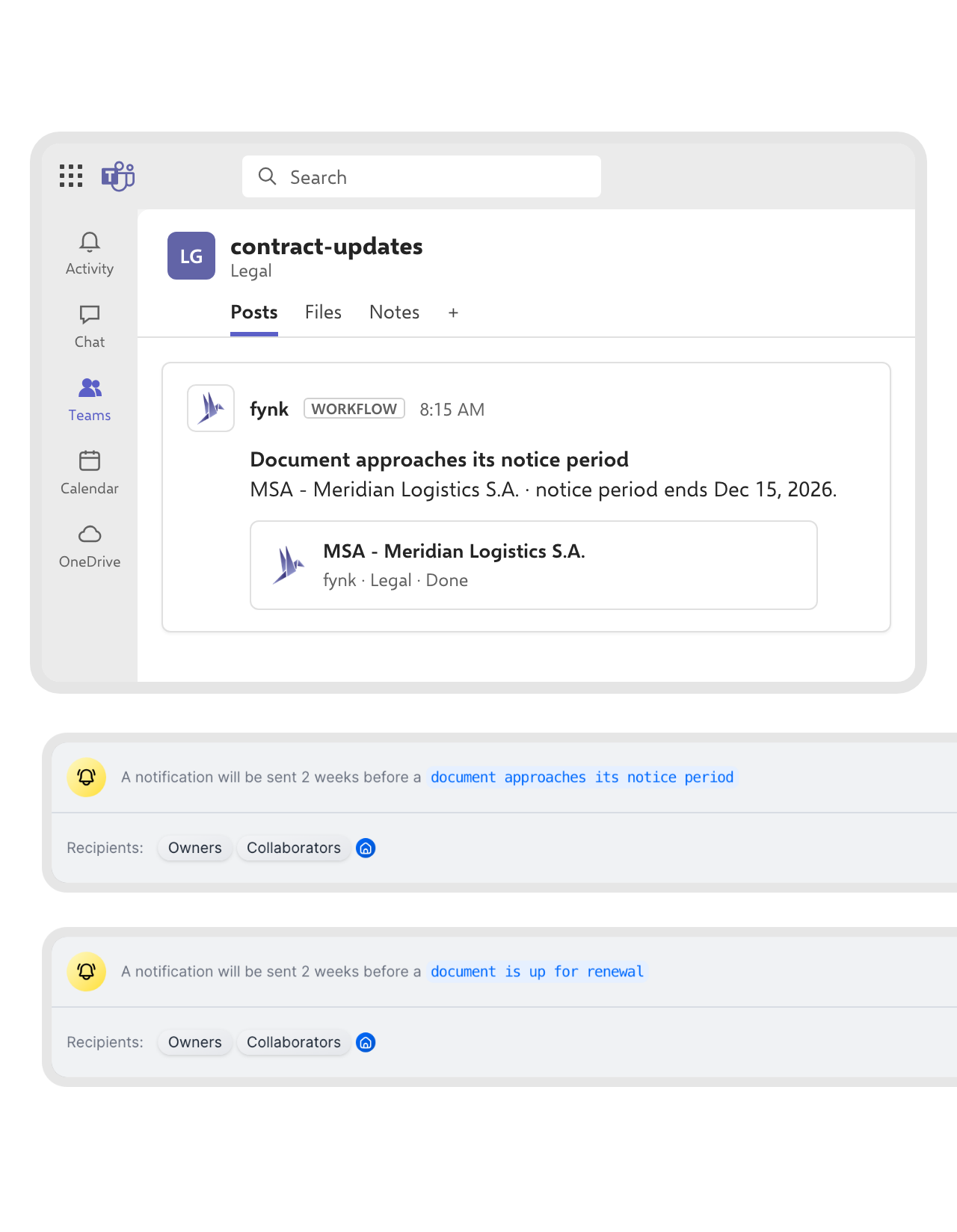 Without ZapierLearn more
Notice periods and renewals, posted by fynk itself.
Some updates don’t need a Zap at all. Give a fynk webhook the Microsoft Teams delivery format and a channel’s webhook address, attach it to the notice-period and renewal events, and fynk writes to the channel on its own.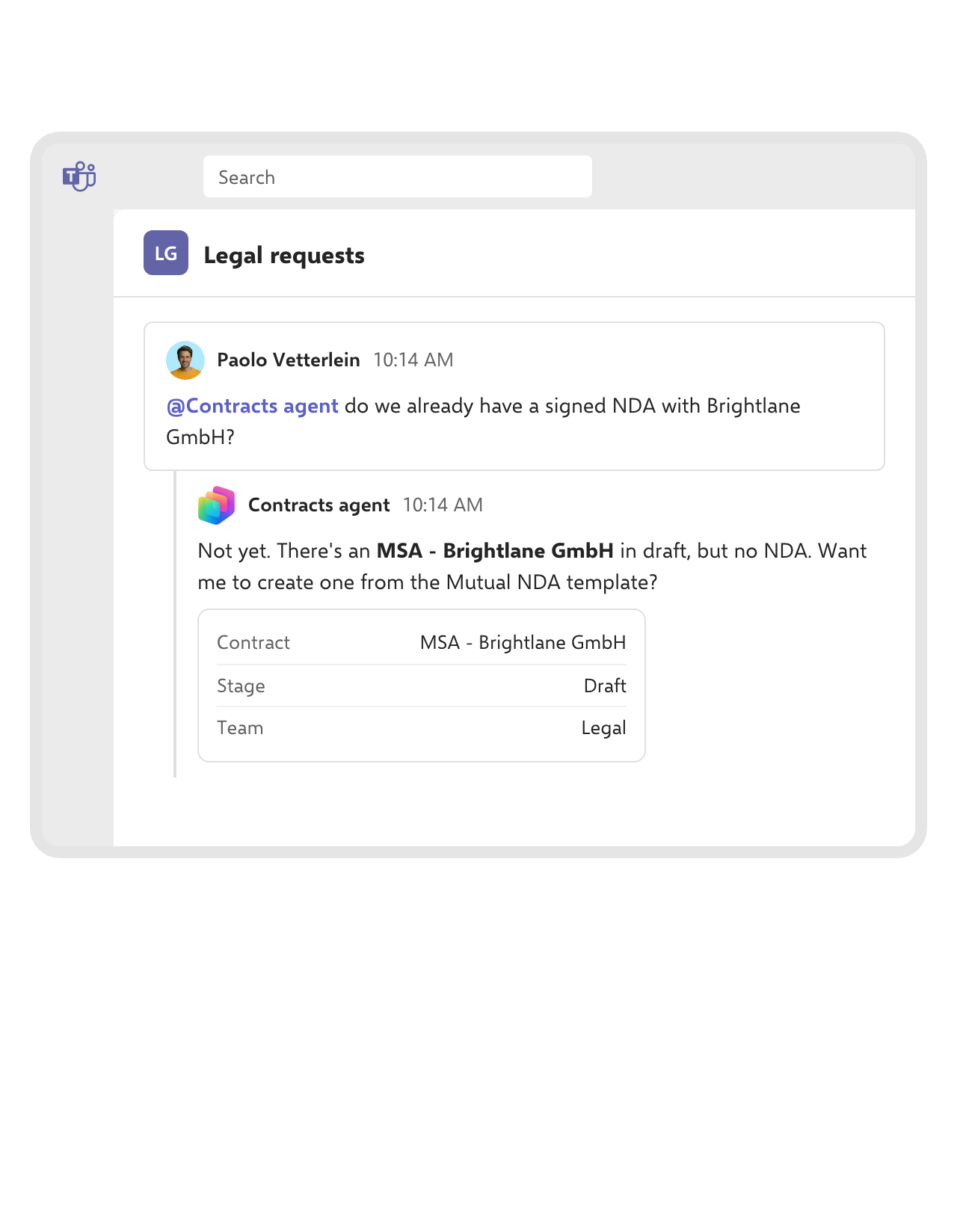 Contracts agentLearn more
Ask a Copilot Studio agent about any contract, in Teams.
Build an agent in Copilot Studio with fynk’s MCP server and publish it to Teams. Mention it in a channel to check whether an NDA exists, find a contract’s terms or start a draft, and it answers with what the person asking is allowed to see.FEATURES


Less waiting between yes and signed.
Fewer status emails, faster sign-offs, and contracts that start where the request was made.
Sign-off in one click.
Approvers decide from a Teams card, and fynk sends the contract for signing.
Approved wording only.
Every draft from a Teams message starts from the template Legal set in the Zap.
Status where people look.
Signed deals and upcoming dates appear in the channel the team already follows.
Fits your Microsoft 365.
Zaps that combine Teams with SharePoint, OneDrive and Outlook are ready to switch on.
Requests without a fynk seat.
Colleagues start a contract from Teams, while fynk users review and send it.
A direct option, too.
fynk's webhooks post to Teams without Zapier, in Teams' own message format.
Your first Teams Zap, running before the next standup
You need fynk Business or Pro, a Zapier account and Microsoft Teams
- Step 1
In fynk, create an API token under Account settings > API integrations > fynk API.
- Step 2
Open a Teams Zap above, connect fynk with the token and sign in to Microsoft Teams. For approval cards, add the Zapier app to Teams.
- Step 3
Choose the team and channel and, for drafting Zaps, the fynk template and its fields. Test the Zap and switch it on.
How fynk and Microsoft Teams work together
fynk connects to Teams through Zapier with ready-made templates, and directly through webhooks in Teams’ message format.
Microsoft Teams workflows
| Workflow | Trigger | Steps |
|---|---|---|
| Signed contract to a channel | fynk: New Signed Document | Microsoft Teams: Send Channel Message |
| Approval before signing | fynk: New Document | Microsoft Teams: Send Approval Request and Wait, then fynk: Move Document to Signing Stage |
| Draft from a channel message | Microsoft Teams: New Channel Message | Formatter: Split Text, then fynk: Create Document From Template |
| Draft from a chat message | Microsoft Teams: New Chat Message | Formatter: Split Text, then fynk: Create Document From Template |
| Claude briefing | fynk: New Signed Document | fynk: Find Dynamic Fields, Claude: Send Message, Microsoft Teams: Send Channel Message |
| Signed PDF to SharePoint | fynk: New Signed Document | fynk: Find Document Download URL, SharePoint: Upload File, Microsoft Teams: Send Channel Message |
| Notice periods and renewals | fynk webhook (Microsoft Teams format) | Posted to the channel by fynk |
Zapier or webhooks?
| Use it when | |
|---|---|
| Zapier | You want approvals, drafts from messages or several apps in one flow. |
| Webhooks | You want fynk events in a channel, with no extra tool in between. |
Beyond the channel: files, mail and agents.
Signed files in SharePoint and OneDrive, contracts from Outlook, and agents built in Copilot Studio.
 SharePointStorage
 OutlookCommunication
 OneDriveStorage
 Copilot StudioAI
 ZapierAutomation
 WebhooksDeveloper
Frequently asked questions.
Yes. Ready-made Zapier templates post signed contracts to a channel, send approval cards and turn Teams messages into fynk drafts. fynk’s own webhooks can also post events to a Teams channel directly.
Yes. When a contract is created in fynk, the Zap sends an approval card to the chat or channel you choose. Once someone approves, fynk moves the contract to signing. For the cards, the Zapier app needs to be added to Teams.
Yes. Post the details one per line in a channel or a chat, and the Zap fills them into your fynk template and creates the document for review.
No. The Zap creates the document with your fynk API token, so anyone in the channel can start a request. The people who review, approve in fynk and send it need fynk access.
Yes. A fynk webhook in the Microsoft Teams delivery format, attached to the notice-period and renewal events, posts those dates to the channel.
fynk Business or Pro for API access and webhooks. The two-step Zap that posts signed contracts runs on Zapier’s free plan. Zaps with more steps, like approvals or drafts from messages, need a paid Zapier plan. See the fynk plans on the pricing page.
Yes, with an agent. Build one in Copilot Studio with fynk’s MCP server and publish it to Teams, and people can ask about contracts, deadlines and terms in a chat or channel.
Still have questions?


Sign-off in hours, not in reply-all threads.






Take control of your agreements. Move your business forward.
Run agreements the way they should run: fast, clear, and on your terms.
No setup headaches
Go live in days, not quarters
No lock-in
Full export anytime
No hidden fees
Signatures included, no envelope fee