


Every signed contract, saved to OneDrive on its own.
Draft, approve and sign in fynk. Signed PDFs land in OneDrive, and Outlook attachments turn into tracked contracts, through Zapier.


Built on Zapier. Set up in one coffee break.
Sign in with your Microsoft work account, pick a folder, add your fynk token.
OneDrive Zaps you can copy as they are.
Signed PDFs into OneDrive, with a Teams post or an Outlook email. New OneDrive files and Outlook attachments into fynk.






Every contract gets an owner, not just a folder.
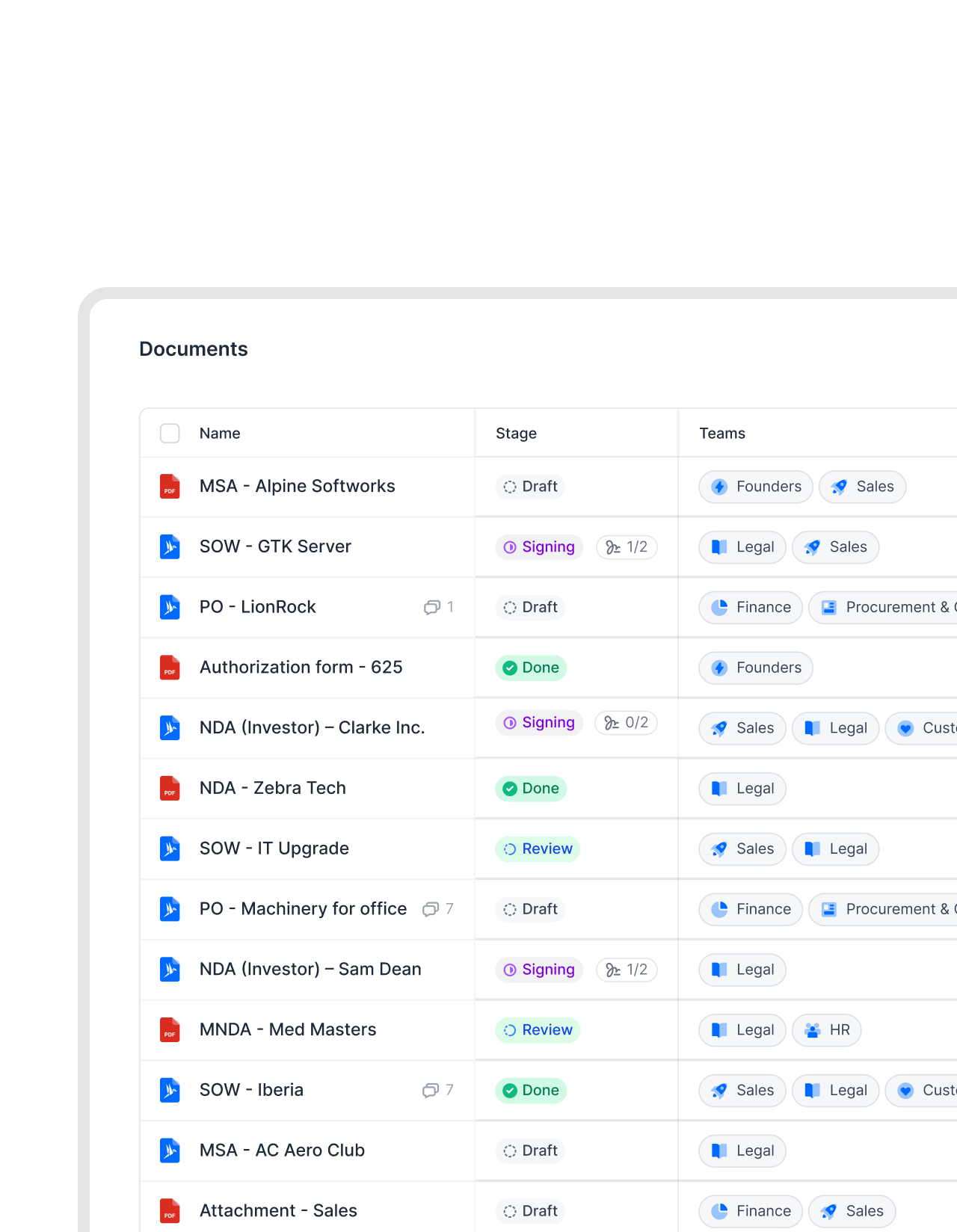
OneDrive keeps the file. fynk gives every contract an owner, a team and a deadline, so nothing depends on one person's folder.
"We used to have contracts scattered across shared drives and email threads. With fynk, every land lease and supplier agreement is in one place, searchable and always current."
 Saved to OneDriveLearn more
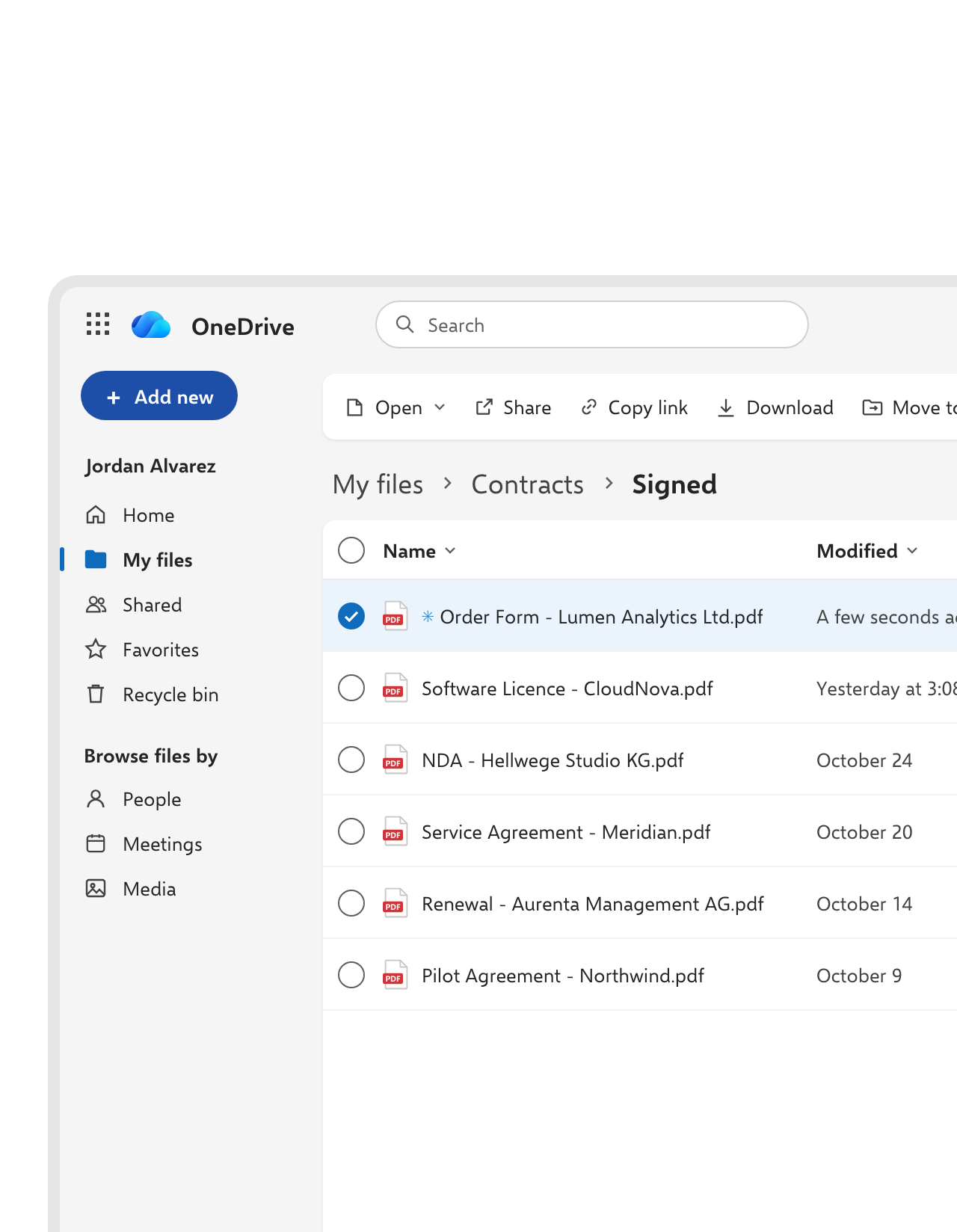
The countersigned copy lands in OneDrive, not in your Downloads folder.
When the last signature is in, the Zap uploads the final PDF to the OneDrive folder you chose, named after the contract. Sales reps keep their deals in the folders they already work in, synced to their laptops.FEATURES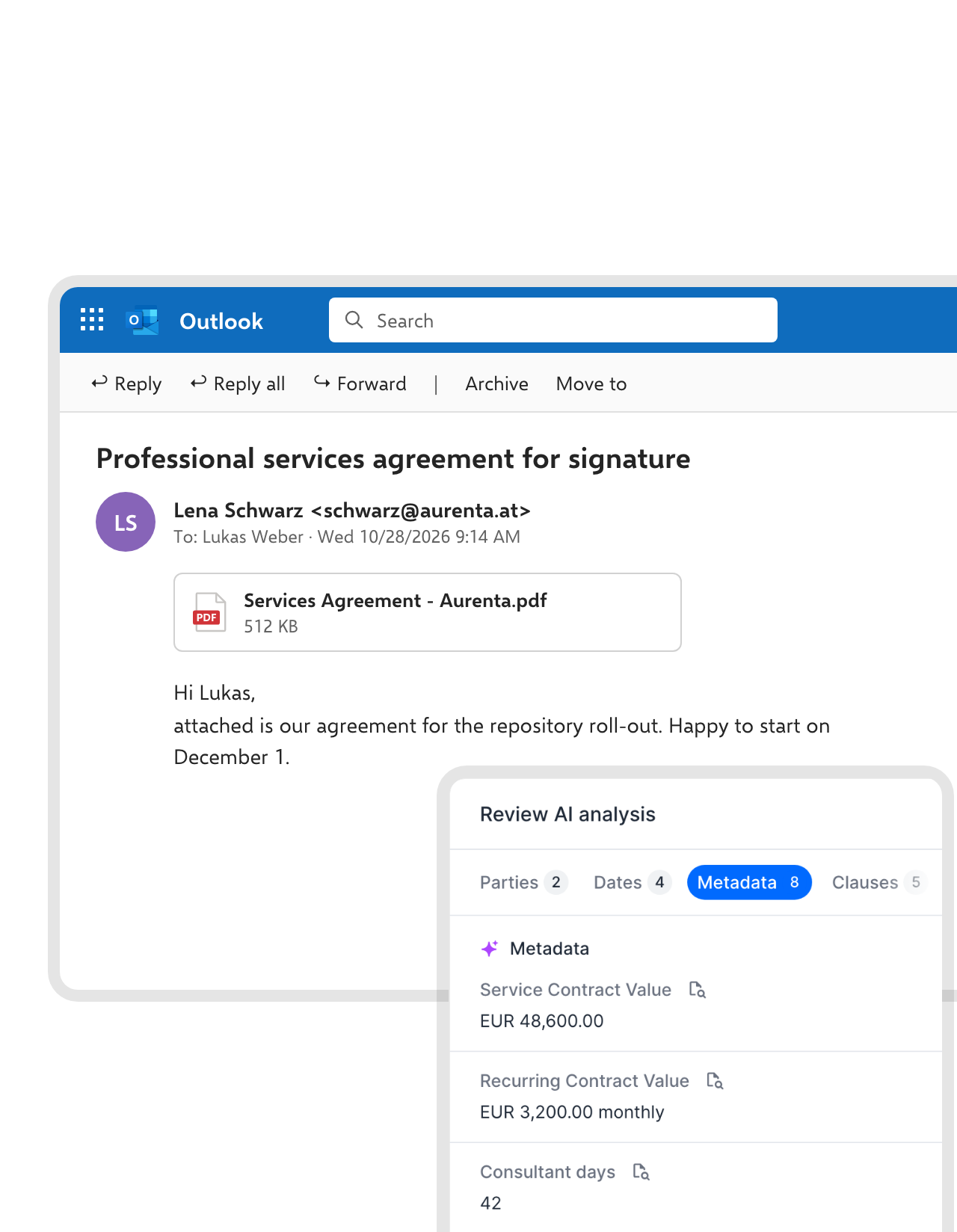 Outlook attachmentsLearn more
Email attachments go to OneDrive and fynk in one step.
A supplier sends a PDF to your Outlook. The Zap saves the attachment to OneDrive and creates a fynk document from it, and AI analysis reads the parties, dates and values. The PDF is filed and read before your next meeting.FEATURES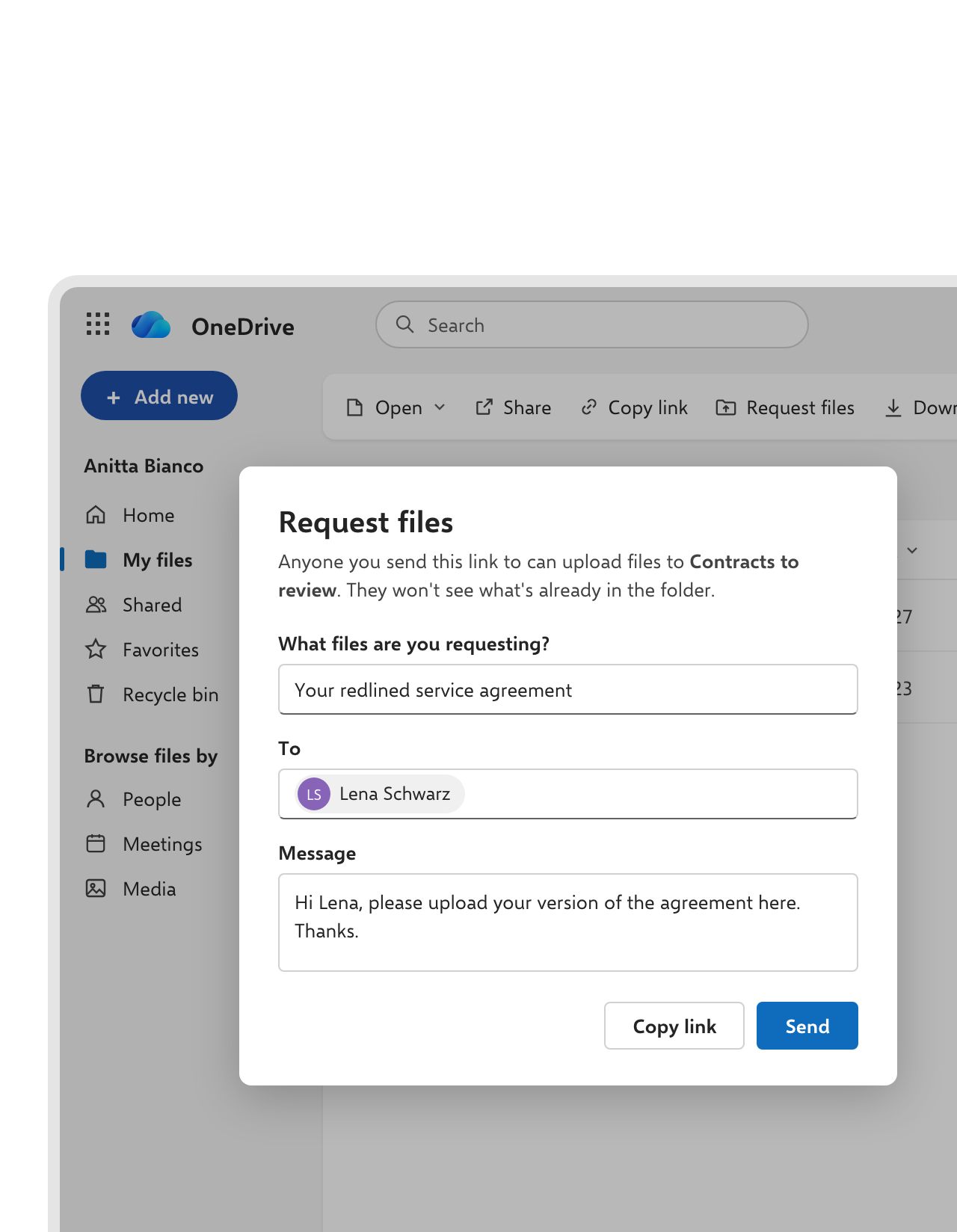 File requestsLearn more
Counterparties drop their paper straight into your OneDrive.
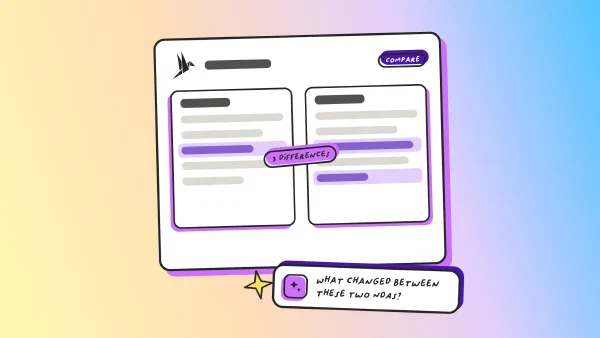
Send the other side a OneDrive file request. They upload their version without seeing anything else in the folder, and each new file turns into a fynk document, read by AI and ready for review."When I receive contracts from others, the AI gives me a quick overview so I don't have to read everything in detail."
 Alina Heiner Founder and Director at maven
 Legal channelLearn more
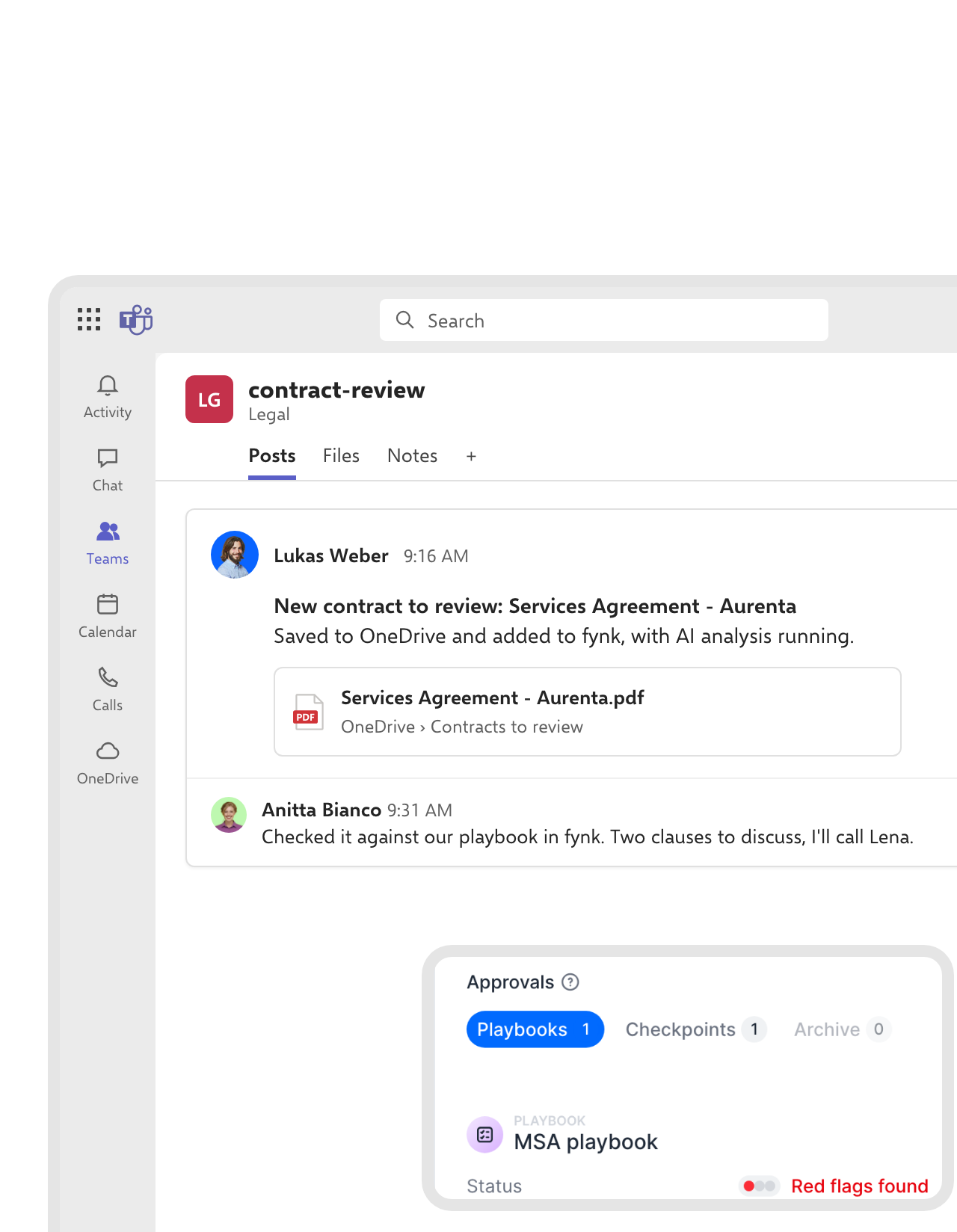
Legal hears about new third-party paper in Teams.
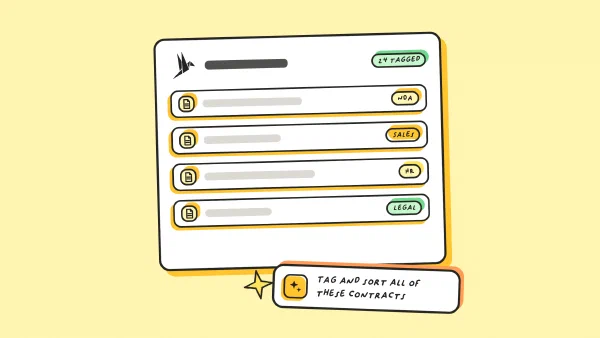
When a contract lands in the review folder, a Teams message tells the channel it’s waiting in fynk. Whoever picks it up runs the playbook and sees the red flags before reading page one.FEATURES


 OffboardingLearn more
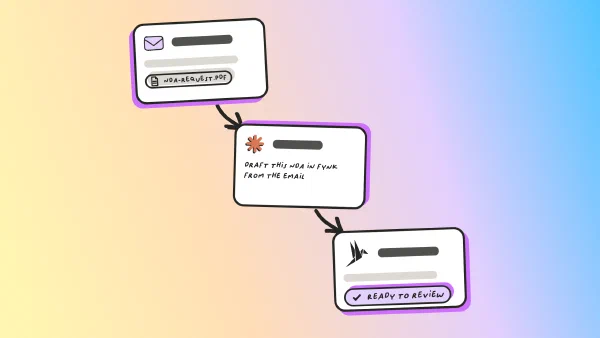
When someone leaves, their contracts stay.
Delete a user in Microsoft 365, and their OneDrive is deleted 30 days later by default. In fynk, contracts belong to teams, not to one login. The next owner picks up where the last one stopped."Our biggest issue was contract storage. It was very decentralized. Each department managed things on their own. Some files were missing, some were duplicated. There was no real system behind it."
 Elisa Prößdorf Legal Solutions Manager at Unite
 FinanceLearn more
Finance gets the signed copy without having to ask.
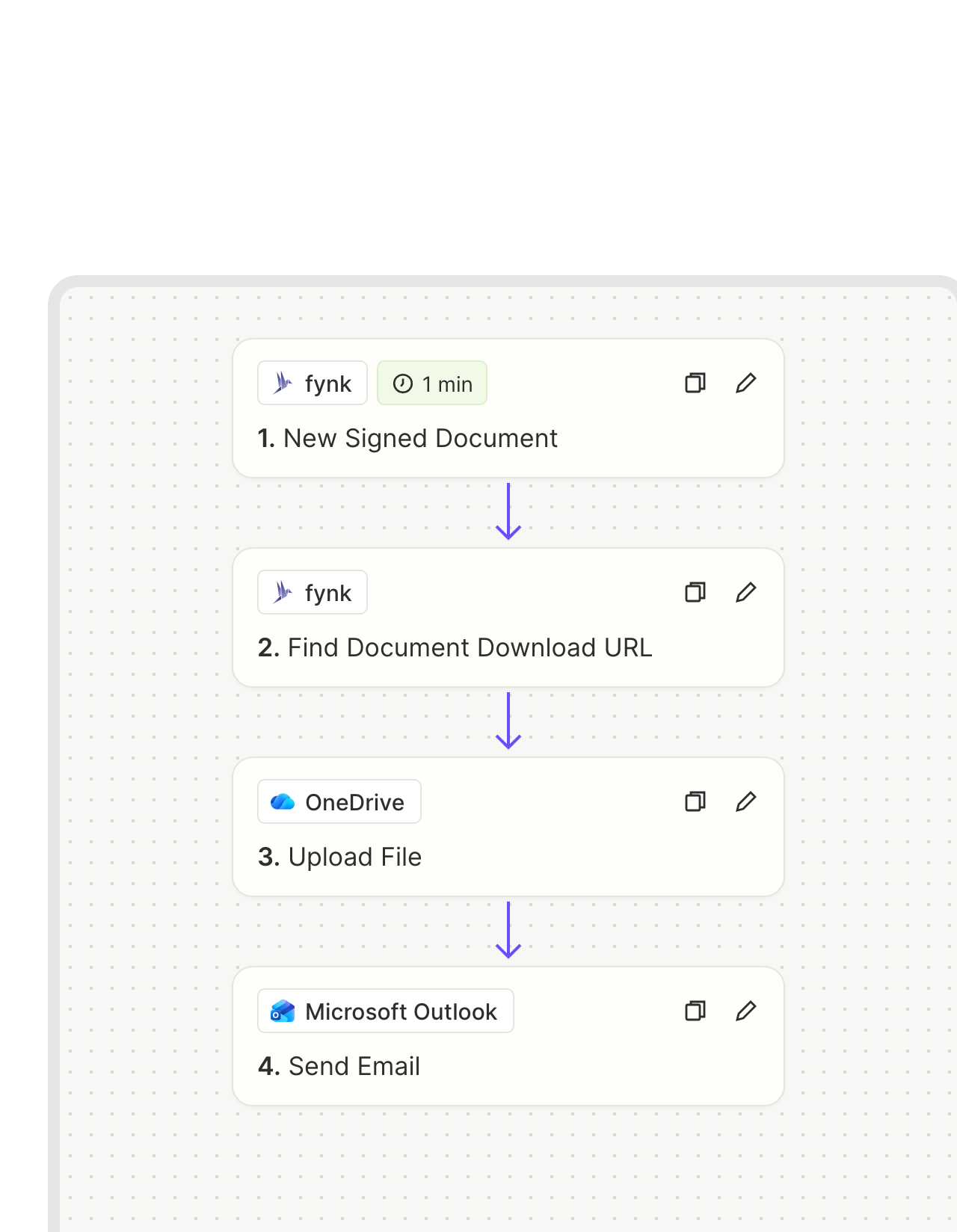
The Zap that saves the PDF to OneDrive also sends an Outlook email with the link. Finance invoices from the signed version, not from the draft someone forwarded last week.FEATURES


SharePoint, Teams and Outlook, on the same contracts.
Each one connects to the same fynk account, so nothing gets filed twice.


OneDrive and fynk, connected before lunch
It takes fynk Business or Pro, a Zapier account and OneDrive for work or school
- Step 1
Create an API token in fynk under Account settings > API integrations > fynk API.
- Step 2
Open a OneDrive Zap above, connect fynk with the token and sign in with your Microsoft work account.
- Step 3
Pick the folder, test the Zap and switch it on.
Frequently asked questions.
Yes, through Zapier. Signed contracts can be saved to a OneDrive folder automatically, with a Teams message or an Outlook email if you want. New OneDrive files and Outlook attachments can become fynk documents.
No. Zapier's OneDrive app needs OneDrive for work or school, which comes with a Microsoft 365 business plan. Personal Microsoft accounts can't connect.
OneDrive stores and shares files, keeps version history and collects files through request links. Copilot in OneDrive can summarize and compare documents if your plan includes it. Microsoft's eSignature sends signature requests from SharePoint sites, with simple electronic signatures. Templates with dynamic fields, approval rules, AES and QES, and notice period reminders are where fynk comes in.
Upload the PDF to fynk, or create the contract from a template, and choose the signature level before you send it. Once everyone has signed, the signed copy can go back to OneDrive by itself. More on the levels under eIDAS compliance.
By default, Microsoft gives the manager access and deletes the OneDrive 30 days after the account is deleted. Admins can change that period. Contracts in fynk belong to teams, so they stay when people go.
Yes. Download the folder and drop it into bulk import. AI fills in the parties, dates and values for every document.
fynk Business or Pro for API access, a Zapier account, and Microsoft 365 with OneDrive for work or school. The fynk plans are on the pricing page.
Still have questions?


From scattered folders to one contract home.






What the OneDrive integration does
fynk connects to OneDrive through Zapier, with no custom code. It works with OneDrive for work or school, and Outlook and Microsoft Teams can join the same Zap.
The OneDrive workflows
| Workflow | Trigger | Steps |
|---|---|---|
| Signed contract to OneDrive | fynk: New Signed Document | OneDrive: Upload File |
| Saved and posted in Teams | fynk: New Signed Document | fynk: Find Document Download URL, OneDrive: Upload File, Microsoft Teams: Send Channel Message |
| Saved and emailed with Outlook | fynk: New Signed Document | fynk: Find Document Download URL, OneDrive: Upload File, Microsoft Outlook: Send Email |
| New OneDrive file to fynk | OneDrive: New File | fynk: Create Document From PDF |
| New file with a Teams heads-up | OneDrive: New File | fynk: Create Document From PDF, Microsoft Teams: Send Channel Message |
| Outlook attachment to OneDrive and fynk | Microsoft Outlook: New Attachment | OneDrive: Upload File, fynk: Create Document From PDF |
Who does what
| OneDrive | fynk | |
|---|---|---|
| Signed PDF | A copy in your folder | The original with its audit trail |
| Templates and drafts | Approved templates, dynamic fields, versions | |
| Approvals and signatures | Approval steps, SES, AES and QES | |
| Dates and reminders | Renewals, notice periods, reminders |

Your tenant, your rules.

European by design.
Designed and developed in Austria. fynk is hosted in the EU, in ISO 27001-certified data centers.

Security at the core
Encryption in transit and at rest, and secure engineering standards across a continuously monitored infrastructure.

A copy in your OneDrive
Signed contracts are saved to your own OneDrive, so a copy always sits in your Microsoft 365 tenant.

GDPR, fully embedded
Fully compliant with European data protection regulations, supported by regular audits and external penetration testing.
Trusted by companies worldwide



Take control of your agreements. Move your business forward.
Run agreements the way they should run: fast, clear, and on your terms.
No setup headaches
Go live in days, not quarters
No lock-in
Full export anytime
No hidden fees
Signatures included, no envelope fee