


Redact a PDF
Black out what must not leave
Drop a PDF, select the words or draw a box, then download a copy where those areas are gone. No account, and the file never leaves this tab.
Stays on this device. The file never leaves your browser. No account, nothing stored.
Share the file, not the details
Mark the names, amounts, and clauses that should not travel, and download a copy where they are gone for good.
Select the words.
Click and drag over names, amounts, or a clause. Each selection becomes a black bar on that page.
Draw a box for scans.
A scan is a picture, so there is nothing to select. Switch to Draw a box and cover a signature, a logo, or a block of print.
Undo a bar, or clear them all.
Marked the wrong line? Take back the last bar or start over. Nothing is final until you download.
The text is gone.
The download is a flattened copy. The original words are not sitting under the bar. You cannot copy them back out.
Your original is untouched.
You download a new, redacted copy. The file you dropped stays exactly as it was, so you still have the full version.
Nothing is uploaded.
The file stays in this browser tab. We never see the contract. There is no account and nothing to store.
When a black bar is enough
Use this when you need to send a PDF on and a few words on the page should not travel with it.
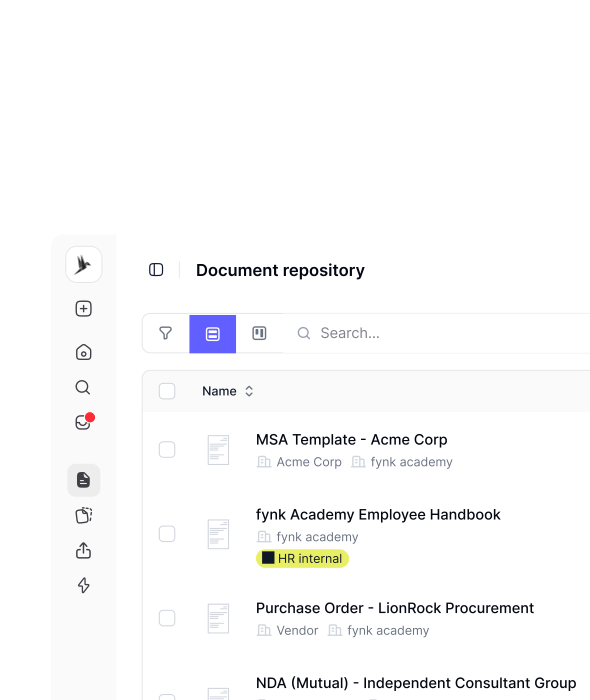 Share without the personal bits
A contract that can leave the building
Names, addresses, and account numbers do not belong in a file you forward to a partner. Mark them here, download the copy, and send that. The original stays on your machine.IN FYNK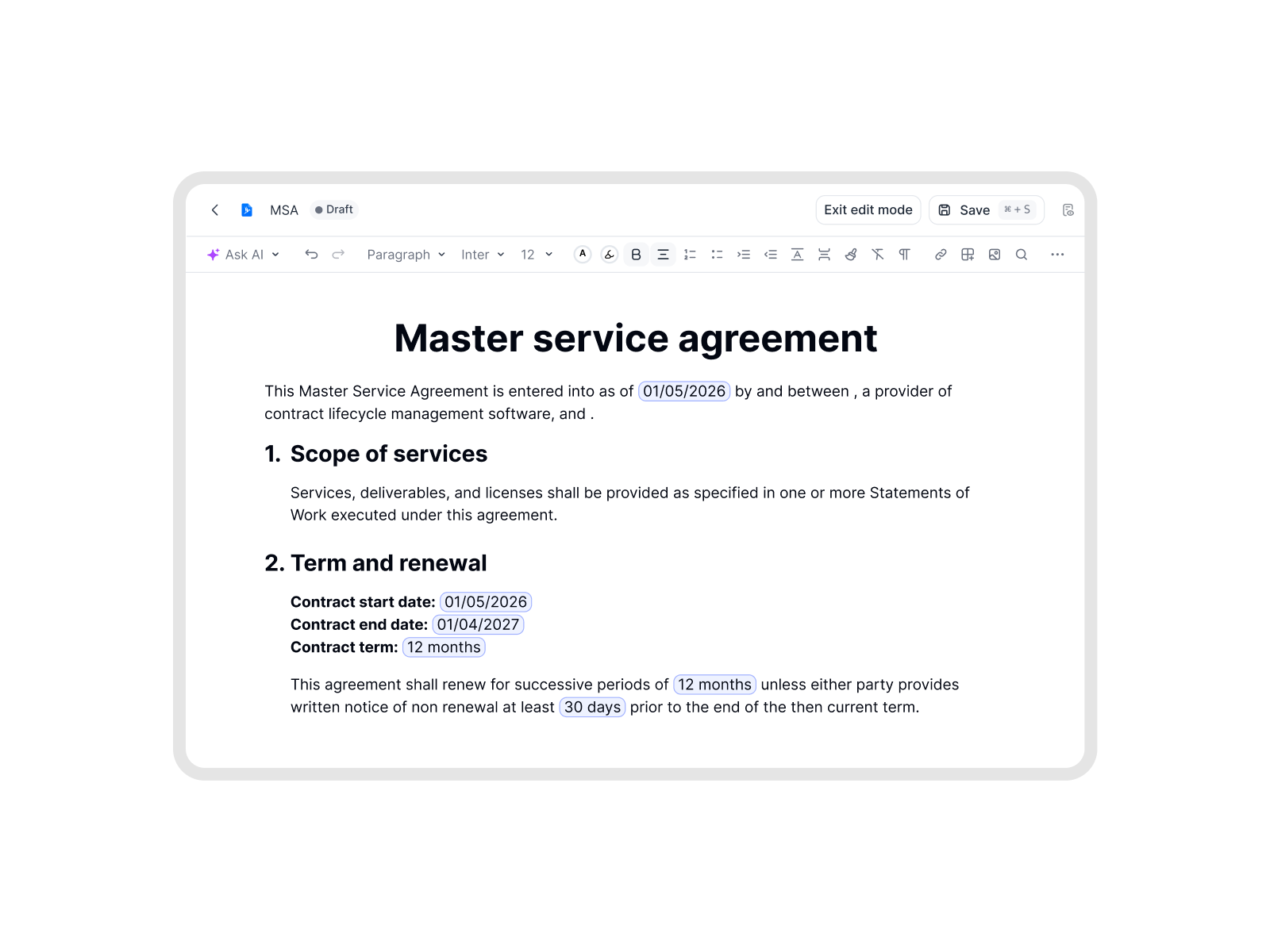 Before you circulate a draft
Hide the numbers that are still in play
A draft often has a price, a date, or a counterparty that is not ready for the wider thread. Cover those lines, keep the rest of the page readable, and send the flattened file.IN FYNK

More free PDF tools
Merge, split, rotate, compress, convert, protect, unlock or redact a PDF in this browser. No account, and the file stays on your device.

Remove PDF metadata
See the author, software, and dates the file reveals, then download a clean copy.

Flatten PDF
Lock filled-in form fields, comments and stamps into the page so nobody can change them.

Protect PDF
Lock a PDF with a password and AES-256 encryption, with optional print and copy limits.

Unlock PDF
Remove a password you know, or lift print and copy restrictions.

Compare PDFs
Two versions side by side, with additions, deletions and edits highlighted.

Split PDF
Cut a PDF into parts by page range, or pull out the pages you need.
Frequently asked questions.
No. The file stays in this browser tab as local data. Redaction runs on your device. We do not receive the document, so there is nothing for us to store or delete.
Yes, in the file you download. Each page is drawn again as an image and the black bars are painted into that image. The original words are not sitting under the box. You cannot select or search them in the download. The file you dropped is not changed.
The download is a flattened copy: pictures of the pages, not the original text layer. That is what makes the redaction hold. Remaining text is no longer searchable, and the file is usually larger than the one you started with.
A scan is a picture of a page, so there are no words to select. Use Draw a box and cover the area you want gone. That works for signatures, stamps, and logos too.
Yes. The file must be a PDF under 25 MB, and this tool handles up to 50 pages. A password-protected file needs Unlock PDF first, another free fynk tool that runs in your browser.
No. This is a local tool for covering text and images before you send a file. It is not legal advice and it is not a substitute for a privilege review or a dedicated redaction process.
Not for this tool. A fynk account is for stored files, comments, and signing.
Still have questions?



Control who sees what, every time
Take control of your agreements. Move your business forward.
Run agreements the way they should run: fast, clear, and on your terms.
No setup headaches
Go live in days, not quarters
No lock-in
Full export anytime
No hidden fees
Signatures included, no envelope fee