


Compress a PDF
Small enough to send
Drop a PDF, pick a level, and see the size before and after. Scans and photos shrink, text stays selectable. No account, and the file never leaves this tab.
Stays on this device. The file never leaves your browser. No account, nothing stored.
Under the attachment limit, still readable
Most oversized PDFs are oversized because of scans and photos. This tab saves those again at a sensible size and leaves the words alone.
Before and after, in numbers.
See the original size and the compressed size side by side before you download. If nothing is gained, the tool says so and you keep the original.
Check the page before you send it.
The preview shows the selected page after compression. Step through the pages and look at the scans before they go out.
Three levels, one clear trade-off.
Recommended keeps text and drawings as they are. Strong squeezes photos harder. Smallest turns pages into images only when that makes the file smaller.
Text stays text.
On Recommended and Strong, words stay selectable and searchable. Only the pictures in the file are saved again, and every page keeps its size.
Or skip the attachment.
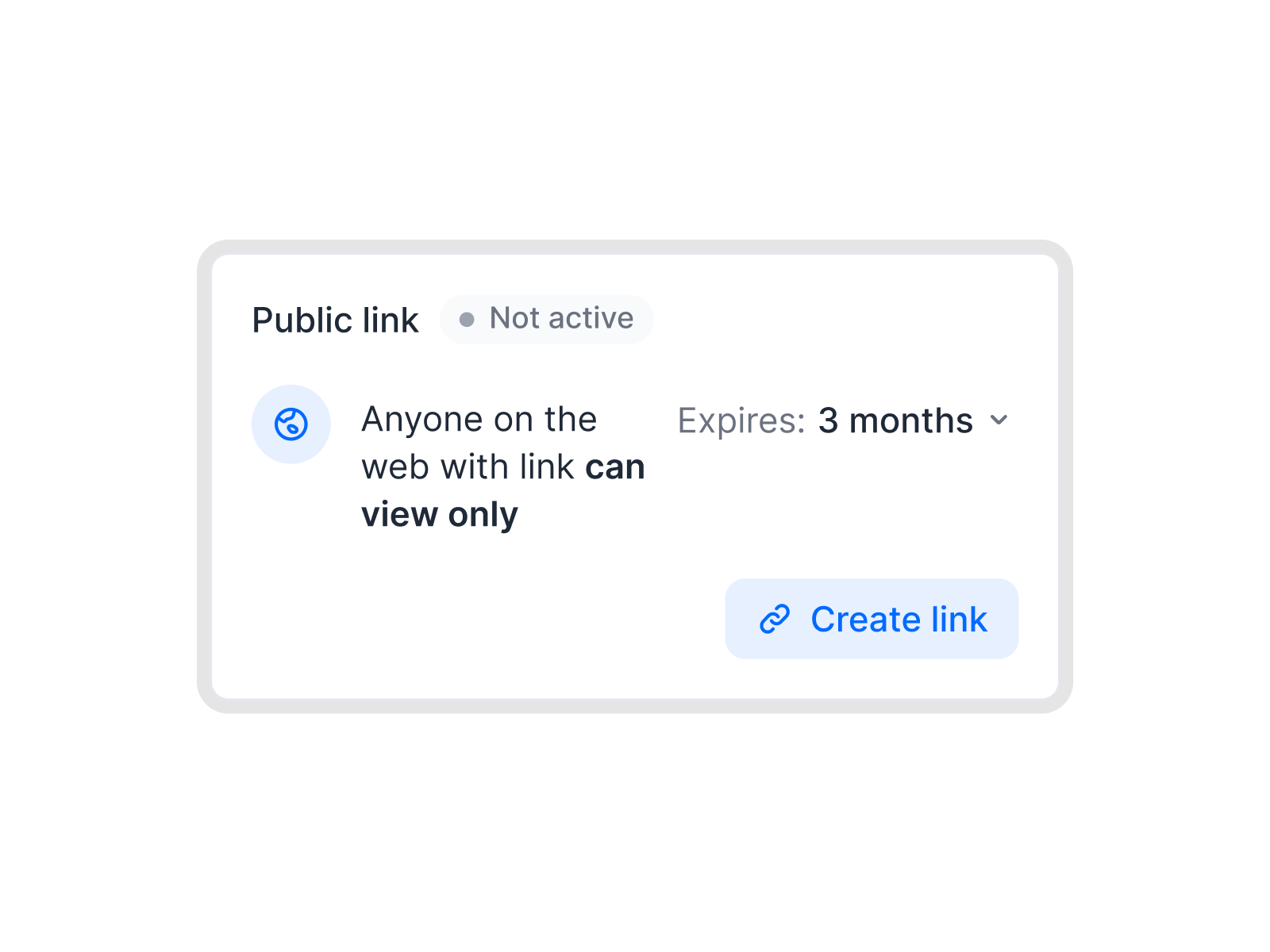
In fynk you can share a contract as a link instead of an attachment, so the mail server's size limit stops being your problem.
Nothing is uploaded.
The file stays in this browser tab. We never see the contract. There is no account and nothing to store.
When the file is too big to send
Mailboxes, signing tools, and supplier portals all have limits. This is how ops gets under them without retyping anything.
 Email size limits
The signed scan that bounces
A 30-page contract scanned at full resolution passes 20 MB quickly, and many mailboxes refuse attachments over 20 or 25 MB. Compress it here, check that the pages still read well, and attach the smaller file. The original stays on your machine.IN FYNK Portal uploads
A supplier portal with a 10 MB cap
Procurement and supplier portals often cap each upload, and the cap is usually lower than your offer pack. Try Recommended first. If it is still too big, Strong takes the photos down further and keeps the text as it is.IN FYNK

More free PDF tools
Merge, split, rotate, compress, convert, protect, unlock or redact a PDF in this browser. No account, and the file stays on your device.

Split PDF
Cut a PDF into parts by page range, or pull out the pages you need.

PDF to JPG
Turn every page, or only the ones you pick, into sharp JPG or PNG images.

Protect PDF
Lock a PDF with a password and AES-256 encryption, with optional print and copy limits.

JPG to PDF
Turn photos, scans and PNGs into one PDF, in order and the right way up.

Watermark PDF
Stamp DRAFT, CONFIDENTIAL, or your own text and logo on the pages.

Add page numbers
Pick the spot, the format, and the first number, and skip the cover.
Frequently asked questions.
No. The file stays in this browser tab as local data. Compression runs on your device. We do not receive the document, so there is nothing for us to store or delete.
Start with Recommended. It saves photos and scans again at up to 2,000 pixels on the long side, which reads well on screen and on a normal printout. Strong goes down to 1,400 pixels with softer photos. Smallest turns each page into one image, which pays off for scans and photos. For a mostly-text file that image would be bigger than the text, so Smallest keeps the text and compresses only the images, and tells you so. Use it when the size limit is all that matters.
Because there was little to squeeze. A PDF exported from Word or a contract tool is mostly text, and text is already small. The big savings come from scans and photos. If the result would not be smaller, the tool tells you and offers the original.
Yes, on Recommended and Strong. Only the images are saved again. Smallest draws every page as one picture, so the words can no longer be selected, searched, or copied. The tool marks that level clearly.
Yes. Up to 50 MB and 200 pages per file. A password-protected file needs Unlock PDF first, another free fynk tool that runs in your browser.
Compressing writes a new file, so a digital signature in the original no longer counts in the copy. The tool warns you when it finds one. Send the original when the signature has to stay valid.
Not for this tool. A fynk account is for storing contracts, sending them for signature, and sharing them by link instead of as an attachment.
Still have questions?



Skip the attachment altogether
Take control of your agreements. Move your business forward.
Run agreements the way they should run: fast, clear, and on your terms.
No setup headaches
Go live in days, not quarters
No lock-in
Full export anytime
No hidden fees
Signatures included, no envelope fee