
Share your document via link, not as files.
Still checking if you attached the latest version to the email? Share any document using private or public links that are safe to send. Use read-only links for public sharing, or a personalized one including email verification. Just for a limited time, or always. Revoke either one whenever you want.








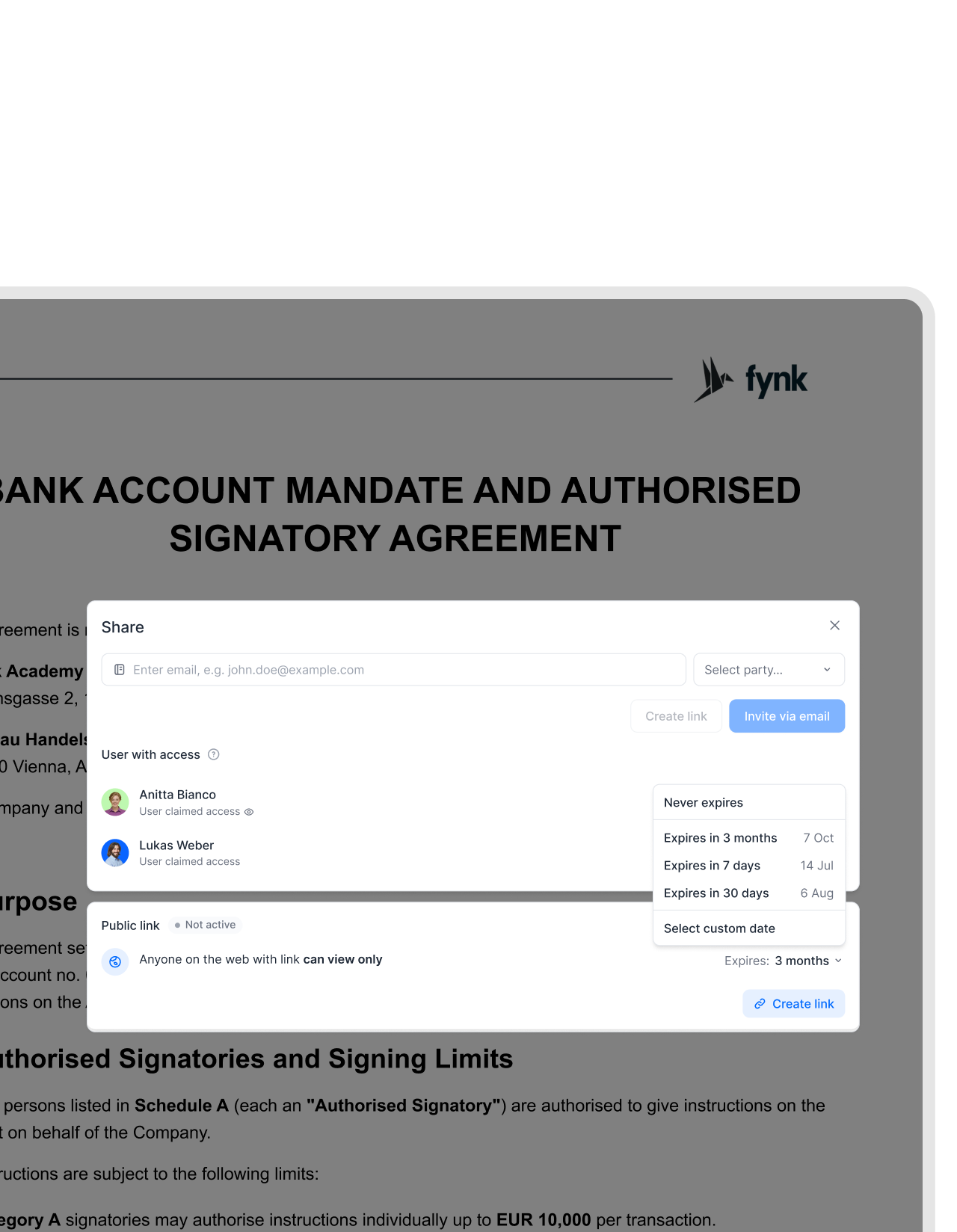
Easy shareable links: Public or private.
Share a document via link and the recipient just opens it. View-only by default, or verified the moment they need to sign.
 From your inboxGet a demo
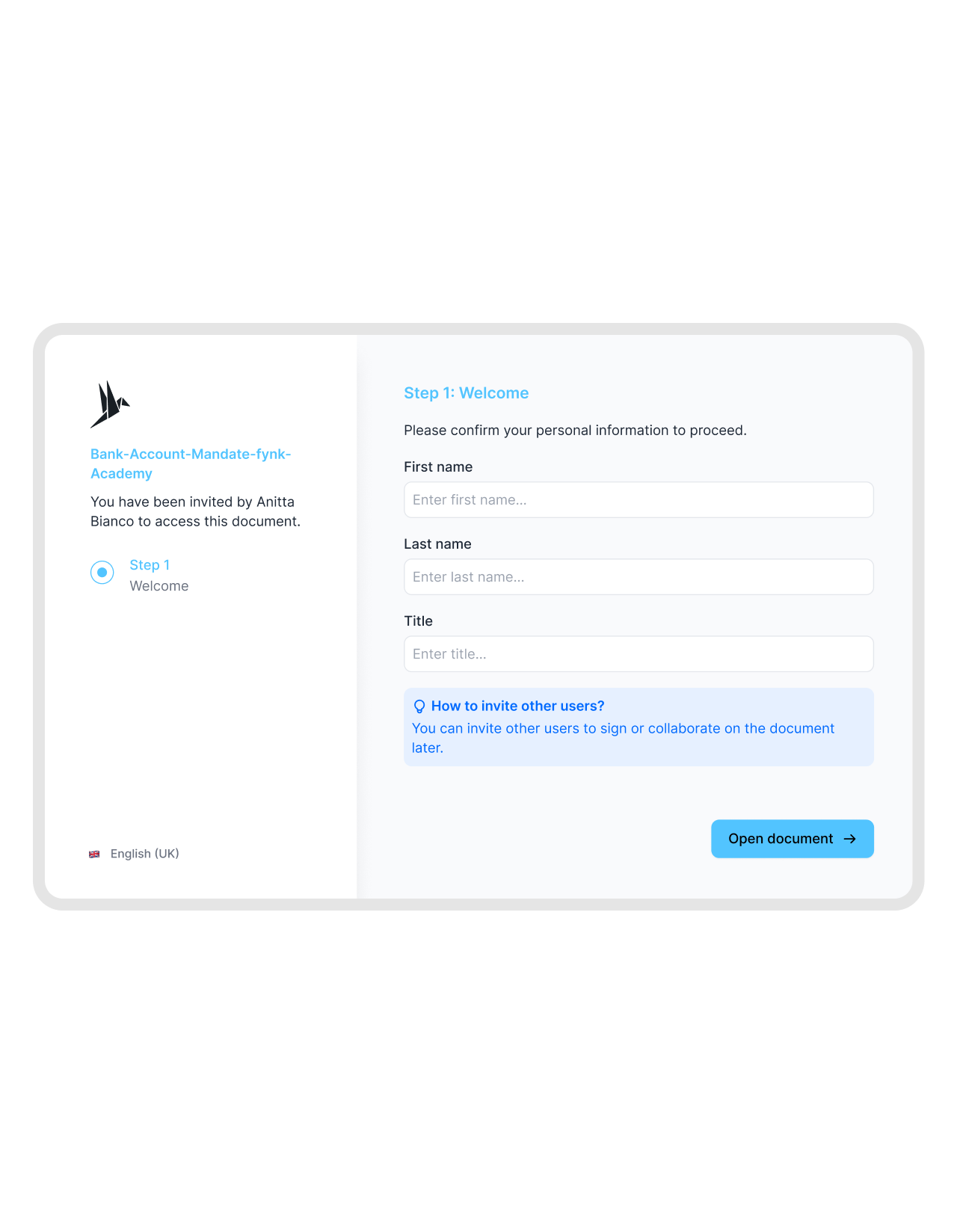
Send a contract straight from your own email.
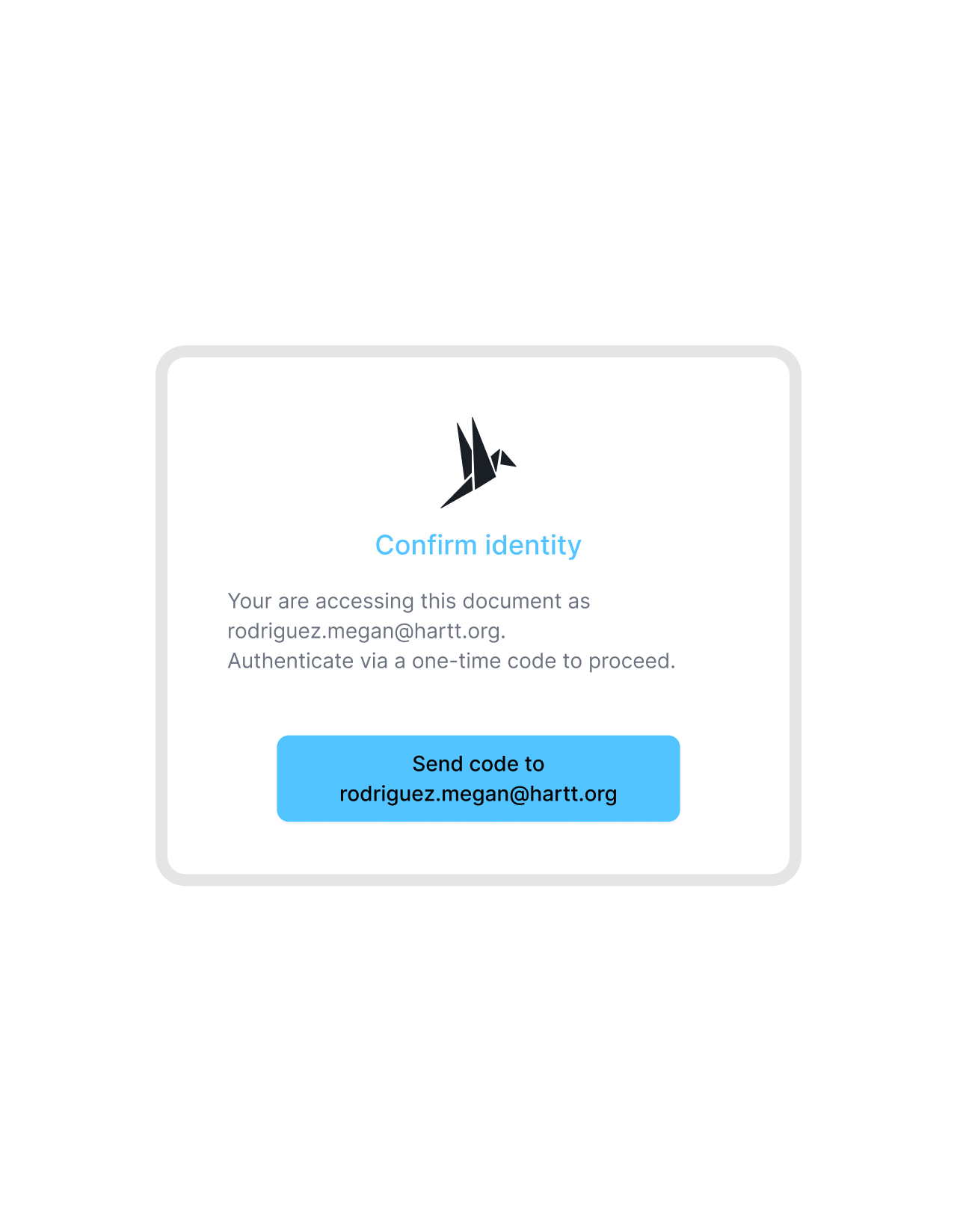
Paste a personalized link into the email you were already going to send. The recipient opens it, confirms a code sent to their inbox, and signs. fynk handles the signing smoothly. No account to create for the counterparty, and the message still comes from you."A lot of our business partners, especially customers or suppliers, are not as digital as we are. It is challenging for them. But some customers handle this very well and we are happy when they want to sign digitally. That is already a big improvement."
 Elisa Prößdorf Legal Solutions Manager at Unite
 Always-on referenceGet a demo
Publish a policy or price list anyone can open.
Some documents are meant for everyone. Terms of service, a company policy, a current price list. A public link makes them view-only and always reachable, so you hand out one link instead of emailing the same PDF over and over.


Import a document. AI reads every clause.
Drop a document into fynk and AI pulls out the key details automatically. Dates, parties, values, and a plain-language summary.
 External reviewGet a demo
Send a draft out for review. Take it back when you're done.
Give an outside reviewer view-only access to the draft or invite them to collaborate if you need to. They see the comments, signatories, and activity without touching a word of the content. Once the review wraps up, pull the link and their access is gone."There will be one single source of truth. We will invite externals to the template, comment, sign, and store everything in fynk. That is something everybody will value a lot."
 Lucas F. Jamnig Lead Counsel at fiskaly
 Time-limited accessGet a demo
Give your lawyer one document, not a login.
Your accountant needs one contract for a week, not a seat in your account. Send a share link that runs out on its own, so they get exactly the document in front of them and nothing else. When it lapses, so does their access. Always secure, always easy.


"[In fynk] you have everything tracked. It is very transparent in the end."
Share links without giving up control.
Every link stays view-only until you allow more, and any of them is yours to pull back at any time.
No account to open.
Recipients click the link and read the document right away. Nothing to install, no sign-up, no password to reset.
Public view-only links.
Anyone with the link sees the latest version and can read it, not change it. Perfect for policies, terms, and price lists.
Verified personalized links.
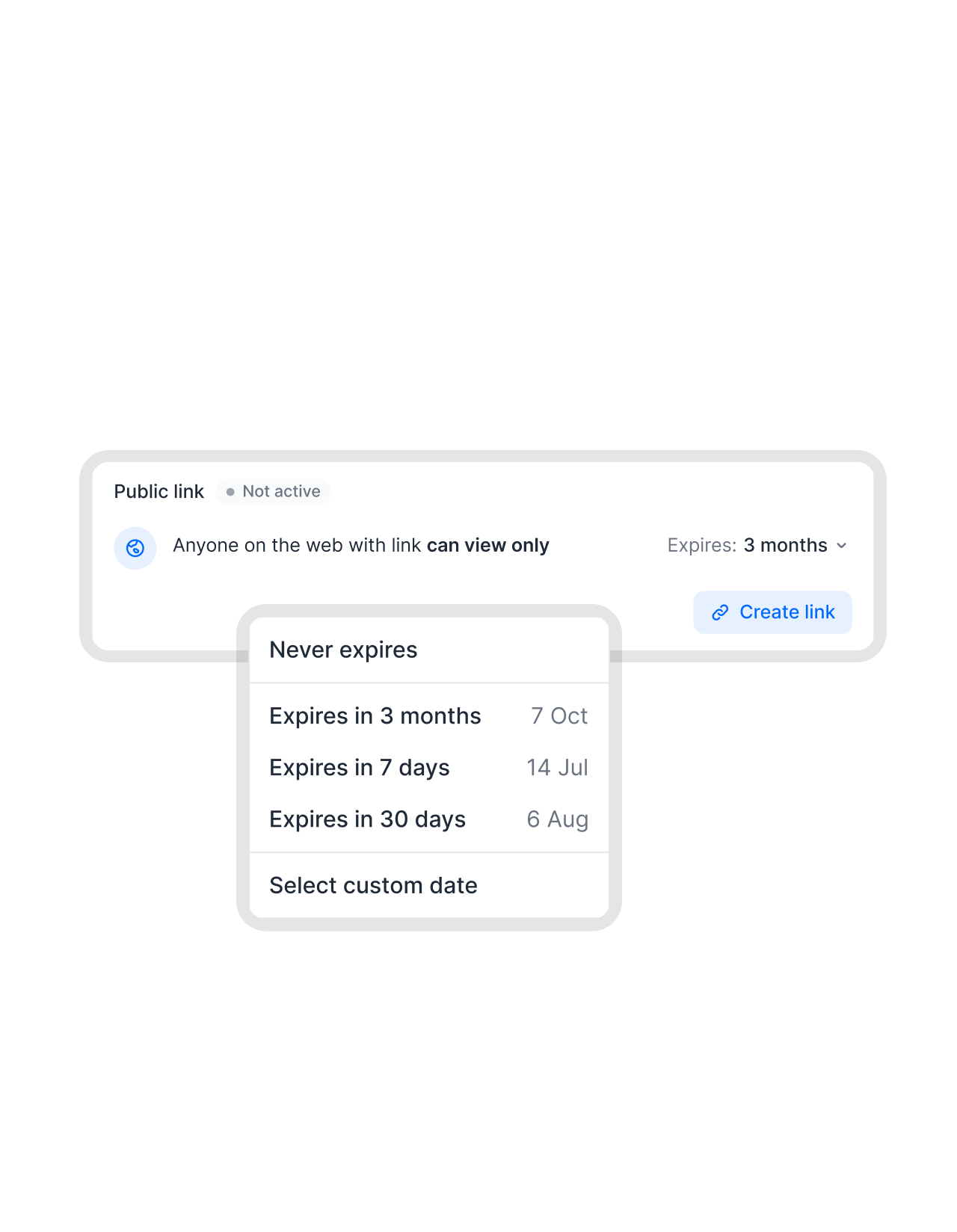
A personalized link ties to one person and confirms their email with a code before they can sign or edit.
Revoke or expire anytime.
Pull any link the second you no longer need it. Links also run out on their own after about three months by default.
Send on any channel.
Drop the link into email, chat, or a ticket. It travels wherever the conversation is already happening, and it comes from you.
No data room needed.
Get a shareable link backed by the same secure, EU-hosted, GDPR and eIDAS compliant platform behind every fynk contract.




More product features to explore.
Draft.
Create contracts from proven templates. Fast, consistent, and ready to send.
Boost.
AI reviews, summarizes, and explains your contracts so you never miss what matters.
Sign.
Send contracts for legally binding e-signatures, tracked from sent to signed.
Insights.
See the full picture of your contracts with dashboards, search, and smart alerts.
Frequently asked questions.
It means you send a document as a link instead of a file. There are two kinds. A public link that's view-only for anyone who opens it, and a personalized link tied to one person who confirms their email before they can sign or edit.
A public link is view-only and open to anyone who has it. A personalized link is tied to one named recipient and asks them to confirm their email with a one-time code before signing or editing. Both can be revoked and both expire by default.
No. Anyone can open a shared link and view the document without signing up. Only people inside your fynk account create the links. Recipients simply receive them.
Yes. You can revoke any link the moment you no longer need it, and every link runs out on its own after about three months by default. Access ends when you decide it should.
A public link is view-only and revocable at any time, so it's safe to share broadly for things like policies, price lists, or reference documents. It isn't a vault, though. When something needs verification, use a personalized link instead.
For most cases, no. A data room is overkill for sending one document. A shareable link handles view-only distribution and verified signing on fynk's EU-hosted, GDPR and eIDAS compliant platform, without the heavyweight setup.
Still have questions?


A link you can send now and pull back later.
Share any document view-only, or let the right person verify and sign. Yours to revoke whenever you want.