
Every document page says who you are.
Create beautiful headers and footers for agreements, invoices, quotes, or any other document. Each page carries your logo and branding. Apply them to templates and every document will have the same look. Polished and consistent. From the first page to the last.










Set up once. Carry it everywhere.
Design different headers and footers. Send out polished and professional documents. Every single time.
 Template setupGet a demo
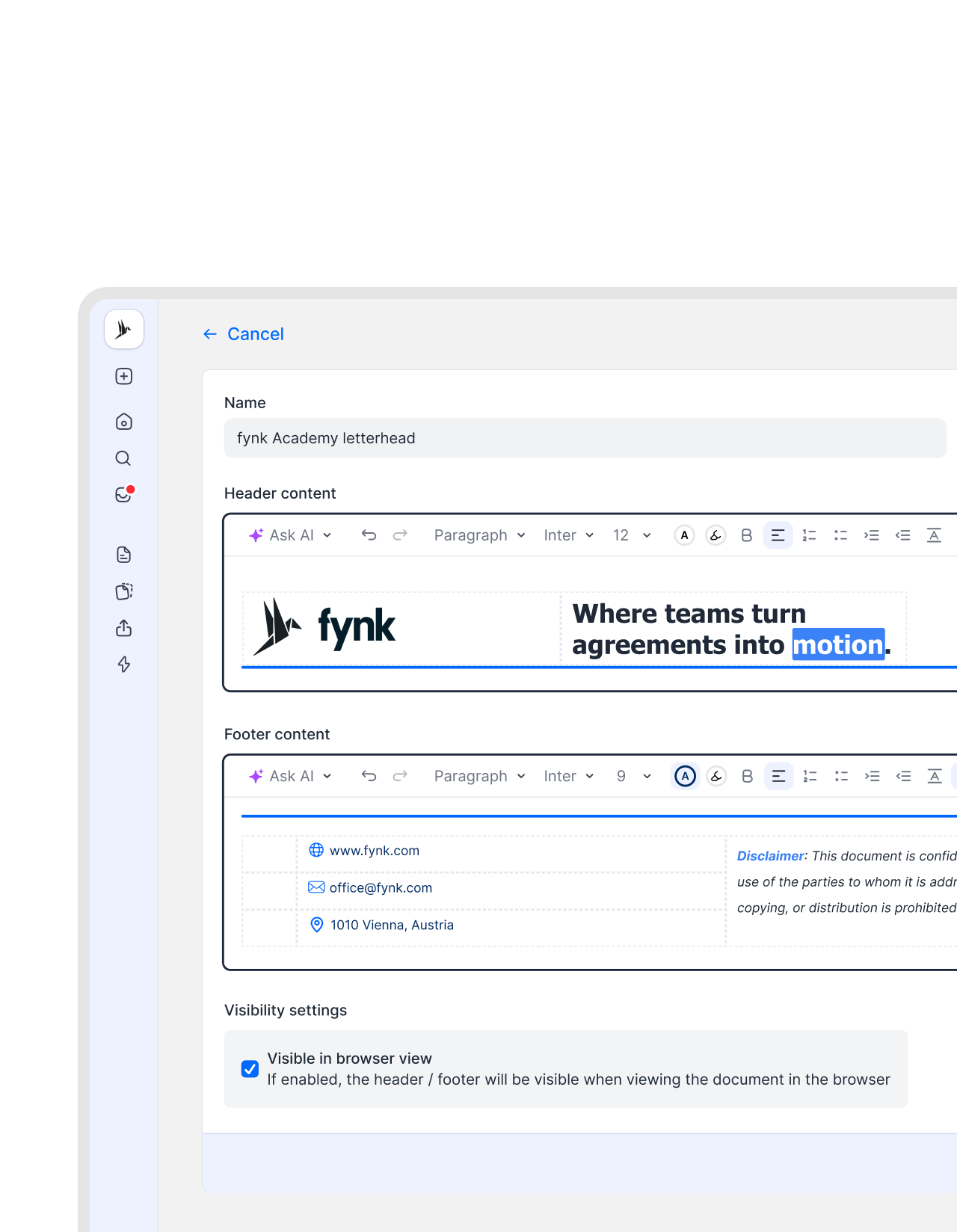
Set it up once. That's it.
Design or import your letterheads, cover pages, or page frames. Save them in your header and footer library and reuse them whenever needed. Apply them to templates to make sure every document reflects your brand from the moment it’s created."Before fynk, our templates always needed a lot of manual adjustment for every single contract. With fynk, we reduced everything to two or three main templates with only small adjustments needed per contract."
 Dr. Jörg Burkhardt Head of Sales & New Partnerships of 1. FC Nürnberg
 Who are you?Get a demo
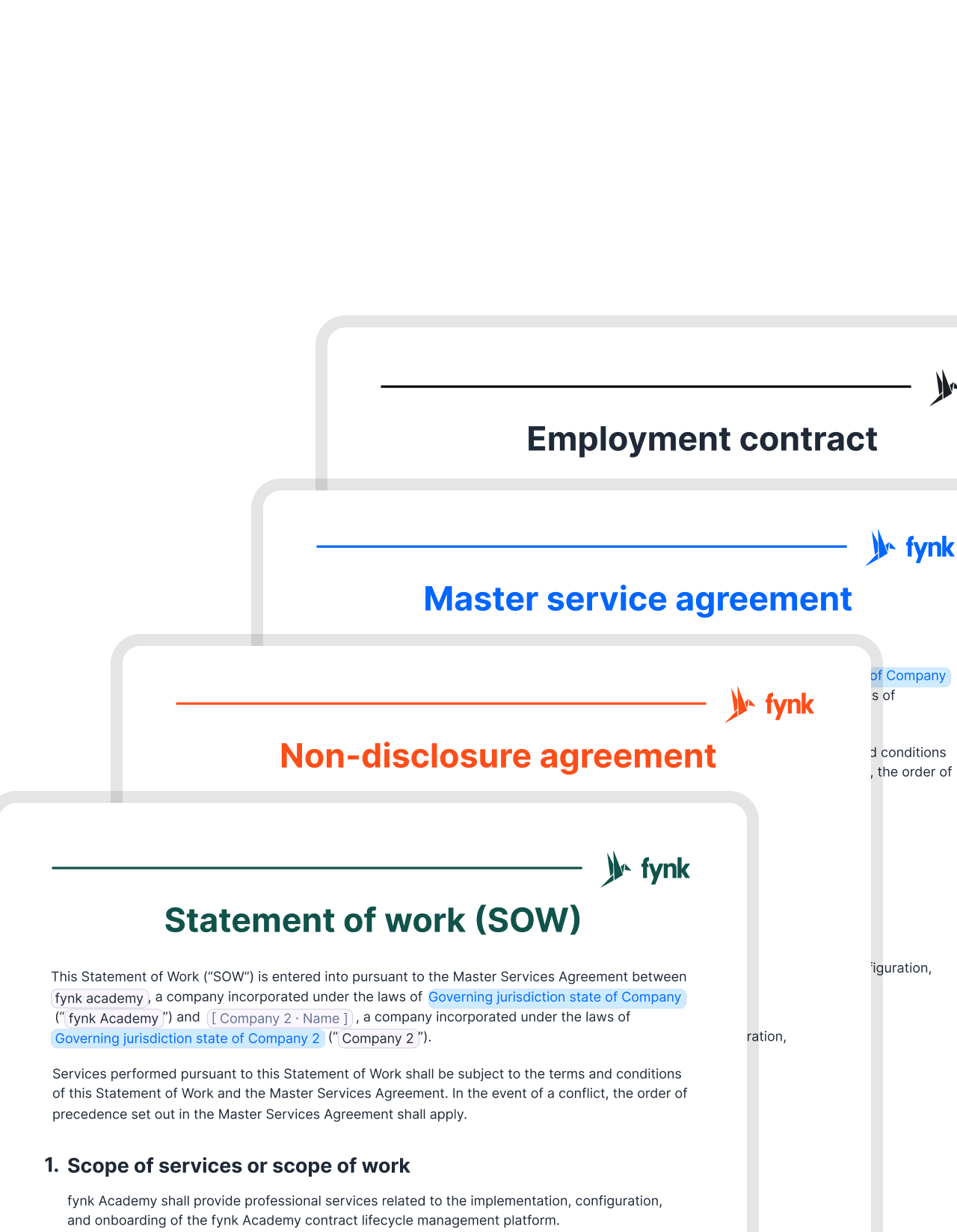
Your company details on every page. Automatically.
Make any document yours. Add your logo, company name, registration number, or address. All appear on every page. Create different headers and footers for invoices, quotes, or legal documents. Apply them directly to your PDF or DOCX files, or templates. As easy as a click."We had to rename 12 legal entities across different countries. Before fynk, we had to update the company name in every single Word template. With fynk, we changed the party name once in the system settings. That was it. A task that took about an hour now takes two minutes."
 Elisa Prößdorf Legal Solutions Manager of Unite
 Legal footerGet a demo
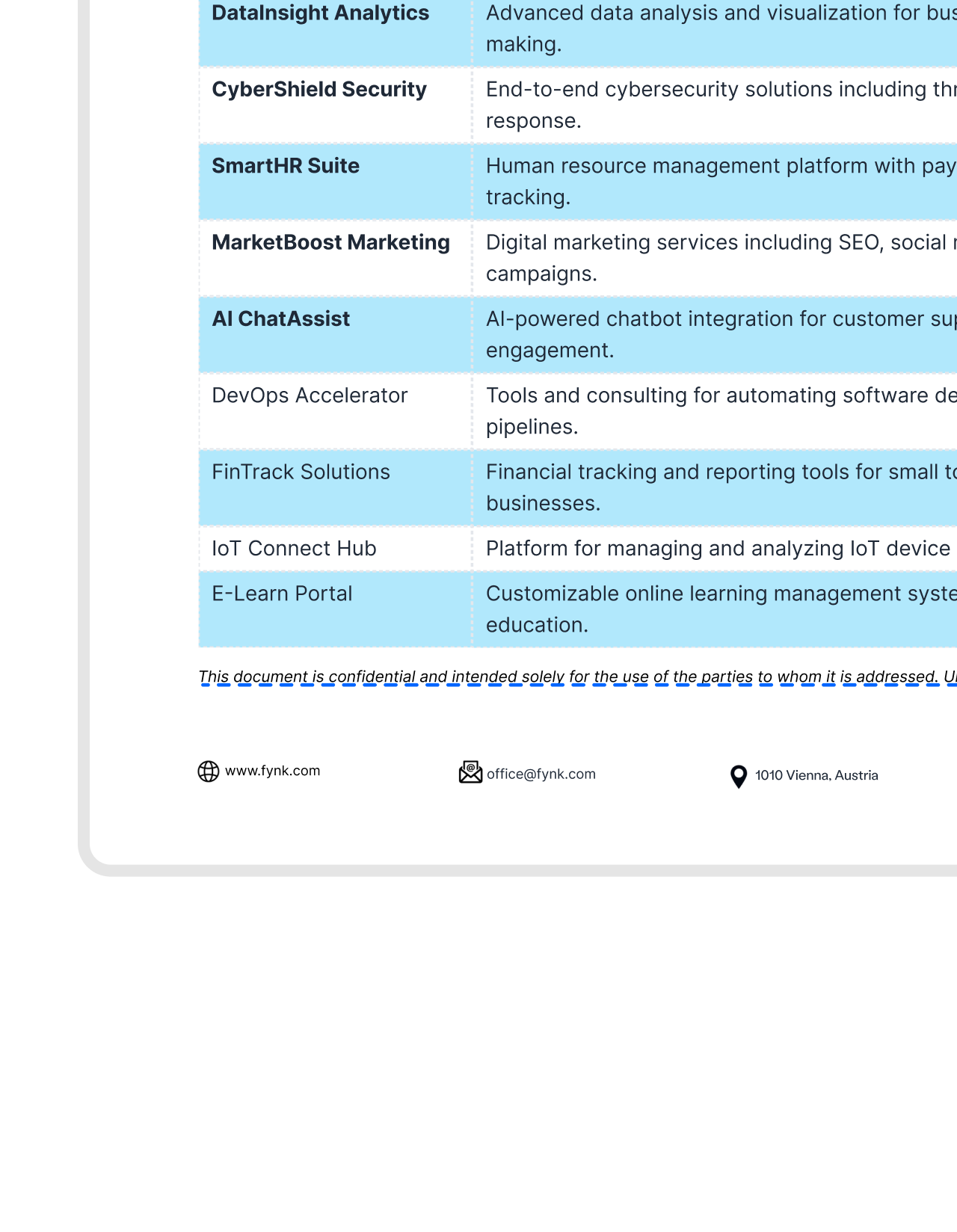
Never miss essential legal text again.
Confidentiality notices, jurisdiction clauses, and required disclaimers are automatically included in every contract generated from a template. Add them once to the footer and never worry about them again."fynk helped us lock down contract terms so deals could no longer be signed without proper control. This protects the company when consultants are under pressure from clients to make exceptions."
 Harald R. Fortmann Founder and Managing Director of five14


 BrandingGet a demo
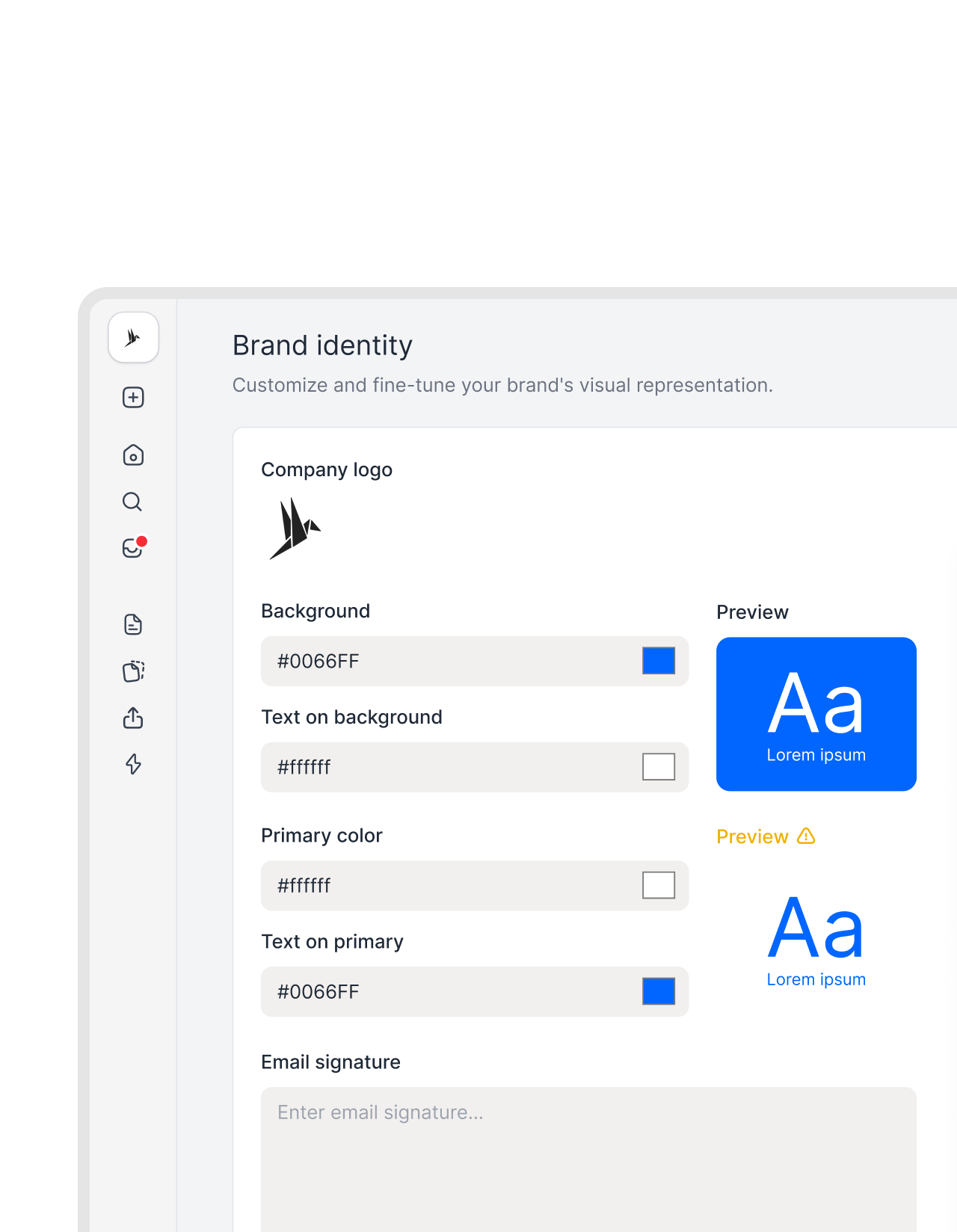
Your brand's vibe, everywhere. Not just at the top and bottom.
Apply your logo and colors to reminders and notifications. Add a custom message to emails for a consistent, personal touch.

"fynk saves me a couple of hours per month. But the real selling point isn't just the time saved. I actually like doing it now. Contracting used to be something I dreaded."

Every document, formatted right.
Headers and footers handle themselves. You focus on the content.
Nothing falls through.
Company details and legal text are present on every page. No document goes out missing what it should carry.
Legal text is never an afterthought.
Compliance notices live in the template, not someone's memory. No flag for a missing disclaimer three hours after it went out.
Export ready.
Headers and footers appear in every PDF export exactly as you set them up. What you send matches what you built inside fynk.






More product features to explore.
Draft.
Create contracts from proven templates. Fast, consistent, and ready to send.
Boost.
AI reviews, summarizes, and explains your contracts so you never miss what matters.
Sign.
Send contracts for legally binding e-signatures, tracked from sent to signed.
Insights.
See the full picture of your contracts with dashboards, search, and smart alerts.
Frequently asked questions.
You can include your logo, company name, registration number, address, jurisdiction statements, and confidentiality notices.
You set it up once in the template. Every document created from it comes out with the same header and footer already in place. There's no per-document work, no setup step before sending. It's just there.
Yes. Each template has its own setup. An NDA can have completely different footer content than a service agreement, and they don't inherit from each other. The right one applies to each contract type automatically.
Yes. When you export or share as a PDF, the headers and footers appear on every page exactly as you set them up. What external parties receive matches what you built.
Still have questions?


Let your documents say who you are.
Design or import your headers and footers. Look polished every time.