
Contracts with your company's vibe.
Your documents are often the first real touchpoint with customers or partners. With built-in branding, every document automatically reflects your logo, style, and brand. No off-brand files. Just consistent, professional documents. Every time.










Your contracts, looking like you.
Set your identity once and let fynk handle the rest. Every contract, template, and export reflects your brand without extra work.
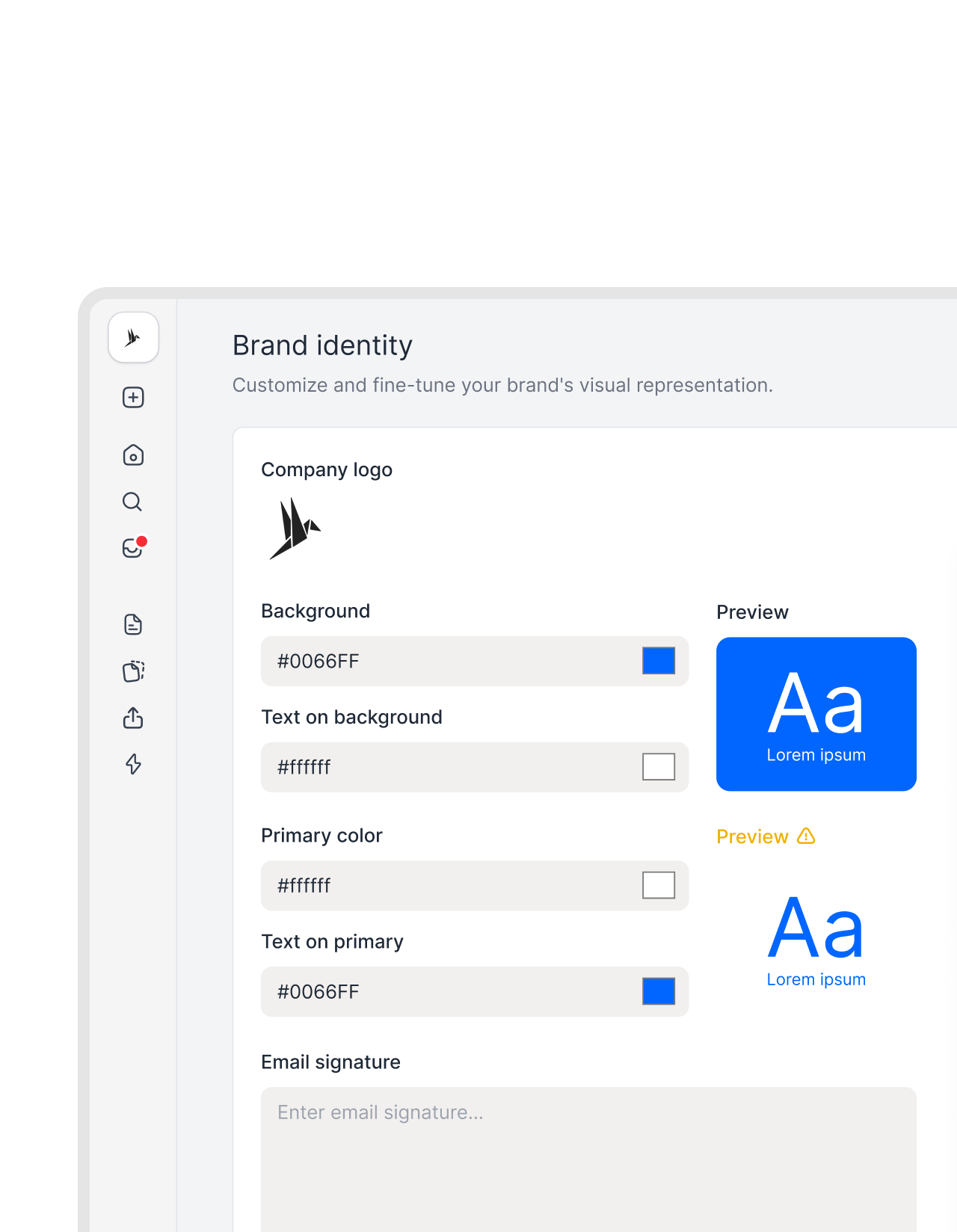 Brand identityGet a demo
One setup. Every document, on brand.
Make all documents yours. Upload your logo, set your brand colors, and define your styling in one place. Every document or template automatically applies these settings. No more formatting. Ever."What used to take about an hour now takes about two minutes, because we only change the field once instead of editing every document."
 Elisa Prößdorf Legal Solutions Manager at Unite SE
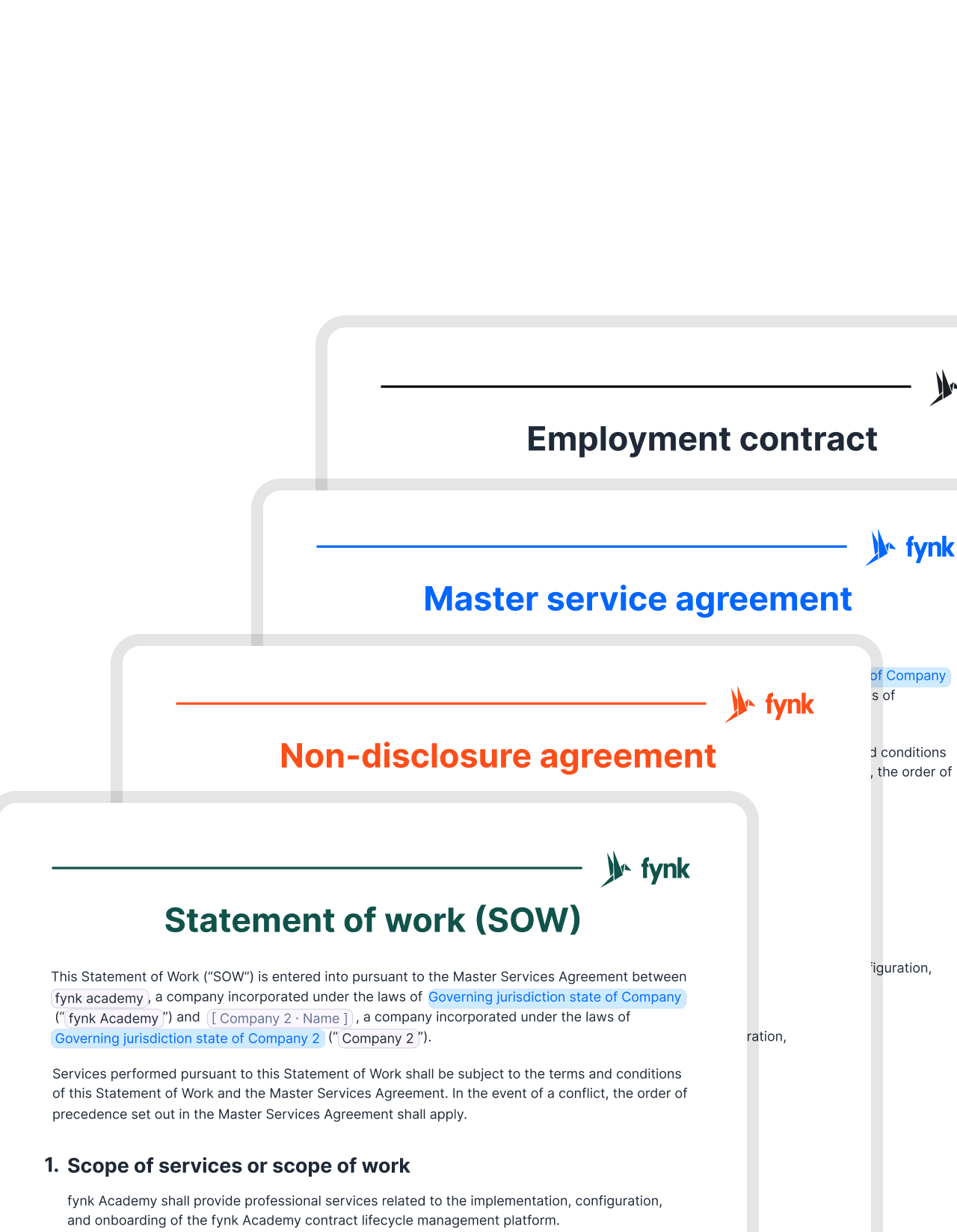 Headers and footersGet a demo
Add company details to headers and footers.
Design or upload multiple headers and footers, and apply them to different documents or templates. No need to start from scratch. All your styles are saved and applied automatically.


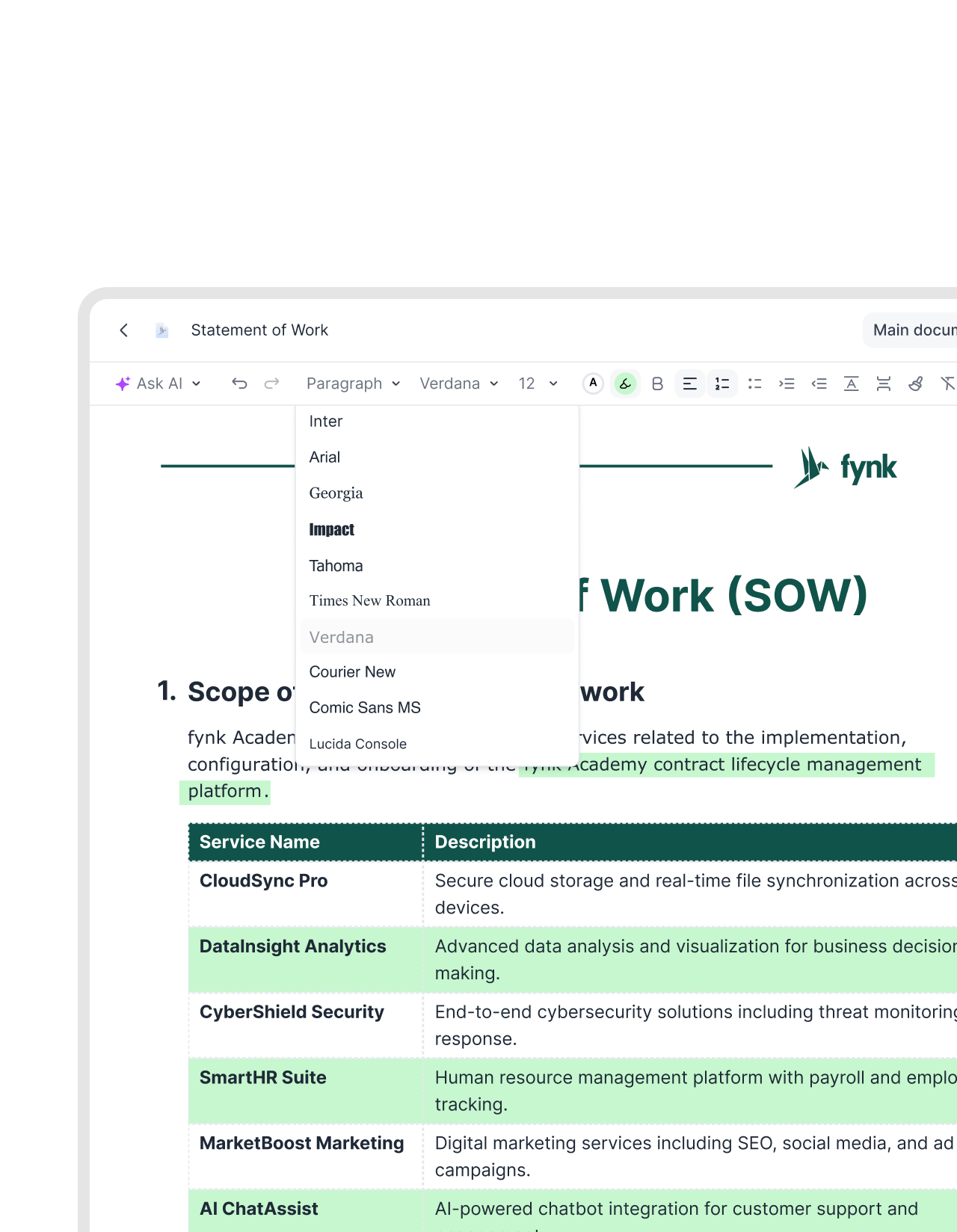 TemplatesGet a demo
Every new document starts fully branded.
Templates in fynk carry your branding from the start. When someone creates a new contract from a template, the logo, style, and formatting are already there. No styling needed. Just fill in the details and send."Templates always needed a lot of manual adjustment with every contract. In fynk, we managed to have only two or three main templates with only small adjustments."
 Dr. Jörg Burkhardt Head of Sales & New Partnerships at 1. FC Nürnberg
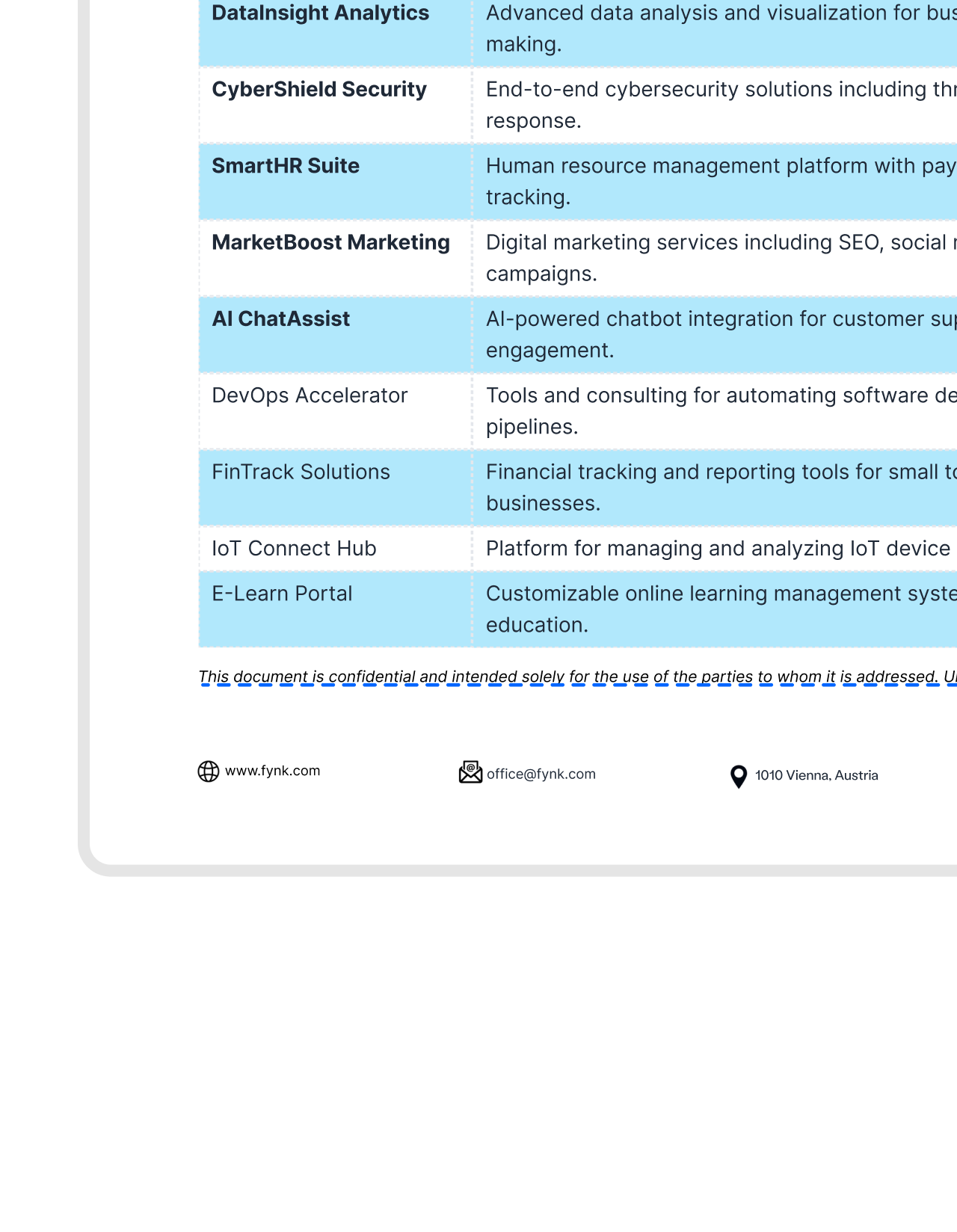 Clean exportsGet a demo
Your branding travels with the document.
Whether you send a document inside fynk or export it as a PDF, your branding stays intact. Logo, colors, and layout come through exactly as designed. The file that lands in your counterparty’s inbox looks polished and professional.


"Before fynk, contracts were time-consuming and scattered across Word files and PDFs. fynk replaced this with one clear system that saved me hours each month."
Professional documents. Every time.
Your brand, applied automatically. No formatting work before every send.
Standard style.
Every contract reflects your brand. No inconsistencies, no rough edges before sending.
Build trust with counterparties.
Clean, branded documents build credibility with the people who receive them. First impressions matter.
Save time on formatting.
No manual styling or last-minute fixes before sending. Branding is already in place when you create the document.
Stay consistent across teams.
Everyone uses the same branding. No matter who creates the document or which team sends it.
Reduce errors in documents.
No outdated logos, missing company details, or wrong fonts. The right branding is always there from the start.
Scale without losing identity.
As volume grows, your documents still look like they come from one company. Your brand stays consistent at any scale.




The next-generation CLM
Only fynk offers a flexible, integrated and truly end-to-end contract platform for all teams to use - not just legal.
Sign
Organize
Boost
Scale
Insights
Organize your agreements using AI
Work smarter and faster with fynk’s built-in AI. Centralize agreements, extract data, automate tasks, and offer secure access for your entire team.
Signatures (SES, AES, AES eID, QES)
Signature order
Signature style
Voting
Signature tracking
eIDAS Compliance
Document hub
Bulk import
Document calendar
Tasks & Reminders
Configurable notifications
Kanban dashboard
Multi-entity management
AI assistant
AI analysis
AI summary
AI draft
AI review
AI search
Approval workflows
Dates & durations
PDF comparison
Integrations
API
Branding
Teams
Dashboards
Metadata
Analytics
Audit trail
History
Frequently asked questions.
Branding in fynk covers your logo, colors, fonts, headers, footers, and overall document layout. Once configured, these settings are applied automatically to every document and template you create.
Yes. You can upload your logo directly in fynk settings. It's then placed automatically in the header or footer of every document, in the position and size you define.
Templates inherit your branding settings automatically. When anyone creates a new document from a template, the logo, colors, fonts, and layout are already in place. No manual styling is needed before sending.
Yes. When you export or share a document as a PDF, your branding carries over exactly as configured. The file your counterparty receives looks the same as what you see inside fynk.
Changes to your branding settings apply to all documents created after the update. Existing documents keep the branding they were created with, while all new contracts and templates automatically use the updated style.
Yes. You can configure branding at the workspace level for a consistent default, and apply specific variations to individual templates or document types where needed.
Still have questions?


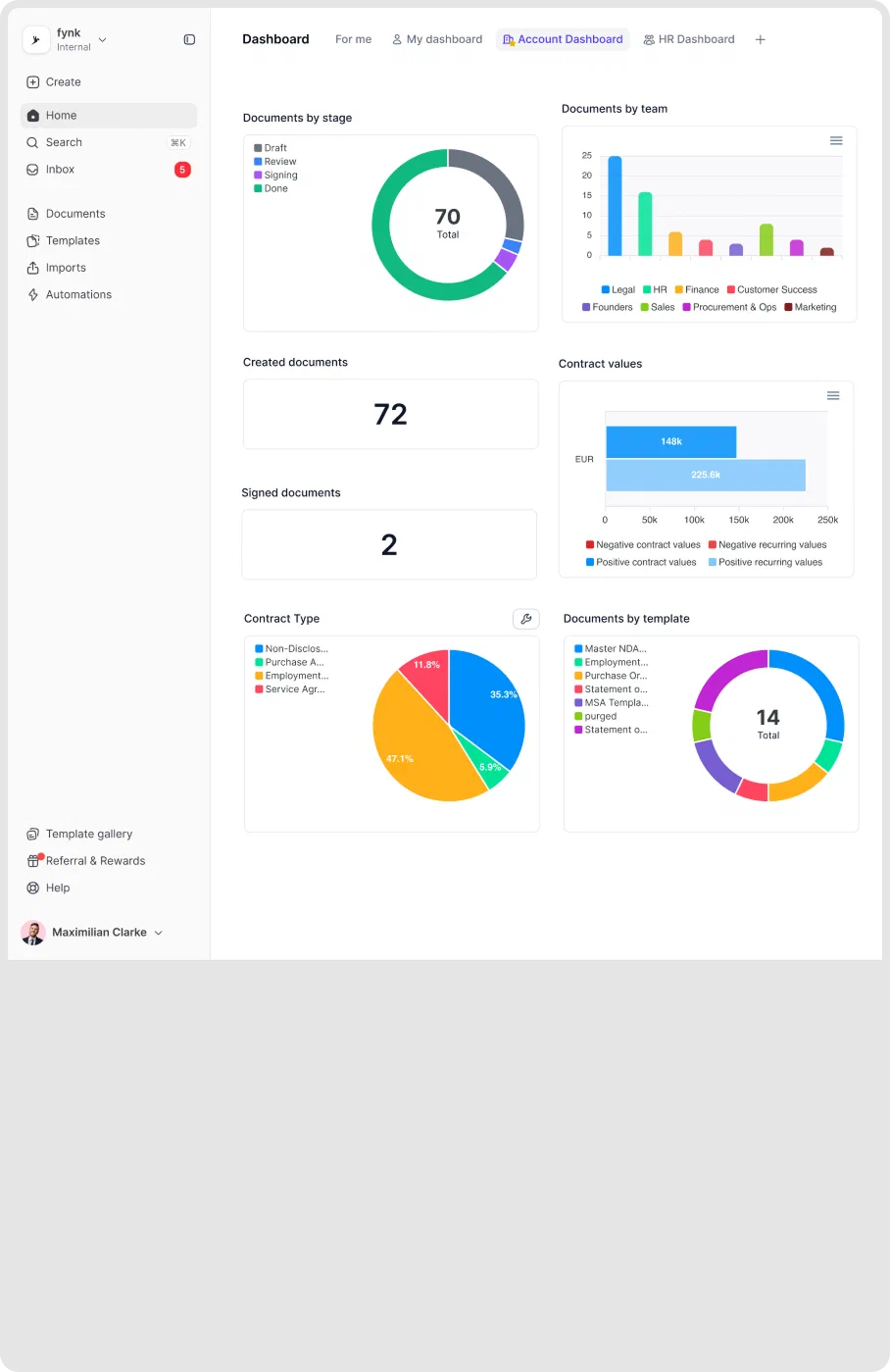
Every document, on brand from the first word.
Set your branding once. fynk applies it to every contract automatically.