
Fill and sign any PDF. In minutes.
Stop the Word-to-PDF export loop just to make a simple change. Add easy-to-fill placeholders for signatures, dates, currencies, or just plain text directly to your PDF. Sign and send it to others right away. Create reusable templates to keep things just as smooth next time. All in one tool. No workarounds.









Works on any PDF you got.
Edit PDFs like they're meant to be. Form-like flow for any type of input you need.
 Easy formsStart signing
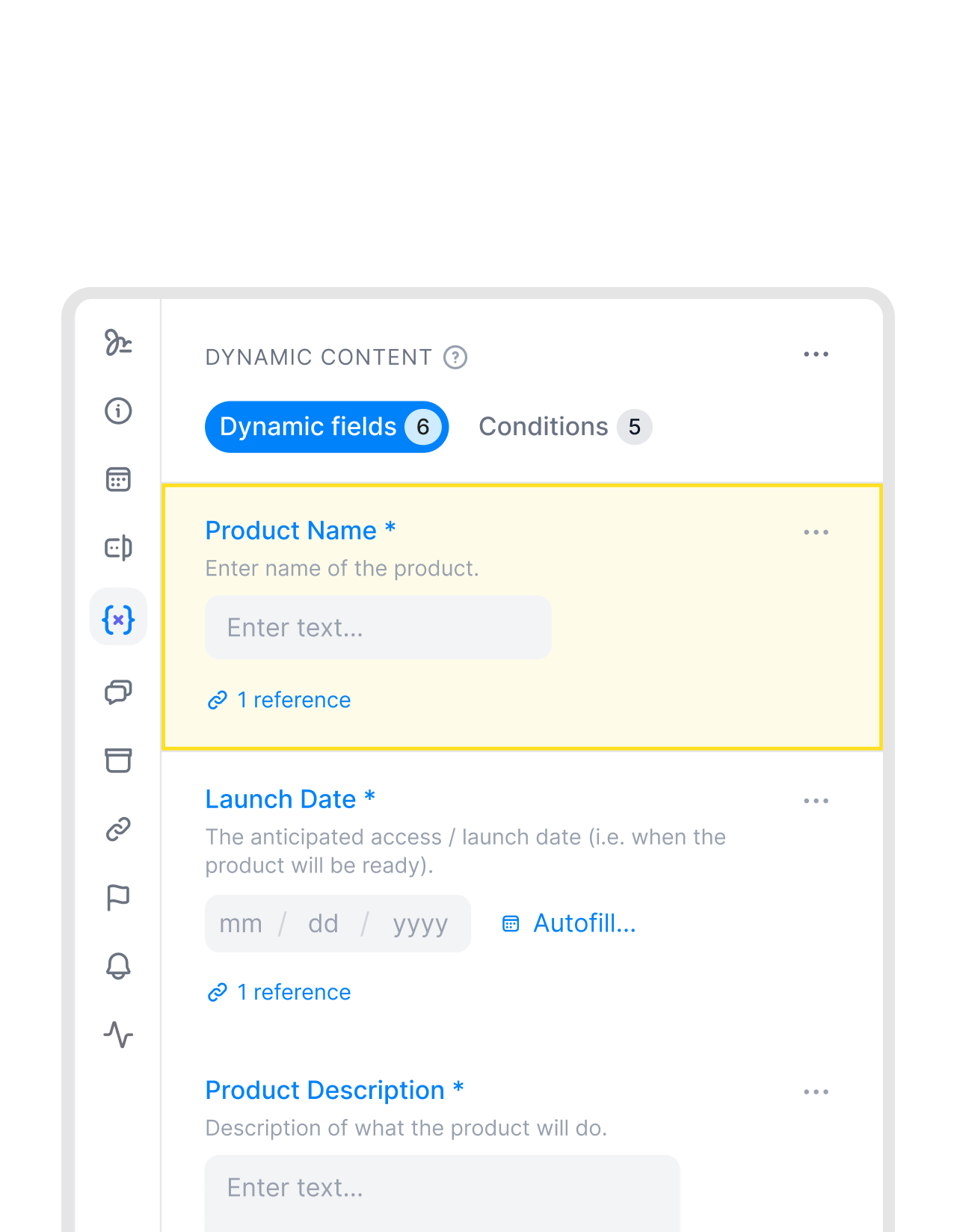
Turn PDFs into simple, guided forms.
Stop sending PDFs that need instructions like “Fill section 2” or “add your name here.” Turn your PDF into a guided form. Collect complete and consistent responses without follow-ups. Add a question or clarify what you are asking for. No guessing. No formatting issues. No missed fields."We had a digital signing process before [fynk] but we had a lot of media disruptions between Word and PDFs and then, other tools for signing...yeah, a lot of manual processes."
 Elisa Prößdorf Legal Solutions Manager at Unite
 Signature blocksStart signing
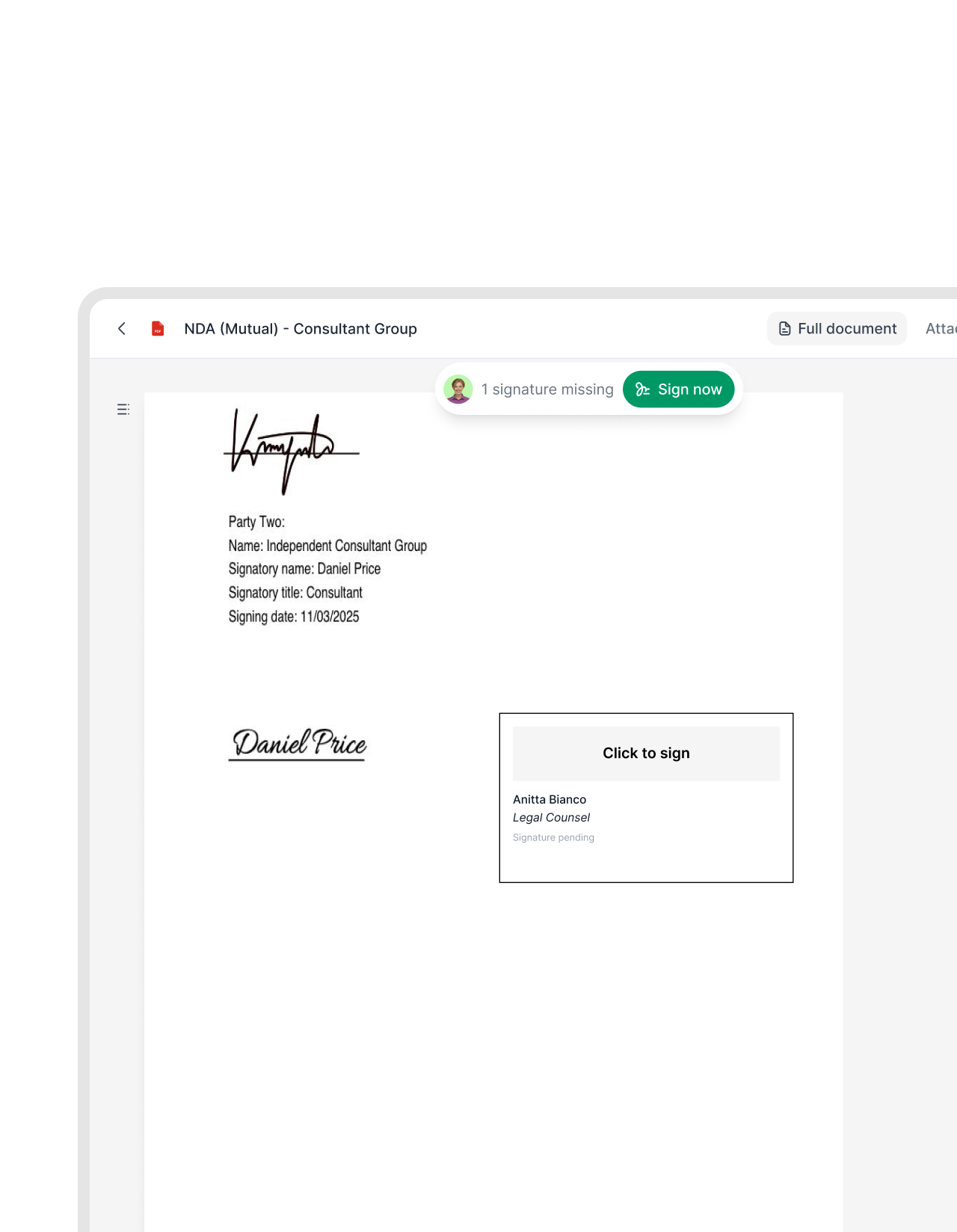
Sign PDFs exactly where you need to.
Stop exporting, printing, or scanning PDFs just to collect signatures. With PDF blocks, add signature fields anywhere in your PDF. Invite people to fill out and sign the document, by simply adding their email address. No sign up needed for signers!"The whole process, getting to the signing part, was what annoyed me. With fynk, I just build one contract, and I'll send it up to however many people at once, and that is really a game changer for me."
 Alina Heiner Founder of Maven
 Drag & PlaceTry it free
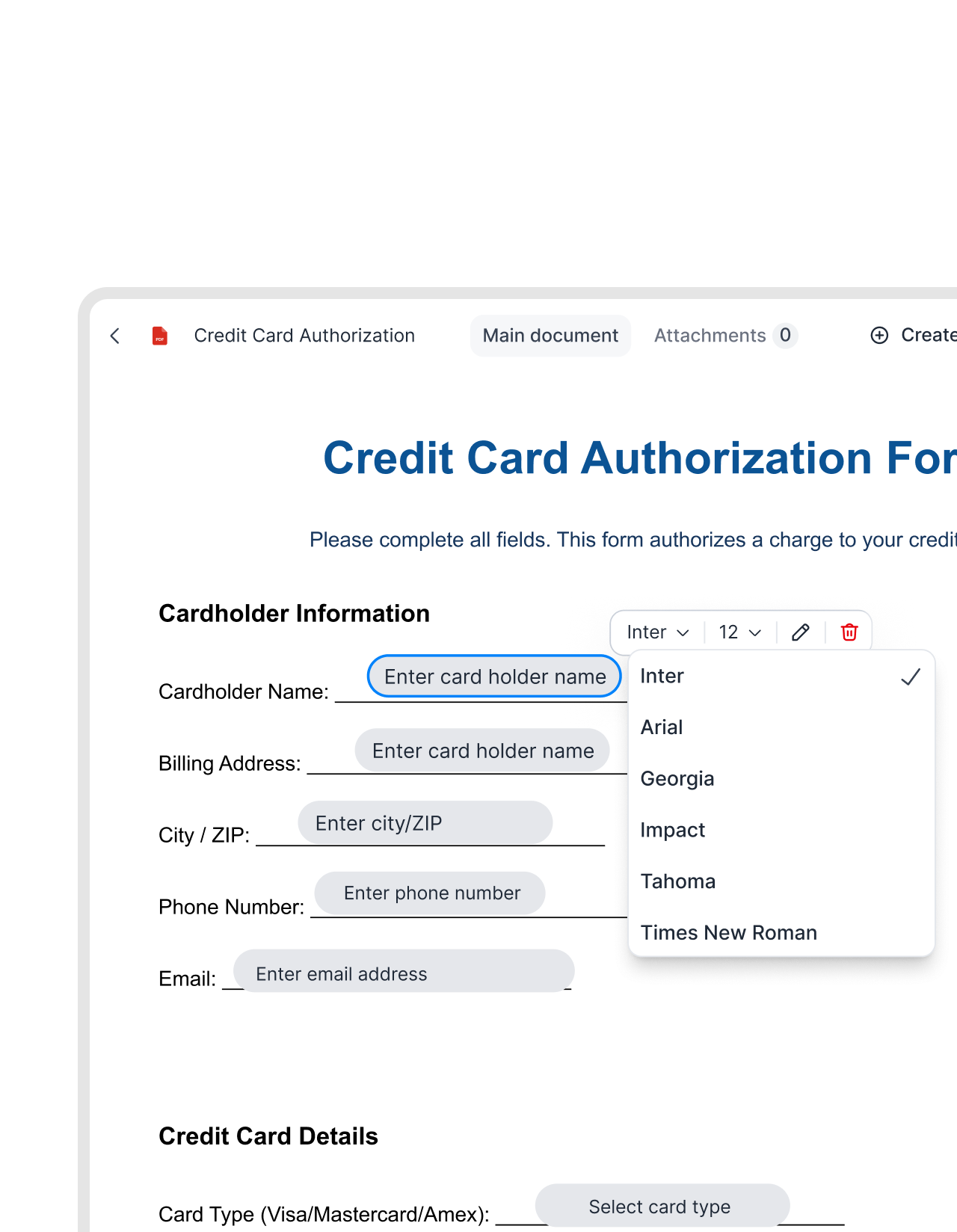
Put every field exactly where it belongs.
Drag text, date, duration, initials, or email address blocks directly onto your PDF. Place them wherever you need them. The document structure stays exactly as it is. No reformatting."It just makes contracting easier. I do it and I like doing it. Before, it felt too heavy. Now with fynk, it's just easy to get it done."
Alina Heiner Founder of Maven


See what’s inside any PDF before you sign.
Upload any PDF, let AI get the key details. Fill and sign it without switching tools.
 Reusable templatesTry it free
Build once. Send every time.
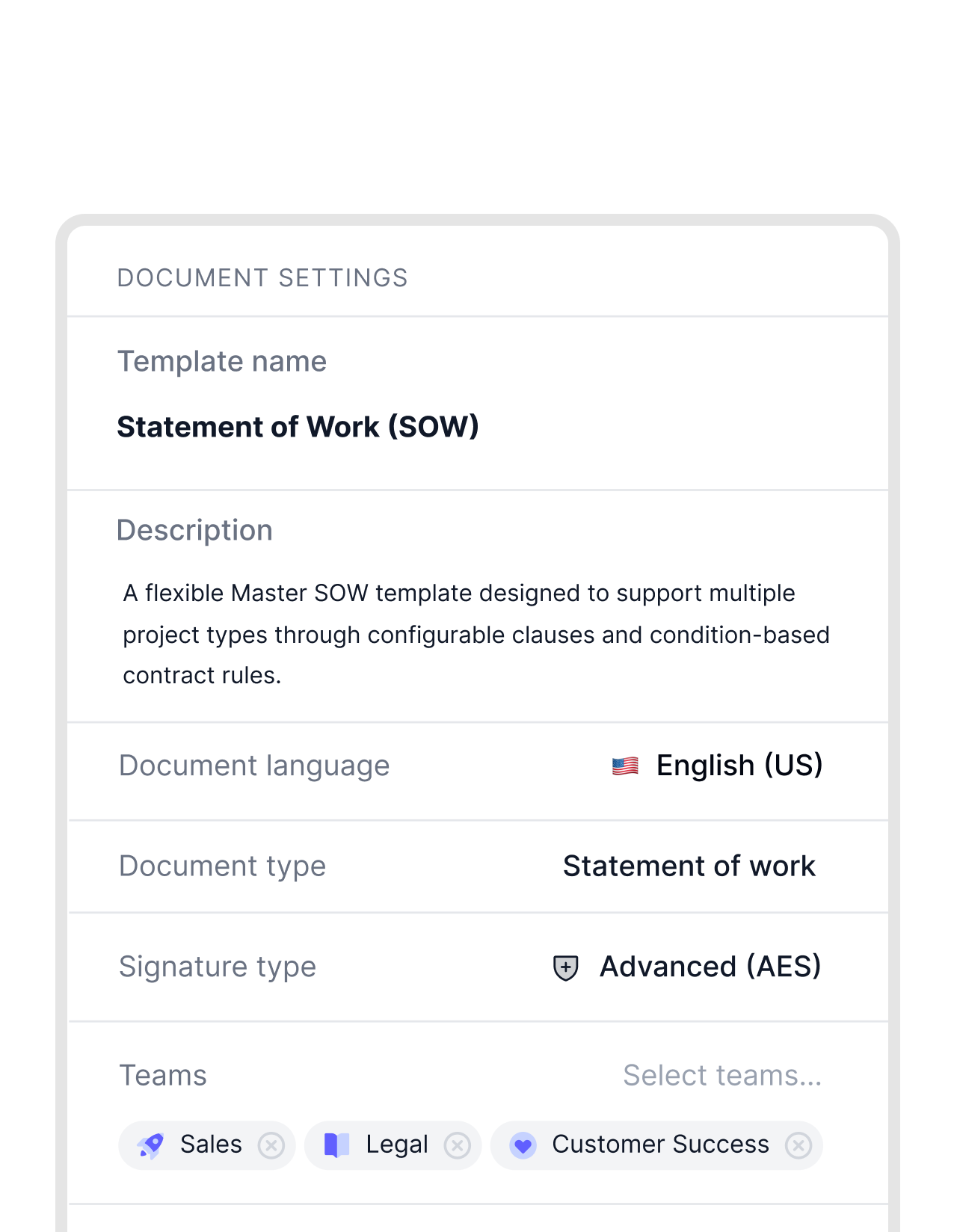
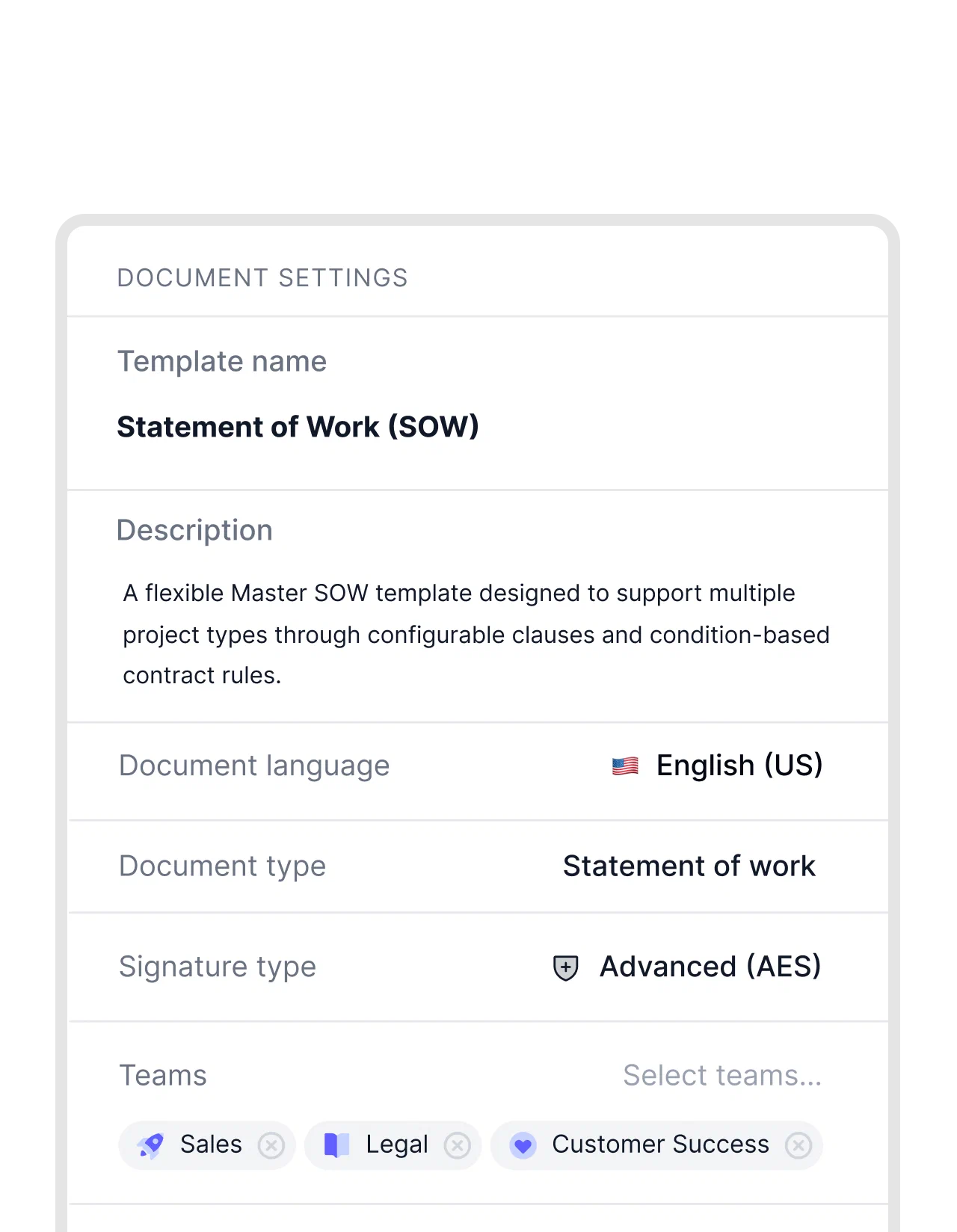
PDFs rarely come ready to reuse, but in fynk, they do. Add your blocks and save the entire setup as a template. Next time you need the same document, create a new copy in seconds. Same style, same flow."Templates always needed a lot of manual adjustment with every contract. In fynk, we managed to have only two or three main templates with only small adjustments."
 Dr. Jörg Burkhardt Head of Sales & New Partnerships at 1. FC Nürnberg
 AI analysisTry it free
Get the key info in seconds with AI.
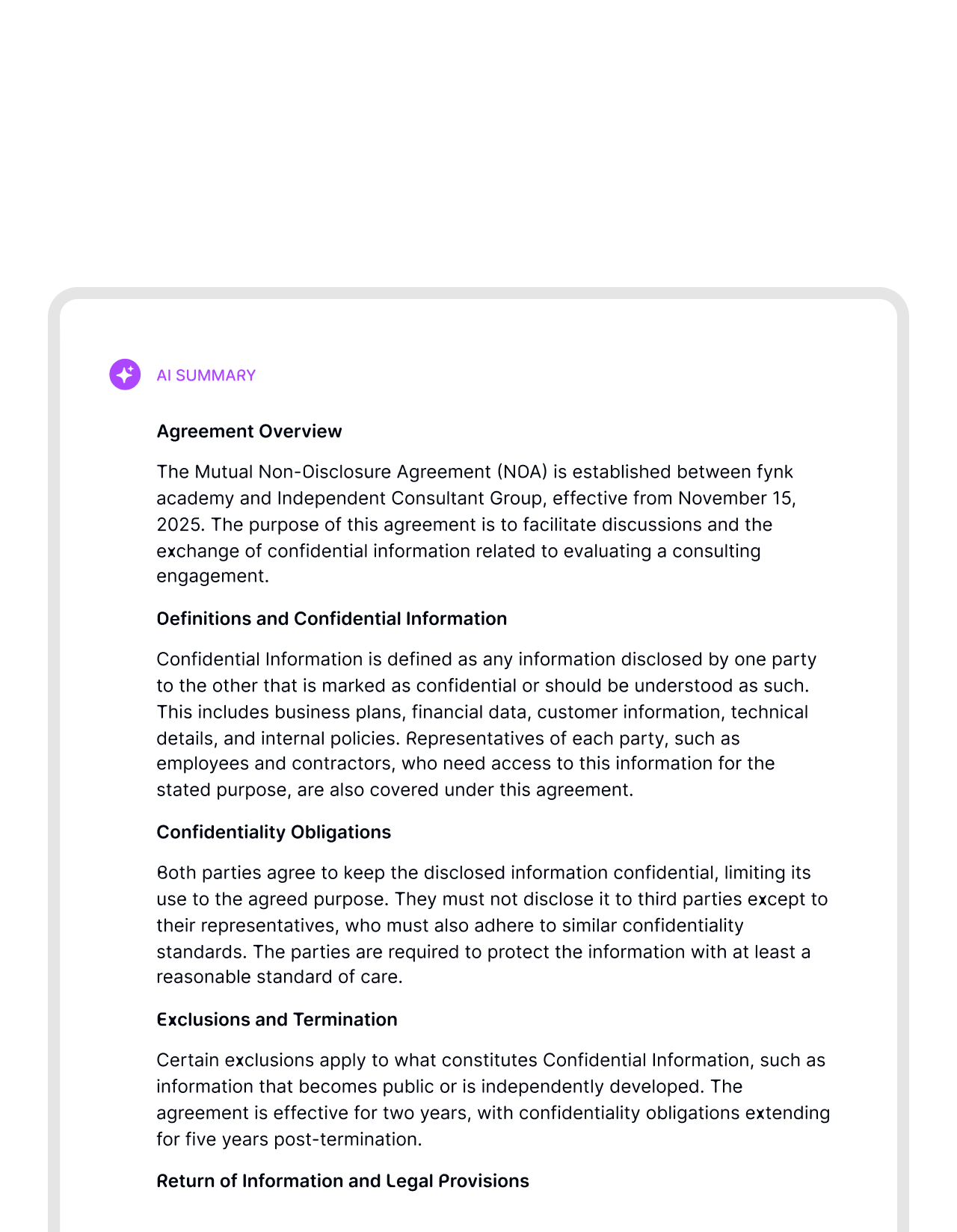
Got a 12-page PDF to read? Let AI do it for you. Get a rich summary, key data, and automatic reminders for important dates instantly. Fast. Accurate. On time.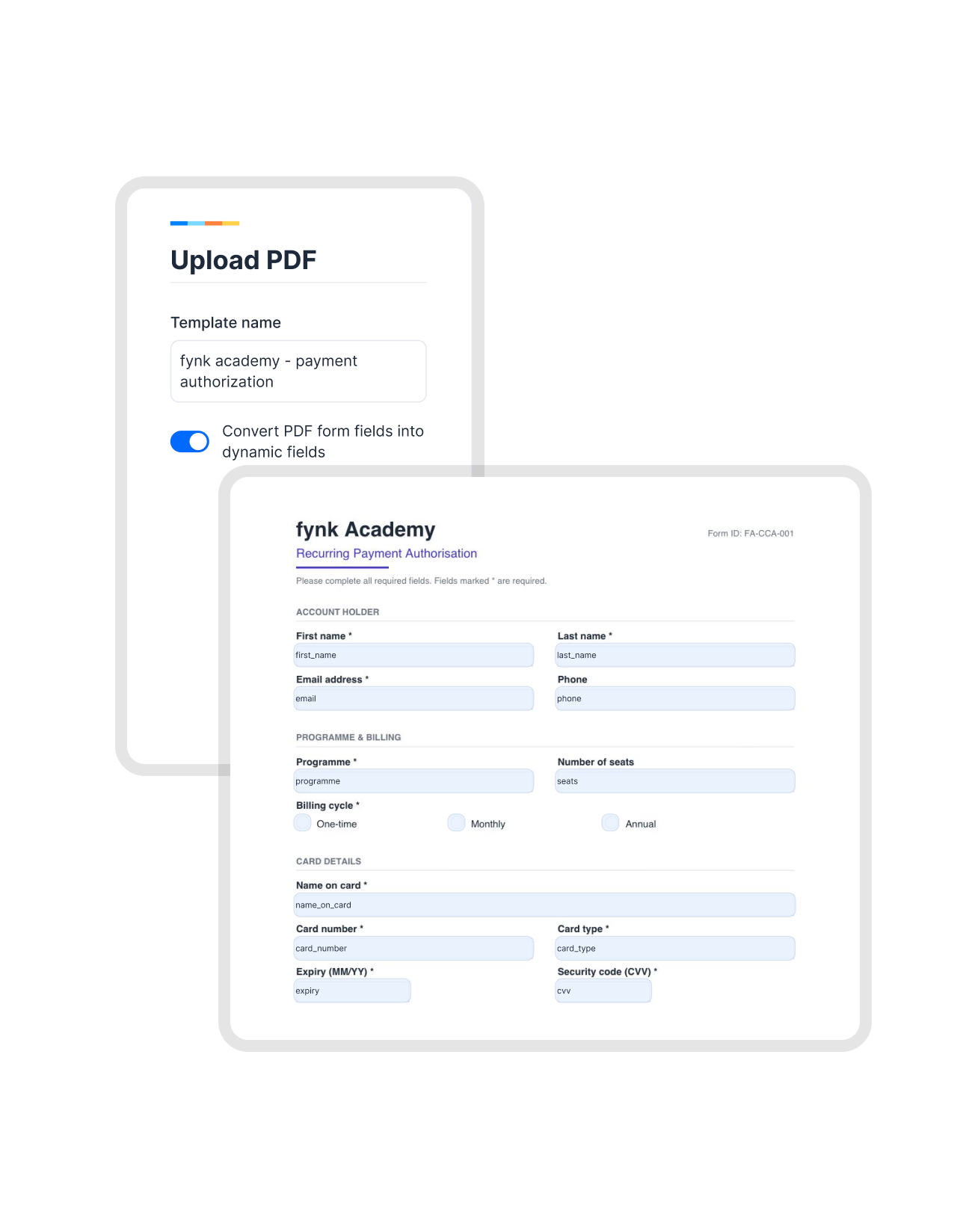 Fillable PDFsTry it free
Already a fillable PDF? It's ready to send.
Already built a PDF as a fillable form? No problem! Upload it as a template and it comes in ready to send, with fillable field right where you left it. You skip the setup and reuse the work you did once. Same form, now running inside fynk.


"Before fynk, contracts were time consuming and scattered across Word files and PDFs. fynk replaced this with one clear system that saved me hours each month."
Everything you need to fill and sign PDFs.
No printing. No highlighted sections. No wondering who fills what, or when.
Track every change.
Keep a full record of edits, inputs, and signatures. Know exactly what changed and who did it.
Cut back and forth.
Remove unclear instructions and missing fields. Let the document guide users with questions and reminders so you don't chase answers.
PDFs, instantly usable.
Got PDFs to sign but no need to change anything? Just drop them in fynk and sign it on-the-spot.
Multiple block types.
Text, date, duration, email, currency, and signature blocks cover every field type a PDF document could need.
Ready for automation.
Connect contracts to your CRM and other tools. Fill your PDF even faster by injecting your data directly to fynk.
Keep approvals inside.
Add approvals directly to the document flow. No moving work to other tools or emails. As easy as a click.




The next-generation CLM
Only fynk offers a flexible, integrated and truly end-to-end contract platform for all teams to use - not just legal.
Sign
Organize
Boost
Scale
Insights
Organize your agreements using AI
Work smarter and faster with fynk’s built-in AI. Centralize agreements, extract data, automate tasks, and offer secure access for your entire team.
Signatures (SES, AES, AES eID, QES)
Signature order
Signature style
Voting
Signature tracking
eIDAS Compliance
Document hub
Bulk import
Document calendar
Tasks & Reminders
Configurable notifications
Kanban dashboard
Multi-entity management
AI assistant
AI analysis
AI summary
AI draft
AI review
AI search
Approval workflows
Dates & durations
PDF comparison
Integrations
API
Branding
Teams
Dashboards
Metadata
Analytics
Audit trail
History

Trust isn't a feature. It's the foundation.

European by design.
Designed and developed in Austria. Hosted exclusively in ISO 27001-certified German data centers, under European law.

Security at the core
End-to-end encryption and secure engineering standards across a continuously monitored infrastructure.

Access on your terms
Single sign-on (SSO), mandatory two-factor authentication, and granular role permissions keep contracts with the right users.

GDPR, fully embedded
Fully compliant with European data protection regulations, supported by regular audits and external penetration testing.
Trusted by companies worldwide



Frequently asked questions.
Blocks are interactive fields you place directly onto any existing PDF. They include dynamic field types like text, date, and duration, as well as signature and initials blocks. Once placed, they turn a static PDF into a structured, fillable form.
fynk supports text, number, date, duration, currency, currency over time, email, address, select, multi-select, yes/no field and signature blocks. You can combine any of these on the same document depending on what each section requires.
Yes. Signature blocks assigned to specific signers, who receive the document and see exactly where to sign. For other blocks like text, date, email, and duration you can asign a specific recipient to fill them.
Yes. Once you have placed and configured all the blocks on a PDF, you can save the entire setup as a reusable template. The next time you need the same form filled or signed, open the template and send it straight away without placing blocks again.
No. Recipients receive a secure link by email and can complete their part directly in the browser. No account creation, no software installation, no setup required on their end.
Yes. You can set a signing order so the document goes to the next signer only after the previous person has finished. This is useful for documents that require a specific sequence, such as employee before manager, or client before legal.
Once complete, the finished PDF is automatically stored in fynk. You receive a notification, and the audit trail records who filled what and when. The document is immediately ready to access, share, or archive.
Still have questions?


Every PDF you send, filled in the right place.
Drop the blocks. Assign the signers. Watch the document guide itself to done.