
Whatever you have. fynk can work with it.
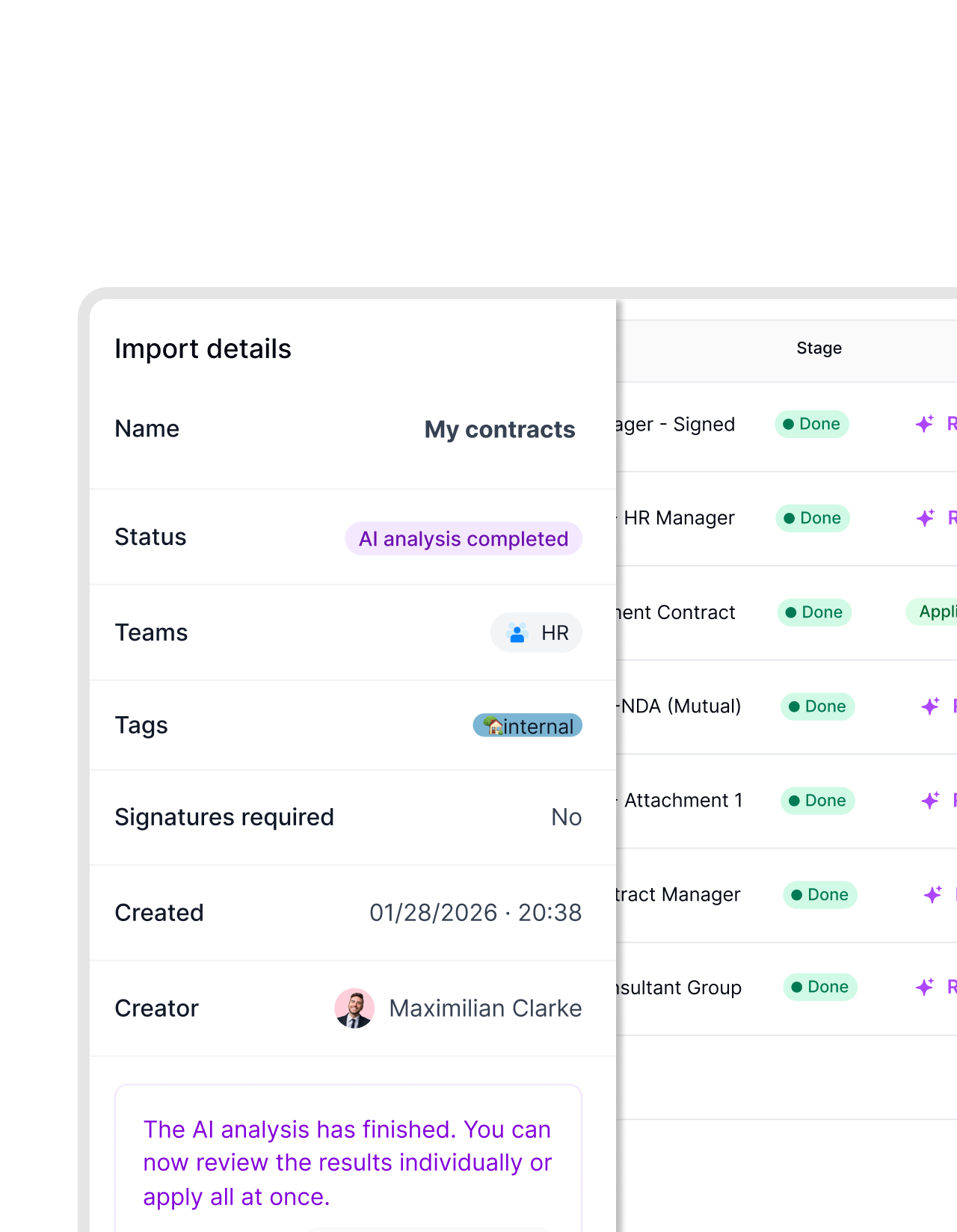
Your contracts don't all start in the same place. Some are Word files. Some are PDFs. Some are scanned documents sitting in a drive folder. fynk imports all of them, converts them into structured contracts, and keeps your full workflow running. You don't need to rebuild anything.








Keep your work, ditch the chaos.
Word, PDF, scanned document. Import all and continue working in fynk. No reformatting. No starting over.
 Start as-isGet a demo
Don't rebuild what already exists.
Your contracts live in different formats across different drives. Imports Word files, PDFs, and scanned documents as they are: draft, ready to review, or signed. Keep your work without breaking momentum. No reformatting required."If we get contracts from others, I upload them into the system so that I have an overview of all contracts with all the expiry dates, exclusivity, everything."
 Alina Heiner Founder of Maven
 One flowGet a demo
Use one tool, for different formats.
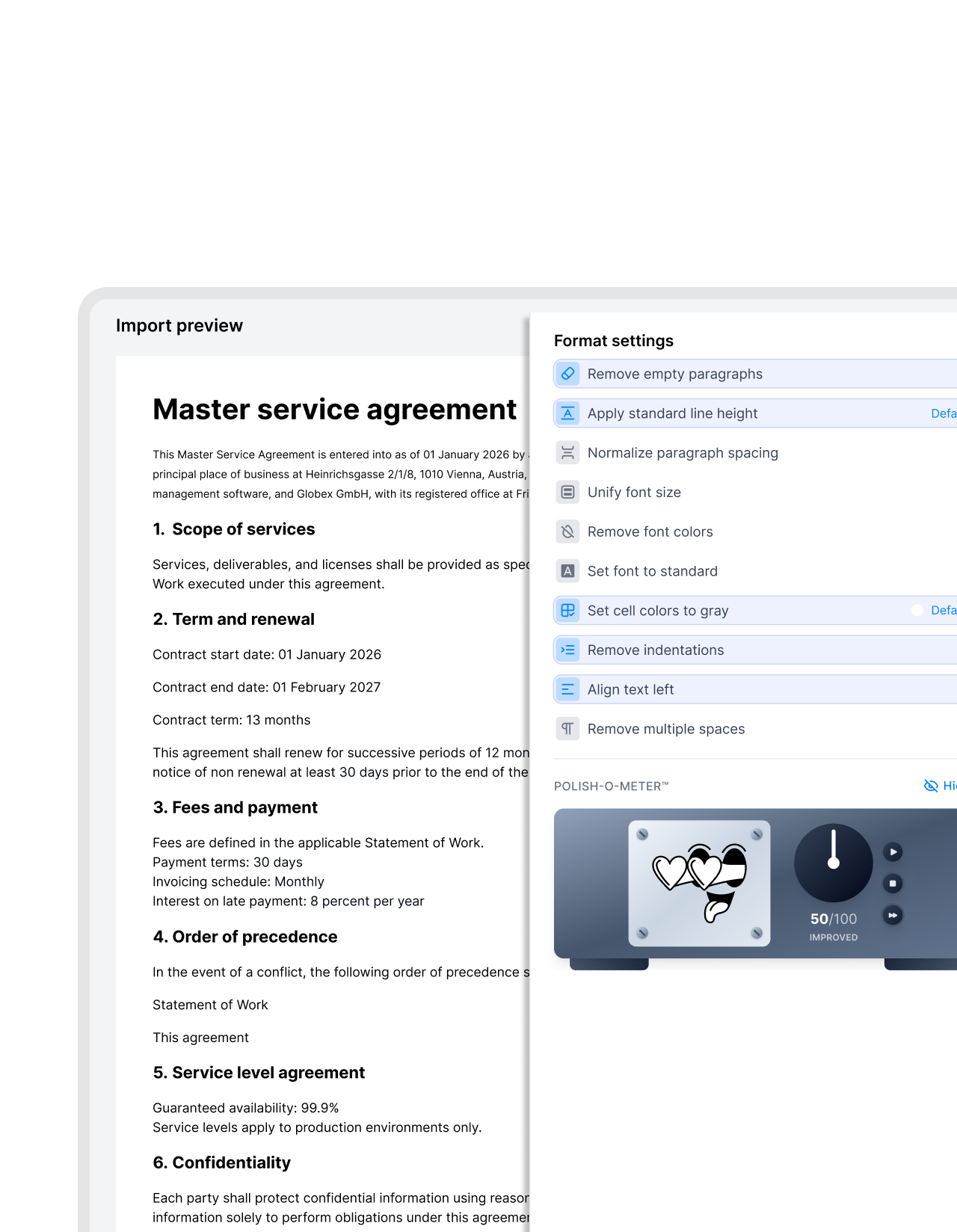
File format shouldn’t set your process. Documents should adapt to your process, not the other way around. Use the same simple and smooth flow for all your docs in fynk, regardless of their format. Draft, review, negotiate, approve, sign, and store all files similarly. Keep your work, but upgrade your workflow.
- Apply formatting
- Add blocks to PDFs
- Create templates from Docx & PDFs


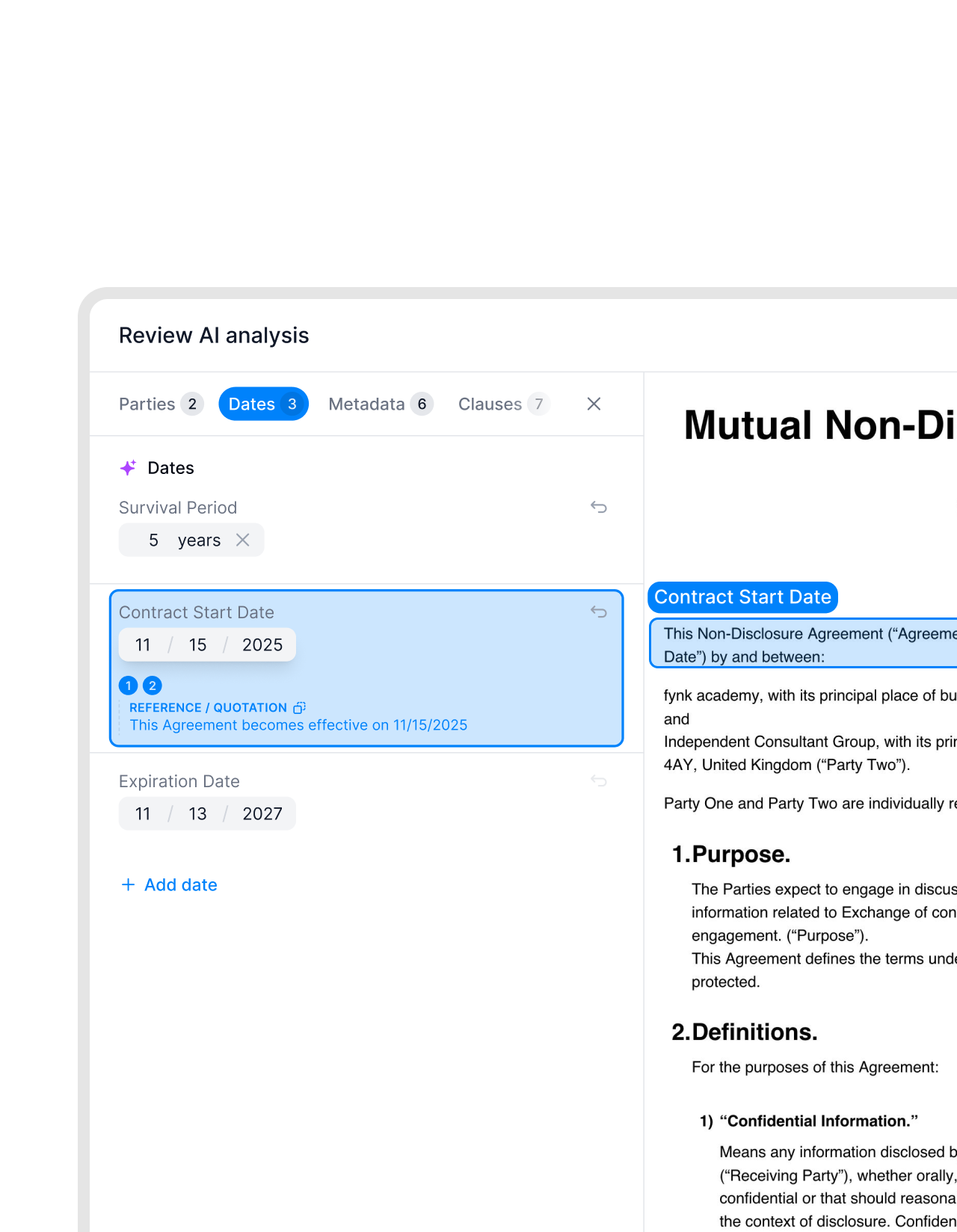
Import any file. AI does the hard part.
Drop in a Word document, PDF, or scanned file. fynk's AI reads it, extracts the key information, and turns it into a structured, searchable contract.
 From static to liveGet a demo
A PDF used to be a dead end. Not anymore.
Say goodbye to flat PDFs. Turn your PDFs into dynamic contract templates by adding blocks and interactive fields to work smarter and faster. Extract key information like deadlines, names, and parties in seconds using AI.
Whether you’re working with flattened PDFs, editable forms, or even secured password-protected files, fynk handles it seamlessly."What I really like about the migration is that you can put tags on certain contract info. That gives us a really great overview and we can compare contracts to each other really easily."
 Lucas F. Jamnig Lead Counsel at fiskaly
 One placeGet a demo
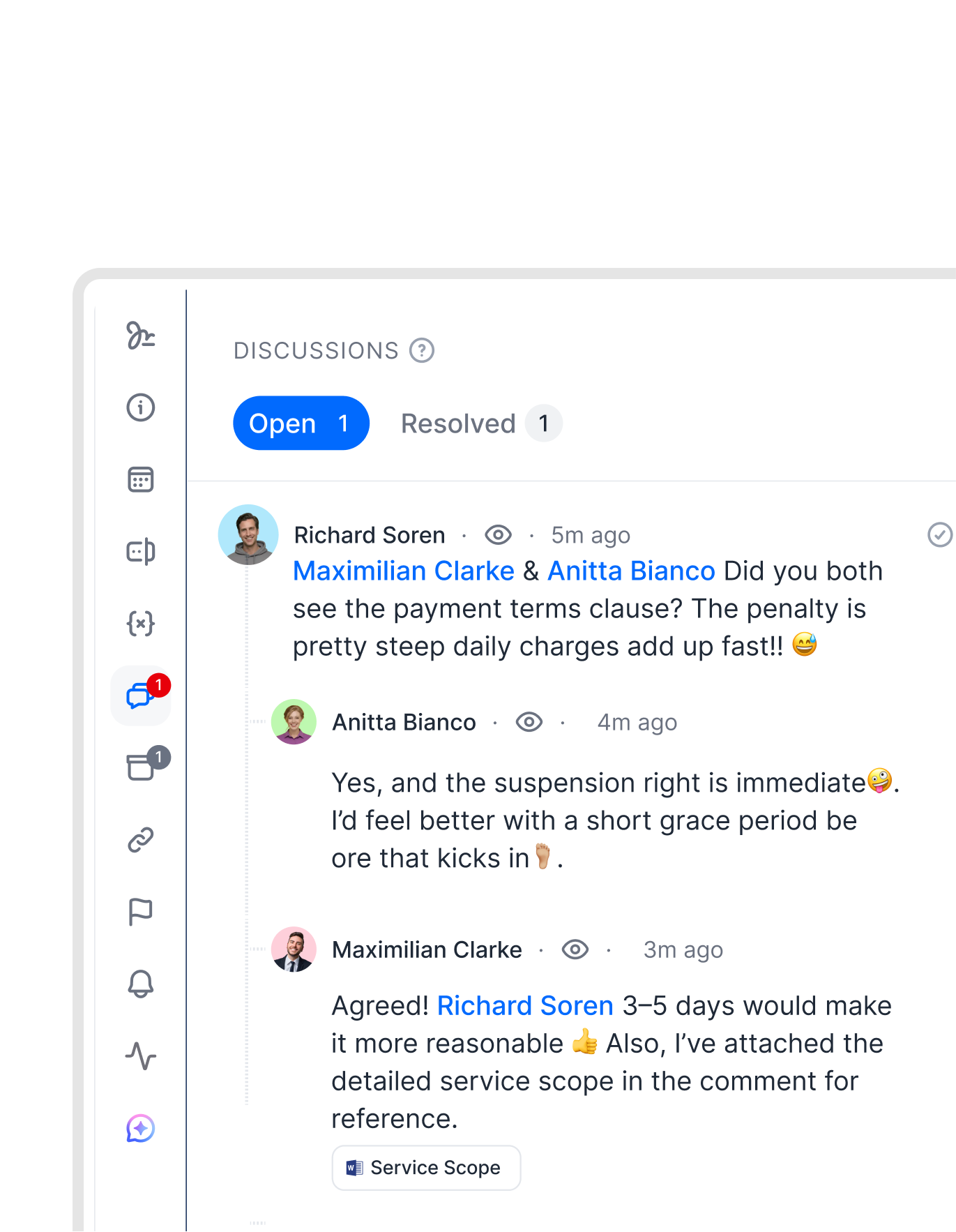
Stop moving between Word, email, and your signing tool.
Don’t lose track by jumping between the tools or versions. You can do all in fynk, the one place where all of it happens. One place, no handoffs."There will be one single source of truth. We will invite externals to the template, comment, sign, and store everything in fynk. That is something everybody will value a lot."
Lucas F. Jamnig Lead Counsel at fiskaly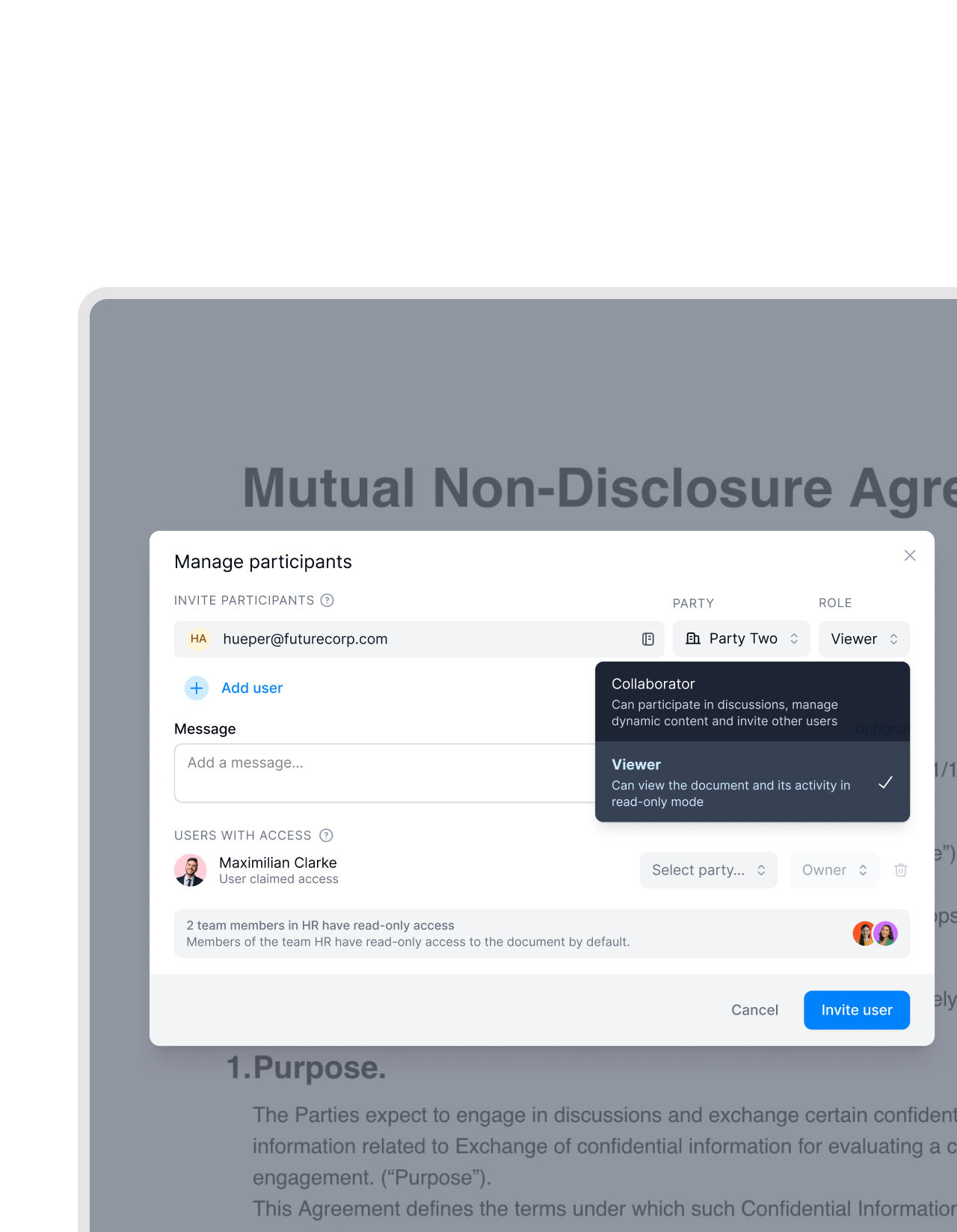 Open to everyoneGet a demo
They use Word. You use fynk. That's fine.
You don’t have to ask your partners to change how they work. fynk lets all parties review and sign through a link, using whatever they already use. You don’t lose control and they don’t have extra work to do."A lot of our business partners, especially customers or suppliers, are not as digital as we are. It is challenging for them. But some customers handle this very well and we are happy when they want to sign digitally. That is already a big improvement."
 Elisa Prößdorf Legal Solutions Manager of Unite
 Share anywhereGet a demo
Download, send, or export whenever you need to.
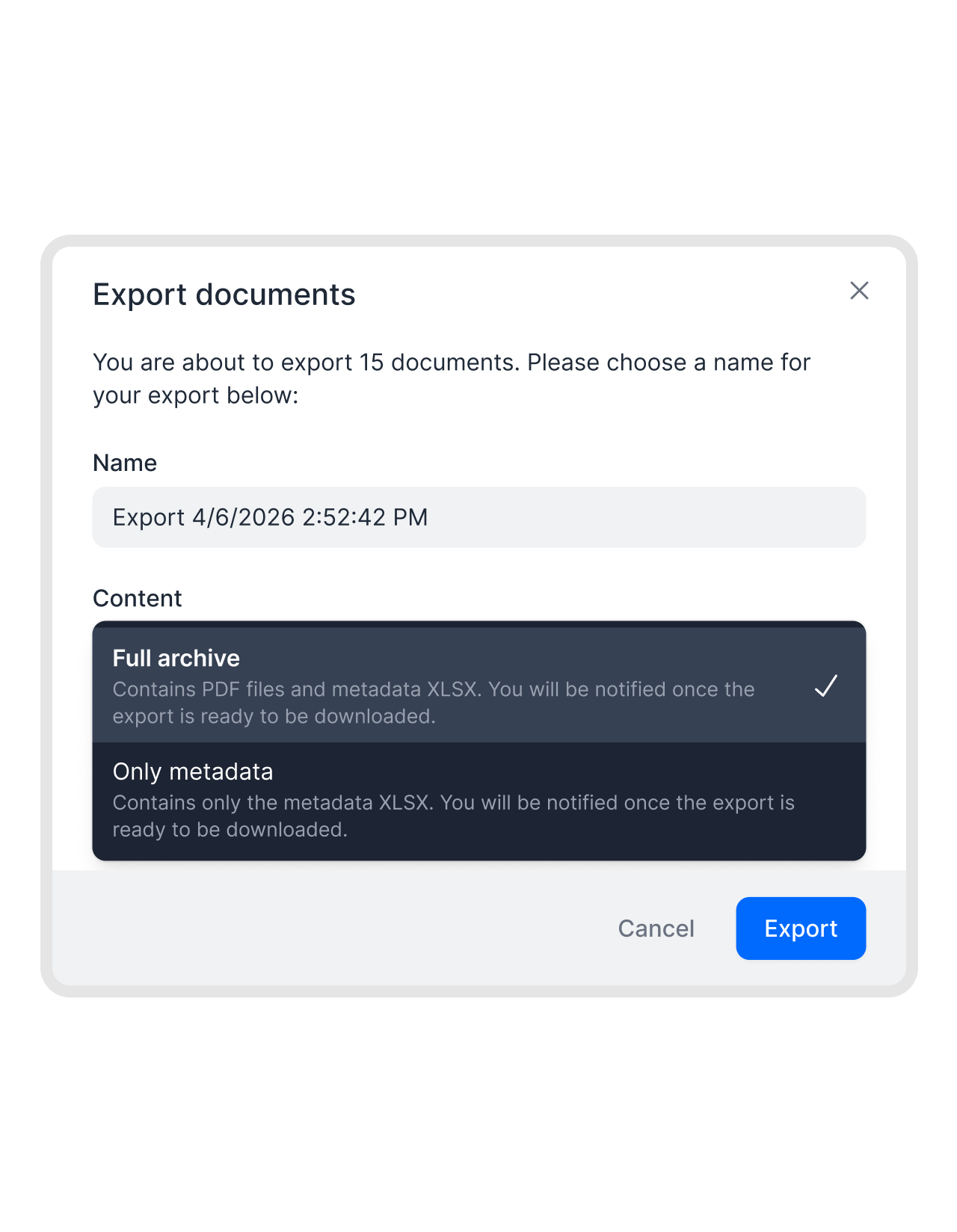
Export your work in standard formats, PDF or Word, without losing structure, metadata, or history. Keep the original intact and share whatever the other side needs.


"We had a digital signing process before but a lot of media disruptions between Word, PDFs and Adobe Sign. fynk streamlines everything from creation to signing to saving without switching systems. "

Every format is welcome.
fynk reads everything, extracts what matters, and connects them to your workflows. No rebuilding, no wasted time.
All formats supported.
Word documents, PDFs, and scanned files are all imported and handled automatically, including yellowed or low-quality scans.
AI-powered extraction.
AI reads and structures imported documents automatically, extracting key data like dates, parties, and values.
Fully searchable.
Every imported document becomes searchable by content, metadata, or date. Find any contract in seconds.
Workflow-ready.
Once imported, any document can trigger approvals, tasks, reminders, and signatures — no manual setup required.
Export in standard formats.
Download any contract as a PDF or Word file whenever needed. No structure is lost on export.
No tool switching.
Draft, negotiate, approve, and sign in one environment. No need to move files between Word, email, and signing tools.






More product features to explore.
Draft.
Create contracts from proven templates. Fast, consistent, and ready to send.
Boost.
AI reviews, summarizes, and explains your contracts so you never miss what matters.
Sign.
Send contracts for legally binding e-signatures, tracked from sent to signed.
Insights.
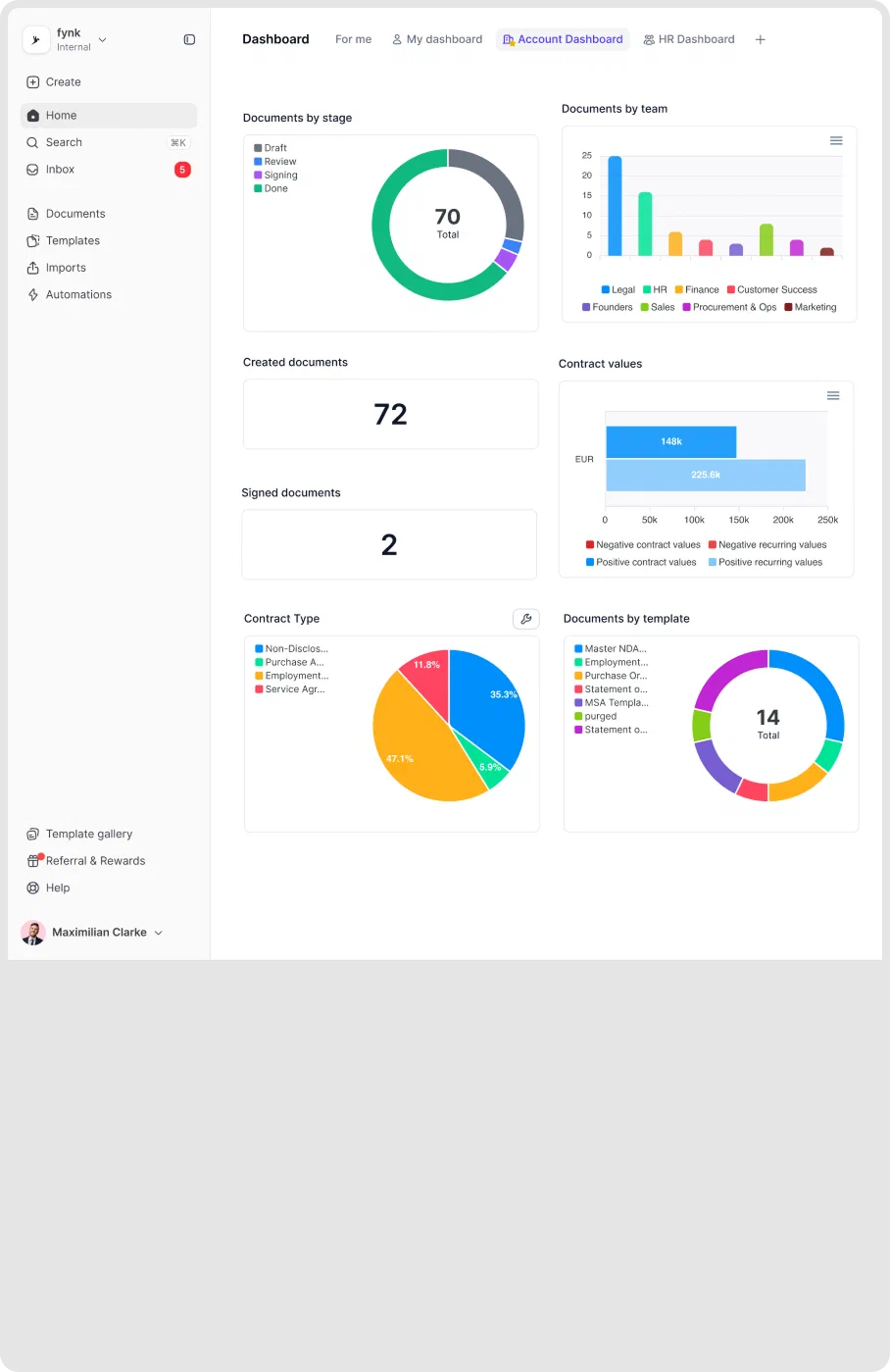
See the full picture of your contracts with dashboards, search, and smart alerts.
Frequently asked questions.
fynk supports Word documents (.docx), PDF files, and scanned documents. All formats are converted automatically into structured, searchable contracts. You don't need to prepare or clean your files before importing.
No. You upload your files as they are. fynk reads and converts them automatically. Word, PDF, scanned document — it doesn't matter. No manual preparation needed.
fynk preserves the structure and content of your Word documents during import. You can continue editing and formatting inside fynk without losing the original layout.
Yes. You can download any contract from fynk as a PDF or Word file at any time. The exported file keeps the full structure and content. Nothing is lost.
Yes. External parties can access a document through a link to review and sign without creating a fynk account. They work however they prefer. You keep full control over what they can do.
fynk AI extracts party names, dates, contract values, payment terms, renewal clauses, and other key metadata. This turns a static file into a structured contract you can search, filter, and connect to your workflows.
Still have questions?


Start with the contracts you already have.
Import any format and keep your full workflow running. No rebuilding, no wasted time.