
Free templates to draft agreements in minutes, not hours.
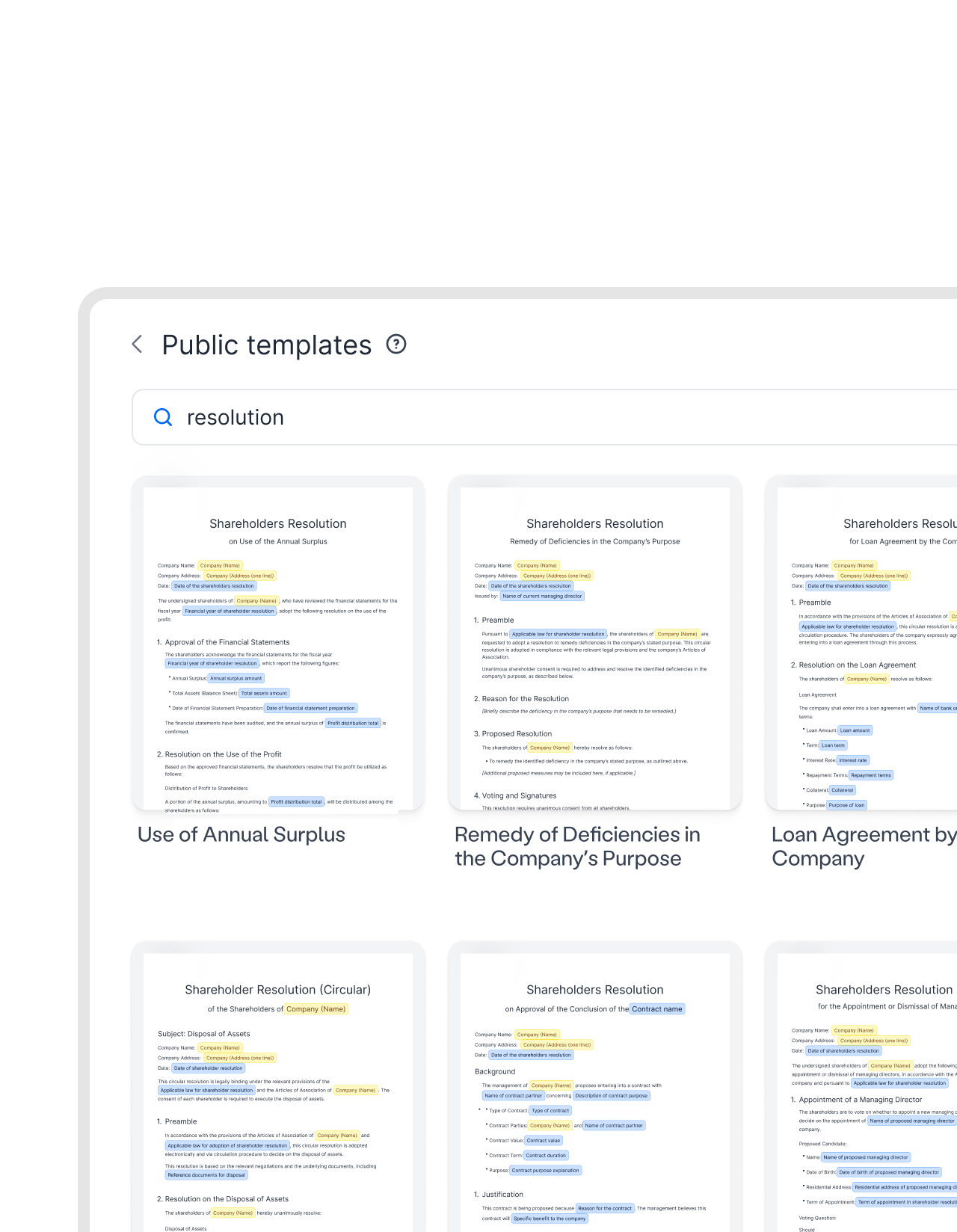
Stop staring at the blank page. Draft and fill out a complete agreement in minutes using fynk's public templates. Browse through hundreds of legally sound and comprehensive agreements. Legally sound contracts, for all teams and businesses.




Browse, select, and create documents faster.
When everyone drafts from memory or copies the last deal, you end up with 25 versions of the same contract and none of them exactly right. Templates fix this at the source.
 Pre-approved languageGet a demo
Read it once. Use it forever.
Browse the gallery, pick the templates that cover your contracts, and save them to your workspace. Easily adjust them the way you like. After that, every document your team creates starts from the same approved version. No improvising. No “I just copied the one from last year.” The version everyone uses is the one legal signed off on."We had 25 different contract versions before. With centralized templates, we reduced this to one and eliminated massive legal risk."
 Harald R. Fortmann Founder & Managing Director of five14.
 For everyoneGet a demo
Give every team a head start.
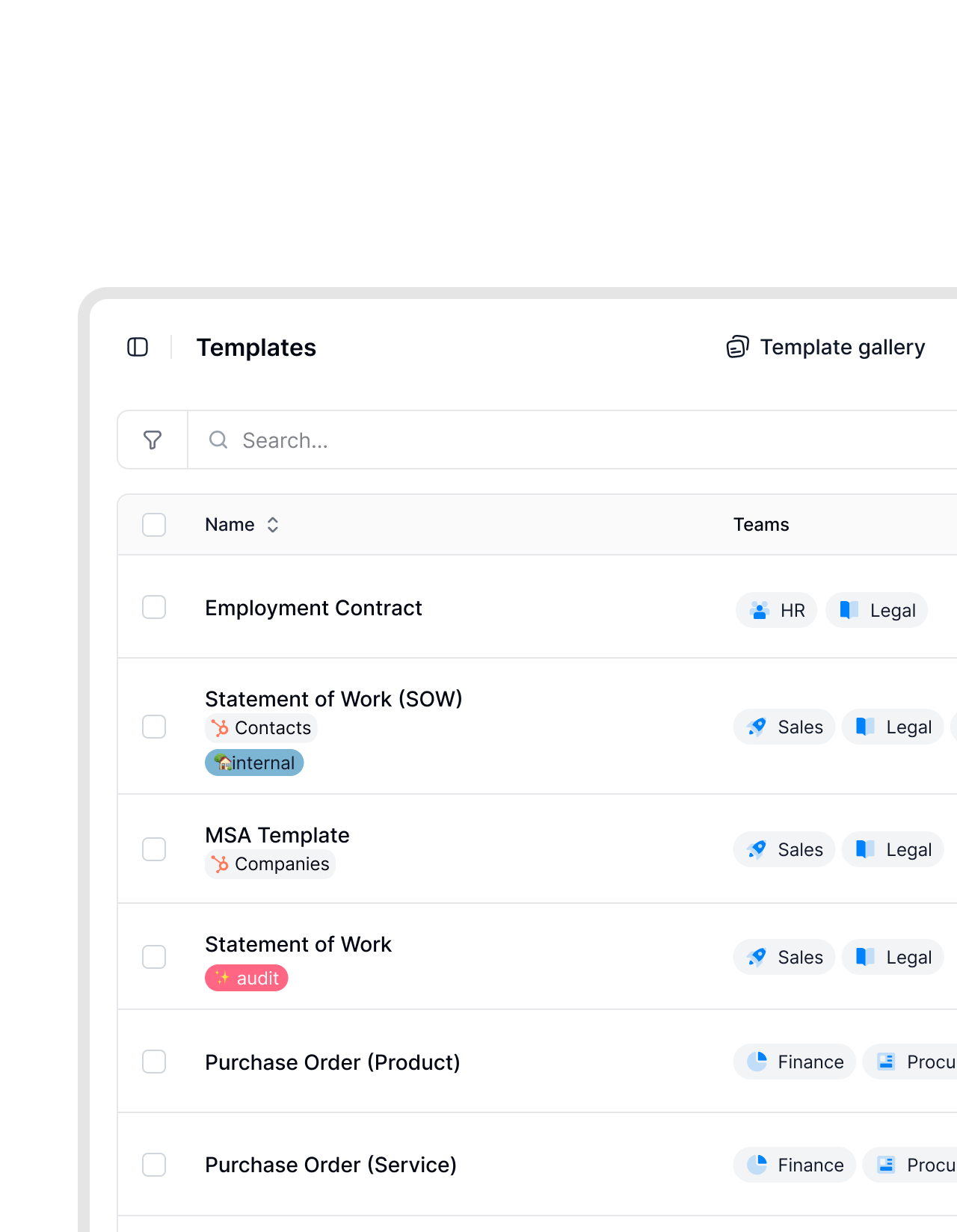
Invoice templates for Finance? Employment contracts for HR? NDAs for Legal? Give every department a ready to use starting point so they can get work done faster. No copy-paste loop, no asking legal question in Slack.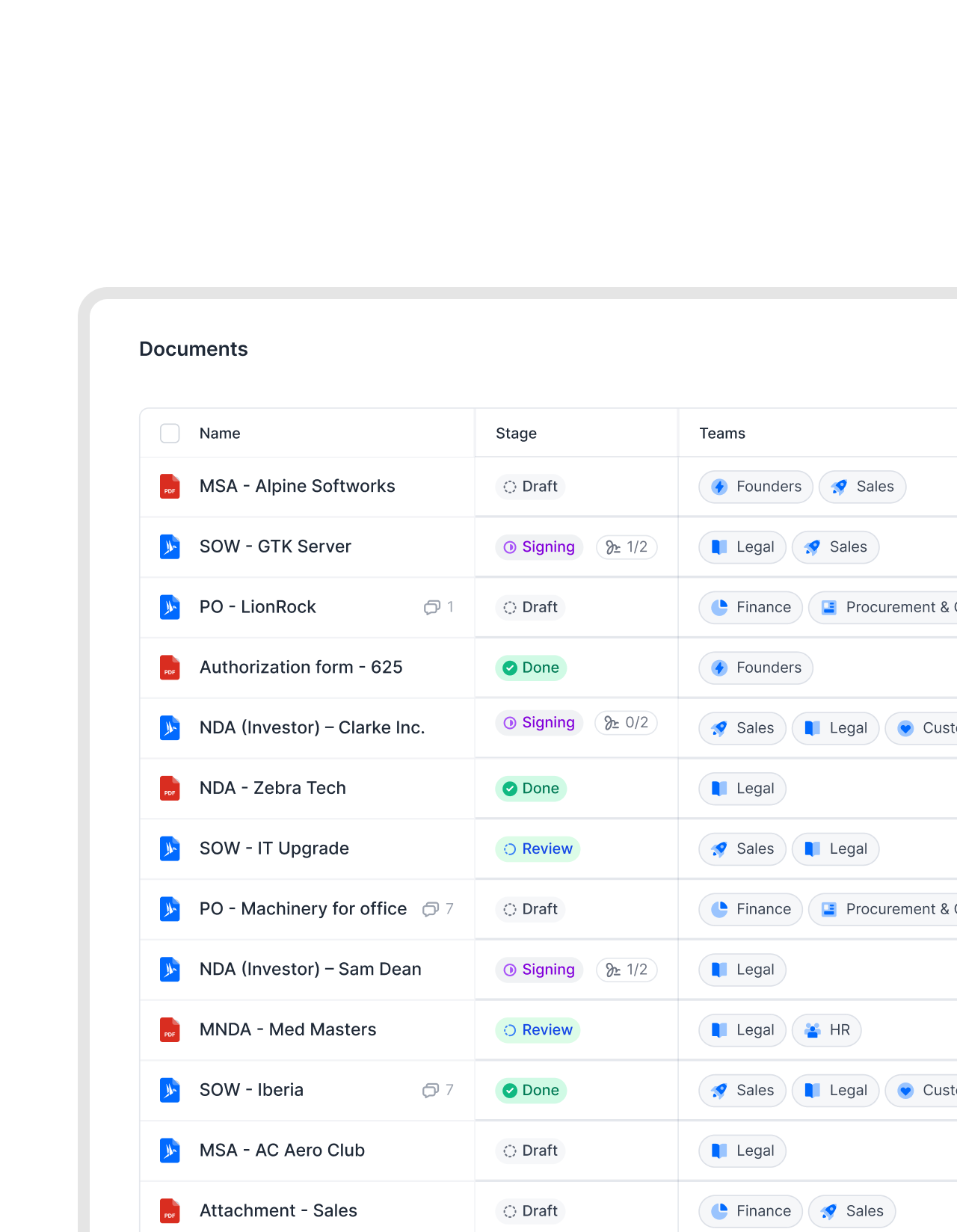 Self-serve contractsGet a demo
Not just a template, but the whole package.
You don’t just get a concrete agreement template. fynk has all you need to create self-serving agreements that even fill themselves. Fill the template through guided forms, send them automatically for review, send reminders, or sign them electronically. All in one place, here.


 Fill it like a formGet a demo
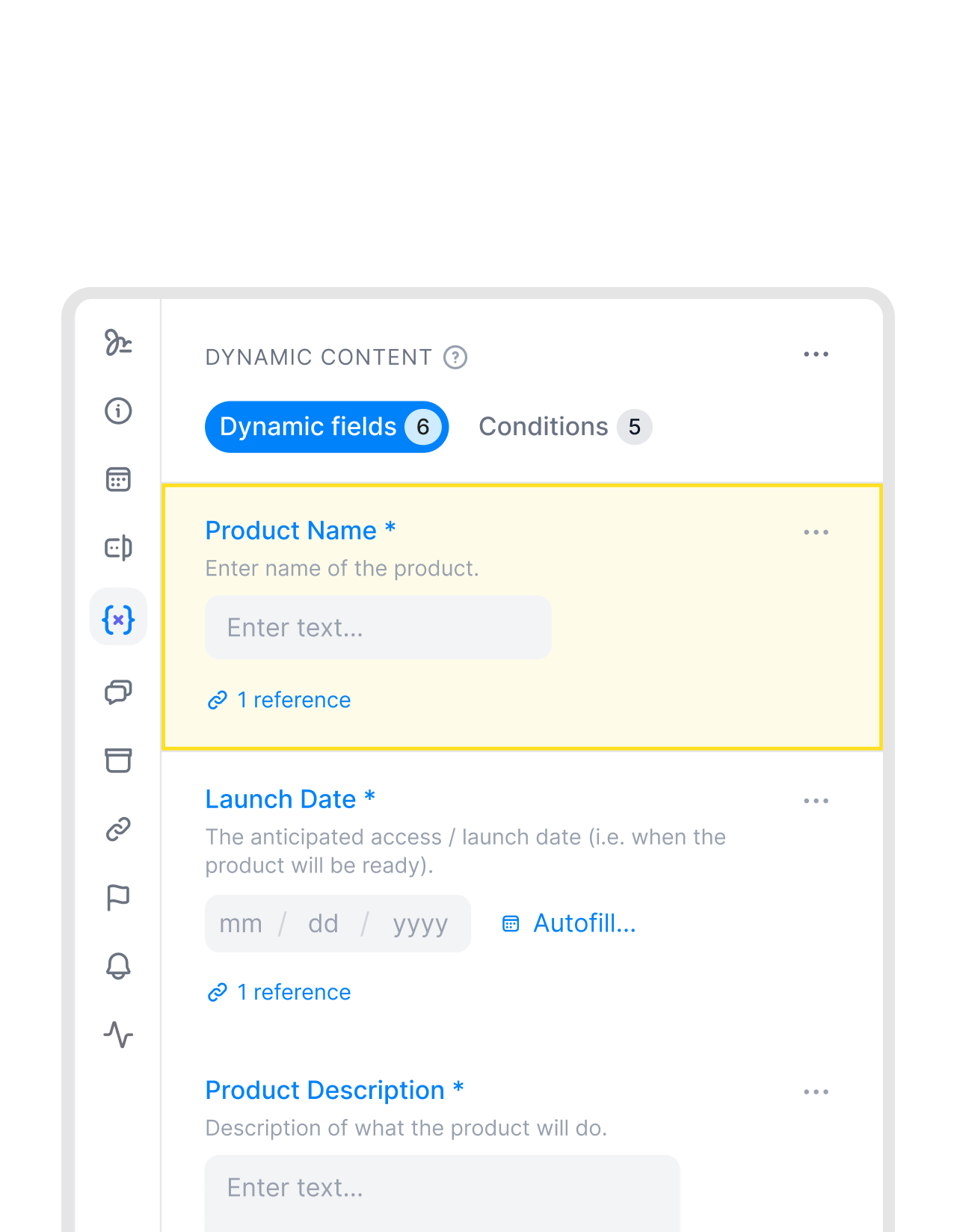
One field at a time. Contract done when you're done.
No more hunting through paragraphs for what needs changing. Every variable is a marked field. Fill them all and the contract is ready. Invite a colleague or counterparty to fill their own fields and they walk through the same sequence, whether they have a fynk account or not.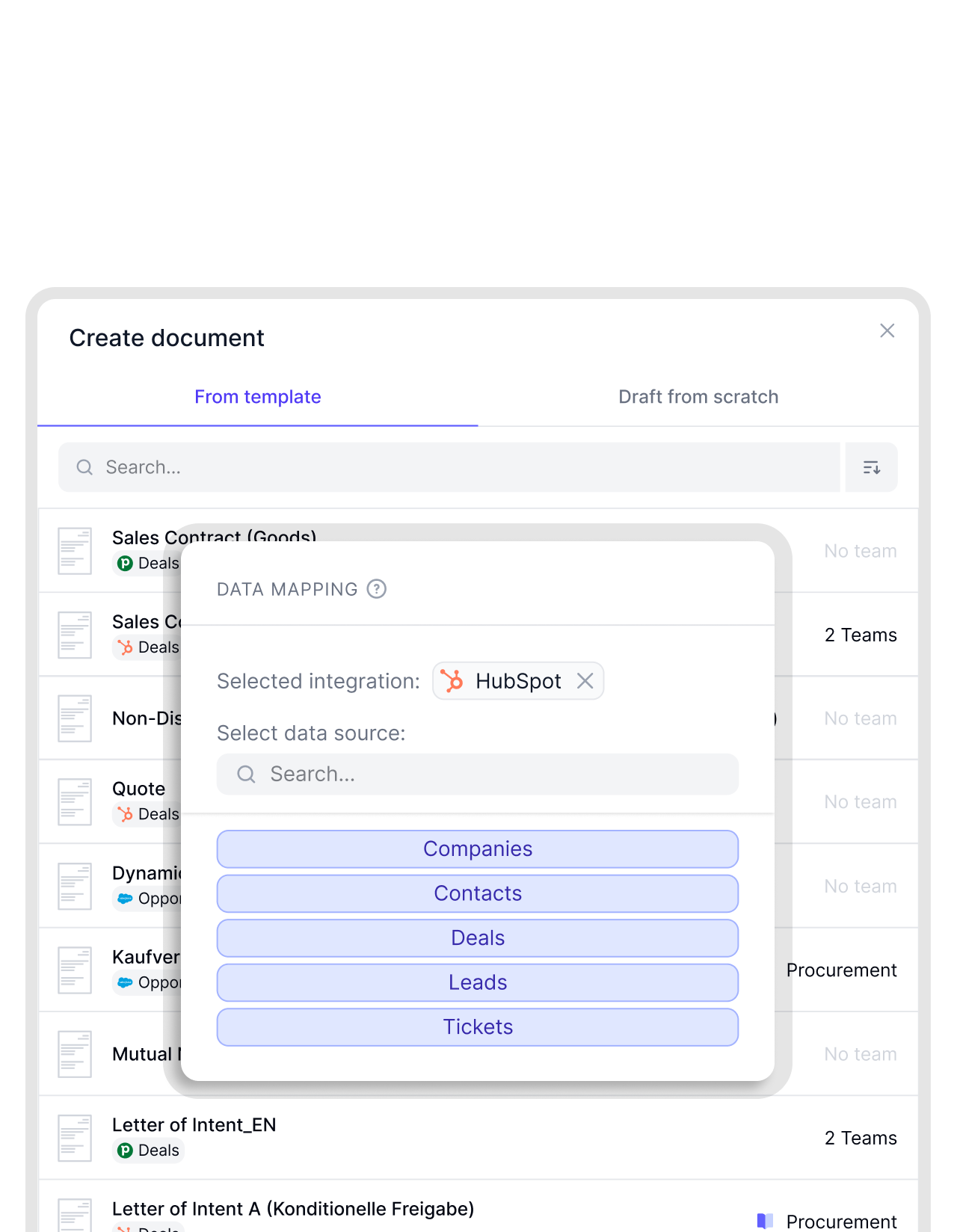 Connected to your toolsGet a demo
Your CRM fills the contract. You review and send.
Link a template to HubSpot or Salesforce and the deal data flows straight in. Company name, contract value, start date. By the time you open the document, the repetitive parts are done. You’re not a data entry person. You’re there to check the terms and sign off.


"There will be one single source of truth. We will invite externals to the template, comment, sign, and store everything in fynk. That is something everybody will value a lot."

Ready when you are.
The public template gallery is open the moment you create a fynk account. No setup, no IT request, no waiting.
Preview before using.
Open any template in full before creating a document from it. See the clause structure, the field layout, and the agreement type. No surprises once you're inside.
Changed once. Applies forward.
Edit the source template and every document created from that point forward uses the updated version. Contracts already in progress stay as they are.
Hundreds of templates.
The public gallery covers NDAs, employment agreements, vendor contracts, service agreements, and more. Whatever your team needs.
Any team. Any contract.
Sales, HR, procurement, and ops can create contracts on their own. The template carries legal's approval. They don't need to ask for it every time.
Add your conditions.
Set up conditional sections in your saved template so certain clauses appear or disappear based on what gets filled in.
Formatting already done.
Headings, clause numbering, and section structure are part of every template. The document looks professional the moment you open it.



More product features to explore.
Draft.
Create contracts from proven templates. Fast, consistent, and ready to send.
Boost.
AI reviews, summarizes, and explains your contracts so you never miss what matters.
Sign.
Send contracts for legally binding e-signatures, tracked from sent to signed.
Insights.
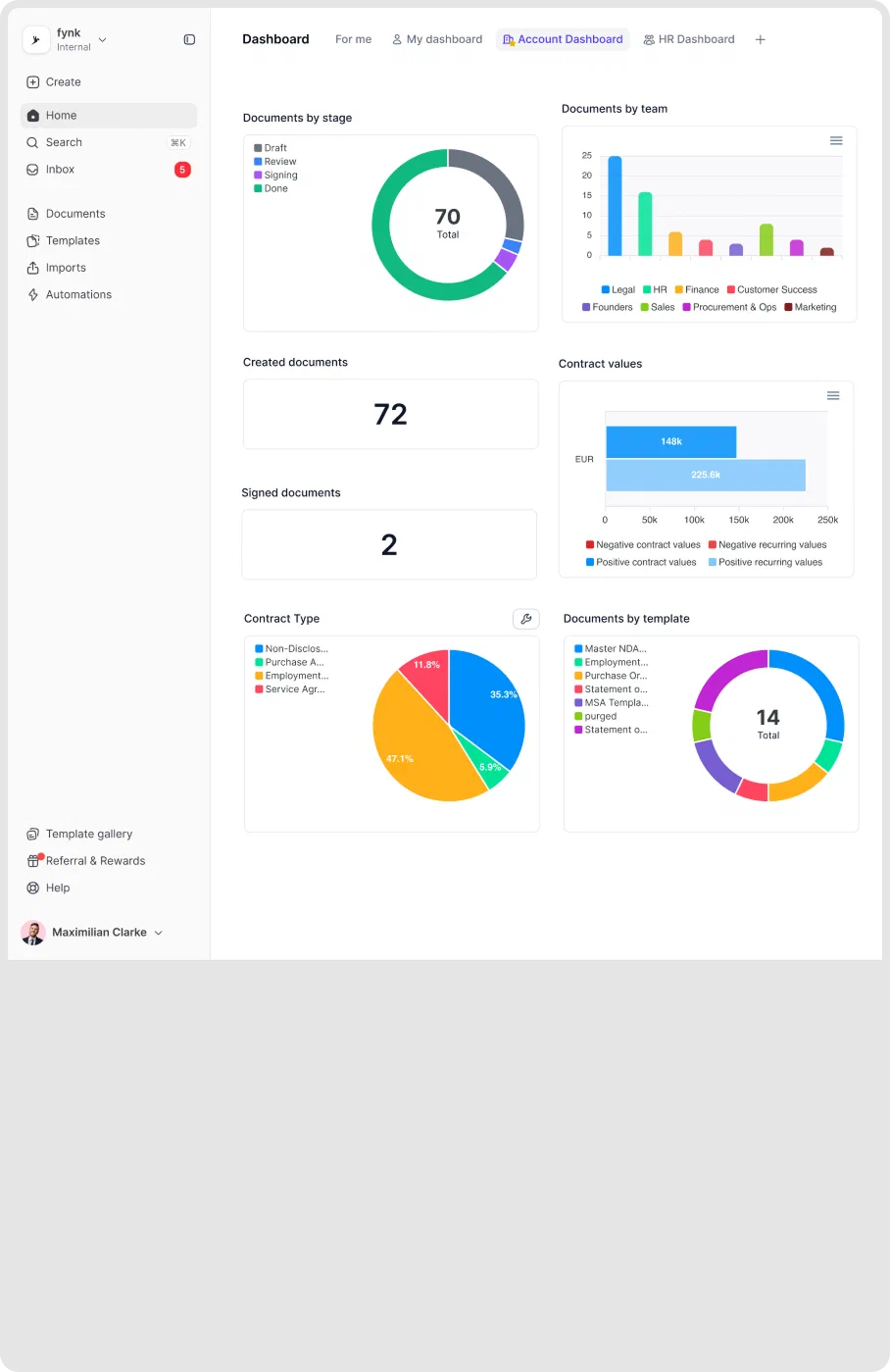
See the full picture of your contracts with dashboards, search, and smart alerts.
Frequently asked questions.
Public templates are ready-to-use contracts that come with every fynk account. Browse the gallery, preview any template before you touch it, and create a contract right away. No setup needed.
Open fynk, click 'New template,' and the gallery is there. Search by name or scroll by contract type. You can preview any template in full before committing to it.
Yes. Creating a document from a template doesn't lock you in. Dynamic fields take you through the variable parts first, but you can edit any text in the document directly if something doesn't fit your situation.
Yes. Adapt any public template and save it to your workspace. After that, your team uses your version, not the original. If fynk updates the public template, your saved copy stays untouched.
Yes. Anyone you invite to a document fills their own fields through the same guided experience. External parties get a link and don't need a fynk account. They see a form, not a contract editor.
Public templates include the document structure and the dynamic fields. Approval steps and signing order are added when you save the template to your workspace. Every contract created from that template then follows the same process automatically.
Still have questions?


Stop starting from scratch.
The gallery has the contract. You have the deal details. That's all it takes.