


JPG to PDF
Photos and scans, one tidy PDF
Drop JPGs, PNGs or other images, put them in order, turn the ones that need it, and download one PDF. No account, and the images never leave this tab.
Stays on this device. The files never leave your browser. No account, nothing stored.
From camera roll to a file you can send
A signed page photographed on a desk, a scanned certificate, three screenshots for a claim. Line them up, pick a page size, and get one PDF.
Many images, one PDF.
Drop up to 50 images at once. Each one becomes a page, in the order you see on screen.
Put them in order.
Drag a page to where it belongs, or use the arrows on a phone. Untick an image to leave it out without removing it.
The right way up.
Phones note which way the camera was held. That note is read for every photo, so portrait shots arrive upright. The arrows on each page turn the rest.
A4, Letter or the size of the image.
Keep every page the size of its picture, or choose A4 or US Letter with a margin. The picture is centred and scaled to fit.
As sharp as the original.
JPG and PNG images go into the PDF at full quality and are not compressed again. What you photographed is what the other side sees.
Nothing is uploaded.
The images stay in this browser tab. We never see them. There is no account and nothing to store.
When the paper is on the desk and the file is due
A lot of contract paperwork still starts as a photo. Turn it into the PDF the other side asked for.
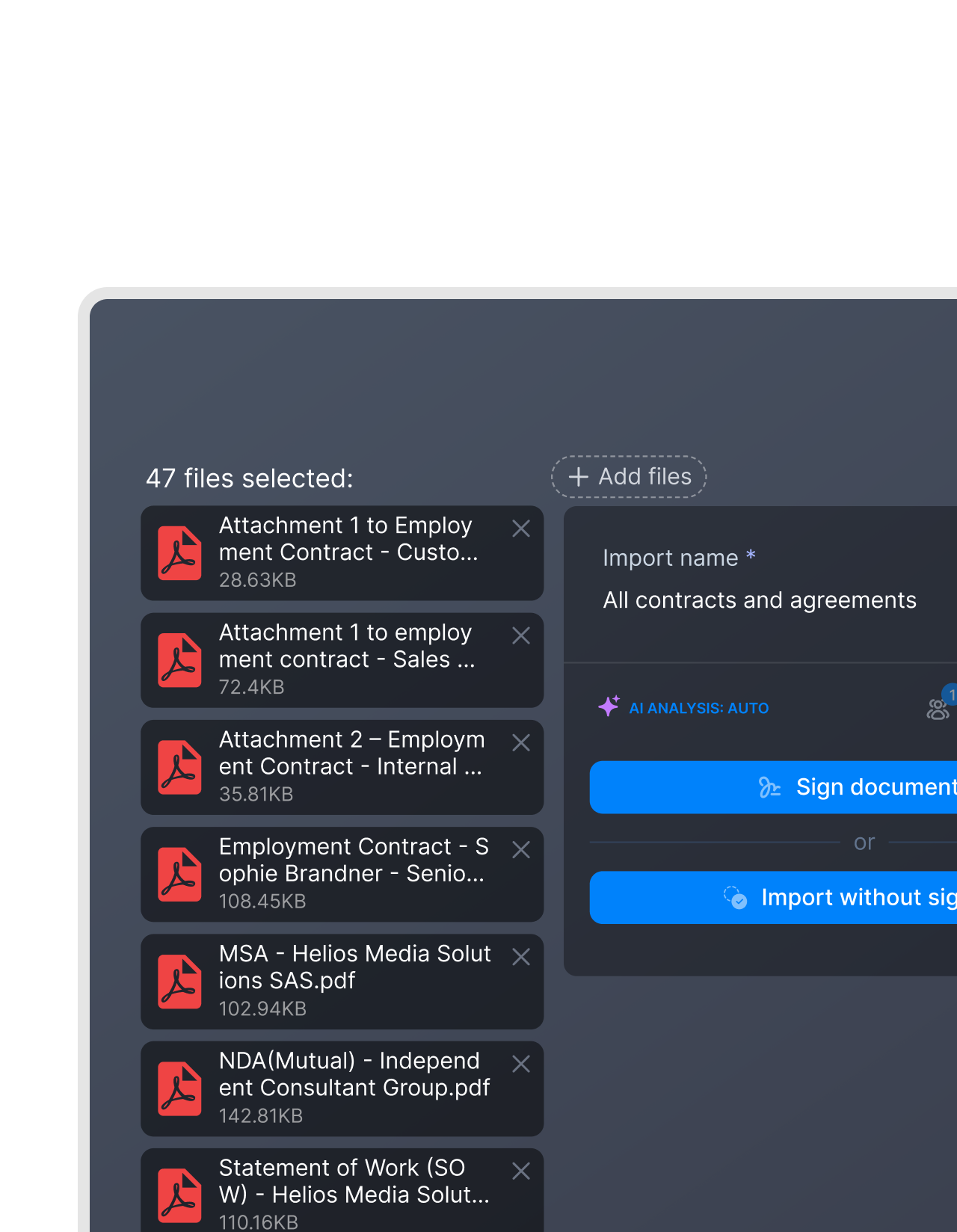 Wet signatures
The signed contract you photographed on the desk
IN FYNK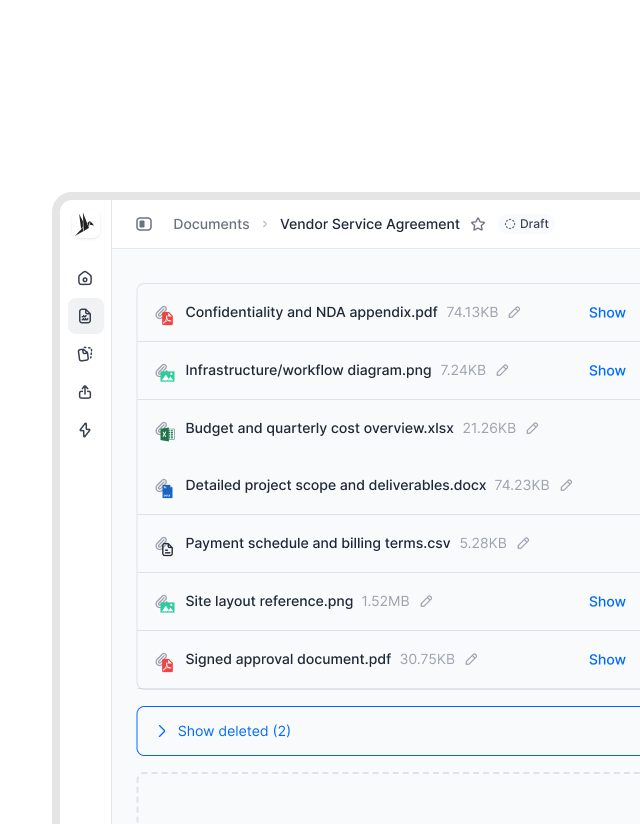 Supplier onboarding
The ID, the certificate and the form, in one file
A new supplier sends a trade register extract, an insurance certificate and a signed form, all as pictures. Make one PDF with A4 pages so it prints cleanly. In fynk, a file like this sits next to the agreement as an attachment, so nobody has to hunt for it. If some of it came as PDFs, add them with Merge PDFs.IN FYNK


More free PDF tools
Merge, split, rotate, compress, convert, protect, unlock or redact a PDF in this browser. No account, and the file stays on your device.

Merge PDFs
Arrange the pages, drop the ones you do not need, download one file.

Compress PDF
Shrink scans and photos for email and upload portals, text stays selectable.

Rotate PDF
Turn one page or the whole file left or right, then download.

PDF to JPG
Turn every page, or only the ones you pick, into sharp JPG or PNG images.

Protect PDF
Lock a PDF with a password and AES-256 encryption, with optional print and copy limits.

Unlock PDF
Remove a password you know, or lift print and copy restrictions.
Frequently asked questions.
No. The images stay in this browser tab as local data. Everything runs on your device. We do not receive them, so there is nothing for us to store or delete.
Not for JPG and PNG. They go into the PDF as they are, so the pages are as sharp as your photos. WebP, GIF and HEIC images are converted to JPG or PNG first, at high quality.
Yes in Safari, on iPhone, iPad and Mac. Chrome, Edge and Firefox cannot open HEIC images. In those browsers, share the photo as a JPG first and drop that in.
Yes. Phones save which way the camera was held, and the tool reads it, so portrait photos arrive upright. If one is still turned, use the arrows on its page.
Same as image gives every page the size of its picture, which suits screenshots and photos read on screen. Choose A4 or US Letter when the file will be printed or filed, and add a margin so nothing touches the edge. Auto orientation turns each page to match its picture.
Up to 50 images per PDF, each up to 25 MB. This page takes images only. To combine the new PDF with other PDFs, use Merge PDFs afterwards, another free fynk tool.
Not for this tool. A fynk account is for storing signed contracts, finding them again and keeping track of their dates.
Still have questions?



From phone photo to tracked contract
Take control of your agreements. Move your business forward.
Run agreements the way they should run: fast, clear, and on your terms.
No setup headaches
Go live in days, not quarters
No lock-in
Full export anytime
No hidden fees
Signatures included, no envelope fee