


Your Dynamics 365 opportunity already knows what goes in the contract.
Account, contact, amount and terms are in the CRM before anyone writes a word. fynk turns them into a contract on your approved template, gets it signed up to QES and tells Dynamics 365 when it's done.


Dynamics 365 and fynk, connected through Zapier.
Choose the Dynamics 365 record that should start a contract and the fynk template it uses. Zapier carries the data across.
Ready to switch on, in both directions.
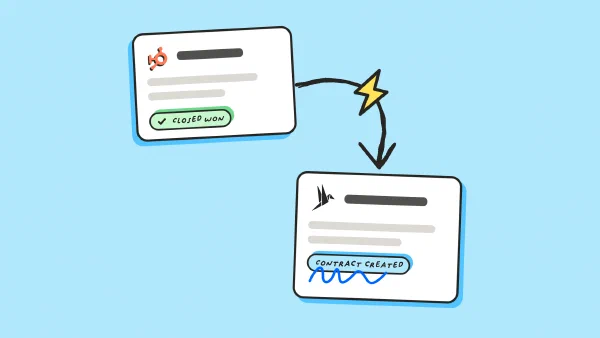
A new opportunity creates its contract in fynk. A signed contract updates the opportunity it came from.






Dynamics 365 contract management, without the copy and paste.
Sales works in Dynamics 365. The contract lives in fynk, where legal keeps the wording, approvals and signatures. Zapier moves the data between the two, so nobody types a customer name twice.
"fynk significantly reduces risk by giving us full transparency over contracts. It replaces fragmented processes with one clear, efficient system. People adopt it faster because it's easy to use and actually enjoyable."
 OpportunitiesLearn more
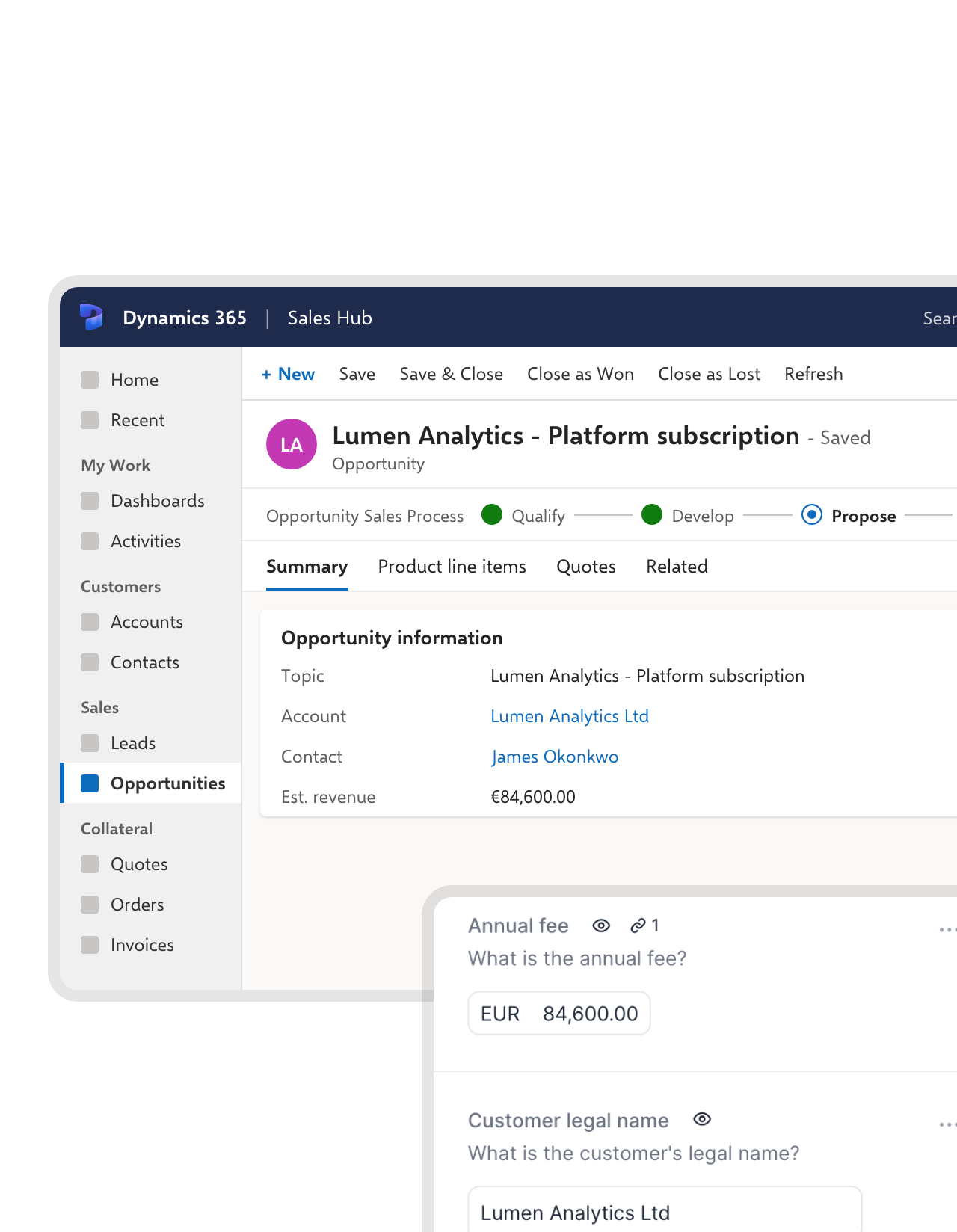
A new opportunity starts its contract.
When an opportunity is created, or reaches the stage you pick, a Zap creates the contract in fynk on the right template. Sales reviews a finished draft instead of starting from a blank page.FEATURES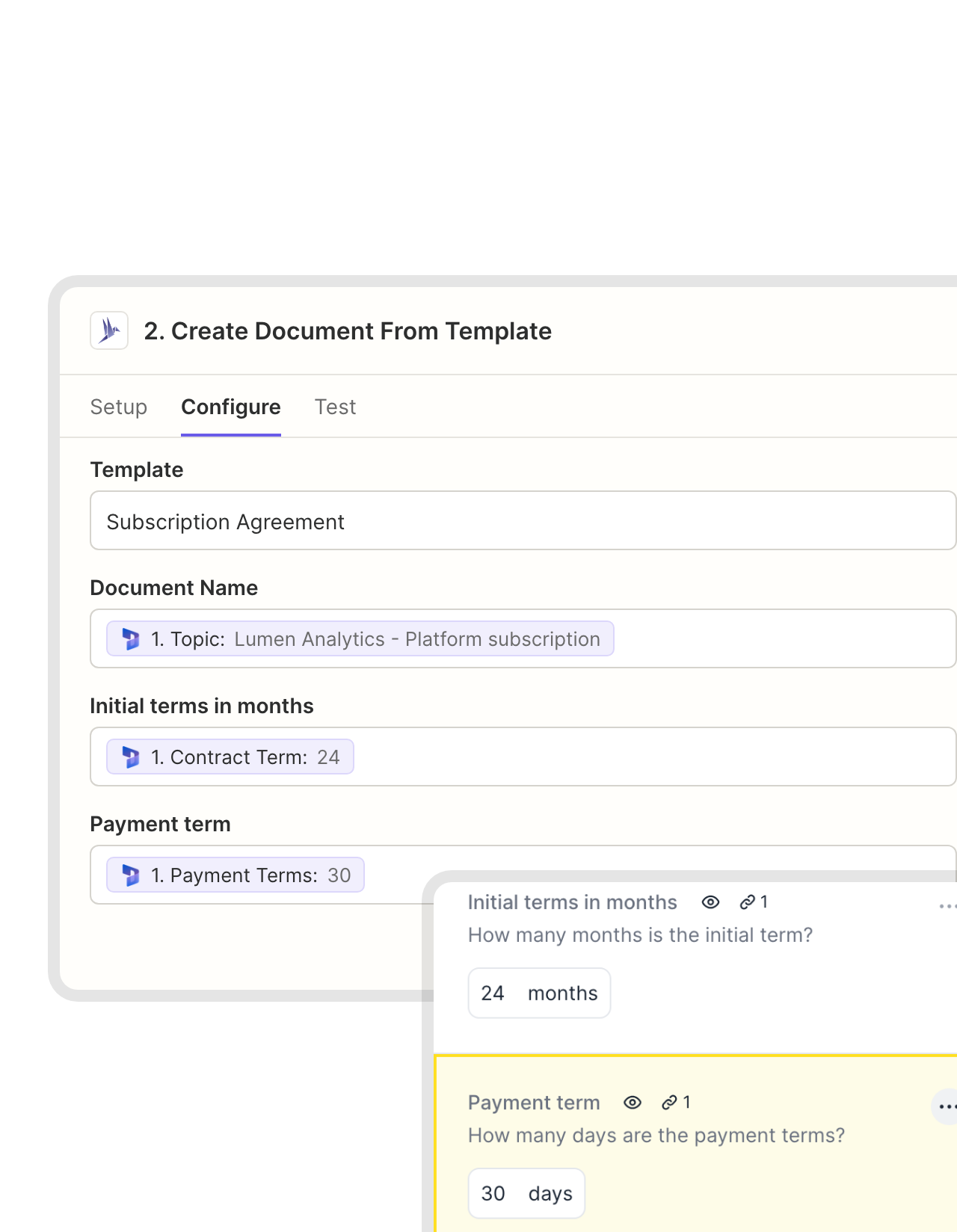 Mapped fieldsLearn more
CRM data fills the blanks, legal's wording stays.
You decide which Dynamics 365 field fills which fynk field: account name, amount, start date, payment terms. Only those values change from deal to deal. The approved clauses don’t."Until now, we had been 'tracking' our contracts using Excel. Now, every follow-up happens automatically, saving us both time and money."
Christoph Director of Corporate Development at RAMPF Group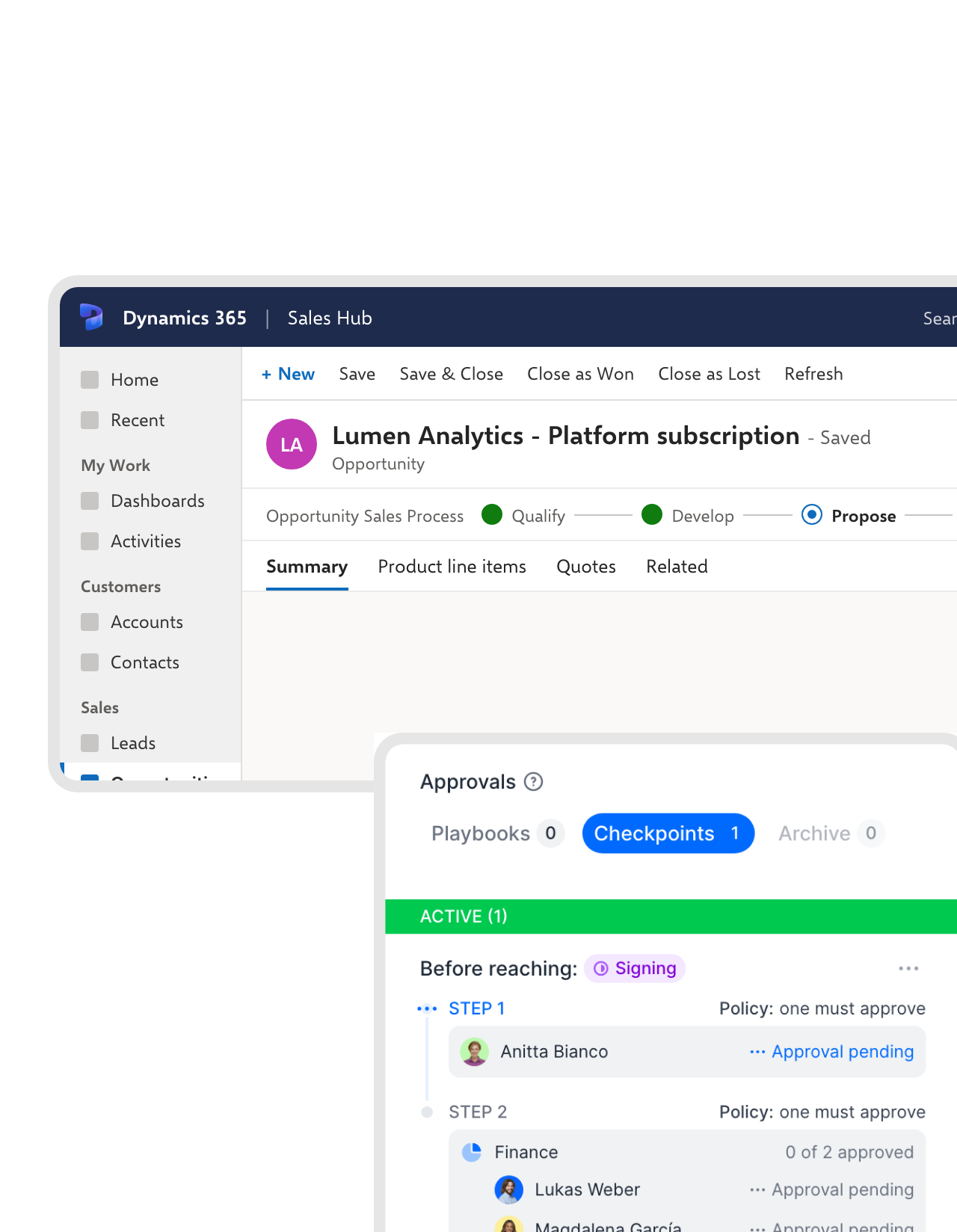 ApprovalLearn more
Bigger deals stop for a check first.
Send the draft to review instead of straight to the customer. fynk’s approval rules decide who has to sign off, for example finance above a certain amount, before anything leaves the company.FEATURES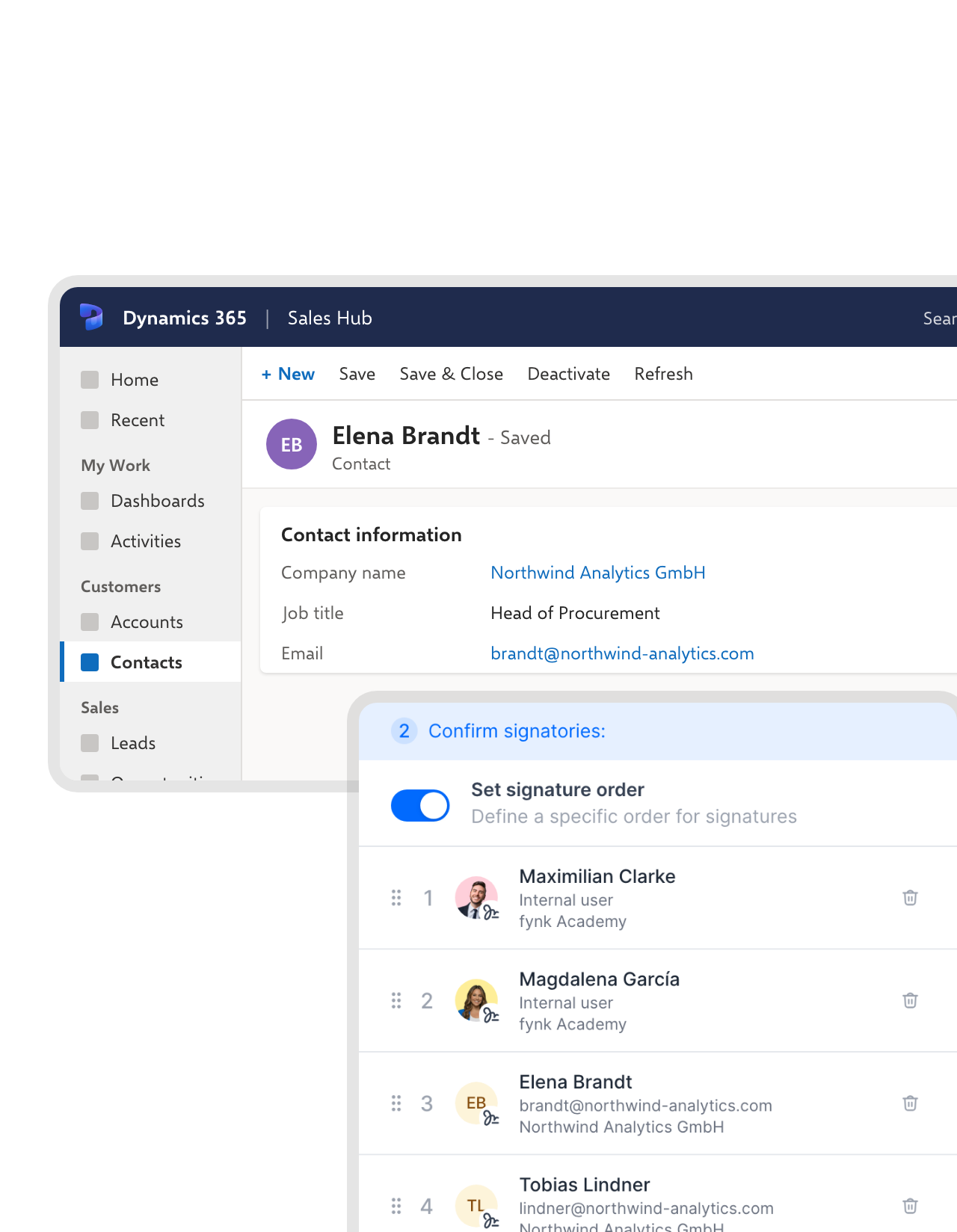 SignersLearn more
The contact on the opportunity signs.
The Zap adds the customer’s contact as a signer and sends the contract out. Set your own signers first and the order they sign in, and the customer gets the invitation once your side is done.FEATURES


Use cases
CRM to signed contract, step by step.
Short guides that show each step on screen.
 Back in Dynamics 365Learn more
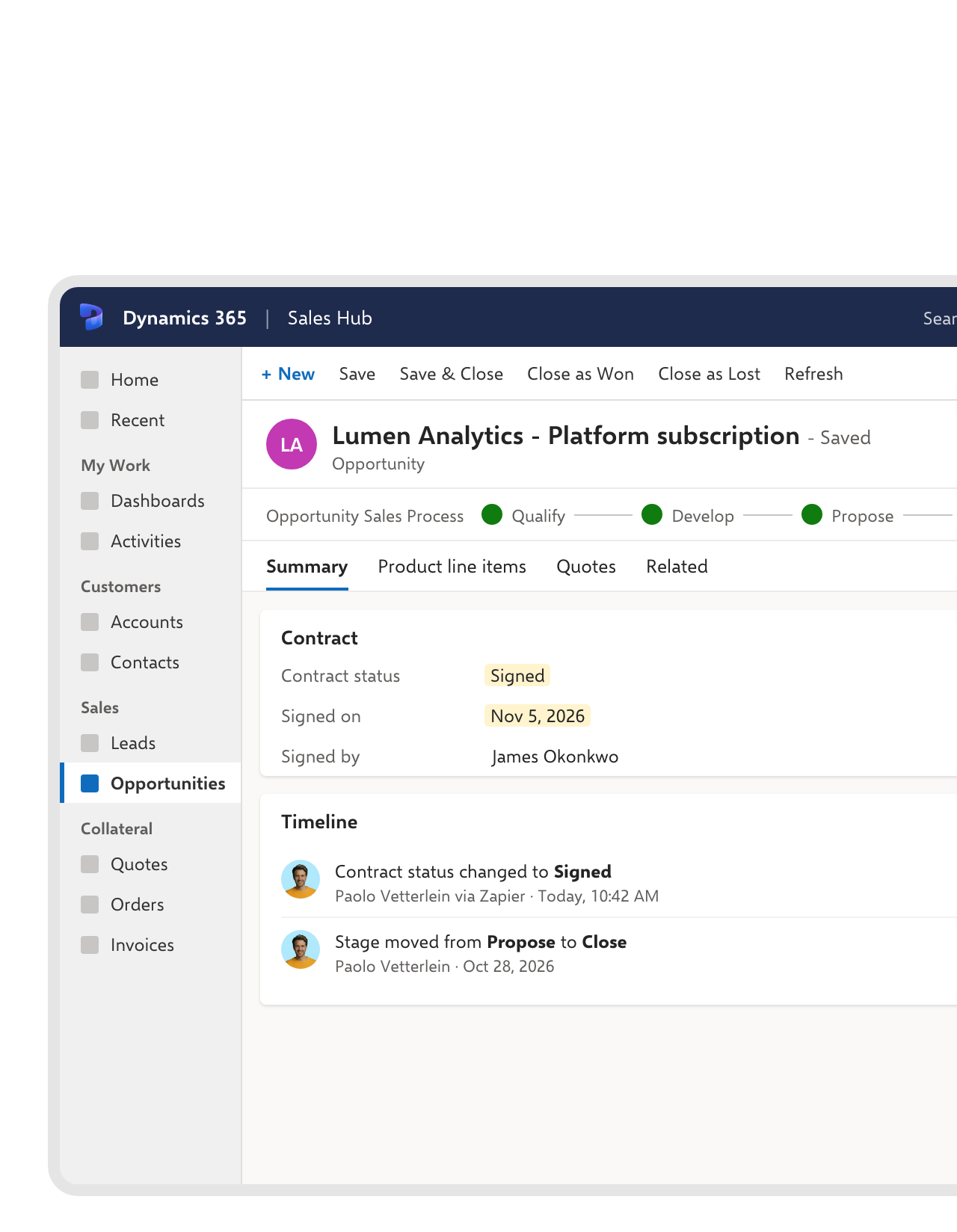
The opportunity hears about the signature.
When the last signature is in, a Zap finds the opportunity and writes the result into its fields, such as a contract status and the signing date. Sales sees it where they work, then closes the opportunity as won. The signed PDF and its audit trail stay in fynk.FEATURES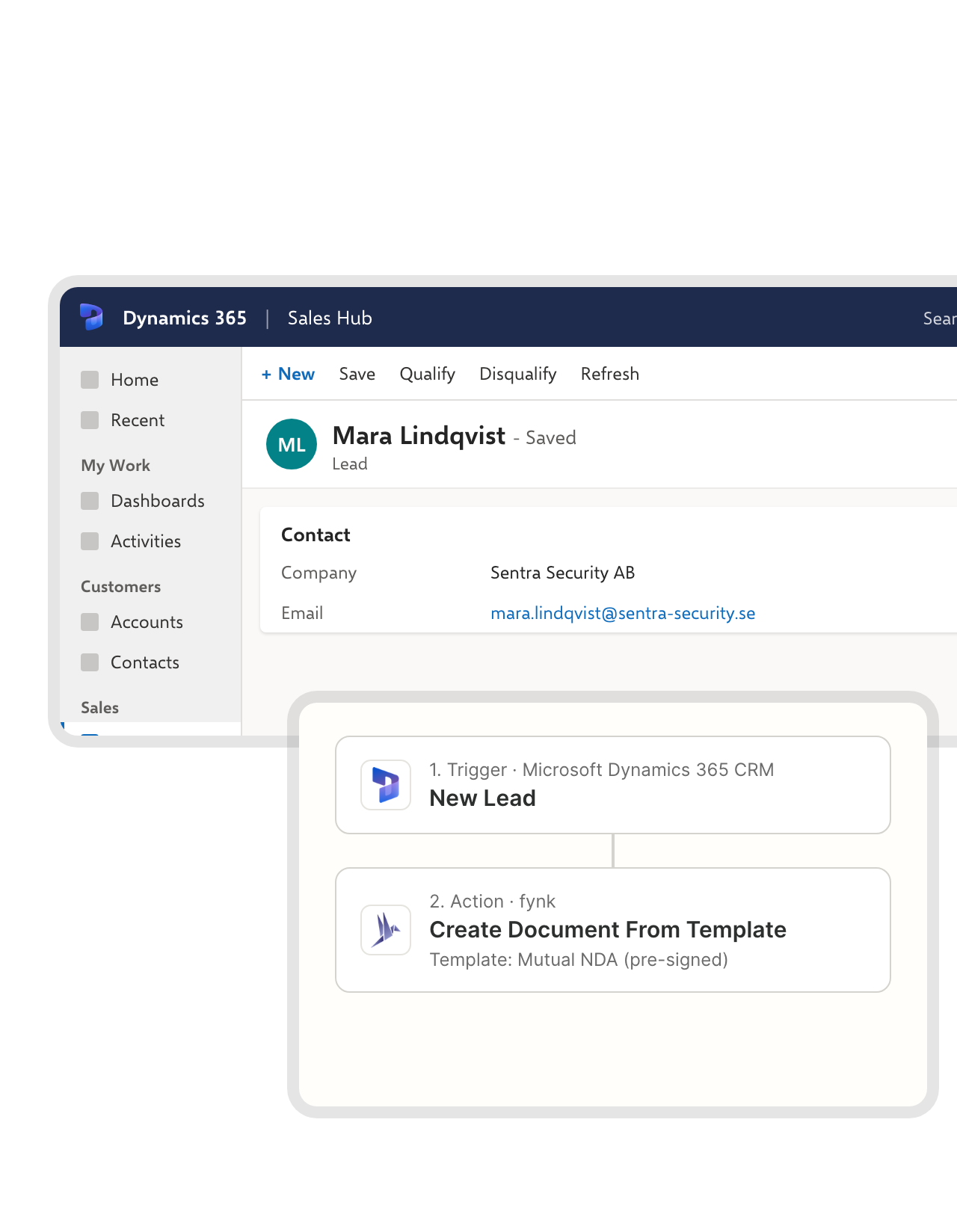 Orders and leadsLearn more
Not just opportunities.
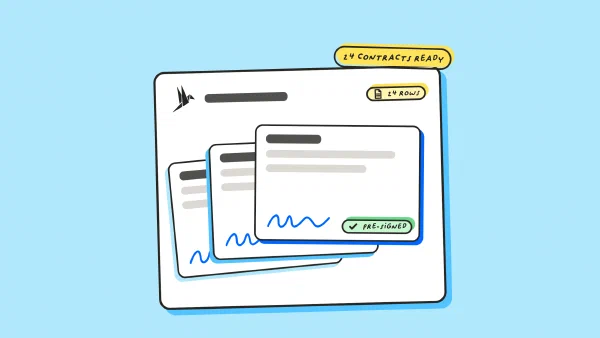
The same pattern works for other Dynamics 365 records. A new order can start the order confirmation, and a new lead can get your NDA, already signed on your side, before the first real call.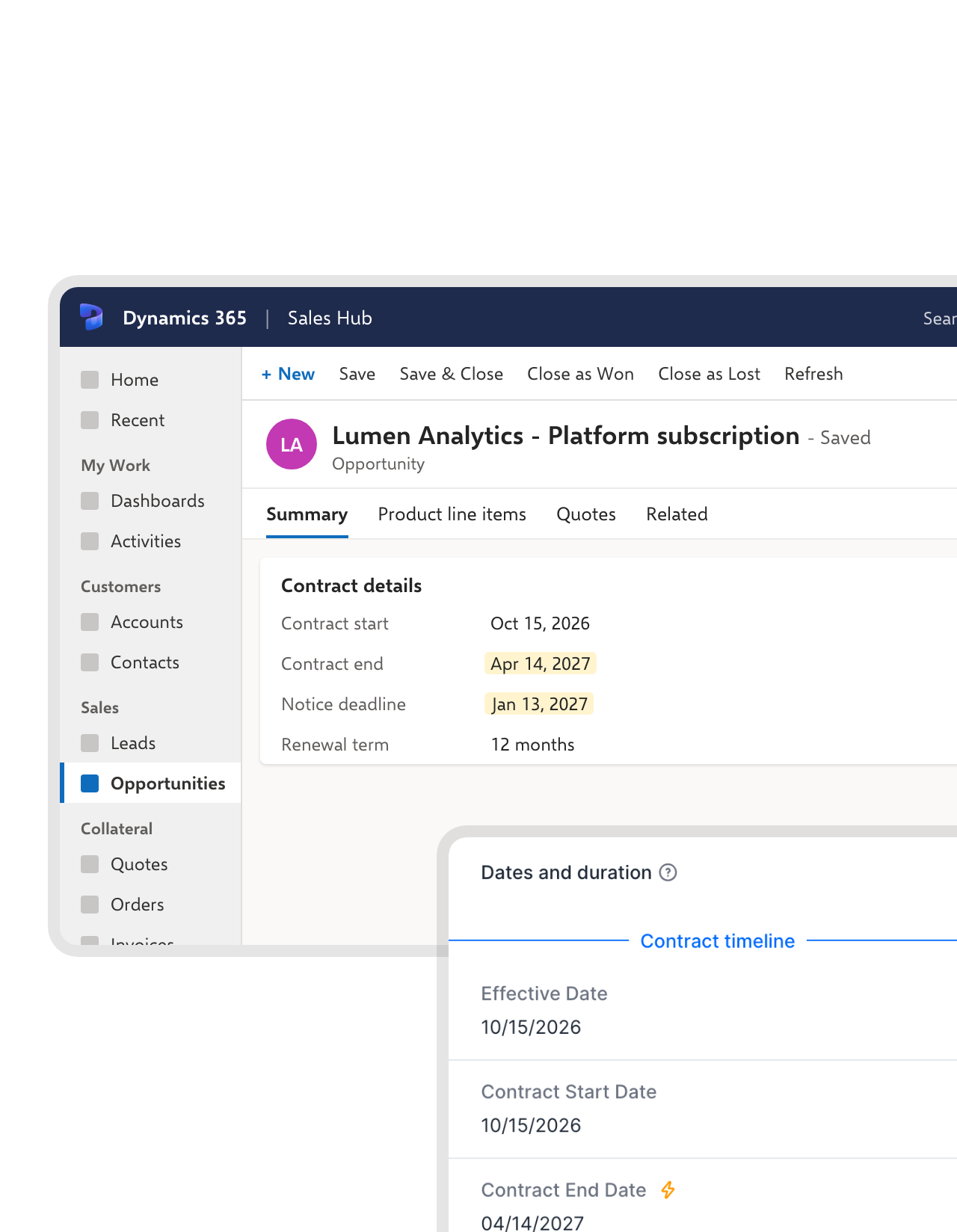 DatesLearn more
End dates and notice periods, watched for you.
fynk reads the term and notice period from the signed contract and reminds the owner before the deadline. A Zap can also write those dates onto the opportunity, so the renewal conversation starts in time.


More CRMs and tools that work with fynk.
The native CRM connectors, other CRMs through Zapier, and the AI tools.





Connect Dynamics 365 in three steps
To start: fynk Business or Pro, a Zapier account and access to Dynamics 365
- Step 1
In fynk, create an API token under Account settings > API integrations > fynk API.
- Step 2
Open one of the Dynamics 365 Zaps, connect fynk with the token and sign in to Dynamics 365.
- Step 3
Pick the template, map the fields, test with one record and switch the Zap on.
Frequently asked questions.
Yes, through Zapier, using Zapier’s Microsoft Dynamics 365 CRM app and fynk’s triggers and actions. A Dynamics 365 record can create a fynk contract from your template and send it for signing, and a signed contract can update the record. If you need a connector built into fynk itself, there is one for Salesforce, HubSpot and Pipedrive.
Yes. One creates a fynk contract from your template for every new opportunity. The other writes to the opportunity once the contract is signed. For more, such as sending the contract straight out for signing, add fynk's Add Signatory to Document and Move Document to Signing Stage actions.
Any record the Microsoft Dynamics 365 CRM app on Zapier can watch: opportunities, orders, leads, accounts, contacts, cases and custom entities. Use a New trigger for new records, or an Updated trigger if a change, like a new stage, should start the contract.
Yes, its fields. Start a Zap with fynk's New Signed Document trigger, find the opportunity, then use Update Opportunity to write a contract status, the signing date or contract dates into it. Closing the opportunity as won stays a click in Dynamics 365, because Dynamics only allows that through its own close action.
No. The connection runs on the fynk API, which comes with the Business and Pro plans. Zapier and Microsoft bill for their own products. See what each fynk plan includes on the pricing page.
Still have questions?


Teams that moved their contracts into fynk.





How fynk and Dynamics 365 work together
fynk connects to Microsoft Dynamics 365 through Zapier, using Zapier’s Microsoft Dynamics 365 CRM app and fynk’s own triggers and actions. Some flows below exist as ready-made templates. For the rest, you combine the same steps in Zapier yourself.
Dynamics 365 workflows
| Workflow | Trigger | Steps |
|---|---|---|
| Draft from a new opportunity | Dynamics 365: New Opportunity | fynk: Create Document From Template |
| Sent for signing | Dynamics 365: Updated Opportunity | fynk: Create Document From Template, Add Signatory to Document, Move Document to Signing Stage |
| Review before sending | Dynamics 365: Updated Opportunity | fynk: Create Document From Template, Move Document to Review Stage |
| Contract for a new order | Dynamics 365: New Order | fynk: Create Document From Template |
| Opportunity updated after signing | fynk: New Signed Document | Dynamics 365: Find Opportunity, Dynamics 365: Update Opportunity |
| Contract dates on the opportunity | fynk: New Signed Document | fynk: Find Document Metadata Values, Dynamics 365: Update Opportunity |
What to know before you start
Zapier’s Microsoft Dynamics 365 CRM app works with Dynamics 365 and Dynamics version 9. It can update records but can’t attach files or close an opportunity as won, so the signed PDF stays in fynk with its audit trail, and the opportunity gets the contract status and dates.

Sales data that stays under your control.

European by design.
Designed and developed in Austria. fynk is hosted in the EU, in ISO 27001-certified data centers.

Security at the core
Encryption in transit and at rest, and secure engineering standards across a continuously monitored infrastructure.

You hold the keys
Zapier reaches fynk with an API token that you can switch off whenever you like, and reaches Dynamics 365 with your own Microsoft login.

GDPR, fully embedded
Fully compliant with European data protection regulations, supported by regular audits and external penetration testing.
Trusted by companies worldwide


Take control of your agreements. Move your business forward.
Run agreements the way they should run: fast, clear, and on your terms.
No setup headaches
Go live in days, not quarters
No lock-in
Full export anytime
No hidden fees
Signatures included, no envelope fee