

The Salesforce integration that turns opportunities into signed contracts.
Your opportunities already hold the customer, the price and the products. fynk turns them into contracts on your approved templates, gets them approved and signed, and keeps each one tied to the deal it came from.


A native Salesforce connector, no AppExchange package.
Connect your own Salesforce org through a Connected App. A Salesforce admin and a fynk admin set it up once, and every template can read your CRM data.




Salesforce contract management without the copy and paste.
Copying a deal from Salesforce into a Word file is how wrong discounts end up in signed contracts. With fynk, the contract simply matches the opportunity, down to the last line item.
"One single source of truth for contracting is really alive. That is something that really helps the sellers, wherever they sit within our entities across Europe."
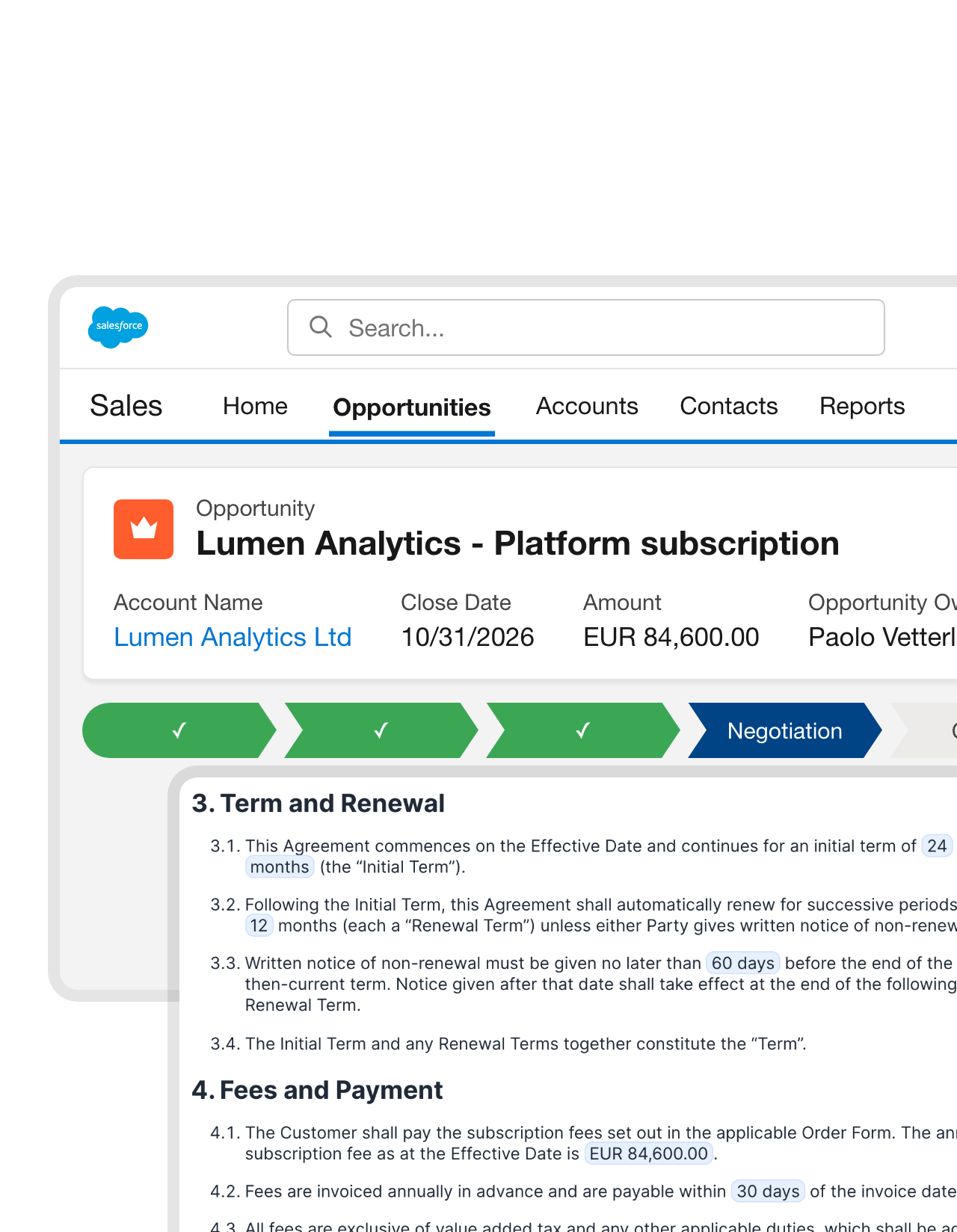 From the opportunityLearn more
From agreed deal to ready contract in minutes.
A contract that matches the deal, minutes after the deal is agreed. The customer’s legal name, address, contact person, amount and dates come straight from the opportunity, so nobody retypes what Salesforce already knows and nobody signs a typo.FEATURES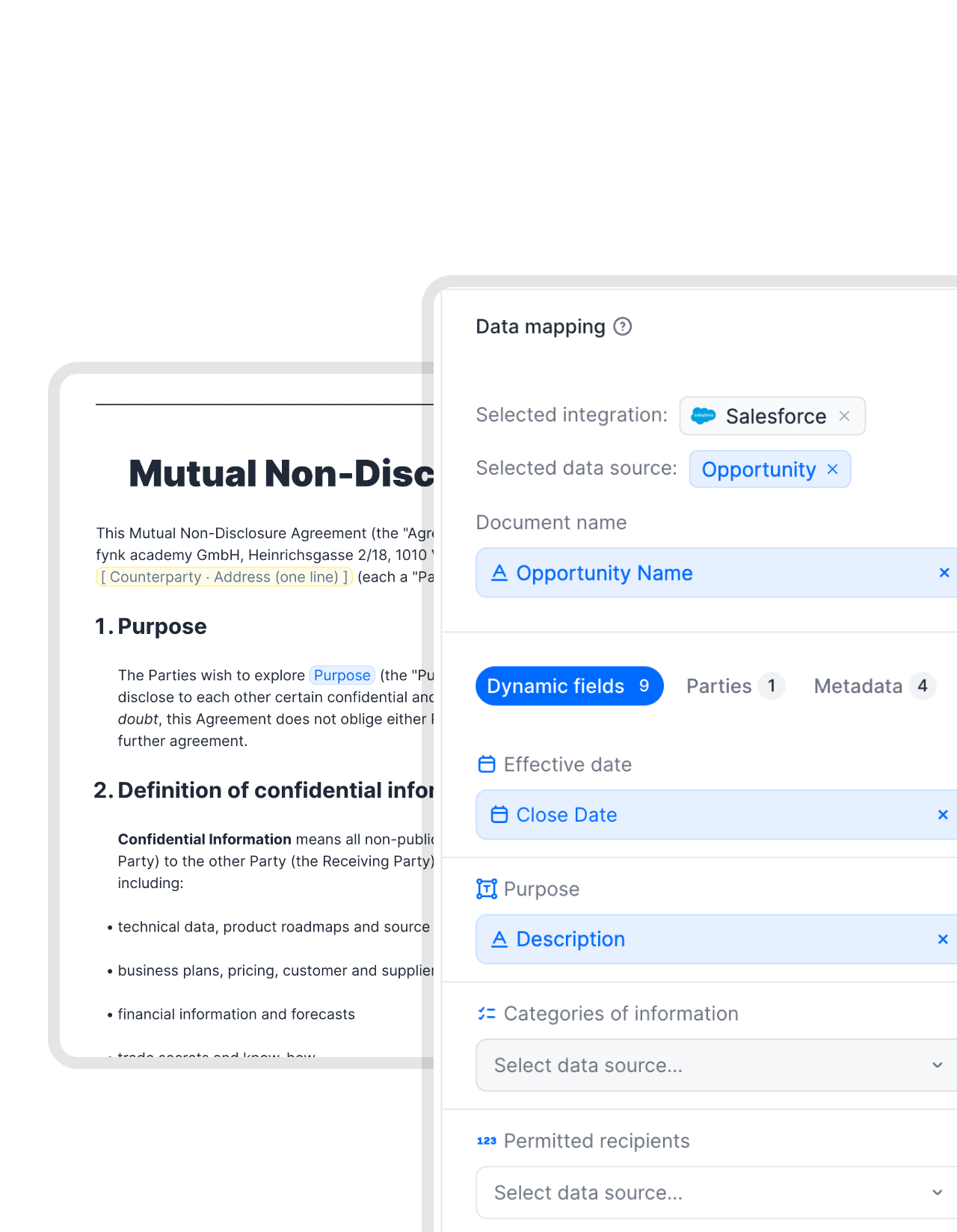 Field mappingLearn more
Legal keeps the clauses. Salesforce fills in the facts.
Any field can feed the template: opportunity, account, contact and contract data, your own custom objects, even fields from related records. The wording stays locked, and every contract still reads like the deal it came from."With Word templates, people change things you would never approve. With fynk setup, that risk just disappears. You give people flexibility where it's safe, but you lock the rest."
 Harald R. Fortmann Founder & Managing Director of five14
 Products and pricesLearn more
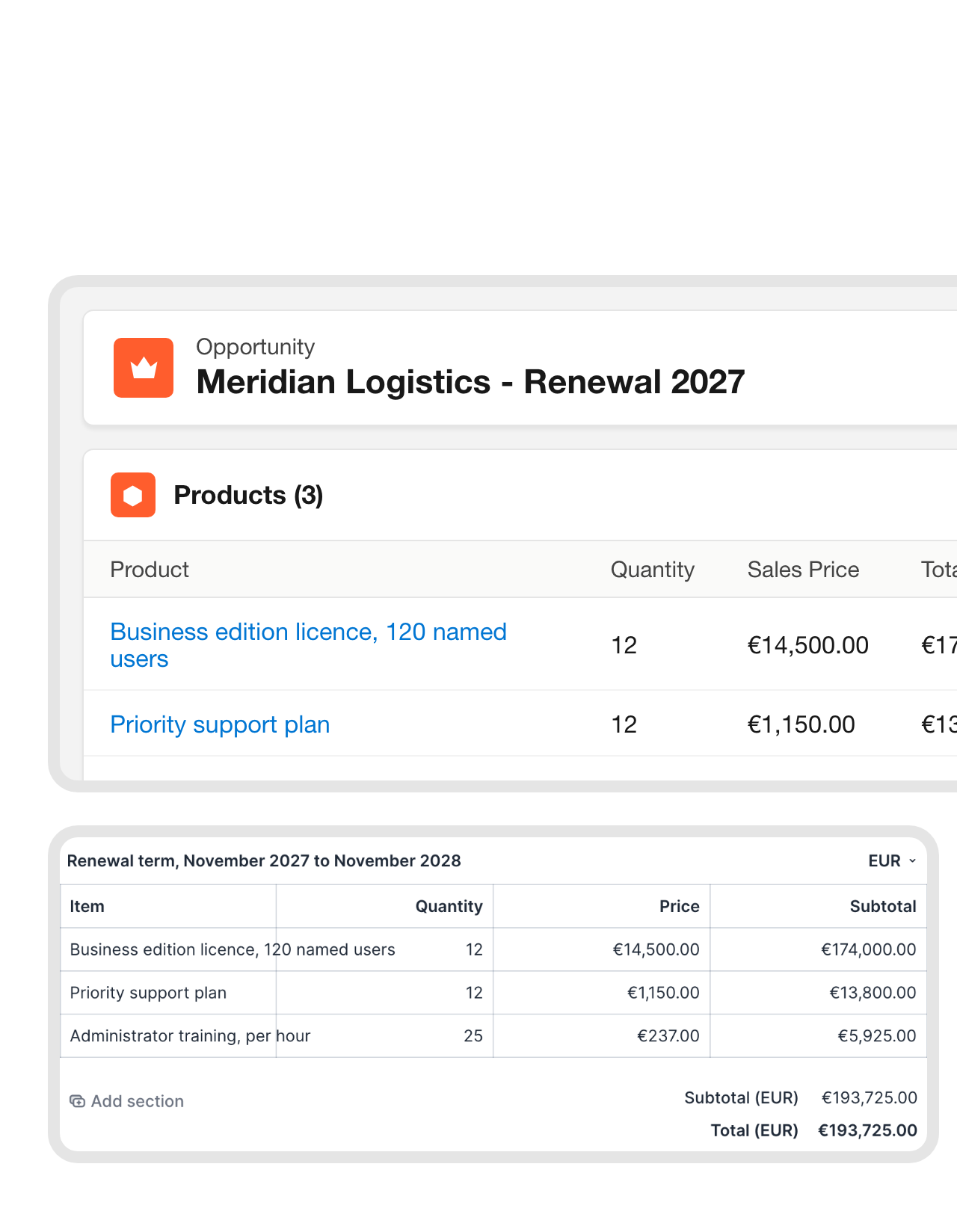
Opportunity products become the price table.
What the customer bought is what the contract lists. Products, quantities, prices and discounts from the opportunity arrive as a finished price table, in the right currency and format. No second spreadsheet, no totals that don’t add up.FEATURES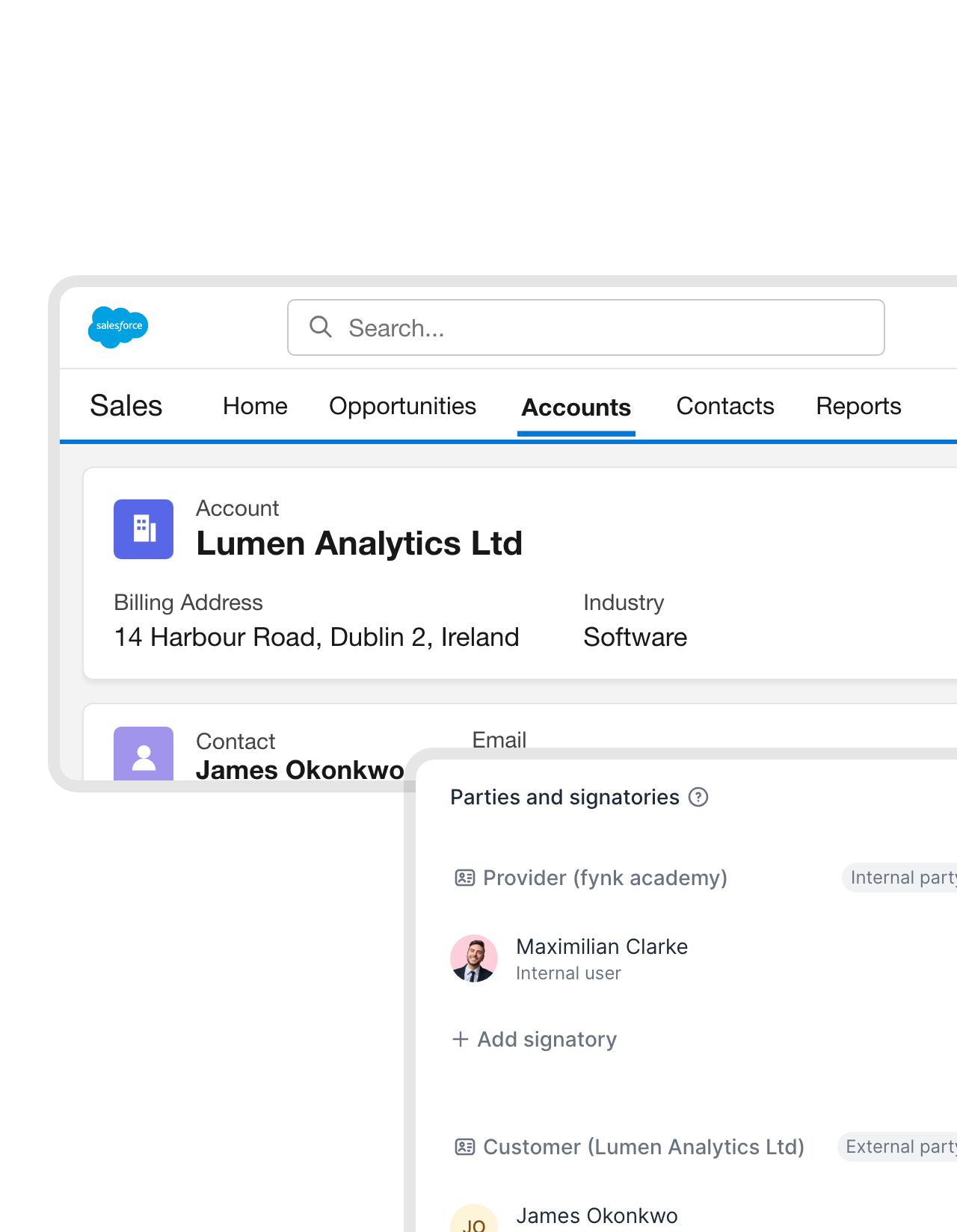 Parties and signersLearn more
The right signer, without hunting for an email address.
The right company name, the right address, the right person to sign. They come from the account and its contacts, so the signing invitation reaches the person who can actually sign, the first time.FEATURES


Let the record start the contract, and the signature update the record.
Ready-made Zaps add what the native connector doesn't do on its own: a contract created or sent when a record or opportunity stage changes, NDAs for new leads, and the record updated once the contract is signed.
 Changes in the dealLearn more
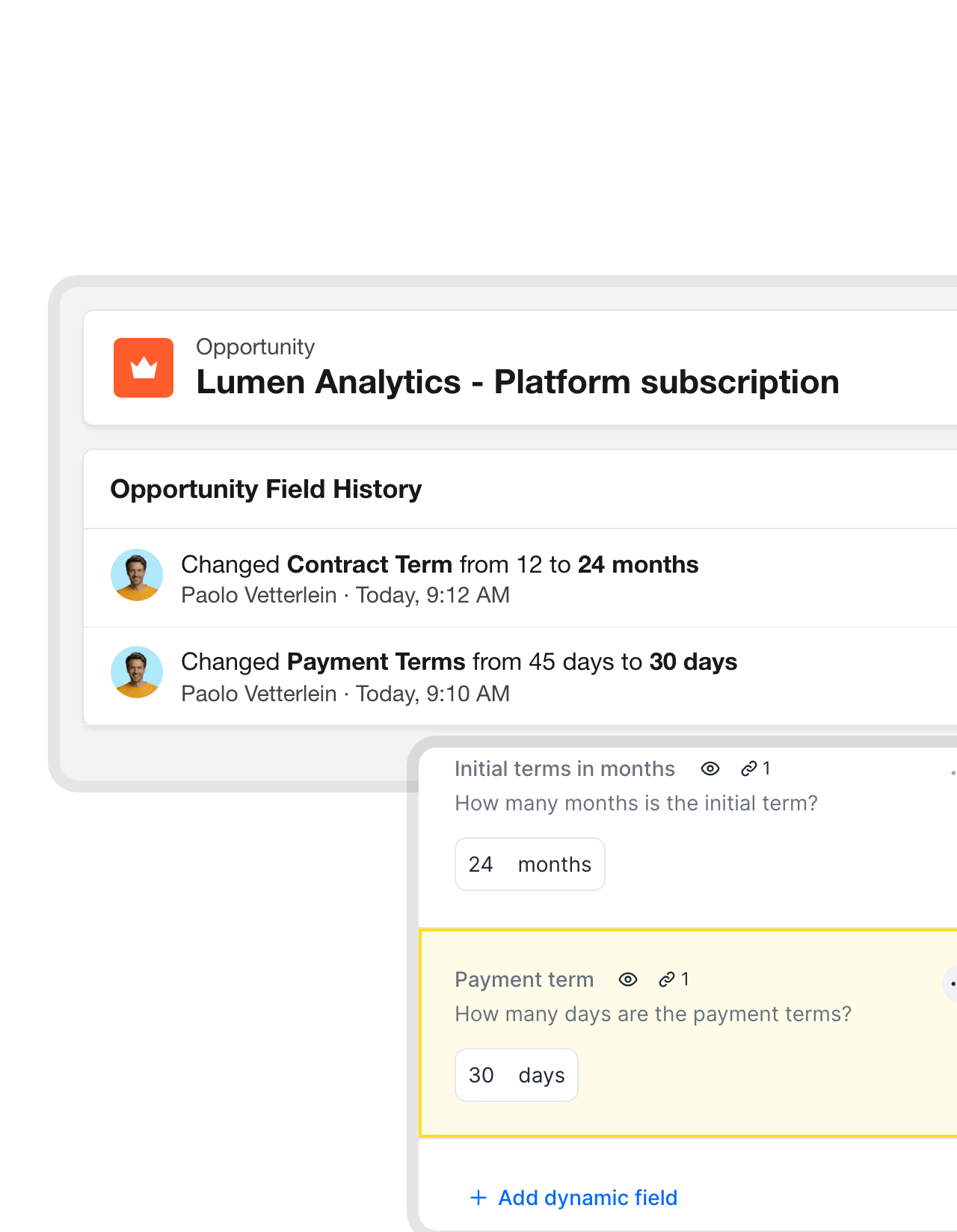
The deal changed. The draft keeps up.
Deals change after the first draft. That’s fine. When the term, the price or a product changes in Salesforce, the draft can pick up the new values in one click, so there’s never a second version with the old numbers floating around.FEATURES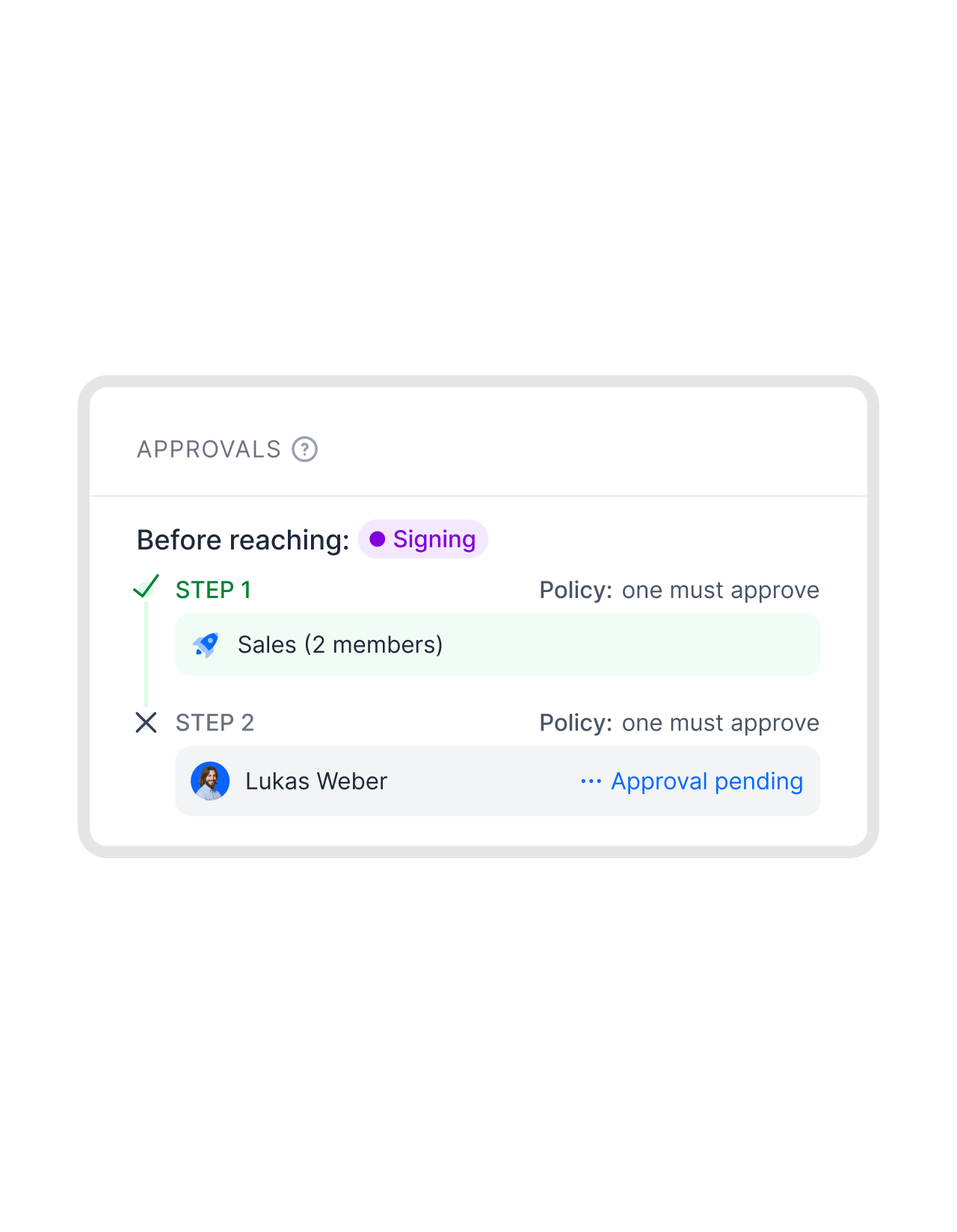 ApprovalsLearn more
Big deals get a second pair of eyes before signing.
Large discounts and unusual terms don’t slip out on a Friday afternoon. The contract waits for finance or legal before it can be signed, reviewers see it with the deal values in place, and sales hears back without chasing anyone."fynk makes contract creation via templates and approval workflows more secure and transparent, and thanks to dynamic fields and conditions, also faster."
Johanna Legal at Kronos Solar Projects GmbH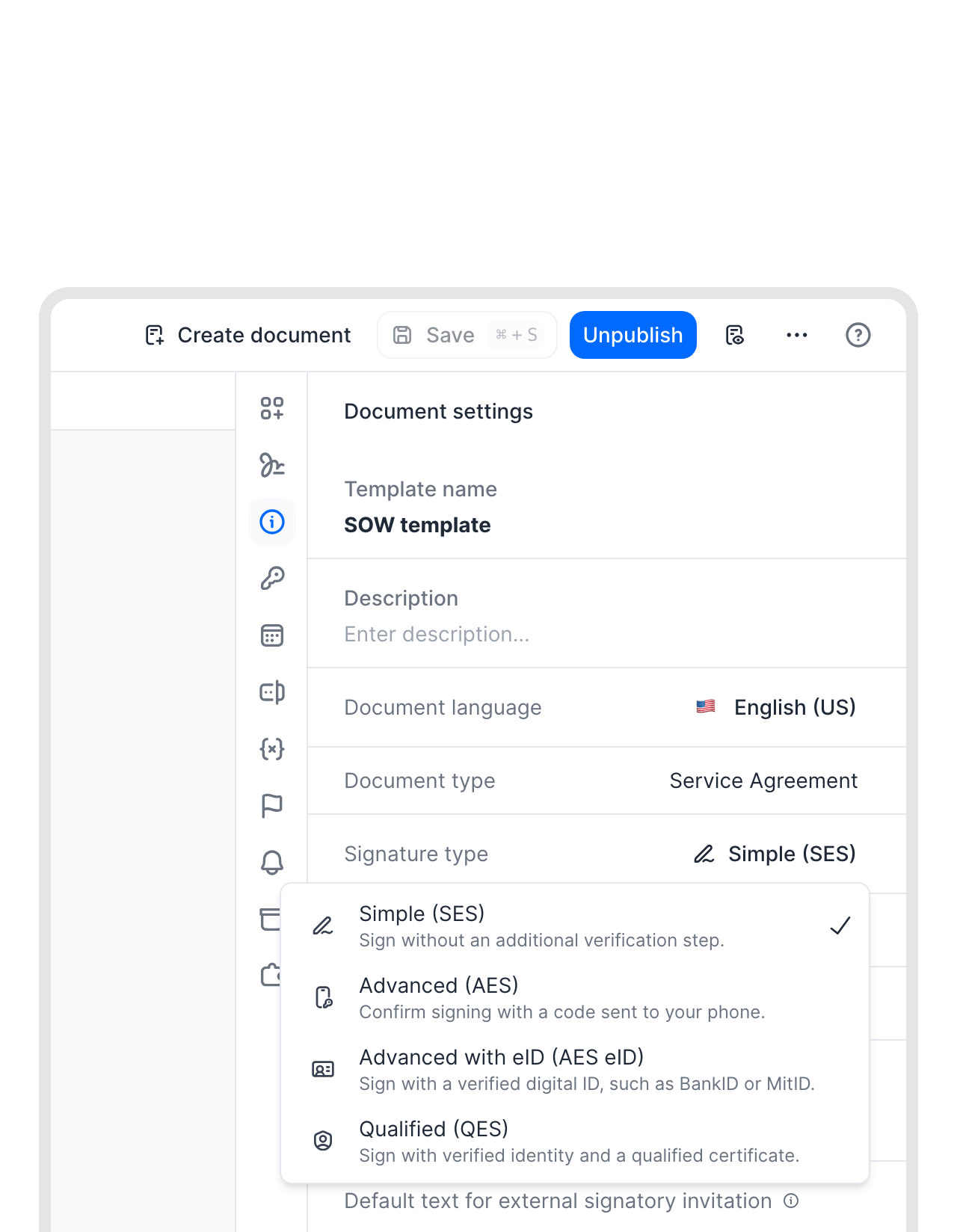 E-signatureLearn more
Salesforce e-signature with SES, AES or QES.
Close the deal in the same tool you drafted it in. Simple, advanced or qualified electronic signatures under eIDAS, in any signing order, are part of every fynk plan, so there’s no second signature tool to buy and connect to Salesforce."The whole process, getting to the signing part, was what annoyed me. With fynk, I just build one contract, and I'll send it up to however many people at once, and that is really a game changer for me."
 Alina Heiner Founder of Maven


Use cases
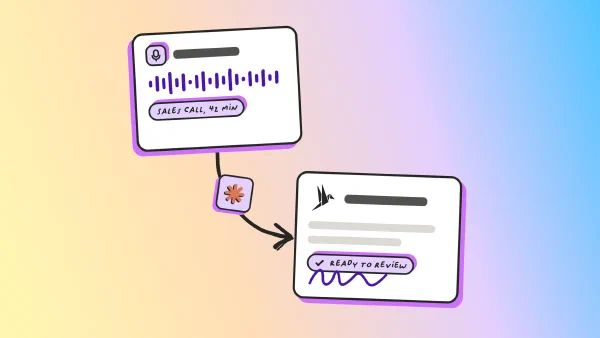
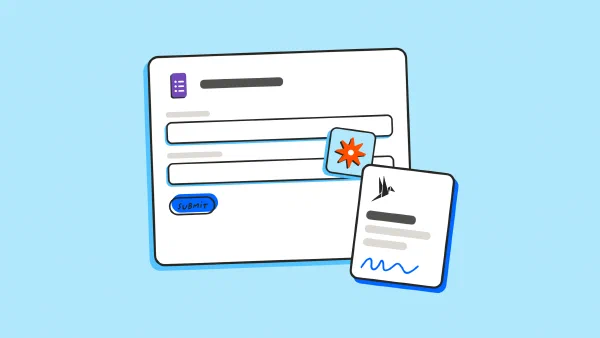
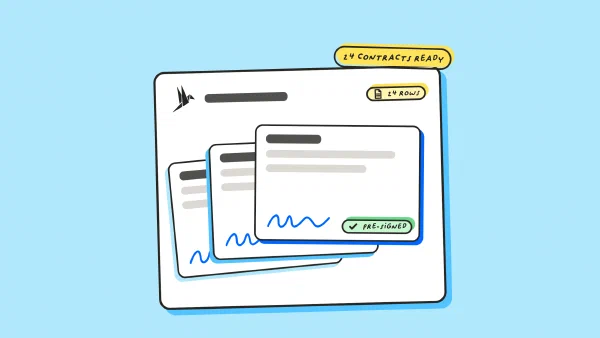
More contract work that starts in the sales process.
Step-by-step guides your sales and legal teams can follow.
 Linked to the dealLearn more
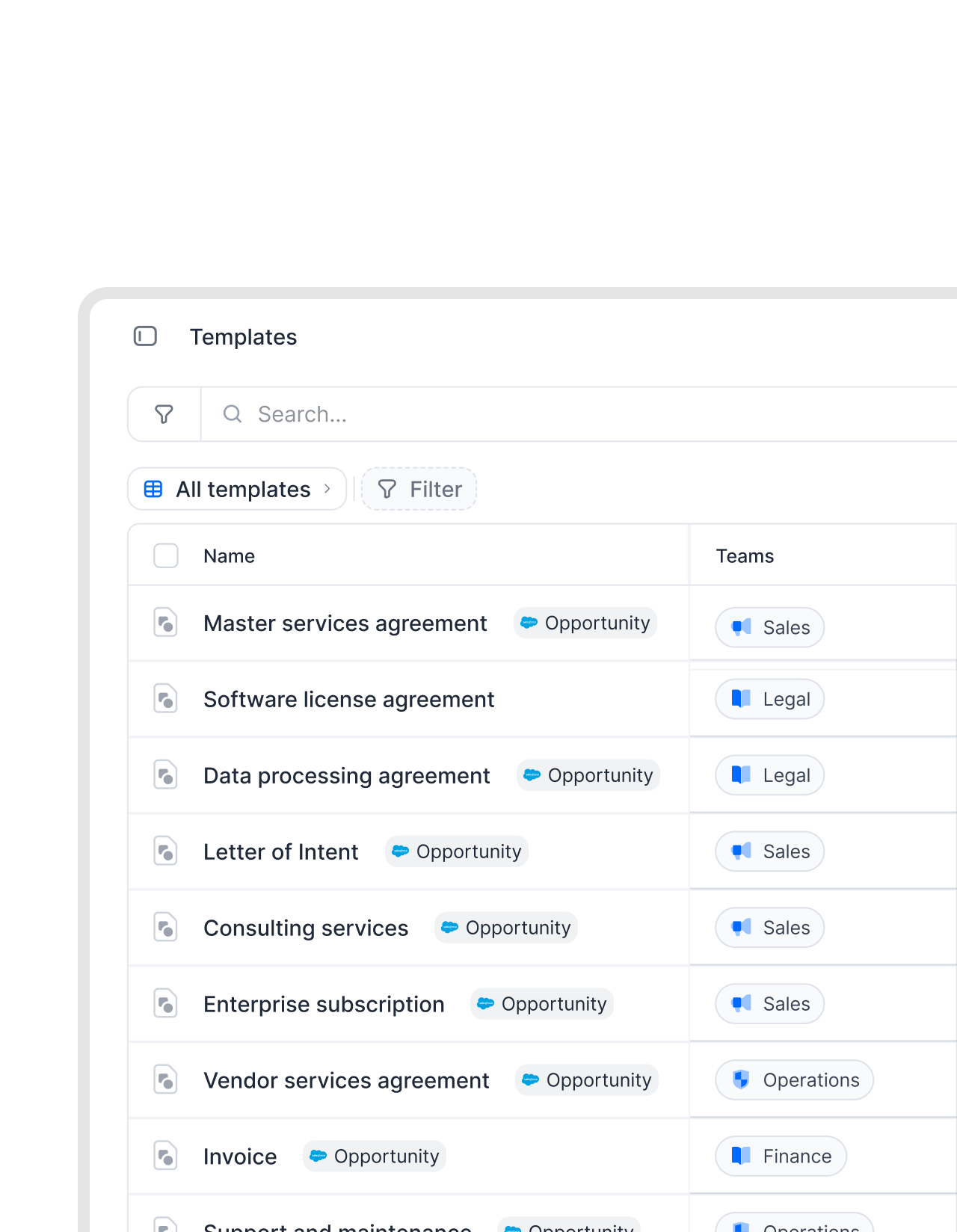
Every contract knows which opportunity it came from.
Months later, the question “which deal was this contract for?” still has an answer. Contracts created from Salesforce stay tied to their opportunity, and the same amounts, close dates and owners can drive your filters, exports and contract reports.FEATURES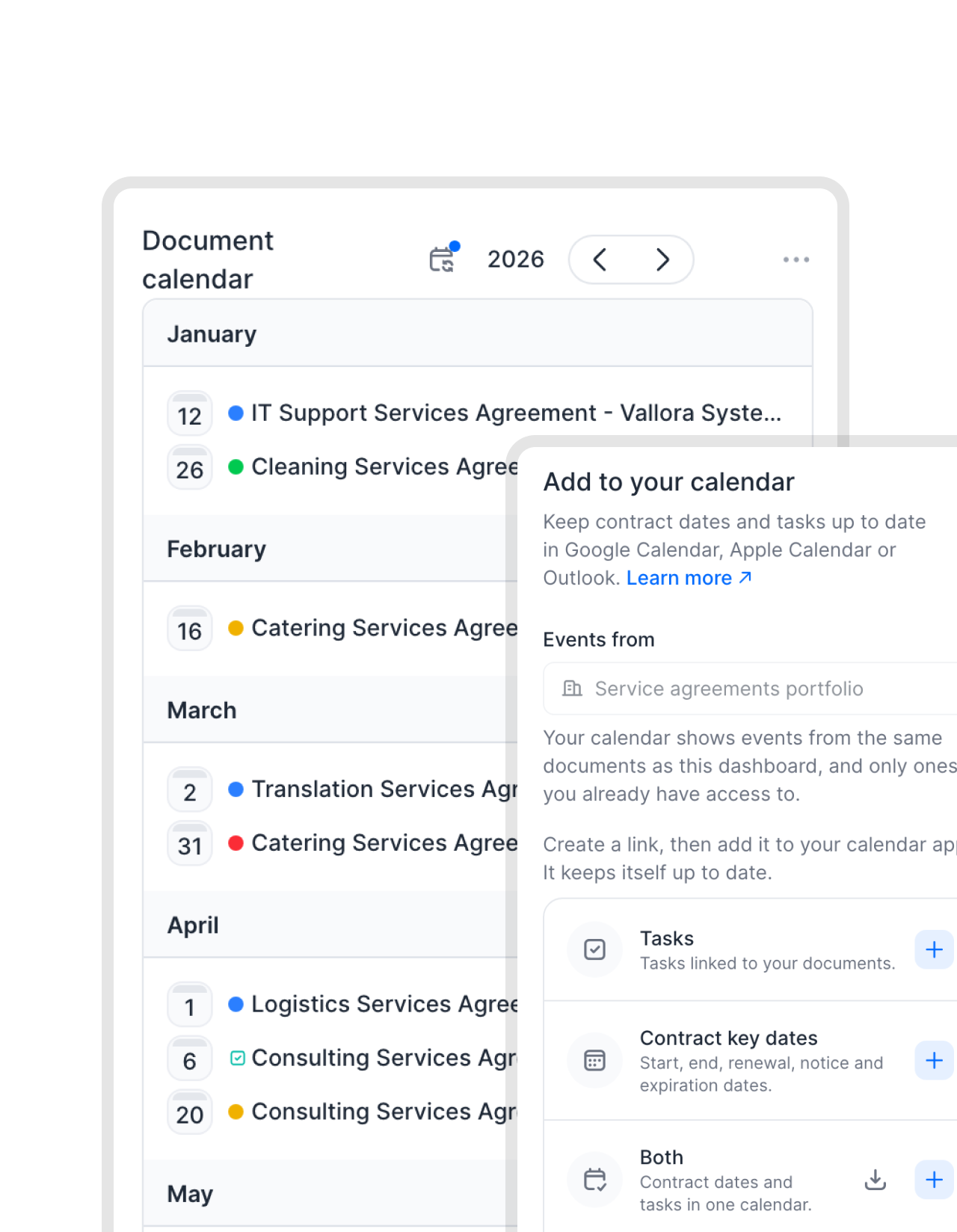 After closed wonLearn more
Renewal dates that don't depend on someone's calendar.
Closed won is not the end of the contract. fynk keeps track of every term, renewal date and notice period and tells the account owner in time, so renegotiating or upselling is a choice, not something an auto-renewal decides for you.


What sales and legal get from the connection.
Salesforce stays the system for the pipeline. fynk handles everything the contract needs.
No retyping.
Names, addresses and amounts arrive exactly as they are spelled in Salesforce.
Custom objects too.
Map custom fields and related records, not only the standard objects.
Wording stays locked.
Sales changes the deal, never the clauses legal approved.
Signing included.
E-signatures up to QES, without a second signature tool to connect.
Every step on record.
Approvals, changes and signatures are logged in the audit trail.
From the Essential plan.
The Salesforce connector is part of every paid fynk plan.
Set up the Salesforce connector
You need a Salesforce admin (or App Manager access) and a fynk owner or admin. The setup guide in the help center has every click
- Step 1
In fynk, create the integration under Settings > Integrations > Salesforce and copy the redirect URL.
- Step 2
In Salesforce, create a Connected App with OAuth, paste the redirect URL, then enter its consumer key and secret in fynk and authorize.
- Step 3
Open a template’s Data Mapping tab, choose Salesforce as the source and link fields, parties and metadata.
Salesforce plus the rest of your stack.
Connect the same contracts to your automations, your chat and your AI assistant.




Frequently asked questions.
Yes. fynk has a native Salesforce connector. It reads opportunity, account, contact, contract and custom object data into your templates, so you can create contracts, quotes and order forms from Salesforce records.
No. You connect fynk through a Connected App in your own Salesforce org, which takes a few minutes for an admin. The setup guide walks through every step.
Any field you can map: standard objects like Opportunity, Account, Contact and Contract, custom objects and fields, fields from related records, and opportunity products as line items in a table.
Click "Reload Data" in the document and fynk pulls the latest values from the linked record into the draft.
Yes. Contracts created from Salesforce data are signed in fynk with a simple, advanced or qualified electronic signature under eIDAS. No separate e-signature tool is needed.
The Salesforce connector is included from the Essential plan, as part of the CRM connectors. See all plans on the pricing page.
Still have questions?


Sales teams that send contracts the same day.






How the fynk Salesforce integration works
The connector reads data from Salesforce into fynk. Documents are created, approved and signed in fynk and stay linked to the Salesforce record they came from. For a wider look at what else connects to Salesforce, see our guide to the best Salesforce integrations.
What comes from Salesforce
| In Salesforce | In the fynk template |
|---|---|
| Opportunity fields (amount, dates, terms) | Dynamic fields in the text, the document name |
| Account | The contracting party, with name and address |
| Contact | The party’s contact person and signer |
| Opportunity products | Rows of a CRM table, with quantity, price and discount |
| Custom objects and fields | Dynamic fields and metadata |
| Any mapped field | Metadata for filters, exports and reports |
What the connector doesn’t do

Your CRM data, handled with care.

European by design.
Designed and developed in Austria. fynk is hosted in the EU, in ISO 27001-certified data centers.

Security at the core
Encryption in transit and at rest, and secure engineering standards across a continuously monitored infrastructure.

Access you control
The connection uses OAuth through your own Connected App, and you can revoke it in Salesforce at any time.

GDPR, fully embedded
Fully compliant with European data protection regulations, supported by regular audits and external penetration testing.
Trusted by companies worldwide


Take control of your agreements. Move your business forward.
Run agreements the way they should run: fast, clear, and on your terms.
No setup headaches
Go live in days, not quarters
No lock-in
Full export anytime
No hidden fees
Signatures included, no envelope fee