
How to turn a sales call transcript into a ready-to-sign contract
The terms were agreed on the call and the transcript captured them. Ask your AI assistant to read it and draft the contract in fynk, with the agreed numbers filled in and the open points flagged.
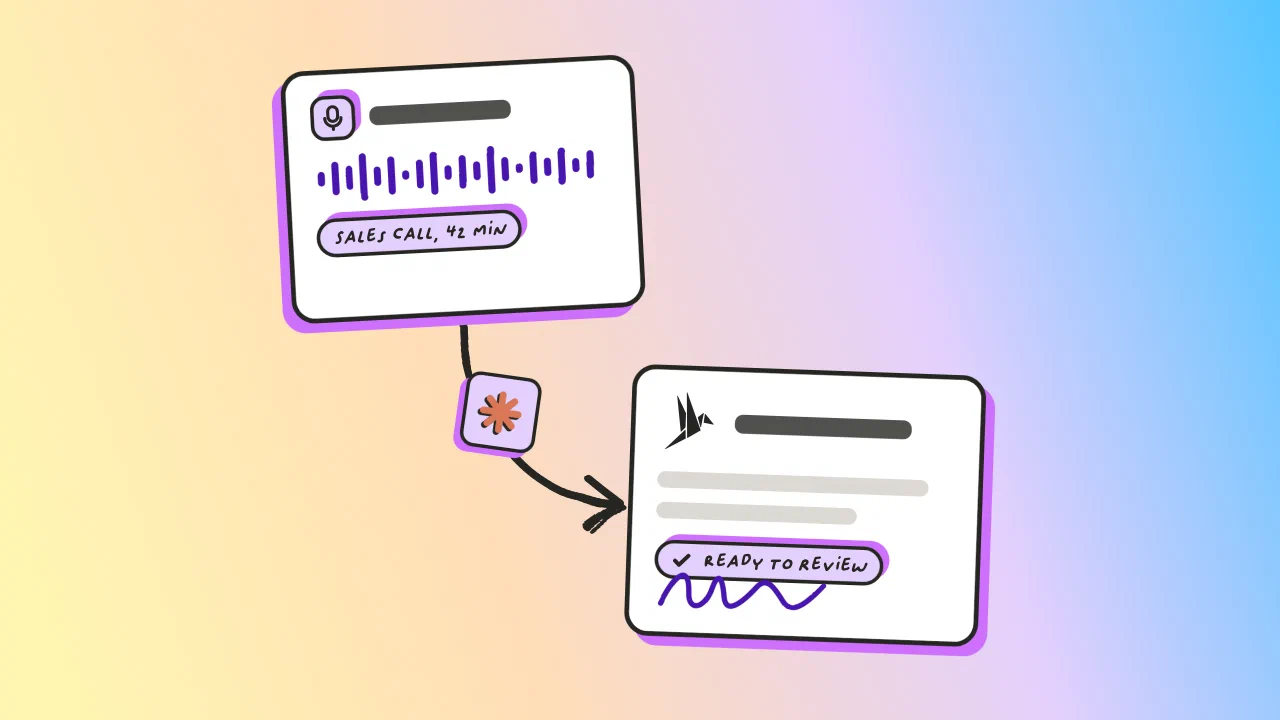
The goal
Turn the terms agreed on a call into a fully drafted, review-ready fynk contract in one prompt.
- Bring the transcript to your AI assistant, however you have it
- Ask it to extract the agreed terms and draft from your template
- Double check the draft, then send it to review or signing

Connect fynk to your AI agent
Connect the fynk MCP to the AI agent you use, such as Claude or ChatGPT.
Next, give the AI agent access to the sales call transcript. You can:
- Paste the transcript directly into the AI chat
- Attach the transcript as a file
- Connect a meeting notes tool through MCP
For example, Fireflies.ai and Otter.ai both offer MCP connections that can give compatible AI agents access to meeting transcripts and other meeting data.
AI agent can retrieve the transcript, extract the agreed terms, and use the fynk MCP to create the contract without you copying information between tools.
fynk itself does not record or transcribe the call. It receives the information needed to create the contract.
Prepare your contract template in fynk
Use an existing fynk template or create one for the type of contract you want to draft.
Add dynamic fields for the terms you normally agree during the sales process, such as:
- Scope
- Price
- Start date
- Contract term
- Payment terms
- Customer details
- Signatory details
The AI agent uses these fields to place the information from the transcript in the correct parts of the contract.

Ask the AI agent to extract the agreed terms
Give the transcript to your AI agent and ask it to identify the terms that were actually agreed.
For example:
Here's the transcript from my call with [COMPANY]. Pull the agreed terms: scope, price, term length, start date, and who signs. Draft a contract in fynk from my [TEMPLATE NAME] template with those terms filled, add [SIGNER] as signatory, and leave it in draft for review.
The AI agent should first show you the information it extracted before creating the contract.
For example:
Agreed terms
- Scope: 20 user licenses
- Price: €12,000 per year
- Term: 12 months
- Start date: September 1
- Signatory: Jane Smith
Let the AI agent create the draft in fynk
Once the terms are identified, the AI agent uses the fynk MCP to:
- Find the correct template
- Create a new document
- Fill the relevant dynamic fields
- Add the customer and signatory
- Leave the contract in draft
The AI agent should also summarize what it filled and point out anything that is still missing.
Review and send the contract
Open the new contract in fynk and review the extracted terms.
The contract stays in draft so you can make changes or complete any open points before sending it out.
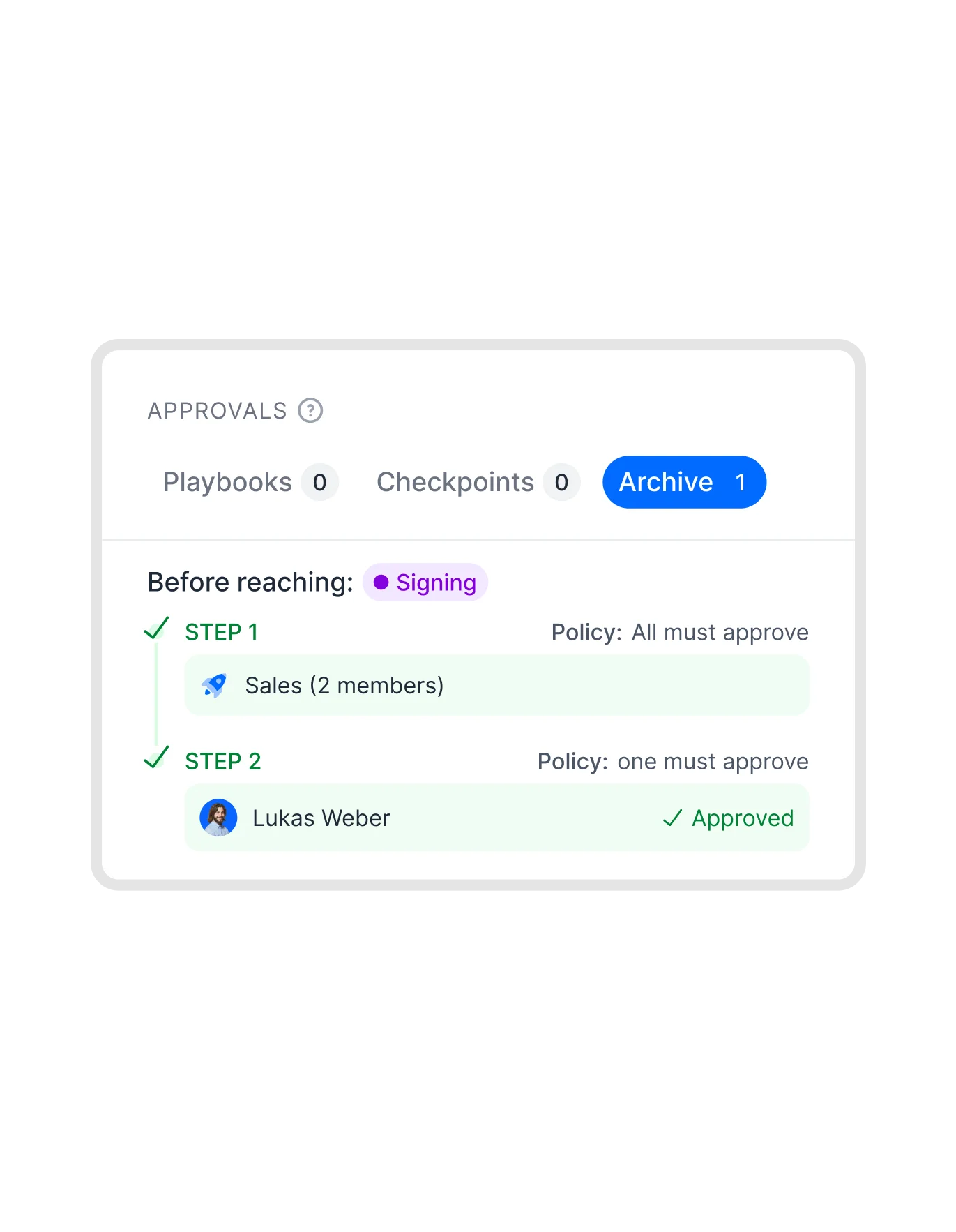
Once the contract is ready, you can continue directly in fynk or ask your AI agent to use the fynk MCP to move the process forward. For example, you can ask it to start a review workflow or send the contract for signature.
What makes it fast?
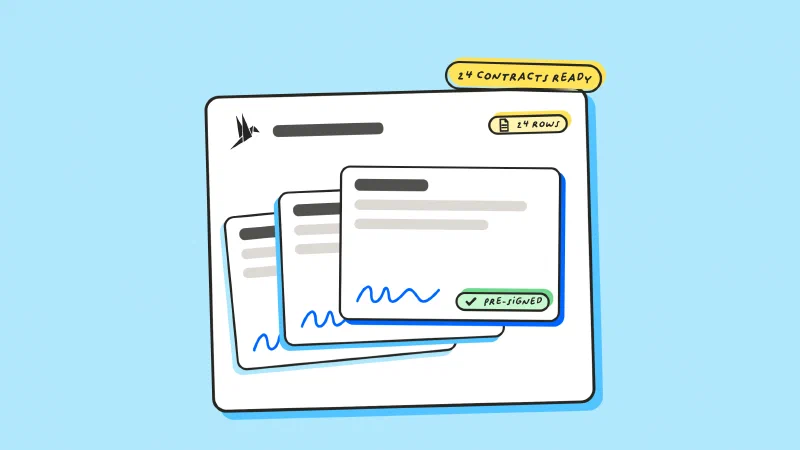
No writing the contract up from memory
The numbers come from the transcript
Open points flagged, not invented
Parked items left out, not applied
"One wrong guarantee clause ended up costing between €50k and €70k. With standardized templates in fynk, we now have full control over our contract terms."



Frequently asked questions.
No. You can paste the transcript into the chat or attach the file. A connector saves you a copy and paste, nothing more.
No. fynk never touches the recording. It receives the terms the assistant extracted, and only when it creates the document.
The assistant reads the surrounding conversation, which is why the extraction summary matters. Ask for agreed terms in the prompt, then check the summary. Anything parked should be listed as parked rather than applied.
The field is left empty and reported. Mark anything that must not be guessed as mandatory with no default in your template.
Yes, if you ask. We recommend leaving it in draft for anything drawn from a transcript, so a person checks the numbers before a counterparty sees them.
No. Filler, crosstalk and false starts are fine. What matters is that the terms were stated clearly at least once.
Still have questions?



Take control of your agreements. Move your business forward.
Run agreements the way they should run: fast, clear, and on your terms.
No setup headaches
Go live in days, not quarters
No lock-in
Full export anytime
No hidden fees
Signatures included, no envelope fee