
Announcing the fynk MCP server

Felix Scholz
Published · 10 min read
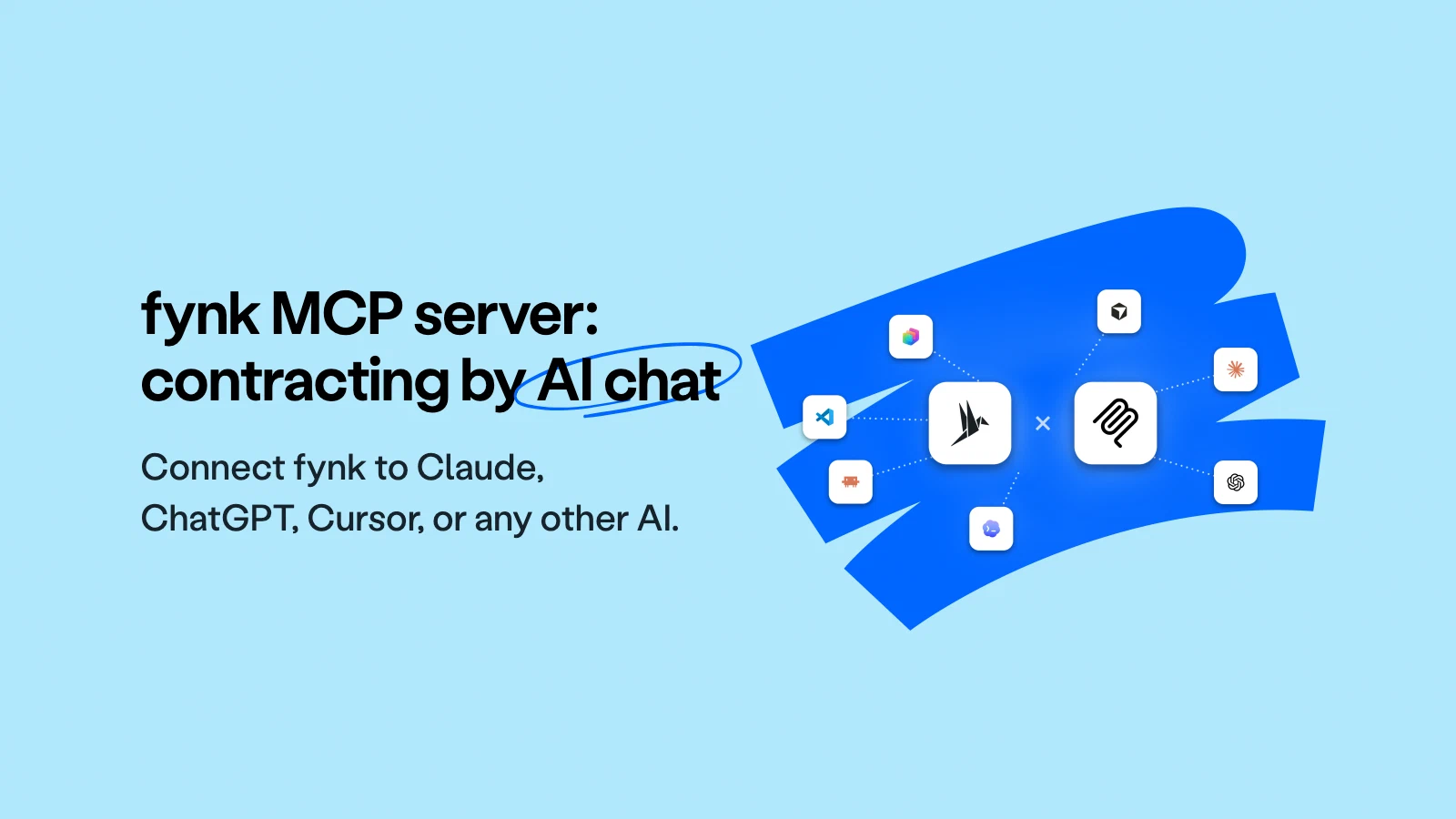
The fynk MCP server is live. Connect your favorite AI tools with your fynk account, and let them run your contract work for you.
- Works with Claude, ChatGPT, Claude Code, Cursor, and any other MCP-compatible client.
- 56 tools covering the full contract lifecycle: create, update, tag, assign, move to signing and monitoring.
- Your agent doesn’t give you tasks, it does the work - for you.
- The agent inherits the permissions of their user, nothing more.
- Included on Essential, Business, Pro, and during the free trial.
“Create an NDA from my standard NDA template for Acme GmbH, set the start date to today, add Max Mustermann as signatory with the email [email protected], and move it to the signing stage.”
I typed that into Claude. Not into fynk. I never opened fynk that morning at all, and by the time I’d finished my coffee the NDA was sitting in the signing stage with the right signatory on it.
The fynk MCP server is live, and your favorite agent can now do contract work.

One message, four tools. The NDA is created from the Master NDA template, the counterparty and signatory are set, and it lands in Signing. Nobody opened fynk.
The tab you don’t open
Why do contracts get created late, renewals get missed, and metadata stays empty?
The answer is simple: none of it is hard, it’s often just an interruption. You’re on a call, the deal is agreed, and the next step is to open a new tab, log in, find the right template, copy the details out of your notes, and click through a creation flow. But something urgent comes up in between, so it goes on “the list”. And that list is where contracts go to timeout.
MCP removes the interruption instead of speeding it up. You stay in the tool you’re already working in, you just tell your AI what you need, and the fynk work happens in the background.
The advantage of the MCP is that we have different systems all connected to Claude. That means I can use Claude as my single point of contact, and from there access my project management system, my CRM, my contract management system. I only use Claude, and I don't even have to go into fynk, Asana, or Pipedrive.

What is MCP actually?
MCP (Model Context Protocol) is a standard that tells AI tools how to use other services. In simple words, it’s what makes these tools talk to and understand each other. If you’ve ever wondered how one of these assistants can suddenly read your calendar or file a ticket, this is usually how.
The fynk MCP server is our side of that standard: a hosted connection that any MCP-compatible AI client can plug into. Once it’s connected to your workspace, your assistant isn’t guessing about your contracts from what you paste into the chat. It’s working directly in your fynk account, with 56 tools covering the full contract lifecycle.
In fewer words: instead of opening fynk to do something, you tell your AI assistant to do it.
It reads, and it writes
Your agent can do more than just look things up. It acts as you. So you can ask it to find a contract or search for a clause, and you can also tell it to:
- Create a new contract for your latest deal.
- Update the renewal date to June 30.
- Add Sarah as a signatory.
- Add this company as a party.
- Tag this contract as ‘Enterprise’.
- Assign this contract to the Legal team.
- Move this contract to review.
- Send that contract for signing.
This is the part I’d underline twice. A connection that only lets an agent look things up is useful, but it leaves you doing all the actual work. The fynk MCP server covers both directions, and that changes what you can ask for. Not “find me the contract with Globex” but “find the contract with Globex, set the contract value to €24,000, and move it to signing.”
One sentence, done.
Three instructions in one message, three writes back. Fourteen documents tagged, a contract value updated, and one contract moved from Review to Signing.
Things worth asking for
The more specific your instruction, the better the result. Think of it as briefing a capable assistant who happens to know your entire fynk workspace. A few that have earned their place in our lives:
After a sales call. “Use the transcript of my call with Acme to create the quote from my standard quote template, with the details we discussed.” The numbers you agreed on are already in the conversation, so nobody has to type them a second time. From “we’re agreed” to a finished draft without switching context.
The call is already in the conversation, so the quote comes out of the transcript rather than out of your notes.
Onboarding a new customer. “Create a pilot agreement from my Pilot Contract template for Terra GmbH. Set the pilot duration to 3 months starting July 1st and add the signatory [email protected].”
Checking on things without opening fynk. “Which of my contracts are currently waiting for a signature?”, “What are the payment terms in my contract with Supplier X?”, “Show me all documents in the review stage.”
Questions you would otherwise answer by opening fynk and filtering, answered in the chat you already had open.
Staying ahead of deadlines. “Which of my contracts have a renewal date in the next 90 days?”, “List all contracts where the contract end date is before December 2026.” The question you know you should ask monthly and never do, because it used to cost an afternoon.
Renewals and end dates, on request. No calendar entry to maintain and no afternoon spent building the list.
Housekeeping, in bulk. “Assign all documents in the Legal team to the Q3 2026 tag.”, “Update the contract value on my MSA with Client X to €24,000.”, “Move the contract with Globex from review to signing.”
Filing what lands in your inbox. “Here’s a PDF I received. Upload it to fynk, name it ‘Acme Vendor Agreement’, and assign it to the Legal team.”
The PDF goes in as an attachment and comes out as a fynk document, with the counterparty read out of the file itself.
More prompts worth stealing are collected in the fynk MCP collection .
Searching across multiple contracts for the same topic or clause used to mean a lot of manual digging. Now it just works, and it's a genuine improvement in how quickly we can get answers.
Connecting takes about a minute
The connection is set up in your AI tool and approved in fynk. You paste in the fynk server URL, complete a standard OAuth 2.0 login, approve the connection, and you’re done. No API token, no developer involvement, no configuration file to maintain.
You don’t have to remember any of that, though. fynk’s own settings have a card per client with the exact values, a copy button on each field, and a button that opens the right dialog in the tool.
Pick the tool. The contracts follow.
Anything that speaks MCP can reach your contracts, and the tool set is identical everywhere.

Claude
The one most teams reach for first. Ask what renews next quarter, draft the NDA that answer just made necessary, and put it in front of a signatory. All in the same conversation.

Claude Code
For the people who would rather script it than click it. Run a portfolio cleanup or a bulk import straight from the terminal, right where the rest of your automation lives.

ChatGPT
Already installed almost everywhere, so it's the shortest path to getting a whole department off email threads. Setup runs through a custom app rather than a one-click connector, so budget an extra minute for it.

Cursor
Contract work that doesn't cost you the editor. Pull up the vendor agreement behind the integration you're building, or get a DPA out to a new subprocessor between commits.

VS Code
Everything Cursor gets, in the editor most engineering teams standardize on anyway. Contract actions sit beside your other extensions instead of in a browser tab you keep losing.
Codex
Hand off the part nobody wants. Describe a batch of documents to file, classify or move along, then go do something else while it works through the list.
Microsoft Copilot Studio
Build an internal agent on the Microsoft stack and expose only the contract actions your teams should have. Everyone stays inside the software IT already approved.

Anything else
The protocol is open, so a tool nobody has heard of yet gets exactly what the seven above get. Point it at the server URL and log in.


Step-by-step instructions for each client can be found in the help centre .
Your permissions, and not one bit more
Handing an AI agent write access to your contract repository may sound scary, so here’s precisely what it can and cannot do.
The connection is tied to your fynk user account. Your agent inherits your permission level, so it sees the documents you can see and performs the actions you’re allowed to perform. No new permissions are created for MCP, and there’s no elevated access path.
If your agent tries something your account isn’t allowed to do, the call comes back with a plain “permission denied”.
On the fynk side, the connection runs on OAuth 2.0 against our EU infrastructure, under the same GDPR and server-location guarantees as the rest of the product. Worth being clear about the other side, though: MCP means contract information travels into the AI tool you connected, and what that provider does with it is governed by your agreement with them, not ours.
If your data governance rules say contract content must never leave fynk, use the fynk assistant instead. It does the same kind of work entirely inside fynk’s own infrastructure.
Account owners who’d rather not have MCP available at all can switch it off for the whole organisation in the account settings. It’s on by default, because we’d rather you discover it than file a ticket to request it.
MCP or the fynk assistant?
We shipped the fynk assistant a few days ago, and it answers a lot of the same questions, so the obvious one: which do you use?
Use the assistant when you’re working in fynk, when you want the tightest possible integration with the product, or when contract data has to stay inside fynk’s infrastructure. Use MCP when your day happens somewhere else, when you want your own AI tool and your own prompts and your own context, or when you want fynk in the same conversation as the other tools you’ve connected, like your CRM, your inbox, your project tracker, so an agent can move information between them.
Most people I’ve watched use both. They’re the same idea but in two different working styles, and neither needs the other to be switched on. MCP is also completely independent of the fynk REST API : different mechanism, separate toggle, no API token required.
What isn’t there yet
A few things I’d rather you hear from us than discover on your own:
- No shareable signing links yet. Your agent can move a document to signing, but generating a public share link still happens in fynk. We are working towards it, to give you the best convenience and security.
- No full contract plaintext. Your agent works with document data and summaries rather than the complete text of every clause, so very fine-grained clause questions are better asked of the fynk assistant for now.
- PDF uploads need one setting in Claude. If you want Claude to upload files to fynk, turn on network access first:
Settings → Capabilities → Allow network egress.
Go connect it
The fynk MCP server is available now on Essential, Business, and Pro, and you can test it during the free trial. There’s no add-on to buy and nothing to install.
Paste the server URL into your AI tool, approve the connection, and give it something real: a contract you were going to create later, a renewal question nobody has answered, a batch of documents that needs tagging.
Then close the tab and let your agent work.
fynk MCP server URL
Claude
Add a custom connector, name it fynk, and paste in the URL. Leave everything under advanced settings blank, click Add, and approve on the fynk screen that opens.

Claude
ChatGPT
Open the Plugins page and click the + next to the search box. If there’s no +, turn on developer mode first under Settings → Security and login. Name the plugin fynk, paste the URL into the connection field, then sign in with fynk. Note that this route needs a ChatGPT Pro or Business account.

ChatGPT
Cursor
One click does it: Add to Cursor opens Cursor with the server already filled in and walks you through the login. Adding it by hand works too, under Settings → MCP → Add new MCP server.

Cursor
Claude Code
One command:
Add fynk to Claude Code
Then run /mcp in a session and authenticate.

Claude Code
Any other client
The same URL works anywhere else. Any MCP-compatible client can connect to it, and the authentication flow always brings you back to fynk to approve access. For clients configured through a file, fynk gives you the mcp.json entry to paste straight in.

Anything else
Please keep in mind that none of the content on our blog should be considered legal advice. We understand the complexities and nuances of legal matters, and as much as we strive to ensure our information is accurate and useful, it cannot replace the personalized advice of a qualified legal professional.

Get a regular dose of insightful contract management content

Take control of your agreements. Move your business forward.
Run agreements the way they should run: fast, clear, and on your terms.
No setup headaches
Go live in days, not quarters
No lock-in
Full export anytime
No hidden fees
Unlimited signatures included