
Meet the fynk assistant:
Ask. Don't click.

Felix Scholz
Published · 7 min read
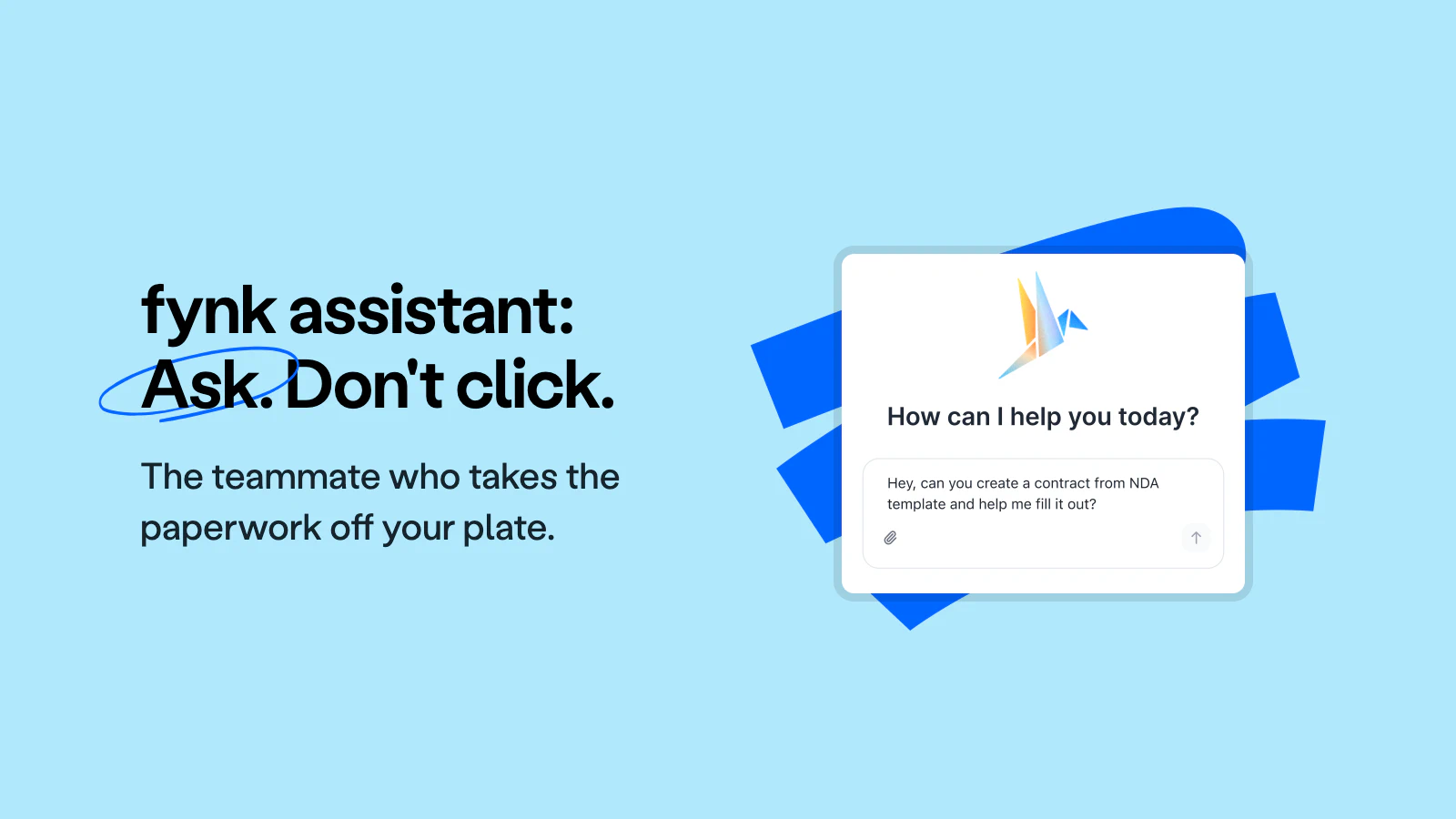
The fynk assistant is live in every account, on every plan. It lives inside fynk, speaks plain language, and can search, retrieve, and act on your contracts.
- Ask a single document anything, or search your entire repository by metadata and by actual contract content
- It does not just answer, it acts: create documents, tag in bulk, assign teams, move contracts through stages, build dashboards
- Two entry points, one conversation: the full-page chat in the sidebar and the assistant bubble on top of whatever you are doing
- It can only see and do what your user account can, it asks before it changes anything, and your data never leaves fynk’s infrastructure
“Create an NDA from my NDA template for Acme Corp, add Frank Moneymaker as signatory, set the start date to today, and move it to the signing stage.”
That’s not a wishlist. That’s one message I typed into fynk this morning, and thirty seconds later, the contract was on its way. I’m excited, no, thrilled to tell you: the fynk assistant is live, and you have access to it right now. We’ve been tinkering, testing, and token-tuning it for months to give you the best native document assistance on the market.

The example prompt from start to finish: template picked, signatory added, start date set, contract moved to signing. The assistant handles the complete workflow.
You know the moments it was built for. Somewhere in your repository, an agreement is quietly approaching its renewal date. Another one is stuck waiting for a review nobody remembers. The answer to “what notice period did we agree to with that supplier?” is on page 34 of a PDF that someone would have to open, search, and read. None of it is hard, exactly. It’s just slow, scattered, and endless.
The assistant takes those moments off your plate. It lives directly inside fynk, speaks plain language, and can search, retrieve, and act on your contracts, in every fynk account, on every plan. The core idea is beautifully simple: instead of doing something yourself, you just tell the assistant to do it for you.
It doesn’t just answer. It acts.
Most AI features in contract tools stop at answering questions. Ours does that too. Ask about any document you have access to, and you’ll have your answer in seconds. But answering is only half the story, and honestly, it’s the less exciting half. The assistant is wired into the same actions you use every day in fynk: creating documents, updating fields, assigning teams, tagging, moving contracts through stages, building dashboards. Ask it to do something, and it doesn’t hand you a to-do list. It does the thing.
That combination of full knowledge of your repository plus the ability to act on it is what makes the assistant feel less like a search box and more like a capable colleague who happens to know every contract your company has ever signed.
Ask any contract anything
Ask about a specific agreement, and the assistant reads the document for you: “What are the payment terms in our contract with Supplier X?”, “When does the contract with Acme GmbH expire?”, “Does this document include a liability cap, and what is it?” The answer lands as text in the chat, together with a link to the document itself, so you can verify anything with one click. No more scrolling through forty pages to find one clause.
And here’s a detail I love: if you already have a contract open, you don’t even need to name it. The assistant knows which page you’re on and treats the open document as context. A simple “what’s the notice period in here?” is all it takes.
We had a contract ending in October and were negotiating the renewal over email. I copied the email into fynk and asked the assistant whether what we'd agreed was actually legally binding. It went through the clauses and flagged that these confirmations needed signatures from both sides. Something I would most likely have overlooked otherwise.
Or ask all of them at once
This is the one that still makes me grin. The assistant isn’t limited to one document at a time. It searches across everything you have access to, by metadata and by actual contract content: “Which of our contracts are expiring in the next 60 days?”, “Do we have any contracts with an auto-renewal clause?”, “Which of our client contracts include a logo usage clause?”
Questions like these used to mean an afternoon of opening files, or a spreadsheet someone maintained by hand. Now they take seconds, and the answer comes back as a list of matching documents with a direct path to a filtered view of your repository. The result is never a dead end, instead it’s a starting point for whatever you do next.
My favorite side effect: it changes which questions get asked at all. When checking every agreement for a specific clause costs an afternoon, it rarely happens. When it costs one sentence, it becomes routine.
One question, every contract checked. The answer comes back as a list you can open straight away.
One sentence, twenty clicks’ worth of work
Because the assistant can act, it can act on many things at once. “Tag all contracts with Acme Corp as ‘Key Account’.” “Assign the Legal team to all contracts currently in review.” Operations that would take twenty clicks, or twenty minutes, collapse into a single instruction. The same goes for workflow management: “Which contracts are still waiting for review? Move the one with Globex GmbH to signing” is a question and an action in the same breath, and the assistant handles both without blinking.
It even extends to reporting. Tell it to “build a reporting dashboard based on our payment terms” and it checks your existing dashboards or assembles a new one on your behalf. From plain language to a functional report, without ever touching a configuration screen. Yes, really.
From plain language to a functional report, without ever touching a configuration screen.
Always by your side
There are two ways to talk to your assistant, and a conversation moves seamlessly between them. The full-page chat, reachable via “fynk AI” in your left sidebar, gives you a focused, full-screen workspace for bigger tasks and longer sessions. The assistant bubble, the ✨ icon in the bottom-right corner, opens the same assistant in a compact window on top of whatever you’re doing, so you can keep working while the conversation runs alongside.
The thread persists as you navigate: open a different contract, and the assistant’s context moves with you. Every step it takes is visible in the chat, so you always see what’s happening on your behalf. Interactive answer boxes keep things moving without forcing you to type everything out: buttons to open a document, options to refine a request, guided steps for multi-part tasks. From diving into a specific document to sweeping across your entire repository, it stands by your side for every task at hand.
What's stood out most for us is how natural it feels to use. Ask a question the way you'd ask a colleague, get a professional, reliable answer back. We wouldn't want to be without it now.
Powerful, but always on your terms
Here’s the part I’m genuinely proud of. We didn’t just make the assistant capable; we made it trustworthy.
The assistant is an extension of you. It can see and do exactly what your user account can, and nothing more. No elevated access, no back door, no possibility of it surfacing a document your permissions wouldn’t let you open yourself. And it never acts unilaterally: before navigating you anywhere or changing anything, it asks for your explicit confirmation. You stay in control of every step, every time.
Just as importantly, everything the assistant does happens inside fynk’s own infrastructure. Your contract data is processed with the same GDPR compliance and server-location guarantees as the rest of fynk, and it is never passed to additional third parties. Full stop. For teams handling sensitive agreements, which is to say every team, that’s the difference between an AI feature you can demo and one you can actually roll out.
And one more thing: the assistant is included in every fynk plan . No add-on, no separate AI tier, no enterprise-only gate. Everyone gets it.
As a CEO, I used to ask someone for the contractual terms, they'd have to find them, and it would take time to get back to me. Now I ask fynk directly. It puts me closer to the information I need, and in contract negotiations, speed matters. Having the right information at the right moment gives me confidence.
Go tell it something
The assistant is live in your account right now. Open fynk , click “fynk AI” in the sidebar or the ✨ icon in the corner, and hand it something real: a clause you’ve been meaning to check, a batch of contracts that needs tagging, a renewal question nobody has answered yet. The more specific your instruction, the better the result. Think of it as briefing a capable assistant who already knows your entire fynk workspace.
Because it does.
Please keep in mind that none of the content on our blog should be considered legal advice. We understand the complexities and nuances of legal matters, and as much as we strive to ensure our information is accurate and useful, it cannot replace the personalized advice of a qualified legal professional.

Get a regular dose of insightful contract management content


Take control of your agreements. Move your business forward.
Run agreements the way they should run: fast, clear, and on your terms.
No setup headaches
Go live in days, not quarters
No lock-in
Full export anytime
No hidden fees
Unlimited signatures included