


Slack integration for contract updates and requests.
Your team already lives in Slack. Connect it to fynk through Zapier: the channel hears when a contract is signed, and a request in a message becomes a draft from your approved template.


Ready-made Slack Zaps.
Pick a Zap, connect fynk and Slack, choose the channel. No code.
Switch on the Zaps you need.
Two post fynk updates into Slack. Two turn Slack messages into contract drafts.




The contract lives in fynk. The conversation stays in Slack.
Nobody wants another tab to check whether the NDA is signed. And nobody should copy a contract request out of a thread by hand.
 Signed and announcedLearn more
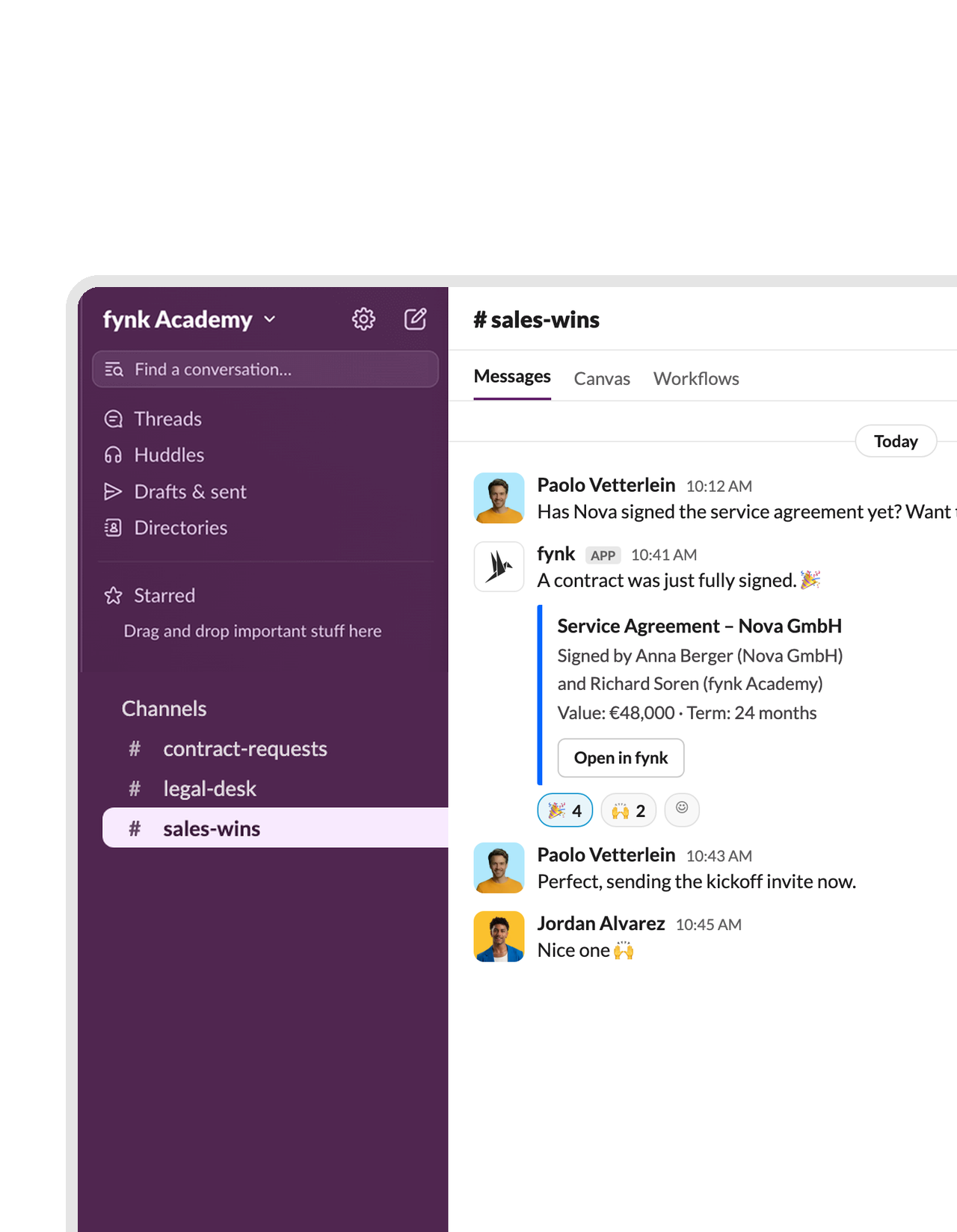
The moment the last signature lands, the channel knows.
When a document is fully signed in fynk, the Zap posts its name to the channel you pick. Sales sees the closed deal, HR sees the new hire, and nobody asks “is it signed yet?” in a DM.FEATURES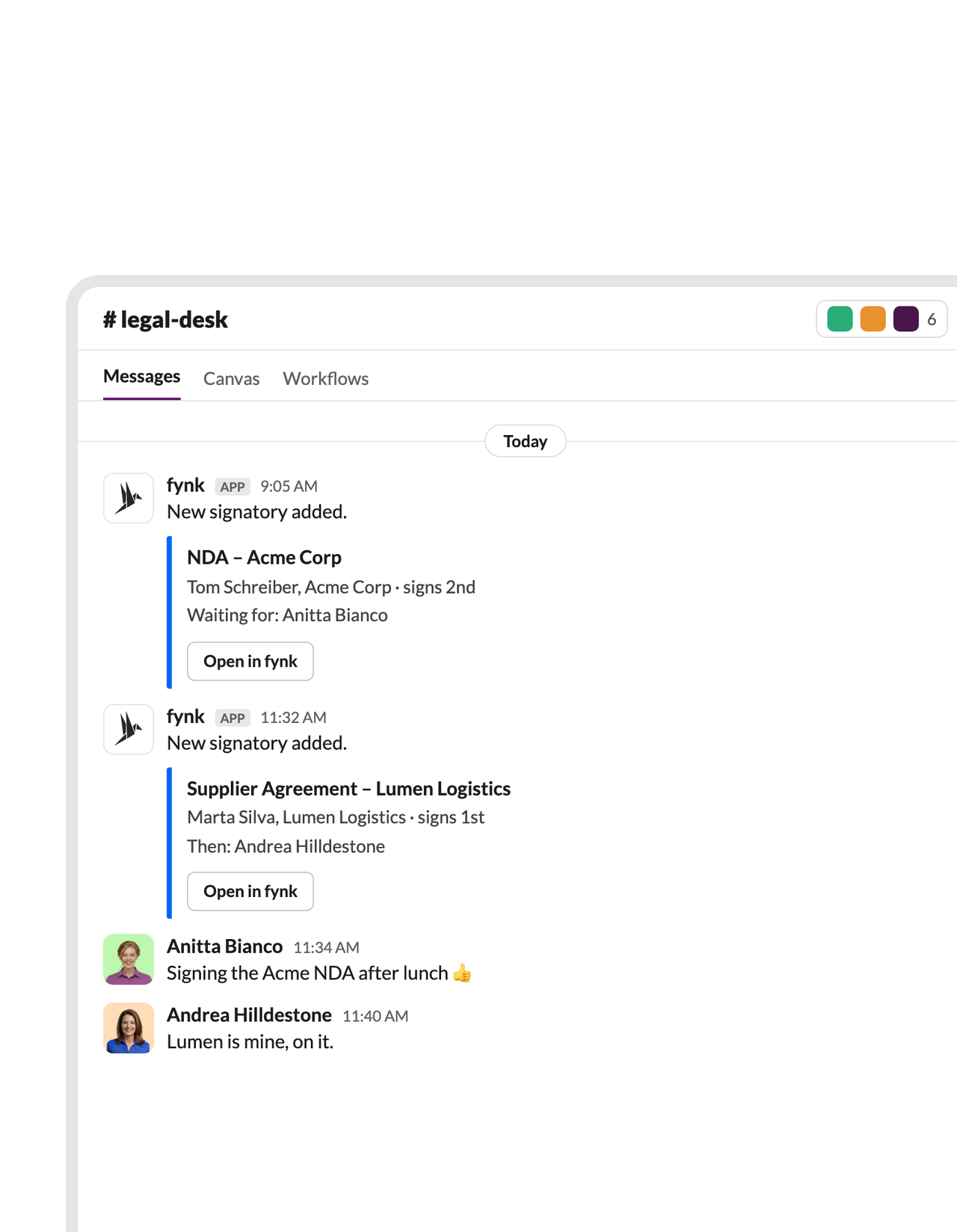 New signersLearn more
Know who's on the hook for the next signature.
A second Zap posts a message each time a signatory is added to a document. The people waiting on a contract follow it in the channel instead of refreshing a status page.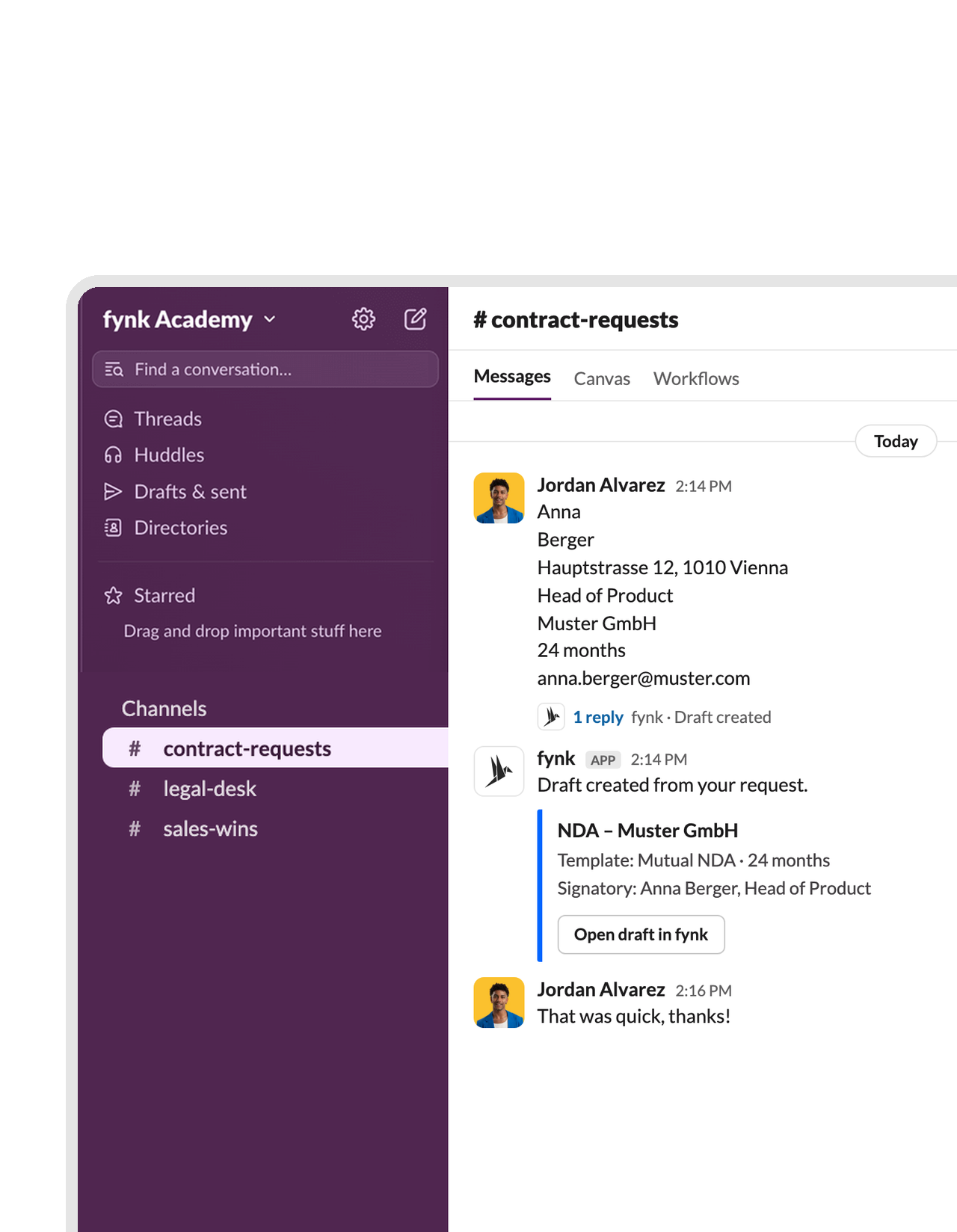 Message to draftLearn more
Post the details. Get the contract draft.
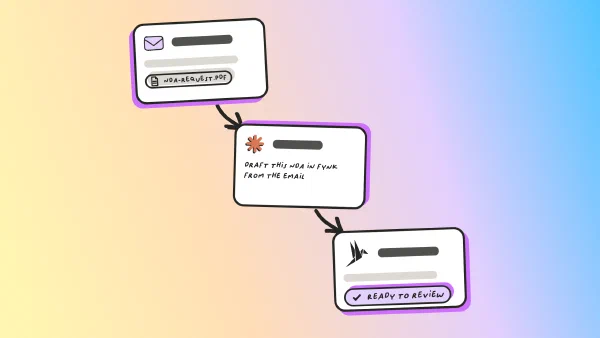
Post a request in a dedicated channel, one detail per line: name, company, address, term. The Zap fills them into your fynk template and creates the document, ready for review or straight to signing. The person asking doesn’t need a fynk account.FEATURES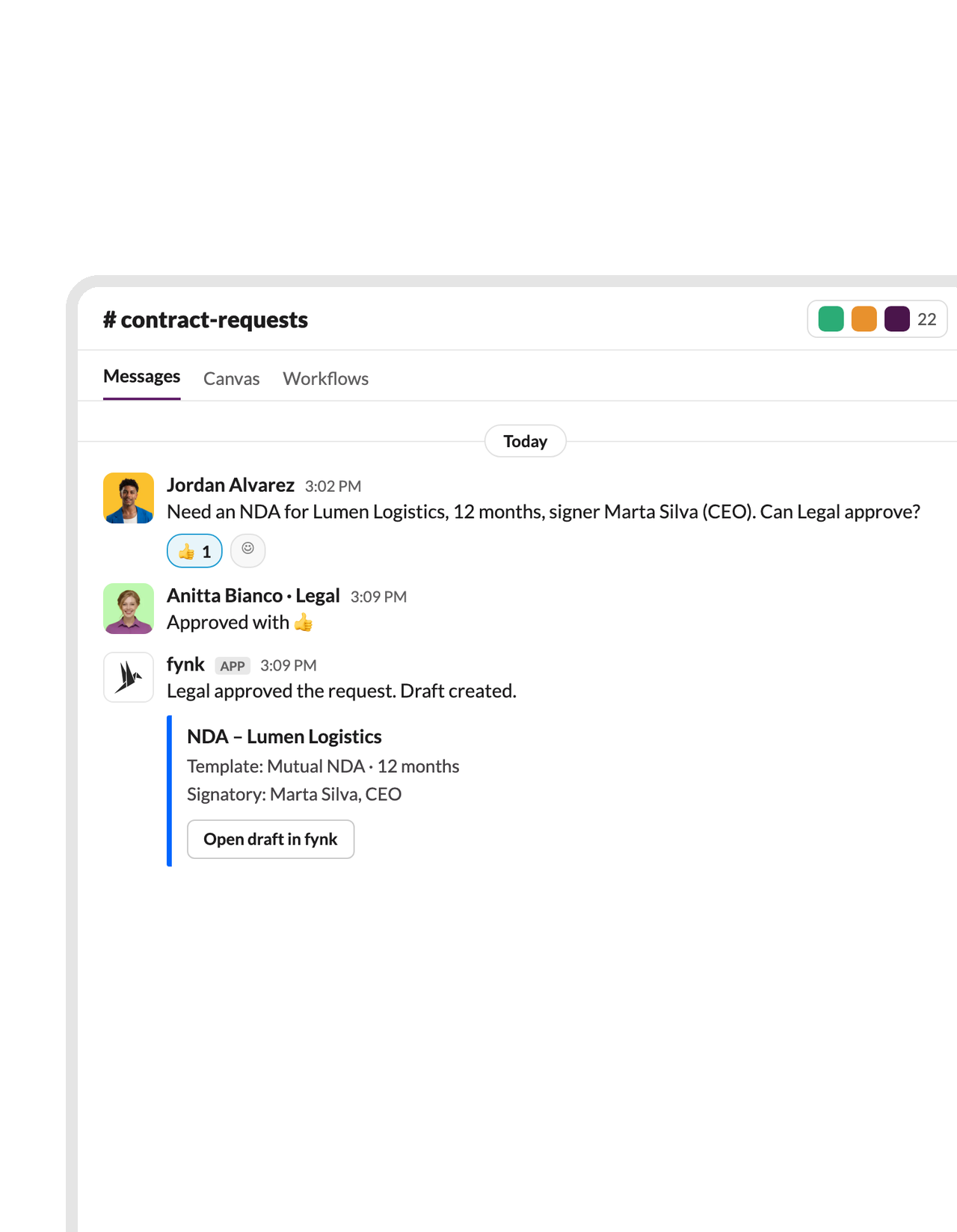 Emoji to draftLearn more
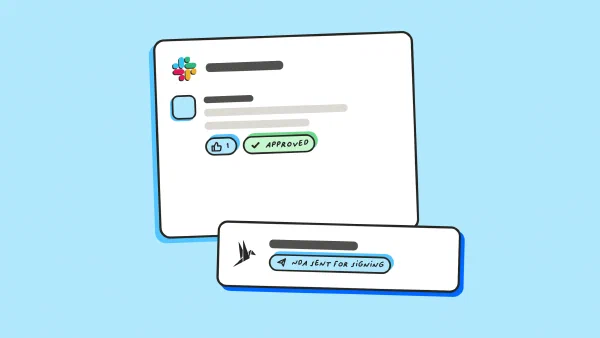
React with 👍, and Legal's template does the rest.
Let requests sit in the channel until the right person approves them with an emoji. The reaction starts the Zap, and the contract appears in fynk from the approved template. Filter by who reacted, so only Legal’s 👍 counts.


 Requests via ChatGPTLearn more
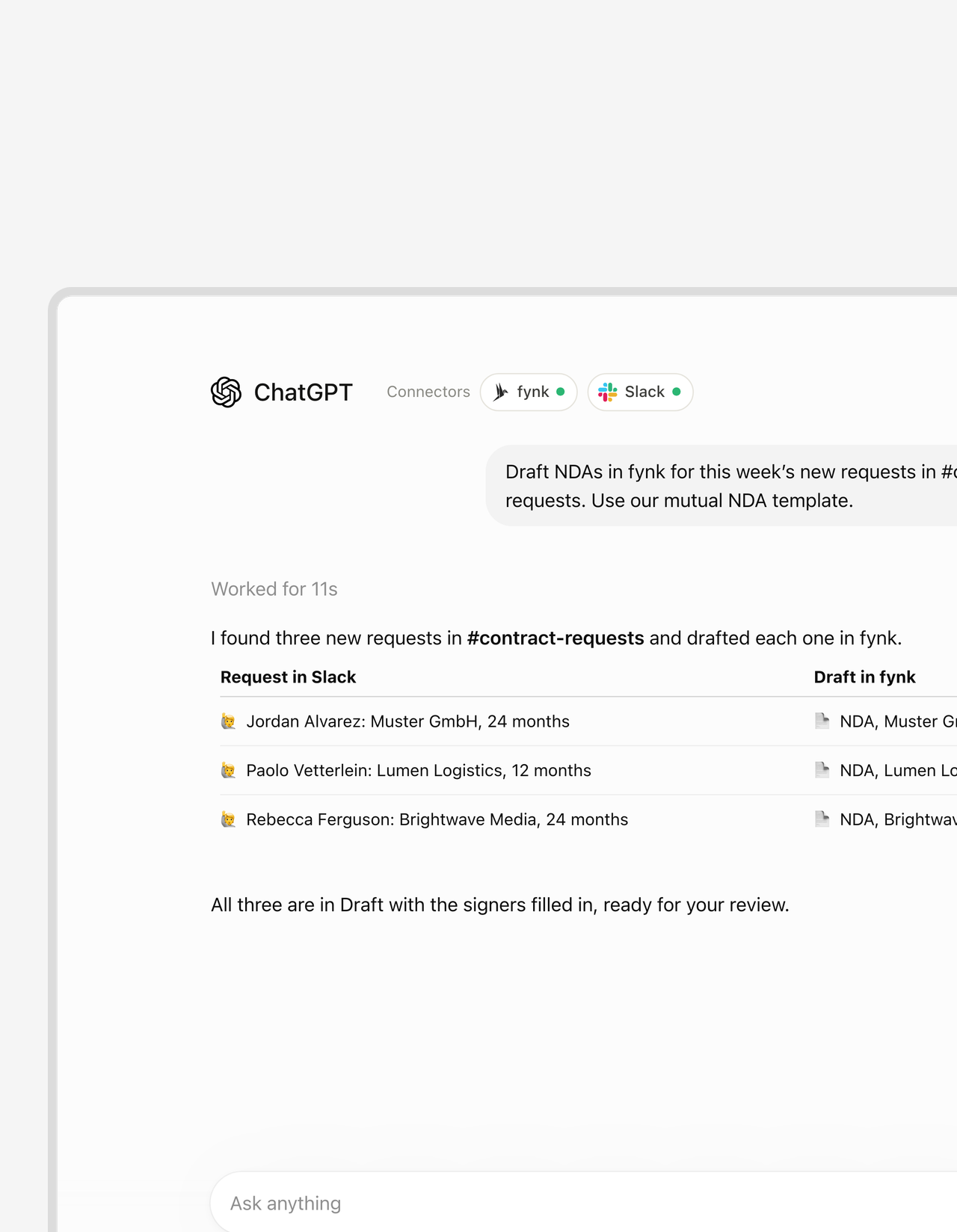
Turn this week's Slack requests into drafts, in one prompt.
“Draft NDAs for this week’s new requests in #contract-requests.” With fynk and Slack connected, ChatGPT reads the channel and creates the drafts from your fynk template, details filled in. No fixed message format, no Zap to set up.FEATURES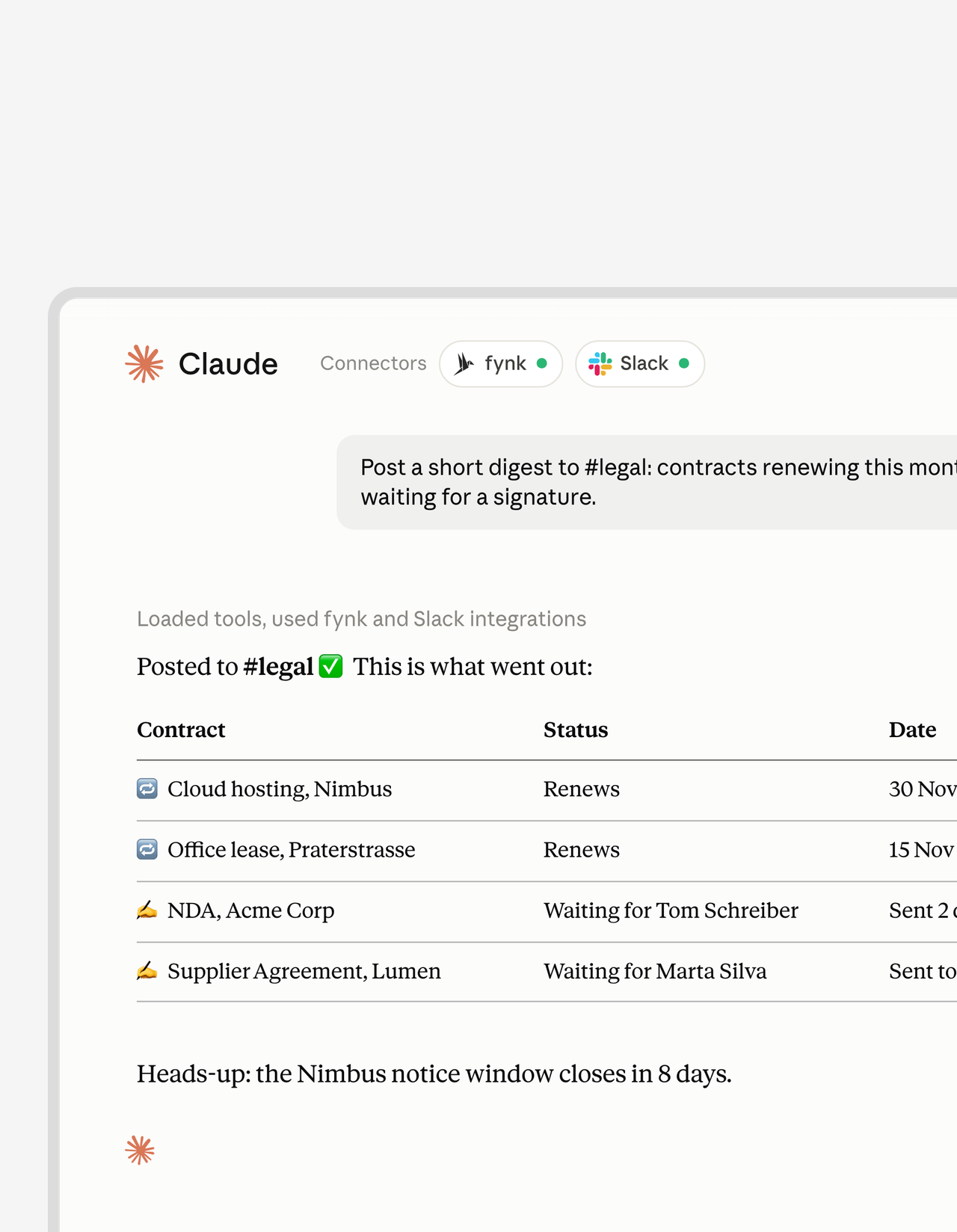 Digest to the channelLearn more
Renewals and open signatures, posted where the team reads.
Ask Claude for the contracts renewing this month and the ones still waiting for a signature, and have it post the summary to #legal. Monday standup, already written.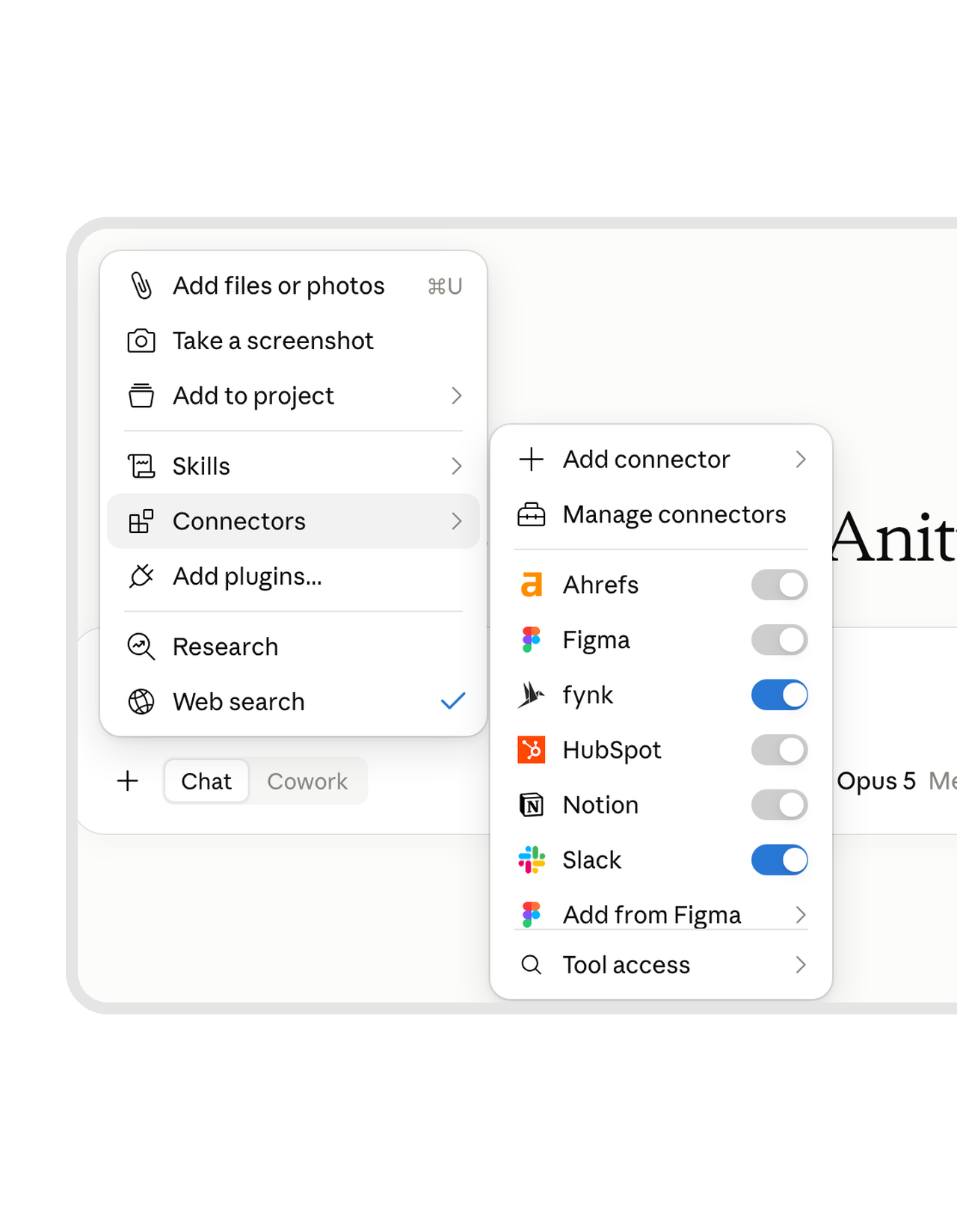 Answers from the contractLearn more
A question in a thread, answered from the signed contract.
“What’s our notice period with Acme?” lands in a thread. Ask Claude, and it checks the signed contract in fynk and posts the answer straight back to the thread. ChatGPT gives you the same answer from the contract in its chat.FEATURES


What the Slack connection gives your team.
Less chasing in DMs, fewer requests lost in threads.
Status without asking.
Signed contracts and new signers show up where people already look.
Requests, captured.
A message or an emoji is enough to start a contract. Nothing gets retyped.
Legal's wording, always.
Drafts come from the template set in the Zap, never from a pasted Word file.
No extra seats.
Colleagues request contracts from Slack without their own fynk login.
One channel per team.
Sales, HR and Legal each get their own channel and their own Zap.
Start on Zapier Free.
The two notification Zaps have two steps, so they run on Zapier's free plan.
Connect Slack to fynk in a few minutes
You need fynk with API access (Business or Pro), a Zapier account and a Slack workspace
- Step 1
In fynk, create an API key under Settings > Integrations > API.
- Step 2
Open one of the Slack Zaps above, connect fynk with the key and sign in to Slack.
- Step 3
Pick the channel and, for the drafting Zaps, the fynk template and which line goes into which field. Test it and switch it on.
How fynk and Slack work together
fynk connects to Slack through Zapier, with four ready-made templates.
The Slack Zaps
| Zap | Trigger | Steps |
|---|---|---|
| Signed contract to Slack | fynk: New Signed Document | Slack: Send Channel Message |
| New signer to Slack | fynk: New Signatory | Slack: Send Channel Message |
| Draft from a message | Slack: New Message Posted to Channel | Formatter: Split Text, then fynk: Create Document From Template |
| Draft from an emoji | Slack: New Reaction Added in a Channel | Formatter: Split Text, then fynk: Create Document From Template |
"I think it clearly brings structure, transparency and speed across our whole process that we have in sales and in the sales department from the first draft to the final signature."
Slack is where you talk. Here's where else fynk works.
The same contracts, connected to your CRM, your AI assistant and your automations.




Frequently asked questions.
Yes, through Zapier. Ready-made Zaps post to a Slack channel when a contract is signed or a signer is added, and create fynk documents from a Slack message or an emoji reaction.
Not yet. The connection runs through Zapier today, and a native Slack app is on the roadmap.
Yes. Post the details one per line in a dedicated channel, and the Zap fills them into your fynk template and creates the document. The step-by-step guide is in the use case.
No. The Zap creates the document with your fynk API key, so anyone in the channel can start a request.
Not today. fynk sends renewal and notice-period reminders by email and in the app. The Slack Zaps cover signed documents, new signers and new requests.
A fynk plan with API access, Business or Pro, and a Slack workspace. The two notification Zaps run on Zapier's free plan, the two drafting Zaps need a paid Zapier plan because they have three steps.
Still have questions?


Teams that stopped chasing contract status.




Take control of your agreements. Move your business forward.
Run agreements the way they should run: fast, clear, and on your terms.
No setup headaches
Go live in days, not quarters
No lock-in
Full export anytime
No hidden fees
Signatures included, no envelope fee