

Keep Asana projects moving past the contract stage.
Onboarding, delivery, legal intake and procurement already run as Asana projects. fynk drafts the contract from a request task, gets it signed and opens the next task once it is.


Connect Asana to fynk without code.
Choose the Asana project, paste your fynk API token, test it on one task.
Workflows for Asana projects, ready to switch on.
Drafts from request tasks, tasks from signed contracts, a review task for every new template, and onboarding tasks with a Slack heads-up.




Somewhere in every Asana project, there's a task called contract.
Onboarding, delivery, legal intake and procurement get planned in Asana, with forms, sections, approval tasks and rules. The contract task in the middle is the one that usually stalls. fynk writes it from approved wording, collects the signatures and closes the task.
"The ability to customize and adapt features based on user needs enhances flexibility and productivity. The real-time data synchronization and automation features save time and reduce manual effort."
 Legal intakeLearn more
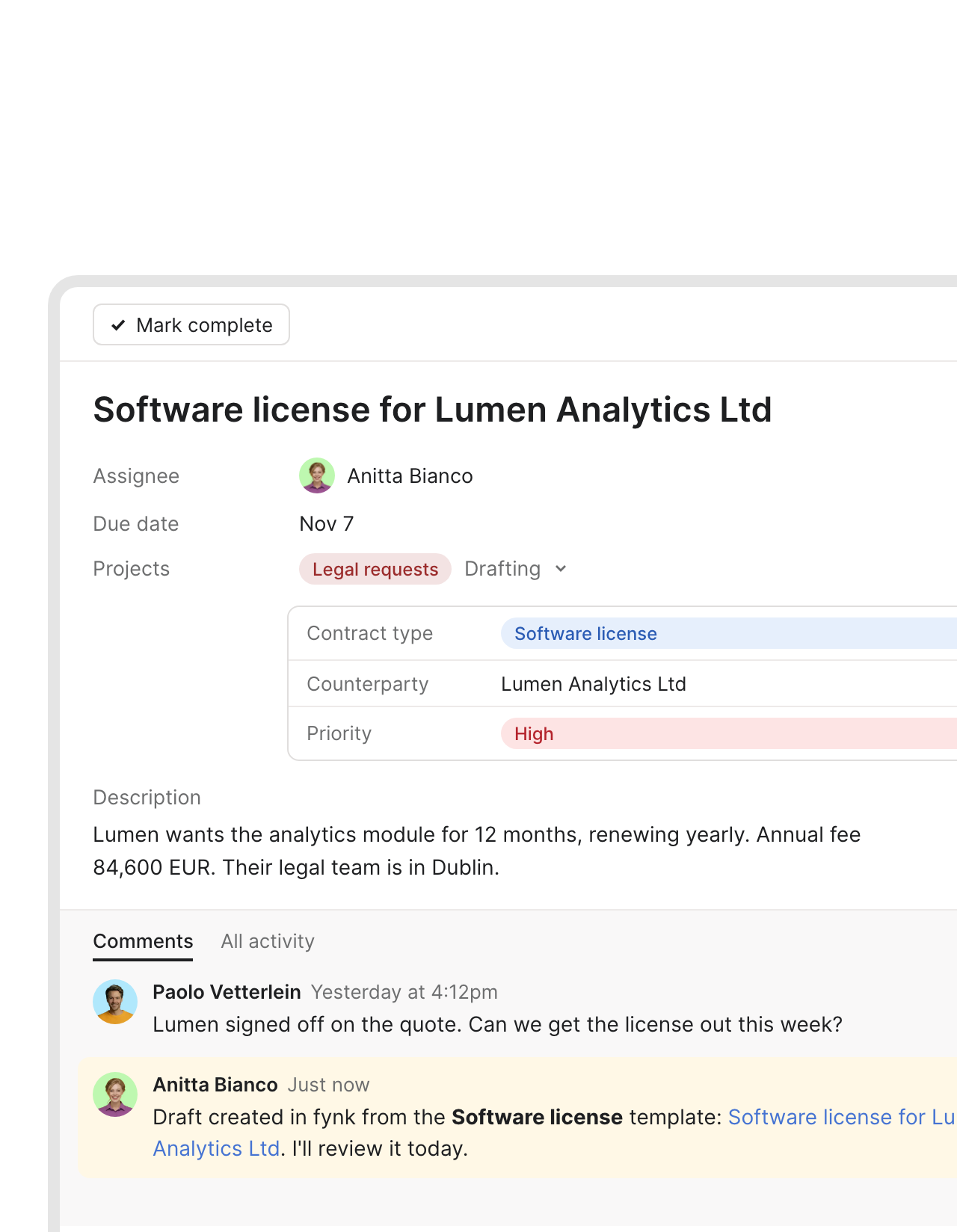
A request task comes back with the draft linked.
Sales adds a task to your Legal requests project. fynk drafts the contract from the matching template and names it after the task. A comment links the draft, so the requester knows it’s there before they think to ask.FEATURES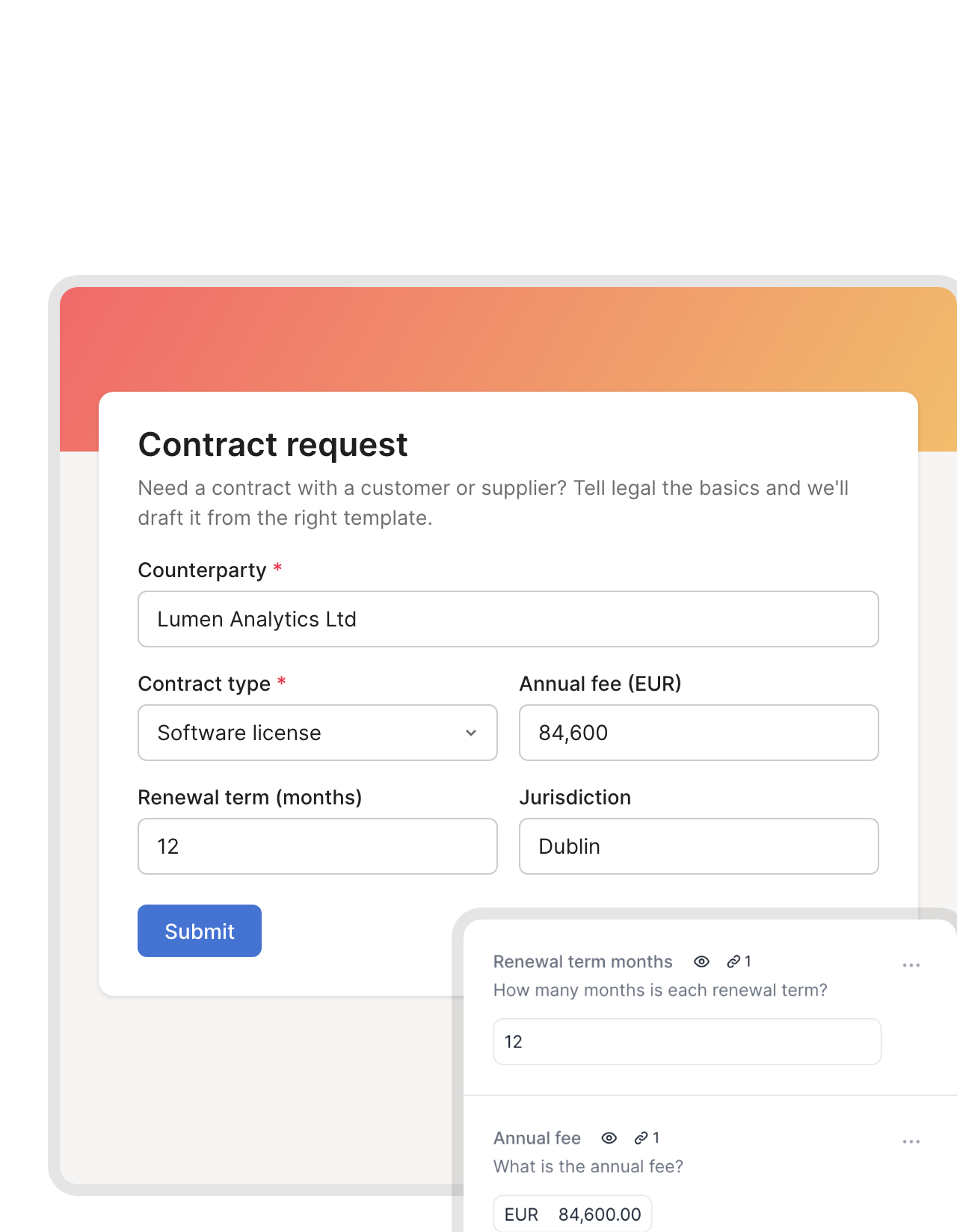 Asana formsLearn more
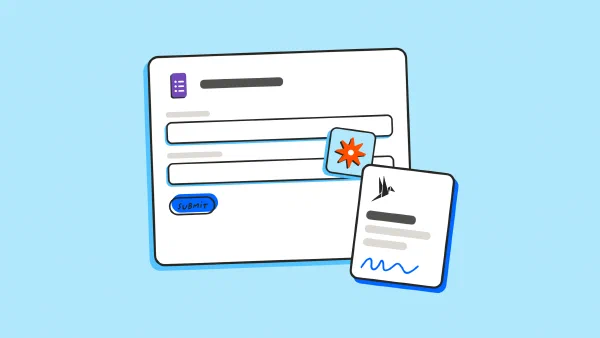
Your Asana form already asks what the contract needs.
Counterparty, annual fee, renewal term, jurisdiction. Your request form collects them as custom fields, and each one fills a dynamic field in the fynk template. The answers reach the contract exactly as the requester typed them.FEATURES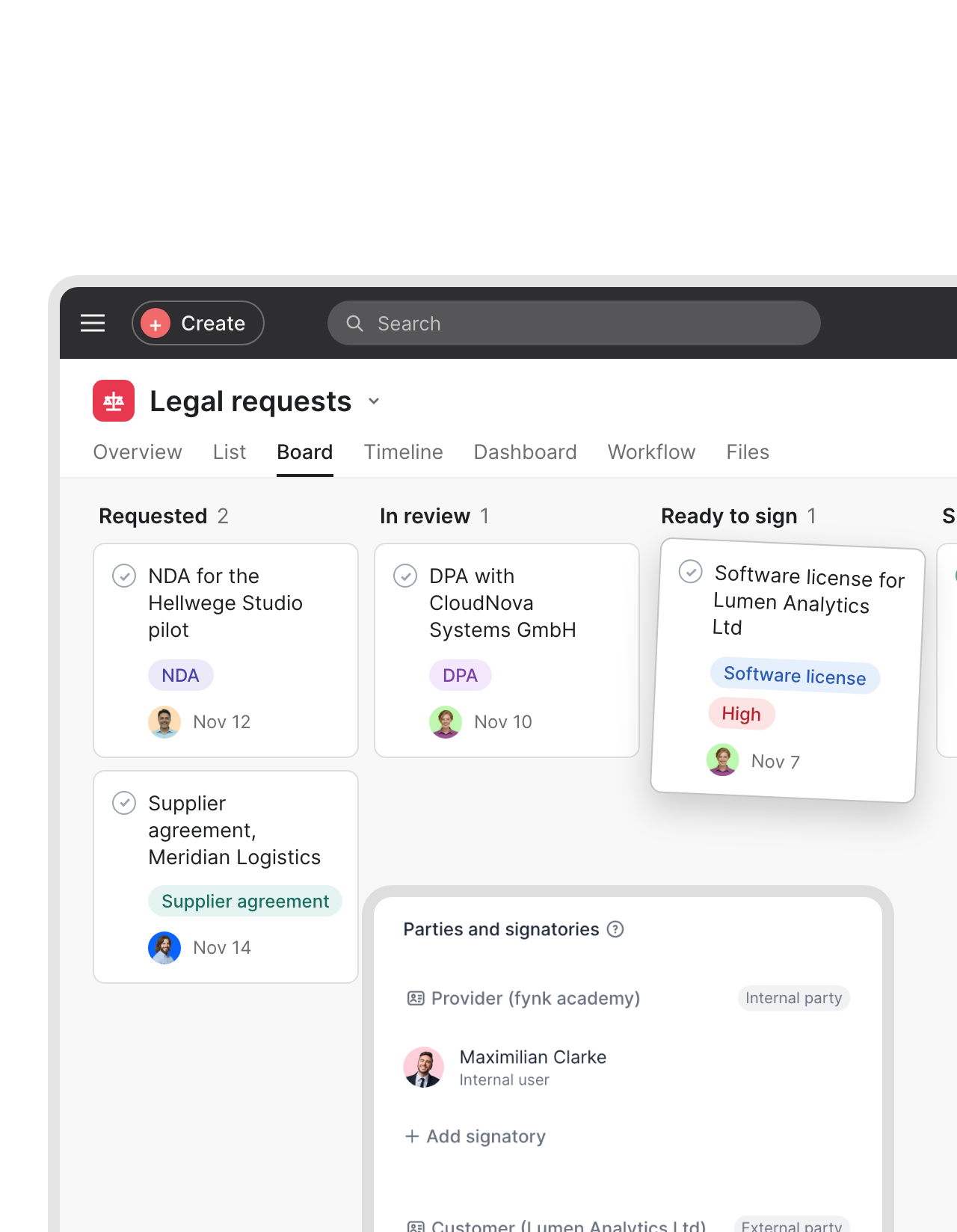 Board sectionsLearn more
The Ready to sign section finally means ready to sign.
Legal keeps working in the board view. When a card lands in your signing section, the matching contract in fynk goes out to the signers on it, in the order you set. One drag, and it’s out."What used to take at least one week or longer now can be done in the best case in half an hour."
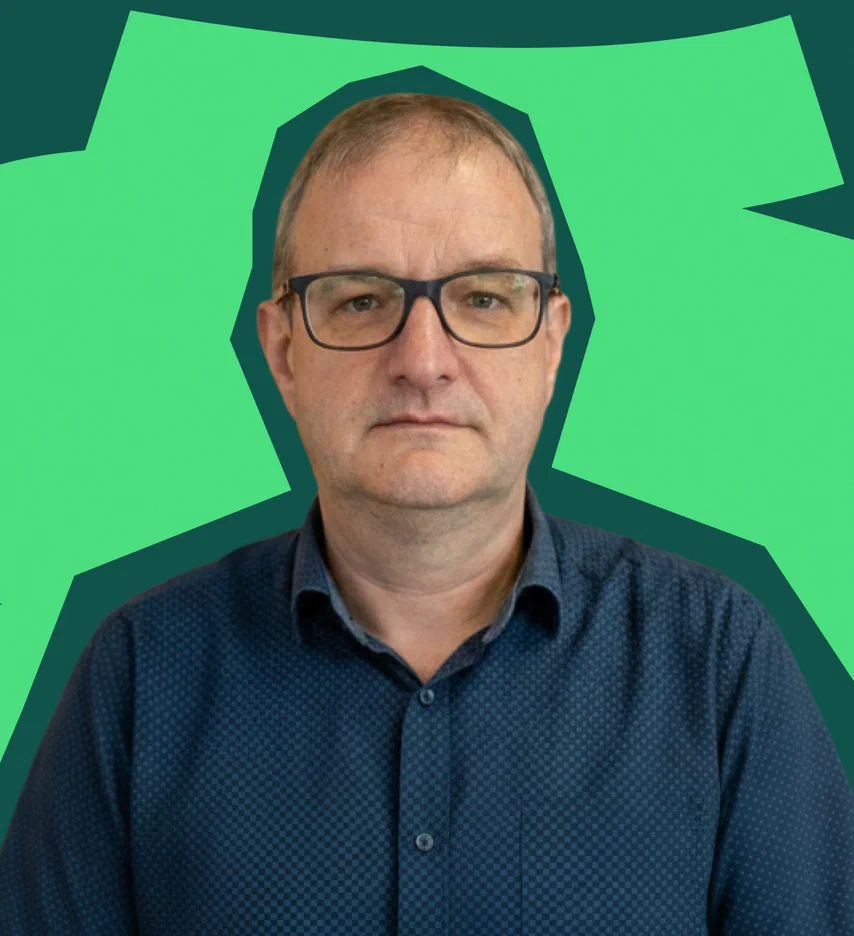
 Jörg Burkhardt Head of Sales & New Partnerships at 1. FC Nürnberg
 Delivery kickoffLearn more
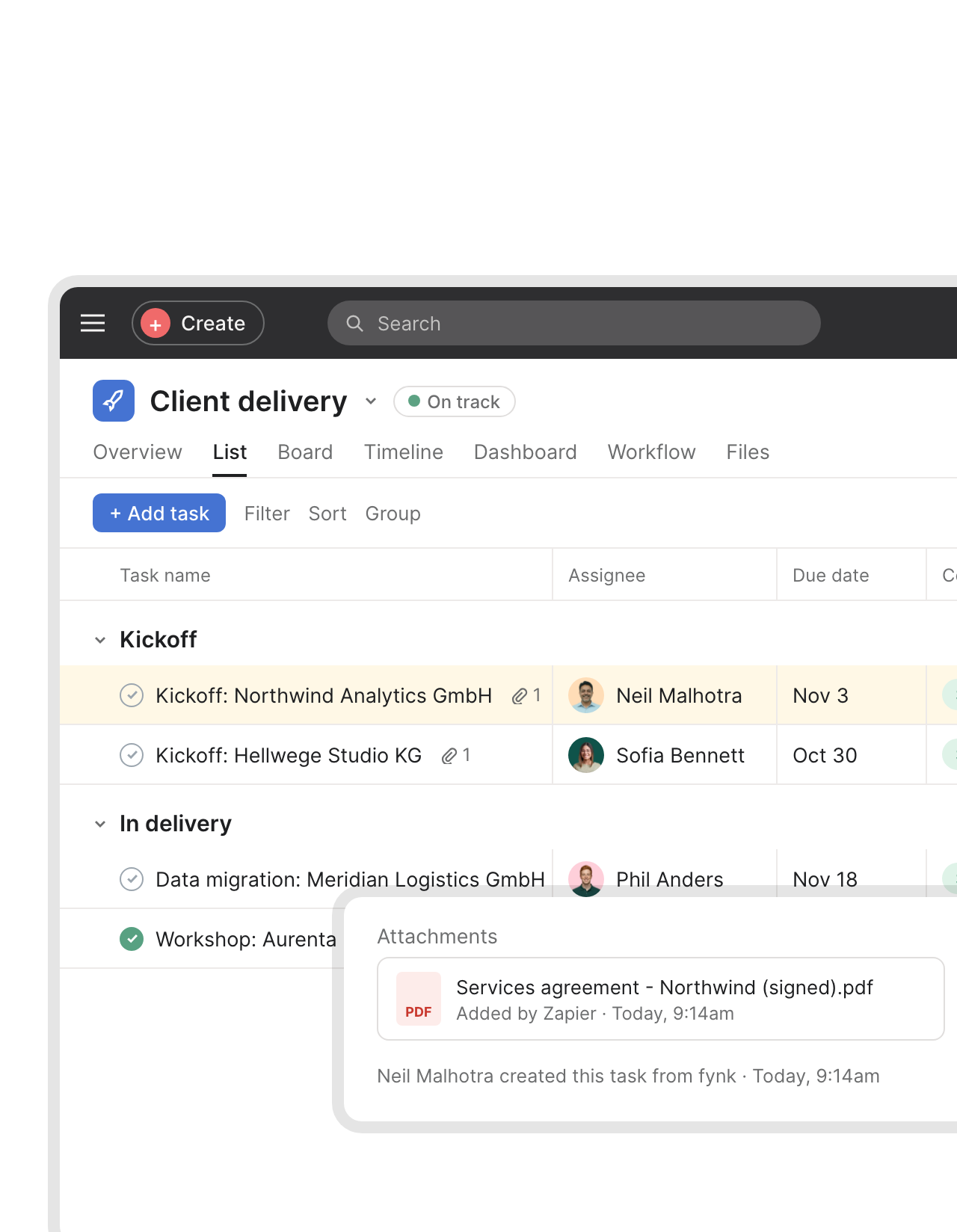
Signed means the kickoff task already exists.
The last signature lands in fynk. A task opens in your delivery project with the signed PDF attached and the customer in the name. Your project lead starts the same morning, not after the next status meeting."Until now, we had been 'tracking' our contracts using Excel. Now, every follow-up happens automatically, saving us both time and money."
Christoph Director of Corporate Development at RAMPF Group


 Template reviewsLearn more
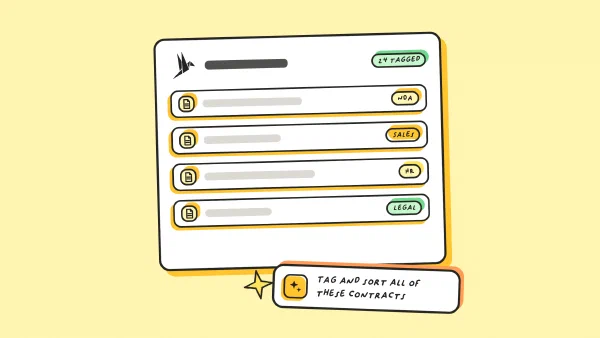
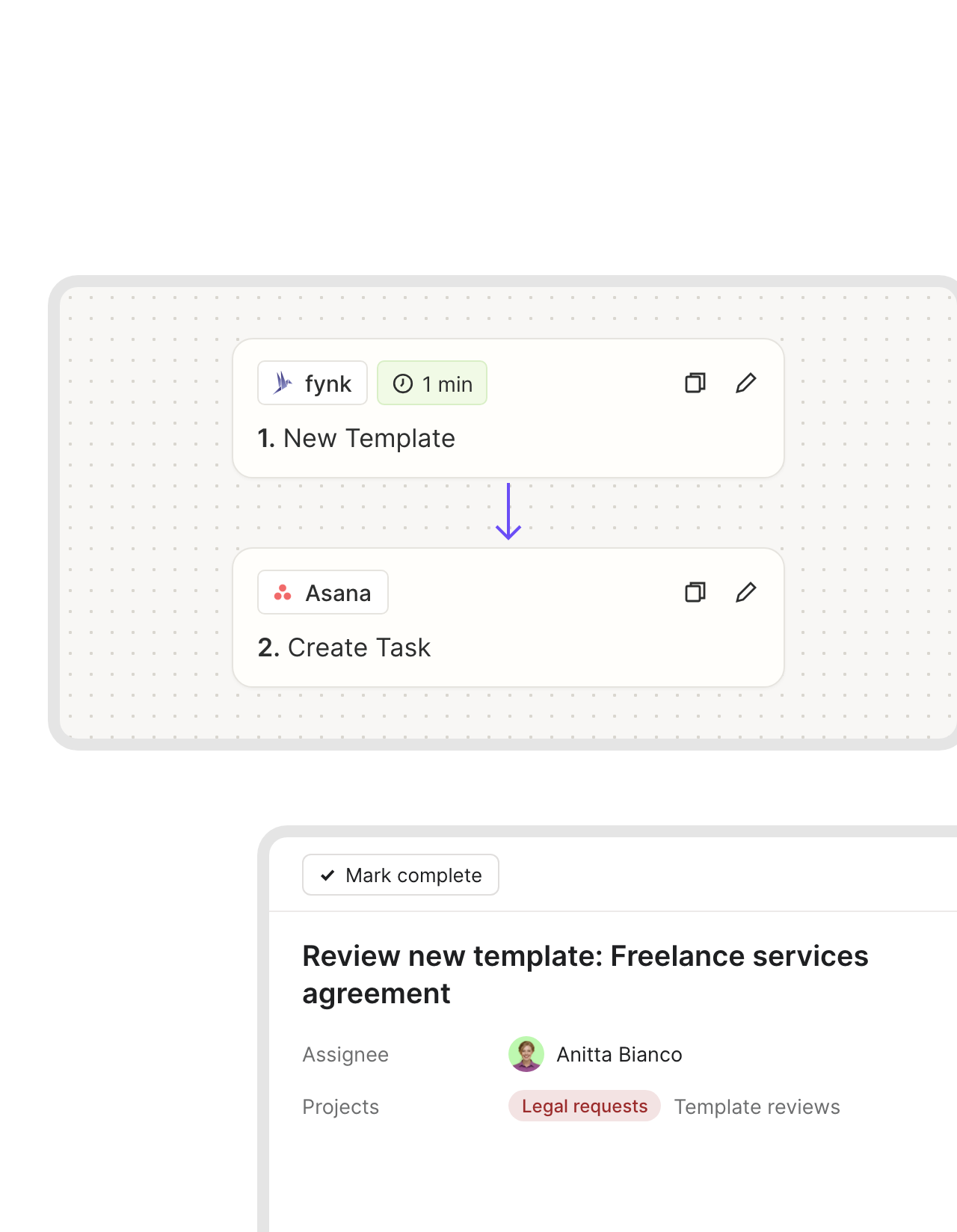
New templates land on legal's review list in Asana.
New wording shouldn’t go live on trust. Every template added in fynk opens a review task for legal in Asana, named after the template. Once it’s checked, every team drafts from the same clauses."We had 25 different contract versions before. With centralized templates, we reduced this to one and eliminated massive legal risk."
 Harald R. Fortmann Founder & Managing Director of five14
 Employee onboardingLearn more
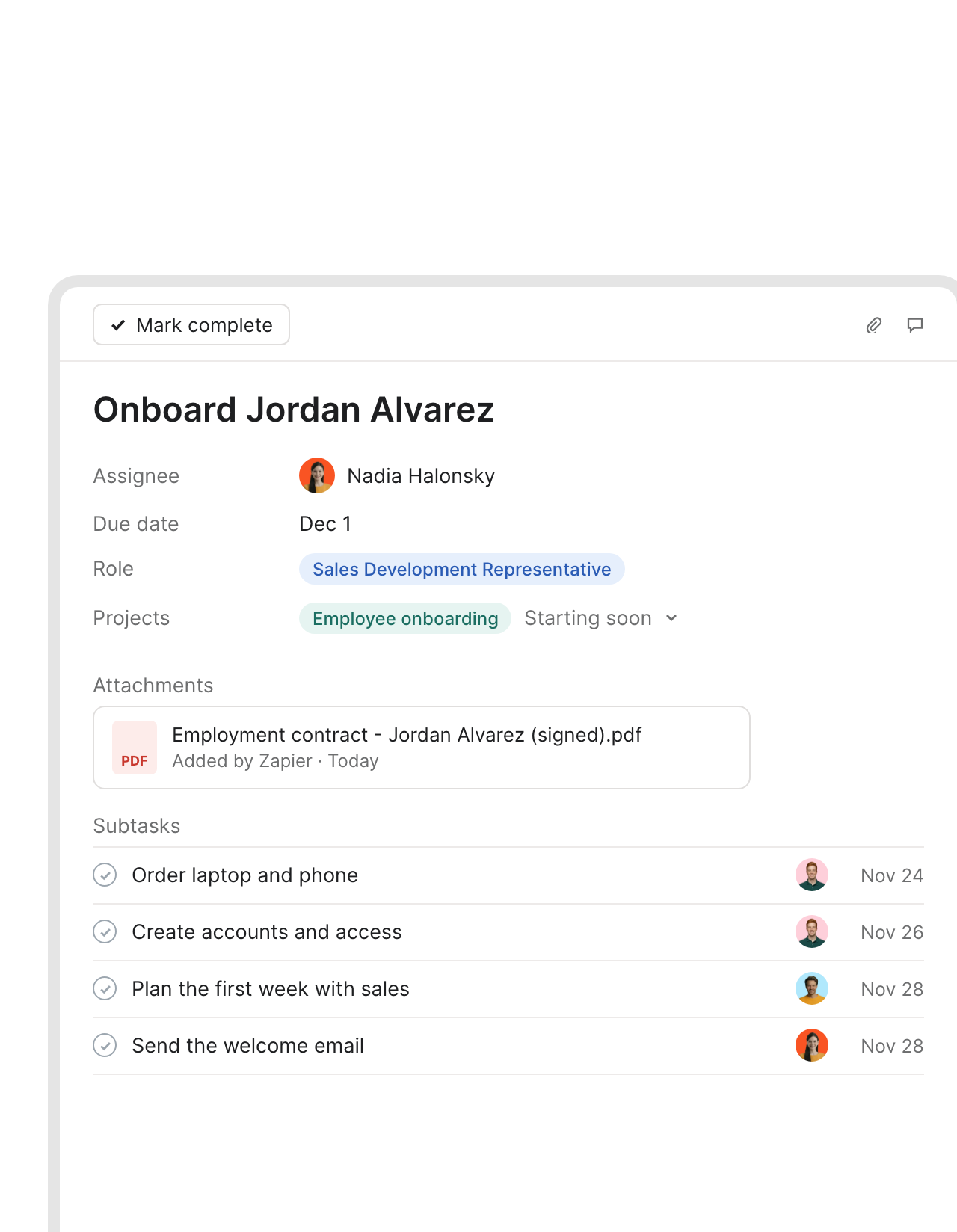
Employment contract signed, onboarding subtasks assigned.
When a new hire signs, HR’s onboarding task appears in Asana with the contract attached. It’s built from your Asana task template, so the laptop, the accounts and the first-week plan are already assigned."What I like most about this tool is the ability to store templates. For example, you can create an employment contract template with placeholders, fill it out directly in the tool, and then have it signed."
Lisa People Manager at Bridgemaker GmbH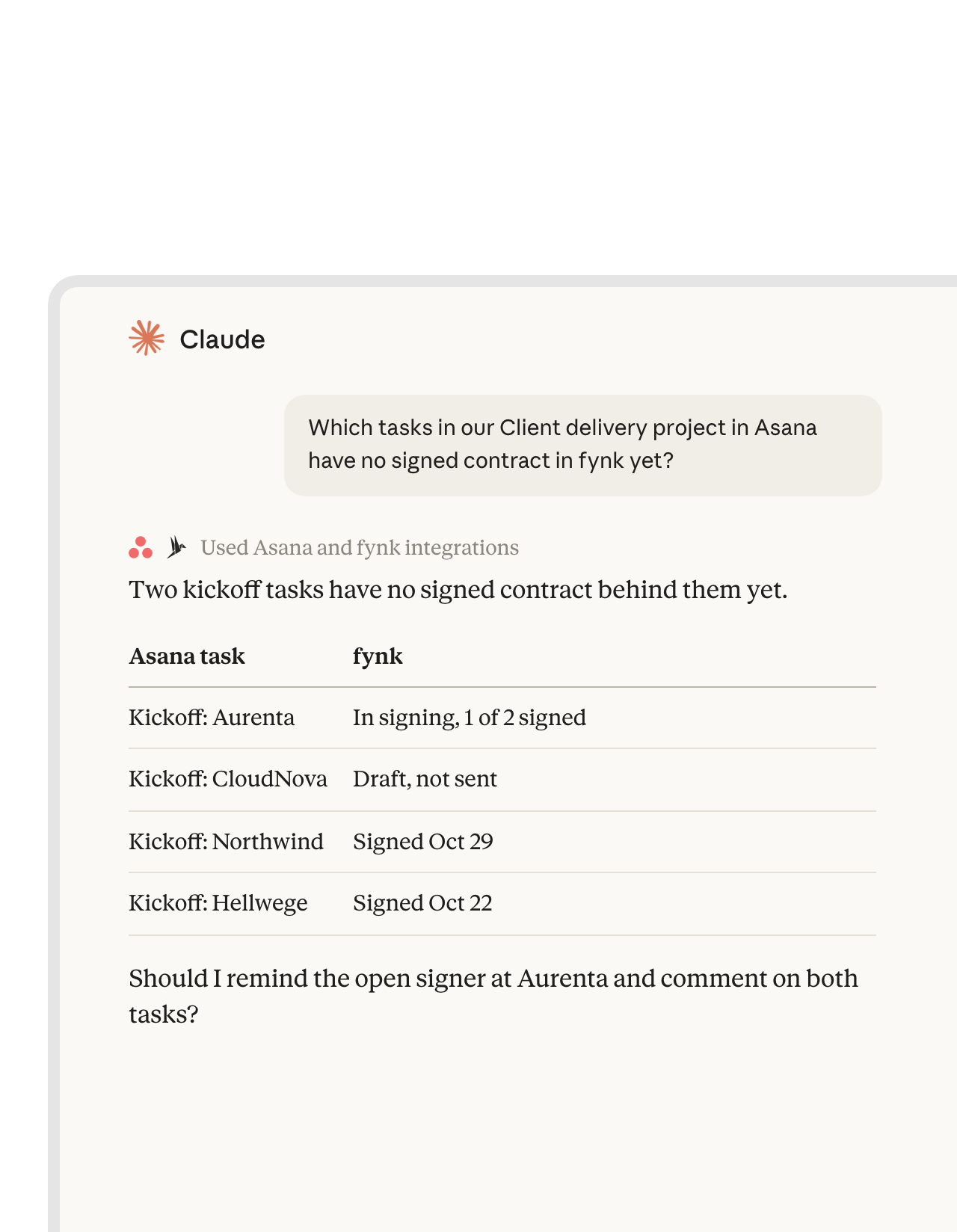 Portfolio checkLearn more
Ask Claude which projects are running without a signed contract.
With Asana’s official MCP server and the fynk connector added to Claude, one question checks your delivery tasks against fynk and lists what’s still unsigned. Claude uses the two connectors side by side. Asana and fynk don’t talk to each other directly here."The advantage of the MCP is that we have different systems all connected to Claude. That means I can use Claude as my single point of contact, and from there access my project management system, my CRM, my contract management system. I only use Claude, and I don't even have to go into fynk, Asana, or Pipedrive."
 Ariste Baumberger CEO at Honegger


What changes for project leads.
Projects keep moving. Contracts stop holding them up.
Requests stay in Asana.
Forms, tasks and sections work the way they do today.
Tasks like any other.
Tasks fynk creates behave like the rest, rules and all.
Status where people look.
Comments and attachments land on the Asana task.
Templates get reviewed too.
A new fynk template opens a review task for legal.
Handoffs start themselves.
A signed contract opens the next team's task.
Notice dates on watch.
fynk reminds the owner before a notice period runs out.
Tools that sit next to Asana.
Slack for status, Claude for questions across the portfolio.



Your Asana project, connected in three steps
A Zapier account, your Asana workspace, and fynk Business or Pro
- Step 1
Create an API token in fynk under Account settings > API integrations > fynk API.
- Step 2
Open an Asana Zap, paste the token to connect fynk and sign in to Asana.
- Step 3
Pick the workspace, the project and the fynk template, run a test with one task and turn the Zap on.
Frequently asked questions.
Through Zapier. Ready-made Zaps turn new tasks in a project into fynk drafts and comment back, create a task with the signed PDF when a contract is signed, open a review task for each new template, and draft a contract when a task is updated.
Asana approvals record a yes or no on a task, and forms, rules and AI Studio keep the work moving. The contract itself still has to be written, signed in a legally valid way and watched until it ends. That's fynk's part: clause templates with dynamic fields, an approval step on the contract, SES, AES and QES, and reminders before notice periods run out.
You decide in the trigger. Zapier's Asana app can start on a new task in a project, a task moved to a section, a tag added to a task, or an updated task. Most teams use a dedicated request project or a tag such as contract.
Store the task ID in a dynamic field or in the contract name when the draft is created. The signed-contract Zap looks the task up with Find Task by ID, attaches the PDF and posts a comment.
No. The Zaps are built in Zapier’s editor: pick the project, map the fields, test with one task. You only need a developer if you’d rather build against the fynk API directly.
Yes. Connect Asana’s official MCP server and fynk’s connector in Claude, and a question like which delivery projects still lack a signed contract gets answered from both tools at once.
Business or Pro, because Zapier connects through the fynk API. Zapier and Asana bill their own plans. All fynk plans are on the pricing page.
Still have questions?


Less chasing, more signing: customer stories.





What runs between Asana and fynk
fynk connects to Asana through Zapier. Four of these workflows are ready-made templates. The others use the same apps and take a few minutes to build.
Asana workflows
| Workflow | Trigger | Steps |
|---|---|---|
| Request task to draft | Asana: New Task in Project | fynk: Create Document From Template, Asana: Create Comment/Story |
| Form answers into the template | Asana: Updated Task | fynk: Create Document From Template, with custom fields mapped to dynamic fields |
| Signing section starts signing | Asana: Task Moved to Section | fynk: Add Signatory to Document, fynk: Move Document to Signing Stage |
| Signed contract to kickoff task | fynk: New Signed Document | Asana: Create Task, fynk: Find Document Download URL, Asana: Attach File |
| Review task for new templates | fynk: New Template | Asana: Create Task |
| New hire onboarding | fynk: New Signed Document | Asana: Create Task From Template, fynk: Find Document Download URL, Asana: Attach File |
| Supplier PDF to fynk | Asana: New Attachment Added to Task | fynk: Create Document From PDF |
Who handles what
| Asana | fynk | |
|---|---|---|
| Intake | Forms, request projects, sections, rules | |
| Drafting | Templates, dynamic fields, conditional clauses | |
| Approval | Approval tasks for the request | Approval rules on the contract |
| Signing | SES, AES and QES | |
| After signing | Kickoff and onboarding tasks with the signed PDF | Audit trail, renewal and notice reminders |

Fit for a security review.

European by design.
Designed and developed in Austria. fynk is hosted in the EU, in ISO 27001-certified data centers.

Security at the core
Encryption in transit and at rest, and secure engineering standards across a continuously monitored infrastructure.

Access you control
fynk uses an API token you can revoke at any time. Asana keeps its own login and project permissions.

GDPR, fully embedded
Fully compliant with European data protection regulations, supported by regular audits and external penetration testing.
Trusted by companies worldwide


Take control of your agreements. Move your business forward.
Run agreements the way they should run: fast, clear, and on your terms.
No setup headaches
Go live in days, not quarters
No lock-in
Full export anytime
No hidden fees
Signatures included, no envelope fee