


From a row in your Notion database to a signed contract.
Deals, hires and projects already live in your Notion databases. Connect fynk through Zapier, and a new item starts the contract from your template. The signed copy comes back to Notion.


Notion and fynk, wired up in Zapier.
Pick a Notion database, choose a fynk template, switch it on.
Already built. Point them at your database.
Notion items into fynk drafts, signed contracts into Notion databases and pages, and a Notion task for every new document.



Plan in Notion. Run your contracts in fynk.
A page anyone can edit is fine for meeting notes, less so for the agreement you sign. Planning stays in Notion. Drafting, signing and watching the deadlines move to fynk, and Notion still sees every step.
"From a technical perspective, fynk is easy to integrate into our existing system landscape, and the user lifecycle management works flawlessly."

 New database itemLearn more
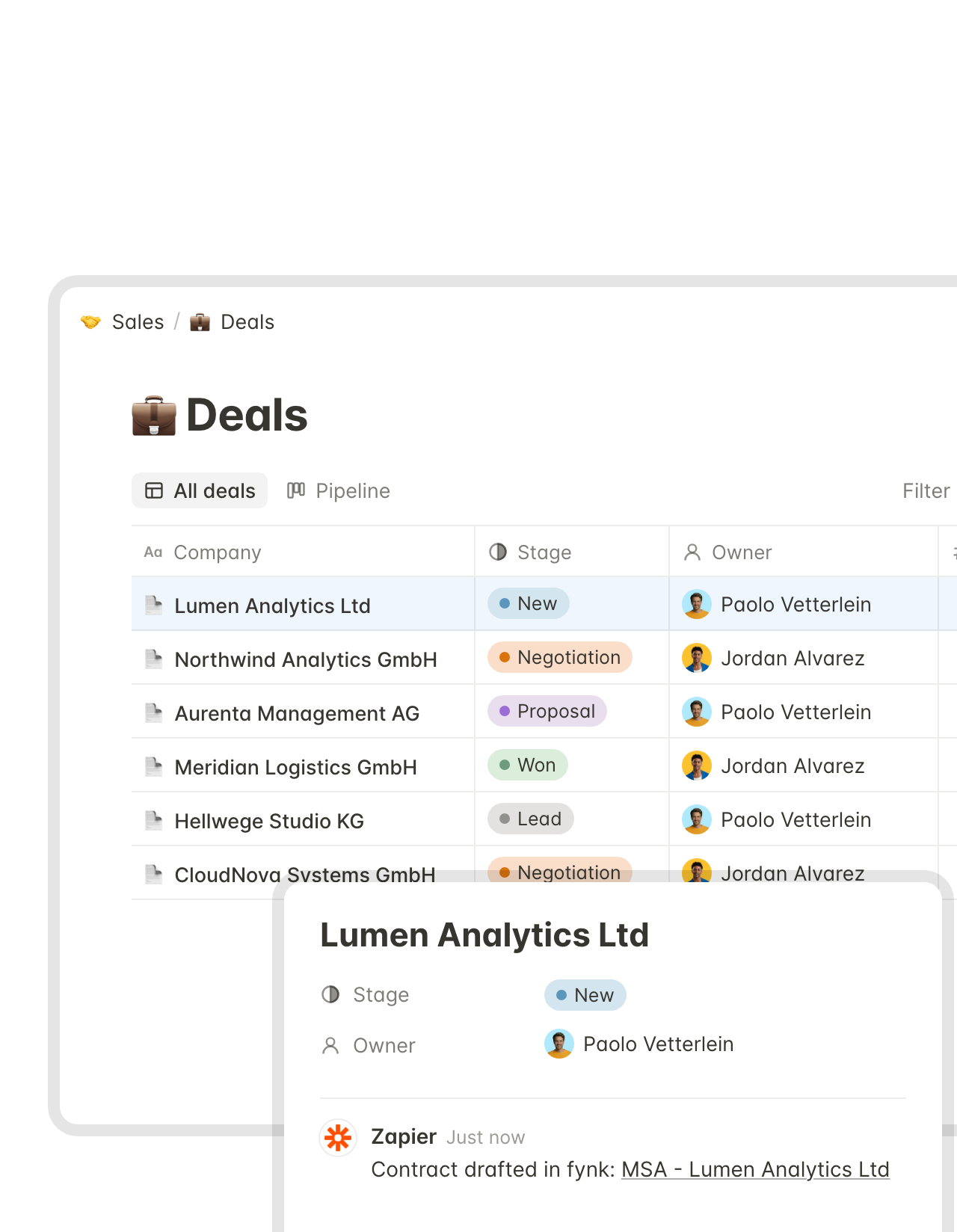
A new deal in Notion is a contract draft in fynk a minute later.
Add a row to your Deals, Hiring or Partners database and fynk creates the document from the template you picked, named after the item. A comment on the Notion page links to the draft, right where the deal owner will look."This is quite a step forward because you are saving resources and you're giving the responsibility to the salesperson itself."
 Jörg Burkhardt Head of Sales & New Partnerships, 1. FC Nürnberg
 Status changeLearn more
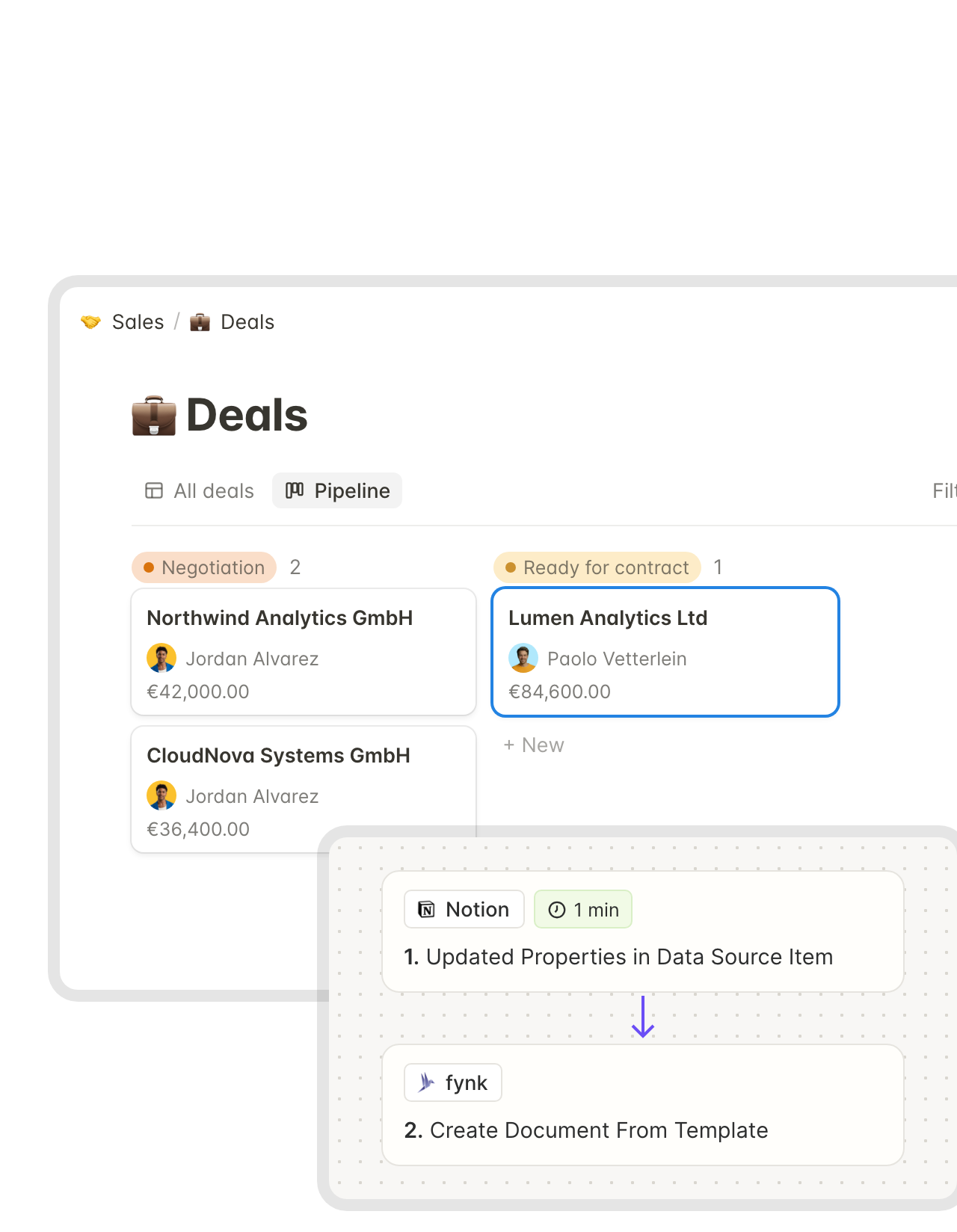
Drag the card one column over, and the signer gets the contract.
Pick the stage that means “ready” on your Notion board. When a deal reaches it, fynk fills the contract with the item’s properties, adds the signer and starts signing in the same step."Once I understood the workflow, creating and sending contracts became very simple."
 Alina Heiner Founder and Director at maven
 Contracts databaseLearn more
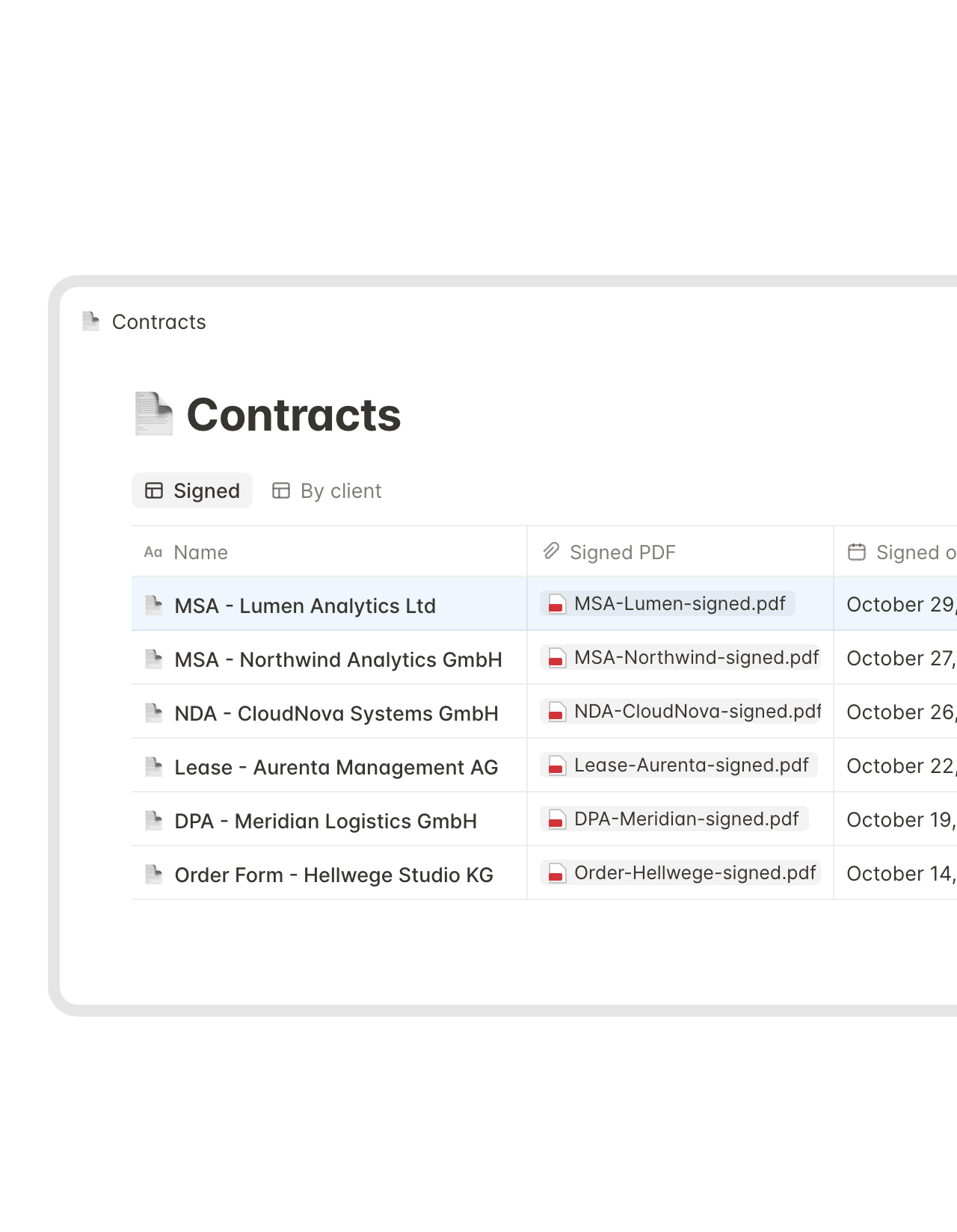
Every signed contract becomes a row in your Notion database.
The row arrives with the contract name, signing date and value, and the signed PDF attached. Your Notion contract tracker fills itself. The original, with its audit trail, stays in fynk.FEATURES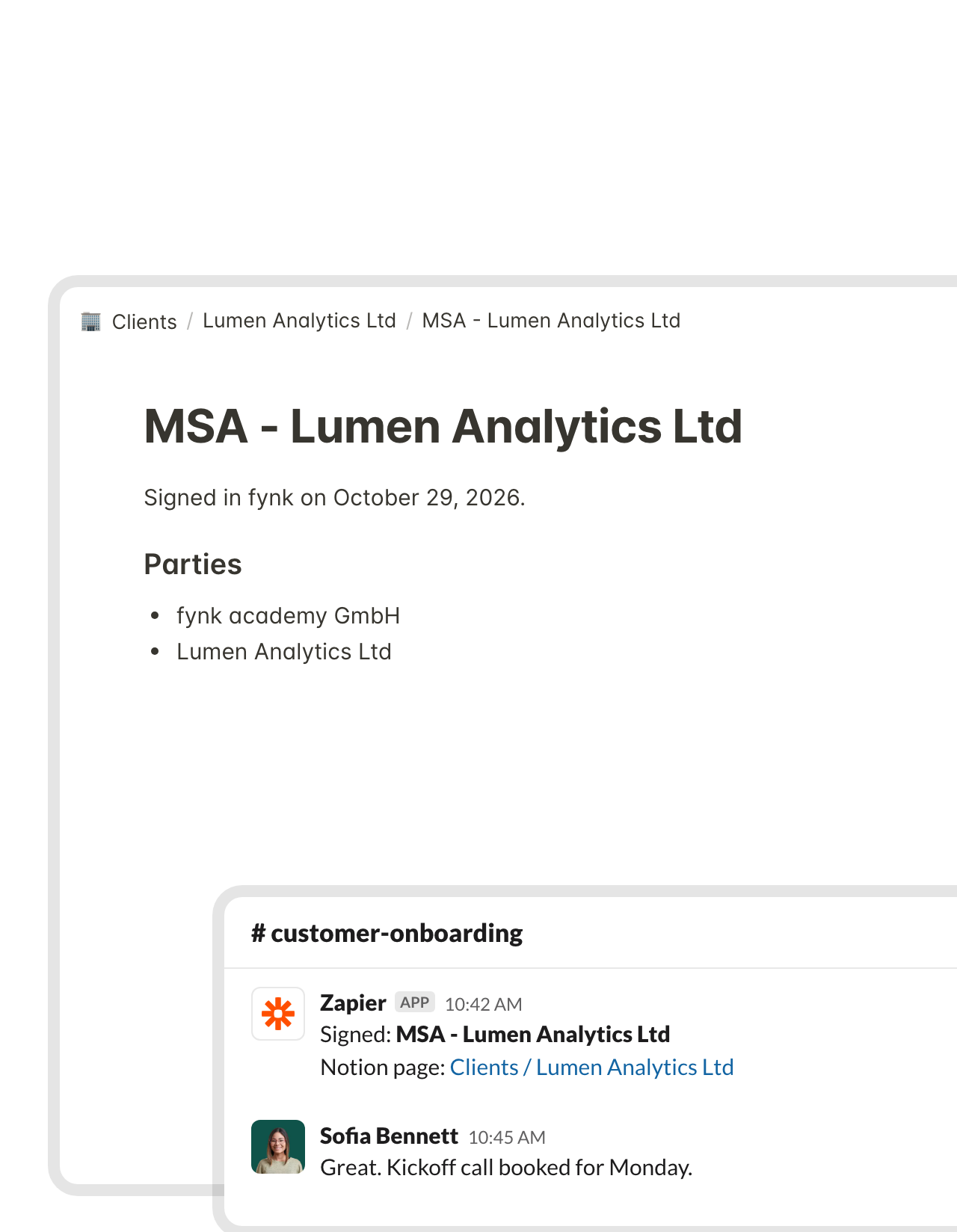 Client pagesLearn more
Signed contracts land on the client page, and Slack gets the news.
A new page appears under the client or project page you pick, with the contract name and both parties. The same Zap posts in a Slack channel, so onboarding starts without anyone forwarding a PDF.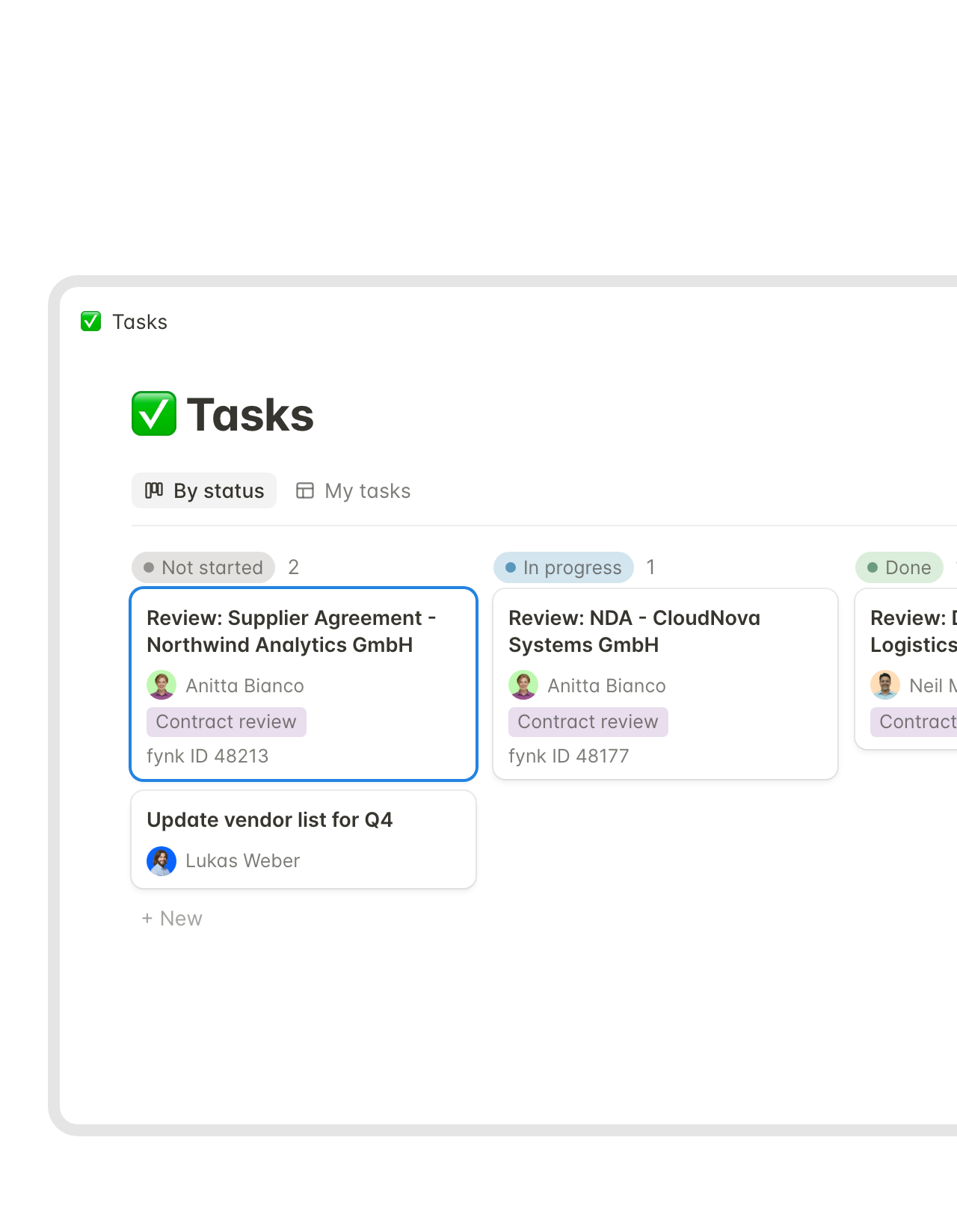 Review tasksLearn more
Each new contract shows up on legal's Notion task board.
Create a document in fynk and a task lands in your Notion task database with the document ID, ready to assign. Legal plans reviews where it plans everything else. Comments on the wording stay on the contract in fynk.FEATURES


Use cases
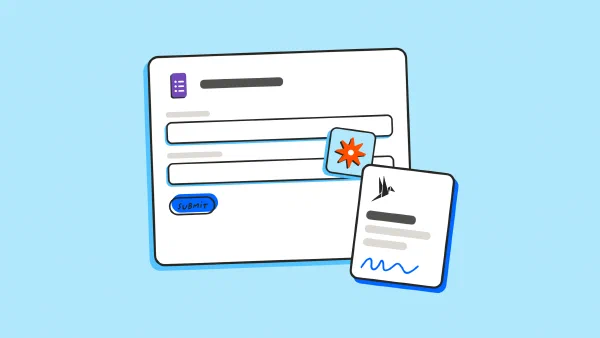
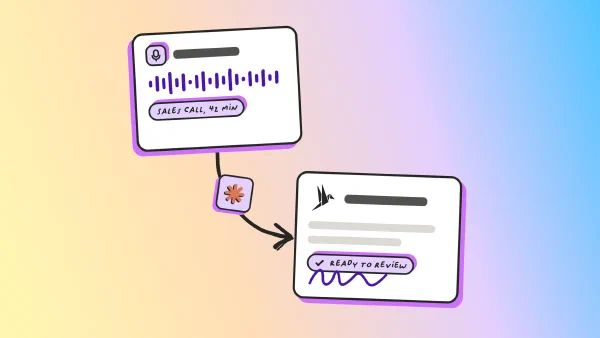
More ways to start a contract without opening a template.
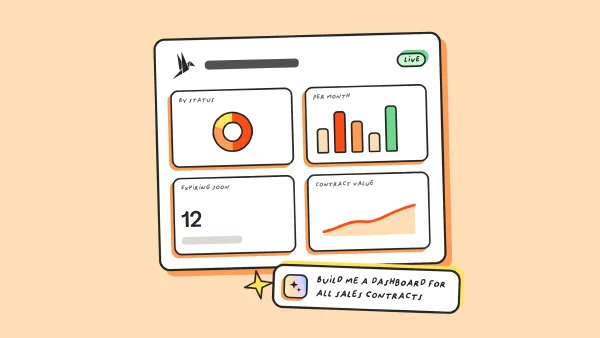
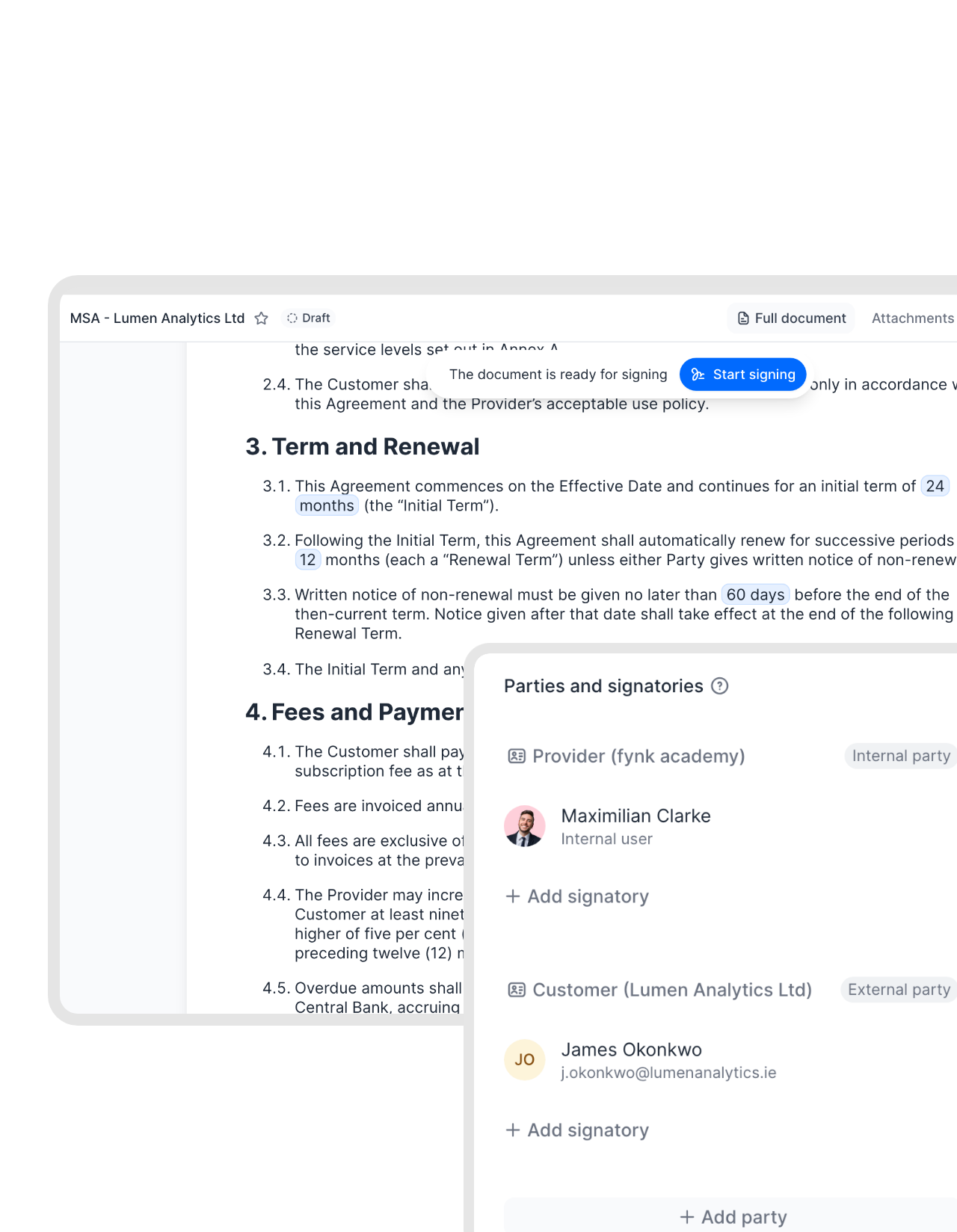
Forms, AI chat and dashboards, set up step by step.
 TemplatesLearn more
A Notion page anyone can edit is not a contract template.
Notion’s database templates are perfect for briefs and meeting notes: each copy is a fresh page anyone can change. Contract wording needs the opposite. In fynk, legal writes it once and locks it, and the Notion item only supplies names, fees and dates. A draft started from Notion reads exactly like the last one."With centralized templates and dynamic fields in fynk, consultants can no longer make unauthorized changes, not even under client pressure."
 Harald R. Fortmann Founder & Managing Director of five14
 Meeting notesLearn more
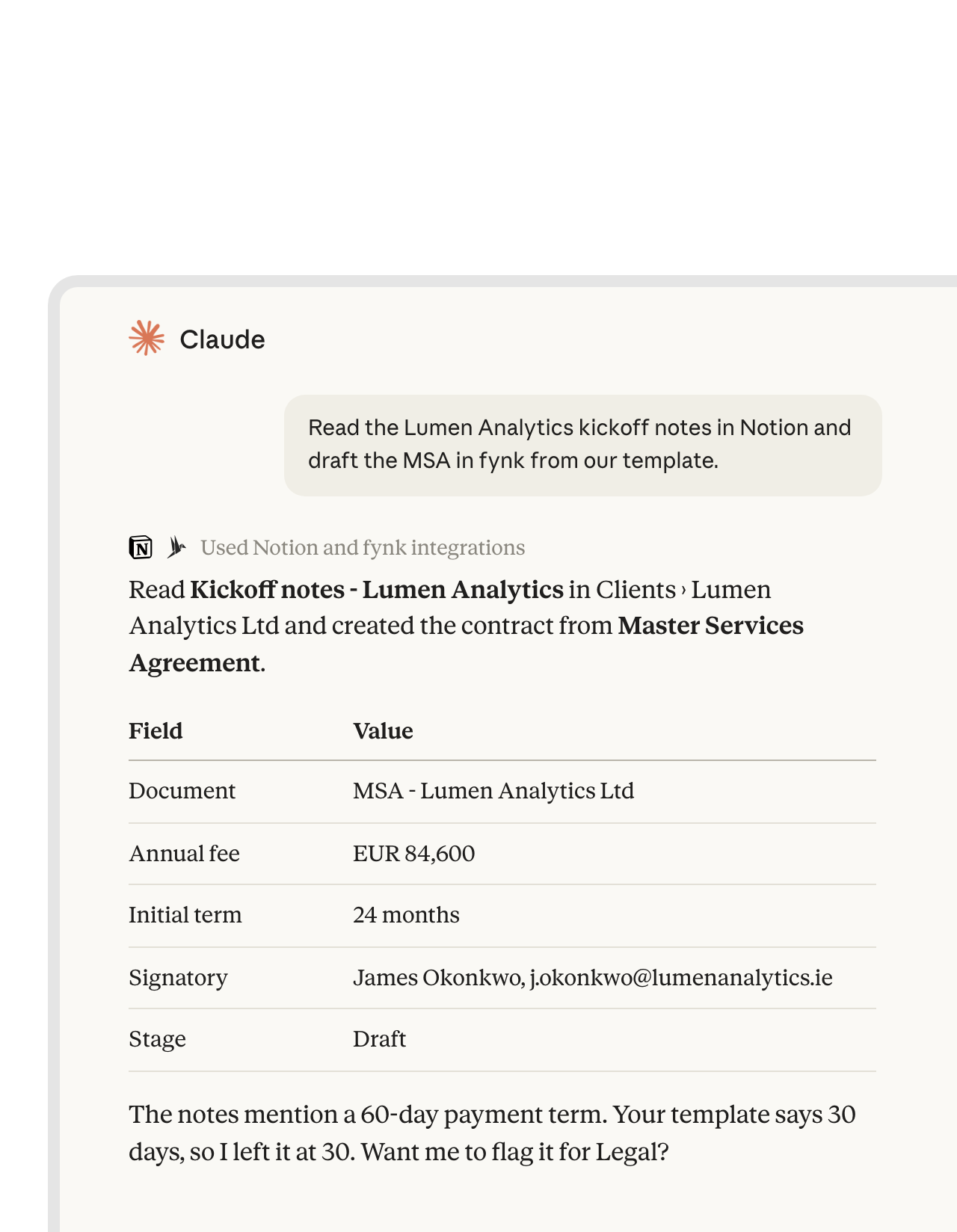
Ask Claude to turn the Notion meeting notes into the contract.
Notion’s official MCP server and the fynk connector both work in Claude and ChatGPT. Ask for the contract and Claude reads the meeting notes on the Notion page, then creates the draft from the matching template. Claude uses both tools side by side. Notion and fynk don’t exchange data directly here."The advantage of the MCP is that we have different systems all connected to Claude. That means I can use Claude as my single point of contact, and from there access my project management system, my CRM, my contract management system."
 Ariste Baumberger CEO at Honegger


What gets easier when Notion and fynk share the work.
No new habits. Fewer copy-paste jobs.
One original per contract.
The signed original and its audit trail stay in fynk. Notion gets a copy.
Your properties, your schema.
Map fynk data to the properties your databases already use.
One Zap per teamspace.
Sales, HR and ops each point a Zap at their own database.
Search from both sides.
Look it up in Notion or in fynk. Both lead to the same contract.
No formatting drift.
The contract text lives in fynk, so nobody's toggle or callout ends up in a signed agreement.
Minutes, not a project.
Start from a ready-made Zap instead of an empty editor.
What Notion teams often connect next.
Slack for updates, Claude for drafting straight from your notes.




From API token to a running Notion Zap
Have ready: fynk Business or Pro, a Zapier account, and a Notion database you can share with Zapier
- Step 1
Create an API token in fynk under Account settings > API integrations > fynk API.
- Step 2
Open a Notion Zap, paste the token to connect fynk and give Zapier access to your Notion database or page.
- Step 3
Map your Notion properties to the template’s fields, test with one item and turn the Zap on.
Frequently asked questions.
It runs through Zapier. Ready-made Zaps turn new Notion database items into fynk drafts, add signed contracts to a Notion database or page, post them in Slack and create a Notion task for each new fynk document.
You can track them. Notion has database templates, date reminders, comments and Notion AI for drafting text. It has no built-in e-signature, no approval step a contract has to pass before it goes out, and it doesn't read deadlines from a signed PDF. Many teams keep the tracker in Notion and run the contract itself in fynk.
No. The connection uses fynk's Zapier app and Notion's own Zapier app, so any Notion database or page your Zapier account can reach works.
Anything Zapier can read from the item: text, numbers, dates, selects and email addresses. You map each one to a dynamic field, a party or a signatory once, when you set up the Zap.
Yes. Add Notion's Update Data Source Item step to the signed-contract Zap, and it sets the status, signing date or any other property on the original item.
Yes, in Claude and ChatGPT. Add Notion’s official MCP server and connect fynk over MCP, and one chat can read a Notion page and create or check a contract in fynk. More on that on the Claude and ChatGPT pages.
fynk needs Business or Pro for API access. Zapier and Notion bill you separately. Compare the fynk plans on the pricing page.
Still have questions?


Fast-moving teams that sign with fynk.






Notion and fynk, automation by automation
fynk connects to Notion through Zapier. Most of these start from a ready-made template. The status write-back adds two steps to the signed-contract Zap.
Notion automations
| Automation | Trigger | Steps |
|---|---|---|
| Notion item to fynk draft | Notion: New Data Source Item | fynk: Create Document From Template, Notion: Add Comment |
| Ready stage to signing | Notion: Updated Properties in Data Source Item | fynk: Create Document From Template (with signatories, started in signing) |
| Signed contract to a database | fynk: New Signed Document | fynk: Find Document Download URL, Notion: Create Data Source Item, Notion: Upload File to Data Source Item |
| Signed contract to a client page | fynk: New Signed Document | Notion: Create Page, Slack: Send Channel Message |
| Review task per new document | fynk: New Document | Notion: Create Data Source Item |
| Status back on the deal | fynk: New Signed Document | Notion: Find Data Source Items, Notion: Update Data Source Item |
Who keeps what
| Notion | fynk | |
|---|---|---|
| Planning | Deals, hires, projects, tasks | |
| Drafting | Templates, dynamic fields, conditional clauses | |
| Before signing | Approval steps, SES, AES and QES | |
| After signing | A row or page with the signed PDF | The original, audit trail and deadline reminders |

Stricter access than a wiki page.

European by design.
Designed and developed in Austria. fynk is hosted in the EU, in ISO 27001-certified data centers.

Security at the core
Encryption in transit and at rest, and secure engineering standards across a continuously monitored infrastructure.

Notion sees what you map
Only the fields you pick in the Zap reach Notion. The contract and its audit trail stay in fynk.

GDPR, fully embedded
Fully compliant with European data protection regulations, supported by regular audits and external penetration testing.
Trusted by companies worldwide



Take control of your agreements. Move your business forward.
Run agreements the way they should run: fast, clear, and on your terms.
No setup headaches
Go live in days, not quarters
No lock-in
Full export anytime
No hidden fees
Signatures included, no envelope fee