


Legal requests in Jira, answered with a signed contract.
Contract requests already land in Jira. fynk turns each one into a draft from your template, gets it approved and signed, and tells the ticket at every step.


Jira and fynk, joined in Zapier.
Pick the Jira space or a JQL filter, connect fynk with an API token, switch it on.
A contract draft for every request ticket.
New tickets in your legal space or JQL filter become fynk drafts, and a comment tells the requester.






Requests start in Jira. Contracts get done in fynk.
Requests come in through Jira Service Management. fynk drafts the contract from approved clauses, gets it signed and reminds you before renewal, and the ticket stays up to date.
"It took on a life of its own. More and more departments wanted access to fynk because they saw how easy it made things."

 Request to draftLearn more
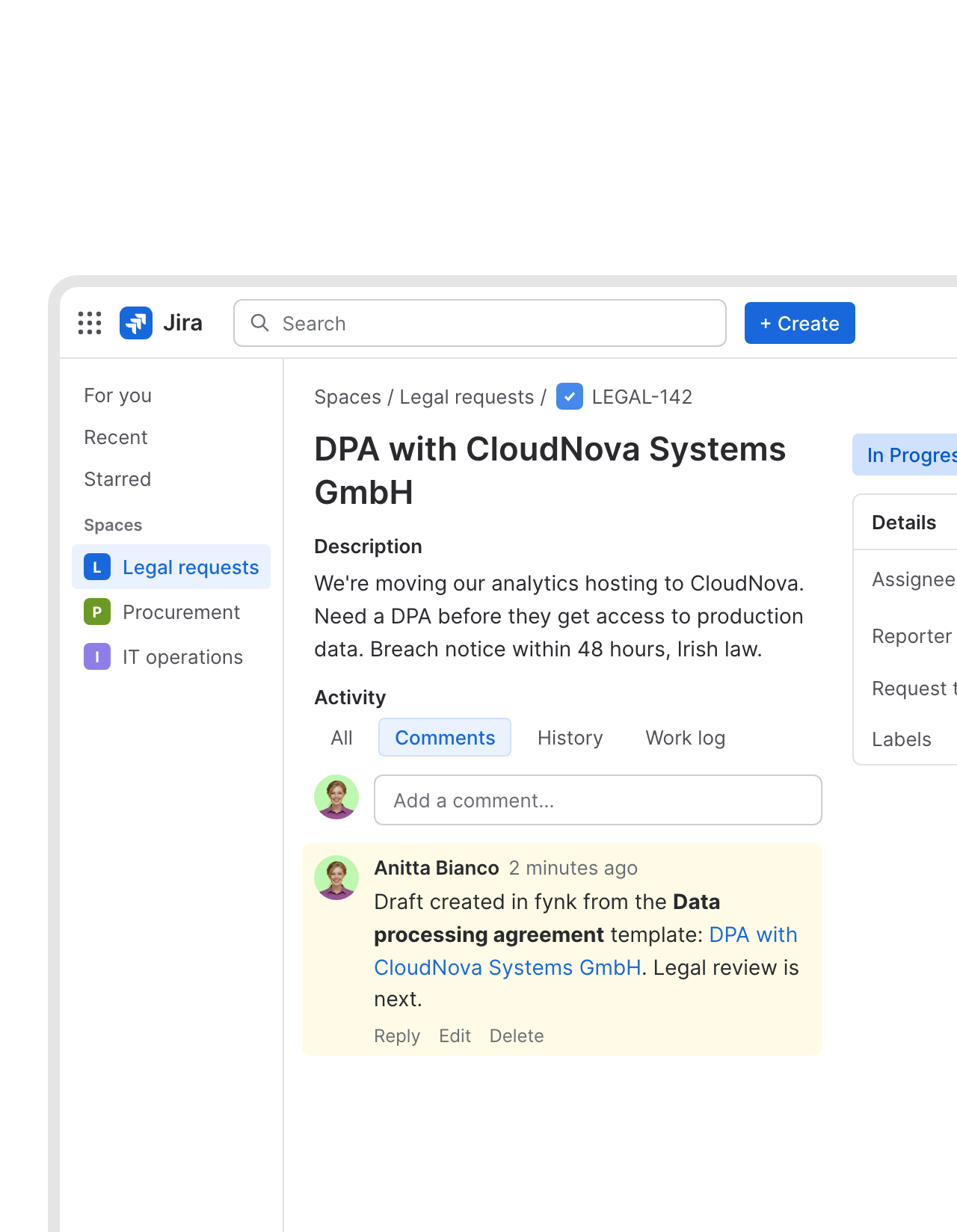
Every contract request ticket gets a draft attached.
Someone files a contract request in Jira. fynk creates the draft from the right template, named after the ticket, and a comment on the ticket tells the requester it exists. Legal starts at the review, not at a blank page."fynk makes it easy to roll out standardized contract templates across all our projects. Legal reviews are faster and our procurement team can draft agreements without starting from scratch."
Johanna Beutel Legal at Kronos Solar Projects GmbH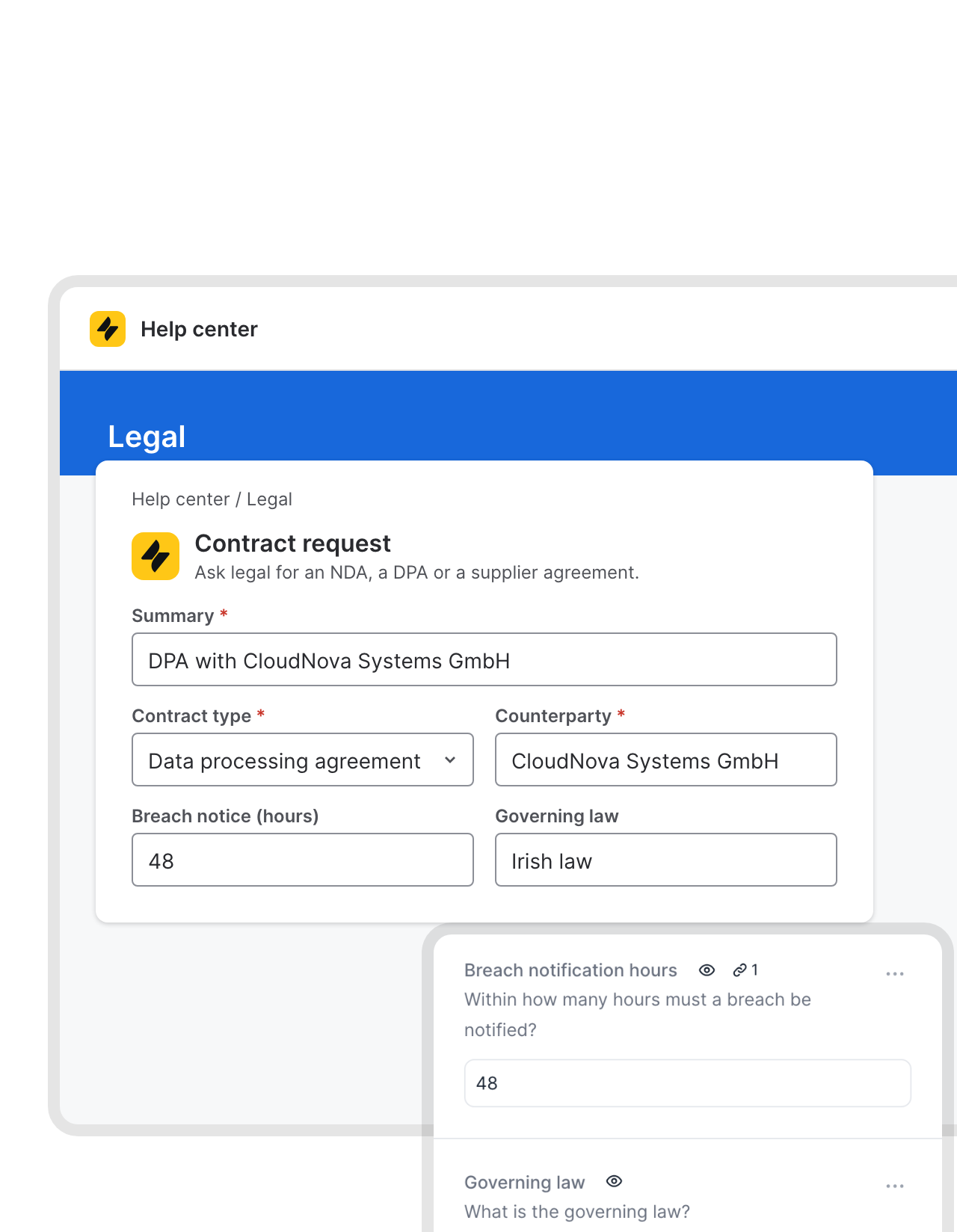 Portal fieldsLearn more
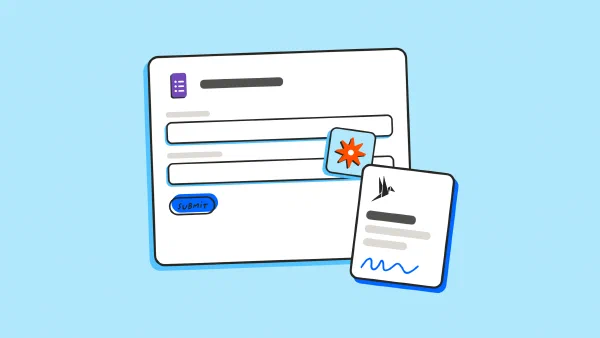
The portal form fills in the contract.
Counterparty, breach notice period, governing law: your request form in the Jira Service Management portal already asks for them. Each answer goes into a dynamic field of the template, so legal checks values instead of typing them.FEATURES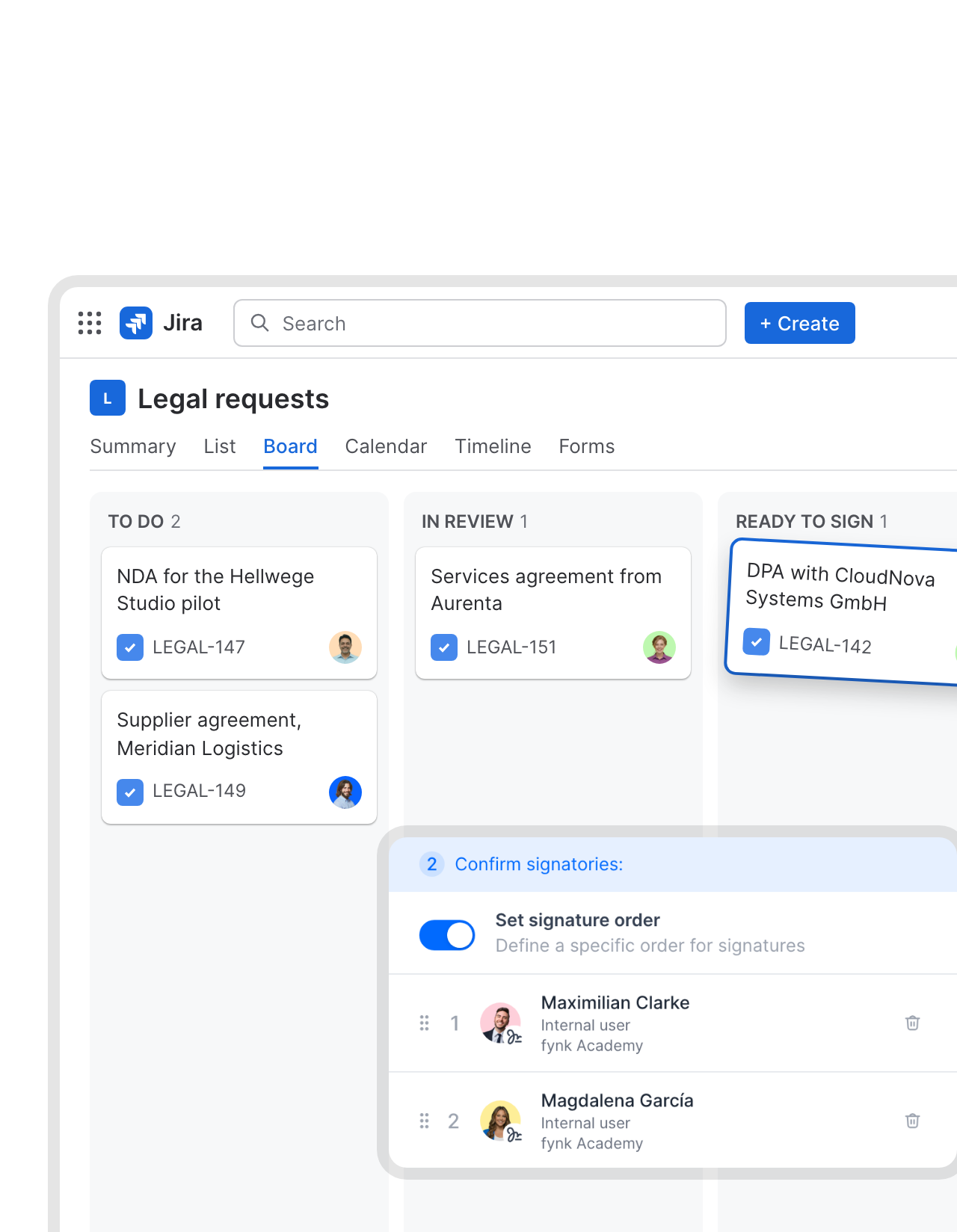 Board columnLearn more
A board column that sends contracts out for signature.
Legal keeps working the board it knows. When a ticket moves into your signing column, the matching fynk contract goes out for signature, in the order you set. No second place to click “send”."Decision makers click two or three times and the contract is signed digitally."
 Jörg Burkhardt Head of Sales & New Partnerships at 1. FC Nürnberg
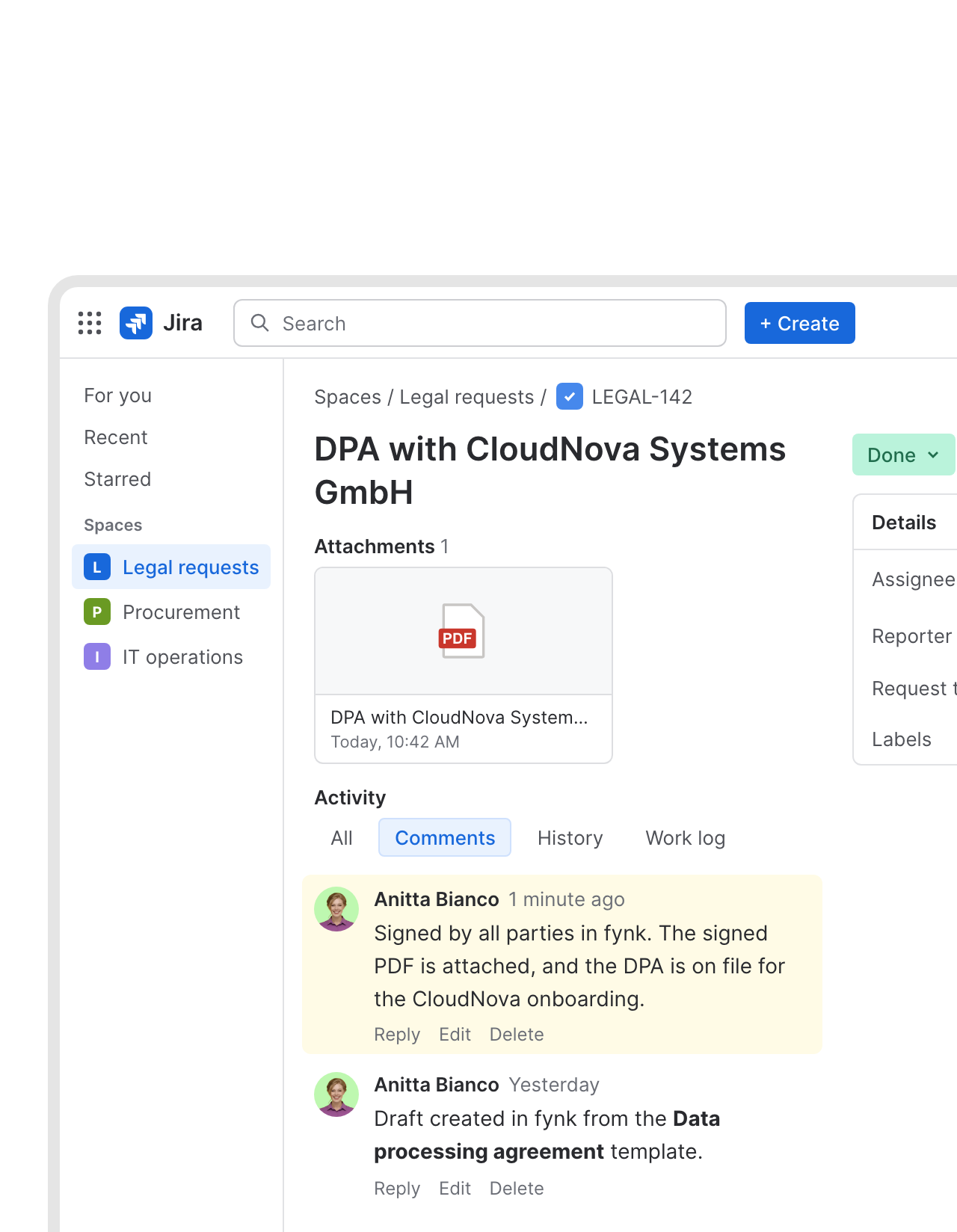 Back on the ticketLearn more
The signed PDF lands on the ticket that asked for it.
When the last person signs, the PDF is attached to the Jira ticket and a comment says it’s done. The requester finds it where they asked, with the comment as a dated record.FEATURES


Use cases
Request-driven contracts, walked through.
Intake, drafting and review, step by step.
 Vendor contractsLearn more
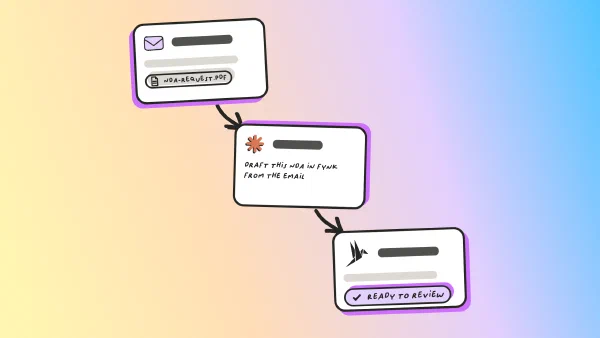
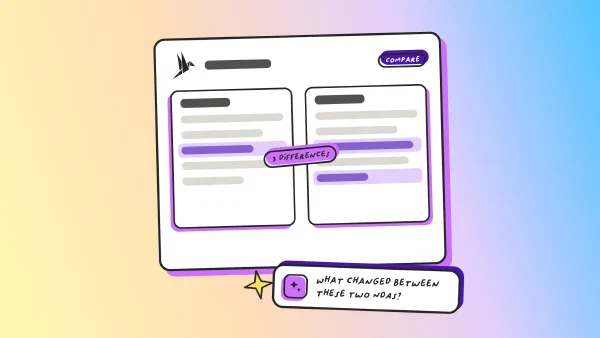
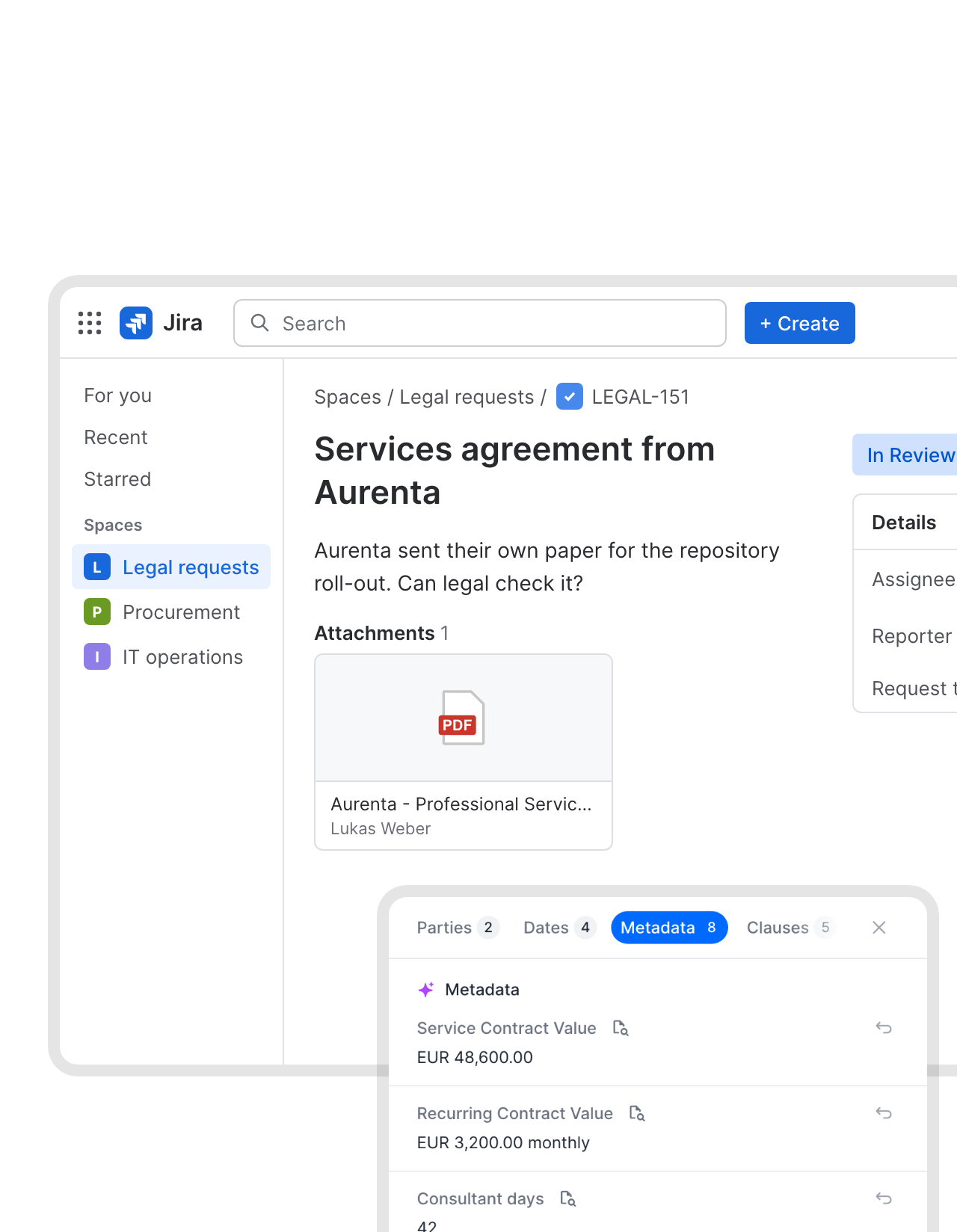
Vendor paper attached in Jira, read by fynk's AI.
Suppliers like sending their own contract. Attach it to the request, and a Zap hands the PDF to fynk. AI pulls out the parties, value, dates and payment terms, ready for legal to check."When I receive contracts from others, the AI gives me a quick overview so I don't have to read everything in detail."
 Alina Heiner Founder and Director at maven
 HandoverLearn more
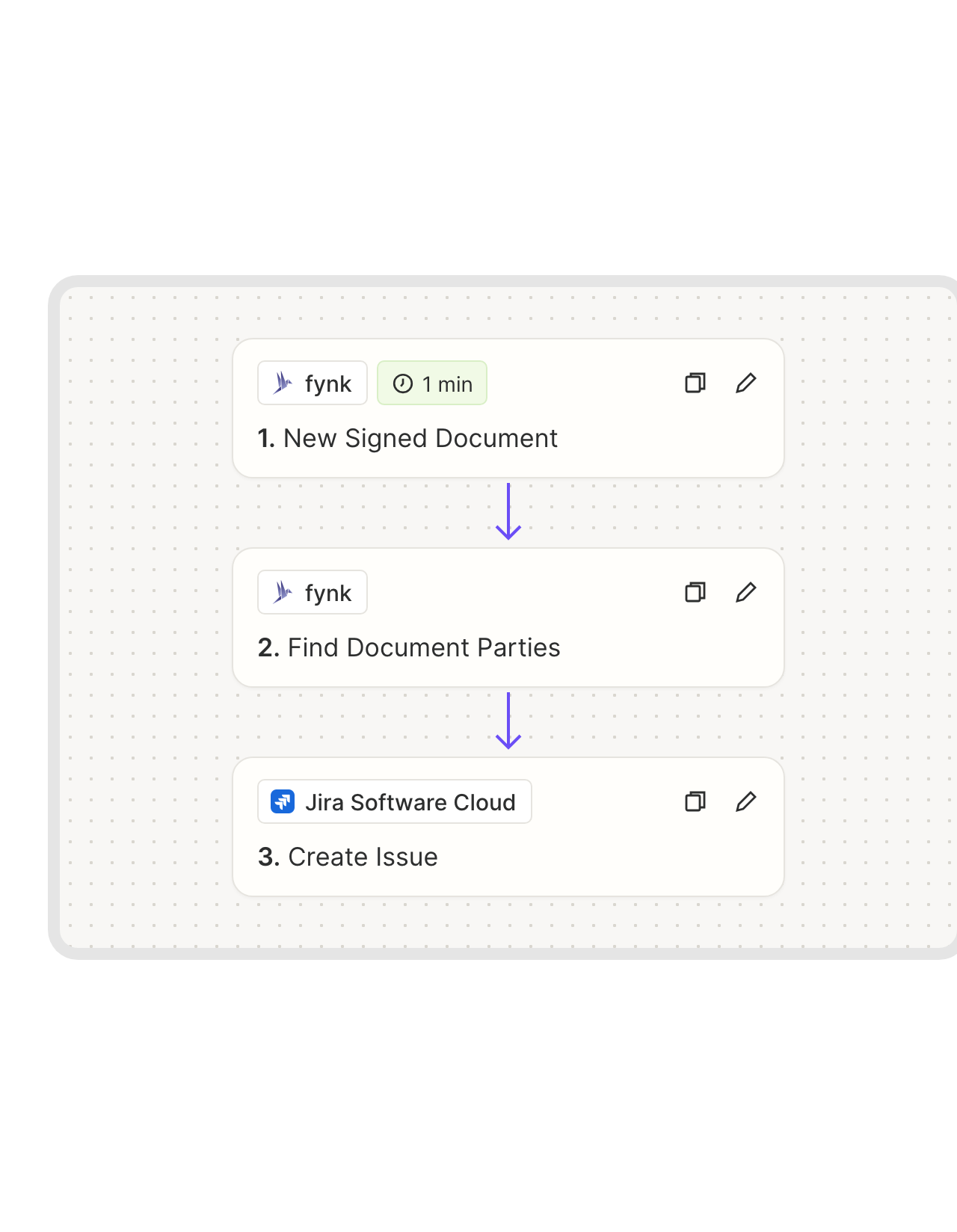
Signed contract, new ticket for the team that takes over.
A signed DPA means IT can grant access. A signed supplier agreement means procurement can onboard. The moment it’s signed, a work item opens in the right Jira space, with the counterparty in the summary.FEATURES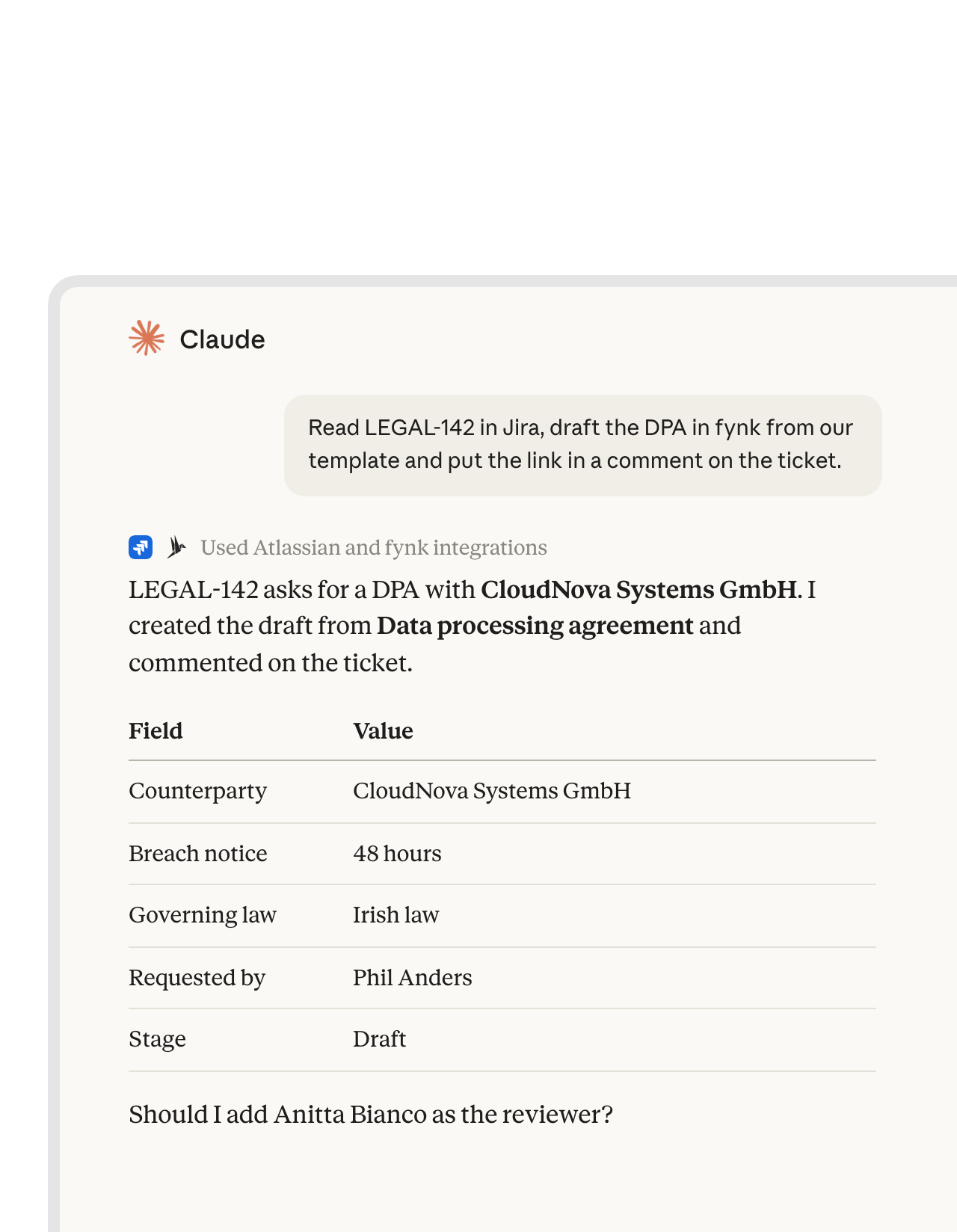 Ticket to draftLearn more
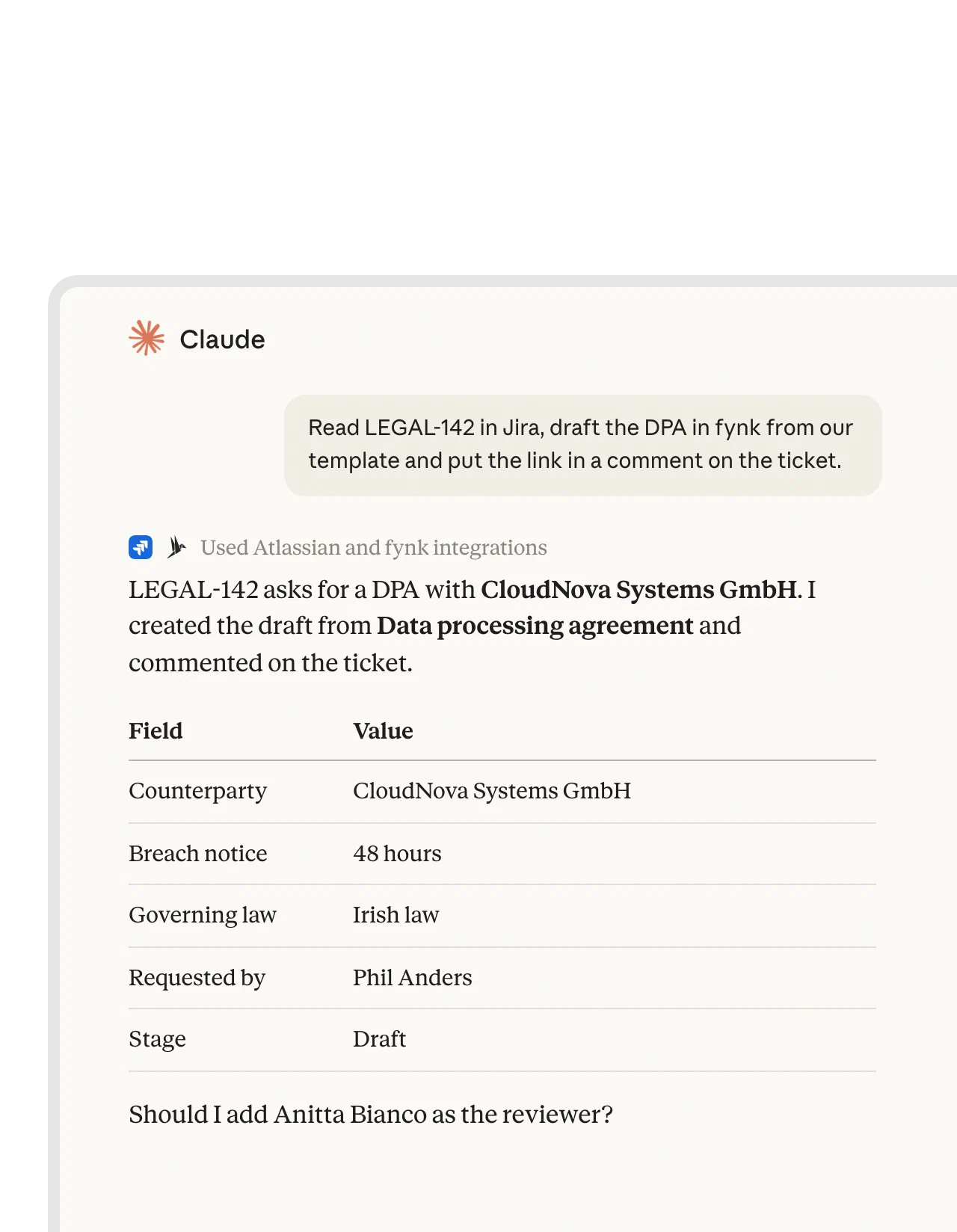
Claude reads the ticket, drafts in fynk and replies on Jira.
Add Atlassian’s official remote MCP server and the fynk connector to Claude. One chat can read a Jira ticket, create the contract from your template in fynk and post the link as a comment.FEATURES


For legal ops teams that run on Jira.
Requesters stay where they file tickets. Legal gets a real contract tool.
Intake stays put.
Portal, request types, queues and SLAs work as before.
No blank pages.
Every request starts from a template legal approved.
The ticket stays current.
Drafted and signed show up as comments on the ticket.
Works with JQL.
Start drafts from any filter, not just one project.
Requesters never need fynk.
They file and follow the ticket. Legal does the contract work.
Dates that outlive tickets.
Renewal and notice reminders long after the ticket closes.
Connect the rest of the request flow.
Slack or Teams for the ping, Claude for the first draft.
 SlackCommunication
 Microsoft TeamsCommunication
 ZapierAutomation
 ClaudeAI
 MCP ServerAI
-
APIAutomation
From Jira project to first draft
You need Jira Cloud, a Zapier account and fynk Business or Pro
- Step 1
Create an API token in fynk under Account settings > API integrations > fynk API.
- Step 2
Open the Jira Zap, paste the token to connect fynk and log in to your Atlassian account.
- Step 3
Pick the Jira project or JQL filter and the fynk template, test with one ticket and turn the Zap on.
Frequently asked questions.
Yes, through Zapier. A ready-made Zap turns each new ticket in a project, or each ticket that matches a JQL filter, into a fynk draft from your template and comments on the ticket. Other Zaps can attach the signed PDF to the ticket, send a contract for signature when a ticket changes status, or open a follow-up work item.
Jira Service Management handles the intake well: a help center portal, request types, approvals on the request, SLAs and automation, and Atlassian even ships a legal service management template. It doesn't draft contracts from clause templates, collect legally binding signatures or track notice periods. fynk does that part: templates with dynamic fields, approval rules on the contract, SES, AES and QES under eIDAS, AI that reads third-party paper, and renewal reminders.
Whichever you choose. Zapier's Jira triggers include New Issue for a whole project and New Issue (Via JQL), so you can limit it to, say, the request type Contract request or a label like nda.
Keep the issue key in the contract name or in a dynamic field. When fynk reports a new signed document, the Zap finds the ticket by that key, attaches the signed PDF and adds a comment.
Yes. Add Atlassian’s official remote MCP server and the fynk connector in Claude. Claude can then read and comment on Jira work items and create or check contracts in fynk in the same conversation.
Business or Pro, because the Zapier connection uses the fynk API. Zapier and Atlassian bill their plans themselves. All fynk plans are on the pricing page.
Still have questions?


Fewer status pings, more signed contracts.






What runs between Jira and fynk
fynk connects to Jira Cloud through Zapier. The request-to-draft Zap is a ready-made template. The others use the same apps and take a few minutes to build.
Jira automations
| Automation | Trigger | Steps |
|---|---|---|
| Request to draft | Jira: New Issue or New Issue (Via JQL) | fynk: Create Document From Template, Jira: Add Comment to Issue |
| Portal answers into the template | Jira: New Issue | fynk: Create Document From Template, with request fields mapped to dynamic fields |
| Signing column starts signing | Jira: Issue Status Changed | fynk: Add Signatory to Document, fynk: Move Document to Signing Stage (document ID kept in a Jira field) |
| Signed PDF on the ticket | fynk: New Signed Document | fynk: Find Document Download URL, Jira: Find Issue by Key, Jira: Add Attachment to Issue, Jira: Add Comment to Issue |
| Vendor paper to fynk | Jira: New Issue | Jira: Get Attachment Content, fynk: Create Document From PDF |
| Follow-up work item | fynk: New Signed Document | fynk: Find Document Parties, Jira: Create Issue |
Who handles what
| Jira | fynk | |
|---|---|---|
| Intake | Portal, request types, queues, SLAs | |
| Drafting | Templates, dynamic fields, conditional clauses | |
| Before signing | Ticket status | Approval rules, SES, AES and QES |
| After signing | Signed PDF and comment on the ticket, follow-up work items | Audit trail, renewal and notice reminders |

Legal-grade security for legal's queue.

European by design.
Designed and developed in Austria. fynk is hosted in the EU, in ISO 27001-certified data centers.

Security at the core
Encryption in transit and at rest, and secure engineering standards across a continuously monitored infrastructure.

Two keys, both yours
fynk uses an API token you can revoke. Jira uses your own Atlassian login and its project permissions.

GDPR, fully embedded
Fully compliant with European data protection regulations, supported by regular audits and external penetration testing.
Trusted by companies worldwide


Take control of your agreements. Move your business forward.
Run agreements the way they should run: fast, clear, and on your terms.
No setup headaches
Go live in days, not quarters
No lock-in
Full export anytime
No hidden fees
Signatures included, no envelope fee