


Signed contracts, straight to your Dropbox folder.
Your client contracts go through approval and signing in fynk. Zapier then drops the signed PDF into the Dropbox folder you already share with clients, studios and freelancers.


fynk on one side of the Zap, Dropbox on the other.
Log in to both in Zapier, choose the folder, switch it on.
Zaps for both directions.
Signed contracts out to Dropbox, with a Slack alert or a Gmail link, and new Dropbox PDFs in to fynk.

Made for teams that work out of shared folders.
Keep your client work in Dropbox. fynk handles the contract, from draft to signature, and puts the signed PDF back in the folder.
"Having all contracts in one searchable place saves a lot of time compared to searching emails or file servers. Search functionality is critical, especially with AI powered search being added."
 Shared client folderLearn more
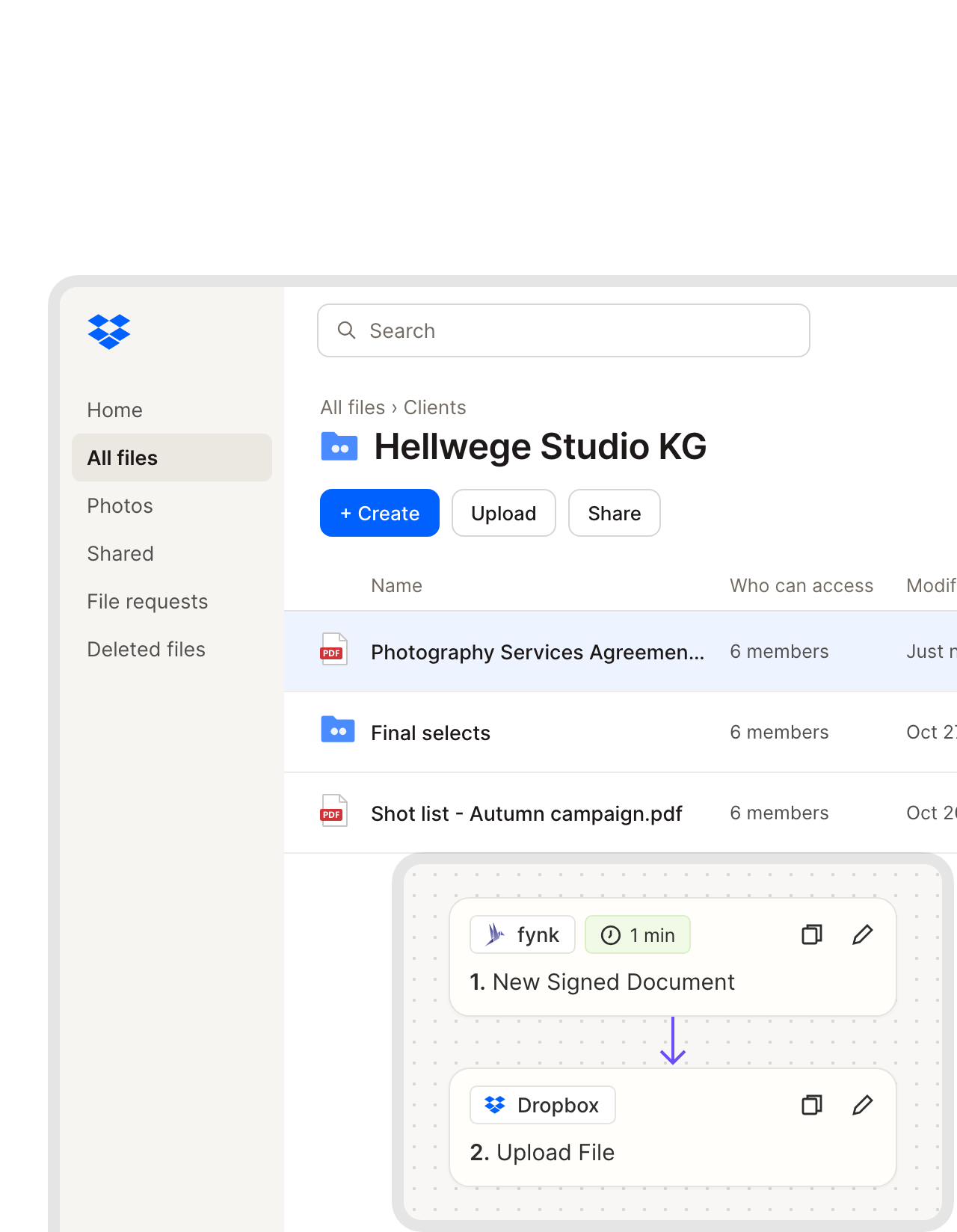
The client folder gets the contract, right beside the work it covers.
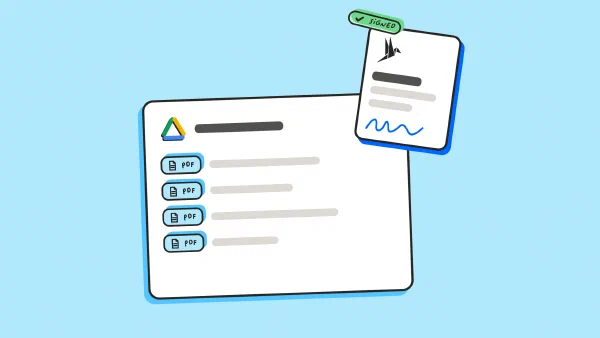
Once the client has countersigned, Zapier uploads the final PDF to the Dropbox folder you pick. Choose the one you already share with a client or studio, and both sides have the same signed copy without anyone sending it around.FEATURES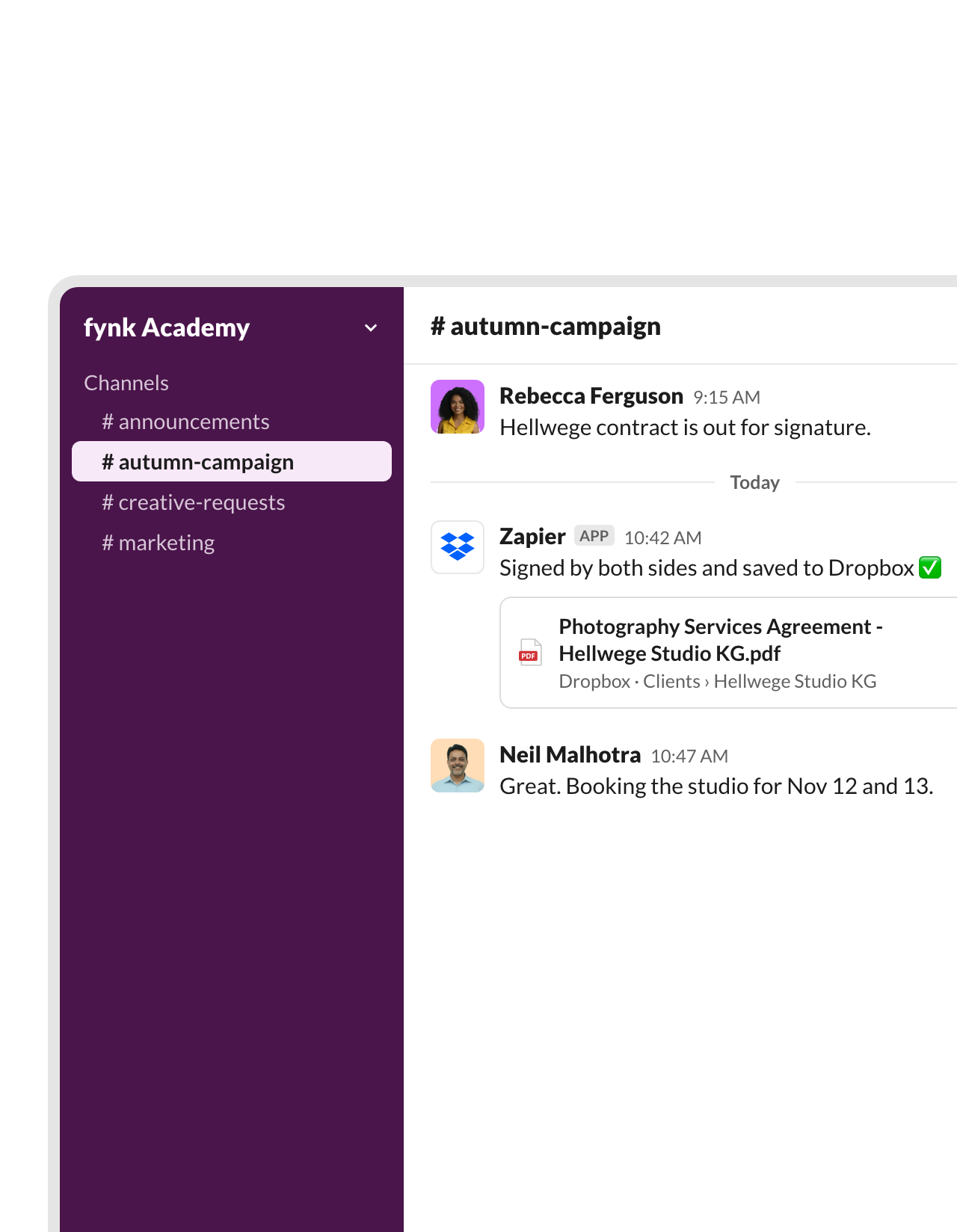 Slack alertLearn more
The project channel knows it's signed before the kickoff call.
The same Zap posts in Slack with the contract and the folder it sits in. The team books the studio, briefs the freelancers or sends the first invoice without asking whether the paperwork is done.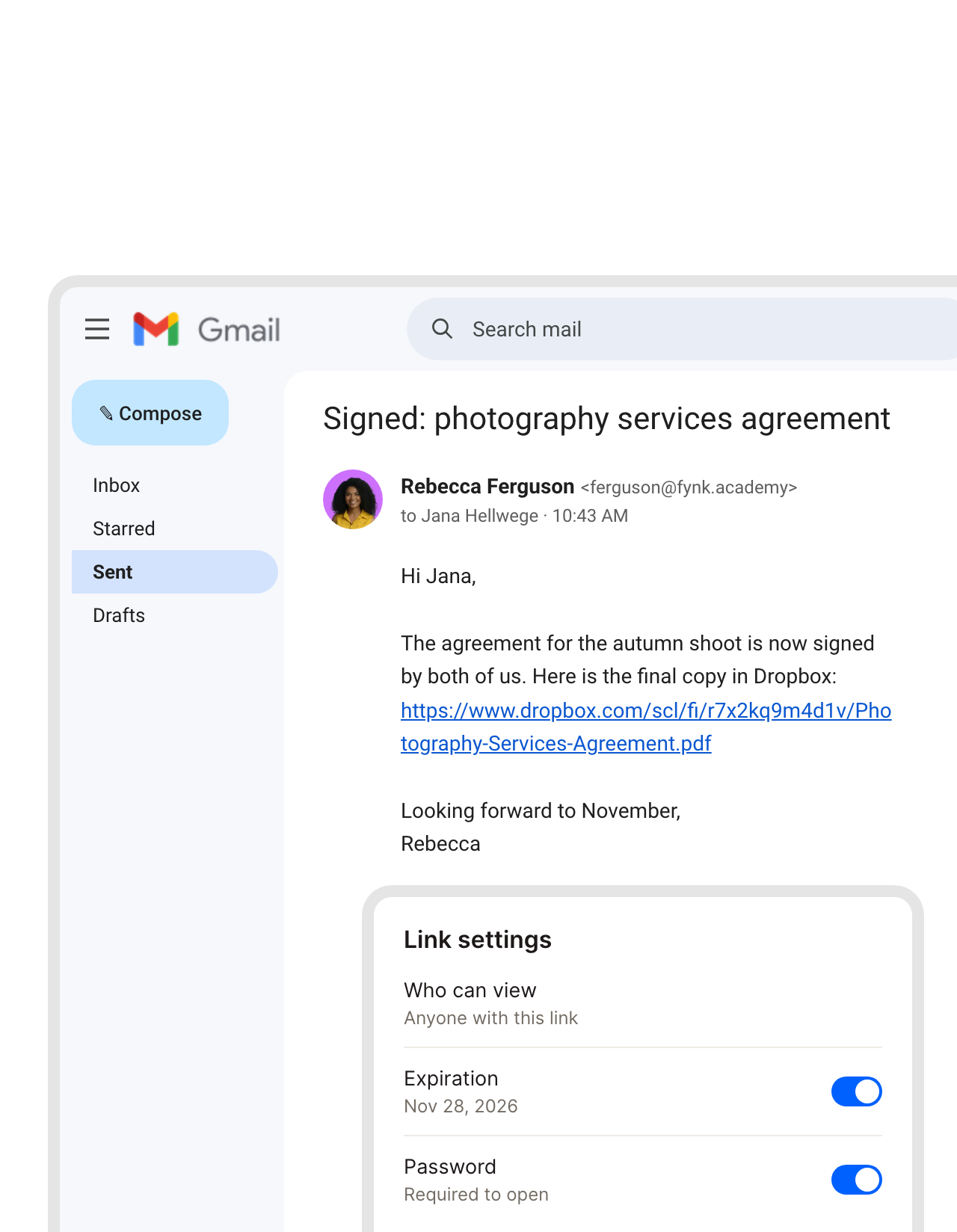 Expiring linkLearn more
Send a Dropbox link that expires, not an attachment that lives forever.
After the upload, Dropbox creates a shared link and Gmail sends it to whoever needs the copy. On Dropbox plans with link controls, the same Zap can add an expiry date or a password, so a signed contract doesn’t stay open for good.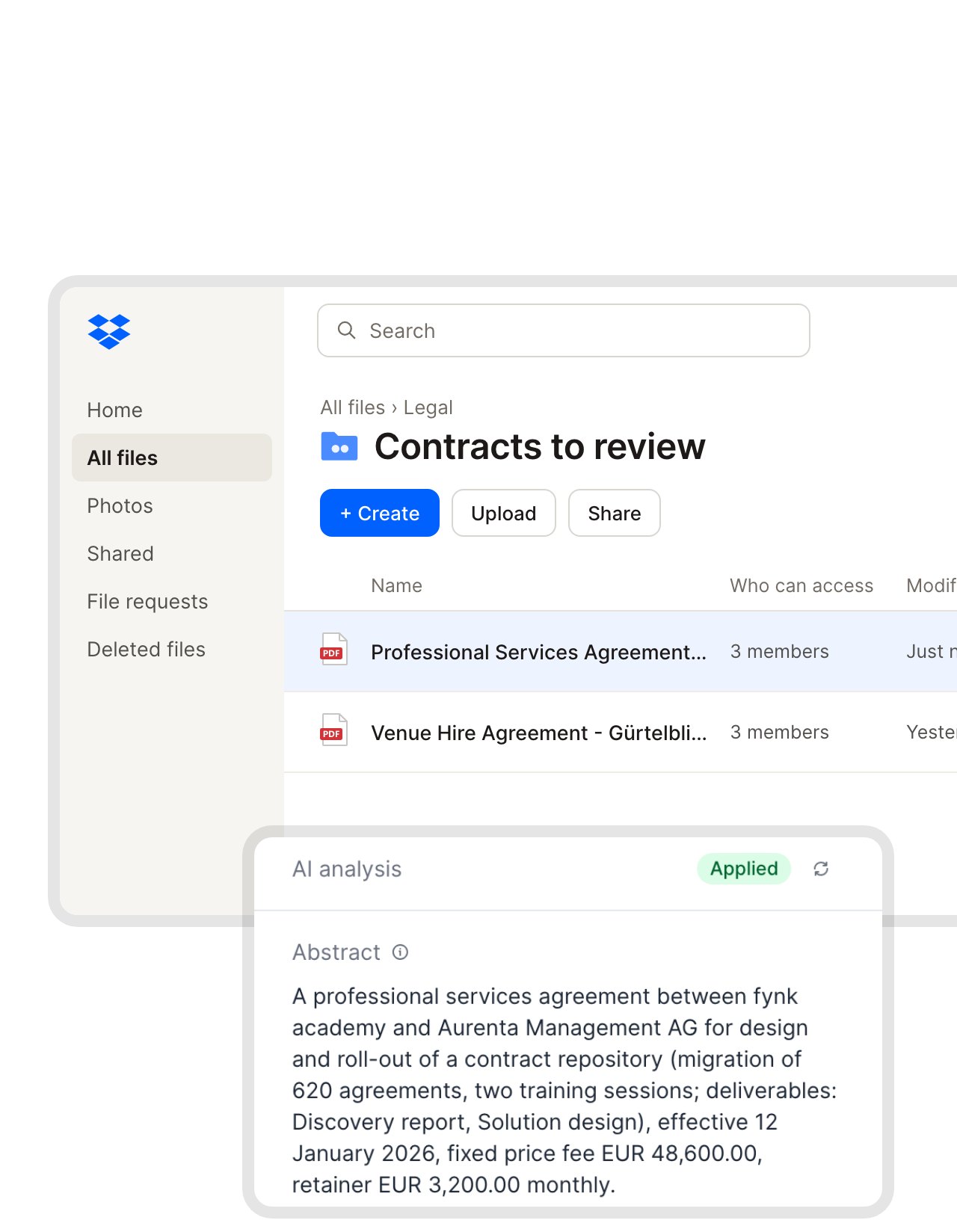 Inbound PDFsLearn more
Every PDF saved to a Dropbox folder becomes a contract you can track.
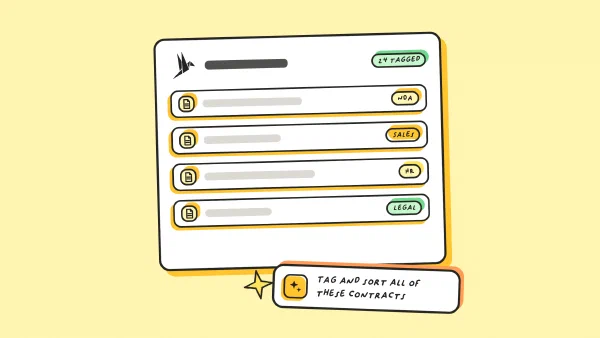
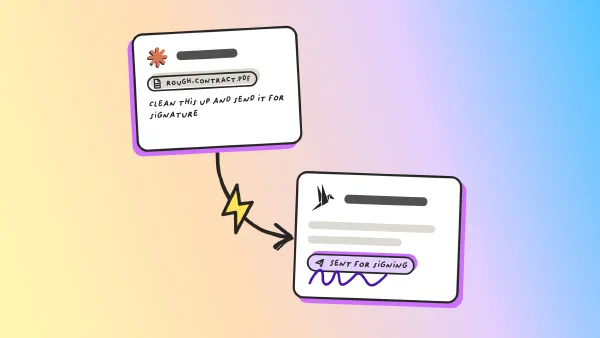
Point a Zap at a folder such as Legal › Contracts to review. Each new PDF turns into a fynk document with the same name, other file types are skipped, and AI analysis fills in parties, dates, value and a short abstract."The extremely fast and highly precise AI analysis of contracts, followed by the effortless assignment to different business units and accurate tracking, makes it much easier to manage more than 500 contracts, especially when it comes to keeping full control over details like expiration dates."
Michael Head of ICT at Honegger AG


Use cases
Follow the whole flow in a short walkthrough.
Recorded in the real app, one automation at a time.
 Supporting documentsLearn more
Get certificates and ID copies from the other side, straight into Dropbox.
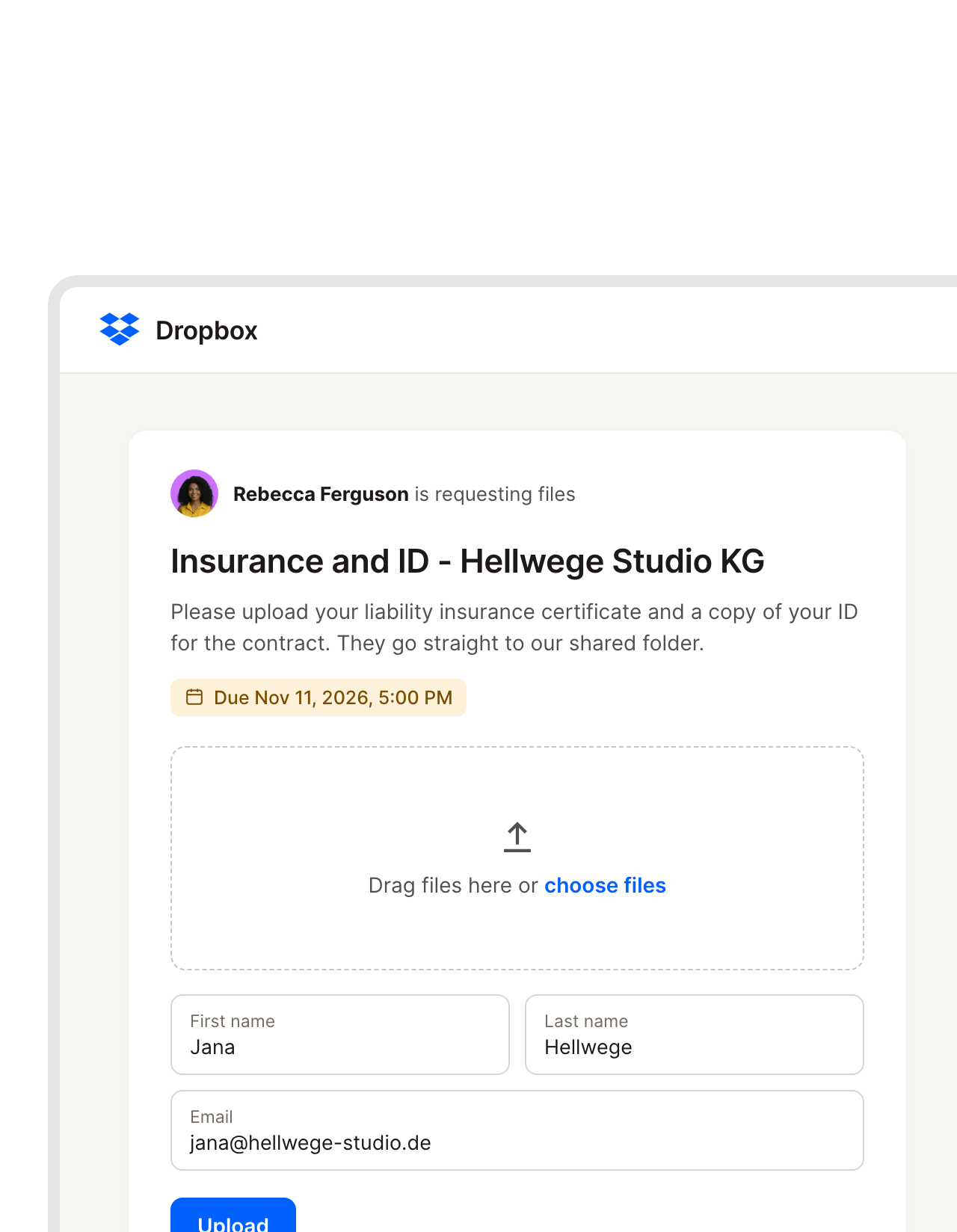
When a contract is created in fynk, Zapier opens a Dropbox file request and emails the link to the other side. They upload insurance certificates, ID copies or other paperwork without needing a Dropbox account, and the files land in the folder you set.FEATURES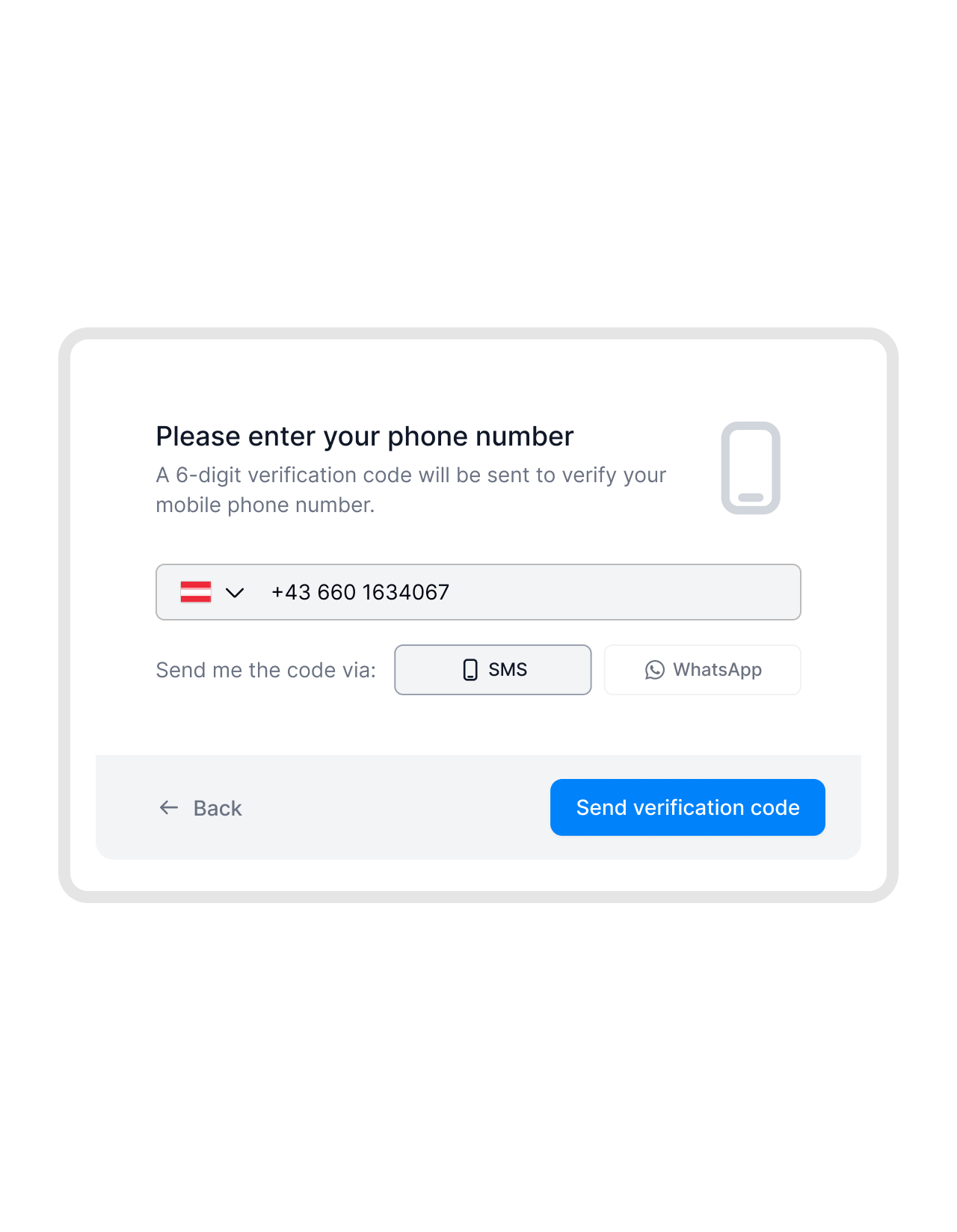 Every signature levelLearn more
AES and QES on every plan, no add-on to buy.
In fynk, simple, advanced and qualified signatures come with every plan, so a freelancer agreement and a contract that needs QES go out the same way.FEATURES


For agencies, studios and small firms.
What changes the week you connect the two.
Freelancers sign on their phone.
No account, no app, and no extra signing seat to pay for.
No drag and drop.
Nobody downloads a signed copy to move it into a folder.
Drafts stay out of the folder.
Clients only ever see the version both sides signed.
Dropbox habits stay.
Team folders, shared links and file requests work as they always have.
Search what's inside.
Find a contract by value, counterparty or end date.
Both directions covered.
Signed files go out, new paper comes in.
Works alongside Dropbox.
Slack for the heads-up, Gmail for the link, Zapier for the rest.





Your Dropbox Zap, live in three steps
You'll need fynk Business or Pro, a Zapier account and Dropbox
- Step 1
In fynk, go to Account settings > API integrations > fynk API and create an API token.
- Step 2
Pick a Dropbox Zap, connect fynk with the token and sign in with your Dropbox account.
- Step 3
Choose the folder, test with a signed contract and publish the Zap.
Frequently asked questions.
Yes, through Zapier. Ready-made Zaps upload each fully signed fynk document to the Dropbox folder you choose and can also post in Slack or email a Dropbox link. Others send new PDFs from a Dropbox folder into fynk.
No. It runs on Zapier, with fynk's Zapier app on one side and Dropbox's on the other. There's no separate Dropbox app inside fynk.
Dropbox Sign covers e-signatures with templates and an audit trail. fynk adds the contract work around the signature: templates with dynamic fields and price tables, approval rules, AI analysis and renewal reminders, with SES, AES and QES on every plan. Your files can stay in Dropbox either way.
Yes. Anyone with the link can upload to a Dropbox file request, no account needed. A Zap can create the request when a contract is created in fynk and email the link.
Bring them over with bulk import and AI reads the key data. For files that keep arriving, the Dropbox-to-fynk Zap imports each new PDF on its own.
The Zaps use fynk’s API, which comes with the Business and Pro plans. Zapier and Dropbox bill separately. Compare plans on the pricing page.
Still have questions?


Small teams, full folders, sorted contracts.



What runs between fynk and Dropbox
Everything goes through Zapier. Most rows below are ready-made templates; the file request Zap takes a few minutes to build from the same apps.
Dropbox automations
| Automation | Trigger | Steps |
|---|---|---|
| Signed contract to Dropbox | fynk: New Signed Document | fynk: Find Document Download URL, Dropbox: Upload File |
| Plus a Slack alert | fynk: New Signed Document | Dropbox: Upload File, Slack: Send Channel Message |
| Dropbox link by email | fynk: New Signed Document | Dropbox: Upload File, Dropbox: Create Shared Link, Gmail: Send Email |
| New Dropbox PDF to fynk | Dropbox: New File in Folder | Filter by Zapier (PDF only), fynk: Create Document From PDF |
| Plus a review message | Dropbox: New File in Folder | Filter by Zapier, fynk: Create Document From PDF, Slack: Send Channel Message |
| File request for supporting documents | fynk: New Document | Dropbox: Create File Request, Gmail: Send Email |
Who handles what
| Dropbox | fynk | |
|---|---|---|
| Files and sharing | Folders, shared links, file requests | |
| Drafting | Templates, dynamic fields, price tables | |
| Before signing | Approval rules, SES, AES and QES | |
| After signing | A copy in the client folder | Audit trail, renewal and notice reminders |

Discreet with client work.

European by design.
Designed and developed in Austria. fynk is hosted in the EU, in ISO 27001-certified data centers.

Security at the core
Encryption in transit and at rest, and secure engineering standards across a continuously monitored infrastructure.

Two keys, both yours
fynk connects with an API token you can revoke at any time. Dropbox uses your own login and folder permissions.

GDPR, fully embedded
Fully compliant with European data protection regulations, supported by regular audits and external penetration testing.
Trusted by companies worldwide



Take control of your agreements. Move your business forward.
Run agreements the way they should run: fast, clear, and on your terms.
No setup headaches
Go live in days, not quarters
No lock-in
Full export anytime
No hidden fees
Signatures included, no envelope fee