
How to polish a rough contract PDF, then draft and send it in fynk
One chat, three jobs: Claude tightens the language, fynk turns it into a proper document with parties and fields, and the signature request goes out when you say so.
The goal
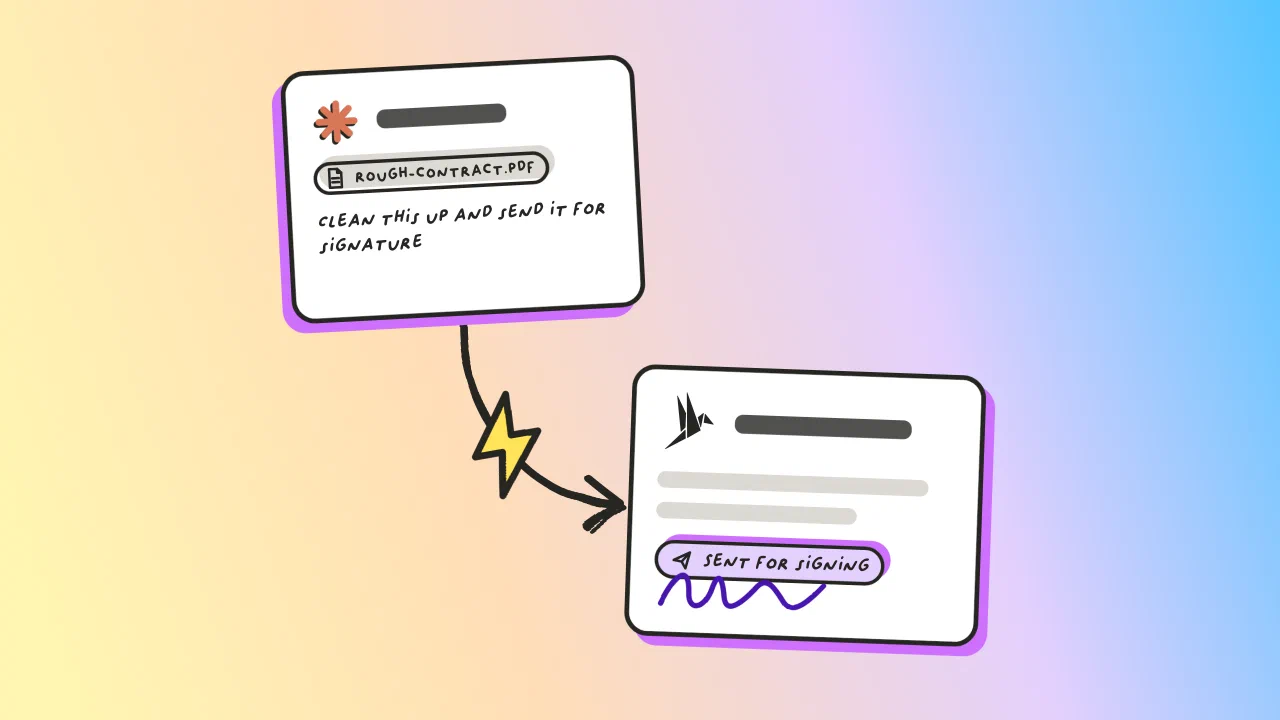
Clean up a rough contract PDF in Claude, then draft it into fynk with parties and fields and send it for signature, all in one chat.
- Upload the PDF and ask for the polish and the draft together
- Read the before and after before anything reaches fynk
- Approve the send yourself

Connect fynk to Claude
Start by connecting the fynk MCP to Claude.
This lets Claude work with your fynk workspace directly. Once connected, you can ask Claude to create documents in fynk, add contract information, manage parties and signatories, and continue the workflow without manually copying everything between the two tools.
You only need to set up the connection once.

Upload the contract and make your changes
Upload the PDF or Word document to Claude and tell it exactly what you want to change.
For example:
I’ve attached our software services agreement. Make these changes:
- Change the payment term from 60 days to 30 days.
- Rewrite the termination clause so either party can terminate with 30 days’ written notice.
- Simplify the liability clause without changing the existing liability cap.
Review the proposed changes in the chat. If needed, ask Claude to adjust the wording or compare the original and revised clauses.
Create the finished contract in fynk
Once you have approved the changes, ask Claude to use the fynk MCP to create the contract in fynk.
For example:
The changes look good. Prepare the final version and create it as a new document in fynk. Leave it in draft for now.
You can also prepare the finished contract as a file first.
fynk supports PDF and Word documents. The fynk MCP can upload a PDF directly as a new fynk document. If you prefer a Word version, you can also import the finished .docx file into fynk.
Once the document is in fynk, check the final content and formatting before continuing.
Optional: Add tags and metadata
You can also ask Claude to organize the new document using the fynk MCP.
For example:
Add the tags "Customer Contract", "Software Services", and "Sales" to this document.
You can also ask it to fill relevant metadata available in your fynk workspace.
For example:
Set the contract start date to October 1, 2026 and the contract term to 12 months.
Add the parties and signatories
Next, ask Claude to add the parties and the people who need to sign the contract.
For example:
Add Acme GmbH as the customer party and fynk GmbH as our party. Add Sarah Miller as the customer signatory and Markus Smith as our signatory.
Claude can use the fynk MCP to add parties and signatories without you entering the information again in fynk.
Optional: Send the contract for signature
If the contract is ready, you can continue the workflow from the same Claude conversation.
For example:
The contract is approved. Start the signature process in fynk.
The fynk MCP can move the document into the signing process, so you do not have to switch to fynk to start it manually.
What makes it fast?
One prompt covers polish, draft and send
No rewriting in Word before uploading
Parties and fields set up as it drafts
The send waits for your approval
"We had a digital signing process, but there was a lot of media disruption between Word and PDFs."

Frequently asked questions.
No. You upload the PDF into Claude yourself, and Claude does the polishing. fynk receives the finished text when it creates the document. Because the polish happens in a US-hosted model, use this route for non-sensitive drafts only.
No. fynk exposes no body-editing tool over MCP, so the assistant cannot rewrite a paragraph inside an existing document. It can create a new document carrying text you have polished in the chat.
Moving to signing is a real action with a real email, so approve it explicitly. If you would rather keep the send separate, leave the instruction out of the prompt and the document waits in draft.
Yes. The fynk MCP exposes the same tools to any client that supports it, so only the upload and connector screens differ.
Iterate in the chat before letting it create anything. Once the document exists in fynk you can also edit it there, since a document created from a template stays fully editable.
Still have questions?


Take control of your agreements. Move your business forward.
Run agreements the way they should run: fast, clear, and on your terms.
No setup headaches
Go live in days, not quarters
No lock-in
Full export anytime
No hidden fees
Signatures included, no envelope fee