
Your contracting flow, in one view.
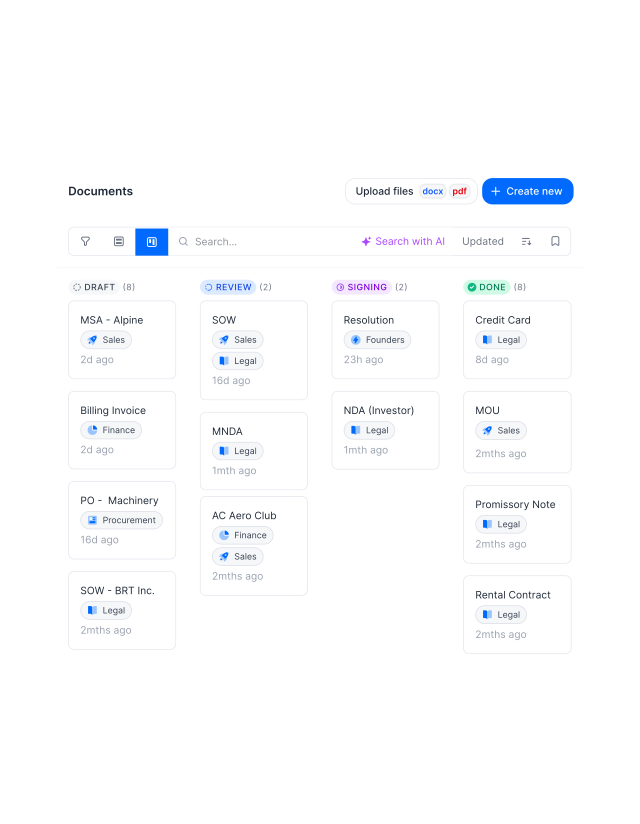
Stop jumping between tabs to understand where you stand with all documents. See all your contracts organized by stage in a Kanban view. Draft, review, signing, or done. It's all there in one screen.









See your entire contract flow, at a glance.
The Kanban view puts every contract in its stage so you always know what's moving and what's stuck.
 One versionGet a demo
Turn your contract list into a working system.
Don’t just see status, see movement. See your entire contract flow by stage. Which contracts are progressing, which are waiting, and where things start to pile up. Catch blockages early and keep deals moving without constant check-ins."Within fynk everything is in one place, easy to find. You put in the name of the client and you have it on your fingertips in 10 seconds."
 Dr. Jörg Burkhardt Head of Sales & New Partnerships at 1. FC Nürnberg
 FiltersGet a demo
Cut the noise. Focus on your work.
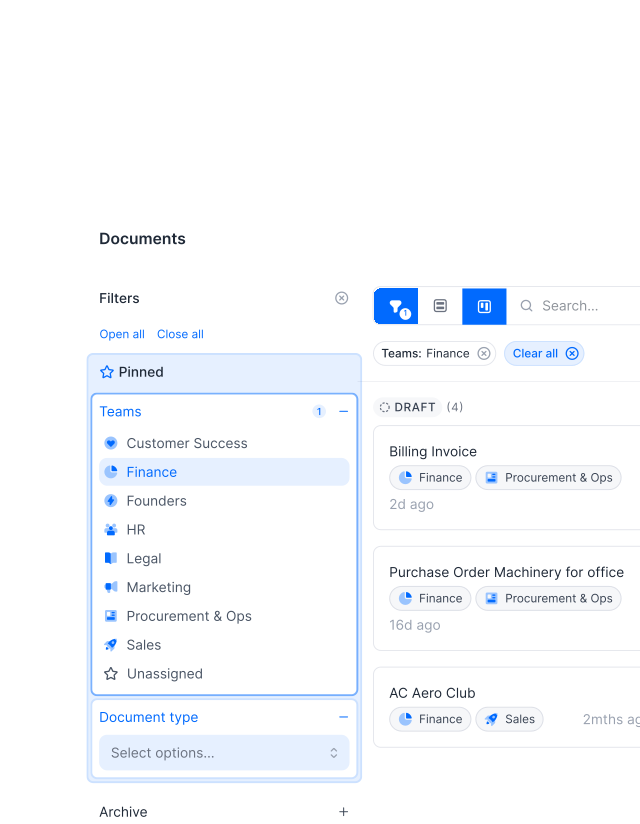
Filter the Kanban view to match how you work. Your team, your deals, your priorities. Instead of scrolling through everything, focus on the contracts that actually need action right now and put the rest aside."It just makes contracting easier. I do it and I like doing it. Before, it felt too heavy. Now it's just easy to get it done."
 Alina Heiner Founder of Maven
 PipelineGet a demo
Give every contract its place in the process.
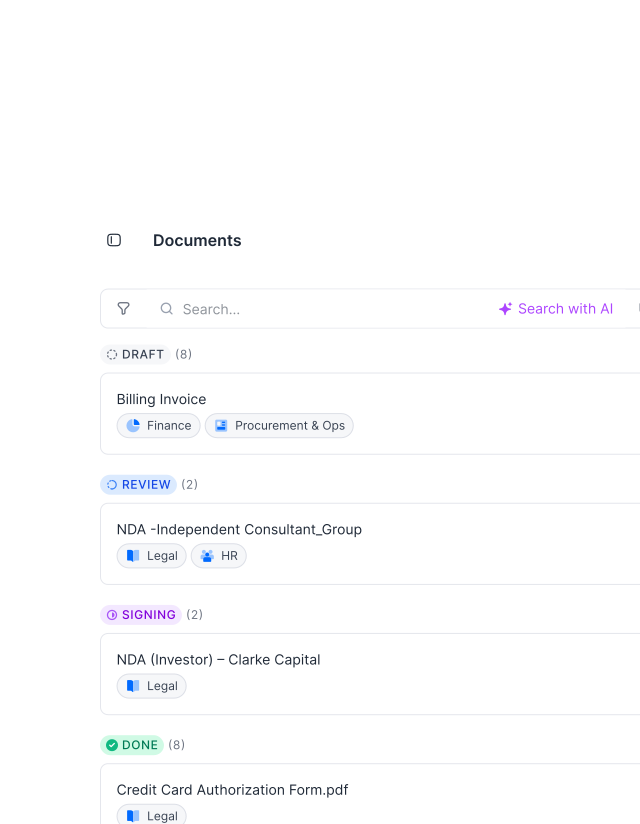
A long list of contracts doesn’t tell you much. A staged view does. Give structure to your process so every contract sits in the right place. You always know what’s next, what’s waiting, and what needs attention.
AI turns your contracts into a living pipeline.
Import your contracts, let AI extract the key details, and watch your Kanban populate itself.
"Before fynk, contracts were time-consuming, scattered across Word files and PDFs, and hard to track. fynk replaced this with one clear system that saved me hours each month and reduced complexity."
Everything you need to manage your pipeline.
One view. Every stage. No guessing where anything stands.
Full pipeline visibility.
See every contract by stage in one view. You know instantly what's in draft, review, signing, or done.
Work faster, with less effort.
No digging through lists or opening documents. You understand the situation in seconds and act right away.
Focus on what matters.
Filter the Kanban view to your deals, your team, or specific criteria. You only see what needs your attention.
Save and reuse views.
Set up filtered views once and come back to them anytime. Your pipeline is always one click away, exactly how you need it.
Spot and fix bottlenecks.
See where contracts get stuck. Step in early and keep things moving before delays build up.
Keep teams aligned.
Everyone works from the same view of the pipeline. No confusion about status or next steps.





The next-generation CLM
Only fynk offers a flexible, integrated and truly end-to-end contract platform for all teams to use - not just legal.
Sign
Organize
Boost
Scale
Insights
Organize your agreements using AI
Work smarter and faster with fynk’s built-in AI. Centralize agreements, extract data, automate tasks, and offer secure access for your entire team.
Signatures (SES, AES, AES eID, QES)
Signature order
Signature style
Voting
Signature tracking
eIDAS Compliance
Document hub
Bulk import
Document calendar
Tasks & Reminders
Configurable notifications
Kanban dashboard
Multi-entity management
AI assistant
AI analysis
AI summary
AI draft
AI review
AI search
Approval workflows
Dates & durations
PDF comparison
Integrations
API
Branding
Teams
Dashboards
Metadata
Analytics
Audit trail
History
Frequently asked questions.
The Kanban view displays all your contracts organized by stage in a single screen. Instead of a flat list, you see columns like draft, review, signing, and done, so you instantly know where every contract stands and what needs to move.
The default stages reflect the typical contract lifecycle: draft, review, signing, and completed. Stages update automatically as contracts progress through your workflow.
Yes. You can filter the Kanban view by team, owner, document type, tag, or any other criteria. This lets you focus on your own deals, a specific team's pipeline, or any subset of contracts that matters to you right now.
Yes. You can update the stage of a contract directly from the Kanban view. Changes are reflected immediately across all views and activity logs.
Yes. As contracts move through stages, are signed, or are updated by team members, the Kanban view reflects those changes automatically. You always see the current state without refreshing manually.
Yes. You can save filtered views and return to them anytime. Once saved, your preferred view is always one click away, with all your filters intact.
Still have questions?


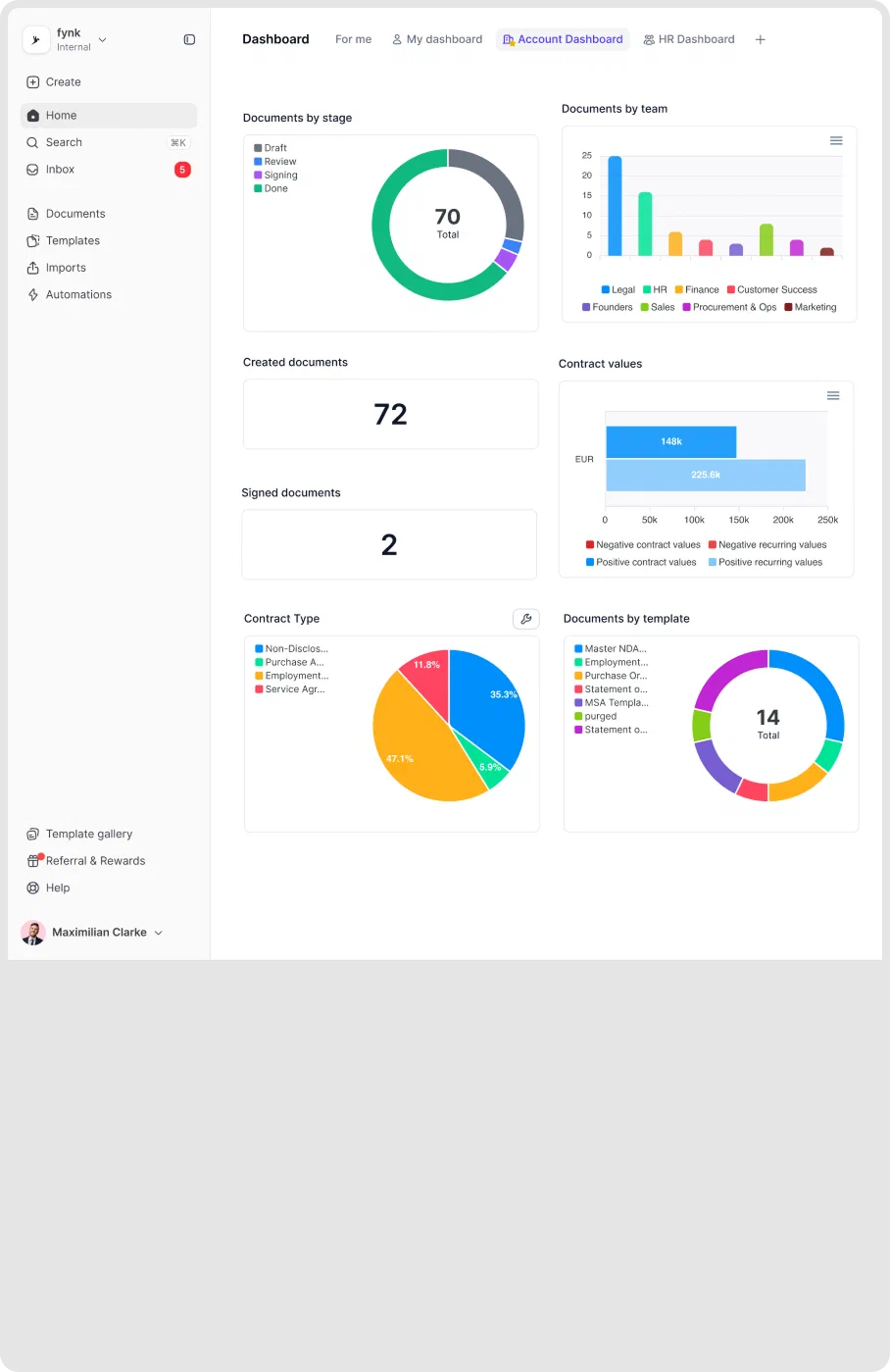
See where every deal stands. Without opening a single file.
Your full pipeline, organized by stage. Always up to date.