

Sign in fynk, find it in Google Drive.
Contracts start from approved templates and get e-signed in fynk, from simple to qualified. The signed PDF then lands in the Drive folder you pick, through Zapier.


Your Drive folder, wired to fynk in a few clicks.
Sign in to Google and fynk on Zapier, pick the folder, switch it on.
Pick a Zap, pick a folder, done.
Signed PDFs into Drive, with the link in Slack or Gmail. New Drive files and Gmail attachments into fynk.

Contract work for teams that live in Google Workspace.
Keep your contracts in Drive. fynk adds approved templates, advanced and qualified signatures, and reminders before every deadline.
"Before, contracts were stored across many Google Drive folders and everyone handled them differently."
 Saved to DriveLearn more
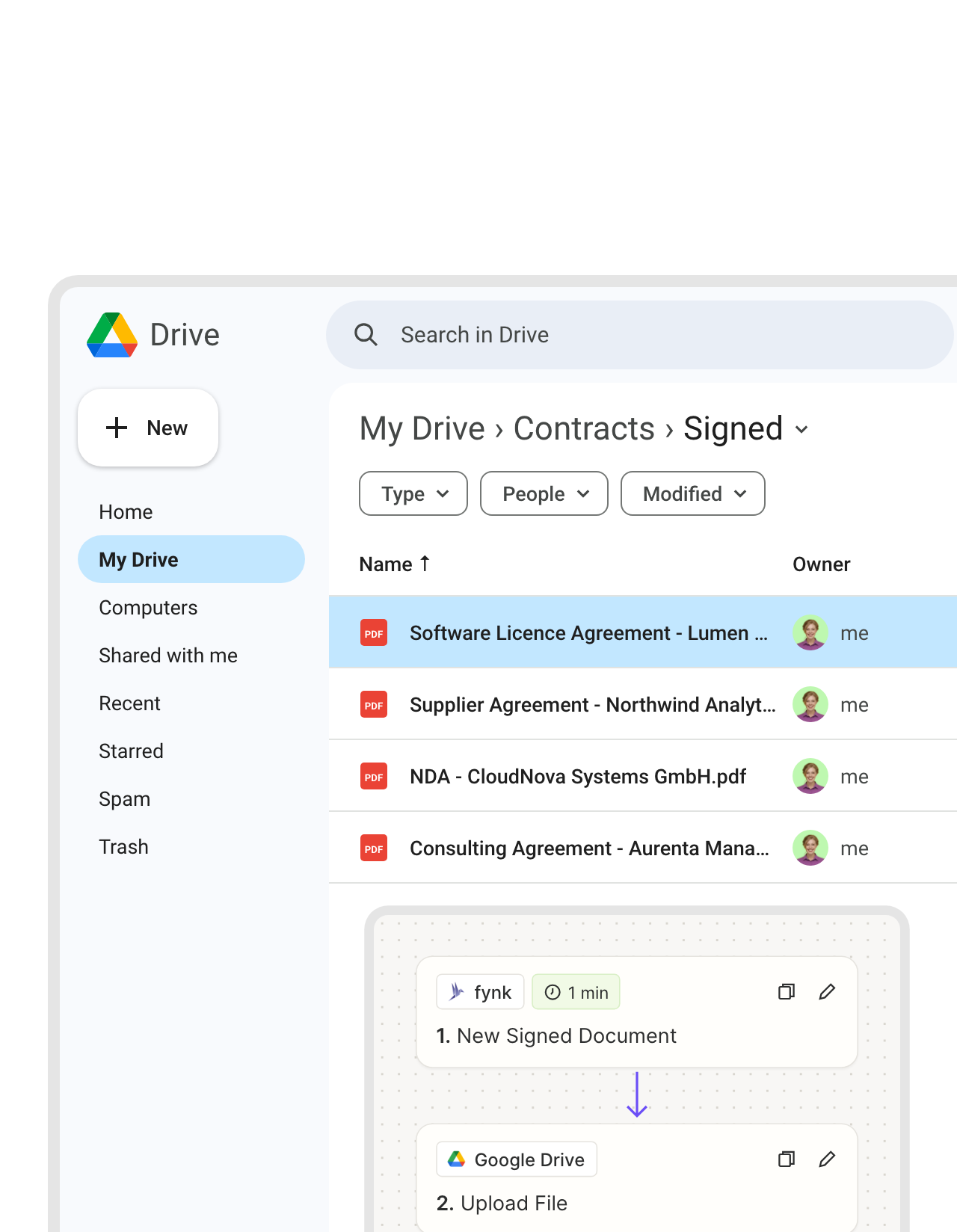
Signed at 10:42. In your Drive folder at 10:42.
When the last person signs, Zapier takes the final PDF from fynk and uploads it to the Google Drive folder you picked, named after the contract. The folder stays complete, even when the deal owner is on vacation.FEATURES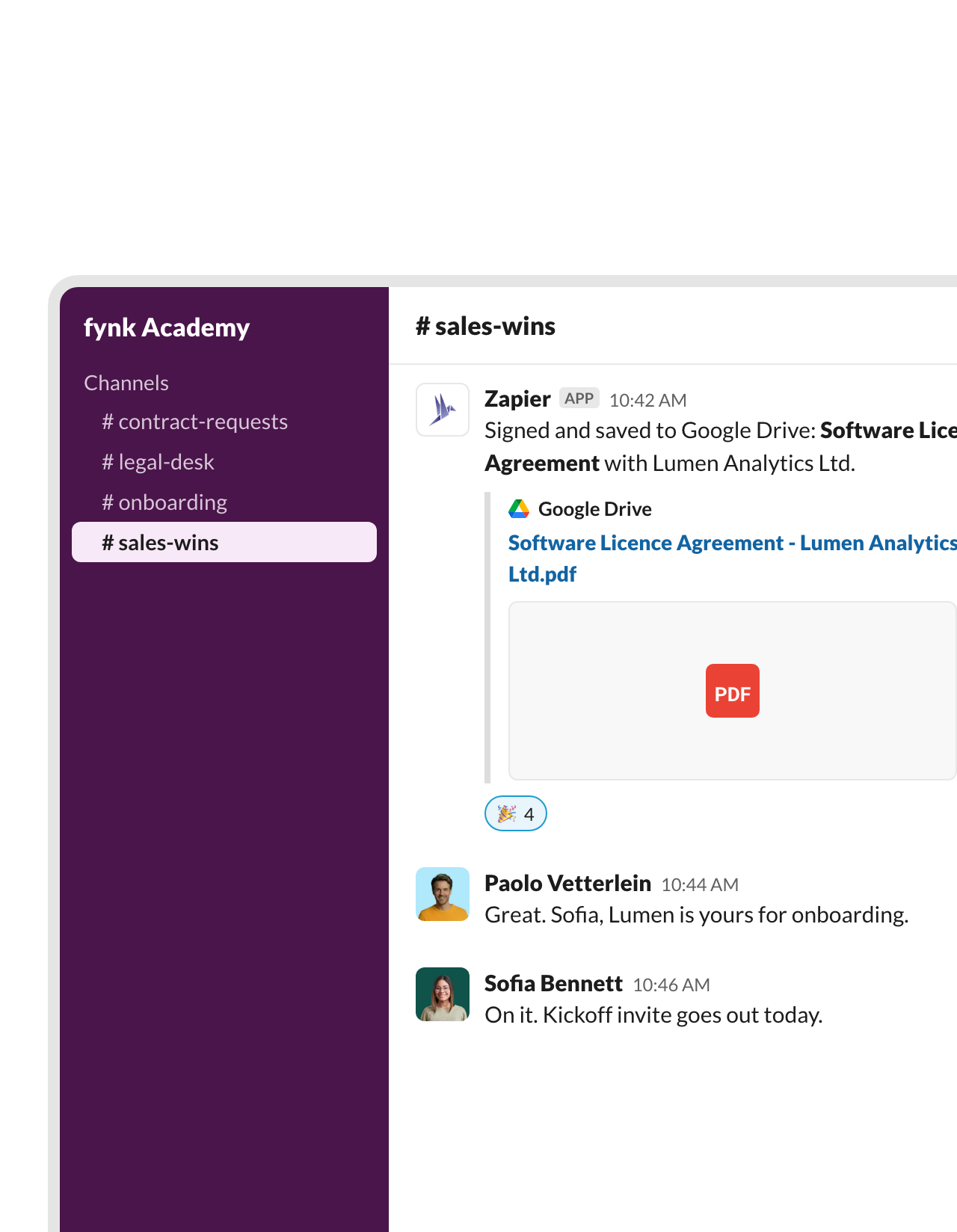 Team channelLearn more
The sales channel gets the Drive link as soon as the ink is dry.
The same Zap saves the PDF to Drive and posts the link in the Slack channel you choose. Customer success sees the deal is closed and picks it up from there.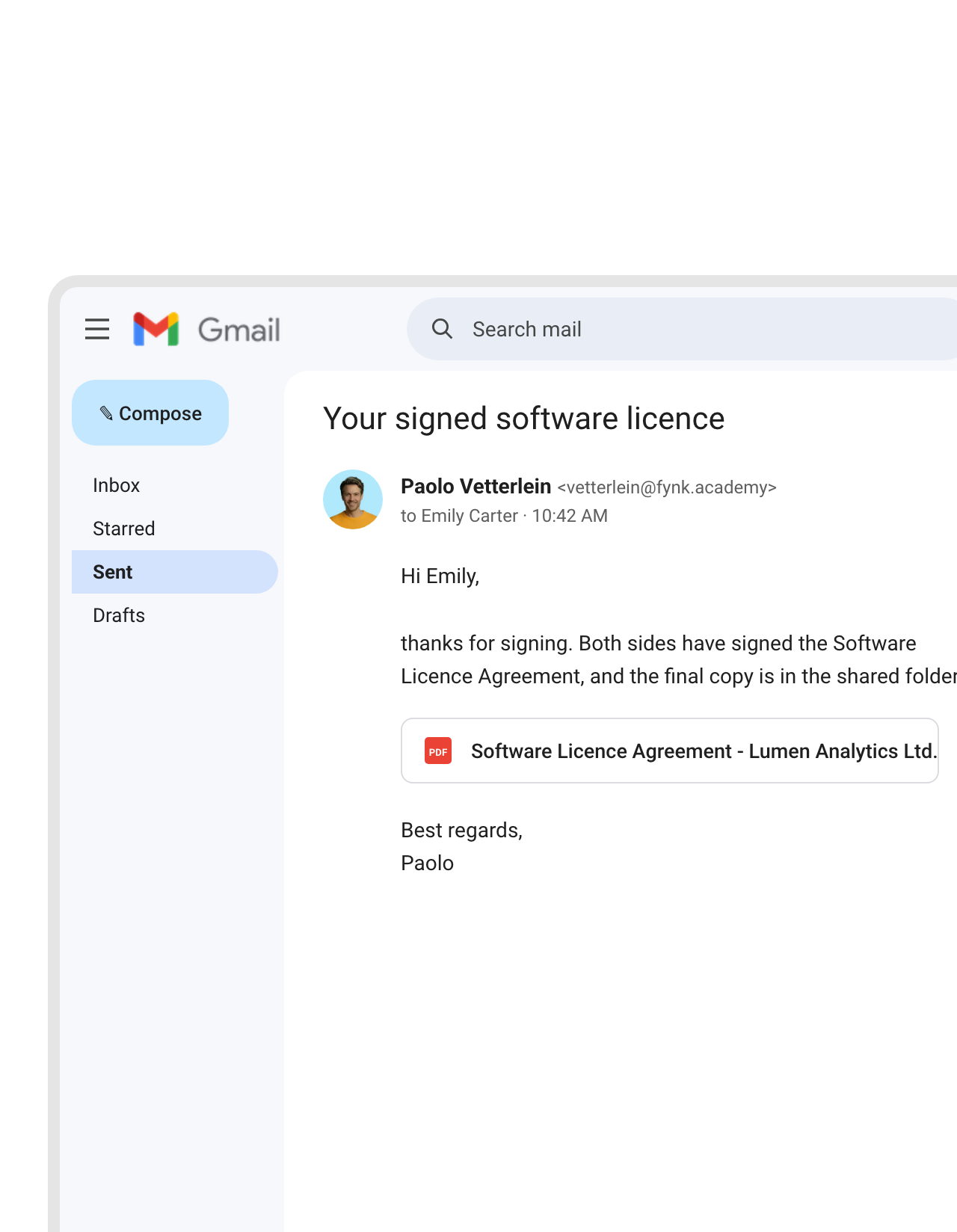 GmailLearn more
Your customer gets one link to the final copy, from your Gmail.
After the upload, Gmail sends the Drive link to the deal owner or the other party. Everyone opens the same signed file, not the fourth forwarded attachment.FEATURES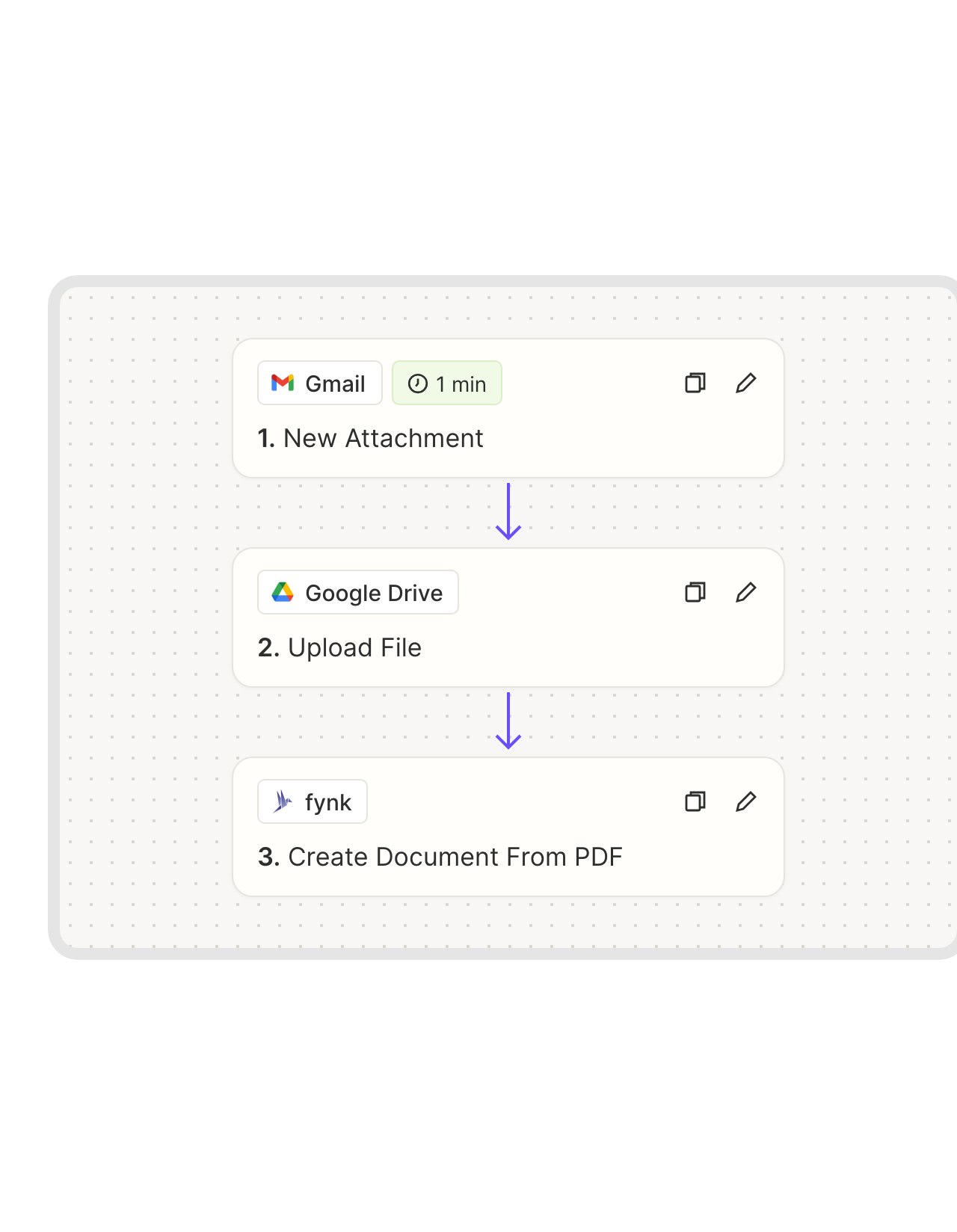 From GmailLearn more
A PDF in your inbox becomes a Drive file and a fynk document.
When a contract arrives in Gmail as an attachment, the Zap saves it to a Drive folder and creates the same document in fynk. The email thread stops being your filing system."Our biggest gain is having one central hub for all contracts. No more folders or email chains. Everything is secure and transparent."
 Elisa Prößdorf Legal Solutions Manager at Unite
 Intake folderLearn more
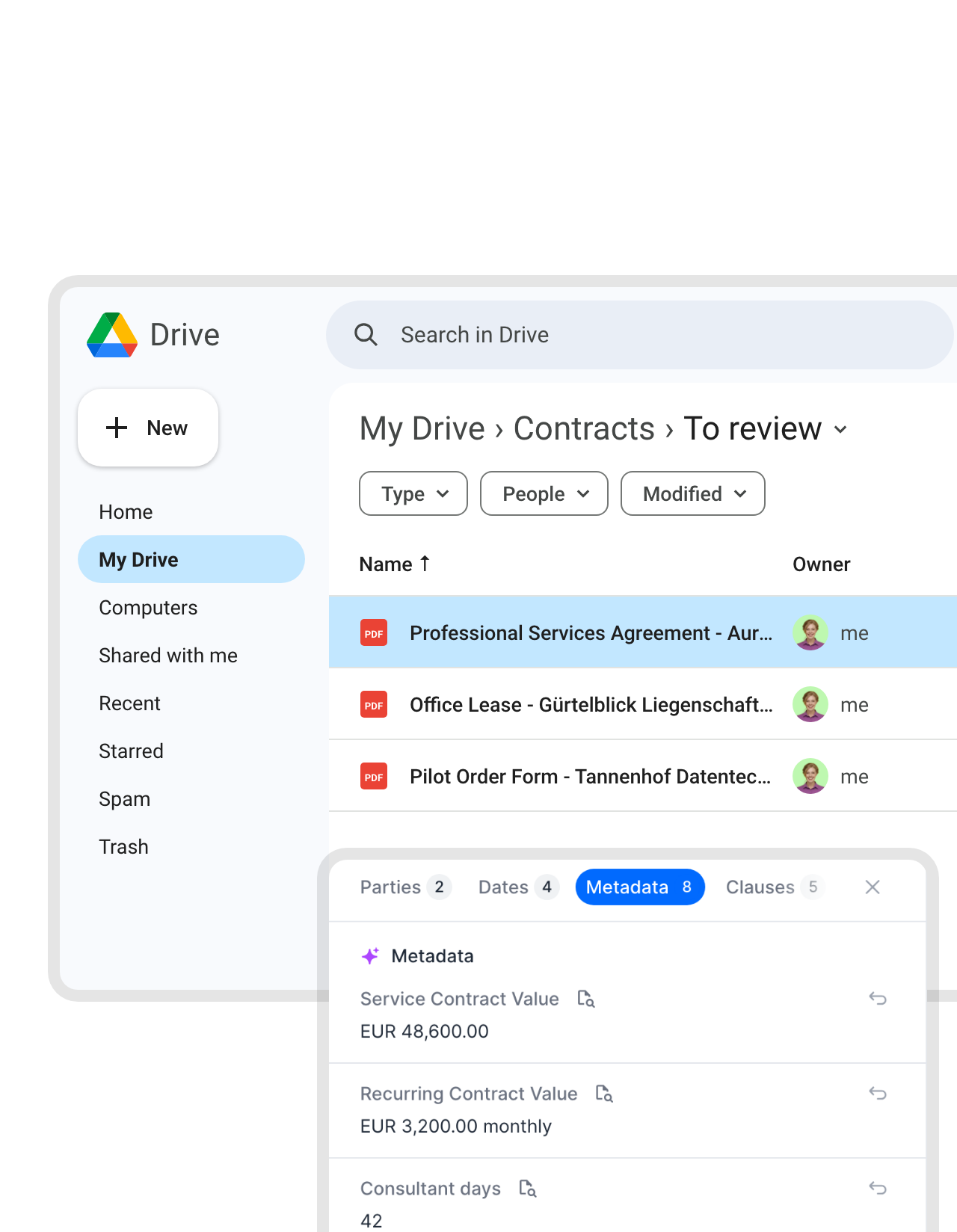
A review folder where AI reads third-party paper first.
Save the other side’s contract to a Drive folder, and a Zap creates it in fynk with AI analysis on. Parties, dates, values and notice periods are already filled in when you look. Another Zap can tell Slack that a new one arrived."When I receive contracts from others, the AI gives me a quick overview so I don't have to read everything in detail."
 Alina Heiner Founder and Director at maven
 Approved wordingLearn more
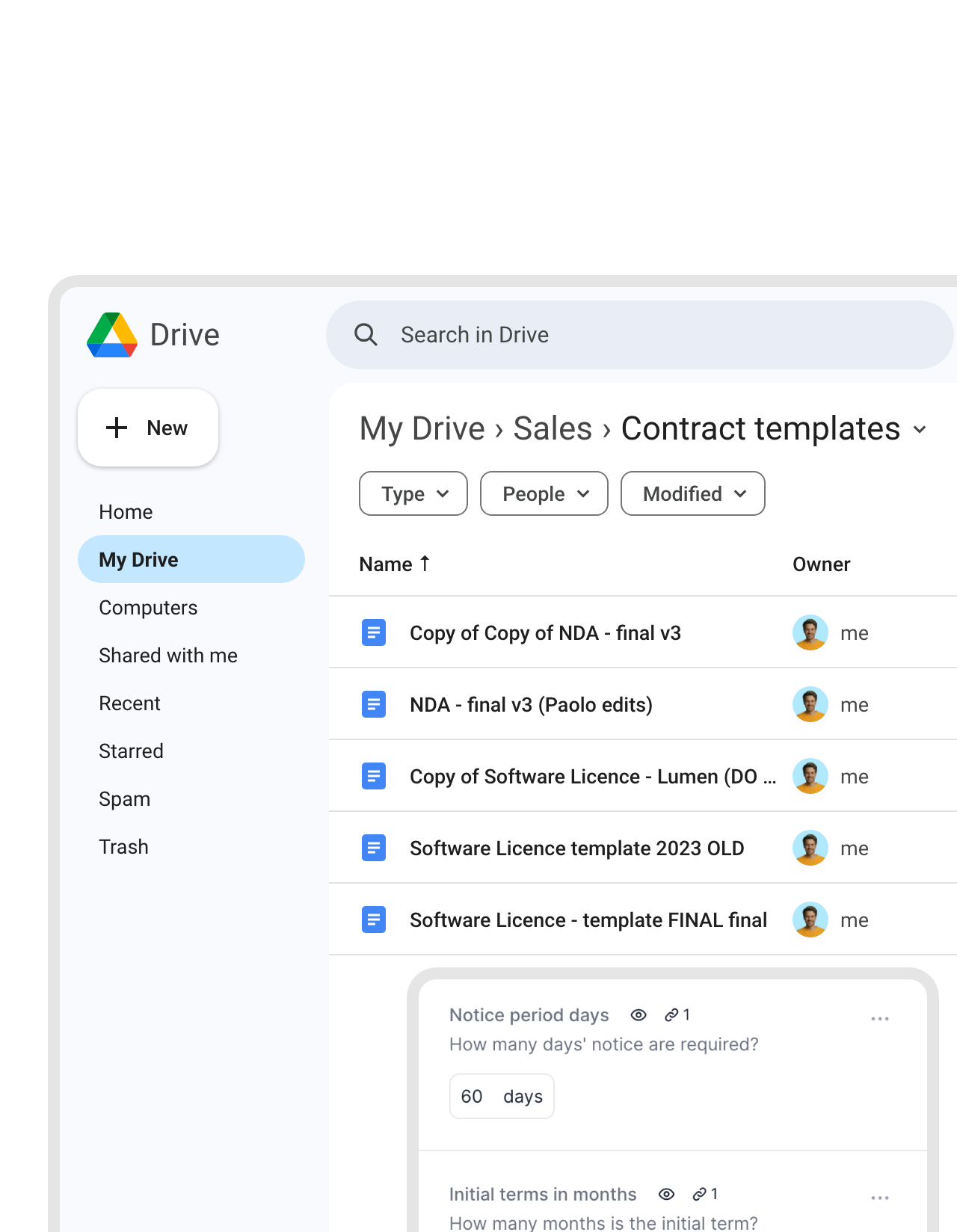
Retire “Copy of Copy of NDA - final v3”.
Copying last quarter’s contract and typing over it is how old prices and wrong names get signed. In fynk, contracts start from templates legal approved, with fields for what changes. The rest of the wording stays locked."We had 25 different contract versions before. With centralized templates, we reduced this to one and eliminated massive legal risk."
 Harald R. Fortmann Founder & Managing Director of five14


Use cases
Watch the Drive automations get built.
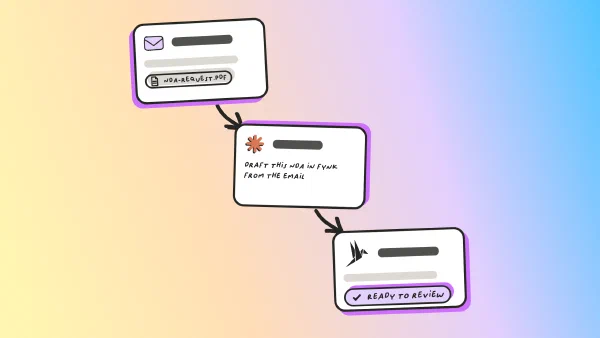
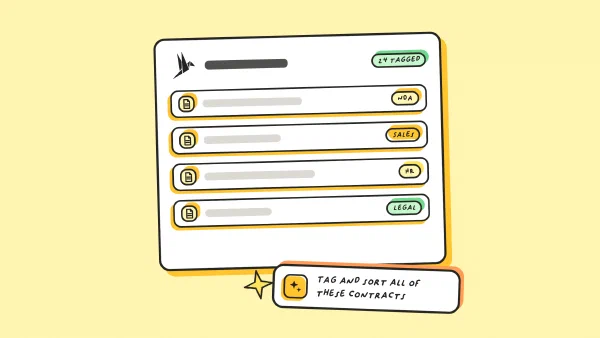
Short walkthroughs, from the first trigger to the signed PDF.
 Stronger signaturesLearn more
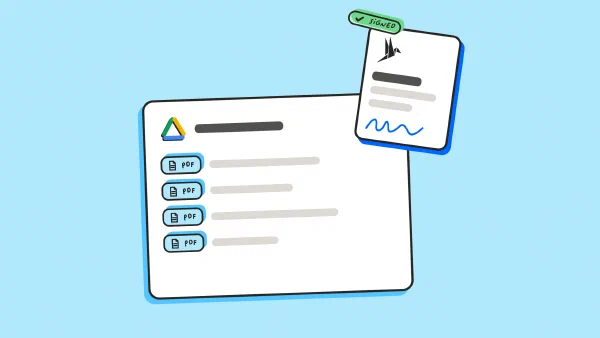
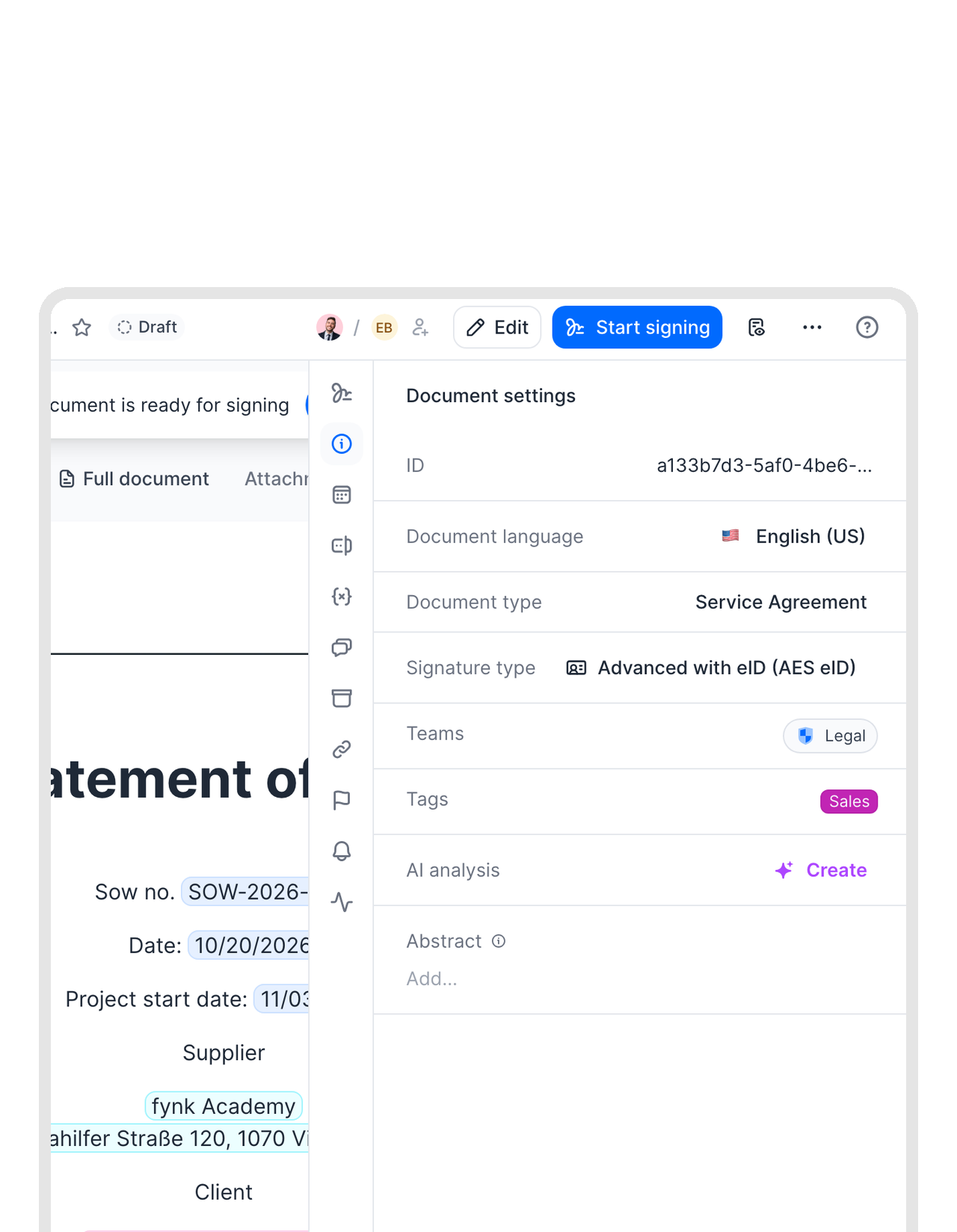
When a typed name isn't enough, sign with AES or QES.
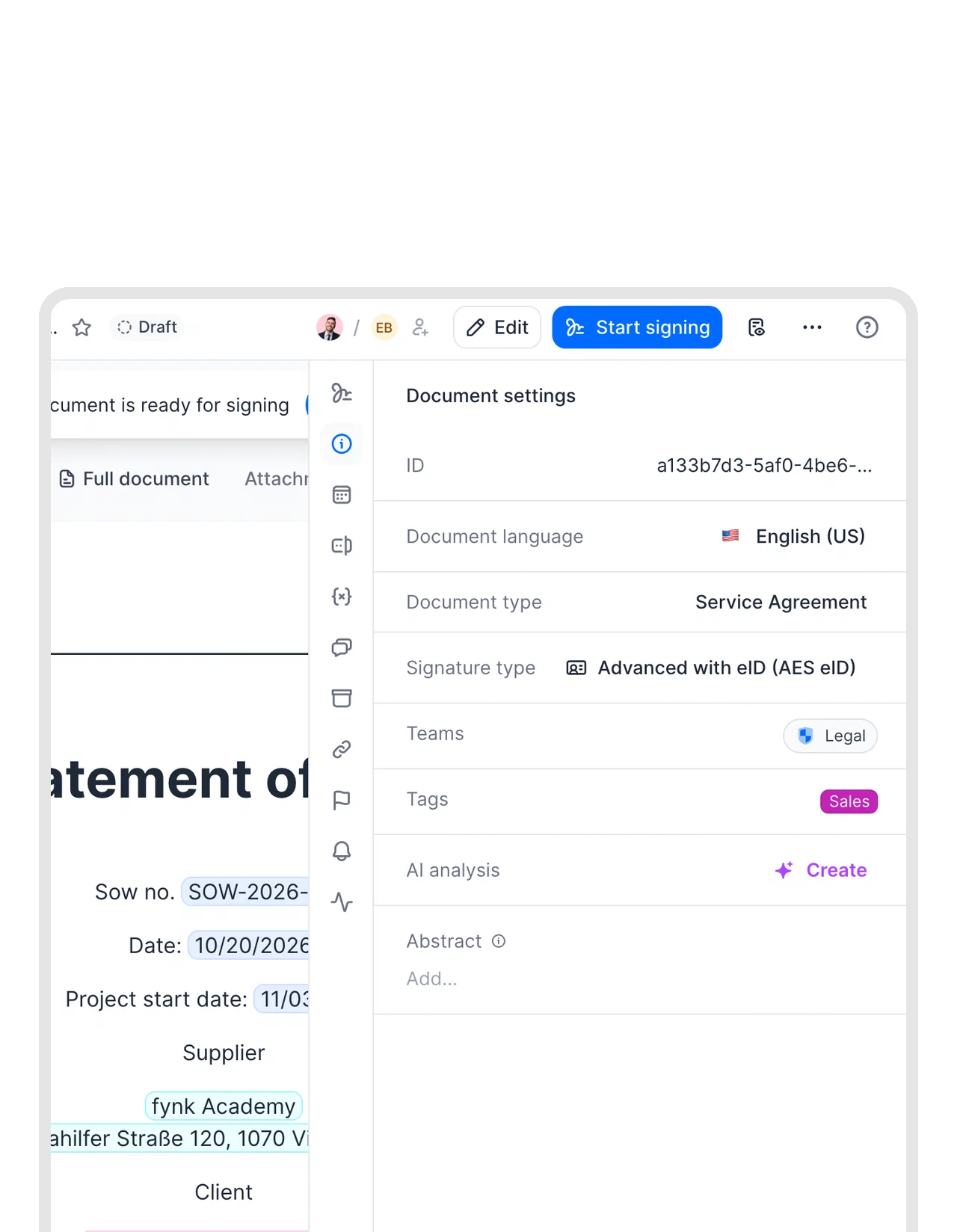
Google Docs and Drive collect simple signatures, typed or drawn. Some contracts need stronger proof or written form. In fynk you set the signature level per document, from simple to advanced or qualified under eIDAS, and signers confirm their identity in the signing flow.FEATURES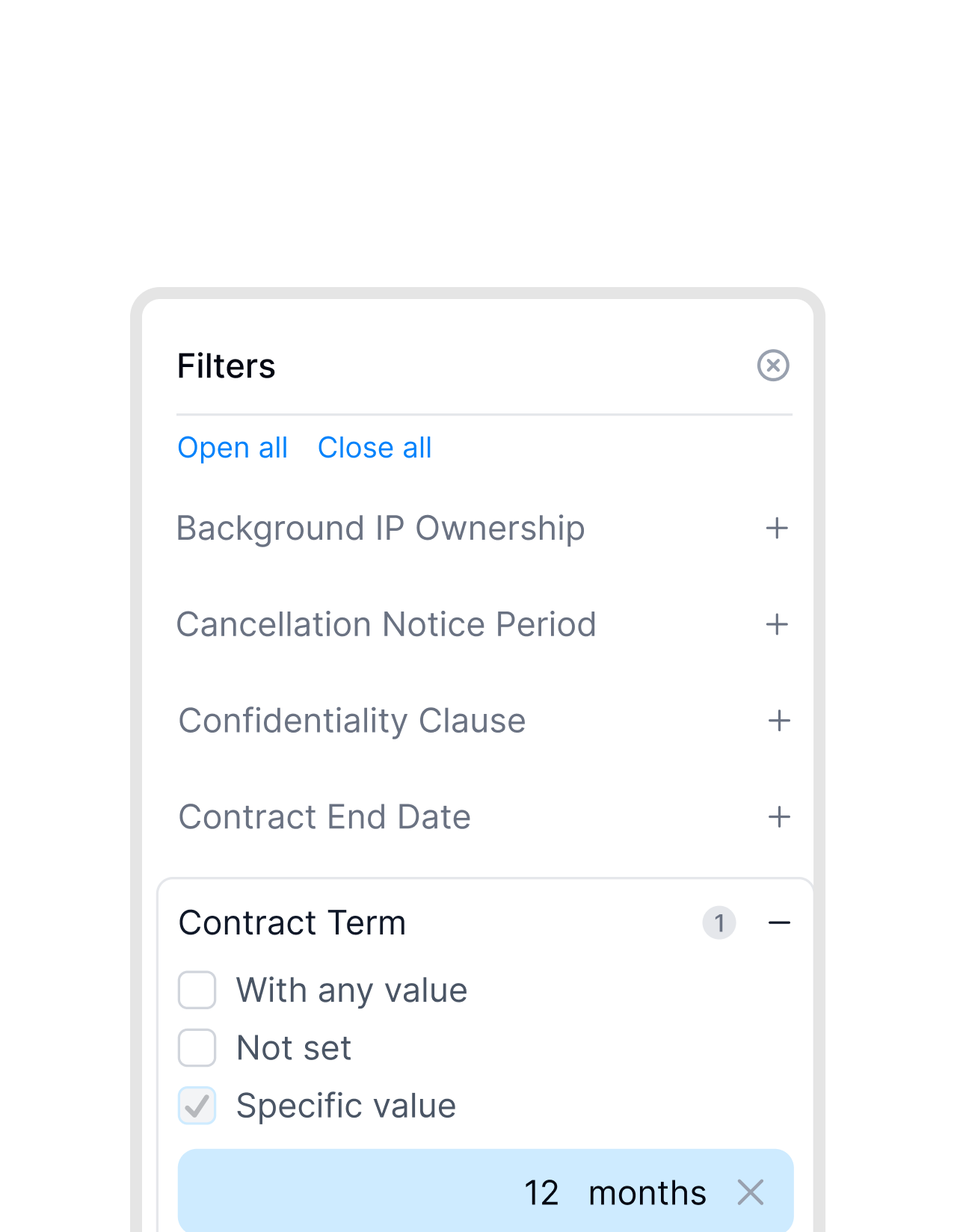 Find by dataLearn more
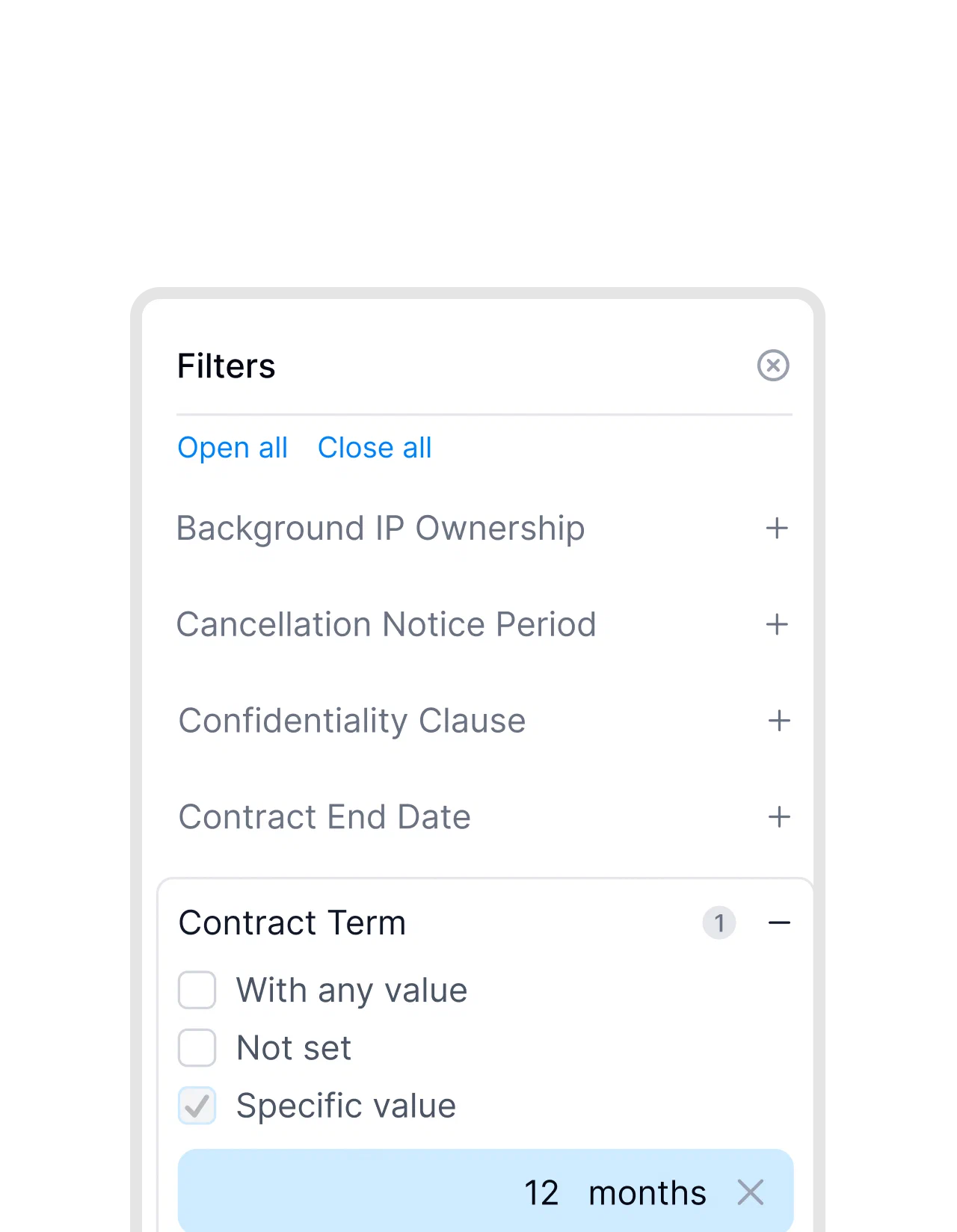
Search by notice period or value, not by file name.
Drive finds words in files. fynk filters contracts by what they say: end date, term, value, counterparty. Every supplier contract with a 12-month term is two clicks away."We used to have contracts scattered across shared drives and email threads. With fynk, every land lease and supplier agreement is in one place, searchable and always current."
Agnes Cervenschi Legal Counsel at Kronos Solar Projects GmbH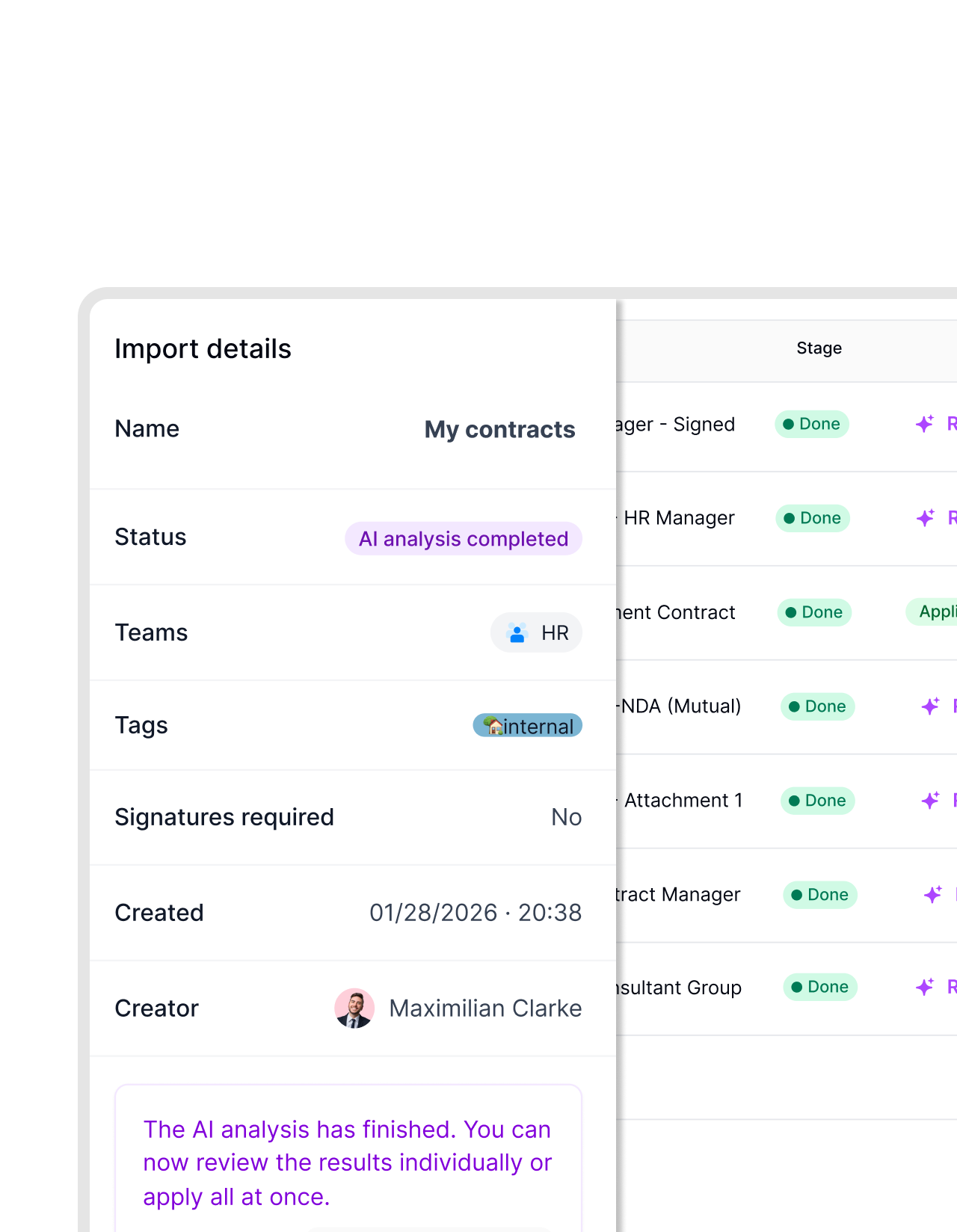 Move the archiveLearn more
Bring years of Drive contracts over in one import.
Download the folder from Drive and upload it to fynk in one go. AI fills in parties, dates and values for each contract, and you check the results in one list. New contracts keep arriving through the Zap."I simply uploaded all of our documents and within minutes we had a complete overview of all contract data, including reminders before deadlines expire."
Mark Legal Counsel at Nordwert

What changes in your shared drive.
Folders stay as they are. The mess around them goes.
Sharing stays yours.
Files land in folders with the access you already set in Drive.
Filed the same minute.
The upload runs the moment the last person signs.
Shared drives work too.
Point the Zap at a shared drive, so the folder belongs to the team, not to one person.
A folder per client.
Name the folder after the party, and each signed PDF finds its own place.
Data, not file names.
Parties, dates and values become fields you can filter.
No Marketplace add-on.
Zapier connects the two accounts. Nothing gets installed in Google Workspace.
Pairs well with the rest of your Workspace.
Gmail, Slack and the AI assistants Workspace teams already use.





From zero to a filled Drive folder in three steps
Requirements: fynk Business or Pro, a Zapier account, and the Google account that owns the folder
- Step 1
In fynk, open Account settings > API integrations > fynk API and create an API token.
- Step 2
Open a Google Drive Zap above, paste the token to connect fynk and sign in with your Google account.
- Step 3
Choose the Drive folder, test it with a signed contract and switch the Zap on.
Frequently asked questions.
Through Zapier. Ready-made Zaps save every fully signed contract to the Drive folder you choose, with a Slack post or a Gmail email if you want one. Others turn new Drive files or Gmail attachments into fynk documents.
No. The connection runs on Zapier with ready-made templates, using fynk's triggers and actions and Google Drive's own Zapier app.
Google's eSignature lets you request typed or drawn signatures on Docs and PDFs in Drive, for up to 10 signers, on selected Workspace plans. fynk covers the whole contract: approved templates with dynamic fields, approval rules, advanced and qualified signatures under eIDAS, and reminders before renewals. The signed PDF still ends up in Drive.
Yes. Upload the PDF to fynk, place signature blocks on the PDF and send it. Signers don’t need a fynk account, and the signed copy goes back to Drive through the Zap.
Yes. Download the folder and upload it with bulk import, and AI fills in the key data. For new files, a Zap from Google Drive’s New File in Folder trigger to fynk’s Create Document From PDF action brings each one in automatically.
It needs fynk Business or Pro, the plans with API access. Zapier and Google Workspace are billed separately by their providers.
Still have questions?


Customers who sign in fynk and file wherever they like.





What runs between fynk and Google Drive
fynk connects to Google Drive through Zapier. Each automation below is a ready-made Zap template you can switch on and adjust.
Google Drive automations
| Automation | Trigger | Steps |
|---|---|---|
| Signed contract to Drive | fynk: New Signed Document | fynk: Find Document Download URL, Google Drive: Upload File |
| Drive link in Slack | fynk: New Signed Document | Google Drive: Upload File, Slack: Send Channel Message |
| Drive link by email | fynk: New Signed Document | Google Drive: Upload File, Gmail: Send Email |
| New Drive file to fynk | Google Drive: New File in Folder | fynk: Create Document From PDF |
| New Drive file, with a Slack alert | Google Drive: New File in Folder | fynk: Create Document From PDF, Slack: Send Channel Message |
| Gmail attachment to Drive and fynk | Gmail: New Attachment | Google Drive: Upload File, fynk: Create Document From PDF |
Google eSignature and fynk side by side
| Google eSignature | fynk | |
|---|---|---|
| Signature types | Typed or drawn | SES, AES and QES under eIDAS |
| Templates | Saved signature fields | Templates with dynamic fields and conditional clauses |
| Reminders | To signers, every three days | To signers, plus renewal and notice reminders |
| Proof | Audit trail page in the PDF | Audit trail for every signature and approval |

Your Drive permissions, untouched.

Made and hosted in Europe.
Designed and developed in Austria. fynk is hosted in the EU, in ISO 27001-certified data centers.

Encrypted in transit and at rest
Secure engineering standards across a continuously monitored infrastructure.

Two keys, both yours
fynk connects with an API token you can revoke. Google uses your own sign-in and sharing settings.

GDPR from day one
Fully compliant with European data protection regulations, supported by regular audits and external penetration testing.
Trusted by companies worldwide



Take control of your agreements. Move your business forward.
Run agreements the way they should run: fast, clear, and on your terms.
No setup headaches
Go live in days, not quarters
No lock-in
Full export anytime
No hidden fees
Signatures included, no envelope fee