

Mark the Airtable record ready, and the draft is waiting in fynk.
Deals, vendors, hires and partners already live in your Airtable bases. Once a record reaches the status you choose, Zapier hands it to fynk, which drafts the contract and later writes the signed result back.


Hook your Airtable base up to fynk.
Pick a base and a table, choose a fynk template, turn it on.
Start with a record. Finish with a record.
Updated records become fynk documents or go straight out for signing, and every fully signed contract comes back to your base.



Status changes in your base, contracts in motion.
Records move through statuses in your base every day. Connect fynk, and a status change can start a contract, and a signature can change a status back.
"It took on a life of its own. More and more departments wanted access to fynk because they saw how easy it made things."

 Record readyLearn more
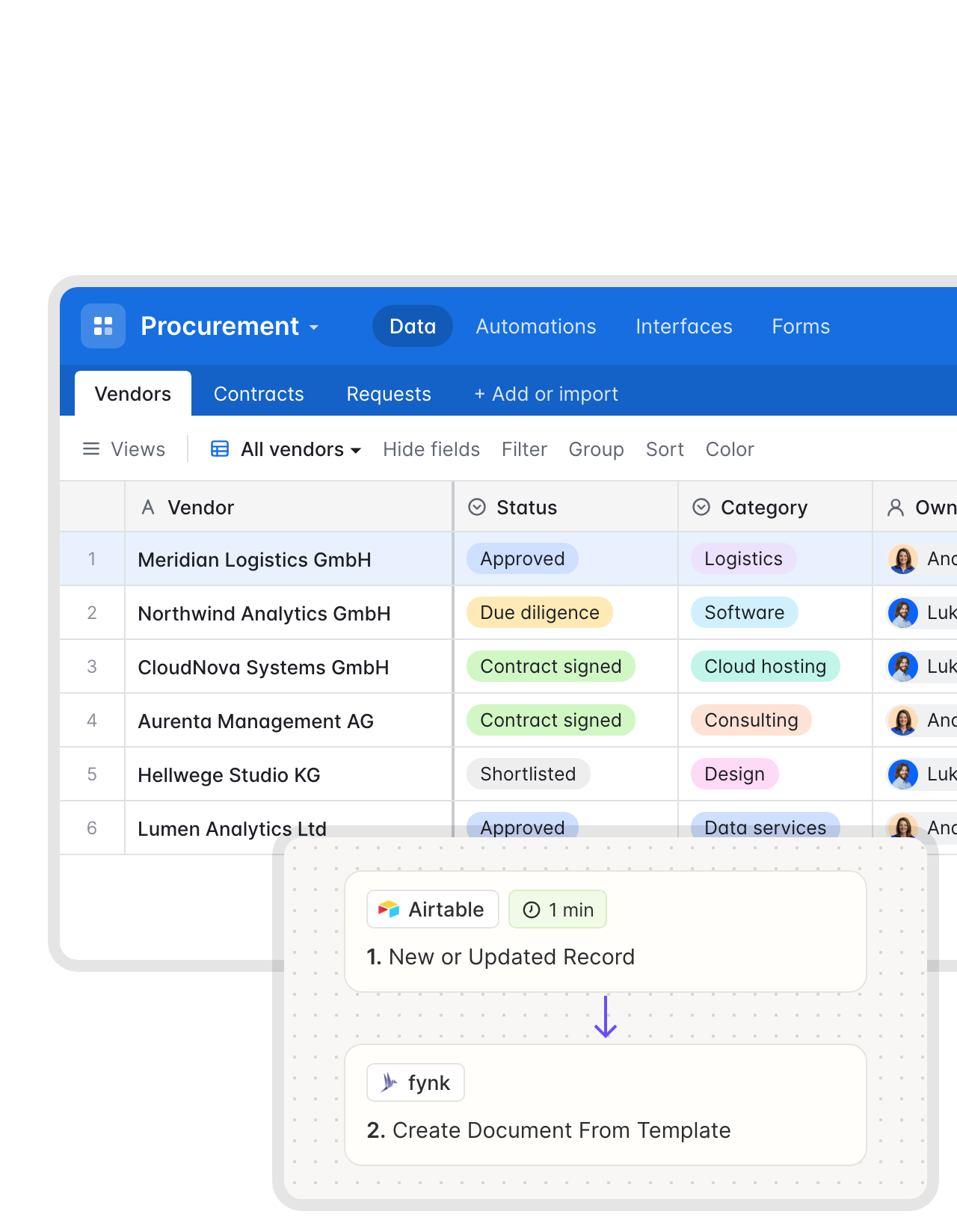
Approved vendors come with their supplier agreement.
Pick the status that means “ready” in your Vendors, Deals or Partners table. When a record gets there, fynk creates the contract from your template with the record’s name, value and dates already in place. Add the signer’s email and it can go straight to signing."fynk makes us faster (from draft to signature in less than a day). It enables very easy template creation, allowing best practices to be easily shared within the company."
Rainer CFO at Advanced Sponsorship Insights GmbH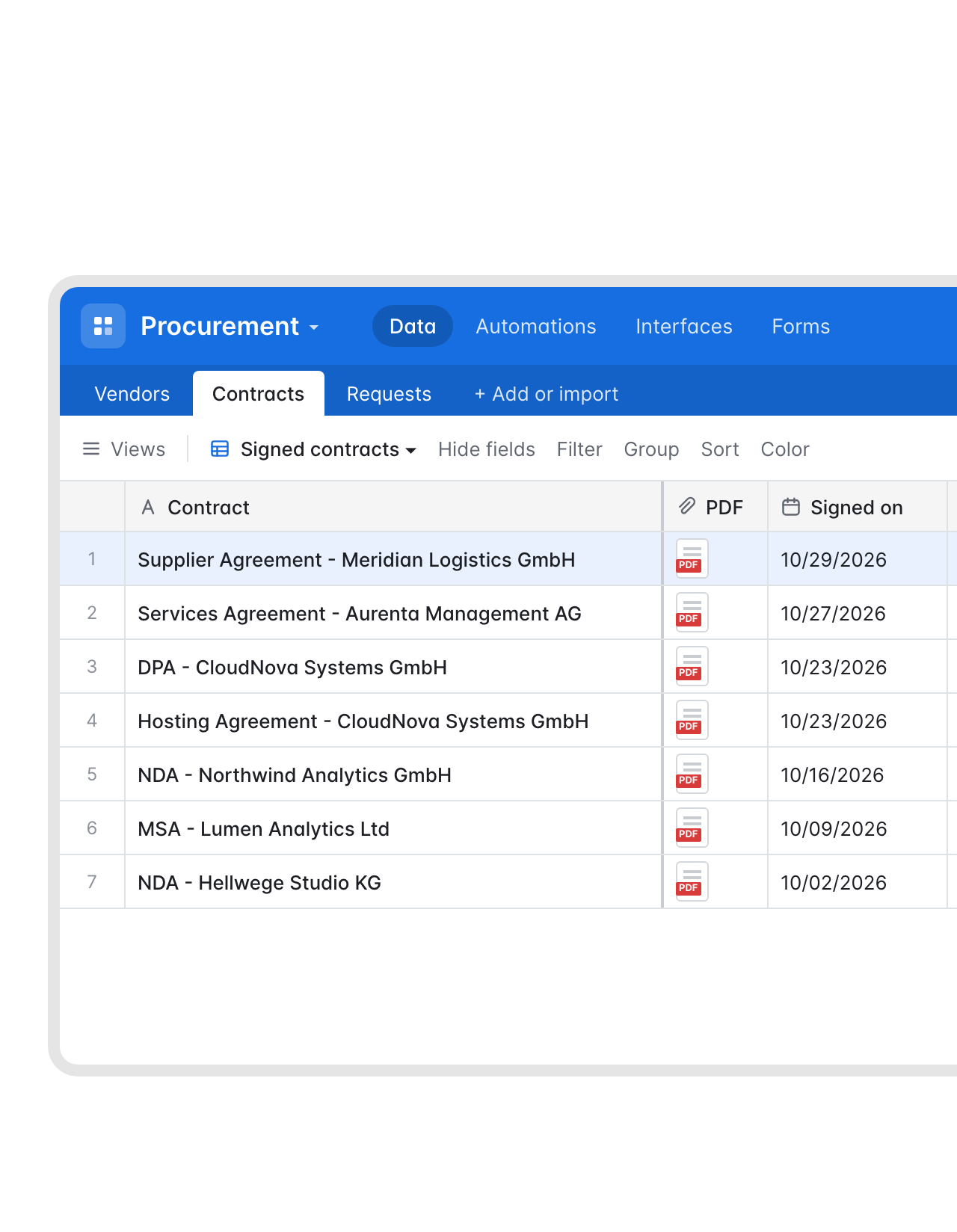 Contracts tableLearn more
Your contract register in Airtable, kept current by the signatures.
The moment the last person signs, a record appears in the table you track contracts in, with the name, signing date, value and the PDF. The register stays current without a weekly cleanup, and fynk keeps the original, audit trail included."Until now, we had been 'tracking' our contracts using Excel. Now, every follow-up happens automatically, saving us both time and money."
Christoph Director of Corporate Development at RAMPF Group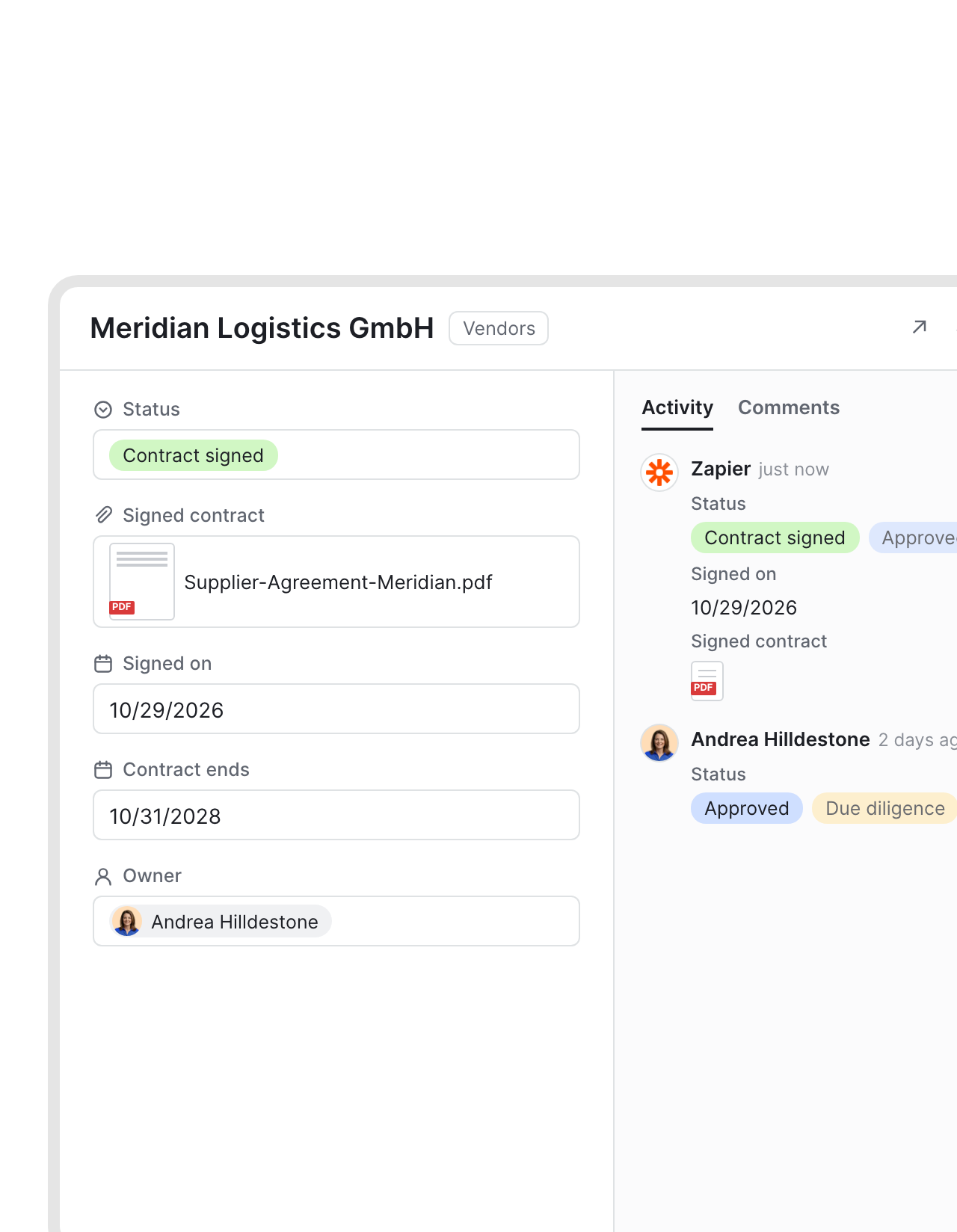 Status write-backLearn more
The vendor record switches to Contract signed without anyone touching it.
Add two steps to the signed-contract Zap: find the original record, then update it. Status, signing date and the signed PDF land on the vendor record, and its revision history shows when the change came in.FEATURES


Use cases
Walkthroughs for the workflows around your base.
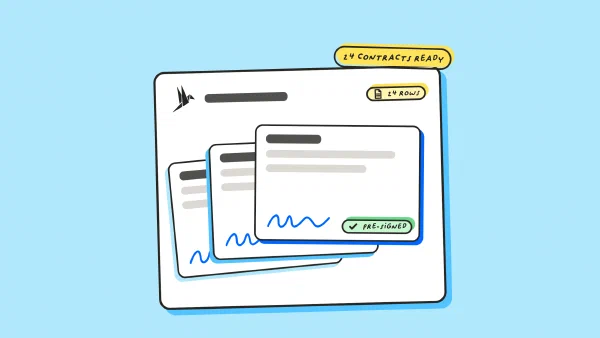
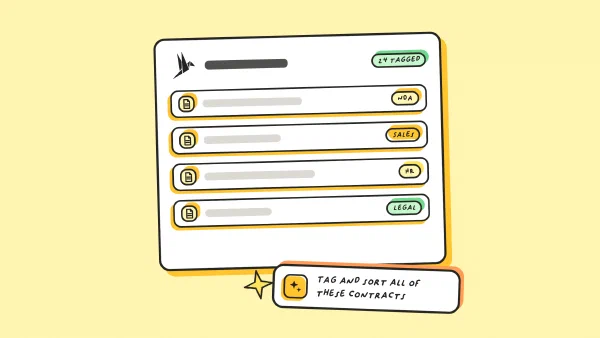
Forms, bulk contracts and AI sorting, shown step by step.
 Hiring baseLearn more
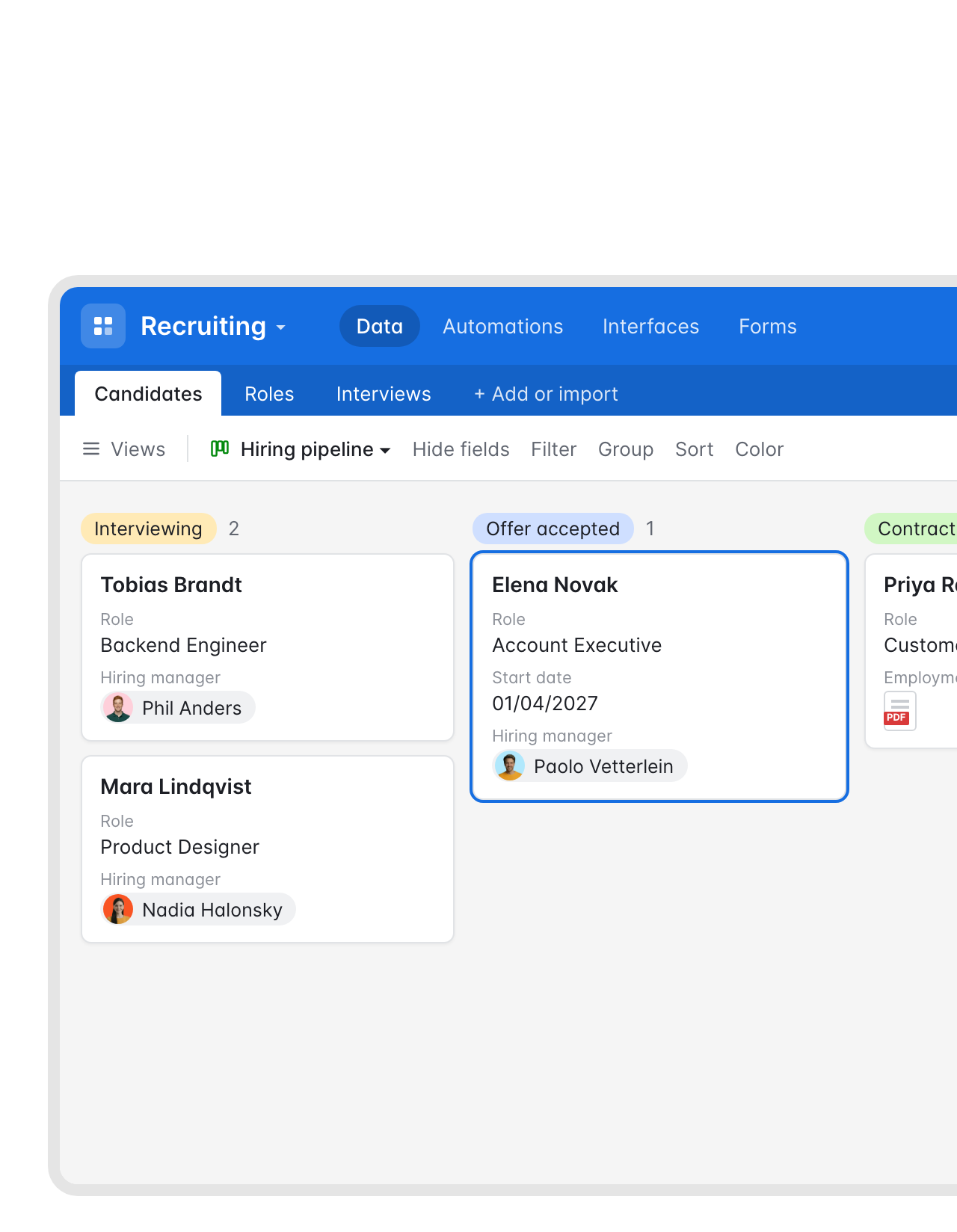
Offer accepted on the hiring board, employment contract on its way.
HR moves a candidate to “Offer accepted” in the kanban view. fynk fills the employment contract with the role, start date and salary from the record and sends it to the candidate to sign, often the same afternoon."What I like most about this tool is the ability to store templates. For example, you can create an employment contract template with placeholders, fill it out directly in the tool, and then have it signed."
Lisa People Manager at Bridgemaker GmbH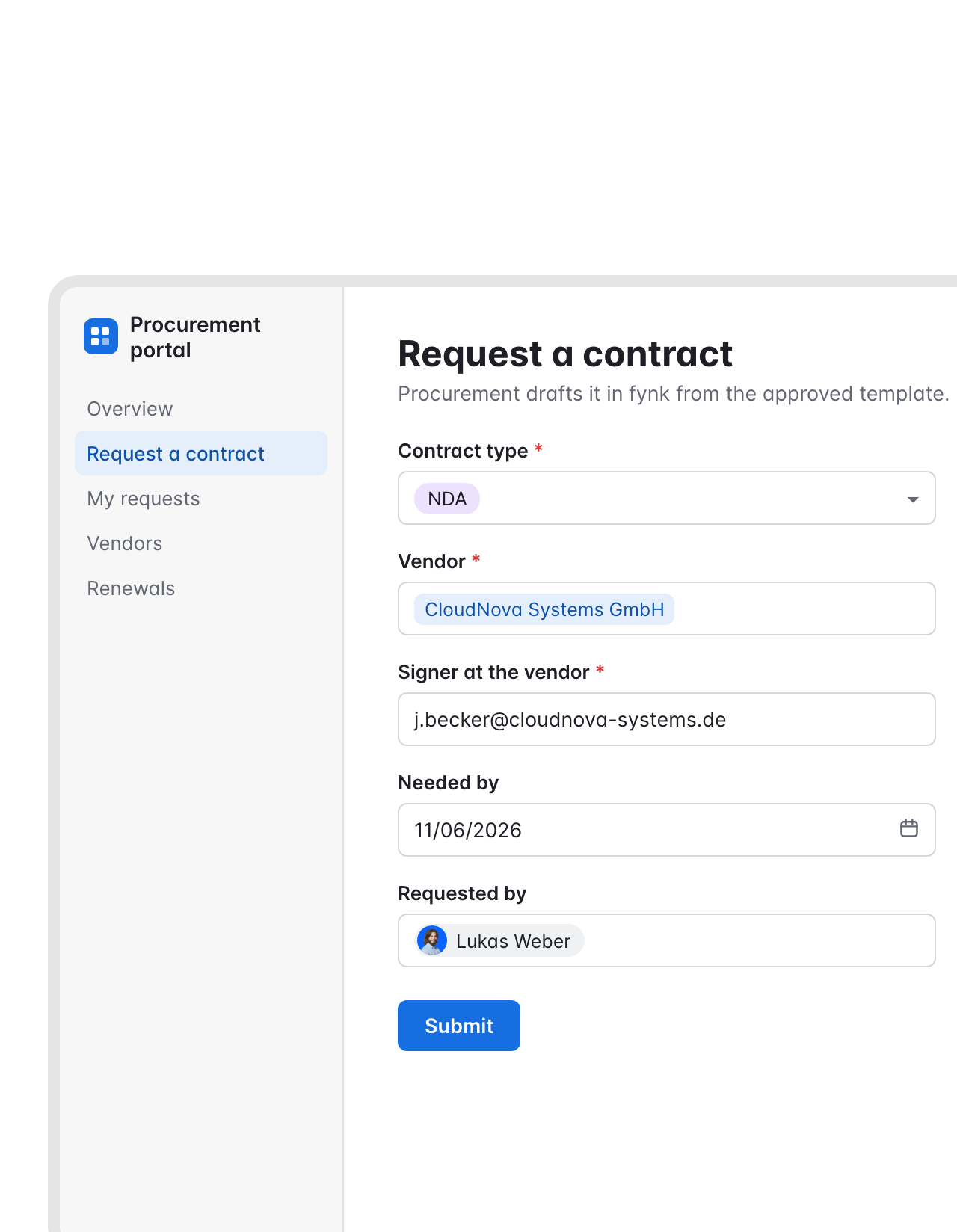 Interface requestLearn more
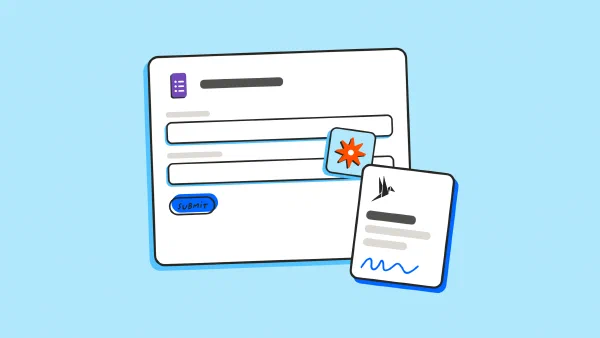
A request form in an Airtable interface, a draft waiting in fynk.
Colleagues ask for an NDA or a supplier agreement through a form in your Airtable interface. Each submission becomes a draft in fynk from the matching template, and a comment on the request links to it.FEATURES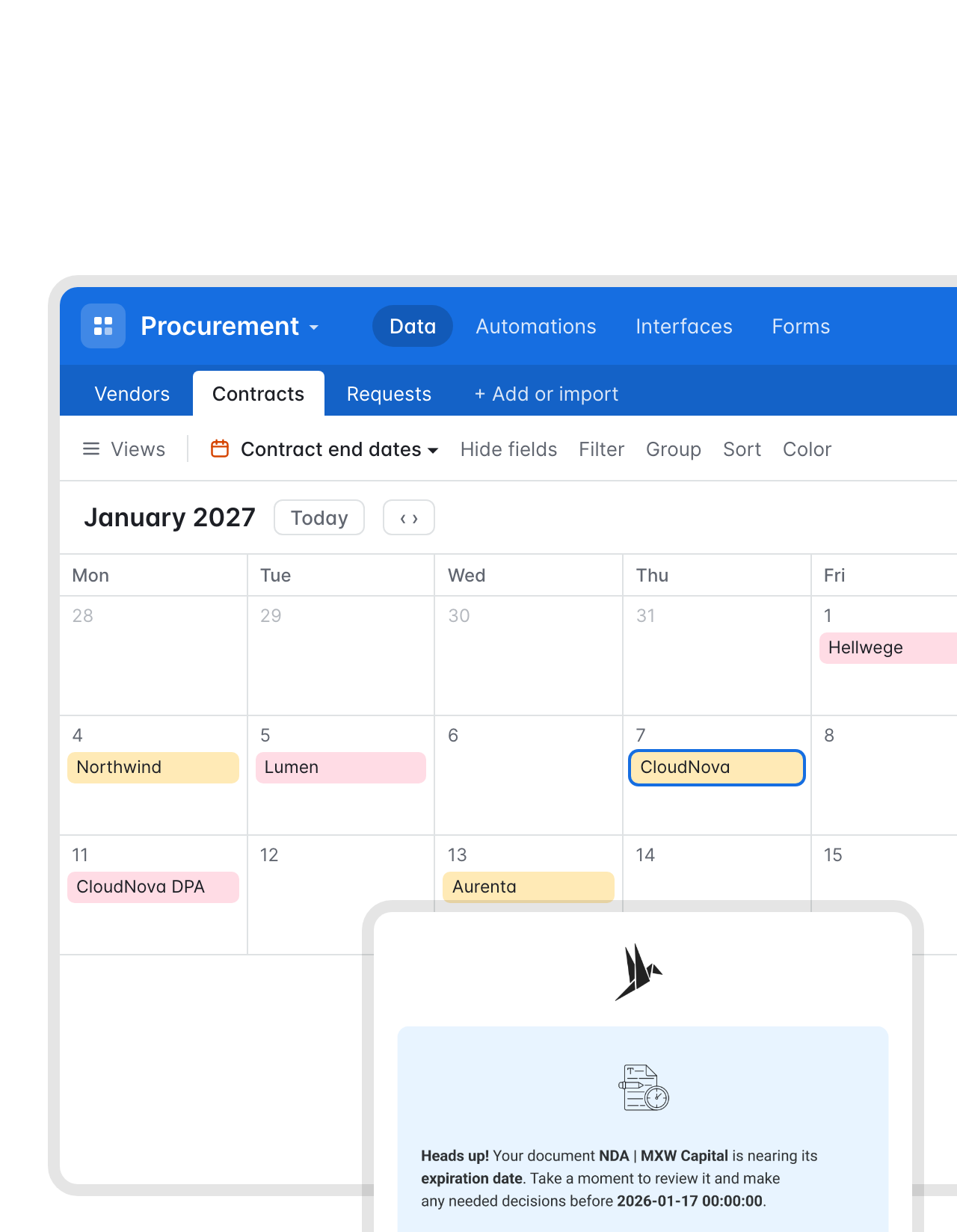 Calendar viewLearn more
Notice dates on your Airtable calendar, with fynk doing the reminding.
fynk reads the term, renewal and notice period from each signed contract. A Zap copies the dates into your base for a calendar view, and fynk emails the owner before each deadline. The calendar shows the year. The reminder makes sure someone acts.


Fits the base you already built.
Keep the base. Drop the copy and paste.
A status field is enough.
A single select tells the Zap the record is ready. No new fields needed.
PDFs you can preview.
The signed contract lands in an attachment field you can open from the grid.
A base per team.
Procurement, HR and partnerships each connect their own base.
Interfaces for requesters.
Colleagues ask for a contract through an interface instead of editing the base.
One token, easy to revoke.
Zapier reaches fynk only through an API token you control.
No scripting.
No Airtable scripts or extensions. The Zaps do the connecting.
Often connected alongside Airtable.
Slack for status updates, Zapier for everything else.





Get your first Airtable Zap running
One Airtable base, a Zapier account and fynk Business or Pro
- Step 1
Create an API token in fynk under Account settings > API integrations > fynk API.
- Step 2
Start from an Airtable Zap, connect fynk with the token and log in to Airtable.
- Step 3
Choose the base and table, map your fields to the template, test with one record and turn the Zap on.
Frequently asked questions.
Through Zapier. Ready-made Zaps create a fynk document from a new or updated Airtable record and add a record to your base for every fully signed contract. The same triggers and actions can update the original record, comment on it or send a PDF from an attachment field to fynk.
It can track them. Airtable has forms, interfaces, automations and AI field agents that can pull text out of an attached PDF. It has no signature field, no approval step a contract must pass before it goes out, and no reminders driven by the notice period in a signed contract. A common split: Airtable holds the register, fynk handles the contract.
No. Zapier talks to Airtable through Airtable's API, so nothing gets installed in the base. You pick the base and table when you set up the Zap.
Text, numbers, currency, dates, single selects, emails and collaborators all work. During Zap setup you point each one at a template field, a contract party or a signer, and that mapping is reused for every record.
Yes. In the signed-contract Zap, Find Record looks up the record that started the contract, and Update Record sets its status, signing date, end date or any other field.
API access comes with fynk Business or Pro. Your Zapier and Airtable subscriptions stay as they are. All fynk plans and prices are on one page.
Still have questions?


Teams that retired the contract spreadsheet.






Airtable and fynk, workflow by workflow
fynk connects to Airtable through Zapier. The record-to-document and signed-contract Zaps start from ready-made templates. The rest use the same Airtable and fynk steps and are quick to put together.
Airtable automations
| Automation | Trigger | Steps |
|---|---|---|
| Ready record to fynk document | Airtable: New or Updated Record | fynk: Create Document From Template |
| Signed contract to your base | fynk: New Signed Document | Airtable: Create Record |
| Status back on the record | fynk: New Signed Document | Airtable: Find Record, Airtable: Update Record |
| Accepted offer to employment contract | Airtable: New or Updated Record | fynk: Create Document From Template (with signatories, started in signing) |
| Interface request to draft | Airtable: New Record | fynk: Create Document From Template, Airtable: Add Comment to Record |
| Vendor PDF to fynk | Airtable: New or Updated Record | fynk: Create Document From PDF |
| End dates for a calendar view | fynk: New Signed Document | fynk: Find Document Metadata Values, Airtable: Update Record |
What lives where
| Airtable | fynk | |
|---|---|---|
| Tracking | Deals, vendors, hires, partners, requests | |
| Drafting | Templates, dynamic fields, conditional clauses | |
| Before signing | Approval steps, SES, AES and QES | |
| After signing | A record with the signed PDF and key dates | The original, audit trail and deadline reminders |

Access you can reason about.

European by design.
Designed and developed in Austria. fynk is hosted in the EU, in ISO 27001-certified data centers.

Security at the core
Encryption in transit and at rest, and secure engineering standards across a continuously monitored infrastructure.

You choose what Airtable sees
The Zap sends the fields you map, nothing more. Contract text and history remain in fynk.

GDPR, fully embedded
Fully compliant with European data protection regulations, supported by regular audits and external penetration testing.
Trusted by companies worldwide



Take control of your agreements. Move your business forward.
Run agreements the way they should run: fast, clear, and on your terms.
No setup headaches
Go live in days, not quarters
No lock-in
Full export anytime
No hidden fees
Signatures included, no envelope fee