
Create quotes from HubSpot deal line items
The products on the deal become the CRM table in the quote, row for row, with no retyping and no arithmetic.
Video transcript
Click any line to jump thereIn this video, I'm going to show you how to turn HubSpot deal line items into a signable quote using Think. This is useful when your pricing and product data already lives in HubSpot because you can bring that information straight into the quote instead of rebuilding it manually. I already have a quote template ready here in Fink. Right now it doesn't have a table for the quote items yet, so I'm going to show you how to set that up. I've already created the dynamic fields I need. These dynamic fields basically act as the bridge between HubSpot and Fink. So the values coming from HubSpot can be mapped into the right places in the document. The first thing I'll do is open data mapping and choose deals. Now I can map each of these fields to the corresponding HubSpot property. For quote number, I'll use the record ID. For quote date, I'll use the create date. For valid until I'll use the close date, and for total amount of theI'll use a mount from HubSpot.
Next, I'll go to the parties tab. For the customer party, I'll choose the company link to the deal and map the company name and address.
Now that the fields and party data are set up, we can create the dynamic table for the line items.
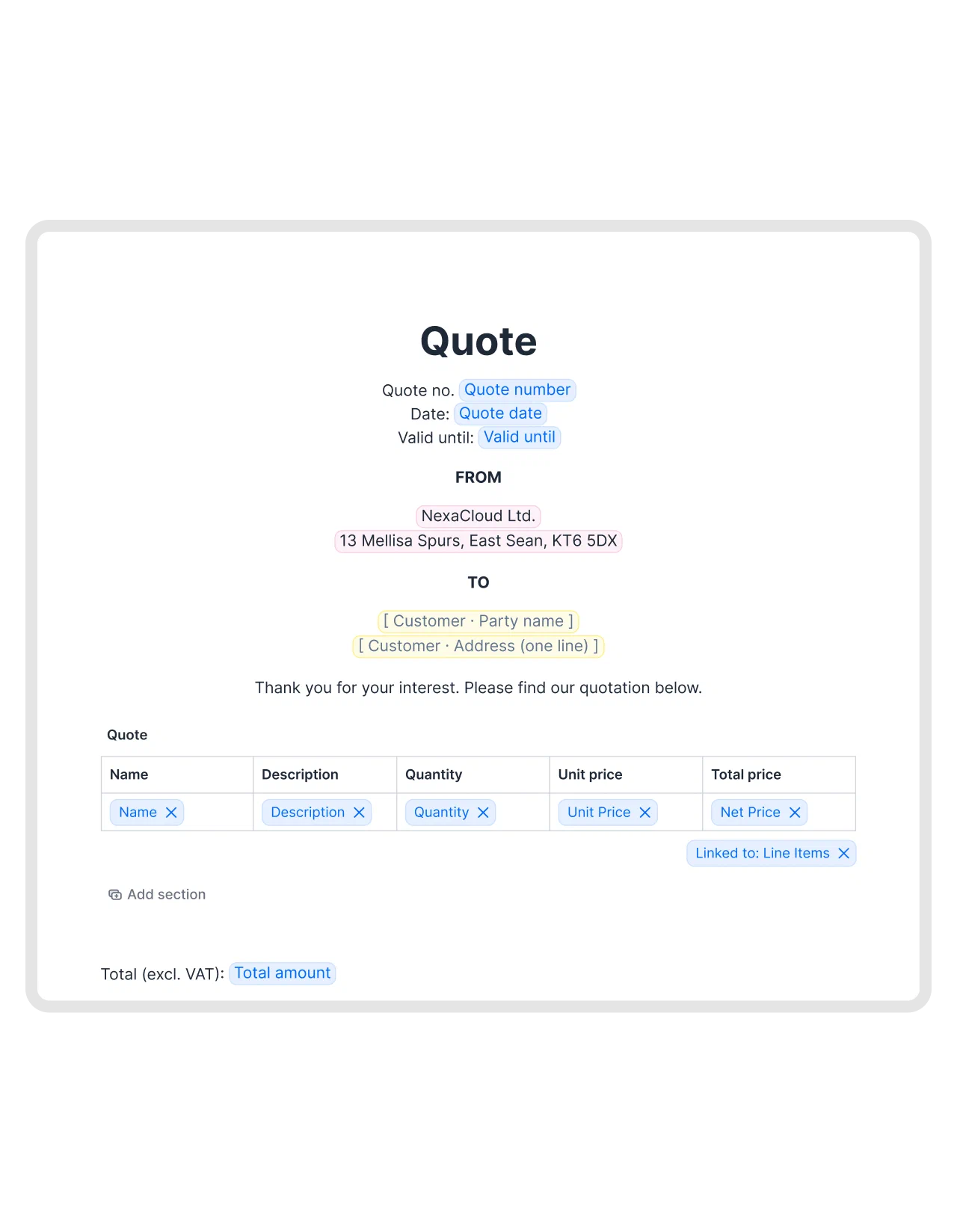
If I go back to document content and scroll down a little, the CRM table is available here. I'll just drag and drop it into the part of the quote where I want the line items to appear.
I can see that the table is already pre-configured with the main fields. The item is linked to the product name and quantity, unit price, and total price are already available as well. You can also add other line item properties if you need them. For this example, these fields are enough. I'll just make a small adjustment here and add the total price at the bottom using the total amount field we already mapped to HubSpot.
Now the template is ready. Just make sure it's published before you move on.
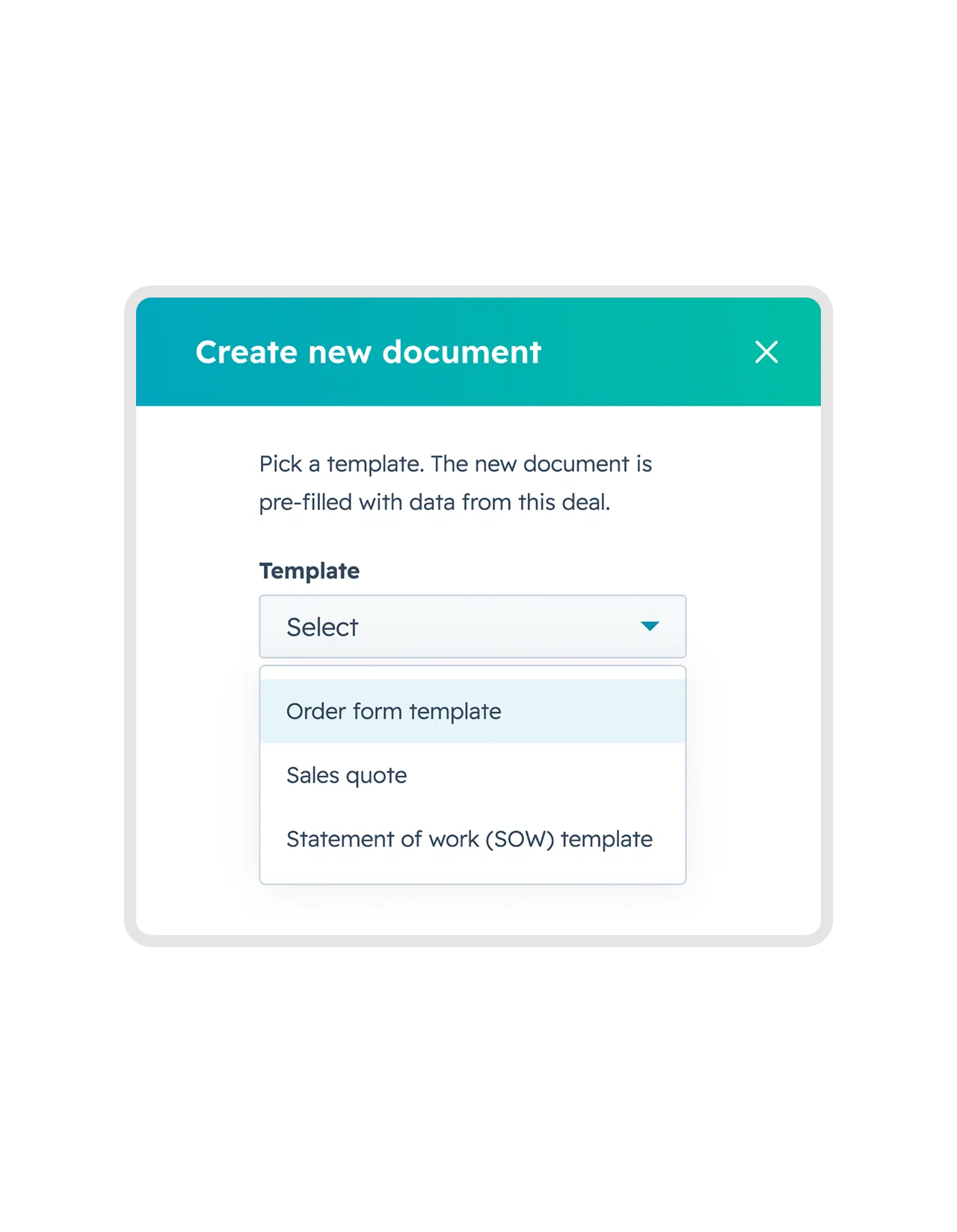
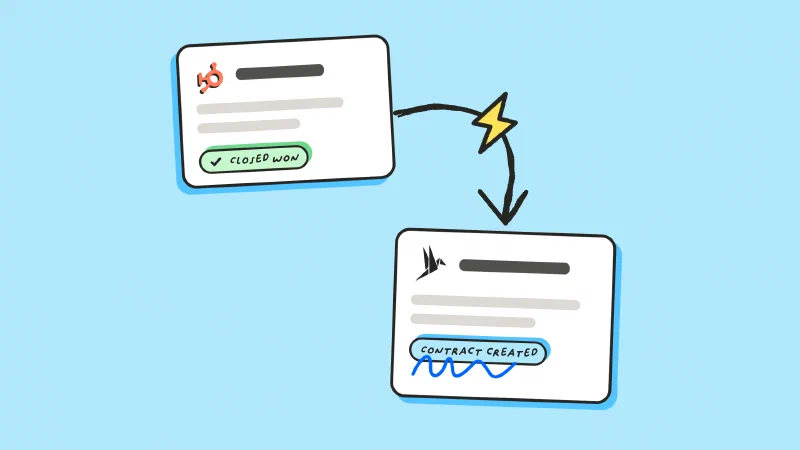
Now let's go to HubSpot and try it out. I already have the deal open that I want to create a quote for. To create the quote, I'll use the Think card on the right and click Create from Template. From the template list, I'll choose my sales quote and click Create from Template.
After a few seconds, the quote is created and it's already in draft.
If I click on it, it opens directly in Fink. The dynamic table has been populated with the three line items from the deal, including their quantities, unit prices, and total prices. The customer information is there as well, and the total amount has also been filled in, so the quote is already populated with the data that was sitting in HubSpot, and that's not the only thing you can do from the integration. If anything changes in the HubSpot deal after the quote is created, you can use sync data to update the document. Document in Think as well. From the same Think card, I can also move the quote to review, invite collaborators, add signatories, and move it to signing. So instead of recreating the quote manually or copying line items between systems, the deal data can flow directly into the document and stay connected throughout the process. That makes it much easier to create accurate quotes and move them forward without leaving HubSpot. I hope this was useful. See you in the next video.
The goal
Turn what sales already built in HubSpot into a quote the customer can sign.
- Add products as line items on the deal
- Bind a CRM table to those line items
- Generate a quote whose totals always match the deal
Sales prices the deal once, in the CRM, and the document follows.

Put the products on the deal
In HubSpot, add each product to the deal as a line item, with its quantity and price. The deal amount is calculated from them, which is what keeps the quote and the CRM in agreement.
Line items are deal-scoped in HubSpot, so this is the one part of the setup that only works from a deal record. Contact and company records can still create documents, they just have no products to read.

Map the deal fields to your template
Open the template you send quotes from and go to data mapping. Order matters here. Choose Deals and map the fields around the table first, because that’s what ties the template to the deal. The CRM table has nothing to read until it is.
| fynk | HubSpot |
|---|---|
| Quote number | Deal → Record ID |
| Quote date | Deal → Create date |
| Valid until | Deal → Close date |
| Total amount | Deal → Amount |
Those four are dynamic fields in the template, including the validity date. Everything around them stays as fixed text in the document editor, so nobody edits your terms or your small print while they’re updating a price.
Then the parties tab. Pick the company linked to the deal and map its name and address. That’s the customer side done.

Add the table and map the line items
Go back to the document content, find the CRM table, and drag it into the spot where the line items belong. It arrives already wired to the deal’s line items:
| fynk | HubSpot |
|---|---|
| Item | Line item → Name |
| Quantity | Line item → Quantity |
| Unit price | Line item → Price |
| Total price | Line item → Amount |
That’s the whole job. You don’t lay out columns by hand, and you don’t map those four either. Add another line item property if you need one, drop a column if you don’t, and put the mapped total amount under the table so the quote adds up.
You do all of this once, on the template. Every quote generated from it reuses the same mapping. And the table binds to the line items as a set, not to a fixed number of rows: three products or thirty, it renders whatever the deal holds on the day the document is created. Publish it before you move on.
Generate and check the quote
Open the deal, hit create from template on the fynk card, and pick your quote.
A few seconds and the quote is in draft. Check the two things that matter:
- The CRM table mirrors the line items exactly, one row each
- The total matches the deal amount
Send it for signature and the customer signs in the browser, with no account to create.
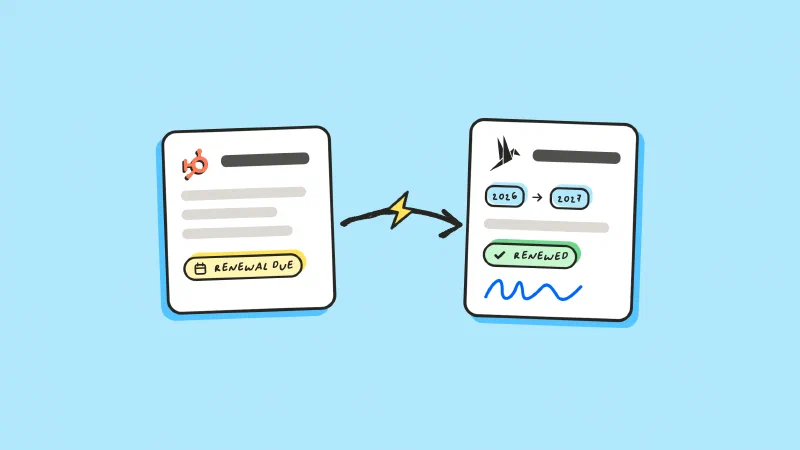
Pricing changed after you drafted it? Fix the line item in HubSpot and hit sync data on the card. The quote picks up the new numbers, so you’re not rebuilding it. Once it’s signed, AI analysis pulls the agreed values back out of the document, so the price sits in a field you can report on. If you send a lot of these, the whole batch can go out in one action.
What makes it fast?
Sales builds the pricing once, in HubSpot
Any number of line items becomes any number of rows
Totals can't drift from the CRM
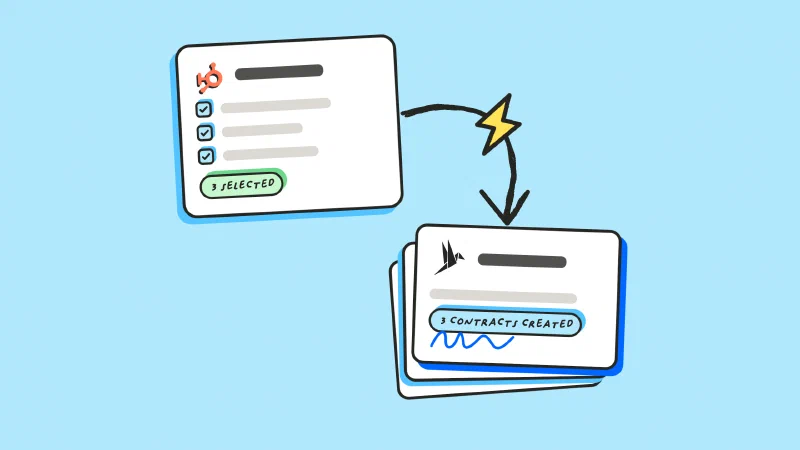
A new quote is one action after a pricing change
"Even when I use the same contract 10 or 20 times, it's still easy to add individual prices and content details for each one."



Frequently asked questions.
You choose which ones to map, from name and description through quantity, unit price, discount and net price. Whatever you map becomes the columns, so the quote can be as detailed or as short as you want.
There's no fixed row count. The CRM table binds to the line items as a set and renders one row per item, so a deal with thirty products produces thirty rows.
Yes. A quote generated in fynk is a signable document with unlimited signatures on every plan, so there's no separate contract step unless your process needs one.
Not on its own, but you can pull the change in. Use sync data on the fynk card and the document takes the latest values off the deal. It stays your call, so a quote already with the customer never shifts underneath them.
Still have questions?


Take control of your agreements. Move your business forward.
Run agreements the way they should run: fast, clear, and on your terms.
No setup headaches
Go live in days, not quarters
No lock-in
Full export anytime
No hidden fees
Signatures included, no envelope fee