Sign
E-signatures and tracking
Organize
Contract management
Boost
AI assistant and AI analysis
Scale
Approvals and automations
Insights
Contract data and dashboards
See all features
AI assistant
AI analysis
AI review
Security & GDPR
eIDAS compliance
Single Sign-On (SSO)
SCIM provisioning
Claude
ChatGPT
HubSpot
MCP server
API
See all integrations
Legal
Finance
Operations
Sales
IT
Procurement
HR
Founders & Owners
See all teams
Finance & Banking
SaaS & IT
Manufacturing
Retail
Energy
Media & Creative
Sports
Construction
e-Commerce
See all industries
Track tools and subscriptions
From a spreadsheet to renewal reminders.
15–20 min · Easy
Contract dashboards with AI
Ask once, get the widgets you need.
5 min · Easy
Organize contracts with AI
Tag and sort a pile of contracts in minutes.
10 min · Easy
See all use cases
Why fynk
About us
Careers
Partnerships
Contact
Case studies
Templates
Blog
Webinars
Use cases
Clause library
Glossary
Business tools
PDF tools
AI for finance teams: 5 questions your contracts can answer
Finance teams use AI to read and prepare: matching invoices, explaining …
Finance teams use AI to read and prepare: matching invoices, explaining variances, and pulling amounts, dates and notice …
Electronic Signature
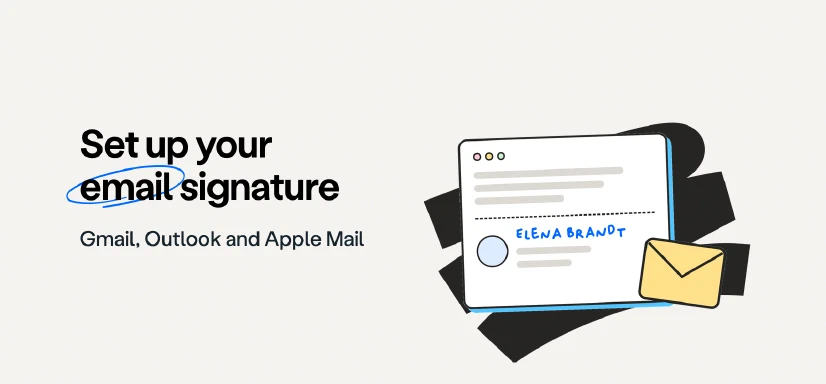
How to set up an email signature in Gmail and Outlook
Step-by-step instructions to add, change and edit your email signature in Gmail, every current version of Outlook (new Outlook, Outlook on the web, classic Outlook, Mac and mobile) and Apple Mail on Mac and iPhone. …
Rezvan Golestaneh
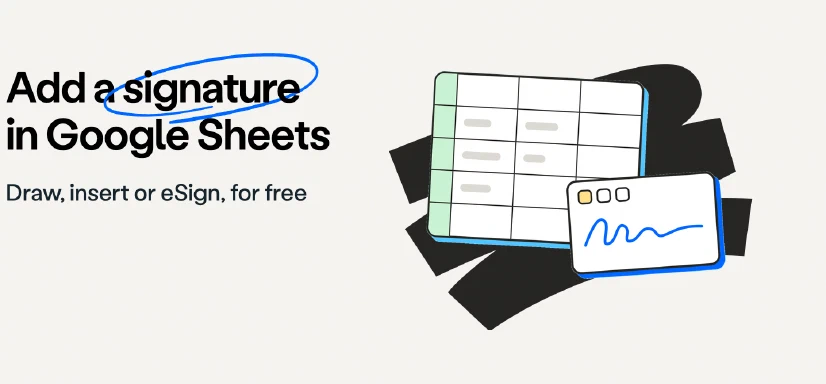
How to insert a signature in Google Sheets: 3 ways
Google Sheets has no built-in eSignature feature. You can draw your signature with Insert > Drawing, insert an image of it in or over a cell, or type your name in a handwriting font. To collect signatures from other …
How to add or insert a signature in Google Docs (free)
There are five ways to add or insert a signature in Google Docs: Google’s built-in eSignature tool (Tools > eSignature, on paid Workspace plans), drawing your signature with Insert > Drawing, inserting an image of your …
How to insert a signature in Excel (free, any device)
To insert a signature in Excel, add an image of your signature over the cell, draw it on the Draw tab, or (Excel for Windows only) add a signature line or an invisible digital signature with a certificate. A typed name …
How to sign a PDF: Mac, Windows, iPhone & Android
You can sign a PDF without printing it on any device: with Preview on a Mac, Acrobat Reader on Windows and Android, Markup on iPhone and iPad. This guide shows the steps for each, explains when a signature image is …
How to insert a signature in Word (free, 6 ways)
To insert a signature in Word, add a picture of your handwritten signature via Insert > Pictures, draw it on the Draw tab, or type your name in a signature font. Word for Windows also has a signature line with a digital …
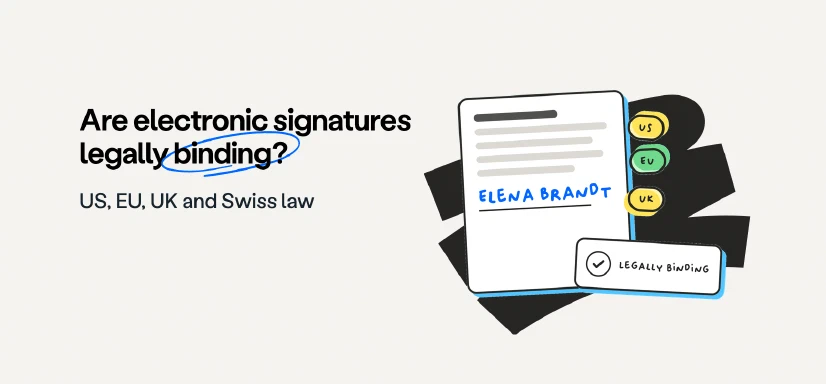
Are electronic signatures legally binding? Laws by country
Electronic signatures can be binding. The applicable law, document and signing procedure determine the result. This guide compares the US federal/state framework, EU recognition and German, Austrian, UK and Swiss …
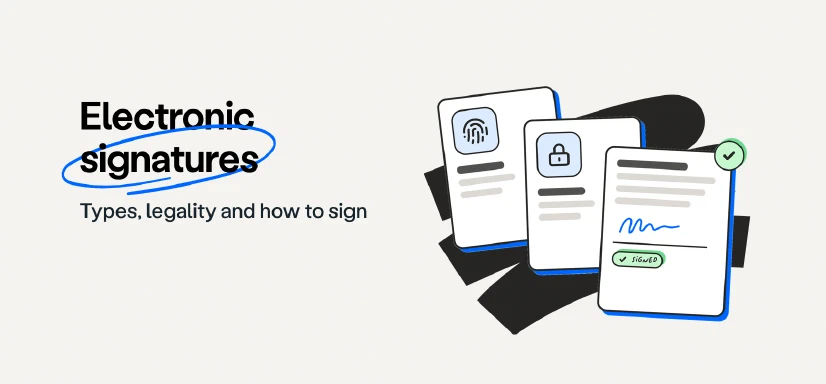
Types of electronic signatures: SES, AES and QES guide
The three types of electronic signatures under EU law (SES, AES and QES), which forms are acceptable, when an eSignature is legally binding, and how to create, send and verify one.
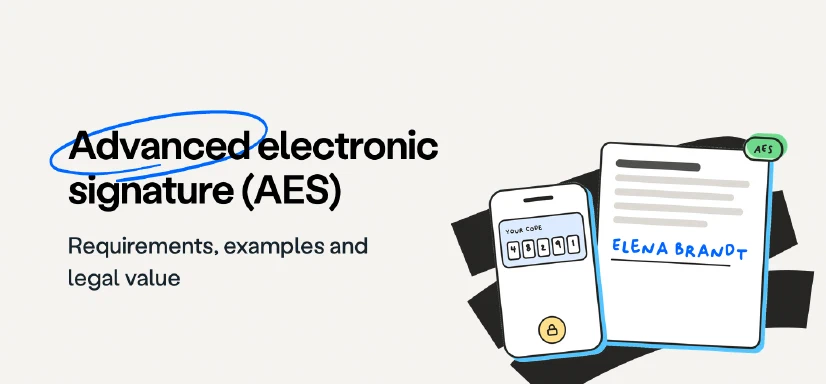
What is an advanced electronic signature (AES)?
An advanced electronic signature (AES or AdES) is the middle of the three eSignature levels defined by the EU regulation eIDAS. It is uniquely linked to the signer, identifies them, and makes any later change to the …
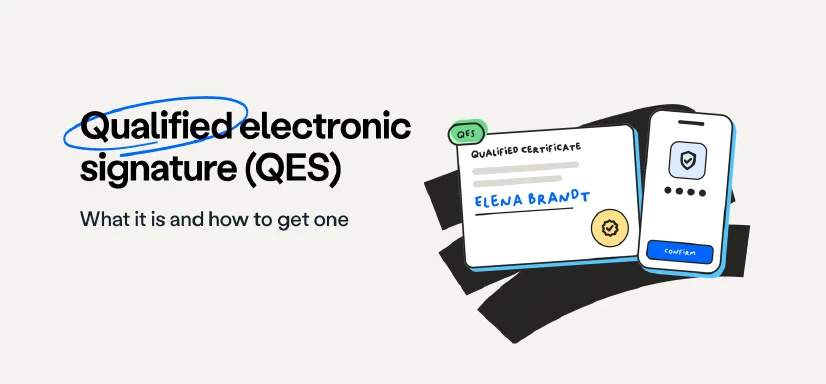
Qualified electronic signature (QES): what it is, how to get one
A qualified electronic signature (QES) is the only type of electronic signature that EU law treats as equivalent to a handwritten one. It needs a qualified certificate from a qualified trust service provider and a …
What is a simple electronic signature (SES)?
A simple electronic signature (SES) is any electronic mark you use to sign: a typed name, a signature drawn on a screen, a ticked box or a scanned signature image. It is the fastest way to sign everyday documents and it …