
How contracts are usually signed

Felix Scholz
Updated · Published · 10 min read
Signing a contract used to mean one thing: everyone sits at a table, or the paper travels by post until it carries every signature. Today most contracts are signed on a screen, and the paper version is the exception. This guide covers the ways contracts are signed now, which one fits which document, and the practical questions that come up every time: who signs first, where the signature goes and how to sign for a company.
Contracts are usually signed by every party writing or applying a signature in the signature block at the end of the document, together with their name, title and the date.
- Most business contracts are now signed with an electronic signature through an e-signature platform. That is legally valid in the US, the UK, the EU and most other countries.
- Paper and ink are still used for documents that legally require them, such as wills and UK deeds, and when a party insists on a wet signature.
- A qualified electronic signature (QES) is needed in the EU where the law asks for written form, for example a fixed-term employment contract in Germany.
- There is no legal rule on who signs first. The contract is usually concluded once the last party has signed.
- Signing a contract
- The act by which a party shows that it agrees to be bound by the terms of a contract, usually by putting a signature on it. The signature itself is evidence of that agreement: most contracts are binding once the parties have agreed, even without a signature, but a signed document is what proves who agreed to what. A contract signed by all parties is called executed or countersigned; in everyday language it is simply a signed agreement.
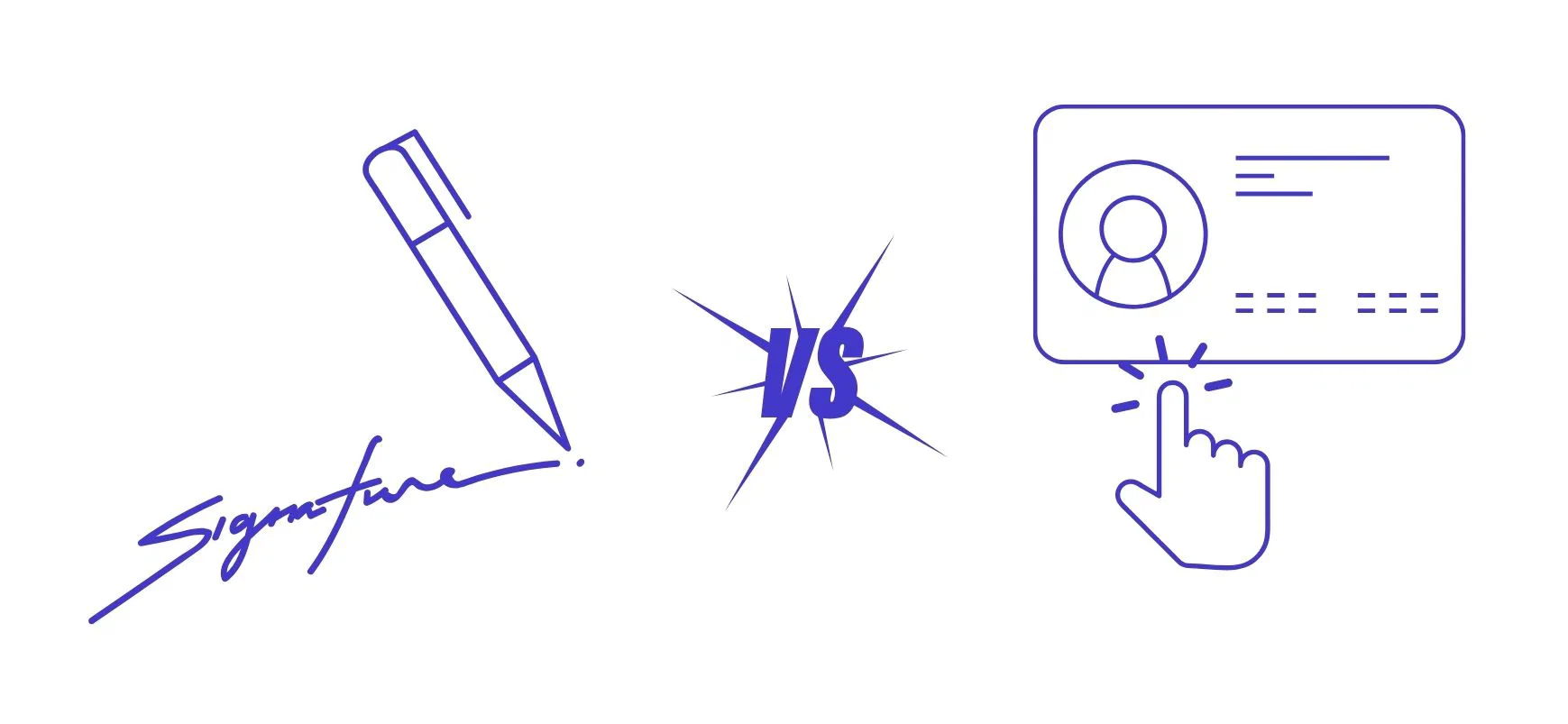
The 6 ways to sign a contract
| Method | How it works | Legal weight | Typically used for |
|---|---|---|---|
| 1. Wet ink, in person | Everyone signs the same paper copy with a pen | Full; it is the reference every other method is measured against | Wills, deeds, notarised documents, signing meetings for large deals |
| 2. Print, sign and scan | One party prints, signs by hand, scans and emails the PDF | Usually valid, but the PDF is a copy and pages can be swapped unnoticed | Ad hoc contracts when nobody has an e-signature tool |
| 3. E-signature platform (SES or AES) | The platform emails each signer a link; they sign in the browser and get the signed PDF with an audit trail | Valid for most contracts; an advanced signature is harder to deny | Sales, NDAs, service and SaaS agreements, employment contracts, purchase orders |
| 4. Qualified electronic signature (QES) | The signer’s identity is verified once, then a certificate-based signature is applied | In the EU, equal to a handwritten signature | Contracts that need written form under EU national law |
| 5. Click to accept | The user ticks a box or clicks “I agree” | Valid for standard terms if the terms were shown before acceptance | Website terms, software licences, online orders |
| 6. Witnessed or notarised | A witness or notary watches the signing and confirms it | Required where the law demands it | Property transfers, UK deeds, powers of attorney, GmbH share transfers |
1. Wet ink, in person
The classic way: the parties meet, sign the same copies with a pen and each take one home. Large transactions sometimes still close this way at a signing meeting. It is slow when the parties are far apart, and the original paper has to be stored and found again later. Our wet signature guide lists the documents that still need ink.
2. Print, sign and scan
Still common for one-off contracts: print the PDF, sign it, scan it and send it back. A scanned signature is generally valid, but it is weak evidence. The scan is only a copy, there is no record of who signed it or when, and nothing shows whether the other pages were changed. If you use this method for anything important, initial every page.
3. Electronic signature through a platform
This is how most business contracts are signed today. The sender uploads the contract or creates it from a template, places signature fields, adds the signers and sends it. Each signer gets an email, opens the document in the browser, signs by typing, drawing or clicking, and everyone receives the signed PDF.
The advantage over a scan is the evidence: an audit trail records who opened and signed the document, when and from where, and a seal on the final PDF shows whether it was changed afterwards. Under the EU’s eIDAS rules this is a simple electronic signature (SES), or an advanced electronic signature (AES) when the signer is identified more strongly, for example with a code sent to their phone or a national eID such as BankID or MitID.
4. Qualified electronic signature (QES)
A qualified electronic signature is the only electronic signature that has the same legal effect as a handwritten one across the EU (eIDAS Art. 25(2)). You need it where national law requires written form and allows the electronic form to replace it, such as a fixed-term employment contract in Germany (§ 14(4) TzBfG). The signer verifies their identity once, by video or with an ID card, before signing.
5. Click to accept
Online terms, software licences and web orders are concluded by clicking a button or ticking a box. This is called a clickwrap agreement. It is binding as long as the terms were clearly shown before the click and the click clearly means acceptance. It suits standard terms, not negotiated contracts.
6. Witnessed or notarised signing
Some documents need a third person. A witness watches the signing and signs to confirm it; English law requires one for deeds, and the witness must be physically present. A notary verifies identity and, in civil-law countries, often has to record the whole contract, as with property purchases or the transfer of GmbH shares in Germany. These requirements are set by law and cannot be replaced by an ordinary e-signature.
Which signature does your contract need?
Start from what the law requires, then ask how much proof you might need in a dispute.
| Situation | What to use |
|---|---|
| No form requirement (most commercial contracts) | Simple or advanced e-signature |
| High value or a dispute is likely | Advanced e-signature, or QES in the EU |
| The law requires written form and allows electronic form (EU) | QES or ink |
| The law excludes electronic form (e.g. German employment terminations, § 623 BGB) | Ink only |
| Deed under English law | Signature in front of a physically present witness |
| Property, will, certain company law steps | Ink, witness or notary, as local law requires |
In the US, the ESIGN Act and UETA also let an electronic signature satisfy the statute of frauds, the rule that certain contracts (such as land sales, contracts that cannot be performed within a year, and sales of goods for $500 or more) need a signed writing.
Where do you sign a contract?
Signatures go in the signature block, usually at the end of the contract. A complete signature block contains:
- the party’s name, as it appears at the top of the contract,
- the signature,
- the signer’s printed name and title,
- the date of signing, and sometimes the place.
The date of signing is not automatically the date the contract takes effect. If the contract should start earlier or later, say so with an effective date or a commencement date.
Initialling every page is not a legal requirement in most countries. It is a precaution against pages being swapped in a paper contract. Initial any handwritten change, too, so it is clear both sides agreed to it. With an e-signature platform, the seal on the signed PDF does the same job for the whole document.
Who signs a contract first?
The law does not say. In practice:
- The party that drafted the contract often lets the other side sign first and then countersigns. That way it never commits to a version the other side might still change.
- For employment contracts and customer agreements, the company often signs first to show the offer is approved, then sends it for the second signature.
- The contract is usually concluded when the last required party signs and the others learn of it. Until then, the first signer’s signature works like an offer.
With several signers, a signing order lets you route the contract automatically: internal approvers first, then the customer, then your own signatory. Our guide to signatories, signers and signees explains the roles.
How to sign a contract on behalf of a company
A company signs through people who are authorised to act for it: directors, officers, authorised signatories or someone holding a power of attorney. The signature block should make clear that the person signs for the company, not personally:
Acme Inc.
By: [signature]
Name: Jane Doe
Title: Chief Executive Officer
Date: 9 October 2026
Before you sign, check that you actually have the authority; the counterparty can ask for proof. Our guide to the authorised signatory covers who may sign and what happens without authority. For abbreviations such as p.p. and “on behalf of”, see how to sign on behalf of others, and for signing as an agent under a power of attorney, see how to sign as power of attorney.
Signing in counterparts
When the parties cannot sign the same document, they can each sign a separate copy. A counterparts clause states that all copies together form one contract. This is how many deals are closed by email: each party signs its own signature page and sends the PDF. With an e-signature platform, everyone signs the same electronic document, so counterparts become unnecessary.
Checklist before you sign a contract
- Read the whole document, including attachments and the terms it refers to.
- Check the parties’ names, addresses and registration numbers.
- Make sure every blank is filled in and every agreed change made it into the final version.
- Confirm you have the authority to sign, and in which capacity.
- Check whether the contract needs a particular form: QES, witness or notary.
- Sign in the signature block with your name, title and the date. Initial handwritten changes.
- Get a copy signed by all parties and store it where you can find it again, together with its deadlines.
How to sign a contract electronically with fynk
- Create or upload the contract. Start from a template with dynamic fields or upload a PDF or Word file.
- Get internal approval. Route the draft to legal or finance with an approval workflow before it goes out.
- Add the signatories and, if needed, the signing order.
- Send it for signature. Each signer gets an email and signs in the browser on any device, without an account.
- Track and store. You see who has signed, and the executed contract is stored with its audit trail and its renewal and notice dates.
This time, send and sign contracts
stress-free.
FAQ
Most business contracts are now signed electronically: an e-signature platform sends the document to each signer, collects their signatures and stores the signed copy with an audit trail. Paper and ink are still used where the law or the other party requires them, for example for wills, deeds and notarised documents.
A signed agreement is a contract that the parties have signed to show they accept its terms. Once every required party has signed, it is called executed. The signatures are the main evidence of who agreed to what and when, whether they were made in ink or electronically.
Not always for the contract to exist: many contracts are binding once both sides agree, even orally or by conduct. But without both signatures it is much harder to prove what was agreed, and some contracts must be signed to be enforceable, such as those covered by the statute of frauds in the US or written-form rules in the EU. In practice, every party should sign.
There is no legal rule. Often the party that drafted the contract lets the other side sign first and countersigns last, so it never commits to a version that might still change. The contract is usually concluded when the last required party has signed.
Yes, for most contracts. The ESIGN Act and UETA in the US, eIDAS in the EU and the Electronic Communications Act 2000 in the UK all recognise electronic signatures. Exceptions are documents with a special form requirement, such as wills, some real estate documents and, in Germany, employment terminations.
Usually yes, because it shows the intention to sign. It is weak evidence, though: the scan is only a copy, and it does not show who signed, when, or whether other pages were changed afterwards. An e-signature with an audit trail is easier to rely on.
In most countries, no. Initialling every page is a precaution against pages being swapped in a paper contract. You should initial handwritten changes, so it is clear both parties accepted them. A sealed e-signed PDF makes initials unnecessary.
An executed contract is one that all required parties have signed. From that point it is in force, unless it names a later effective date or depends on a condition.
Yes. E-signature platforms work in the mobile browser: you open the link from the email, review the document and sign by typing or drawing your signature. The result is as valid as signing on a computer.
Please keep in mind that none of the content on our blog should be considered legal advice. We understand the complexities and nuances of legal matters, and as much as we strive to ensure our information is accurate and useful, it cannot replace the personalized advice of a qualified legal professional.




Get a regular dose of insightful contract management content


Take control of your agreements. Move your business forward.
Run agreements the way they should run: fast, clear, and on your terms.
No setup headaches
Go live in days, not quarters
No lock-in
Full export anytime
No hidden fees
Signatures included, no envelope fee