
Contract management vs document management: DMS or CLM?

Dominik Hackl
Updated · Published · 8 min read
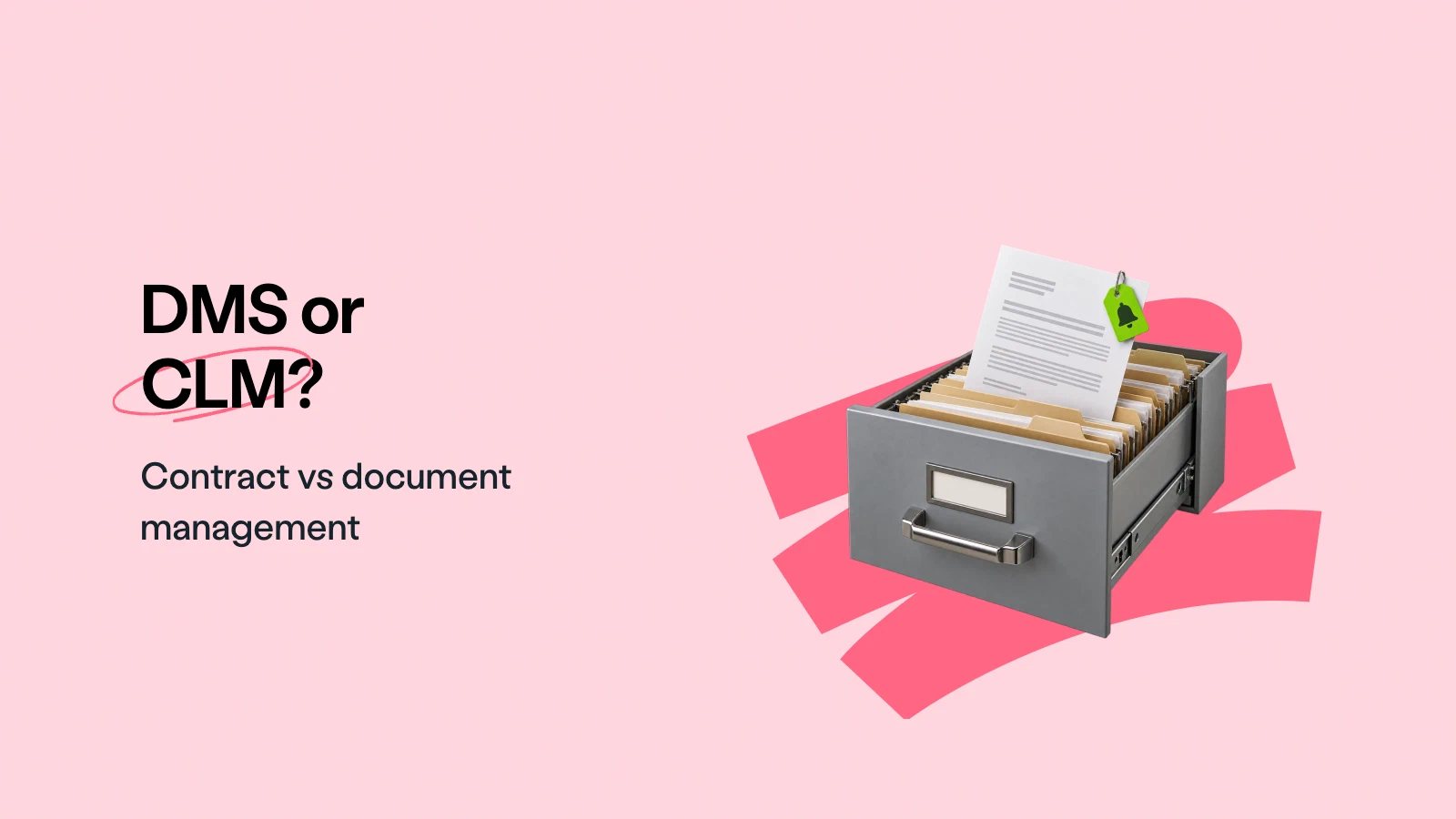
Both systems store documents, control access and keep versions. That is why the terms get mixed up, and why so many companies keep their contracts in SharePoint, Google Drive or another document management system. The difference shows after signing: a DMS knows where a contract is, a contract management system knows what it says and what you have to do about it.
Document management organizes and stores any kind of file: folders, versions, permissions and search. Contract management (CLM) runs the whole life of a contract: drafting from templates, approvals, negotiation, signature, then tracking dates, obligations and renewals.
- Use a DMS for company-wide files such as policies, project documents, invoices and records.
- Use a CLM as soon as contracts carry deadlines, renewals, approvals or risk you need to control.
- Can a DMS manage contracts? It can store them and, with custom fields and workflows, track a few dates. It cannot draft from contract templates, enforce approvals before signing, extract contract terms or remind you of notice periods without a lot of manual setup and upkeep.
Most growing companies use both: the CLM for contracts, the DMS for everything else.
What is contract management and document management?
Document management is the process of capturing, organizing, storing and retrieving documents of any kind, whether scanned paper, electronic files or records. Its question is: where is this file, which version is current, and who may see it?
Contract management is the process of creating, negotiating, approving, signing and then managing contracts until they end or renew. Its question is: what did we agree, what do we have to do, and by when? It includes elements a DMS does not cover, such as negotiation, risk management, obligation tracking and compliance. When the process covers every stage from request to renewal, it is called contract lifecycle management (CLM).
Standard features and differences of contract management vs. document management
The table compares a typical document management system with a typical contract management system.
| Document management system (DMS) | Contract management system (CLM) | |
|---|---|---|
| Purpose | Store, organize and find any document | Create, sign and manage contracts through their lifecycle |
| Documents handled | All types: policies, invoices, project files, records | Contracts and their annexes, amendments and related files |
| Data model | File name, folder, author, dates, tags | Parties, contract value, start and end dates, notice periods, renewal terms, owners |
| Creation | Upload or create a blank file | Templates with dynamic fields, conditional clauses, AI drafts |
| Collaboration | Co-editing and comments, mainly internal | Redlining and negotiation with the counterparty |
| Approvals | Generic workflows, if configured | Approval rules by contract type, value or risk, enforced before signing |
| Signatures | Usually via a separate e-signature tool | Built-in e-signatures with signing order and status tracking |
| After signing | File is stored | Obligations, deadlines and renewals are tracked with reminders |
| Search | File names, folders, full text | Contract fields, clauses, plain-language questions |
| AI | General search and summaries, depending on the product | Extraction of contract terms, review against a playbook, contract-specific search |
| Reporting | Storage and activity statistics | Contract value, renewals, cycle times, risk |
| Audit trail | File versions and access log | Every view, edit, approval and signature on the contract |
| Typical owner | IT or operations | Legal, sales, procurement, finance |
In short: a DMS is horizontal, built for every document in the company. A CLM is vertical, built for one document type that carries legal and financial obligations.
What is a document management system?
A document management system (DMS) captures, stores, retrieves and manages documents in one central place. Its main goal is organization: employees find the right file quickly, work on the current version and stop sending attachments by email.
Most DMS platforms track details such as creation date, author, last editor, tags and file size, and let you sort and filter by them. Permissions decide who can view, edit or restore earlier versions. Many add retention policies, OCR for scanned paper and basic workflows.
The benefits of a DMS include:
- Efficiency: employees find information quickly.
- Compliance: retention rules and access logs help meet record-keeping requirements.
- Security: permissions and encryption protect sensitive files.
- Lower costs: less paper, less physical storage.
For more on the concept, see digital document management.
What is a contract management system?
A contract management system is software built for the contract lifecycle. It stores contracts in a central repository, but its focus is on what happens before and after storage: creating, negotiating, approving and signing contracts, and then tracking what they require.
Typical capabilities:
- Templates: legal defines approved templates once; sales or procurement create contracts from them without starting from scratch.
- Collaboration and negotiation: an online editor with comments and redlining replaces emailed Word files and version confusion.
- Approvals: the right approvers are added automatically, and a contract cannot be signed until all of them have approved.
- Electronic signatures: contracts are signed in the same system, with signing order, reminders and status tracking.
- Contract data: dates, values, parties and owners are stored as fields, entered by hand or extracted by AI.
- Tracking and reminders: notice periods, renewals and obligations trigger tasks before they are due.
- Dashboards and reporting: a live view of what is up for renewal, what is waiting for approval and where risk sits.
Contract management software helps organizations:
- automate contract creation
- manage renewals, amendments and terminations
- keep one central repository for all contracts
- improve compliance and reduce legal risk
- shorten the time from request to signature
For a deeper look at the process side, see the contract management process and our contract lifecycle management best practices.
Can a document management system do contract management?
Partly. A DMS can store contracts securely, keep versions and control access. Many DMS platforms also let you add custom metadata columns and simple automated workflows, so with some effort you can record an end date and send an email before it.
What you end up with is a do-it-yourself contract tracker that someone has to build and maintain. The gaps usually show in five places:
- No contract data by default. Someone has to read each contract and type in parties, dates, notice periods and values. A CLM extracts them, for example with AI import.
- Notice periods are not end dates. A reminder on the end date is too late if the contract required three months’ notice. Contract systems track end dates, renewals and notice periods together and remind you before the notice deadline.
- No controlled drafting. A DMS stores whatever Word file people upload, including old templates and unapproved changes.
- Approvals are not tied to signing. Generic workflows can route a file for review, but they do not stop someone from sending an unapproved contract for signature.
- No negotiation with the other side. Redlining with the counterparty still happens by email, outside the system.
A simple test: if your DMS cannot tell you which contracts you must cancel by the end of next month, it is storage, not contract management. Our guide to contract repository management explains what a contract repository needs beyond a folder structure.
Which system should I use?
It depends on what you need to control.
A DMS is enough when:
- you have few contracts, mostly without renewals or ongoing obligations
- contracts are rarely negotiated and come mostly from the other side
- your main need is secure storage and finding files
You need contract management when:
- you sign contracts regularly and create them from your own templates
- contracts auto-renew or have notice periods you must not miss
- several teams (legal, sales, procurement, finance) work on the same contracts
- approvals must happen before signing, and you need to prove they did
- you want to know what is in your contracts without opening each file
Use both when you already run a DMS for company records. Keep contracts and their workflows in the CLM, and let signed copies flow into the DMS automatically if your records policy requires it. In fynk, for example, you can save signed contracts to Google Drive automatically through Zapier, so the DMS stays complete without anyone filing by hand.
If you decide on a contract management system, see how fynk’s contract management software covers drafting, approvals, signatures and reminders in one place, and use our guide to digital contract management to plan the switch.
It’s about time your documents
find a home.
FAQ
Document management stores and organizes any kind of file, with folders, versions, permissions and search. Contract management covers the whole contract lifecycle: drafting from templates, approvals, negotiation, signing and tracking obligations, deadlines and renewals after signing.
You can store contracts in a DMS, and with custom fields and workflows you can track a few dates. A DMS does not draft from contract templates, enforce approvals before signing, extract contract terms or calculate notice deadlines, so it works for a small number of simple contracts but not for an active contract portfolio.
Not on its own. SharePoint is primarily a document management and collaboration platform. Companies use it for contracts by adding metadata columns, automated workflows or add-ons, which takes setup and ongoing maintenance. A dedicated contract management system covers templates, approvals, signatures and renewal tracking as standard.
No. A document management system stores any file. A contract repository is built for contracts and stores each one with its key data, such as parties, dates, value and renewal terms, which it uses for search, reminders and reporting.
Many companies use both. The contract management system handles contracts from creation to renewal, and the DMS holds all other company records. Signed contracts can be copied to the DMS automatically if your records policy requires it.
CLM stands for contract lifecycle management. CLM software manages contracts through every stage: request, drafting, review and approval, negotiation, signature, storage, obligation tracking and renewal or expiry.
Please keep in mind that none of the content on our blog should be considered legal advice. We understand the complexities and nuances of legal matters, and as much as we strive to ensure our information is accurate and useful, it cannot replace the personalized advice of a qualified legal professional.



Get a regular dose of insightful contract management content



Take control of your agreements. Move your business forward.
Run agreements the way they should run: fast, clear, and on your terms.
No setup headaches
Go live in days, not quarters
No lock-in
Full export anytime
No hidden fees
Signatures included, no envelope fee