


Pipedrive contract management, straight from the deal.
Turn any Pipedrive deal into an offer or contract on your approved template, with the customer and the numbers already filled in. Approve it, sign it, and keep every value searchable.


The Pipedrive connector is built into fynk.
No marketplace app to buy and nothing to install. Link a private Pipedrive app once, and every template can use your deal data.




Pipedrive sells. fynk writes it down properly.
Your pipeline already knows who the customer is and what they bought. Copying that into a Word file by hand is how typos end up in signed contracts.
"This is quite a step forward because you are saving resources and you're giving the responsibility to the salesperson itself."
 Offers in minutesGet a demo
Pick the deal. Get the offer.
Choose a template, type the deal name, and the offer opens with the customer, the contact person and the deal value in place. Sales sends it the same afternoon instead of waiting for someone to retype it. That’s how fynk’s own sales team writes every proposal."Our sales team also creates offers directly in fynk via the Pipedrive integration, using data from our CRM."
Mark Legal Counsel at Nordwert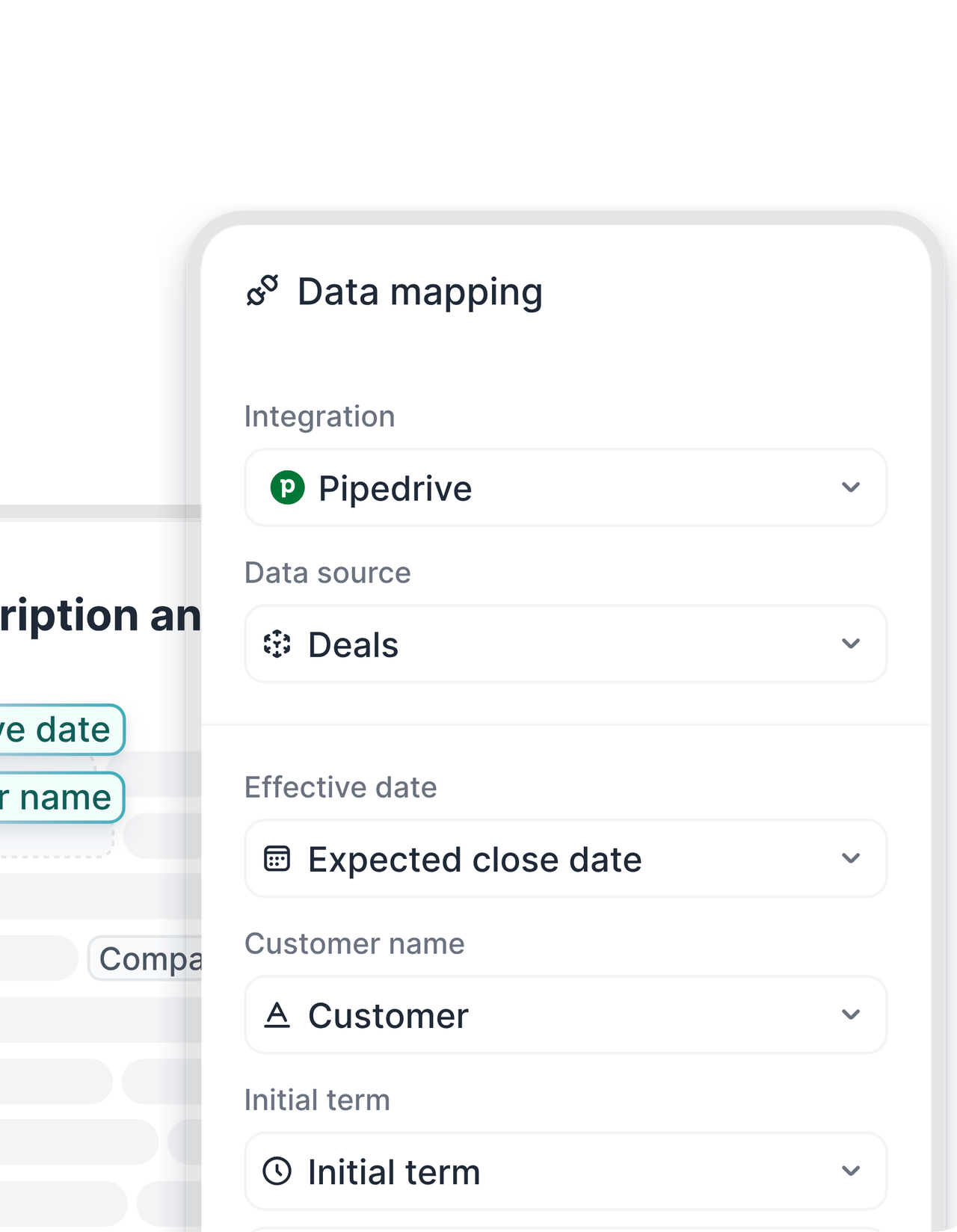 Linked templatesLearn more
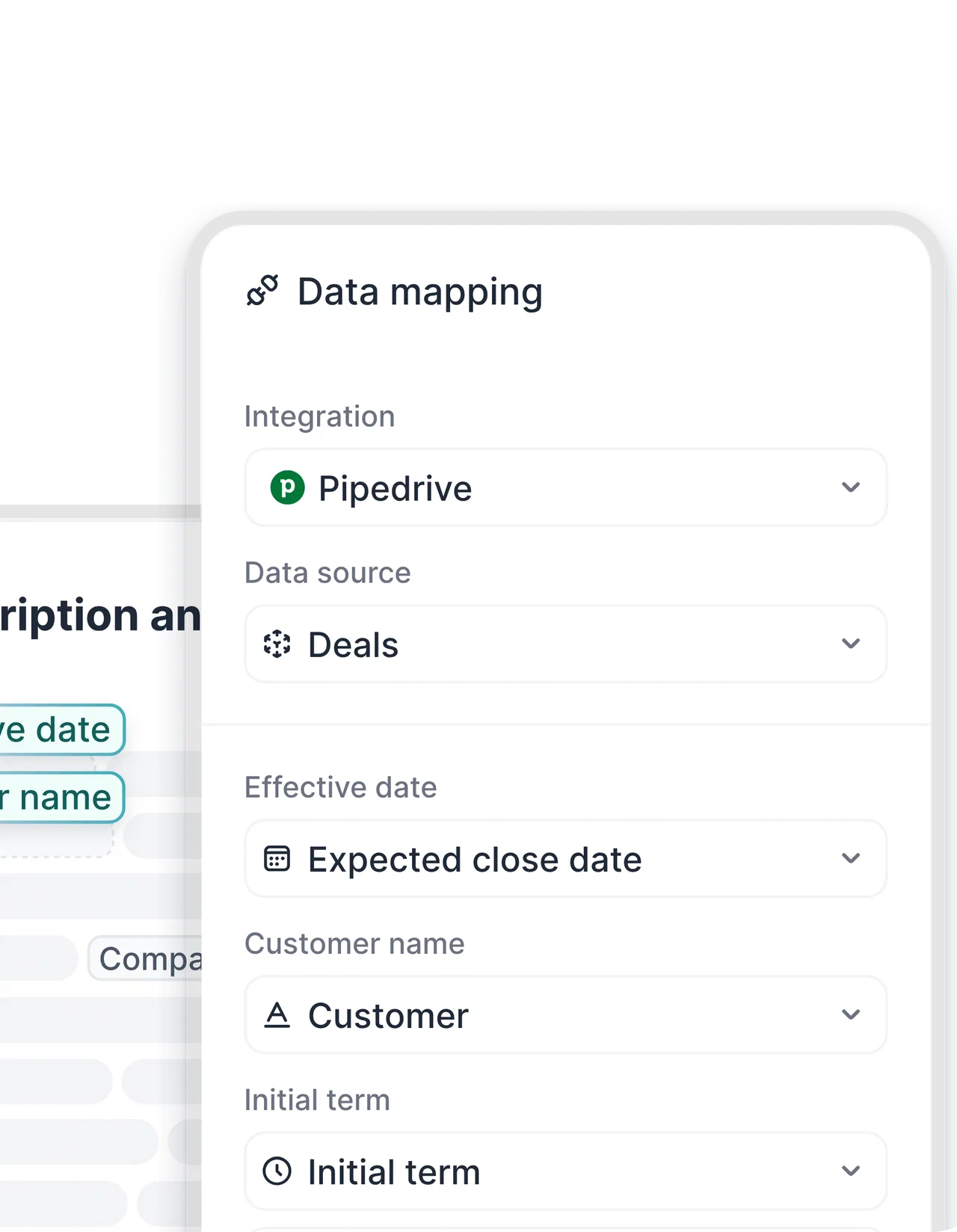
Set the mapping once. Every offer after that is filled for you.
In the template’s data mapping, you decide which Pipedrive fields go where: deal values into the text, the organization and person into the parties, key numbers into metadata, even the document name. Legal owns the wording. Pipedrive only supplies the facts."fynk helped us lock down contract terms so deals could no longer be signed without proper control. This protects the company when consultants are under pressure from clients to make exceptions."
 Harald R. Fortmann Founder & Managing Director of five14
 Deal changedLearn more
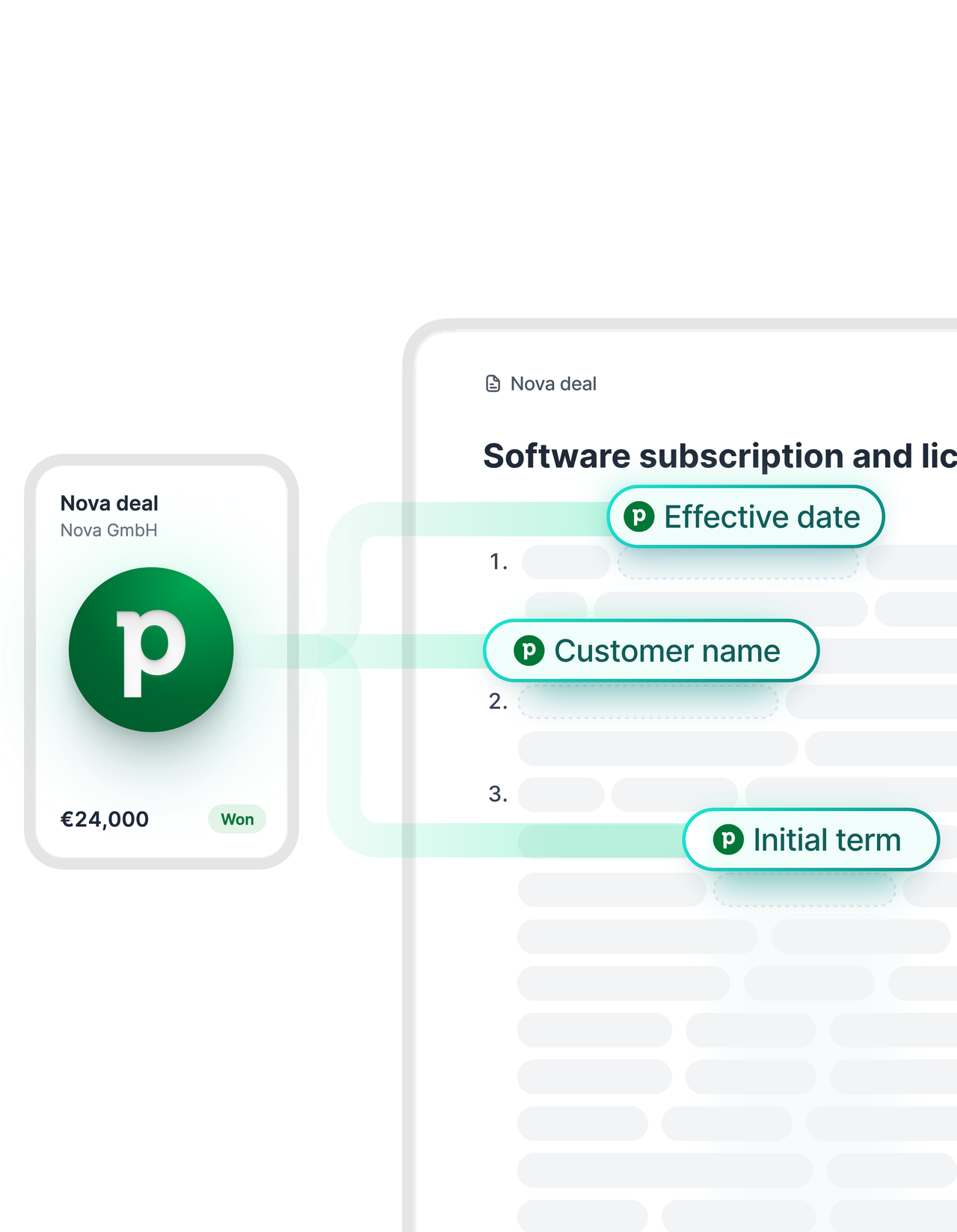
New price in Pipedrive? One click and the draft agrees.
Negotiations move. When the discount or the start date changes in the deal, hit reload in the document sidebar and the contract picks up the latest values. No second version, no “which file is current” thread.FEATURES


Skip the click. Let the deal stage start the contract.
With Zapier, a deal that reaches the stage you pick creates the document in fynk on its own. Others send the contract out for signing in the same step, attach the signed PDF to the deal, or mark it won and tell the team in Slack.
 Products and pricesLearn more
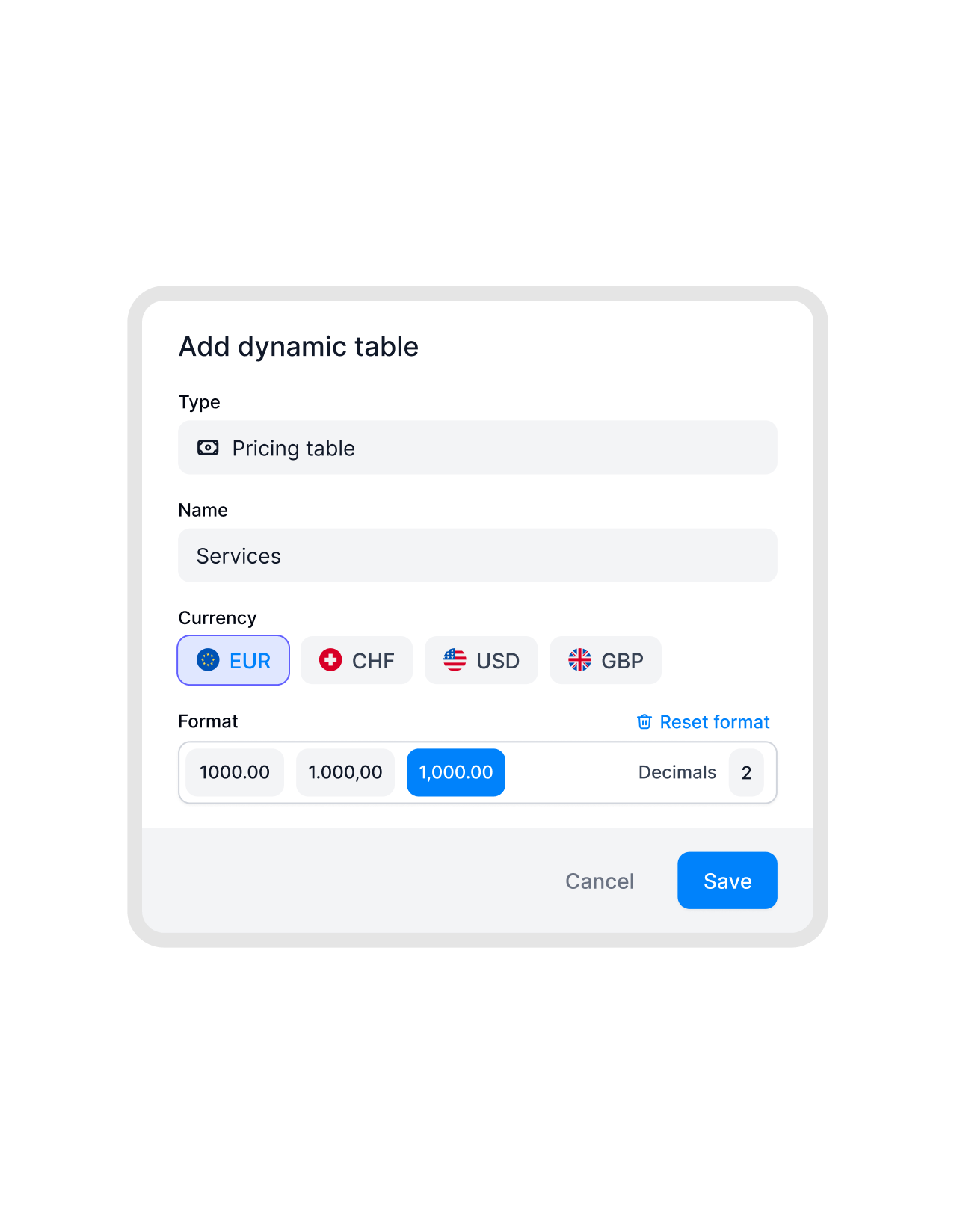
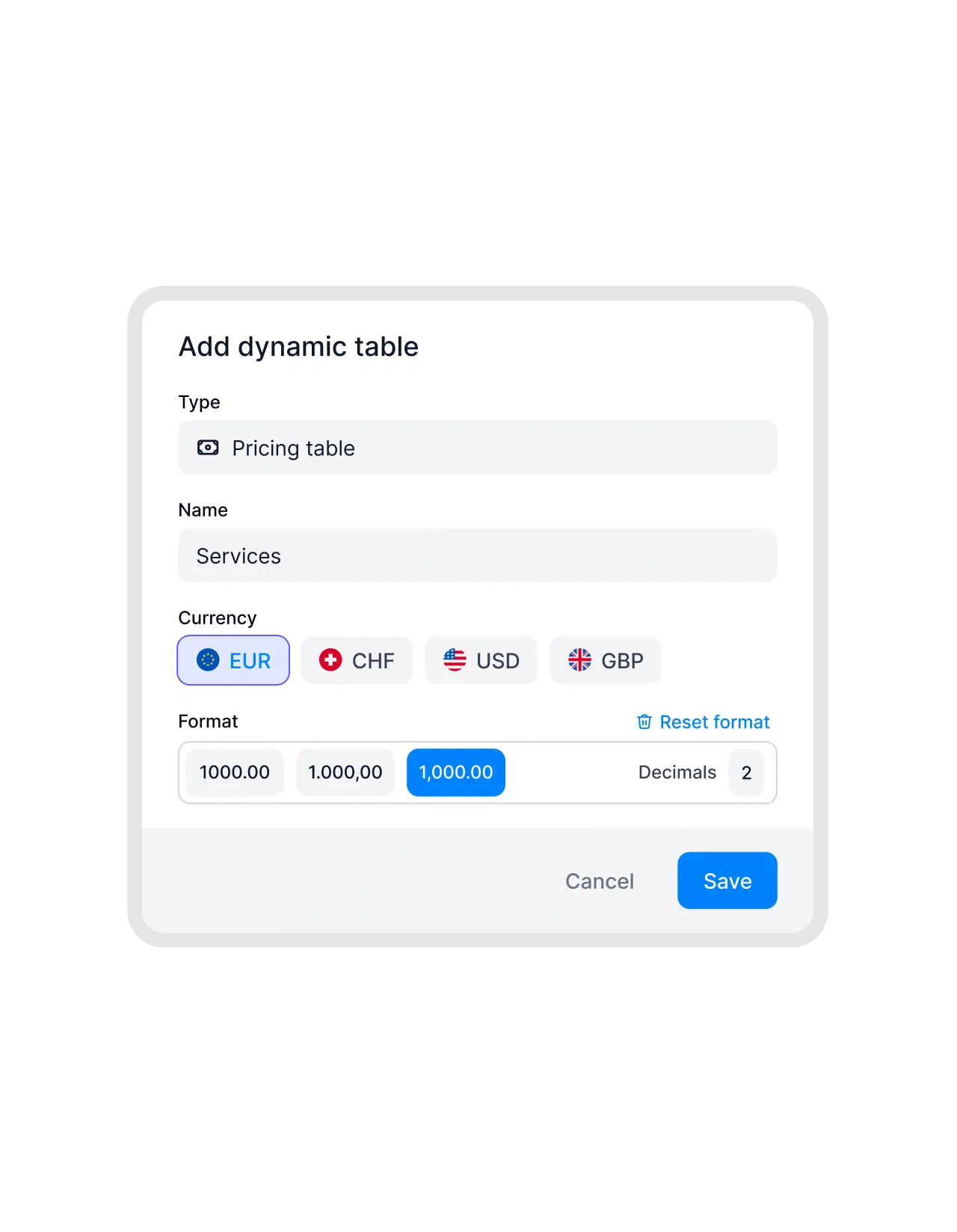
The line items from the deal, already in the price table.
Add a table to the template, link it to Pipedrive, and the products on the deal fill the rows with quantities and prices, formatted in the template’s currency. Recurring fees and one-off setup costs sit in one quote, the way your customers actually buy.FEATURES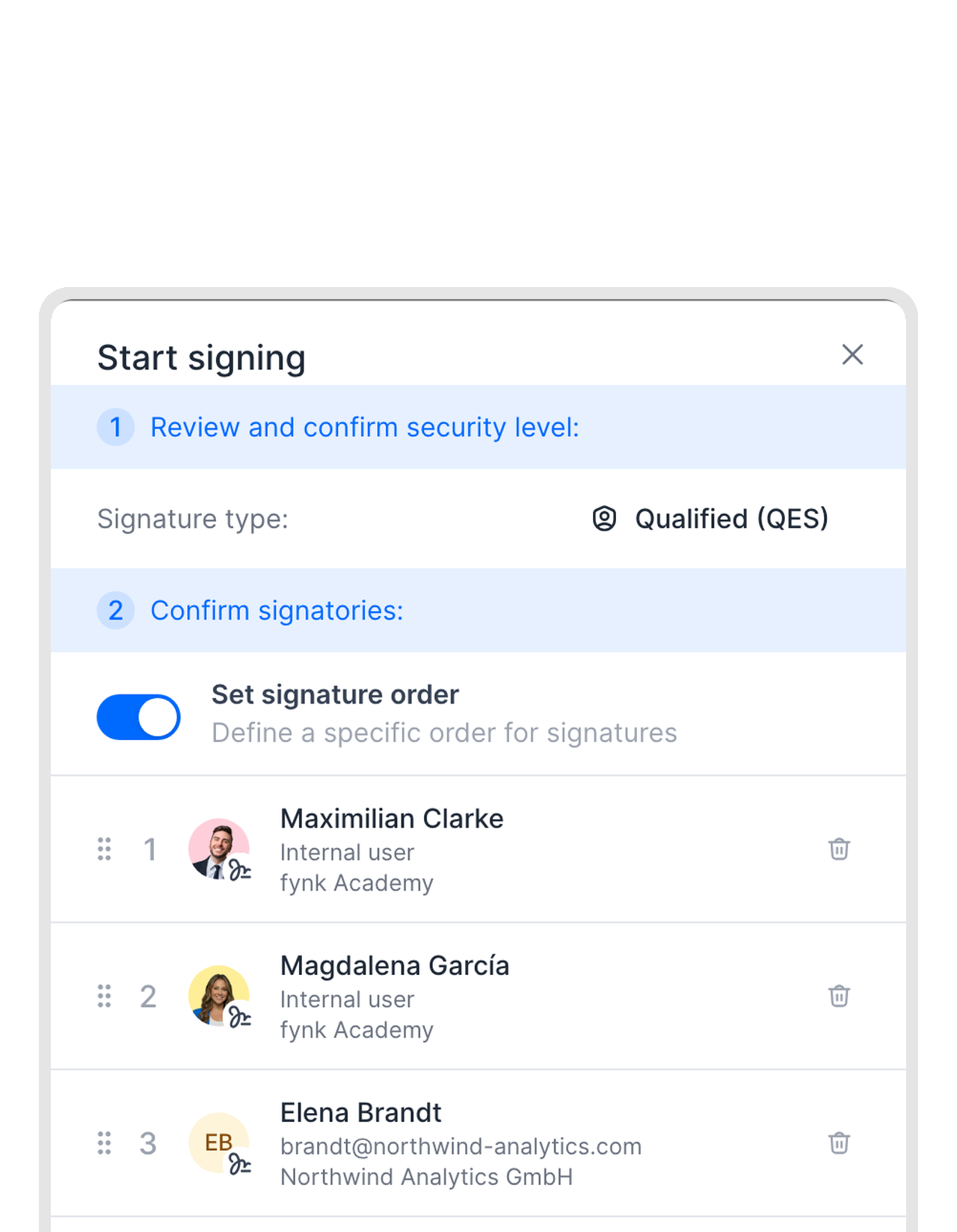 Signing includedLearn more
Pipedrive e-signature, without paying per envelope.
Simple, advanced and qualified electronic signatures come with every fynk plan, so the contract goes from offer to signed in the same place. Set the signing order, and fynk chases the customer for you. Many teams drop their separate e-signature tool after the switch.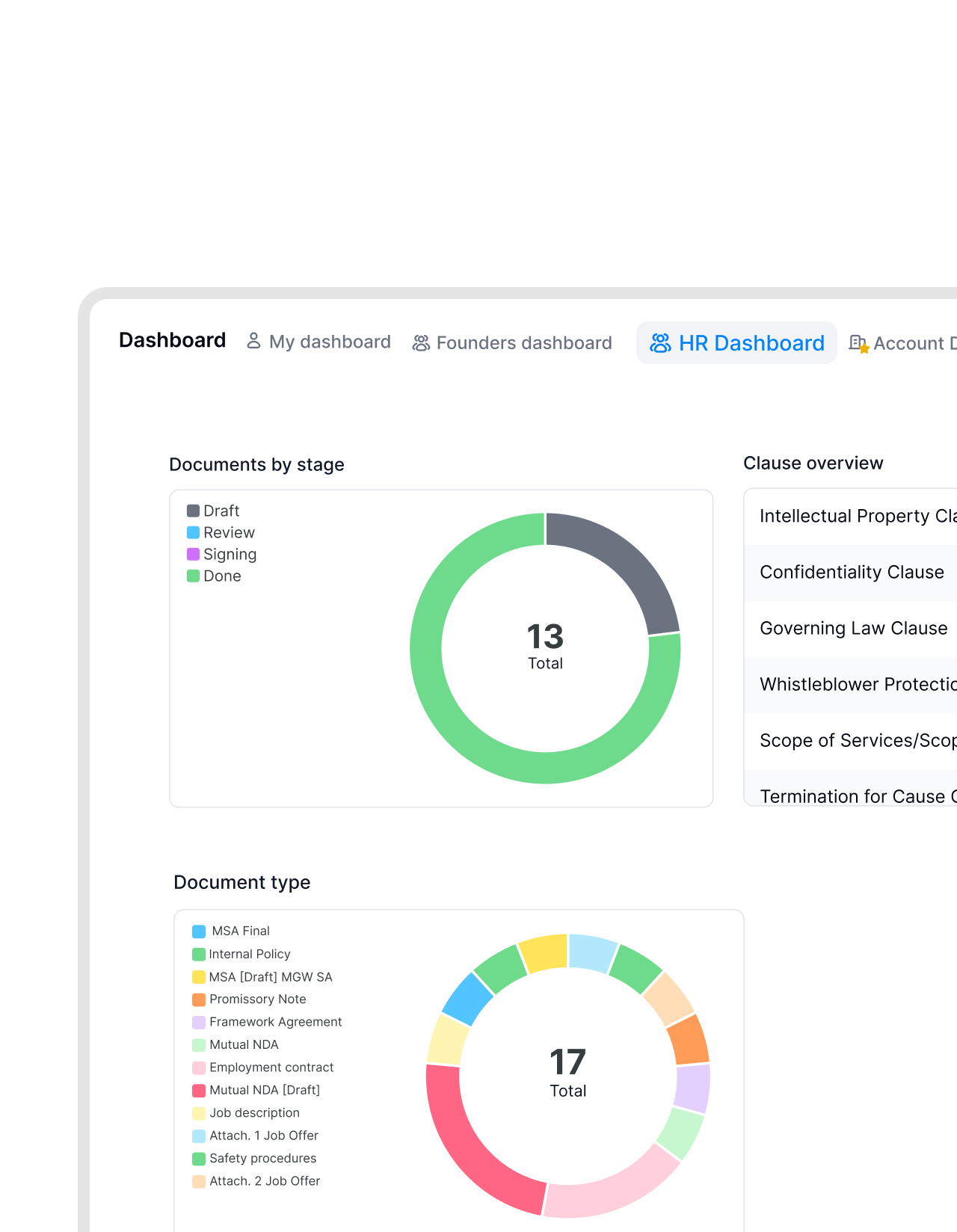 ReportingLearn more
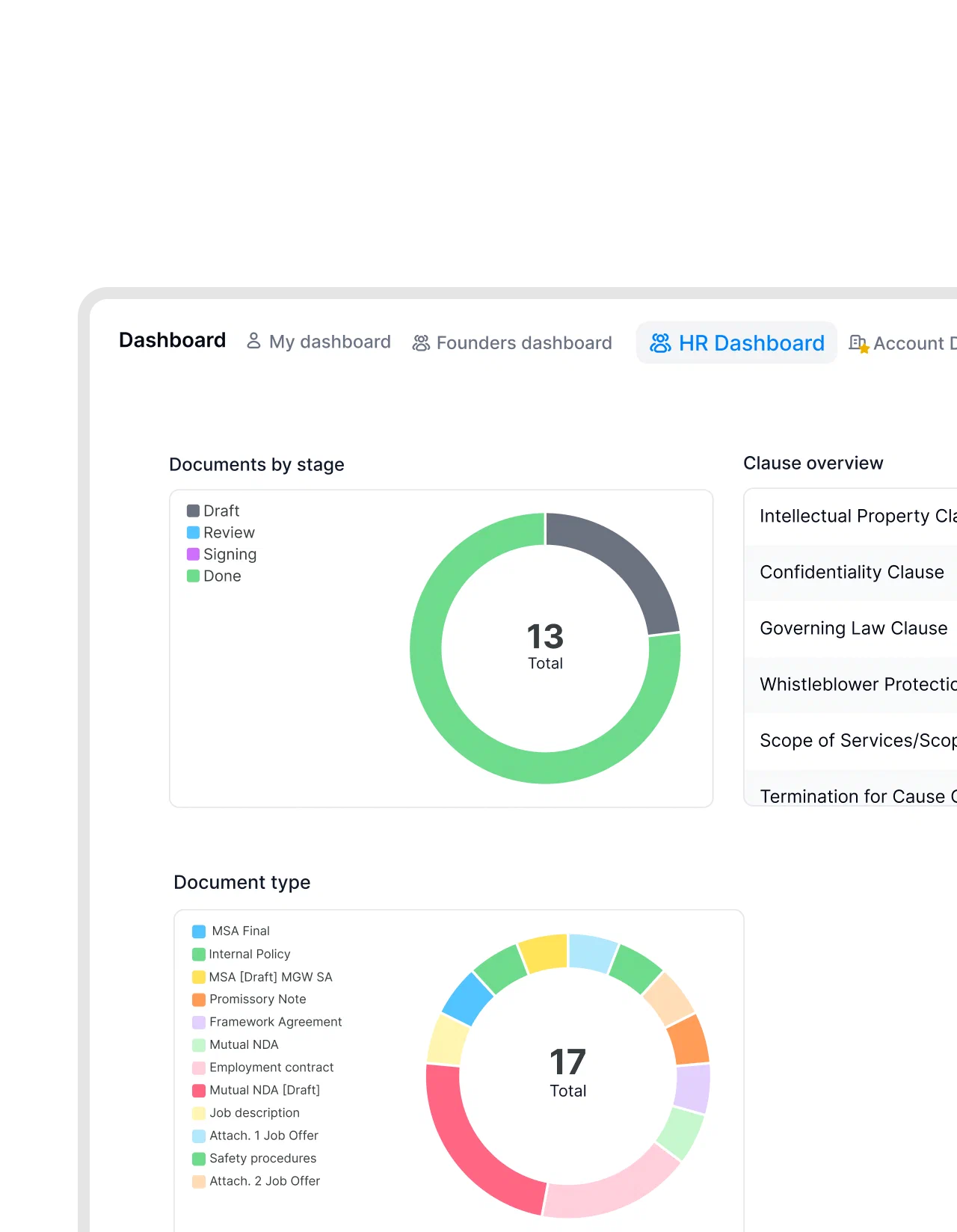
Contract values you can filter, not a PDF you have to open.
Map deal amounts, start dates and terms to metadata, and every signed contract adds up in fynk’s dashboards. Finance asks what was signed this quarter and gets a number, not a folder.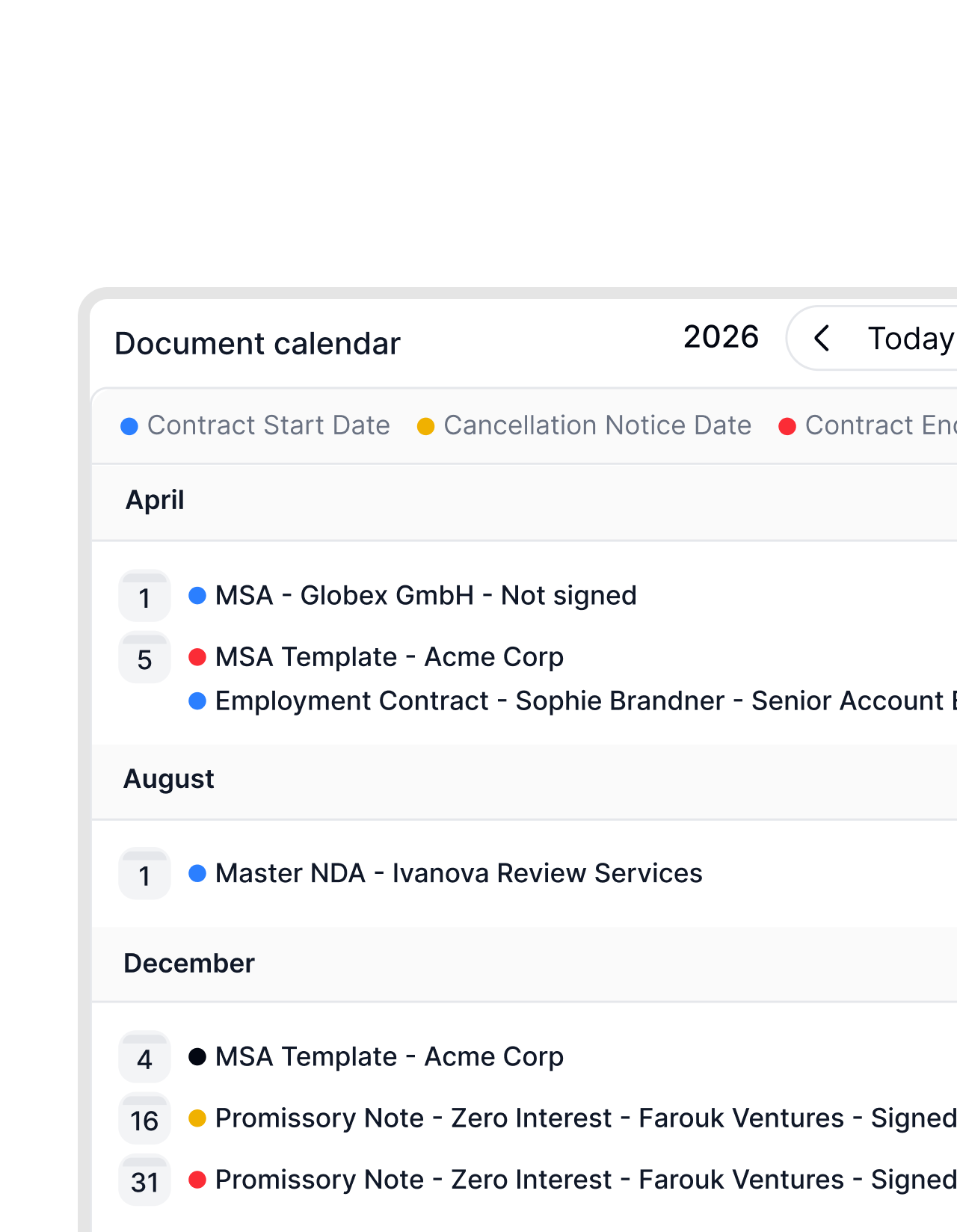 After the signatureLearn more
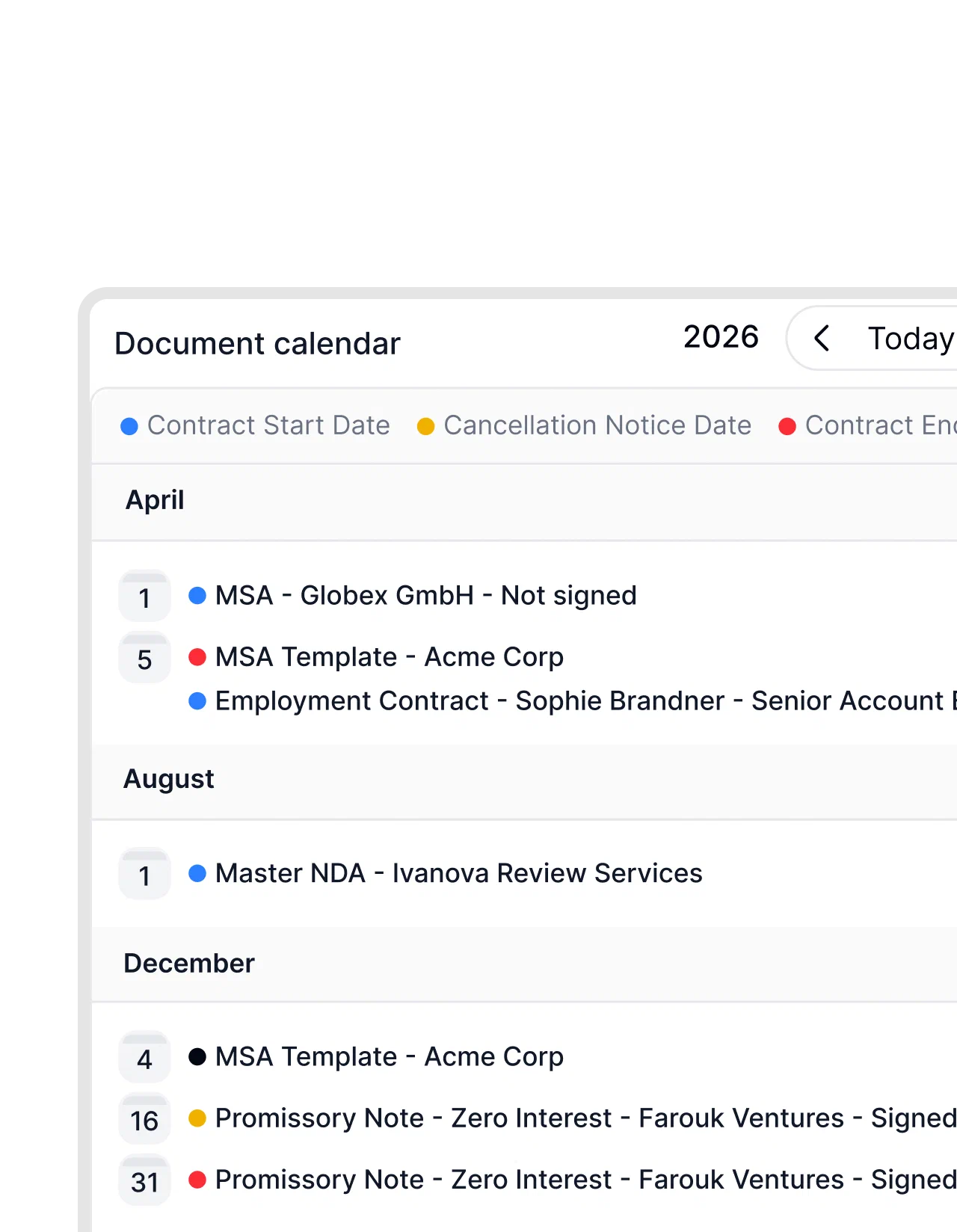
Closed-won is the start. fynk remembers the renewal.
Your pipeline forgets a deal once it’s won. fynk doesn’t. End dates and notice periods go into the contract calendar, and the account owner gets a reminder while there’s still time to renegotiate or upsell."We lost money because we missed termination deadlines. That was the moment we knew our old approach had to change."
 Elisa Prößdorf Legal Solutions Manager at Unite

Use cases
More ways sales teams use fynk.
Step-by-step guides for the contract jobs that sit right next to the pipeline.
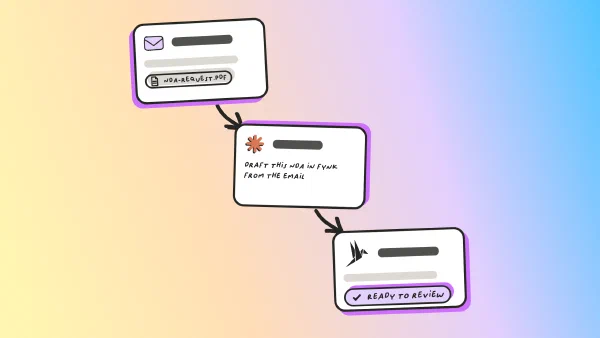
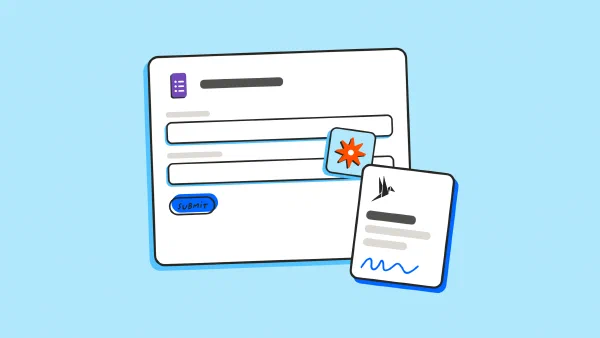
Why sales teams on Pipedrive run contracts in fynk.
Small wins that add up across every deal in the pipeline.
Zero copy and paste.
Company names, addresses and amounts arrive exactly as they're spelled in Pipedrive.
Legal-proof wording.
Sales edits the deal, never the clauses. Every offer reads the way Legal signed it off.
Discounts need a yes.
Add an approval checkpoint, and an offer with a big discount waits for the right person to agree.
One tool less.
Drafting, approval, signing and storage in one place, instead of a doc tool, a signing tool and a shared drive.
QES when it matters.
Qualified electronic signatures for the contracts that need written form, under eIDAS.
Starts on Essential.
The Pipedrive connector is part of every paid fynk plan, no enterprise contract needed.
Connect Pipedrive to fynk in three steps
A Pipedrive admin and a fynk owner or admin can set it up. The setup guide in the help center has every click
- Step 1
Create a private app in Pipedrive’s Developer Hub and connect it in fynk under Settings > Integrations > Pipedrive.
- Step 2
Open a template’s data mapping, choose Pipedrive as the source and assign deal, organization and person fields.
- Step 3
Create a document from that template, enter the deal name, and the offer fills itself.
What the Pipedrive integration does
The native integration reads data from Pipedrive into fynk when you create a document, and again when you reload it. Setup steps are in the help article.
Pipedrive data you can use
| Pipedrive object | Typical use in fynk |
|---|---|
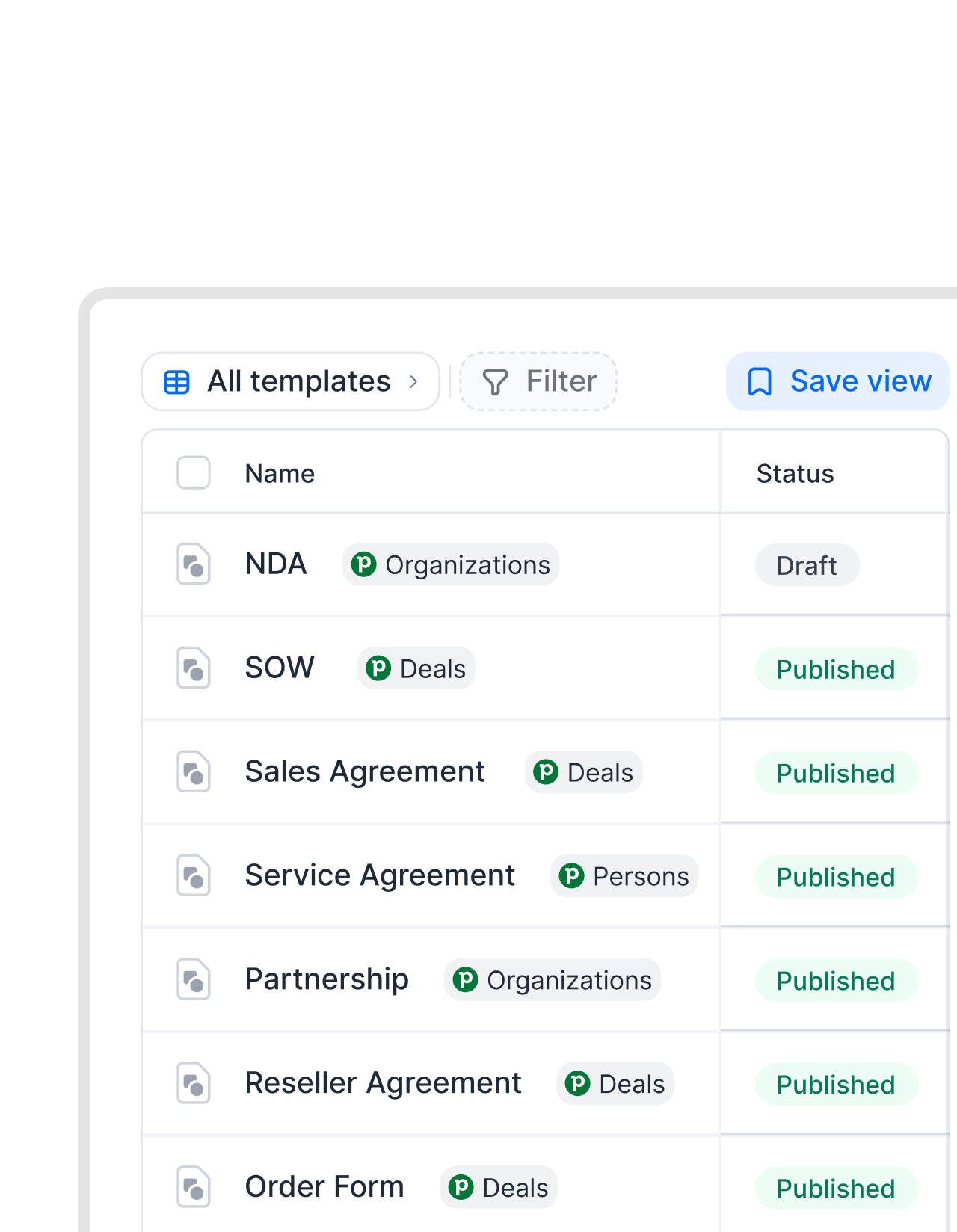
| Deals | Deal value, dates and products for the offer, the price table and the document name. |
| Organizations | The customer as a contract party, with name and address. |
| Persons | The contact person, for the parties and the text. |
Where it goes in the document
| In fynk | Example |
|---|---|
| Dynamic fields | Price, term and start date in the contract text. |
| Parties | The organization or person as the counterparty. |
| Price tables | Deal products as line items. |
| Metadata | Contract value and dates for filters, exports and dashboards. |
| Document name | “Offer Acme GmbH” instead of the template’s name. |
Good to know
Pipedrive leads can’t be mapped, only deals, organizations and persons. Very large sets of custom fields may not all be available. Signing status isn’t written back to Pipedrive, so mark the deal as won there.
Pipedrive is one piece of the stack.
The same contracts, connected to your AI assistant, your automations and your other tools.



Sales teams that stopped retyping contracts.






Frequently asked questions.
Yes. fynk has a native Pipedrive integration that reads deals, organizations and persons into your contract templates. Offers and contracts fill themselves from the deal, and one click reloads the data when it changes.
Yes. Link a table in the template to Pipedrive, and the products on the deal become line items with quantities and prices in the template's currency.
Yes, through Zapier. The ready-made Pipedrive Zap creates the document in fynk when a deal reaches the stage you choose. Zapier connections need a fynk plan with API access, Business or Pro.
Smart Docs is Pipedrive's built-in tool for proposals and quotes with basic e-signatures. fynk adds approval checkpoints, advanced and qualified electronic signatures, and the contract's life after signing, from searchable metadata to renewal reminders.
Not for documents you create in fynk. Simple, advanced and qualified electronic signatures are included in every fynk plan, without per-envelope fees.
The Pipedrive connector is part of the Essential, Business and Pro plans. Setting it up needs a Pipedrive admin and a fynk owner or admin.
Still have questions?


Take control of your agreements. Move your business forward.
Run agreements the way they should run: fast, clear, and on your terms.
No setup headaches
Go live in days, not quarters
No lock-in
Full export anytime
No hidden fees
Signatures included, no envelope fee