
Sign it the way that works for you.
Not everyone signs the same way. Draw your signature, type your name, or upload a photo of your handwritten version. fynk saves whichever you choose and applies it to every document after that. Any style you choose, signing is always easy.


Your signature. Ready when you are.
The block, the style, the method. Everything about signing looks right and works right, every time.
 Signature blocksGet a demo
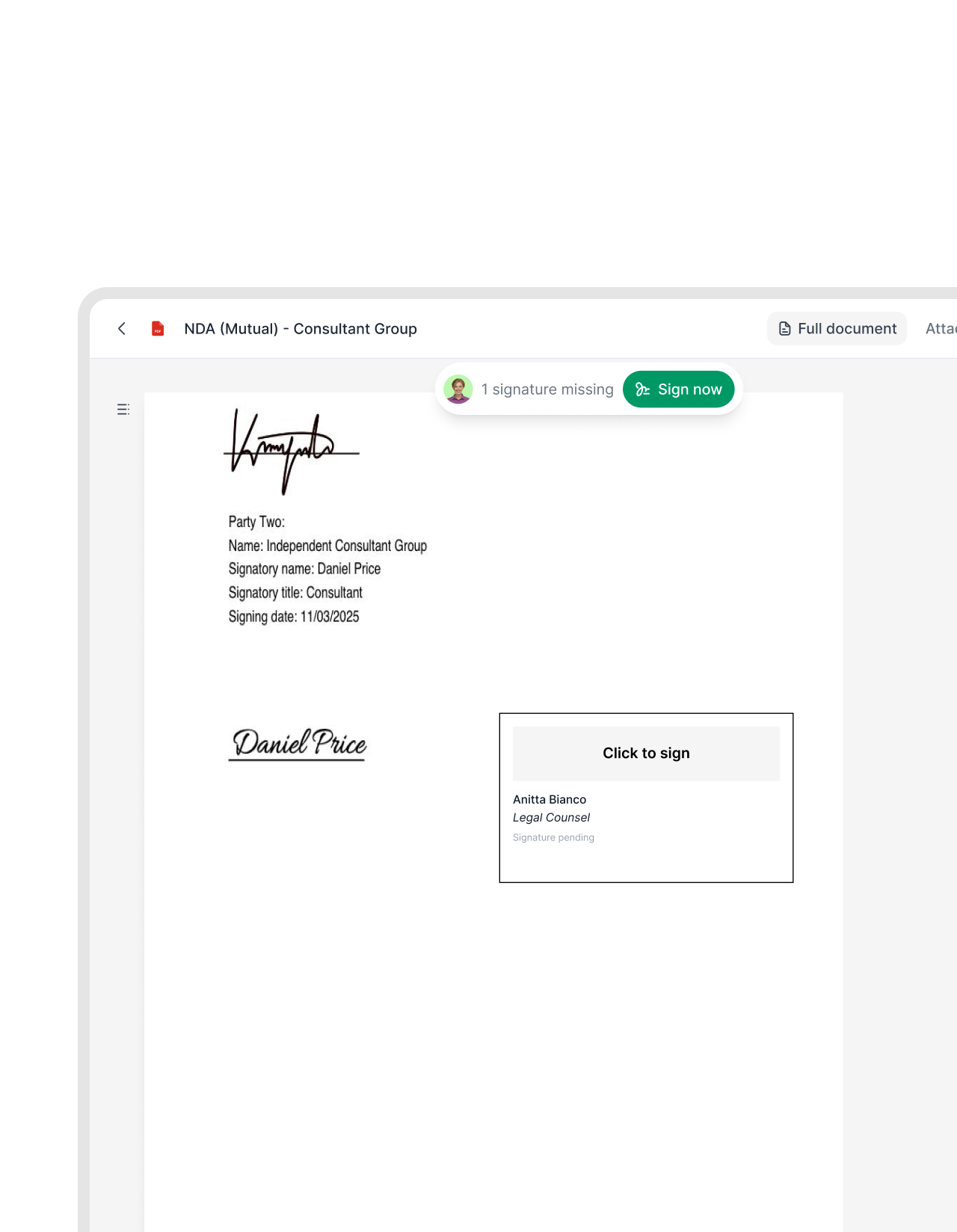
Standard or minimal. Sized to fit. Placed exactly where you need it.
Choose standard for a complete signer block or minimal for a clean finish. Resize either to fit the layout. Add signature blocks on Docx or plain PDFs, anywhere you need it to be.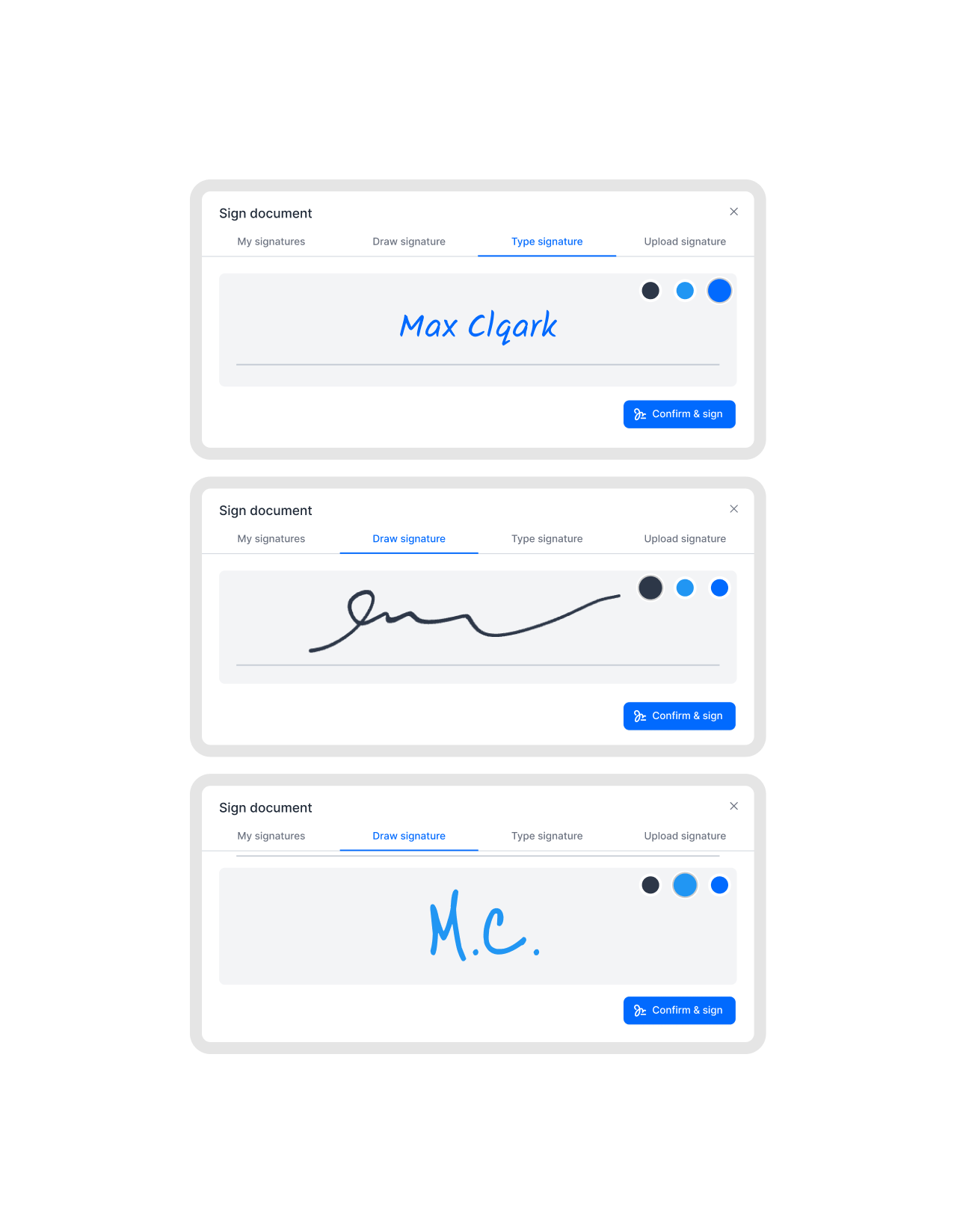 Your wayGet a demo
Three ways to create your signature. All legally valid.
Draw with a mouse or your finger, type your name in a clean font, or upload a photo of your handwritten signature. All three methods work in fynk. The result is the same: a legally valid signature attached to the document.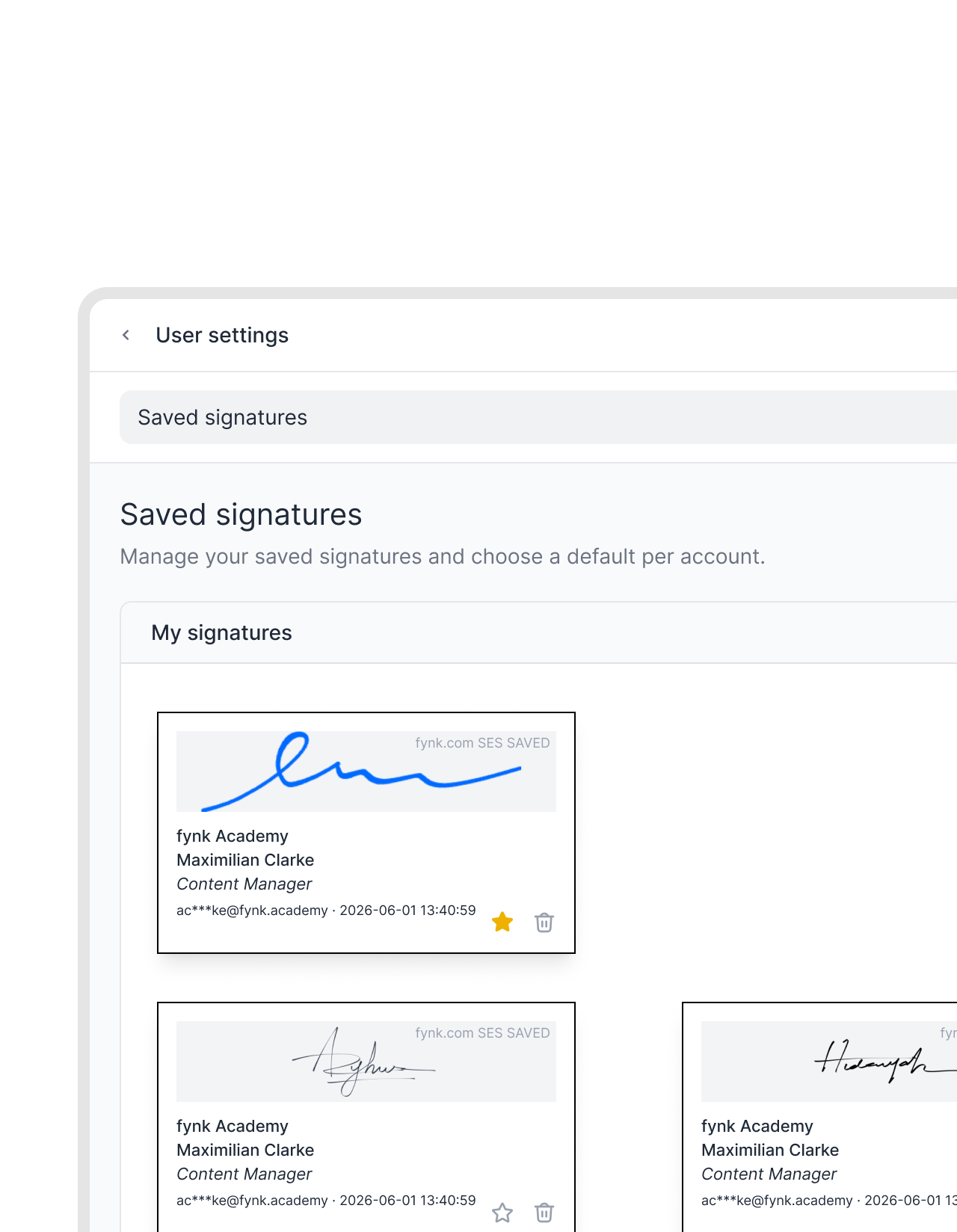 Saved in profileGet a demo
Save it once. Never start from scratch again.
Your signature is stored in your profile the first time you create it. Every contract after that, it is already there. Click to apply and move on. No retyping your name."Bringing it into a tool that is really interactive and customized to our needs makes life easier so nobody is annoyed by contracts anymore."
 Lucas F. Jamnig Lead Counsel at fiskaly
 Guided stepsGet a demo
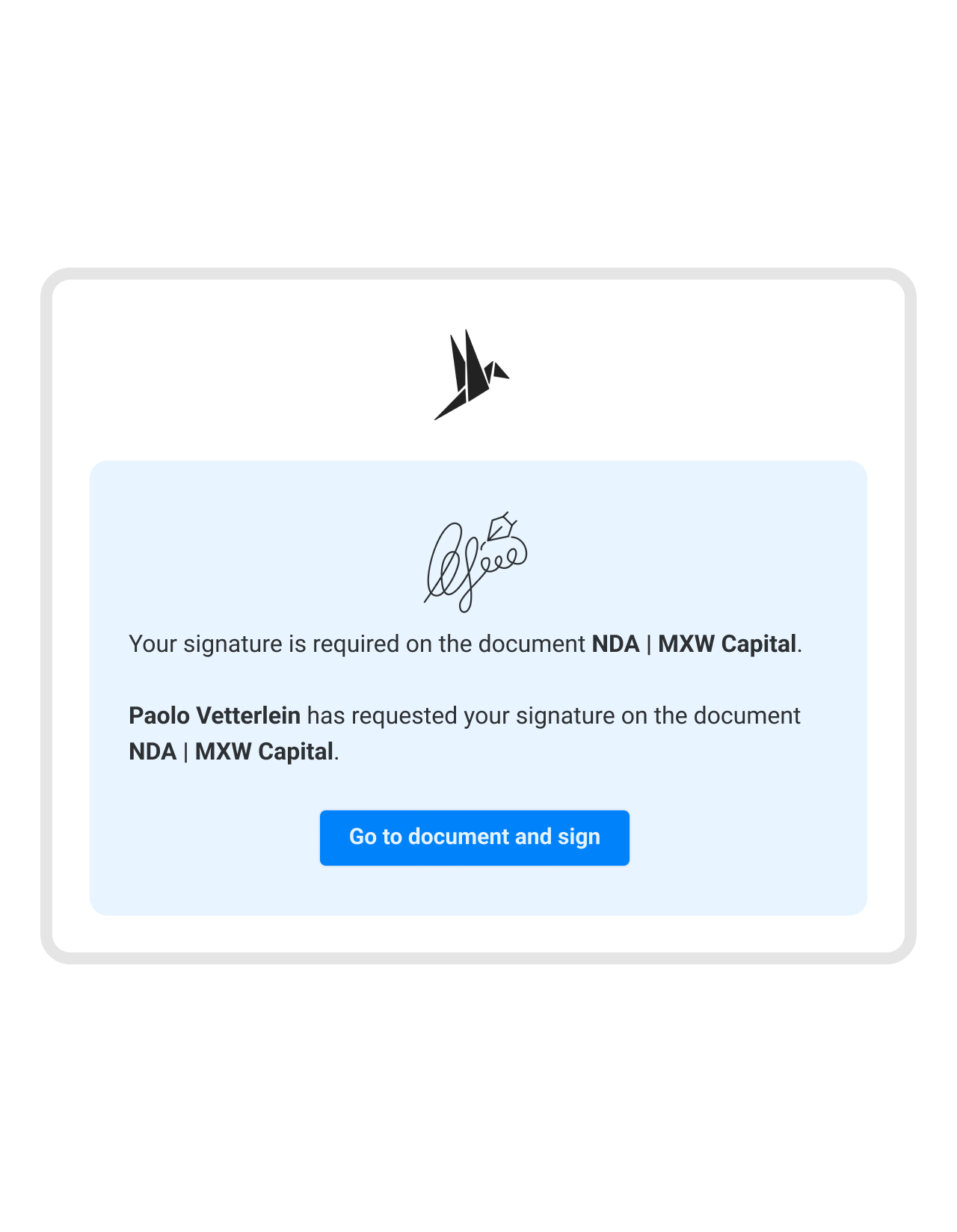
Anyone who gets the link can sign. Right away.
Counterparties receive a link to the document and follow clear signing steps. Each field is marked. Each action is prompted. The process is intuitive enough that no one needs a tutorial. They sign using their own preferred method. You see the completed step in real time.


 No switching toolsGet a demo
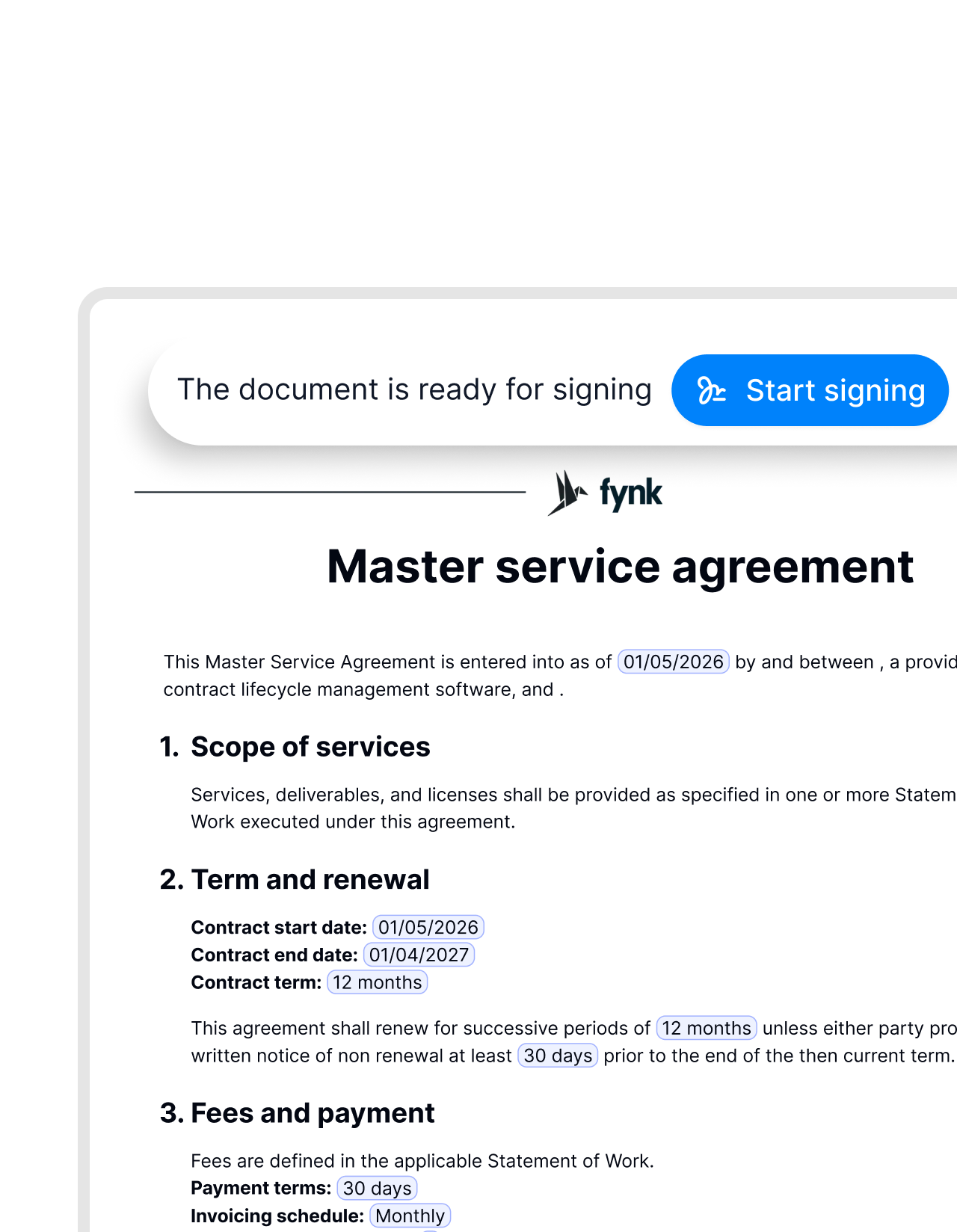
The signing step fits directly into your workflow.
Signing used to mean leaving the contract, opening another tool, downloading the signed version, and re-uploading it. fynk handles it all in one place. Draft to signed, without switching systems."The integrated digital signature eliminates media disruptions between different systems. The process is streamlined from contract creation to signing and saving. You don't have to switch any system."
 Elisa Prößdorf Legal Solutions Manager of Unite
 Signing levelsGet a demo
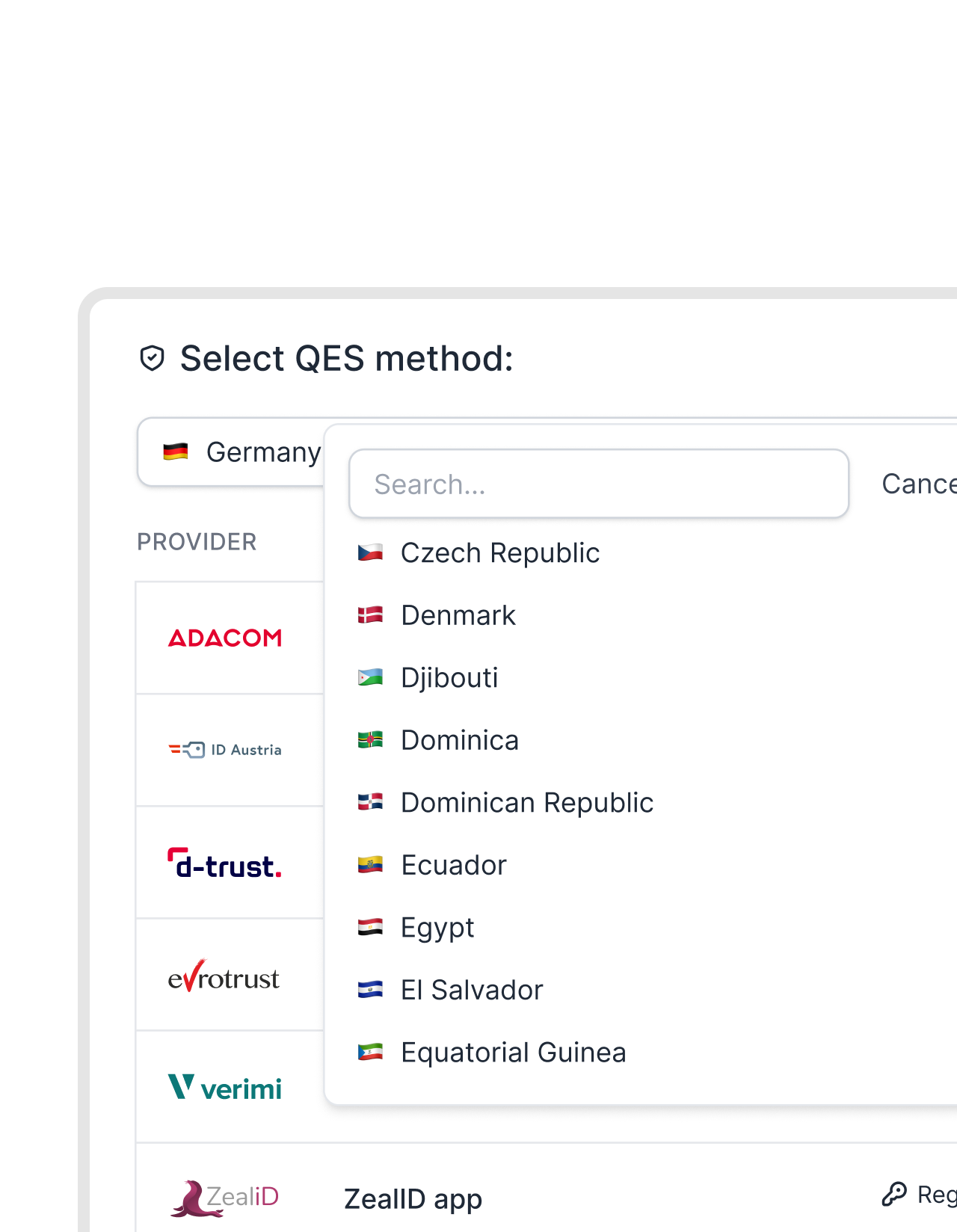
SES, AES, or QES. fynk supports all three.
Not every contract needs the same level of assurance. A routine internal document and a high-value deal with a regulated counterparty are different risks. fynk supports all three levels of electronic signatures. Pick the level the contract calls for, not the only level your tool offers.


"Decision makers get a notification, click two or three times, and the contract is signed. That is a very big and very fast improvement."
Signing that gets out of the way.
The right signature input, saved and ready. A professional result every time, for every signer.
Faster closing times.
Removing friction from the signature step means deals close faster. Less time waiting, fewer abandoned processes.
Initials too.
Store your initials separately from your full signature. Both are available for quick application when a document asks for them.
Update anytime.
Replace your saved signature whenever you need to. Existing signed documents are not affected by the change.
Sign on mobile.
The signing interface works on any device. Counterparties sign from a phone or tablet. No app or installation required.
Each signer's profile.
Every person keeps their own saved signature. Internal signers and external counterparties each use their own style.
No fuzzy signatures.
fynk validates that your signature is clear and complete before attaching it to the document. Nothing blurry or incomplete gets through.


More product features to explore.
Draft.
Create contracts from proven templates. Fast, consistent, and ready to send.
Boost.
AI reviews, summarizes, and explains your contracts so you never miss what matters.
Sign.
Send contracts for legally binding e-signatures, tracked from sent to signed.
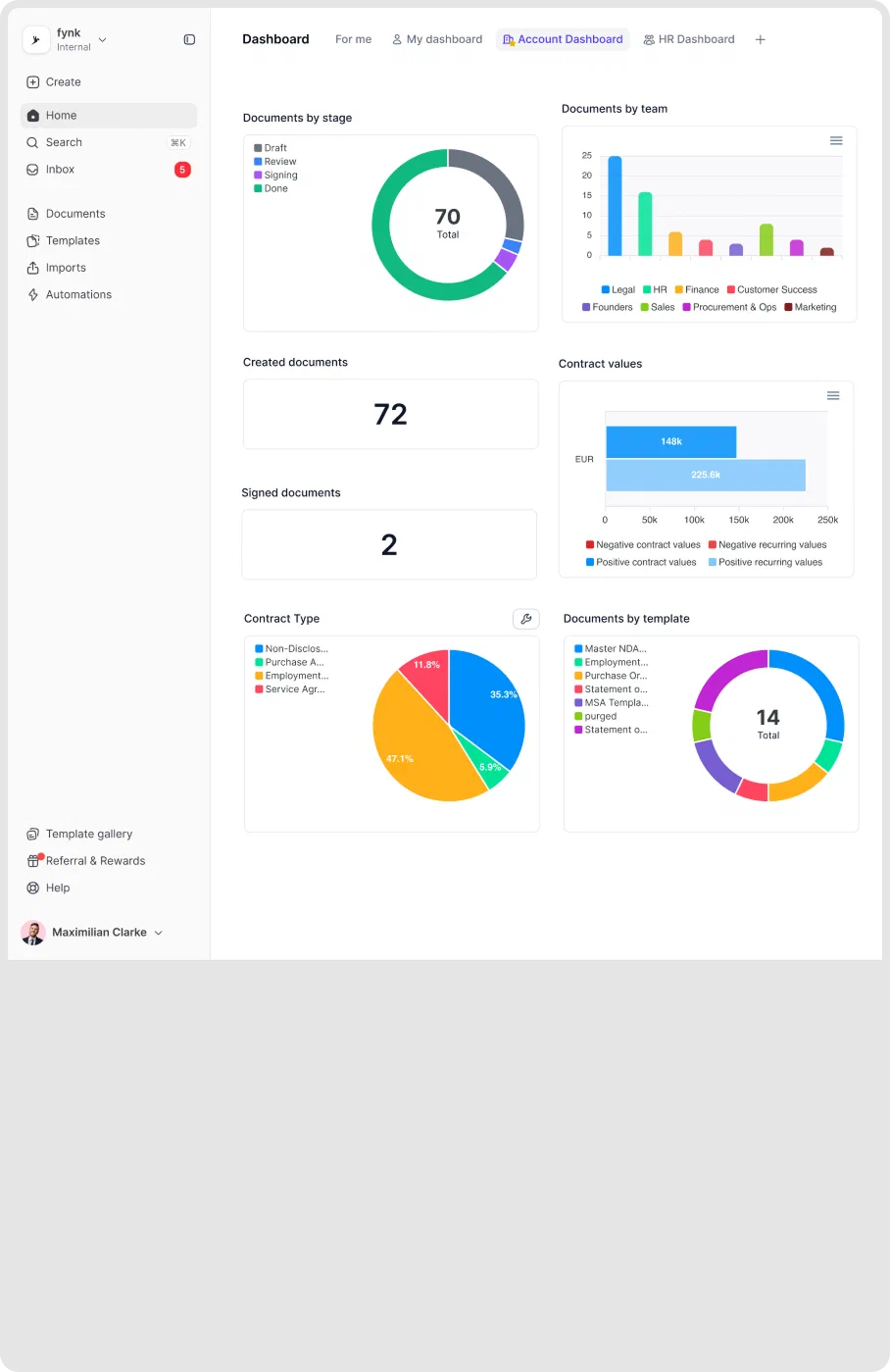
Insights.
See the full picture of your contracts with dashboards, search, and smart alerts.

Trust isn't a feature. It's the foundation.

European by design.
Designed and developed in Austria. Hosted exclusively in ISO 27001-certified German data centers, under European law.

Security at the core
End-to-end encryption and secure engineering standards across a continuously monitored infrastructure.

Access on your terms
Single sign-on (SSO), mandatory two-factor authentication, and granular role permissions keep contracts with the right users.

GDPR, fully embedded
Fully compliant with European data protection regulations, supported by regular audits and external penetration testing.
Trusted by companies worldwide



Frequently asked questions.
Signature style in fynk refers to how you create and apply your signature when signing a contract. You can draw it, type your name, or upload a photo of your handwritten signature. Your choice is saved to your profile and reused automatically on every document from then on.
Drawing creates your signature directly on screen using a mouse or a finger on a touch device. Typing displays your name in a clean signature font. Uploading lets you bring in an image of your handwritten signature. All three are supported and produce a legally valid result.
You can update your saved signature at any point in your profile settings. The change applies to future signing steps only. Documents you have already signed remain exactly as they were. Your past signed records are permanent and unaffected.
External signers follow the same guided process through a secure link. They arrive at the signing step, choose their preferred method, draw, type, or upload their signature, and confirm. They do not need a fynk account to complete the process.
Yes. Signature style covers how your signature looks and how you create it. The legal signing level (SES, AES, or QES) is a separate setting that determines the verification and compliance requirements. You can combine any signature style with any signing level.
Still have questions?


From open to signed. In seconds.
Every method saved. Applied in one click. Professional on every document. fynk makes the last step as fast as the first.