
No mix-ups between entities. By design.
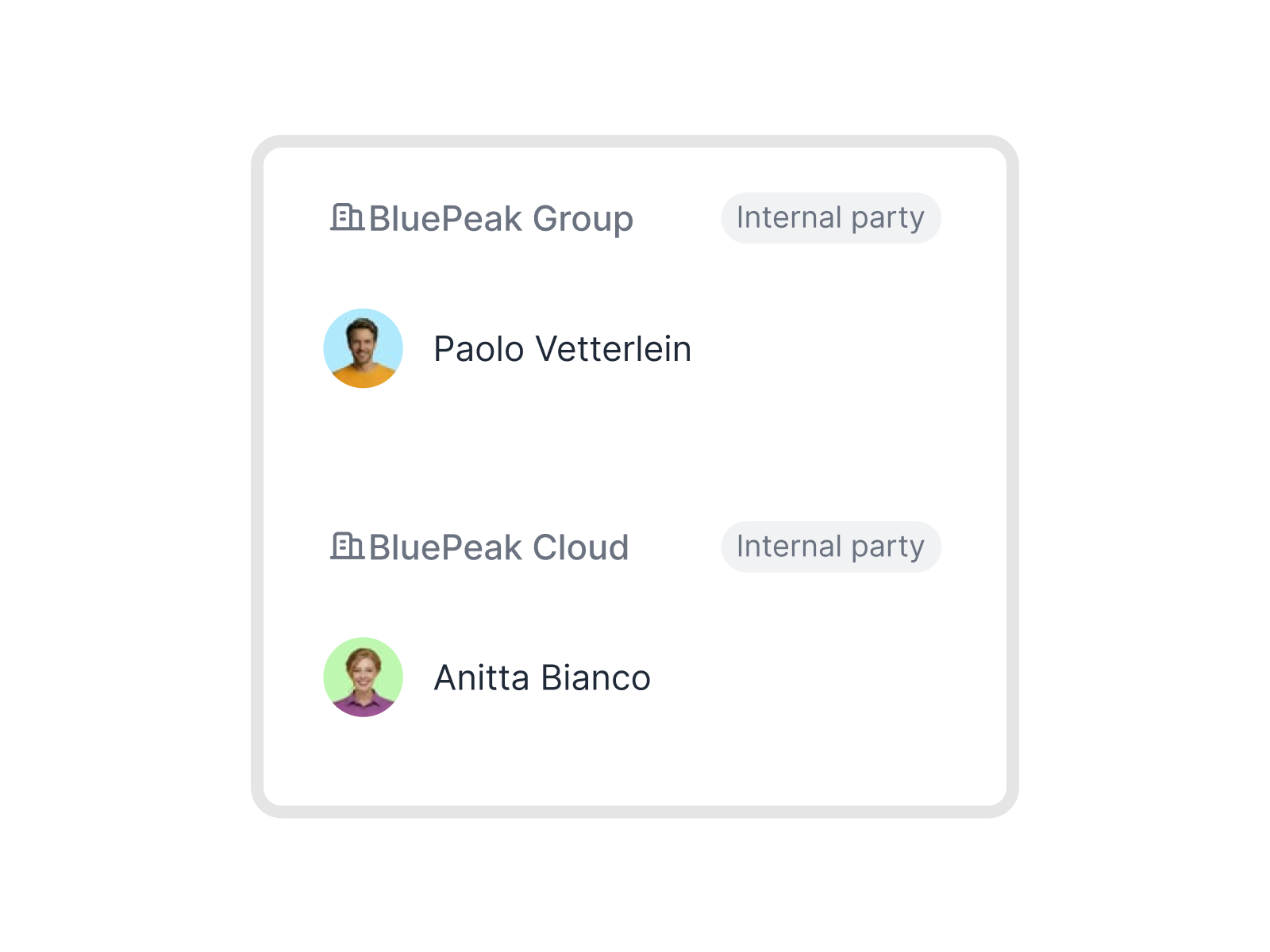
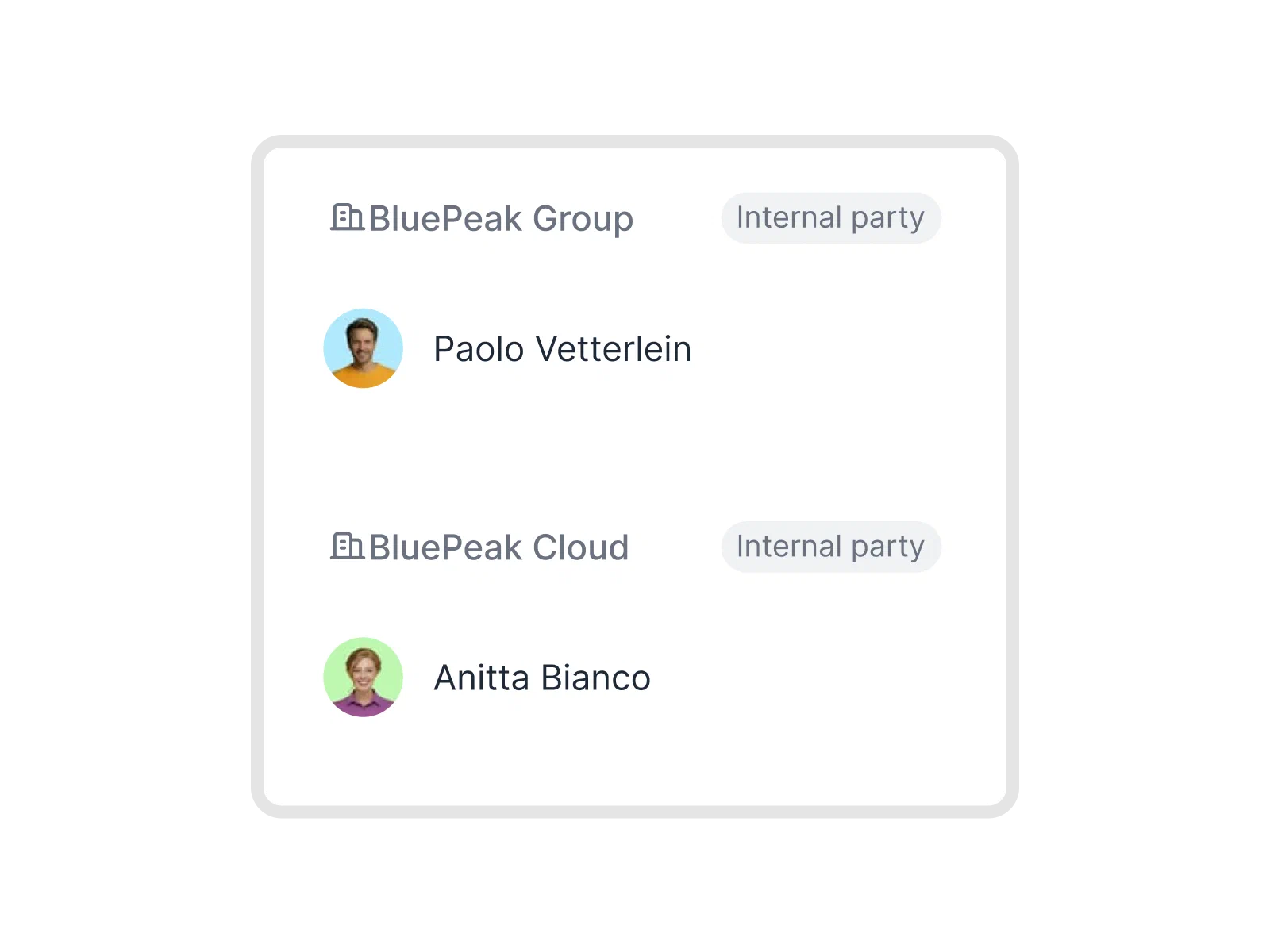
Each subsidiary, brand, or legal entity gets a fully separate fynk workspace. Separate contracts, branding, and workflows. One login covers every company you belong to.






Separate workspaces. One login.
Your subsidiaries, brands, and legal entities. All separate. All reachable from the same account.
 Entity workspaceGet a demo
Jump between companies without logging out.
You never mix up two companies’ contracts, because they live in completely different spaces. Each entity has its own account in fynk. Need to work in a different company? Move there directly, without logging out. Everything you left behind stays exactly as it was."There will be one single source of truth. We will invite externals to the template, comment, sign, and store everything in fynk. That is something everybody will value a lot."
 Lucas F. Jamnig Lead Counsel at fiskaly
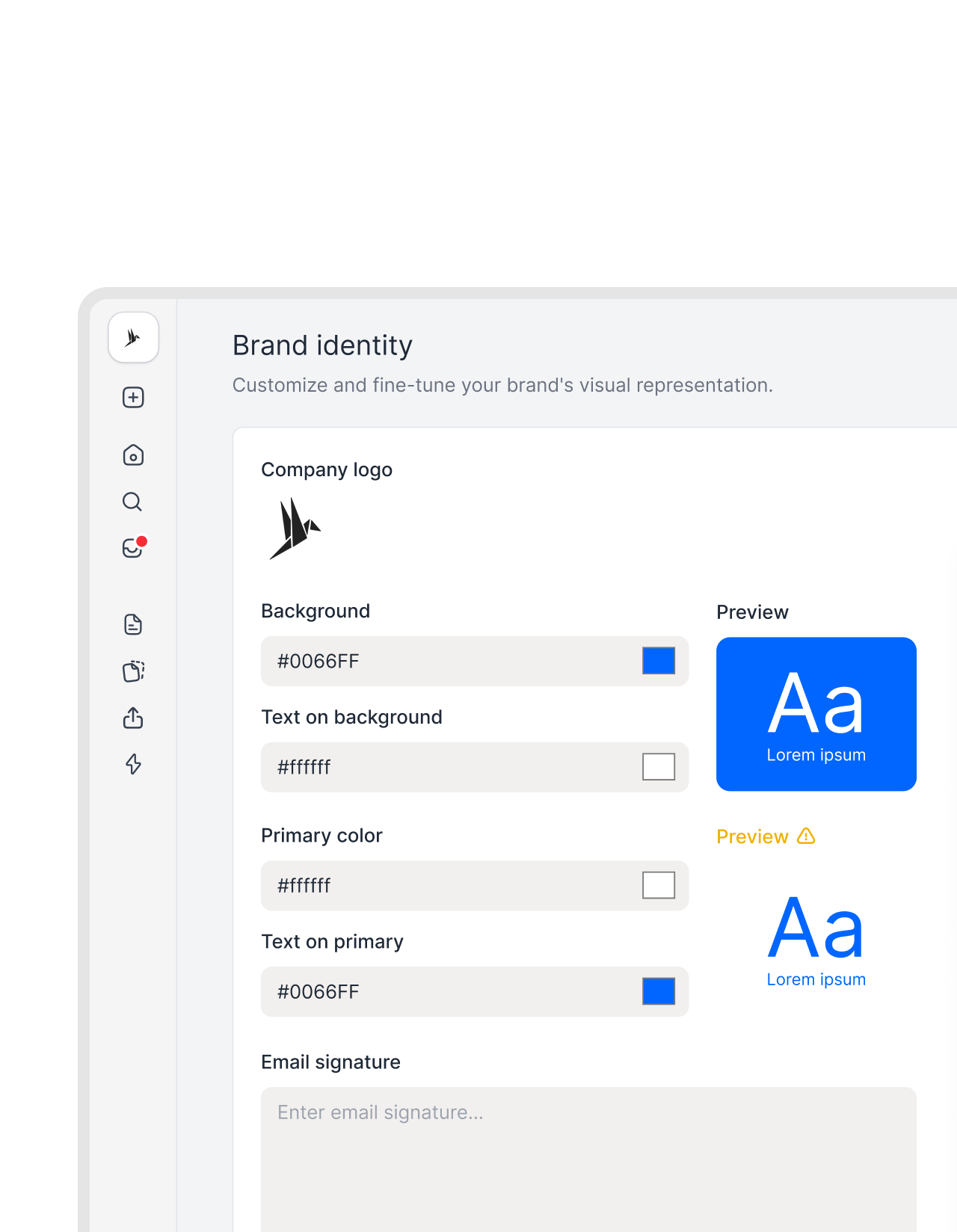 Branding per entityGet a demo
The right logo on the right contract. Every time.
Counterparties always see the right identity. Set the logo, header layout, and colors for each company once. Every document going out carries the right branding automatically. Nothing to adjust per contract.

Import a contract. AI reads every clause.
Drop a document into fynk. AI extracts the key information: dates, party names, values, and a plain-language summary.
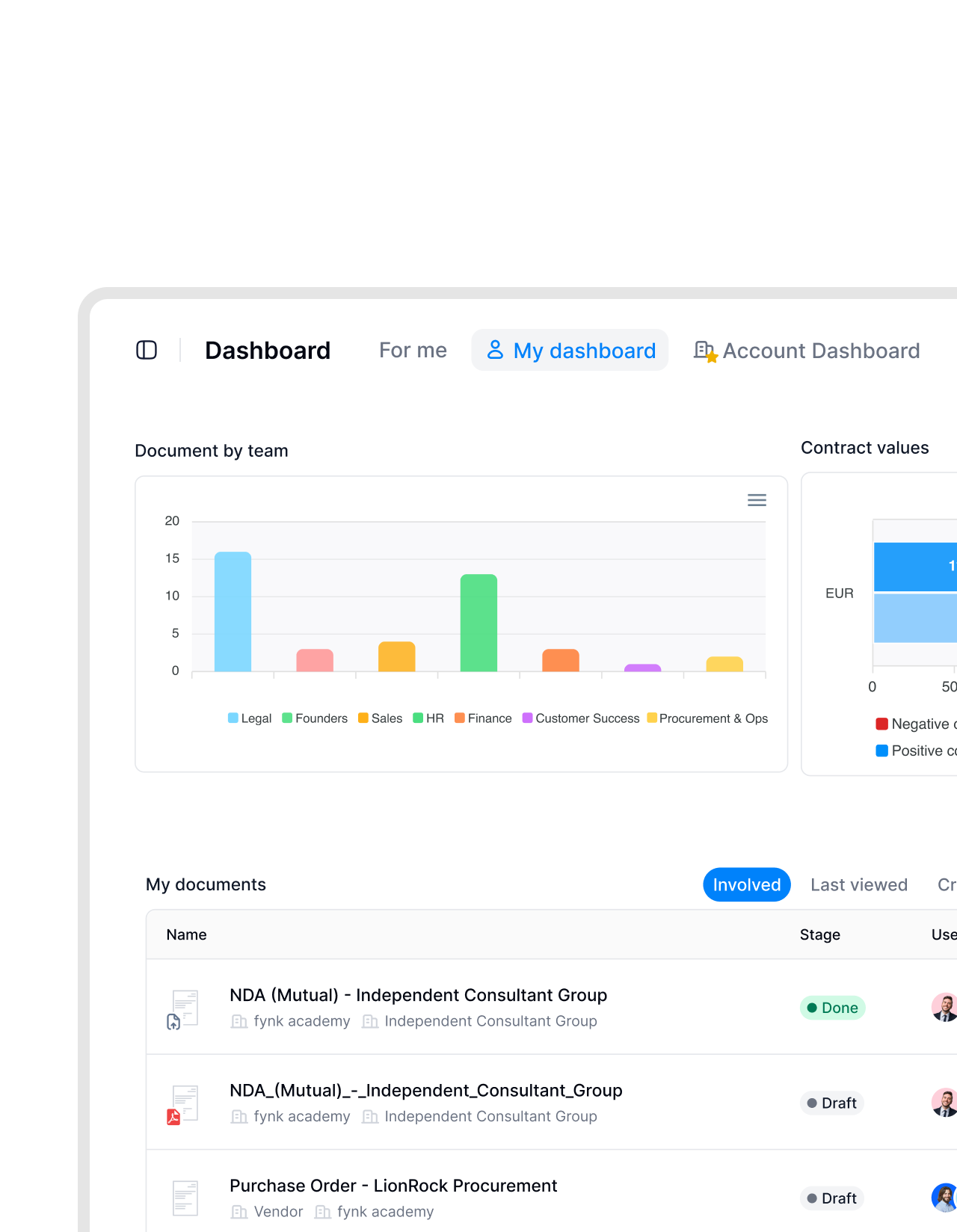 Cross-entity trackingGet a demo
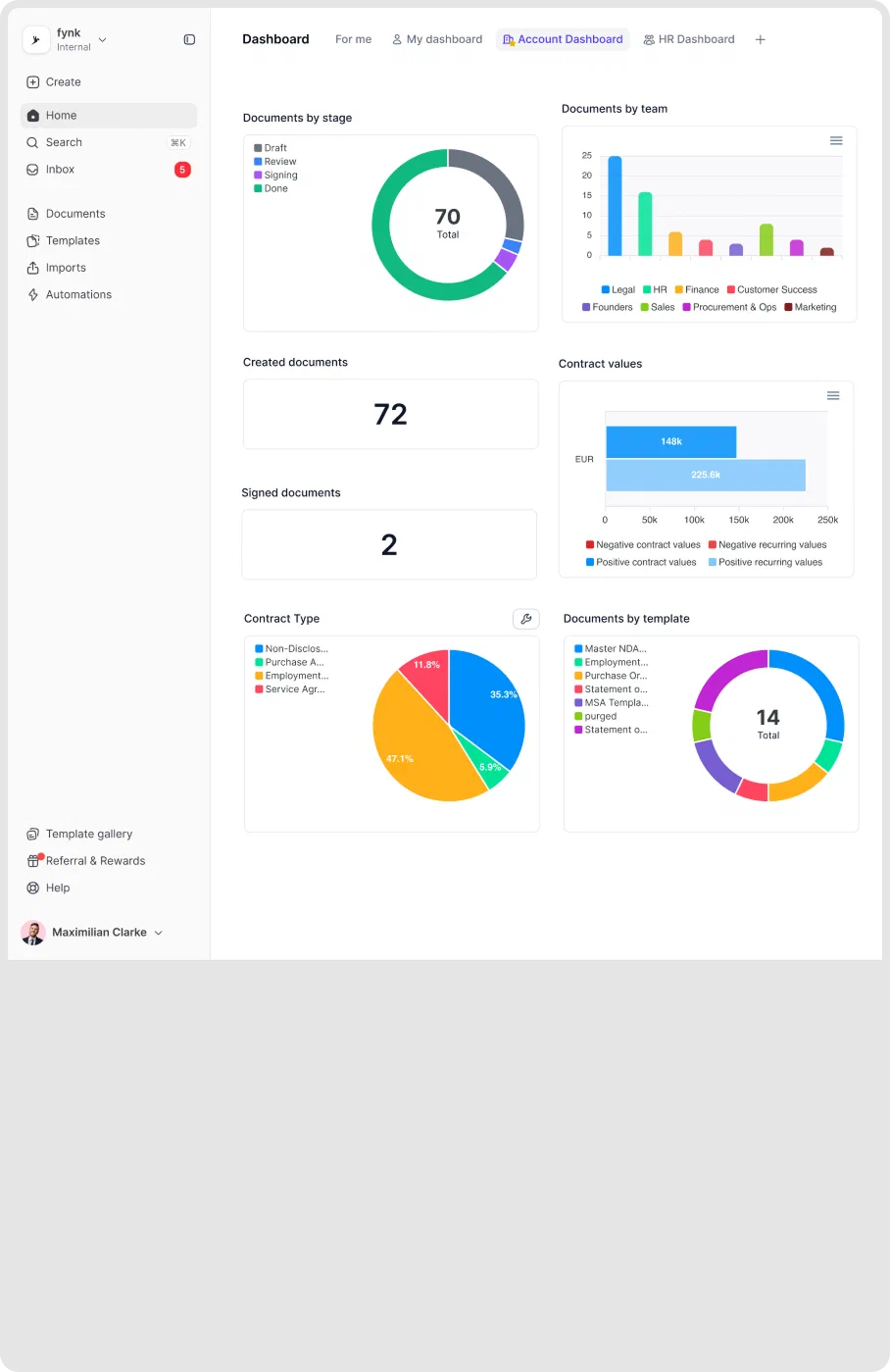
Clear overview of all accounts.
Find out which company has contracts expiring this quarter, or which subsidiary is the most active. Jump into any entity workspace and the full picture is right there. Users with access to several move between them without leaving fynk. No separate tools. No piecing things together.FEATURES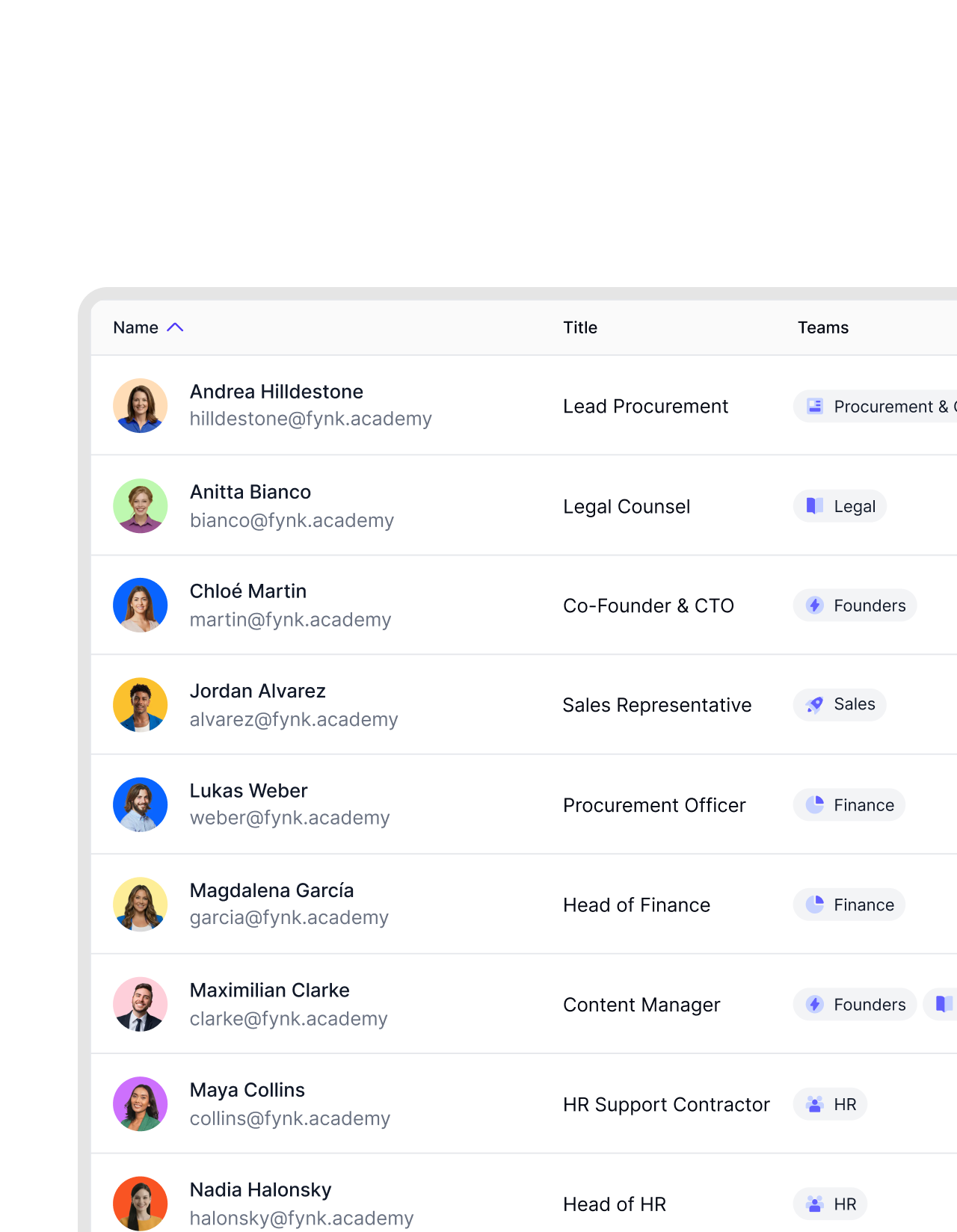 Access controlGet a demo
Legal sees what legal needs. Finance sees what finance needs.
In fynk, you decide who can see each company’s contracts. Set the scope once and it holds without manual policing. Some people work across every company in the group. Others are limited to just one. Either way, it runs automatically.


"We have about 12 companies in different countries. In the past, we had to change the company names in every single Word template. Now all we do is go into fynk, change the party name, and that's it. An hour of work down to about two minutes."

Everything you need to manage entities at scale.
Separate, structured, and built to grow with your group.
New entity in minutes.
Create a workspace for a new subsidiary or brand and it's ready to use straight away. No migration, no lengthy setup.
One user, multiple companies.
A person can be invited to several entity workspaces with different roles in each. Admin in one company, viewer in another.
Data stays put.
What belongs to one entity stays in that workspace. No data crosses over to another without explicit access.
Legal governance at scale.
Legal gets visibility across all entity workspaces from one account. Full oversight of what each company is signing, without being inside every team.
Templates per entity.
Each workspace has its own template library. Nothing syncs or crosses over unless you explicitly work in both.
Audit trail per entity.
Every action in each workspace is logged independently. Full, clear history per company. Never mixed with another entity's activity.




More product features to explore.
Draft.
Create contracts from proven templates. Fast, consistent, and ready to send.
Boost.
AI reviews, summarizes, and explains your contracts so you never miss what matters.
Sign.
Send contracts for legally binding e-signatures, tracked from sent to signed.
Insights.
See the full picture of your contracts with dashboards, search, and smart alerts.
Frequently asked questions.
Multi-entity management in fynk means each legal entity, subsidiary, or brand operates in its own separate workspace. Contracts, branding, templates, teams, and workflows stay distinct per company. If you belong to several, your account gives you access to all of them.
You create a new workspace for the entity, give it a name, branding, and settings, and invite the relevant users. From that point it runs independently. Anyone with access to more than one workspace can navigate between them directly from within fynk.
Yes. Set a logo, header, and colors once per workspace. Every document created in that workspace carries those settings. No manual adjustment needed per contract or counterparty.
Update the workspace settings for that entity. The new name and branding apply going forward. Existing contracts keep the details they were created with, which is usually what you want for historical accuracy.
Yes. You control who belongs to each workspace and what they can do there. Some people need access to every company's workspace. Others belong to just one. You configure it once per user and fynk enforces it.
No. Each entity workspace has its own template library. Templates, files, and contracts stay within the workspace they belong to. Nothing is merged or shared across entities unless you explicitly work in both.
Still have questions?


Stop maintaining the same contract twelve times.
Your group structure in fynk. Separate where it matters. Connected where it counts.