
Contract OCR. Turn scans into searchable files.
Old contracts usually live as scanned PDFs: signed on paper, fed through a copier, saved as a flat image. fynk runs OCR the moment they're uploaded and turns each one into a searchable PDF. Contract digitization, minus the retyping.









OCR document management, no extra tool.
A scan is no longer a dead end. Paper contracts stay on paper, their text doesn't. Read, find, and reuse it right on the page.
 Go digitalGet a demo
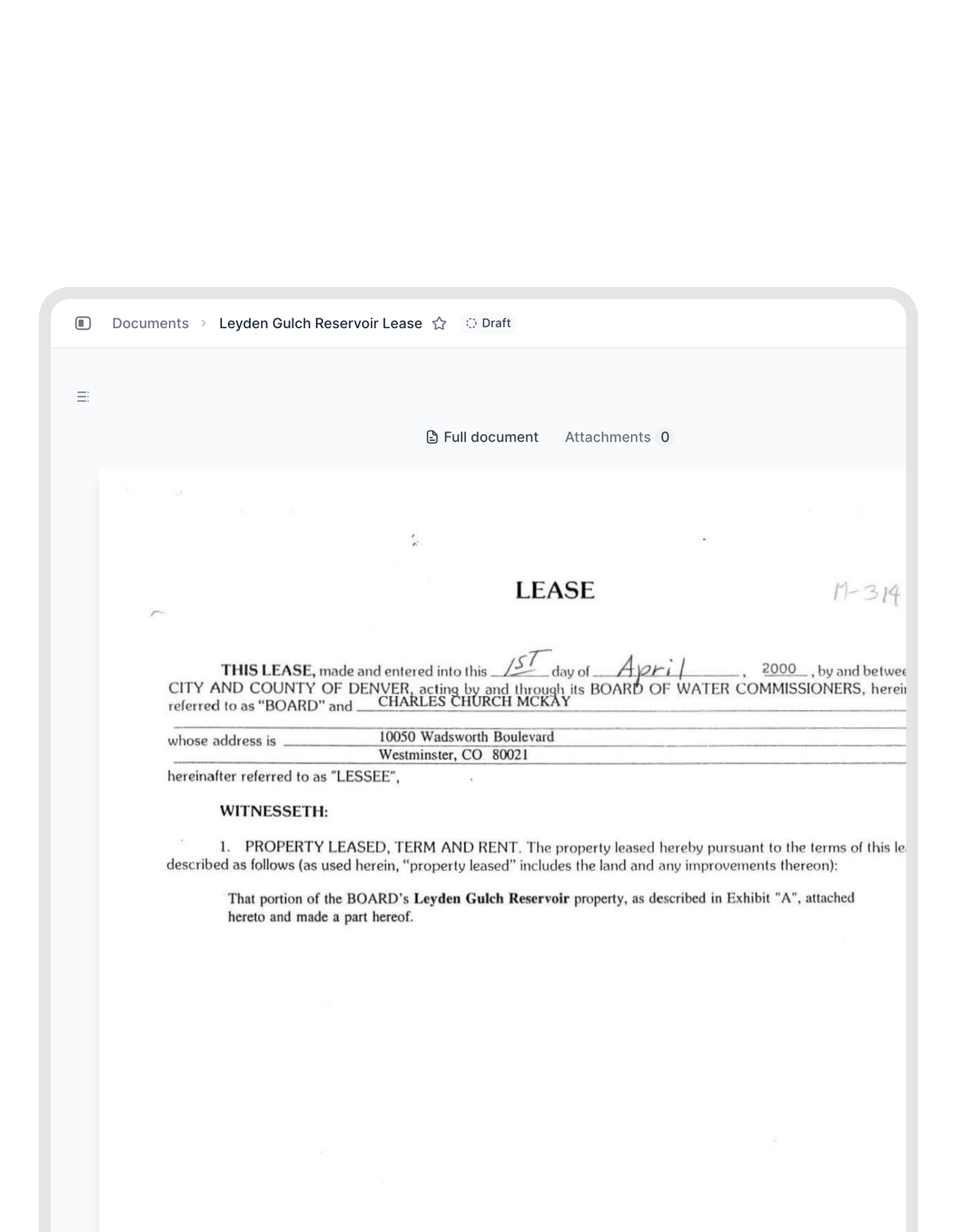
Digitize your contracts. Keep the paper if you like.
Your filing cabinet is full of signed originals nobody can search. Scan them and upload them. Each one becomes a digital contract that sits next to the rest of your agreements, with text you can actually work with."We have gone completely paperless."
 Jörg Burkhardt Head of Sales & New Partnerships, 1. FC Nürnberg
 Find in scanGet a demo
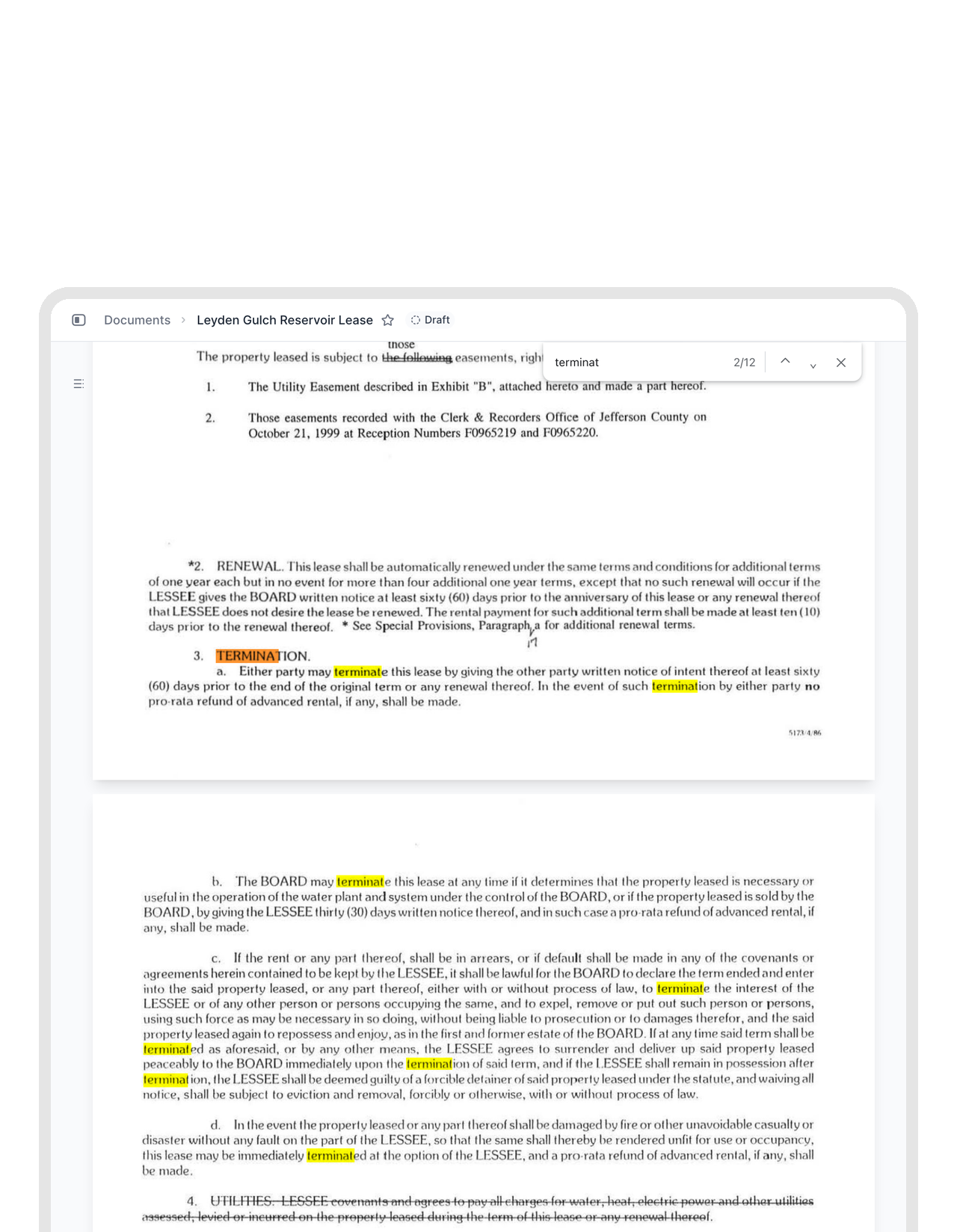
Cmd+F works on a scan. Finally.
Looking for the termination clause in a 40-page scan used to mean scrolling and squinting. Now you press Cmd+F or Ctrl+F and every match lights up on the page. The scan still looks exactly like the original. It just answers back."I don't have to open every contract and search through pages anymore. I can find what I need with just a few clicks."
 Alina Heiner Founder and Director at maven
 Scan to templateLearn more
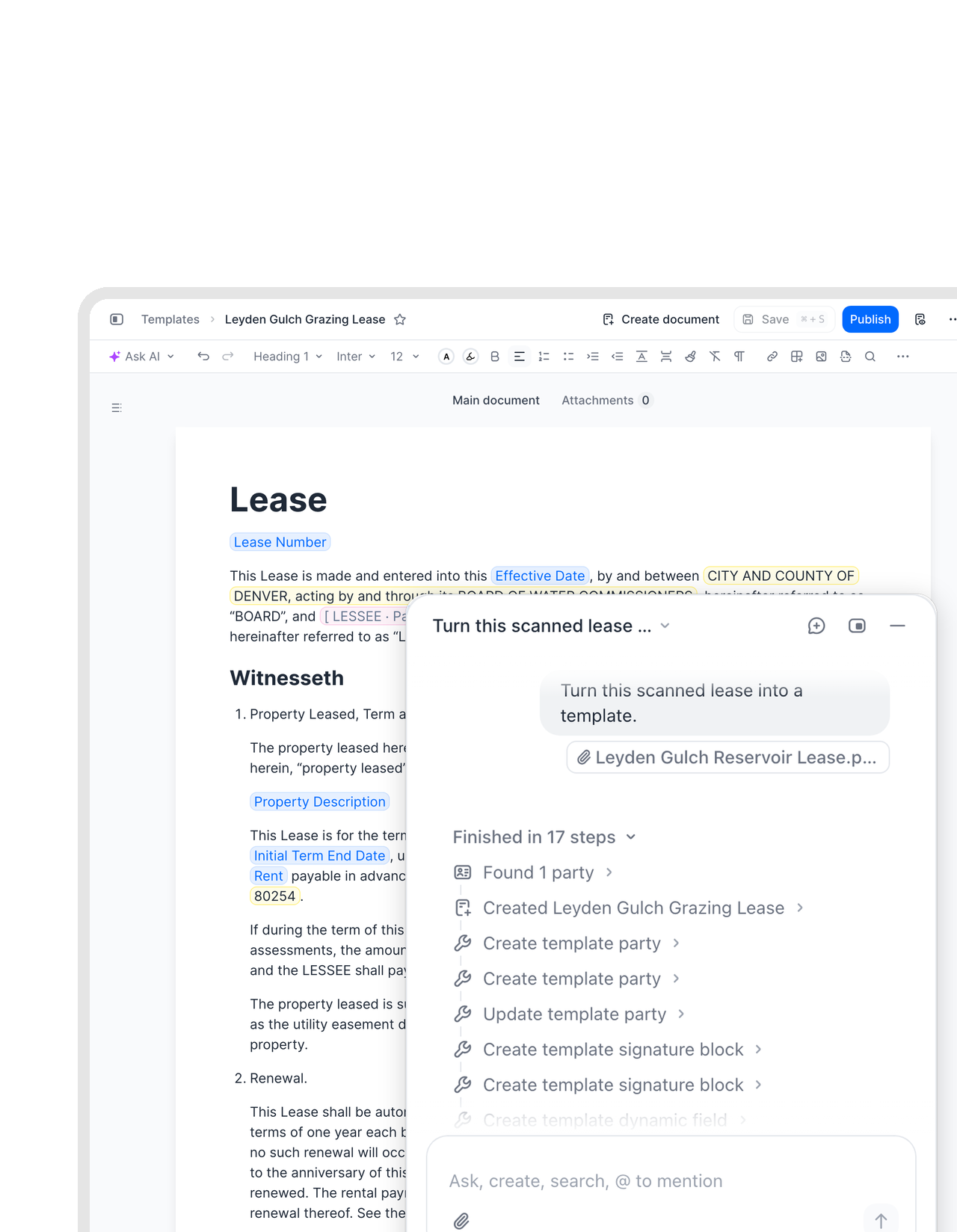
Your best old contract, reborn as a template.
That agreement from 2011 still has the wording everyone trusts. Hand the scan to the fynk assistant and ask for a template. You get an editable template back, without copying a single paragraph out of the PDF.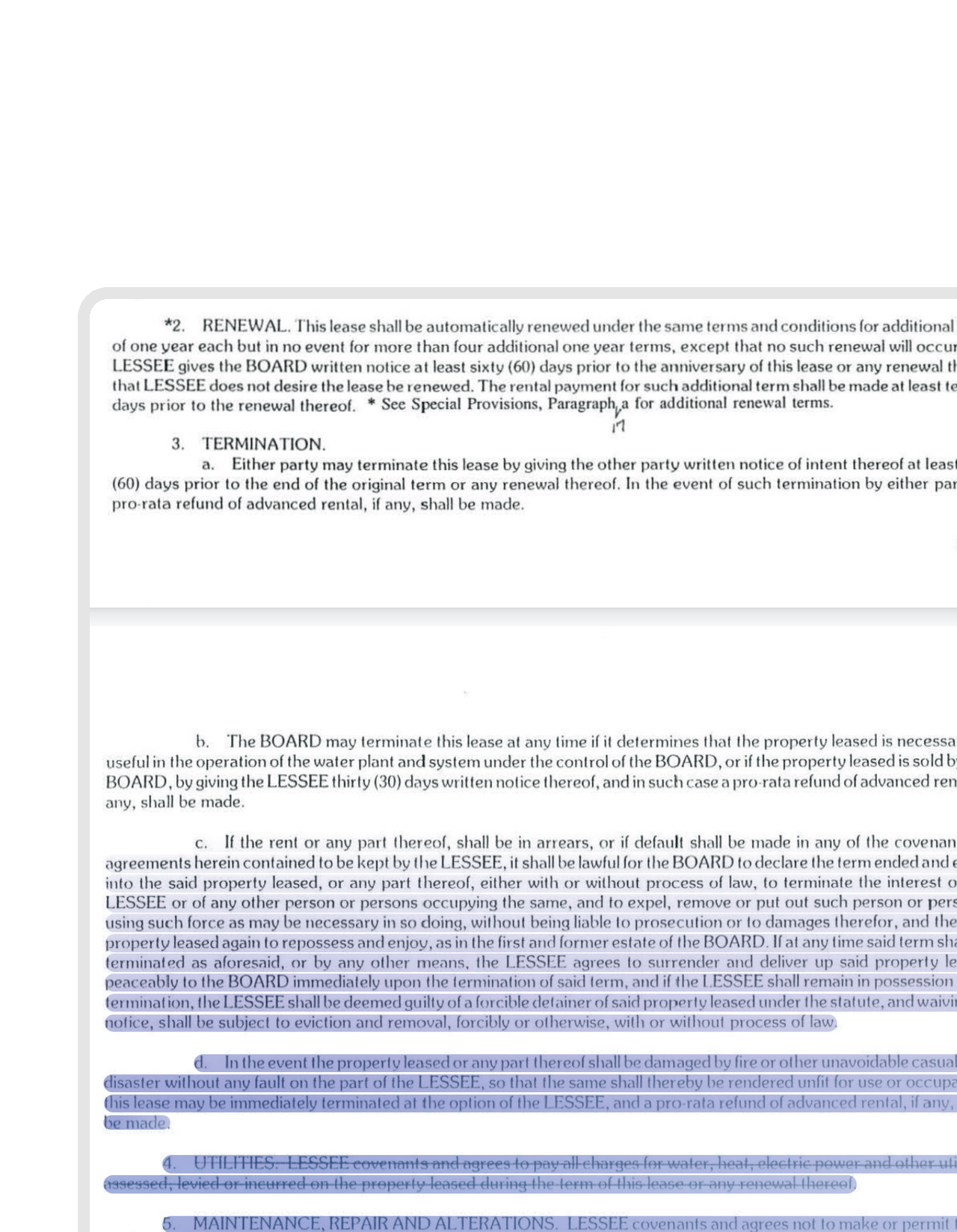 Copy, don't retypeLearn more
Take the clause. Leave the typing.
Need the exact wording from a contract signed in 2009? Select it on the scan and paste it wherever it has to go. No retyping, no typos, no second pair of eyes to check you copied it right.


Import a contract. AI reads every clause.
fynk's AI analysis pulls the key facts out of any contract and puts them where your team can use them.
 Ask your scansLearn more
Answers from paper, with receipts.
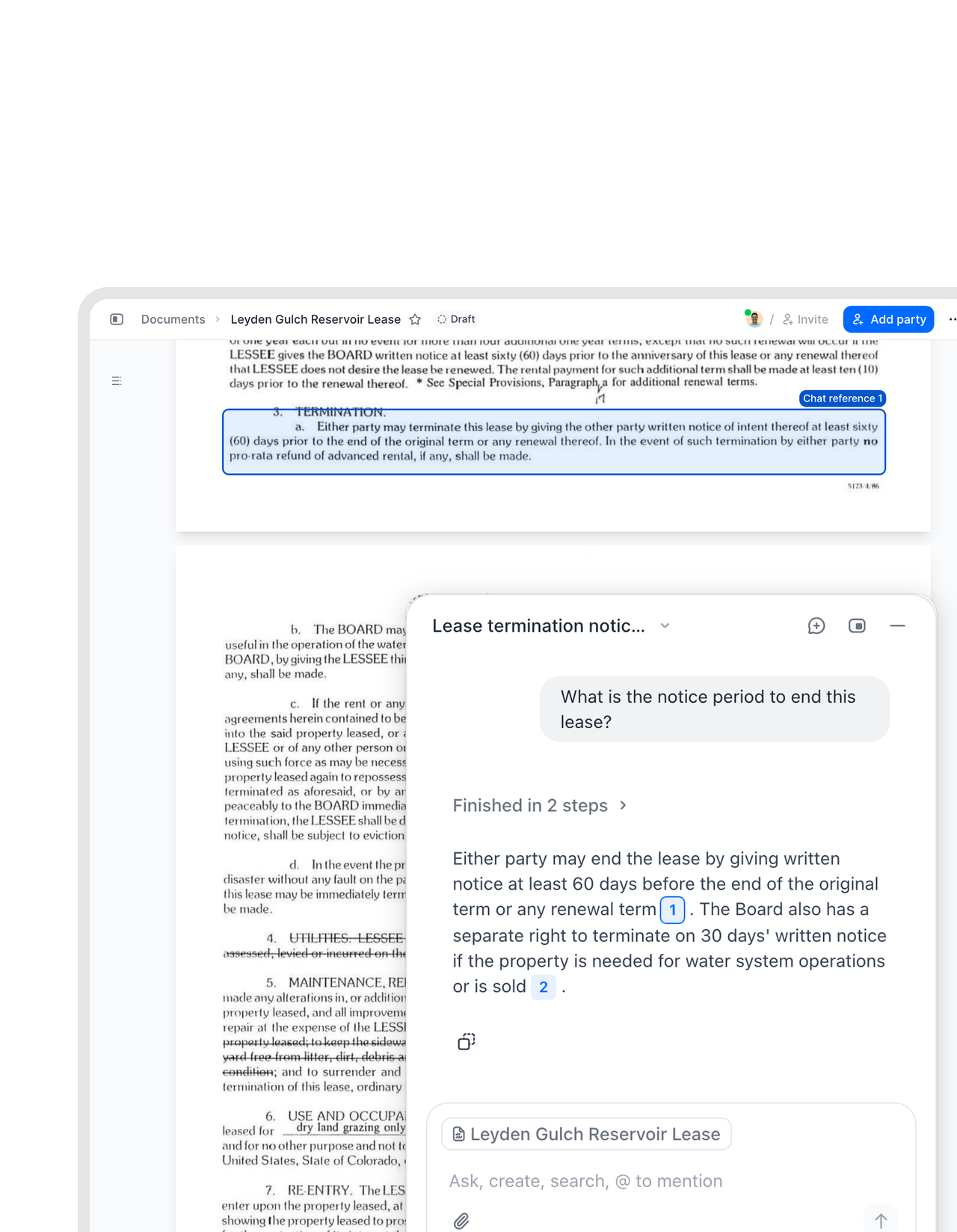
Ask fynk AI what the notice period is in a lease from 1998. It reads the scan and answers. Click the citation and the scan opens with the source lines boxed, so you can check it yourself in seconds."As a CEO, I used to ask someone for the contractual terms, they'd have to find them, and it would take time to get back to me. Now I ask fynk directly. It puts me closer to the information I need, and in contract negotiations, speed matters. Having the right information at the right moment gives me confidence."
 Ariste Baumberger CEO at Honegger
 Deadlines from paperLearn more
Old paper, new reminders.
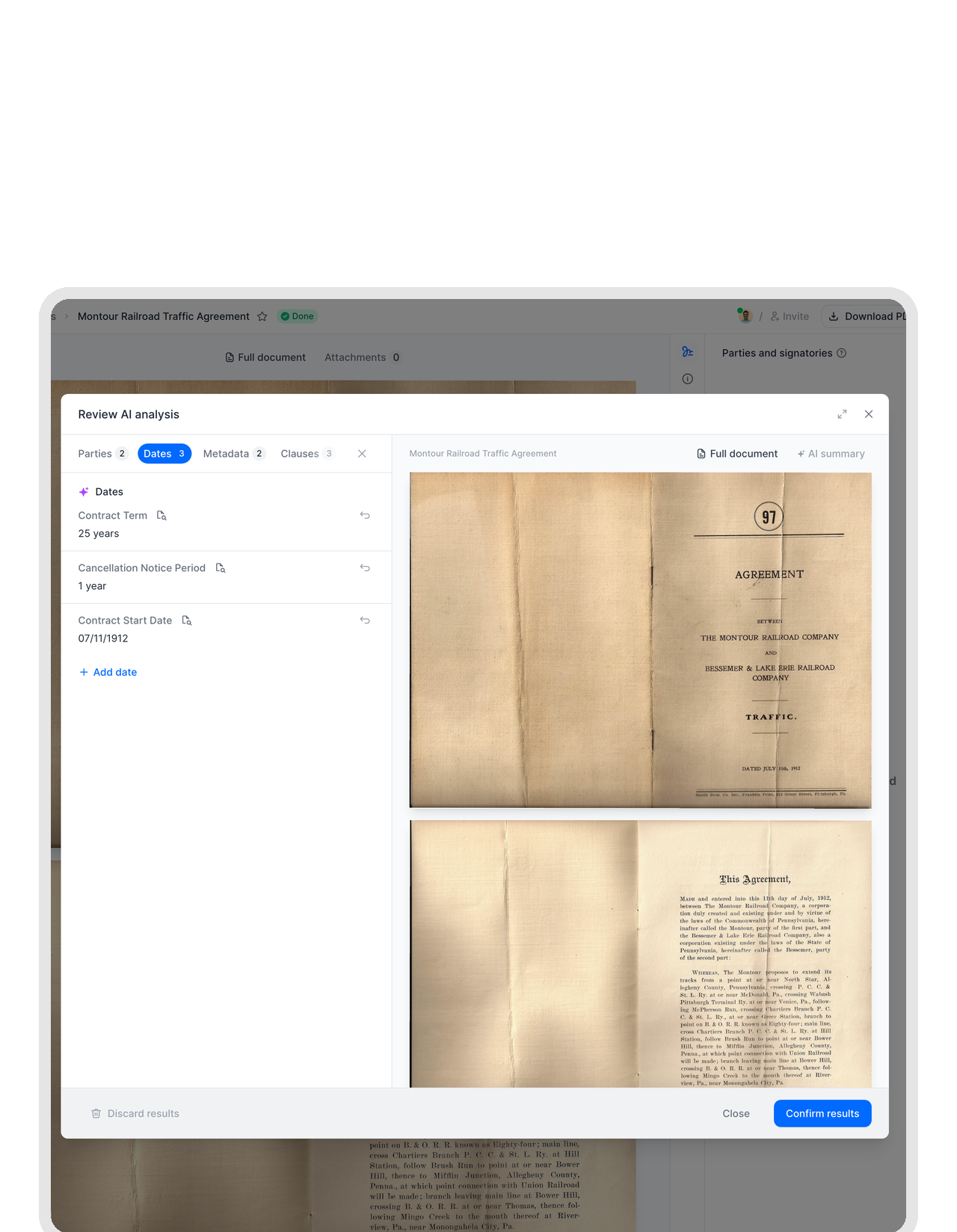
A scanned lease can still renew itself without asking you. fynk AI pulls the renewal and notice dates out of the scan, and you get reminded before they pass. The contract in the drawer finally has a calendar.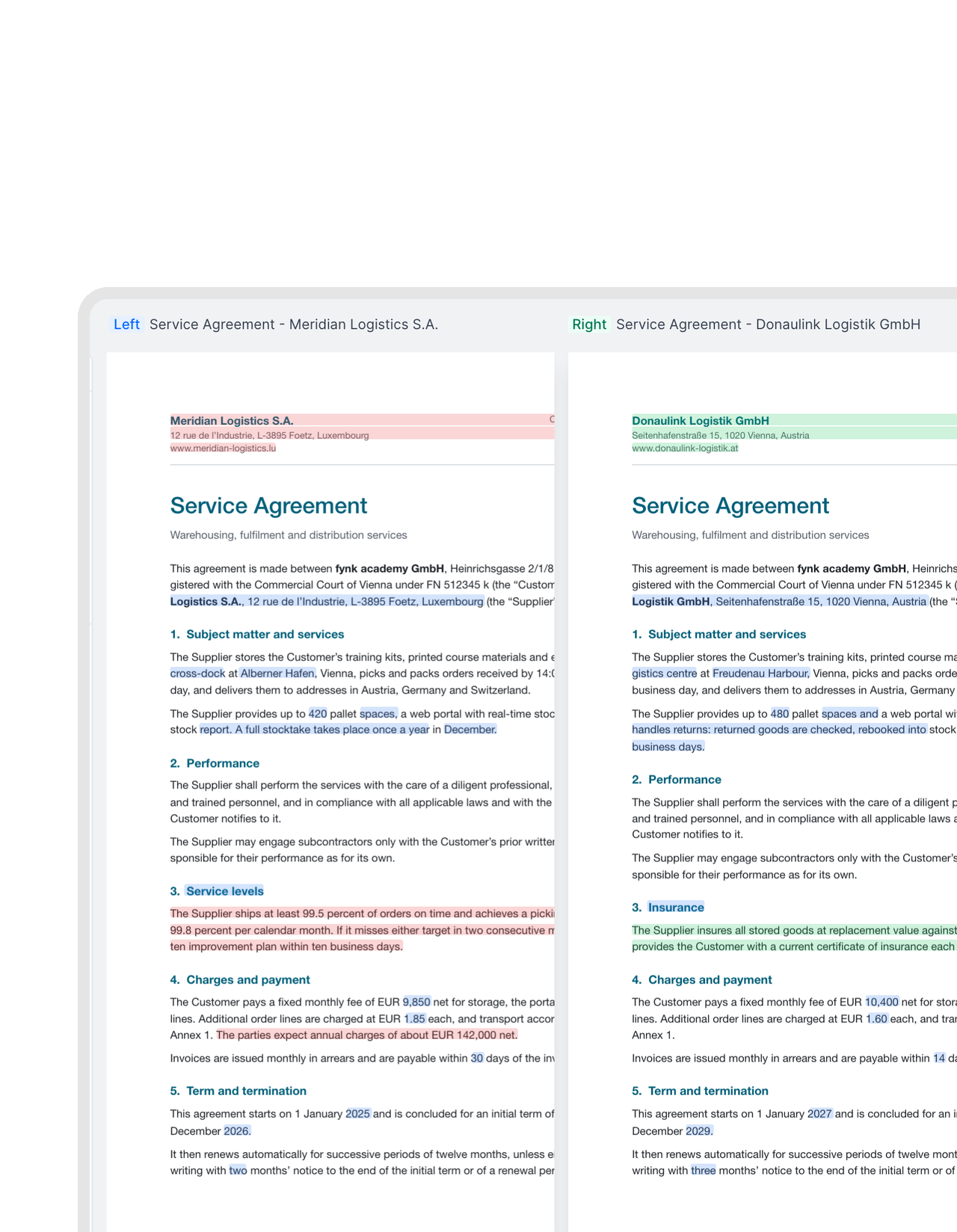 Scan vs. finalLearn more
Is the signed copy what you agreed to?
The counterparty sent back a scan with their signature on it. Compare it with the final draft and every added, deleted, or changed word is marked. Surprises show up before they become obligations.


"We used to have contracts scattered across shared drives and email threads. With fynk, every land lease and supplier agreement is in one place, searchable and always current."

Paper in. Text out.
Small wins for contract digitization when half your archive arrived by scanner.
Looks like the original.
The text layer is invisible. Stamps, signatures, and handwritten notes stay exactly where they were.
Found from search.
Type any word from inside a scan into the search bar and the right contract comes up.
Compare two scans.
Neither version has to be a Word file. Put two scanned PDFs side by side and see the differences highlighted.
Works at archive scale.
Import hundreds of old contracts at once. Each one is readable shortly after it lands.
Protected files respected.
Password-locked PDFs aren't touched until you unlock them in fynk. Then the unlocked copy is read too.
Signed copies too.
The PDF that comes back signed is read as well, so the final version is as searchable as the draft.




More product features to explore.
Draft.
Create contracts from proven templates. Fast, consistent, and ready to send.
Boost.
AI reviews, summarizes, and explains your contracts so you never miss what matters.
Sign.
Send contracts for legally binding e-signatures, tracked from sent to signed.
Insights.
See the full picture of your contracts with dashboards, search, and smart alerts.
Frequently asked questions.
OCR (optical character recognition) turns the image of a scanned page into real text. In fynk it runs on every PDF automatically, so scanned contracts can be searched, copied from, and read by fynk AI like any other document.
You upload it. That's the whole process. Once the text is ready, open the document and press Cmd+F or Ctrl+F, or use the OCR button at the bottom left of the viewer, and your browser's find bar works on the scan.
Yes. The recognised text is indexed with the document, so ⌘K search and the Documents page return it for words that appear only inside the scan. Results show the document name. Open it to see the match on the page.
A PDF with an opening password or certificate encryption isn't read, because fynk can't see inside it. Unlock it in fynk and the new revision is processed like any other upload. Text also takes about a minute to appear after an upload.
Yes. Leases, NDAs, deeds, board resolutions: every PDF in the account is read, for every user and in all plans, Free included. Nobody has to set anything up, and nobody needs to know the feature exists to benefit from it.
Yes. fynk AI uses the recognised text to find scans and answer questions about them. Every answer cites its source, and clicking a citation opens the scan with the referenced lines highlighted.
Still have questions?


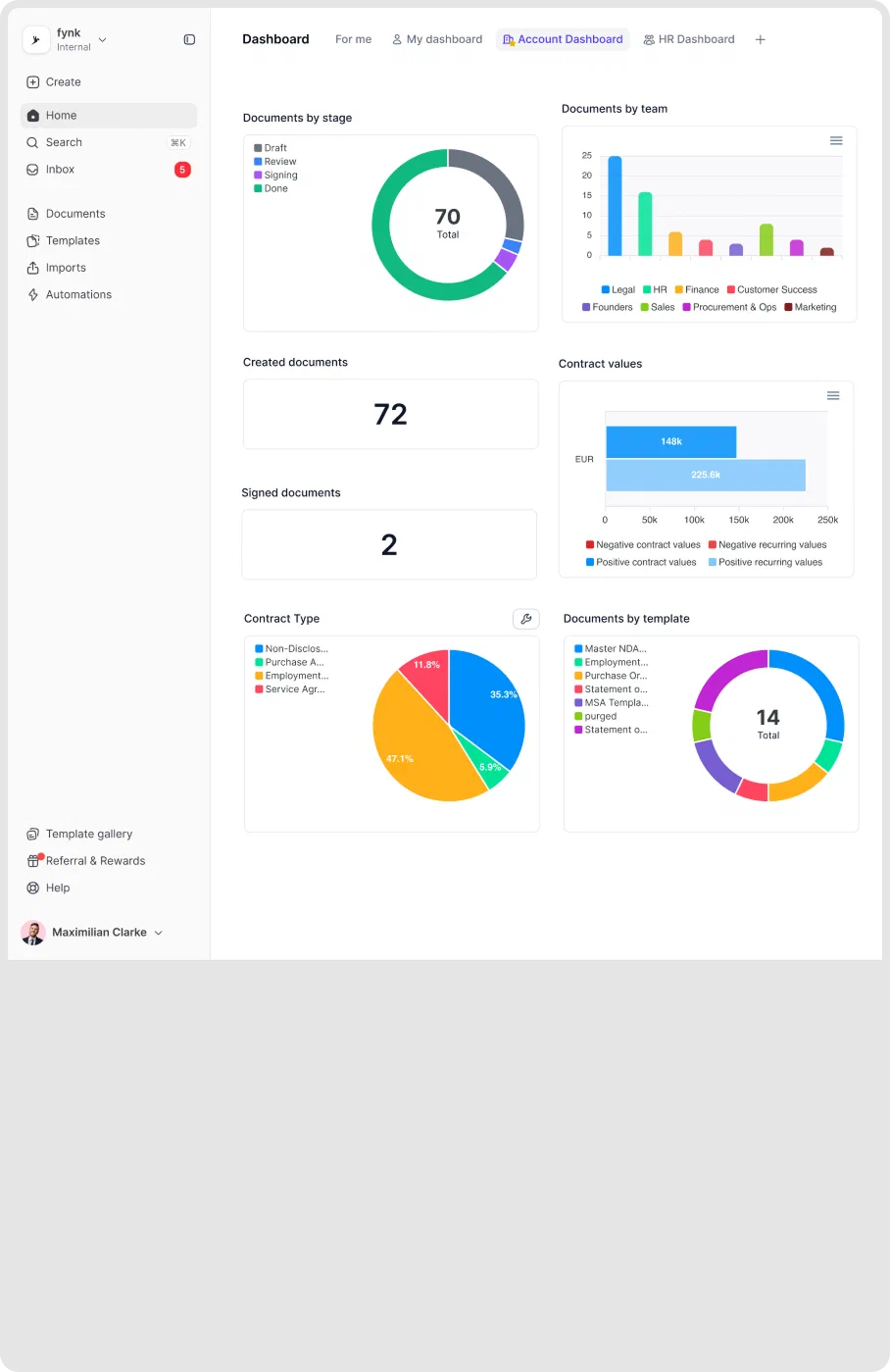
Stop squinting at scans.
Upload your paper contracts and get searchable PDFs you can copy from and question. Nothing to install.