
Notice period calculator Work out the notice period before the renewal lands
Enter the start date, the term and the notice period, including notice that only takes effect at the end of a month, quarter or year. You get the last day you can still give notice, the date of the next automatic renewal, and a calendar reminder to take away. Free, no account, nothing is stored.
Common notice periods
Every date below reads like 30 Apr 2027.
Some contracts can only be ended on a calendar boundary, whatever day they started on. Pick the one yours names.
Does it renew automatically?
How many days before the last possible notice date the calendar entry lands.
Your deadline
This contract ended on
Fixed term, no automatic renewal. There is nothing left to do.
The contract ends anyway on
The notice window has closed, but this contract does not renew. It simply runs out.
This renewal can no longer be stopped.
The window for the renewal on has already closed, so the contract now runs until at least .
Current term ends
Renews on
The next three renewals
| Term ends | Give notice by | Renewal |
|---|---|---|
The first entry is the term you are in right now.
How we calculate this
We count back from the renewal date: renewal date minus your notice period, minus one day. That extra day is deliberate. Whether your contract counts its notice period from the end of the term or from the renewal date is a question about your contract, and the two readings land one or two days apart. With a deadline, a day early is free and a day late costs you a whole term. This is arithmetic, not legal advice: the wording in your contract always wins.
Stop keeping deadlines in your head
fynk reads the terms and notice periods out of your contracts and reminds the person who has to act, in time. No calendar entry someone deletes. No spreadsheet nobody maintains. More on dates and durations
Why this sum goes wrong so often
A notice period is simple arithmetic. People still miss it, and almost always for one of these three reasons.
Month ends move.
31 January plus one month is 28 February, not 3 March. Do this in your head or in a spreadsheet and you land a few days late, and with a deadline a few days is everything.
Deadline sits before the term ends.
With three months' notice you have to act while the contract is still running comfortably and nobody is thinking about it. The reminder is needed before it feels urgent.
Renewals stack up.
Miss one deadline and the next chance moves a whole term away. So the calculator tells you not just the next deadline, but whether the current one has already gone.
Notice period or termination date?
Two clauses that sit side by side in almost every contract and get read as one. Only together do they produce a date.
The notice period is the warning.
Ninety days' notice means the cancellation has to be with the other side ninety days before the end. It says nothing about when that end can be.
The termination date is the date.
Some contracts end on the anniversary of the start. Others only end at the close of a month, a quarter or a calendar year, whatever day they were signed on.
Together they are the deadline.
Three months to the end of a quarter means the 30 September exit needs notice by 30 June. The calculator above takes both halves and returns that one date.
Six renewal clauses, worked through
The shapes auto-renewal clauses actually come in, each calculated once. One click sets the calculator above to the case.
90 days before renewal
A contract that renews on 1 January needs notice by 2 October. Miss it and the renewal is another full term, not another few days.
60 days before renewal
A renewal on 1 July needs notice by 1 May. Two months is short enough that a quarterly contract review can miss it entirely.
30 days before renewal
A renewal on 1 June needs notice by 1 May. The shortest common window, and the one where a single week of holiday costs you the term.
3 months to the end of a quarter
The contract can only end on 31 March, 30 June, 30 September or 31 December. For the 30 September exit, notice has to be in by 30 June.
3 months to the end of a month
For an exit on 31 October, notice is due by 31 July. Notice in August moves the exit to 30 November, because the month you are in is already spoken for.
6 months to the end of a year
The contract only ends on 31 December and notice is due by 30 June. Half a year of warning, which is exactly why nobody is thinking about it in June.
Stop chasing deadlines
in your head
For the contract you have open right now, this page is enough. The problem starts with the pile nobody is thinking about.
 Dates and durationsExplore dates and durations
Deadlines that keep track of themselves
This calculator answers one question about one contract. The real work is the repetition: every contract has a start date, a term and a notice period, and all three are sitting in a PDF somebody filed two years ago.
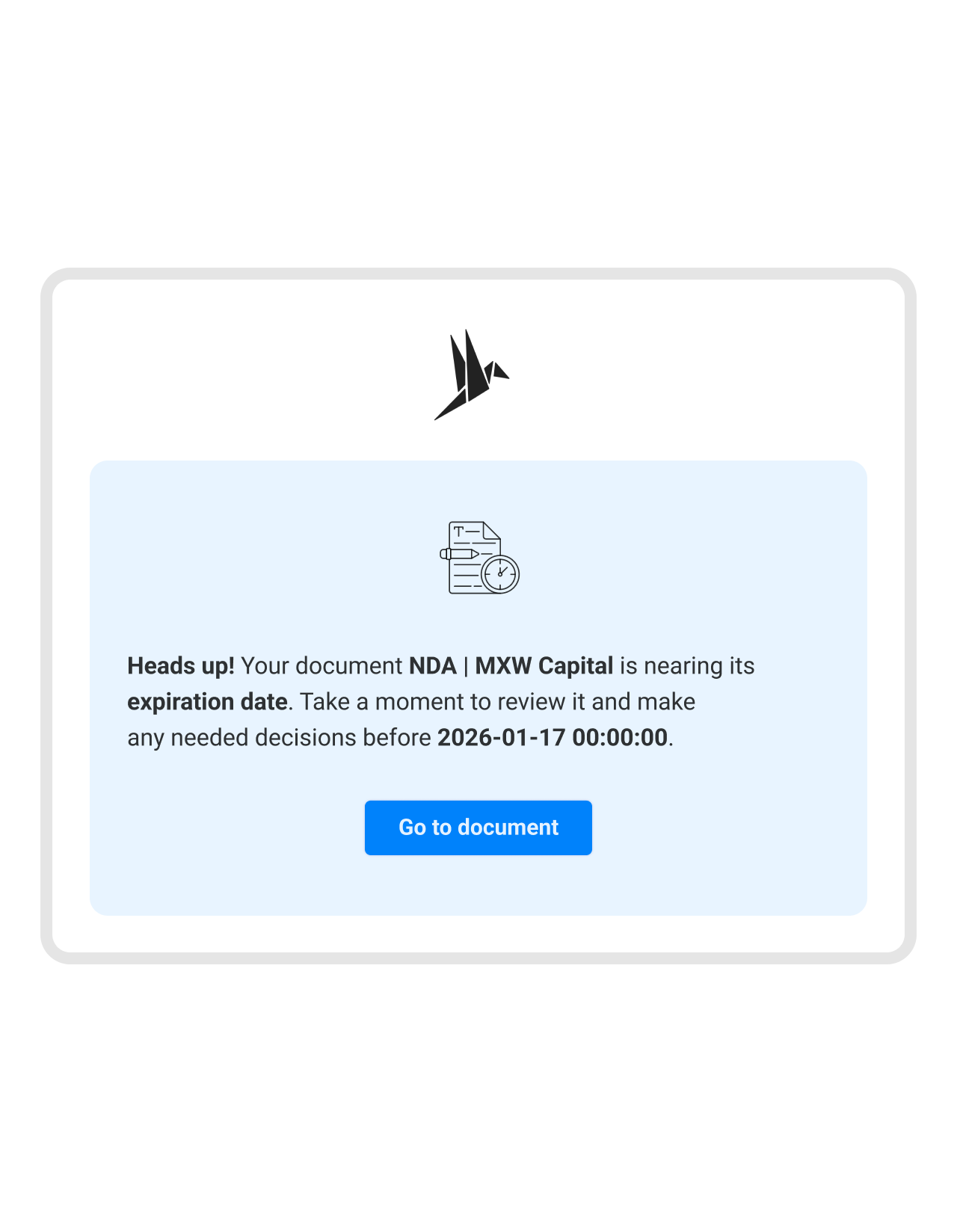
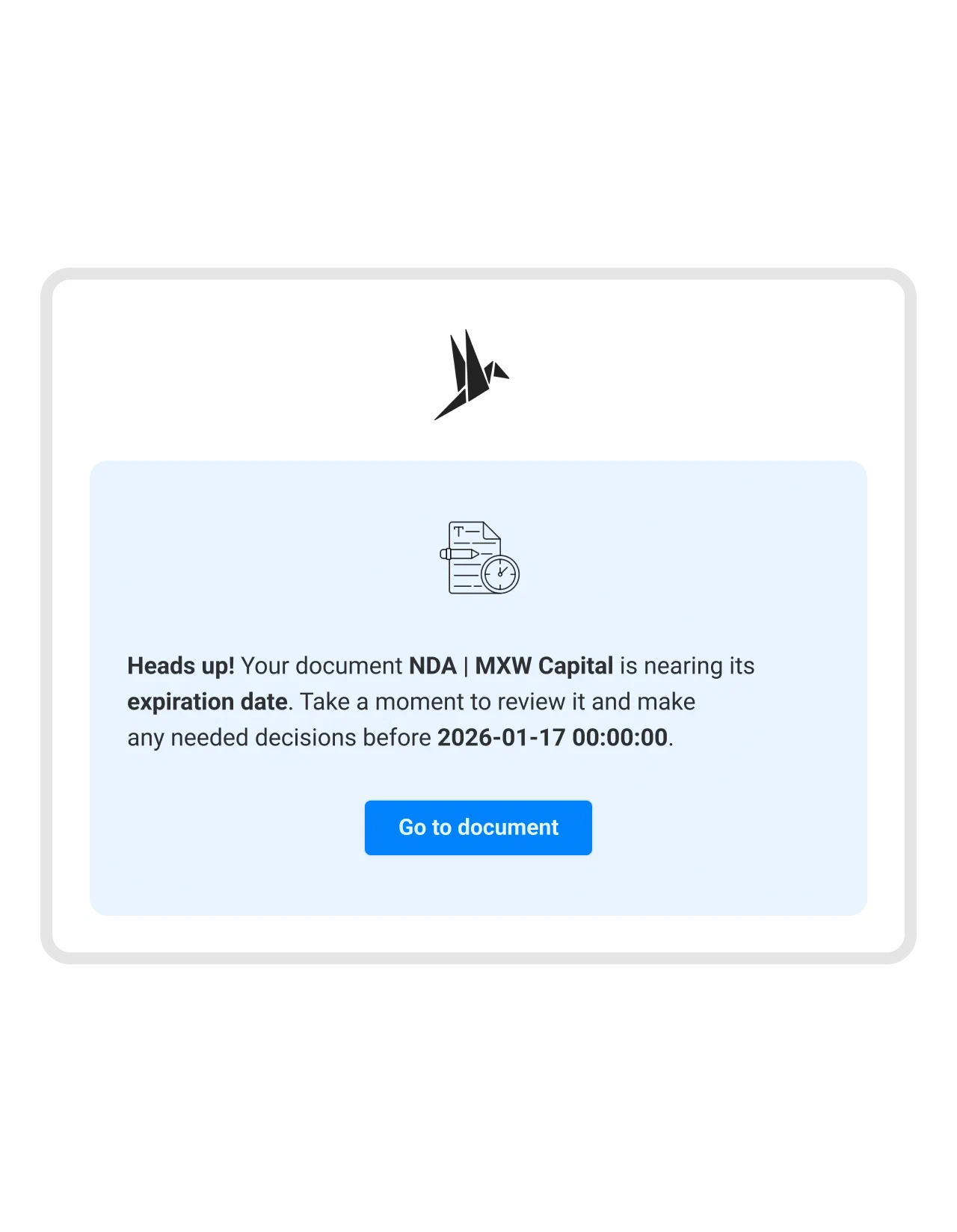
fynk reads those dates out of the document on import and turns them into deadlines that surface on their own, as an email in the right inbox weeks before the date matters. No spreadsheet to maintain, and no reminder hanging off one person’s calendar.
"Since we're using fynk, we have improved quite a lot when it comes to deadlines."
 Jörg Burkhardt Head of Sales & New Partnerships, 1. FC Nürnberg
 Document calendarGet a demo
Every deadline in one view
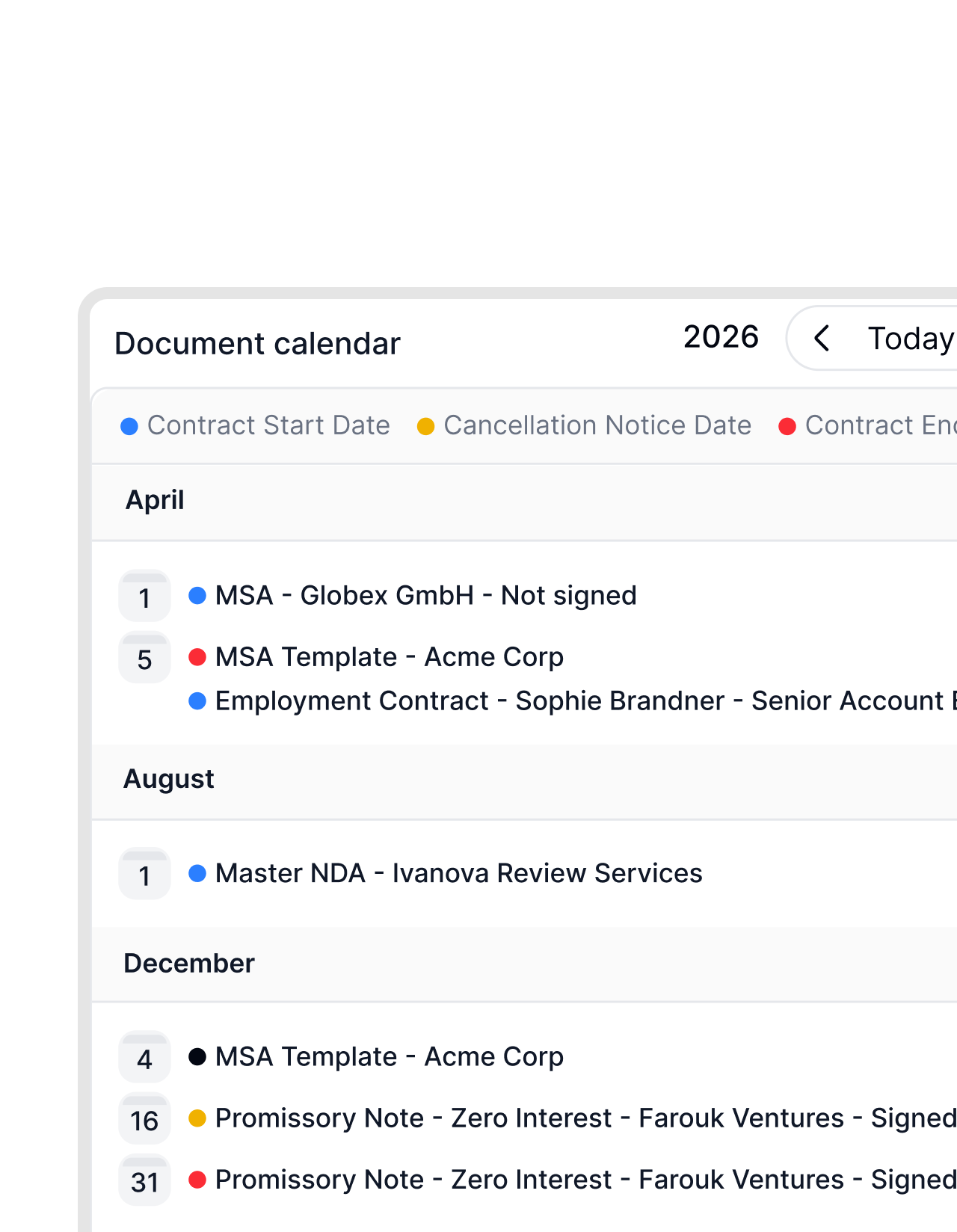
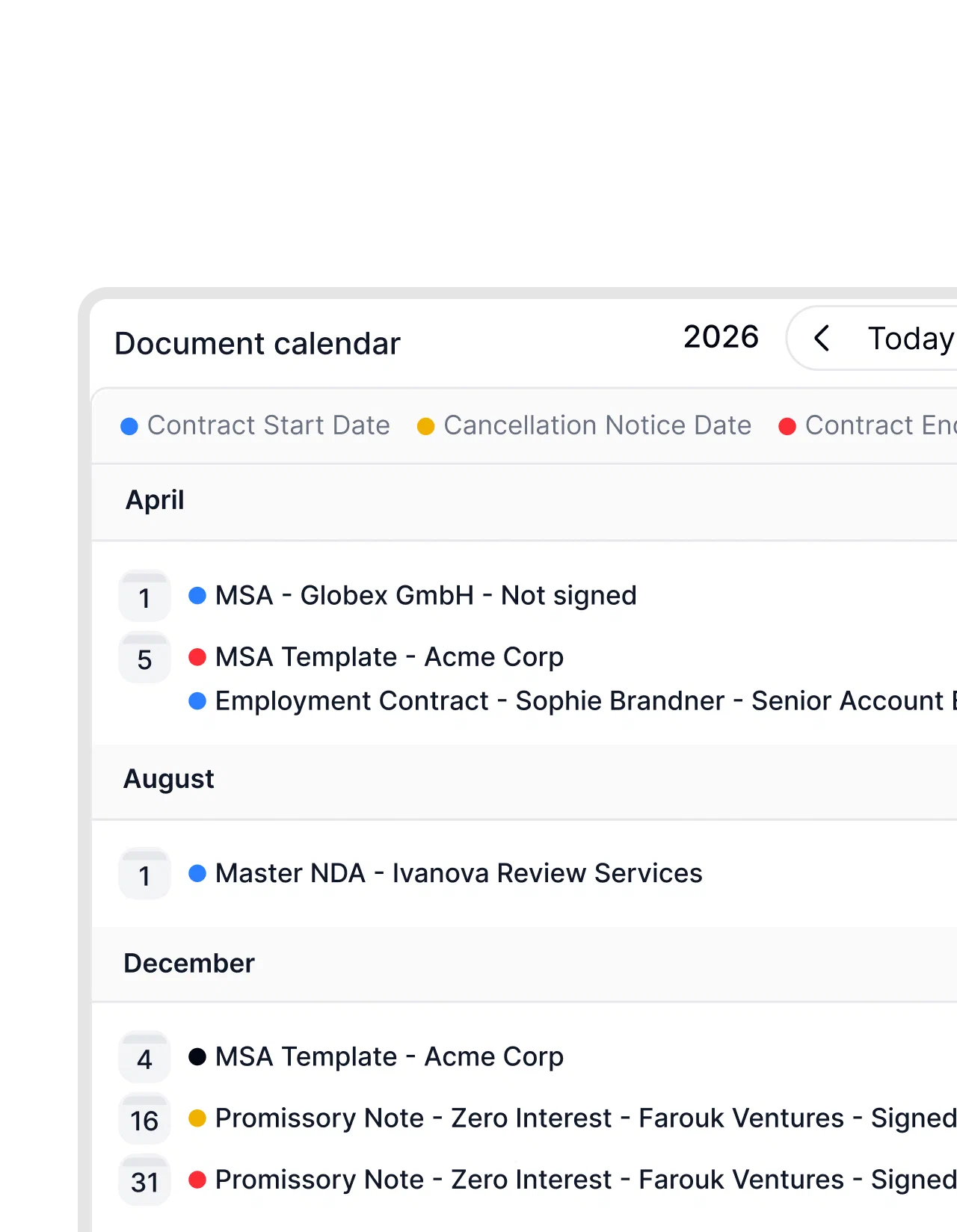
A single deadline you can put in your own calendar. At thirty contracts you need a view that shows what falls due in the next three months without opening thirty documents.
That is the document calendar: every term end, every notice deadline and every task in one place that is always current. And because a reminder only helps if it reaches the person who can act, fynk assigns ownership through tasks and reminders.
"It's much easier to stay on top of exclusivity periods when everything is visible in one place."
 Alina Heiner Founder and Director at maven
"We lost money because we missed termination deadlines. That was the moment we knew our old approach had to change."

Notice period questions
Count back from the renewal date. Renewal date minus your notice period gives the day the cancellation has to be in by. What matters is counting in whole months with an end-of-month correction: 31 January minus one month is 31 December, but 31 March minus one month is 28 February. The calculator above applies that correction automatically.
No, and that is deliberate. It works only with the values you enter. It makes no claim about the law and cites no statutes. Which notice period applies to your contract is in your contract, or follows from the type of agreement. This page does arithmetic, it does not give advice.
Because the calculator deliberately rounds to the earlier date. Whether a notice period counts from the end of the term or from the renewal date differs between contracts, and the two readings land one or two days apart. With a deadline, a day early is free and a day late costs a whole term. So we show the safe date.
The calculator says so directly. If the deadline for the next renewal is in the past, it flags that this renewal can no longer be stopped, gives the date the contract now runs to at minimum, and works out your next chance.
A clause under which the contract extends for another term if nobody gives notice in time. A common shape is a twelve-month initial term renewing for twelve months at a time with three months' notice. The renewal is why a missed deadline costs a year rather than a few days.
No. You do not upload anything here. The calculator needs four numbers and a date, and the whole calculation runs in your browser. There is no server that sees any of it, and nothing is stored.
An ICS file with two all-day events: one as a reminder before the notice period expires, using whatever lead time you set, and one on the day of the automatic renewal. It works in Outlook, Google Calendar, Apple Calendar and anything else that reads ICS.
Yes. Set automatic renewal to 'No, fixed term'. The calculator then works out one term end and its deadline, with no renewals. If the deadline has already passed, it tells you the contract runs out anyway and there is nothing to do.
The notice period is how much warning you owe. The termination date is when the contract is allowed to end at all. Three months tells you the warning; end of quarter tells you the exit is only ever 31 March, 30 June, 30 September or 31 December. Deadlines get missed because only one half of that gets read.
The cancellation has to be with the other side 90 days before the renewal date, not 90 days before you want to stop paying. For a contract renewing on 1 January, that is 2 October. A day late and the renewal takes effect for another full term.
Set the termination date your contract names and leave the start date blank. The result is the next date you can still get out on, and the last day notice has to go out for it. If that day has passed, the calculator shows the exit after it instead.
Most contracts count from receipt, not from the postmark, so a notice posted on the deadline is usually late. What governs yours is in your contract. The practical answer is to send it earlier than you need to and keep proof of delivery. The calculator works with the day the notice should have arrived.
The calculator names the weekday and flags a Saturday or Sunday. Whether a deadline moves in that case depends on the contract and the law behind it, which this page does not try to answer. Sending on the Friday before makes the question moot.
The arithmetic does, the rules do not. The calculator uses exactly the period and the termination date you type in and turns them into a date. It knows no statutory minimums, no scaling by length of service and no collective agreement terms. For contracts between businesses, where both values are written into the agreement, that is what you want. For employment or tenancy, establish the governing values first, then come back for the date.
Still have questions?


Trusted and loved by our users
OMR rating
4.8/5
100+ reviews
G2 rating
4.9/5
50+ reviews

Trusted rating
4.7/5
1,0 Sehr gut
More product features to explore.
Draft.
Create contracts from proven templates. Fast, consistent, and ready to send.
Boost.
AI reviews, summarizes, and explains your contracts so you never miss what matters.
Sign.
Send contracts for legally binding e-signatures, tracked from sent to signed.
Insights.
See the full picture of your contracts with dashboards, search, and smart alerts.
Take control of your agreements. Move your business forward.
Run agreements the way they should run: fast, clear, and on your terms.
No setup headaches
Go live in days, not quarters
No lock-in
Full export anytime
No hidden fees
Signatures included, no envelope fee