
Single Sign-On (SSO) integration of contract management fynk
 Simplify Authentication
The Need for a SAML Integration in fynk
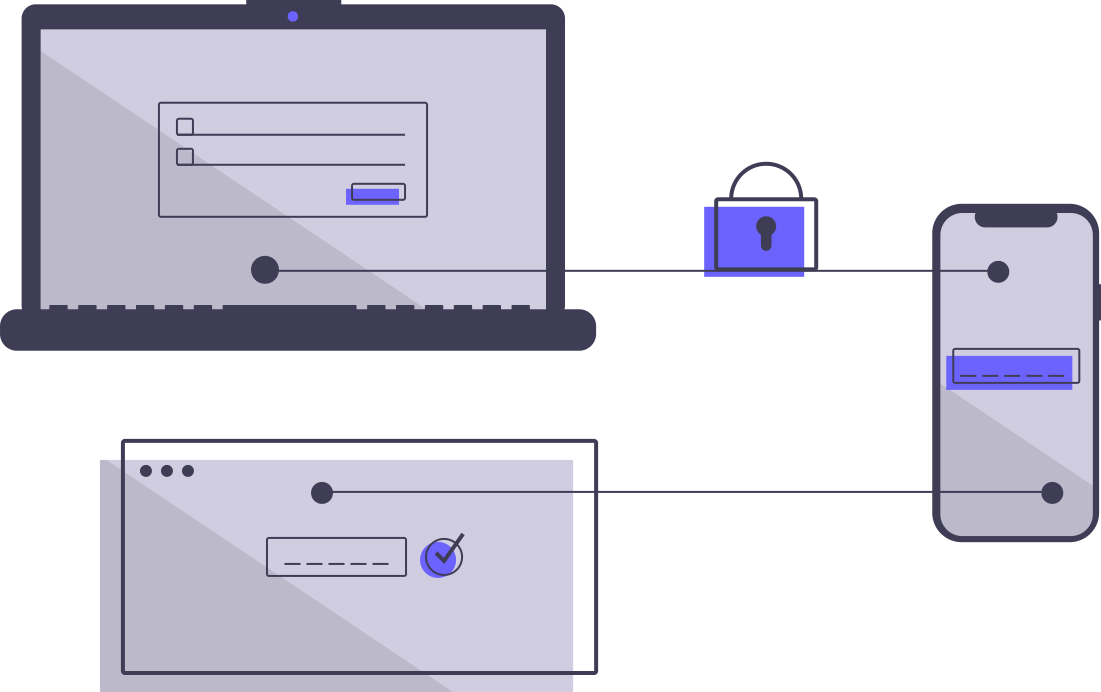
Secure and efficient authentication is more crucial than ever. SAML, an open standard for exchanging authentication and authorization data between parties, especially between an identity provider and a service provider, is at the forefront of meeting this need. Integrating SAML with fynk brings enhanced security, a streamlined sign-on process, and an improved user experience by enabling single sign-on (SSO) capabilities, allowing users to access multiple applications with one set of credentials.
- Central User Management
Simple Login and User Management
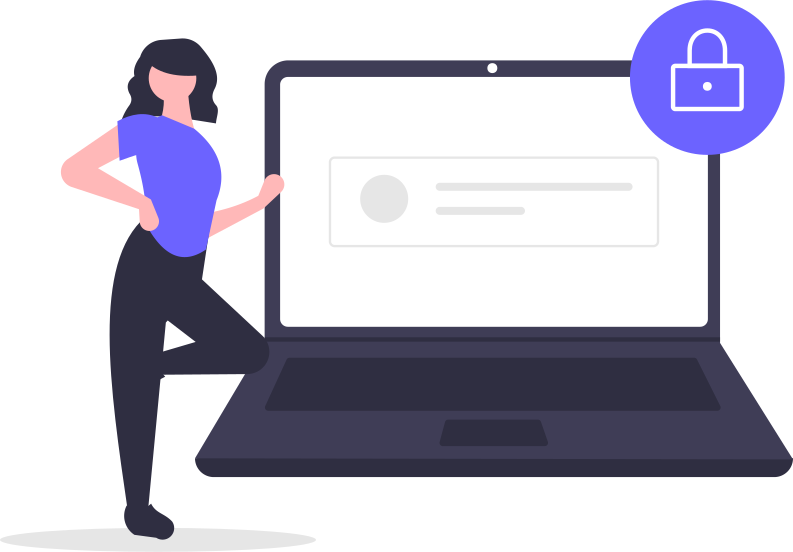
fynk’s SAML integration is all about simplifying how you manage logins and users across your organization. Log into fynk without needing an email and password by using your Identity Provider.
 Security and Control
Facilitate Easy and Secure Access
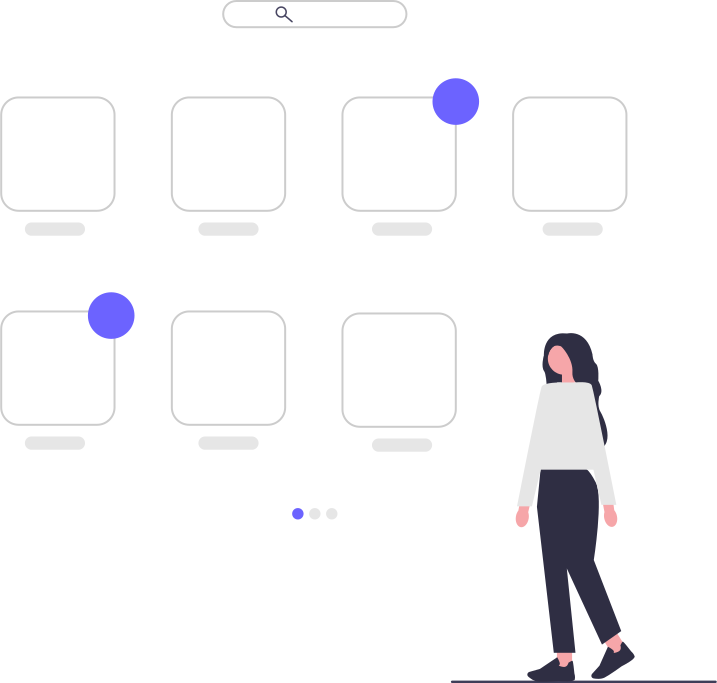
By integrating SSO, fynk ensures that all teams involved in contract management can securely and efficiently access the tools and information they need, enhancing collaboration and productivity across the organization.
Step-by-Step Guide to Activate SSO
Activating Single Sign-On (SSO) in fynk is straightforward. This guide will help you set up your SAML 2.0-based SSO in minutes:
- Step 1
Navigate to fynk’s settings: Go to Account Settings and then Integrations.
- Step 2
In the SAML settings of your SSO Identity Provider (IdP), you’ll need to enter the provided ACS URL and SP Entity ID.
- Step 3
To simplify the process, adding your Metadata URL will auto-fill the other required fields.
- Step 4
Once you’ve entered the necessary information, click Save. And that’s it, you are done!
Frequently asked questions
Setting up SSO involves navigating to your fynk account settings, going to integrations, and configuring SAML settings with your identity provider's details. Follow our step-by-step guide above for a smooth setup.
fynk supports SAML integration with a wide range of identity providers. If your provider supports SAML 2.0, you should be able to integrate it with fynk seamlessly. Supported providers include Okta, Microsoft Azure Active Directory (Azure AD), Google Workspace, OneLogin, Ping Identity, Auth0, and JumpCloud.
SSO is available on our Pro & Enterprise plans. For specific details regarding which plans include SSO and the features each plan offers, please check our pricing page or contact our sales team.
Still have questions?



Take control of your agreements. Move your business forward.
Run agreements the way they should run: fast, clear, and on your terms.
No setup headaches
Go live in days, not quarters
No lock-in
Full export anytime
No hidden fees
Unlimited signatures included