Control your contract before it's created.
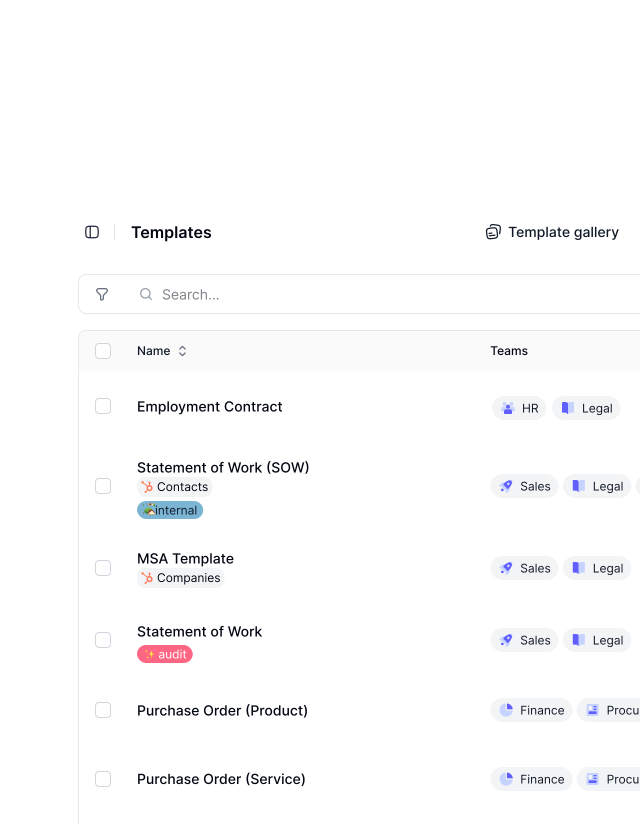
The issue isn't drafting. It's losing consistency. fynk Reusable Templates let Legal define the structure and rules once, so every new deal follows the approved setup. Peace of mind for Legal. Faster execution for Sales.







One correct version over many risky copies.
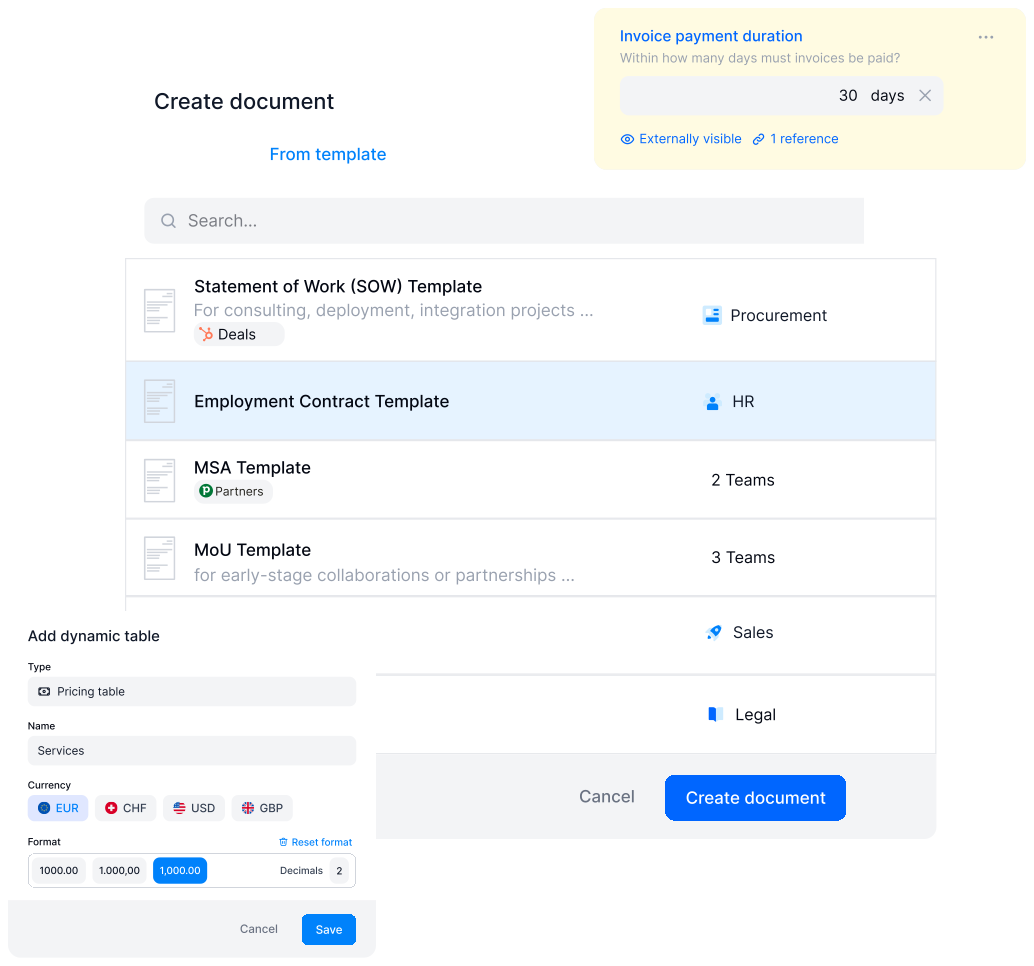
Work from one approved template version instead of endless copies. Everyone uses the same source of truth.
Faster Contracting
Get a demoTake a shortcut to signature with reusable templates.
Starting contracts from scratch is not the problem. Doing it every time is. fynk Reusable Templates keep everything ready so you quickly make a new deal. Same flow. Every time. Without delay."We even managed to give the responsibility for contract building to different stakeholders in our team. It's easy to handle and easy to use."
 Dr. Jörg Burkhardt Head of Sales & New Partnerships of 1. FC Nürnberg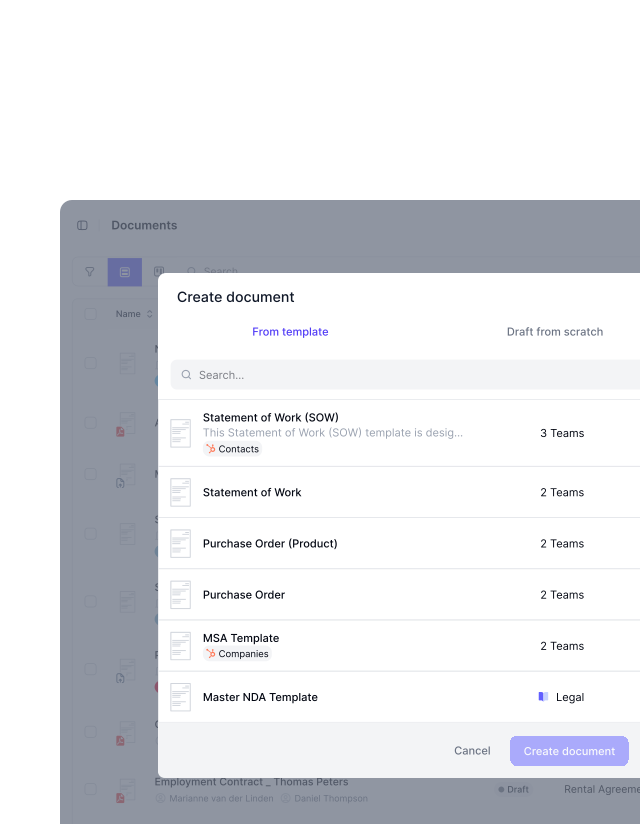
Reusable Templates
Get a demoTurn your best contracts into templates once. Use it forever.
Don’t waste time copy-pasting from an old deal or searching for the latest version. Create document templates that already have the wording and fields that you approve. Review and signing always happen the same way. Again and again."We needed a system behind our contracts. Without standardized documents, files were missing, duplicated, and inconsistent."
 Elisa Prosdorf Legal Solutions Manager of Unite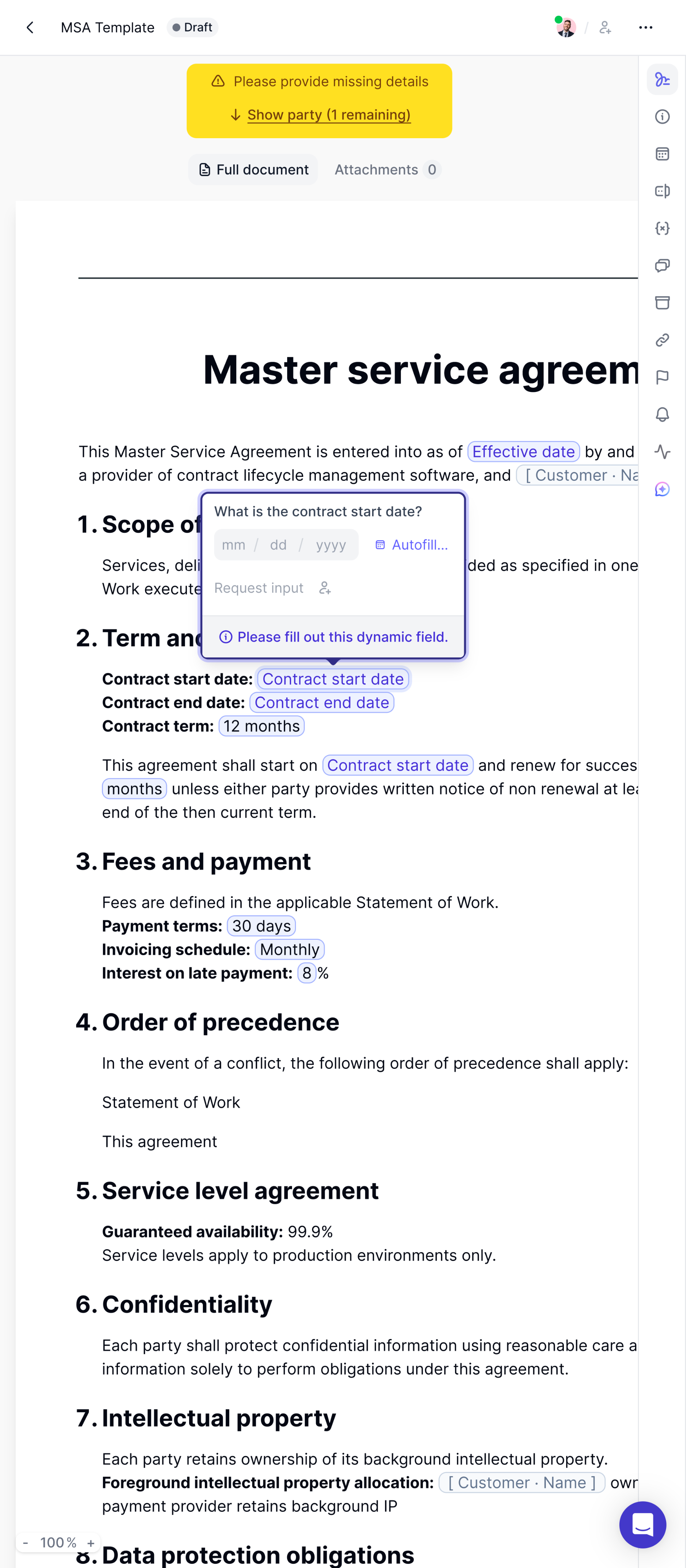
Dynamic Content
Get a demoCreate one template for countless scenarios.
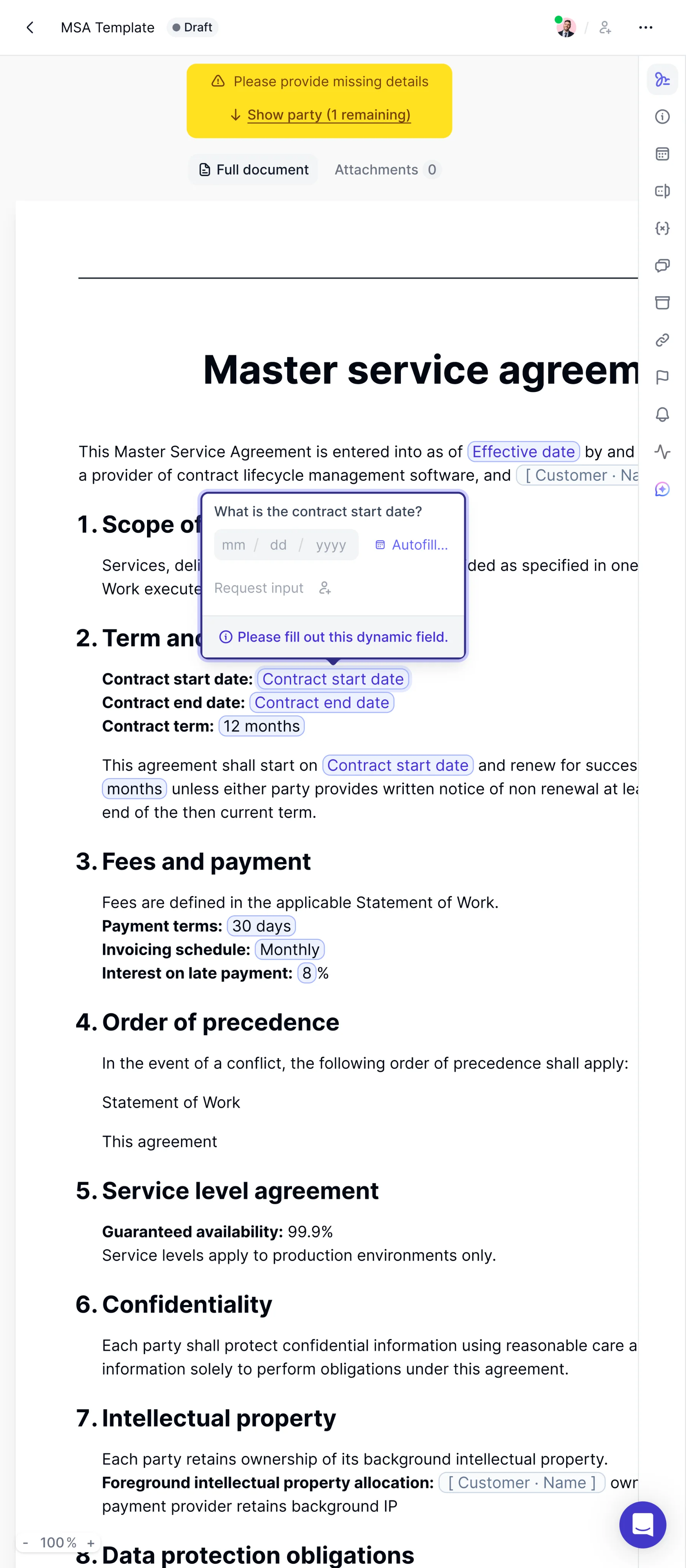
Let your contracts do the work. Enter names, dates, and prices once, and they update everywhere automatically. Each contract adapts to the deal based on the data you provide. No manual adjustments needed. All created from one source."We managed to reduce our contracts to only two or three main templates, with only small adjustments needed to finalize a contract."
Dr. Jörg Burkhardt Head of Sales & New Partnerships of 1. FC Nürnberg
"We had 25 different contract versions before. With centralized templates, we reduced this to one and eliminated massive legal risk."
Integrations
Get a demoUse data in other tools to fill your contract templates.
Remove chances of manual errors in your contracts. fynk connects your templates to other tools like your favourite CRM. Fill templates with updated data with just a few clicks. Fast forward to the signing without any mismatches or wrong values.FEATURES
Less repetition. Fewer setups.
Move fast from draft to signing. Create or import the template once. After that, every contract follows the same setup.
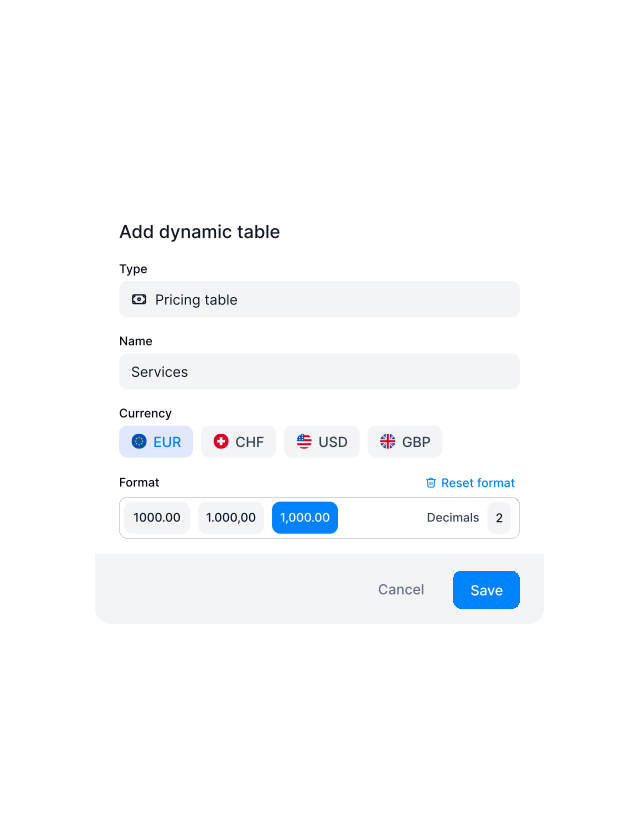
Work Together
Get a demoClose deals faster without breaking your rules.
Move deals forward with approved templates and built-in pricing tables. Sales creates contracts on their own using predefined wording and ready to use pricing structures. Legal defines the rules once. Sales applies them instantly. Same structure. Accurate pricing."We were able to give responsibility for contract creation to the sales team, because the templates are easy to handle and easy to use."
Dr. Jörg Burkhardt Head of Sales & New Partnerships of 1. FC Nürnberg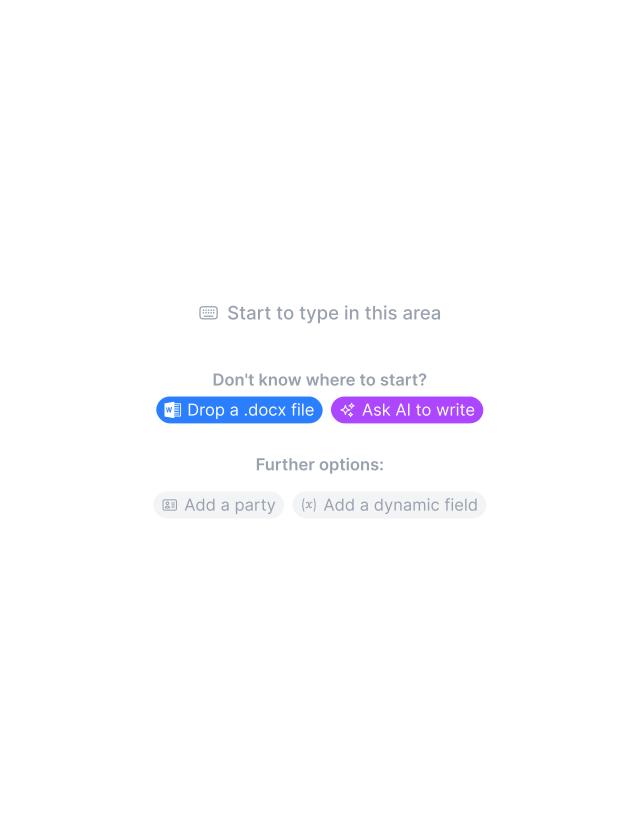
Editor
Get a demoWork on templates the way you expect: Easy.
You’re not here to learn another tool. Upload existing templates to fynk or start from scratch. A lightweight editor with everything you need to build beautiful, automated templates. Add your brand vibe to each contract you own. Easy to use. Works the way you expect.FEATURES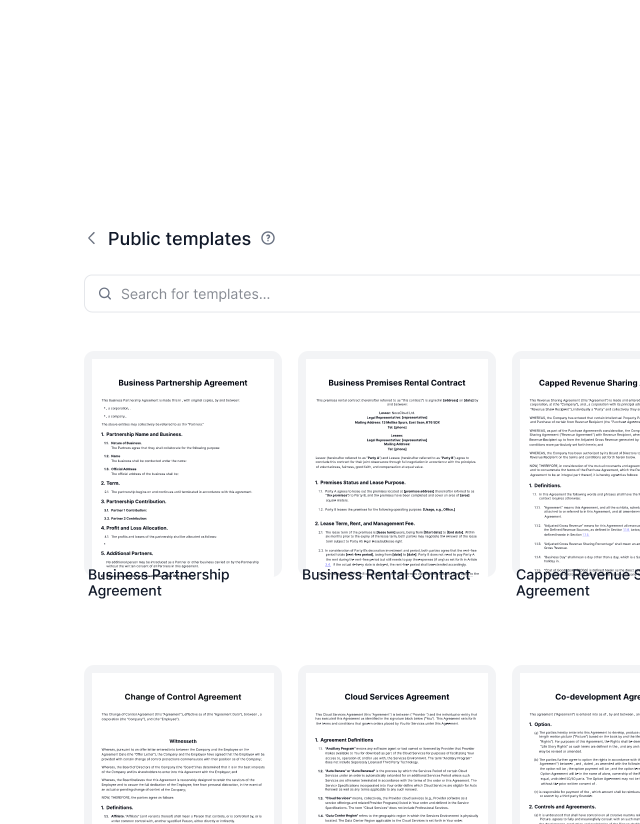
Template Library
Explore templatesStart faster with ready to use templates.
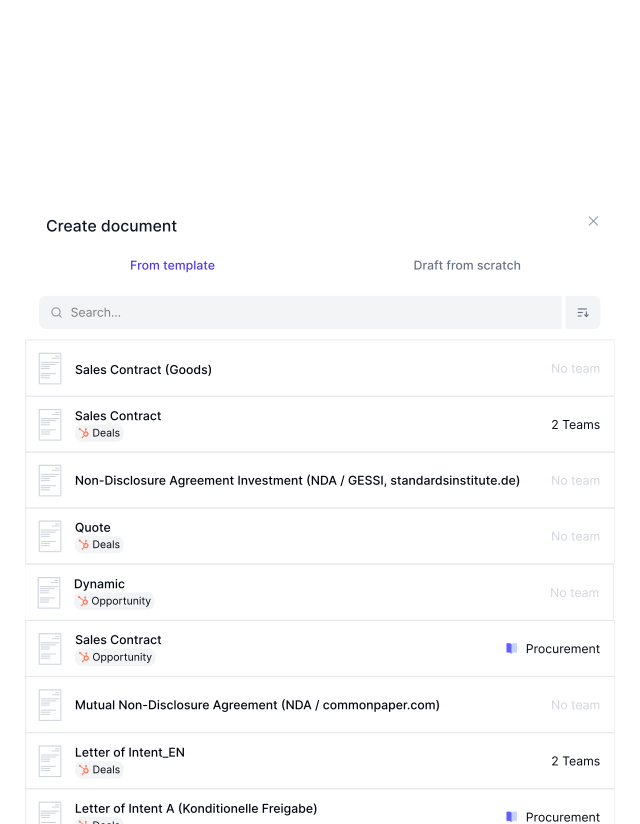
Not every team wants to build templates from scratch. That’s why fynk includes a built in template library to get you started immediately. Browse hundreds of contract templates directly inside fynk, pick the one that fits your use case, and adjust it to your needs.
Fill once. Reuse everywhere.


Cut the copy paste nonsense.
Build a template once and reuse it without rewriting anything. Create contracts faster and avoid small mistakes that slow everything down.
Flexible imports.
Turn what you already use into working templates. Bring in your PDFs or Word docs in bulk. No reformatting needed.
Signatures set upfront.
Define who signs and in what order. Every contract follows the same flow automatically. No missed steps. No fixing it later.
Bulk contract creation.
Generate dozens or hundreds of documents in one go using a template source. Same structure. Same rules. In minutes instead of hours.
Built-in approvals.
Decide upfront who needs to approve the terms. The contract follows that path every time. So you don't have to double check later.
Headers and footers.
Add your brand vibe to every document. Everything looks right from the first page to the last. Legal details, always there.
Attachments.
Add files to templates once and reuse them every time. Terms, exhibits, or extras are always there when needed.





More product features to explore.
Draft.
Create contracts from proven templates — fast, consistent, and ready to send.
Boost.
AI reviews, summarizes, and explains your contracts so you never miss what matters.
Sign.
Send contracts for legally binding e-signatures — tracked from sent to signed.
Insights.
See the full picture of your contracts with dashboards, search, and smart alerts.
The next-generation CLM
Only fynk offers a flexible, integrated and truly end-to-end contract platform for all teams to use - not just legal.
Sign
Organize
Boost
Scale
Insights
Organize your agreements using AI
Work smarter and faster with fynk’s built-in AI. Centralize agreements, extract data, automate tasks, and offer secure access for your entire team.
Signatures (SES, AES, QES)
Signature order
Signature style
Voting
Signature tracking
eIDAS Compliance
Document hub
Bulk import
Document calendar
Tasks & Reminders
Configurable notifications
Kanban dashboard
Multi-entity management
AI assistant
AI analysis
AI summary
AI draft
AI review
AI search
Approval workflows
Date & durations
PDF comparison
Integrations
API
Branding
Teams
Dashboards
Metadata
Analytics
Audit trail
History
Frequently asked questions.
A document template is a reusable contract setup that combines content, fields, approvals, and signing rules so new documents follow the same structure and logic every time.
Templates are reusable blueprints. Documents are created from templates and inherit their content, rules, metadata, approvals, and signing setup.
Yes. You can import a Word document or PDF files and turn it into a fynk template or build one directly in the editor.
Templates can automate fields, metadata, approvals, notifications, signing order, dates, and conditional clauses.
Yes. You can show or hide clauses based on metadata values or rules defined in the template.
Yes. Templates can include checkpoints that require approvals before a document can move forward or be signed.
Yes. You can predefine internal and external signatories, assign roles, and reuse signer setups across documents.
Yes. Templates support sequential, parallel, or mixed signing order and this setup is reused for every document created from the template.
Yes. Templates can trigger notifications and reminders for reviews, approvals, signing, expiry, or renewal events.
Yes. Templates can pull data from HubSpot and Salesforce to auto-fill fields and metadata when documents are created from the CRM.
Yes. You can attach up to 200 files per template, with a maximum size of 50 MB per file, such as annexes or exhibits.
Access is controlled by user roles. Roles determine who can view, edit, or manage templates in the workspace.
Once published, users can create new documents from the template through the Documents tab, and all defined logic and settings are applied automatically.
Still have questions?
Build it once. Use it every time.
Create a template that handles the structure, rules, and signing so every new contract is ready faster.