The right access for every role. Drama-free.
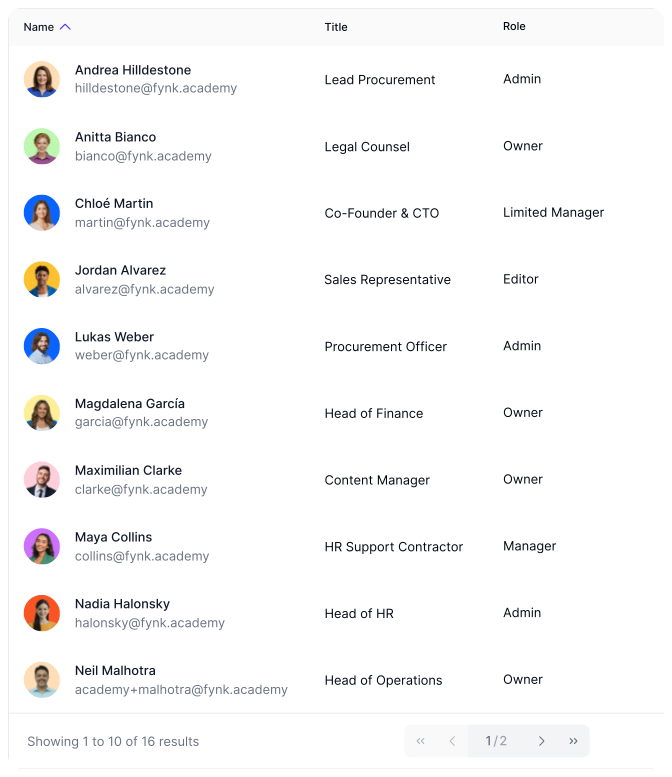
Too much access is a security risk. Too little slows you down. fynk gives every user a clear role with the right level of access. From view-only to full-view. Teams see only what they should, and every step has an owner.









Access that fits the job.
For everyone.
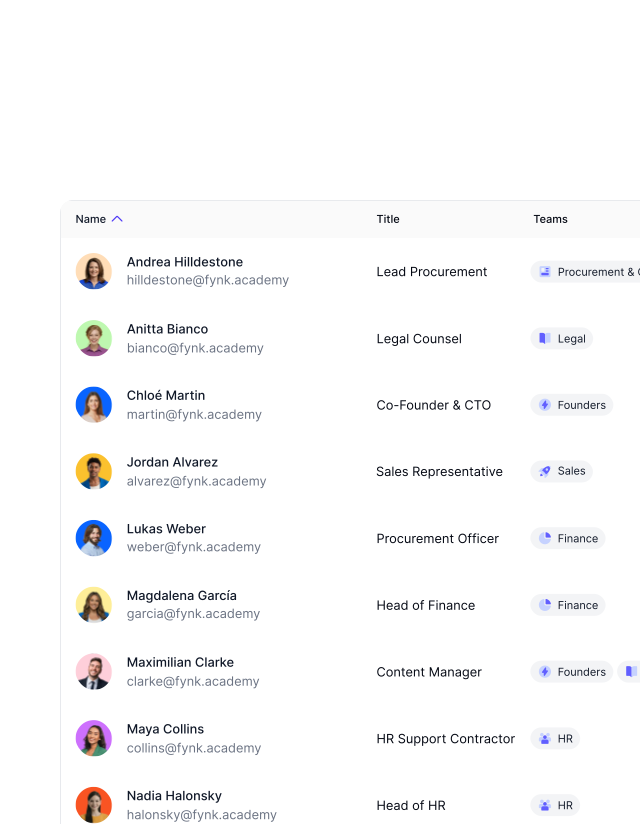
From admins to approvers, every role in fynk comes with clear boundaries. No one sees too much or too little. Easy set up.
Access Control
Get a demoEvery document in the right hands. Locked in.
One accidental change to documents can lead to errors or delays. fynk only lets the right people edit, approve, or sign. User roles remove the unwanted changes to documents, templates, and settings. So nothing gets touched by mistake."We brought more than 20 people into fynk so they can see what's happening, but not everyone needs the same level of access."
 Lucas F. Jamnig Lead Counsel of fiskaly
Easy Teamwork
Get a demoWork together without stepping on each others' toes.
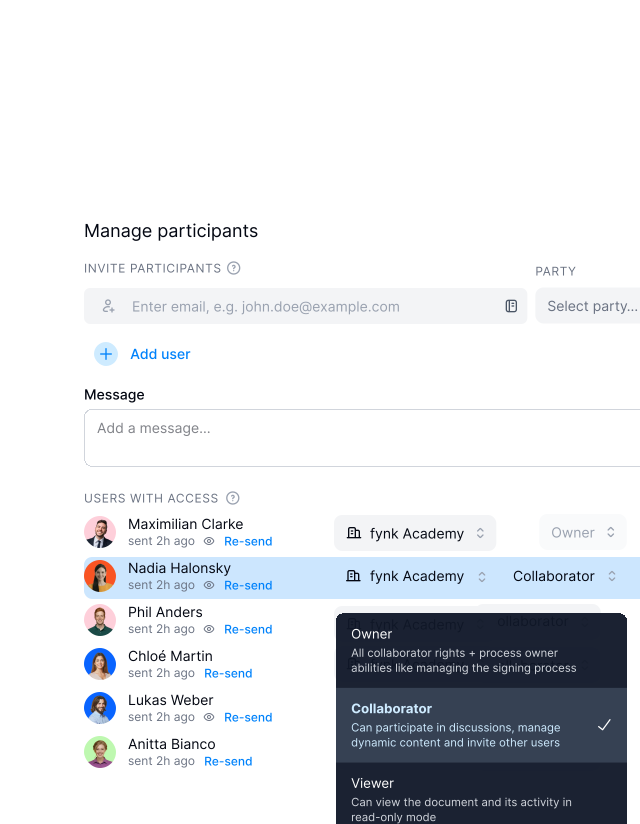
Legal builds and locks the template. Sales or HR generate the contract and can only edit the approved fields. Finance reviews the numbers, leaves comments, and approves. Others co-sign when needed. Everyone has a role. Everyone sees what they should. Nothing more.
Filtered Views
Get a demoKeep clear permissions as you grow.
More people don’t have to mean more work or confusion. fynk always gives access to the right people. No matter if your team is one, or thousands. No extra work for scale. All you need to do is to assign the correct roles to each person."We were able to give responsibility for contract building to the sales team, not just one central person."
 Dr. Jörg Burkhardt Head of Sales & New Partnerships of 1. FC Nürnberg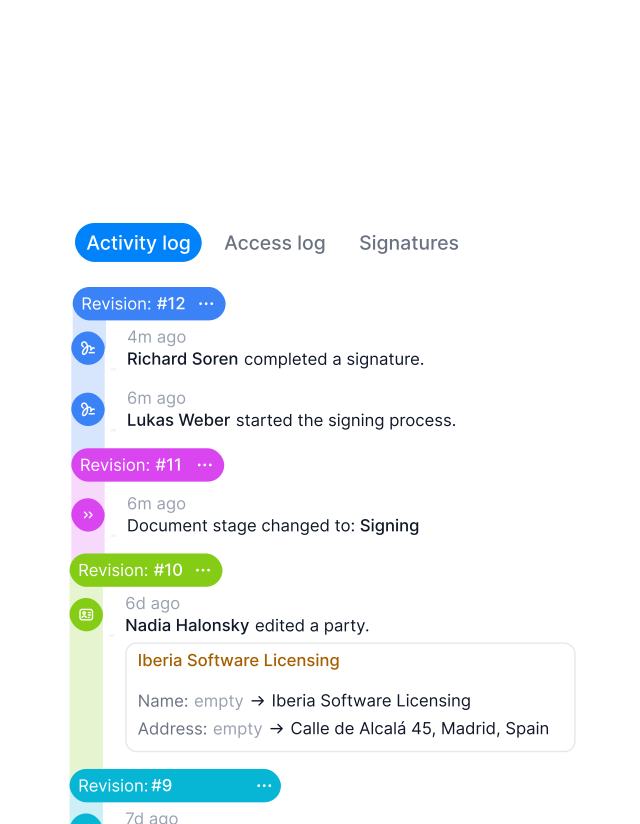
Easy Audits
Get a demoShow up audit-ready, every time.
fynk tracks and keeps record of every action, so nothing gets missed or questioned. See which documents a team or person is working on. Answer any question without delay. Stay calm, even under pressure."Everybody just sees their own contracts. We have different access rights, and that makes it highly compliant."
Lucas F. Jamnig Lead Counsel of fiskaly
"We want everyone involved in contracting to have access, but with clear roles so compliance and structure stay intact."

The right access, to the right people.
Set clear boundaries once. Let your team collaborate smoothly. No risky errors, no breaking rules.
Cleaner workspace.
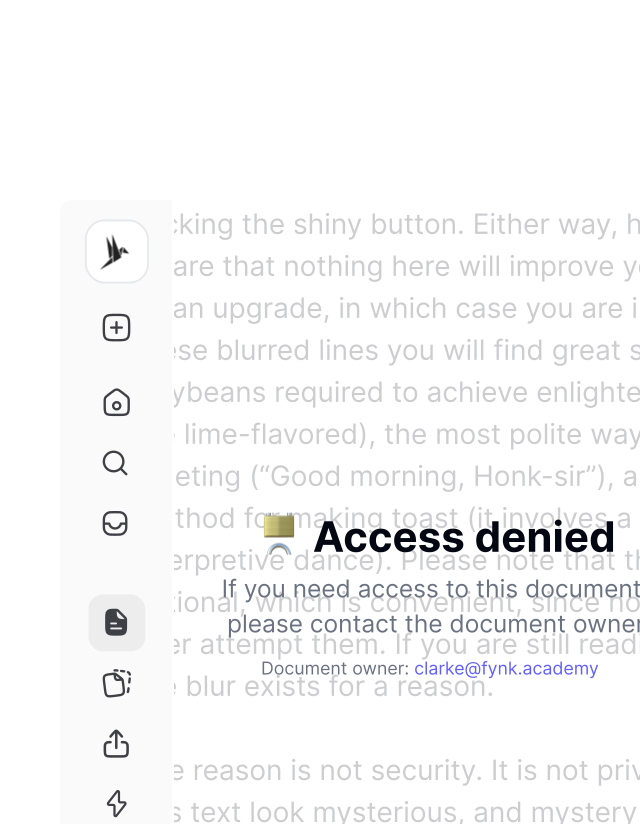
People only see what is relevant to them. That reduces noise, confusion, and endless scrolling through unrelated documents.
Faster decision.
No need to guess if you're supposed to work on a doc or not. Tasks are already clear. Just decide which one to start with.
Team collaboration.
Legal, Sales, Finance, and Ops can work in the same workspace without stepping on each other. Clear limits, smooth collaboration.
Rules are followed.
Set who can approve, create, or sign contracts. The system simply does not allow the wrong action.
Fewer mistakes.
Keep things stable and prevent costly errors. fynk only lets the right people edit templates or adjust system settings.
Flexible document access.
Let them collaborate and edit, or just view the document if that is all they need. No full access. No extra permissions.






More product features to explore.
Draft.
Create contracts from proven templates — fast, consistent, and ready to send.
Boost.
AI reviews, summarizes, and explains your contracts so you never miss what matters.
Sign.
Send contracts for legally binding e-signatures — tracked from sent to signed.
Insights.
See the full picture of your contracts with dashboards, search, and smart alerts.
Frequently asked questions.
User roles define what a user can see and do in a fynk workspace, such as editing documents, managing templates, or changing settings.
User roles help keep contracts secure and make sure people only access what they need for their job.
fynk supports Owner, Admin, Editor, Manager, and Limited manager roles.
Owners have full access to everything, including documents, templates, users, teams, and all account settings.
Owners have unrestricted access, while Admins only access documents within their teams and cannot control everything globally.
Managers are best for users who review, approve, or sign documents but do not draft or manage templates.
Roles are assigned during user setup, when inviting users, or later in Account Settings under Users.
Yes. Roles and team assignments control which documents a user can see and edit.
Roles define who can approve, reject, comment, or take action during review workflows and playbooks.
Yes. When SSO is enabled, users logging in automatically receive the correct role permissions.
Still have questions?
Make it easier for colleagues to work together.
Give every team the access they need, without the mess.