Signatures that don't need reminders.
From Sent to Signed without the stress of the in-between. Know exactly who has seen, signed, or stalled your contracts. You never have to send an awkward follow-up email again.






European standards.
Global compliance.
Seal the deal with confidence from anywhere with signatures that are 100% eIDAS and GDPR compliant.
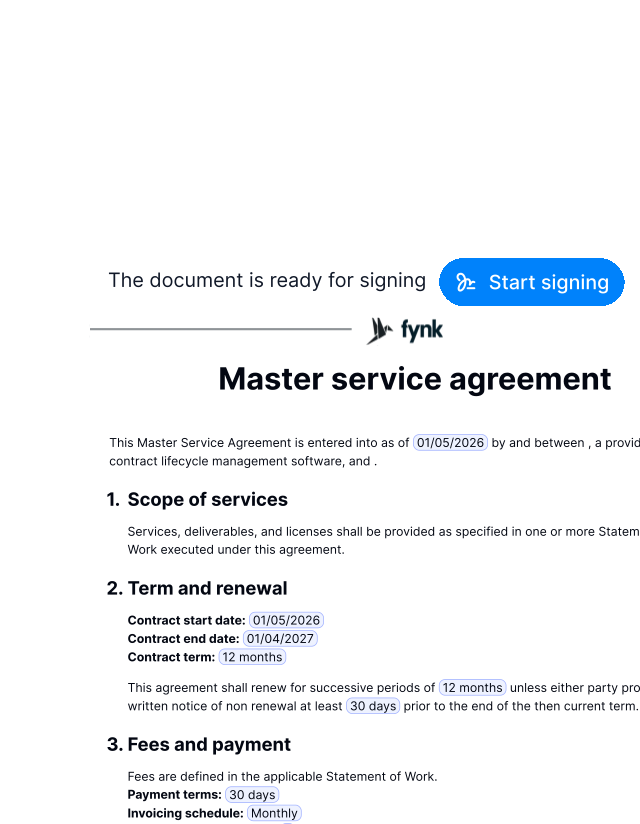
Built-in Signing
Sign a contractSign without switching tools.
Switching between documents, emails, and signing tools creates unnecessary friction. With fynk, contracts move from sent to signed without breaking your focus."We're using [fynk] for the whole lifecycle of a contract. So from creating to signing to archiving."
 Elisa Prößdorf Legal Solutions Manager at Unite SE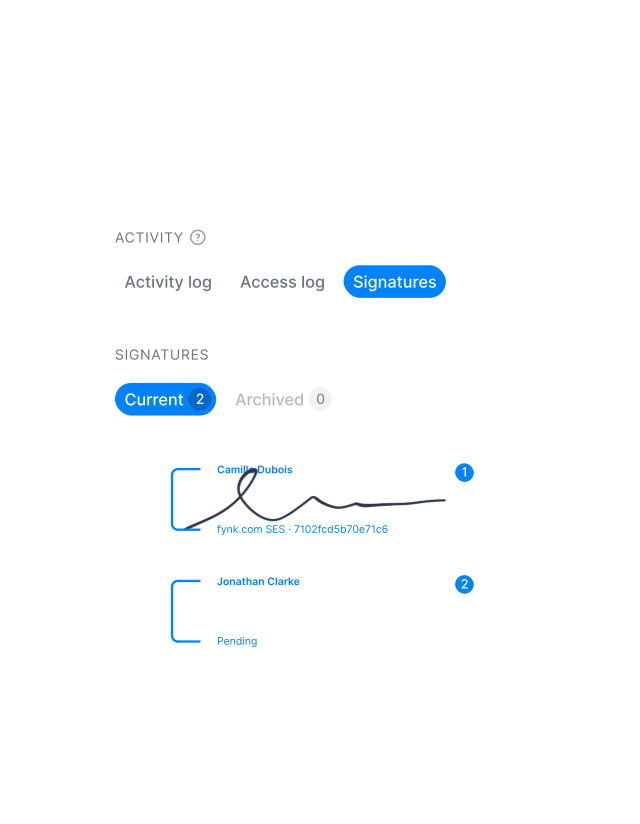
Live Updates
Sign a contractAlways know the signing status.
You always know who signed, who hasn’t, and what’s next. No guessing. No chasing."The whole process, getting to the signing part, was what annoyed me. With fynk, I just build one contract, and I'll send it up to however many people at once, and that is really a game changer for me."
 Alina Heiner Founder of Maven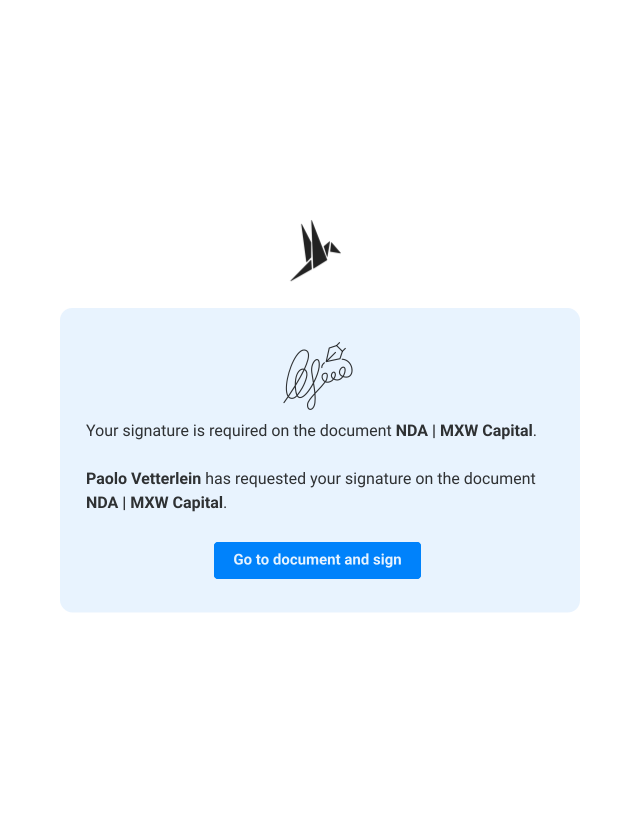
Automatic Reminders
Start signingStop chasing people. Start getting signatures.
Following up should not be part of your daily mental load. If someone forgets to sign, fynk automatically sends a reminder without you needing to step in."You get the notification if you don't sign it, you get the re-notification to please sign it, and once it's fully signed... then you get the final contract to download."
Alina Heiner Founder of Maven
When work finally stops being work.
See progress, know what's next, and feel done when it's signed.
No Delays
Sign a contractSigned in hours. Not weeks.
Don’t let paperwork kill the momentum. Collect signatures in minutes, not days."Now we have the situation that we are starting a signing process and the contract is signed in best case in half an hour."
 Jörg Burkhardt Head of Sales & New Partnerships at 1. FCN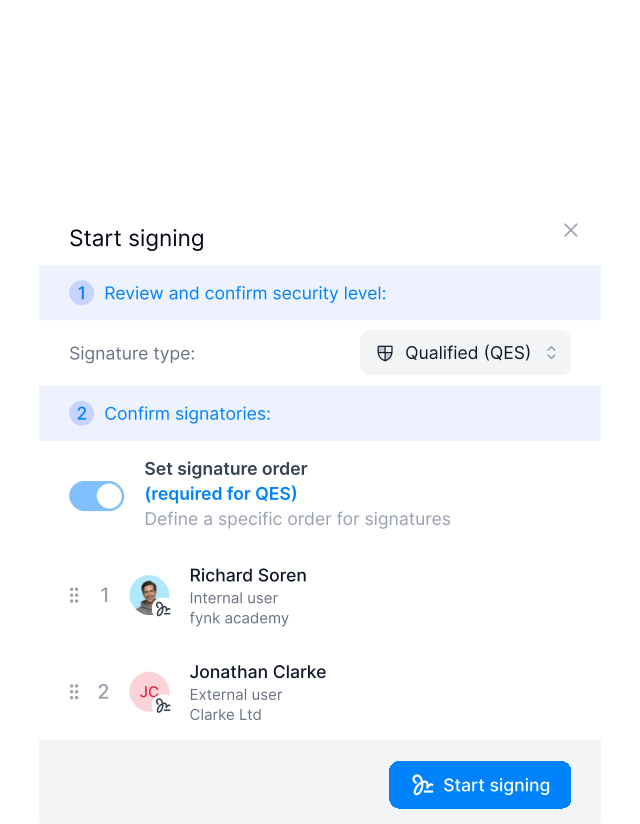
Signing Order
Start signingKnow who signs next.
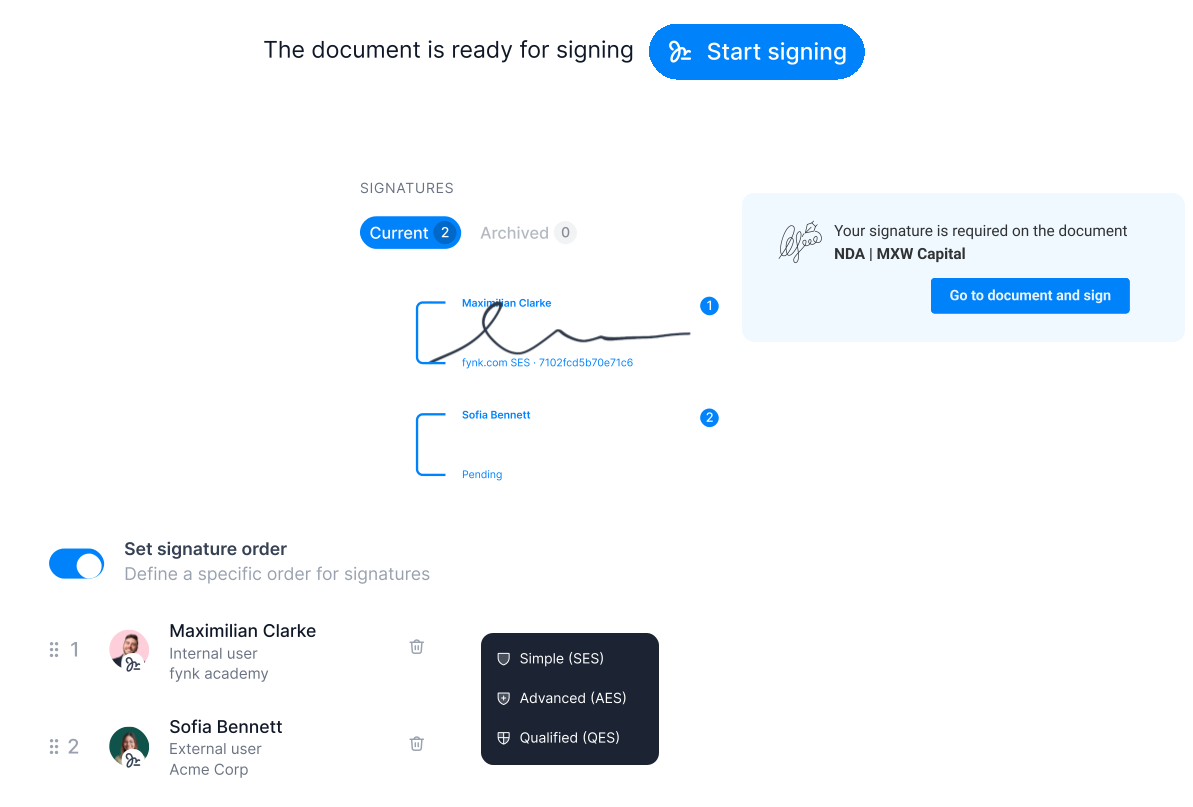
Choose who signs when. The document goes to the next signer automatically. You don’t need to follow up manually.FEATURES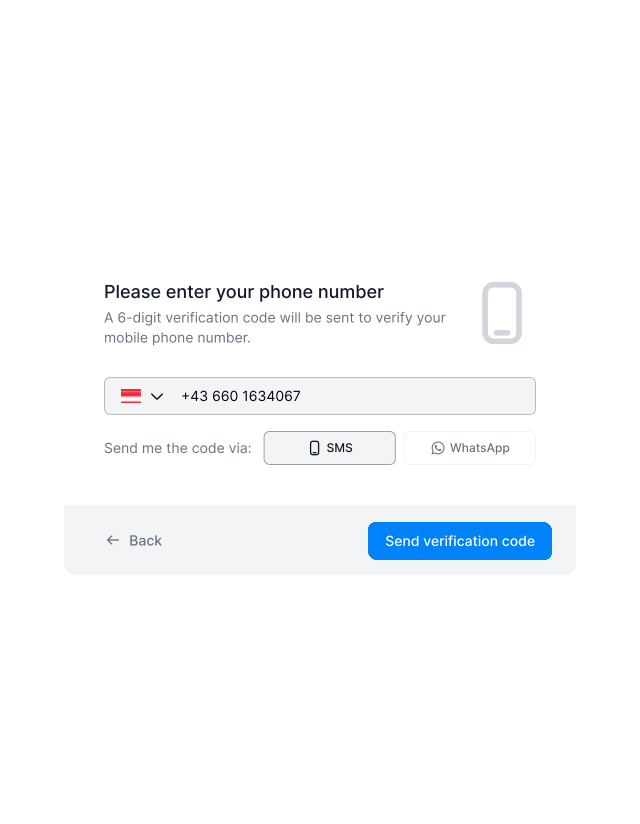
Signature Types
Start signingThe right signature for every level of risk.
Not every contract needs the same level of legal weight. Some agreements move fast. Others demand stronger proof and compliance. fynk supports different types of electronic signatures so you can choose what fits the situation, without switching tools.
- Simple signature
- Advanced signature
- Qualified signature
"fynk brings structure, transparency, and speed across our entire sales contract process, from the first draft to the final signature."
Everything you need to get to 'signed' faster.
Now, signing is as simple as drag and drop. In seconds.
Signature types.
Match the signature to the contract. No extra steps.
Bulk sending.
Send many contracts for signature at once and track them all in one place.
No account required.
Signees can review and sign without creating an account or learning a new tool.
Pre-signing approvals.
Catch issues early and avoid signing something that wasn't fully approved.
Signing history.
Always have proof of who signed and when, without digging or asking around.
Sign from any device.
Let people sign wherever they are, on whatever device they have. Progress doesn't need a desk.





The next-generation CLM
Only fynk offers a flexible, integrated and truly end-to-end contract platform for all teams to use - not just legal.
Sign
Organize
Boost
Scale
Insights
Organize your agreements using AI
Work smarter and faster with fynk’s built-in AI. Centralize agreements, extract data, automate tasks, and offer secure access for your entire team.
Signatures (SES, AES, QES)
Signature order
Signature style
Voting
Signature tracking
eIDAS Compliance
Document hub
Bulk import
Document calendar
Tasks & Reminders
Configurable notifications
Kanban dashboard
Multi-entity management
AI assistant
AI analysis
AI summary
AI draft
AI review
AI search
Approval workflows
Date & durations
PDF comparison
Integrations
API
Branding
Teams
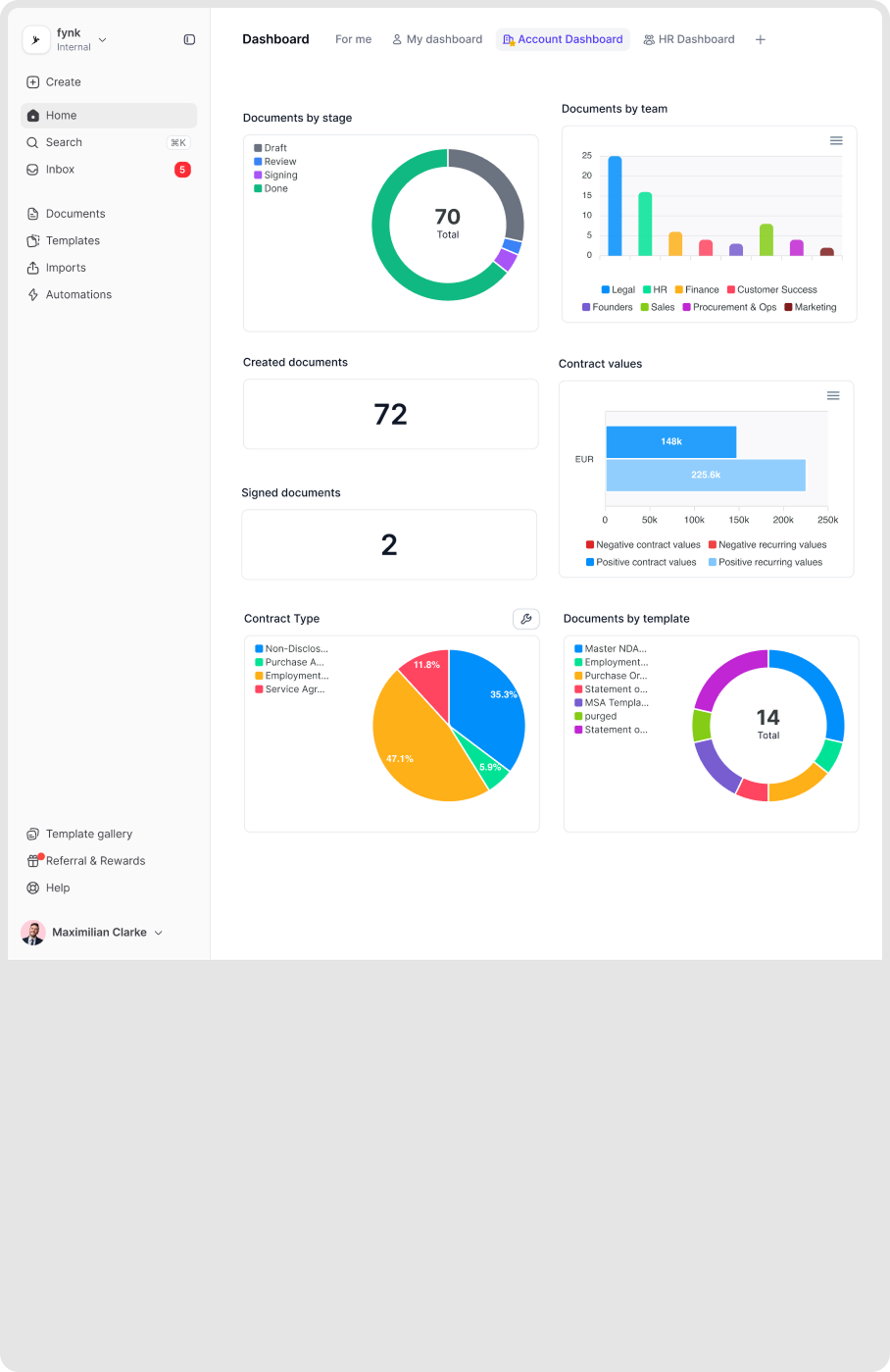
Dashboards
Metadata
Analytics
Audit trail
History
Frequently asked questions.
fynk supports SES, AES, and QES, aligned with EU eIDAS standards. You can choose the appropriate level per contract or template, depending on legal risk, jurisdiction, or internal policy.
SES (Simple Electronic Signature) works for most everyday contracts like NDAs and service agreements. AES (Advanced Electronic Signature) adds identity verification for higher-value agreements. QES (Qualified Electronic Signature) provides the highest legal assurance and is equivalent to a handwritten signature under EU law - use it for contracts requiring maximum legal certainty.
No. External signers receive an email with a secure link to review and sign the document. They can sign from any device without creating an account or installing any software.
Yes. You can set up sequential signing workflows where each signer receives the document only after the previous person has signed. This is useful for contracts requiring manager approval before client signature, or any situation with a specific signing hierarchy.
If a signer needs to make changes, you can void the signing request and send a new one. The audit trail keeps a record of all actions, so you always have visibility into what happened.
Still have questions?
This time, send and sign contracts, stress-free.
No follow-ups to send. No wondering if someone missed the email.